
Department
Smart locks
Start with your door type and dimensions, then compare entry methods and emergency access. Check the offered finish, fitting requirements and included components.


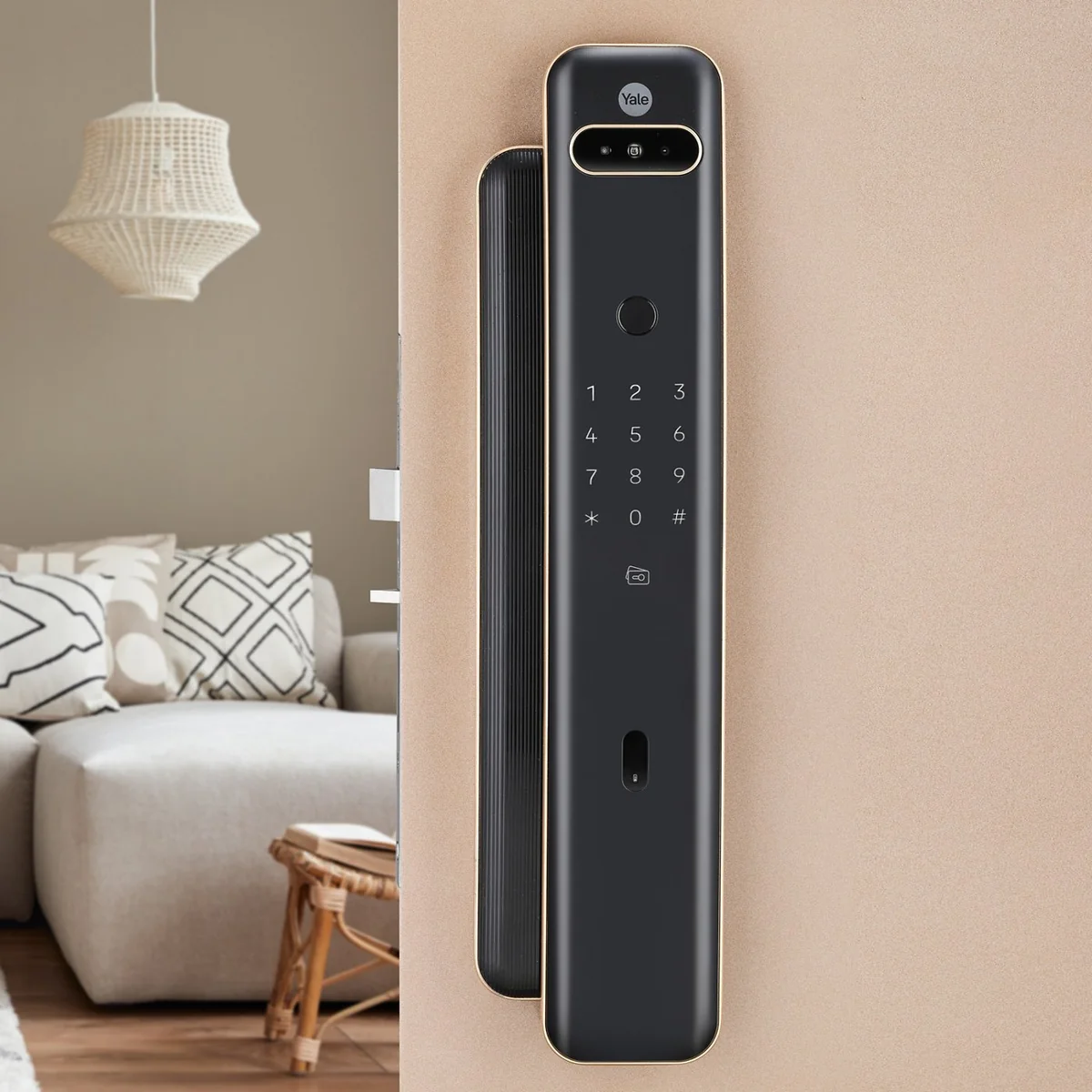
All products
-
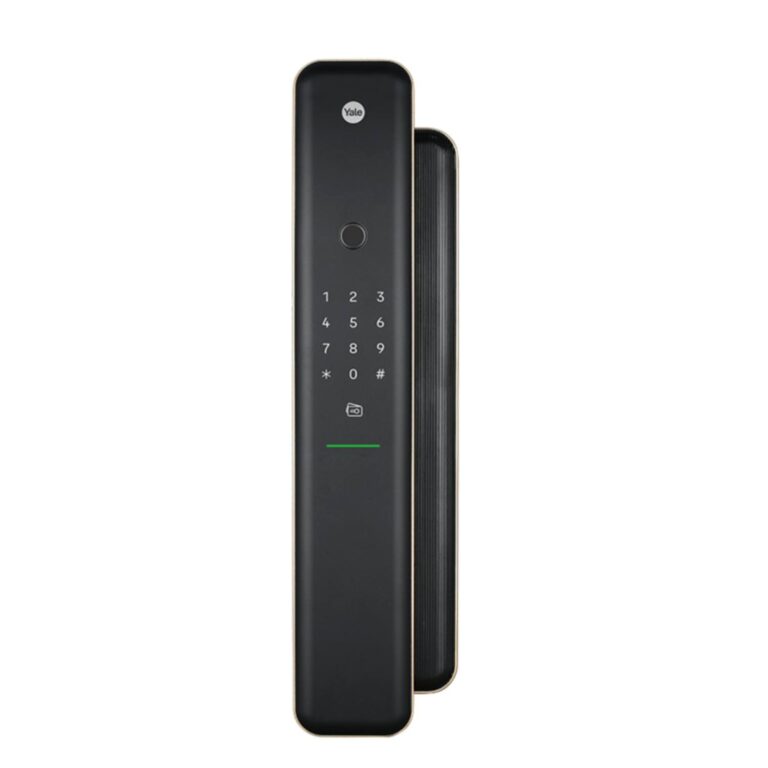 18% below MRPYaleModel Luna Pro
Luna Pro Smart Door Lock with Fingerprint and Yale Home Kit
- Door Thickness
- 40 mm to 100 mm
- Installation Type
- Mortise
- Power Supply
- 8 x AA alkaline
₹79,242 Incl. GST MRP₹97,19918% below MRP -
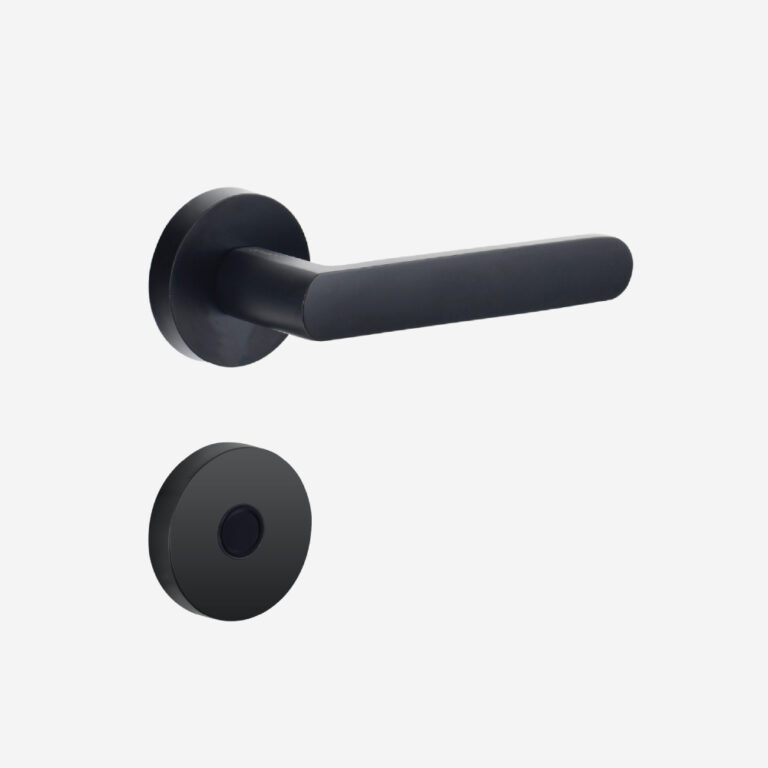 DorsetModel Cadila Flux CAD
Customisable Digital Door Lock
- Door thickness
- 35 mm to 90 mm
- App
- Dorset Smart Life
From ₹11,169 Incl. GST2 optionsChoose options This product has multiple variants. The options may be chosen on the product page -
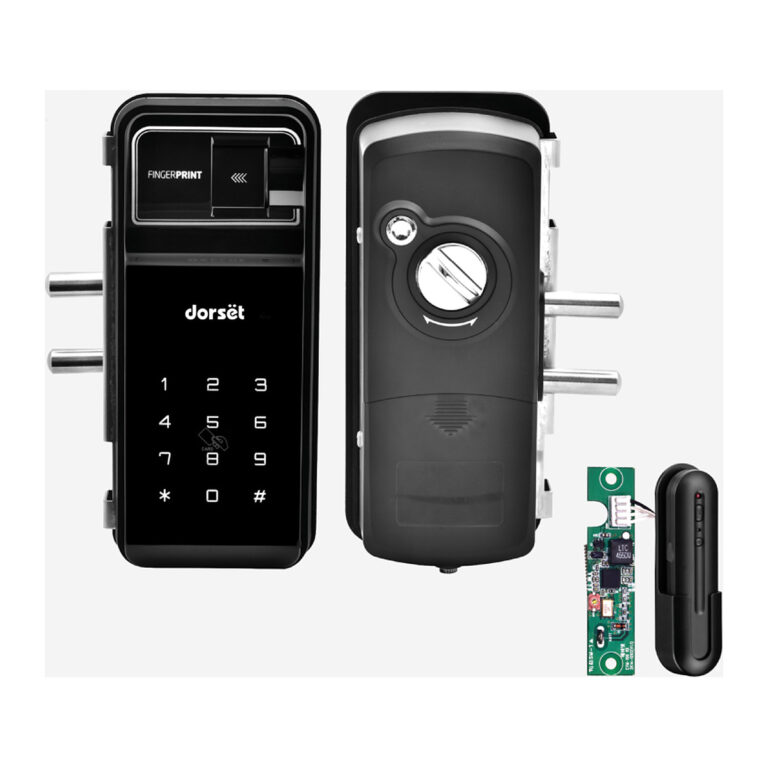 Dorset
DG 705 (R) Glass Door Digital Lock with Remote
- Door Thickness
- 12 mm
- Finish
- Graphite Matt
₹37,998 Incl. GST -
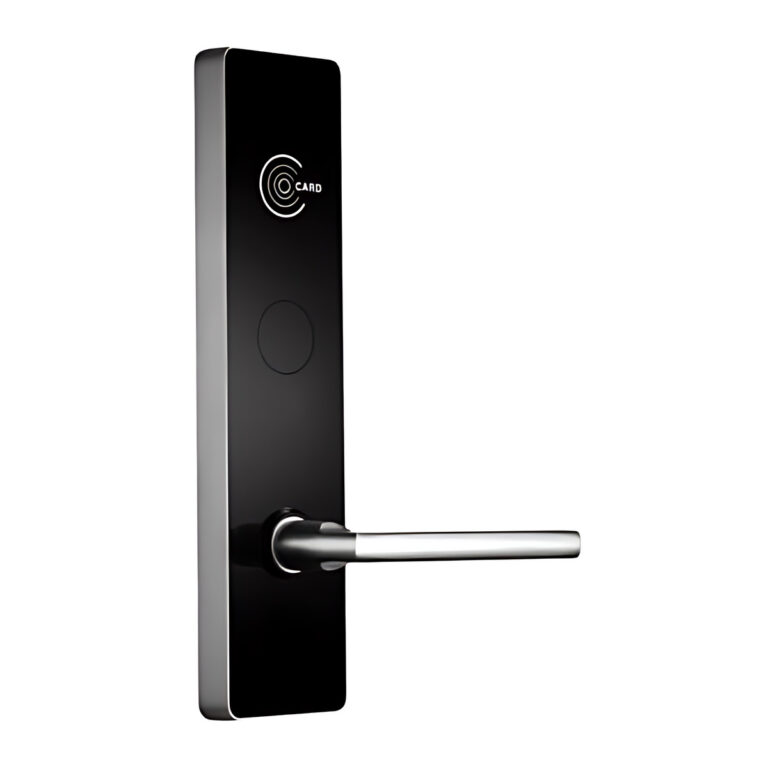 ZKTecoModel ZL500
Hotel Door Lock
- Door Thickness
- 35 to 45 mm
- Battery Life
- 1 Year
Price on request -
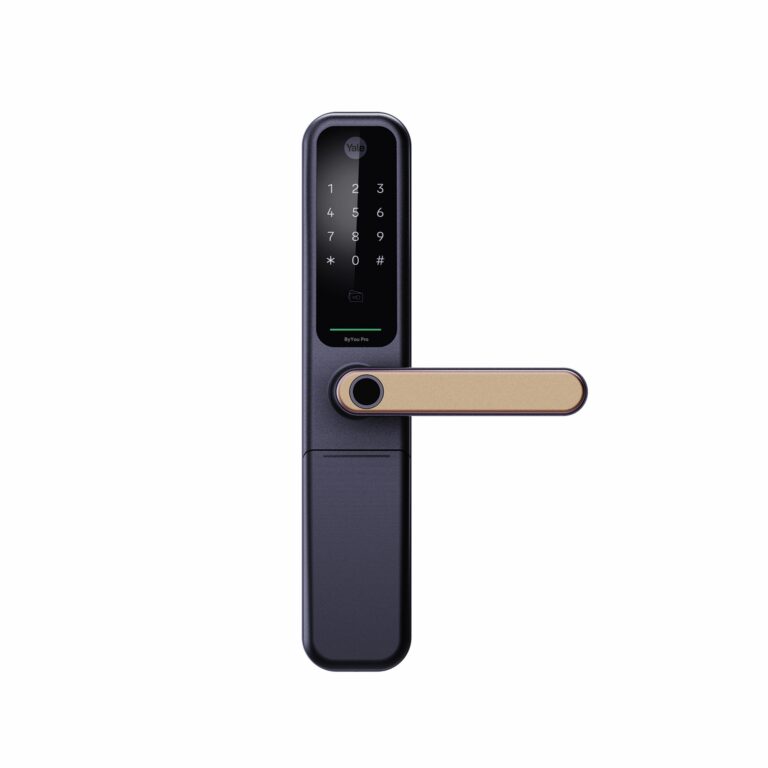 40% below MRPYaleModel ByYou Mortise
Smart Door Lock with Built-in Bluetooth
- Door Thickness
- 40 mm to 80 mm
- Installation Type
- Mortise
- Power Supply
- 4 x AA alkaline
₹31,969 Incl. GST MRP₹53,59940% below MRP -
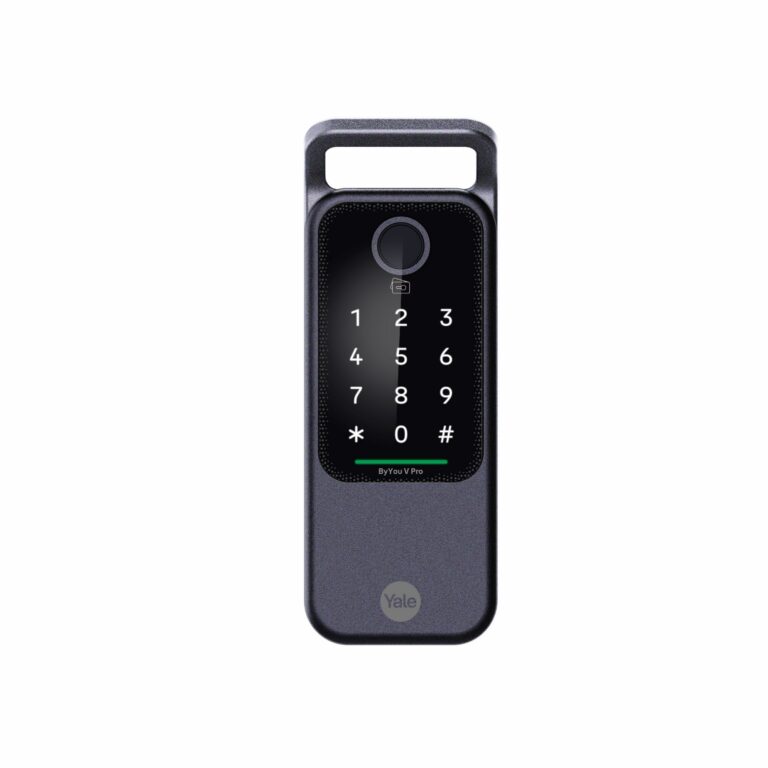 YaleModel ByYou V Pro
Smart Rim Door Lock with Built-in Bluetooth
- Finish
- Matt Black, Gold
- Power Supply
- 4 x AA alkaline
From ₹29,971 Incl. GST2 finishesChoose options This product has multiple variants. The options may be chosen on the product page -
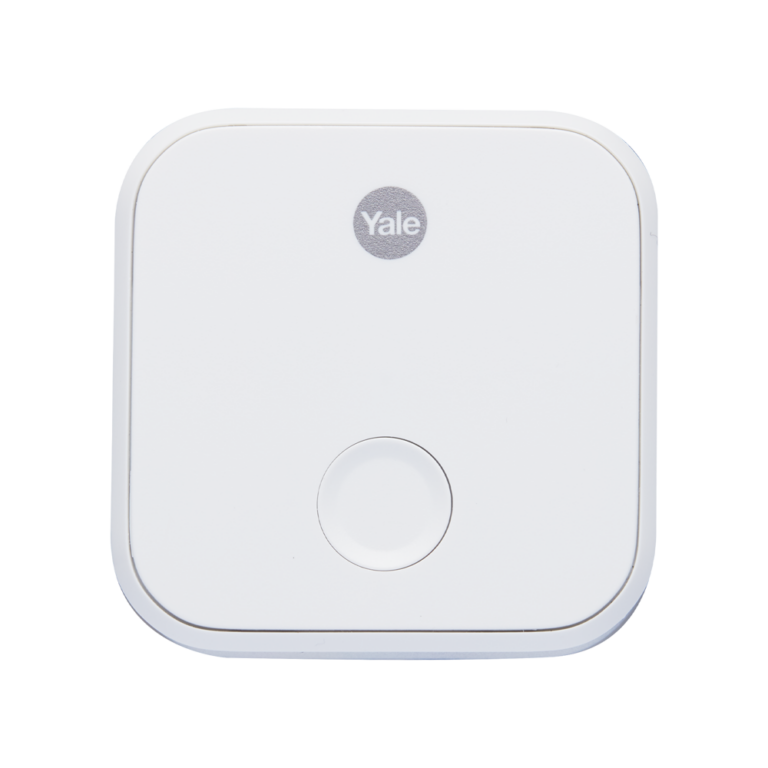 Yale
Connect Wi-Fi Bridge for Smart Door Locks
- Wi-Fi
- 2.4 GHz 802.11 b/g/n
- Mobile App
- Yale Home app
₹8,799 Incl. GST -
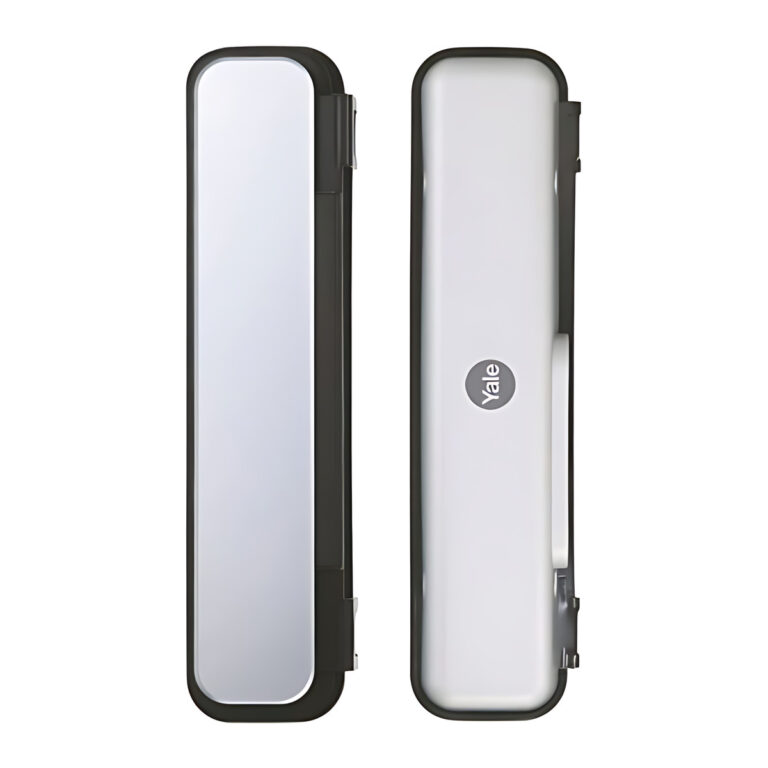 8% below MRPYale
Glass to Glass Strike Plate for YDG 413A GL
- Compatible Locks
- Yale YDG 413 A GL
₹4,593 Incl. GST MRP₹4,9998% below MRP -
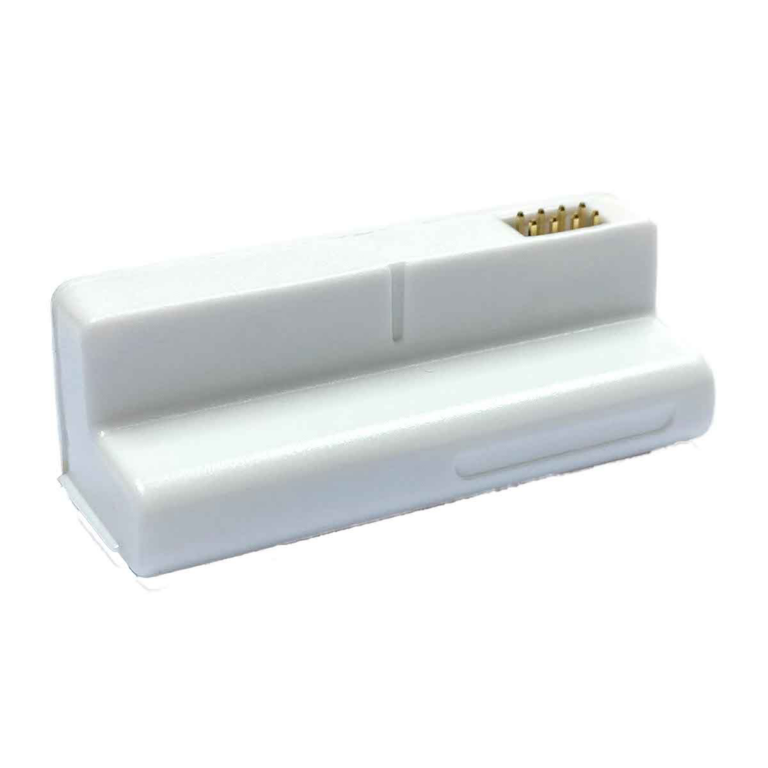 11% below MRPYale
Home Bluetooth Module for Smart Door Locks
- Mobile App
- Yale Home app
₹4,865 Incl. GST MRP₹5,49911% below MRP -
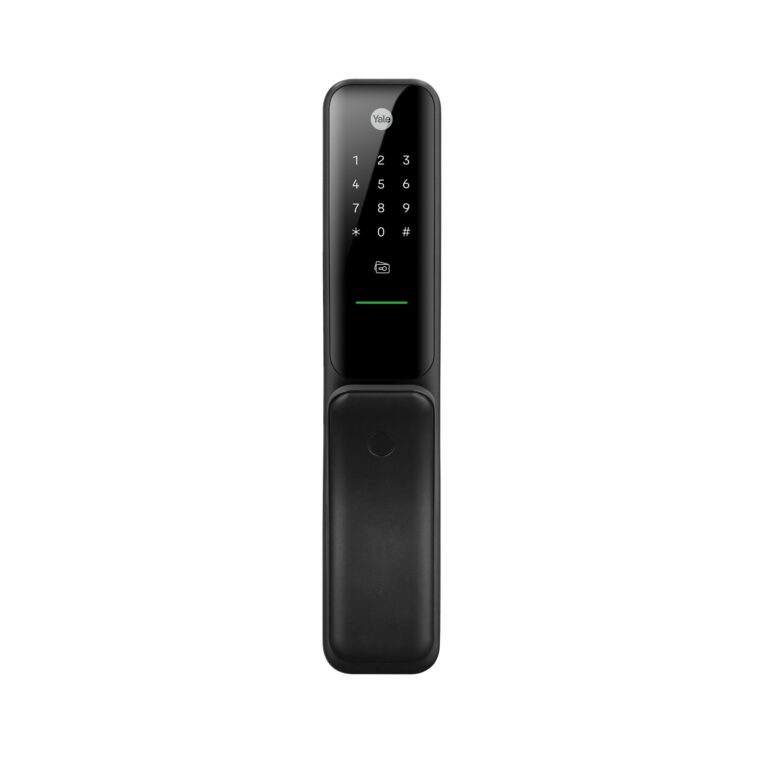 YaleModel Kyra Pro
Kyra Pro Push-Pull Smart Door Lock
- Door Thickness
- 40 mm to 100 mm
- Installation Type
- Mortise
- Power Supply
- 6 x AA alkaline
₹32,999 Incl. GST2 finishesChoose options This product has multiple variants. The options may be chosen on the product page -
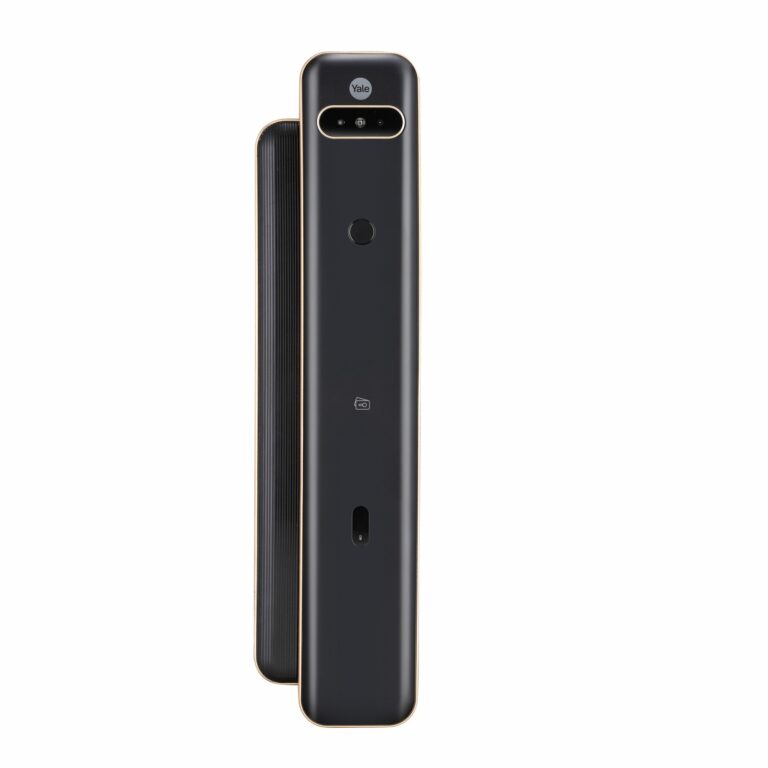 23% below MRPYaleModel Luna Pro+ Facial
Luna Pro+ Facial Smart Door Lock with Face Recognition
- Door Thickness
- 40 mm to 100 mm
- Installation Type
- Mortise
₹99,908 Incl. GST MRP₹131,09923% below MRP -
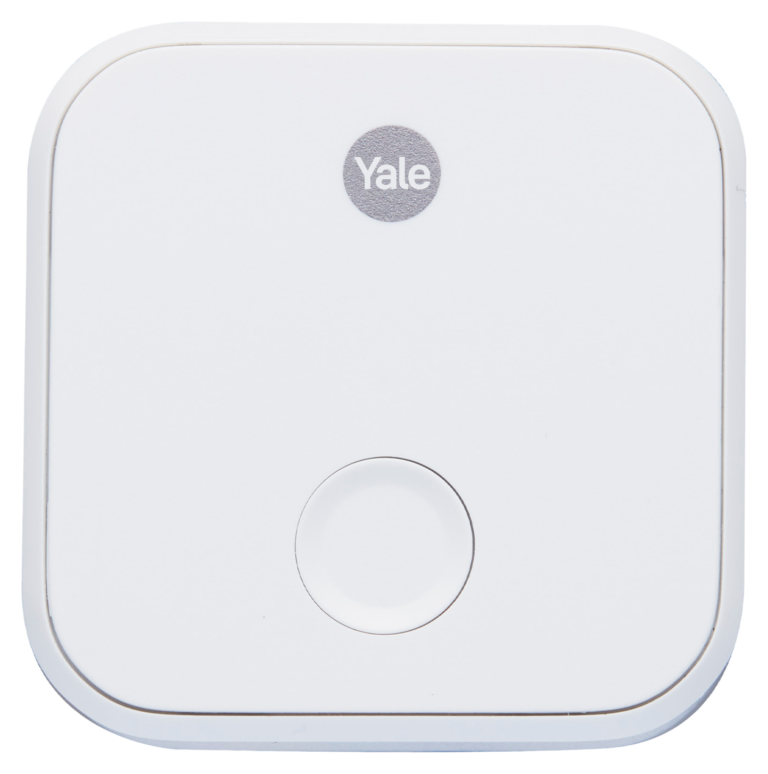 Yale
Multi Bridge 4:1 (Yale ConnectX 4:1) Wi-Fi Bridge
- Connectivity
- Up to 4 devices
- Mobile App
- Yale Home app
₹9,499 Incl. GST -
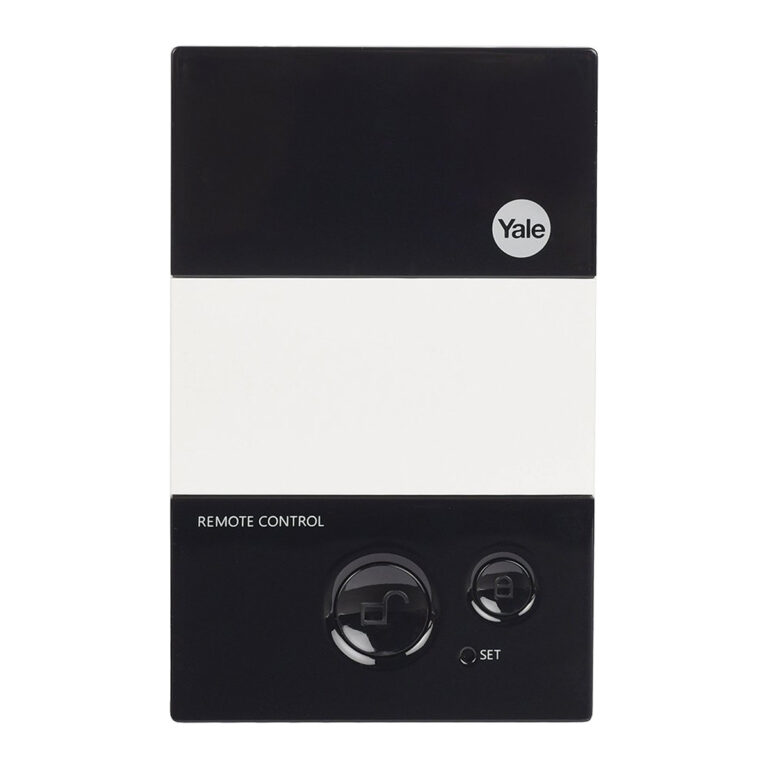 20% below MRPYaleModel RC 100
Remote Control for Smart Door Locks
- Product Type
- Handheld remote control
- Range
- Up to 50 m (Yale stated)
₹6,179 Incl. GST MRP₹7,79920% below MRP -
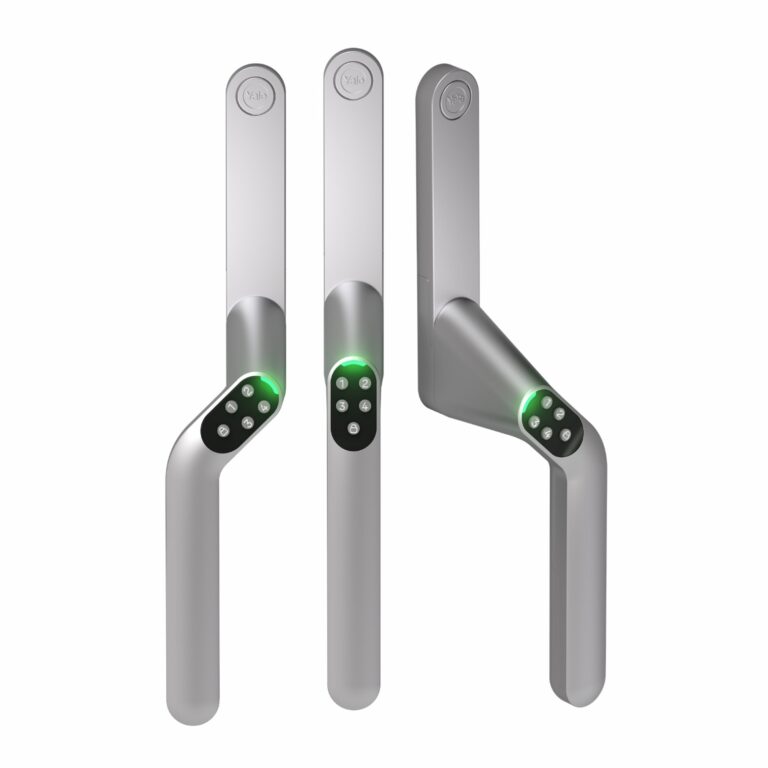 Yale
Smart Code Handle Keypad Lock for PVC Doors and Windows
- Finish
- Satin Chrome
- Power Supply
- 2 x AAA alkaline
₹17,899 Incl. GST -
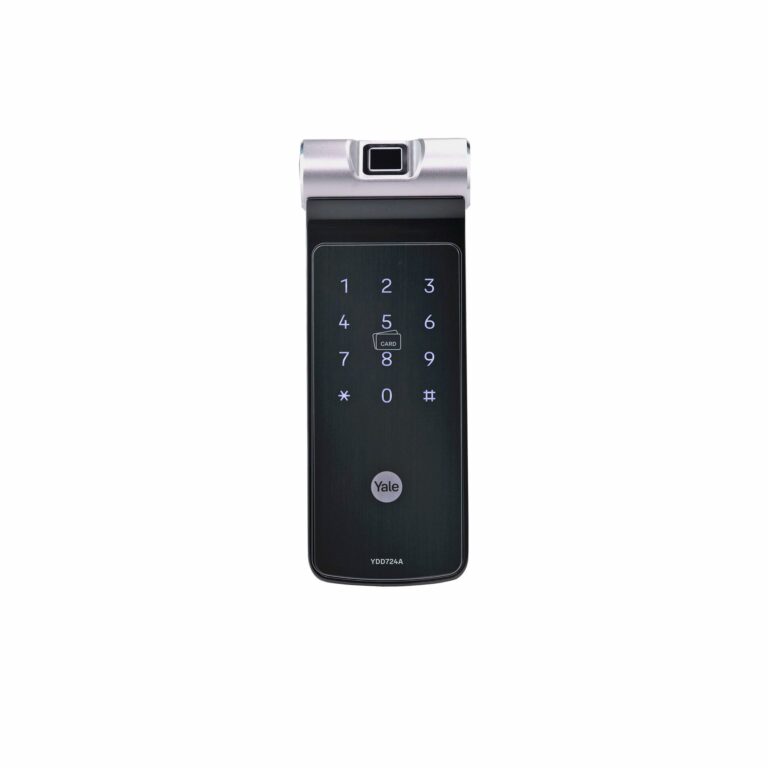 23% below MRPYaleModel YDD 724A
Fingerprint Deadbolt Smart Door Lock
- Door Thickness
- 38 mm to 55 mm
- Finish
- Black
₹40,749 Incl. GST MRP₹52,99923% below MRP -
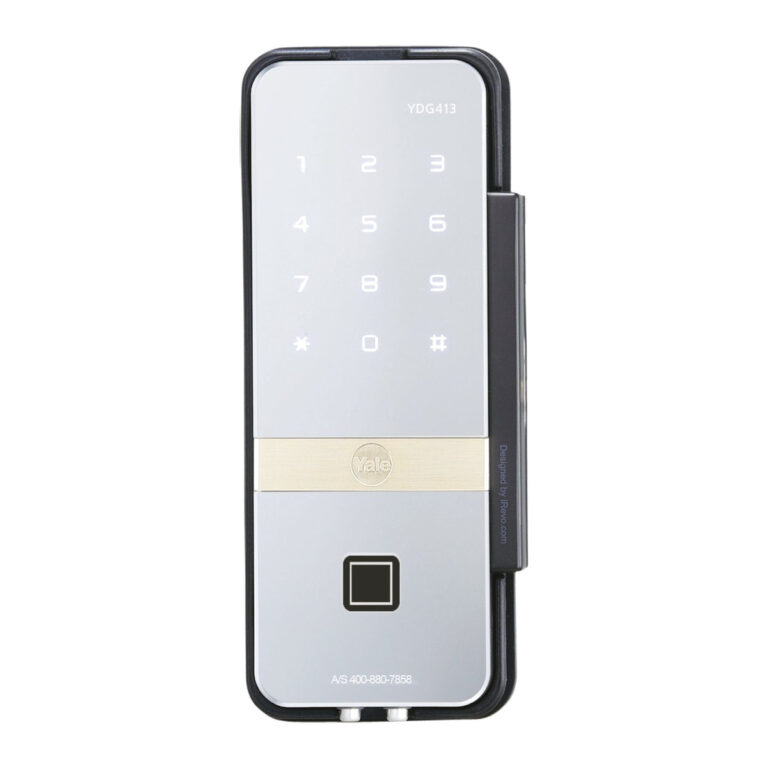 24% below MRPYaleModel YDG 413A GL
Glass Door Digital Lock, Fingerprint and PIN
- Door Thickness
- 9 mm to 12 mm glass
- Finish
- Silver (mirror finish)
- Power Supply
- AA alkaline batteries
₹33,422 Incl. GST MRP₹43,99924% below MRP -
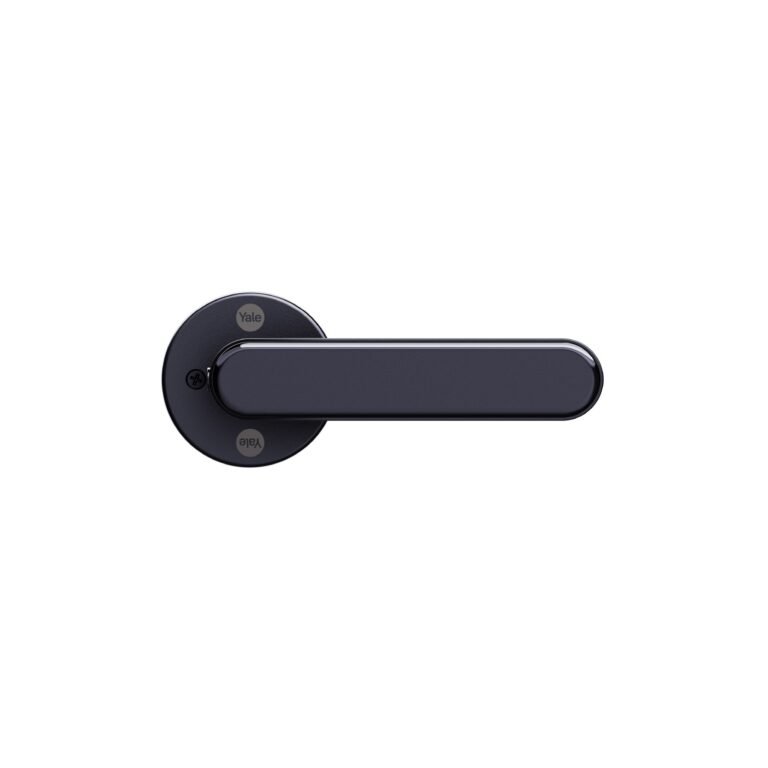 YaleModel YDL325 C
Fingerprint Smart Lever Lock for Interior Doors
- Door Thickness
- 35 mm to 60 mm
- Finish
- Black
- Power Supply
- 4 x AAA alkaline
₹14,999 Incl. GST -
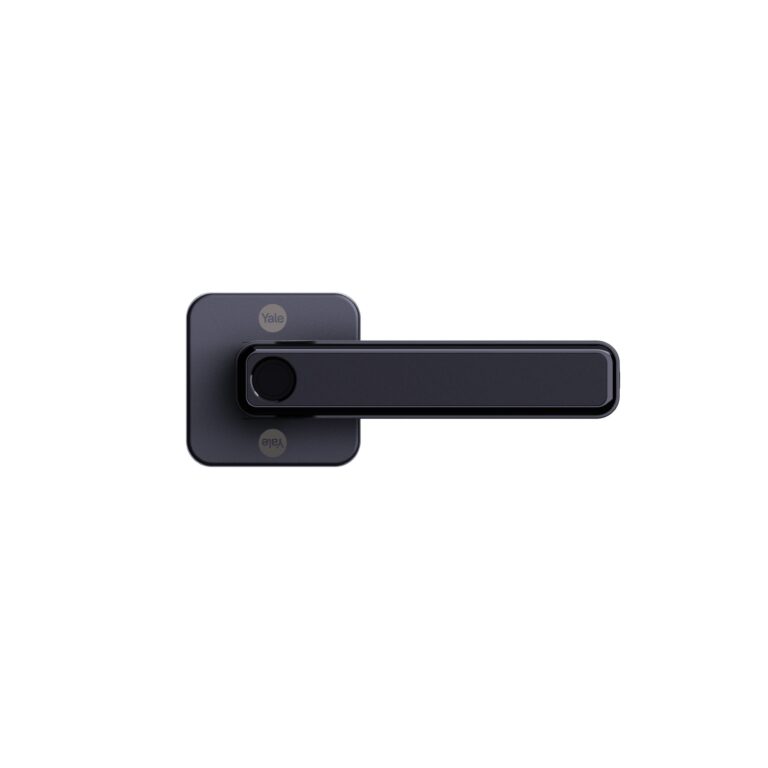 YaleModel YDL325 S
Fingerprint Smart Lever Lock for Interior Doors
- Door Thickness
- 35 mm to 60 mm
- Finish
- Black
- Power Supply
- 4 x AAA alkaline
₹14,999 Incl. GST -
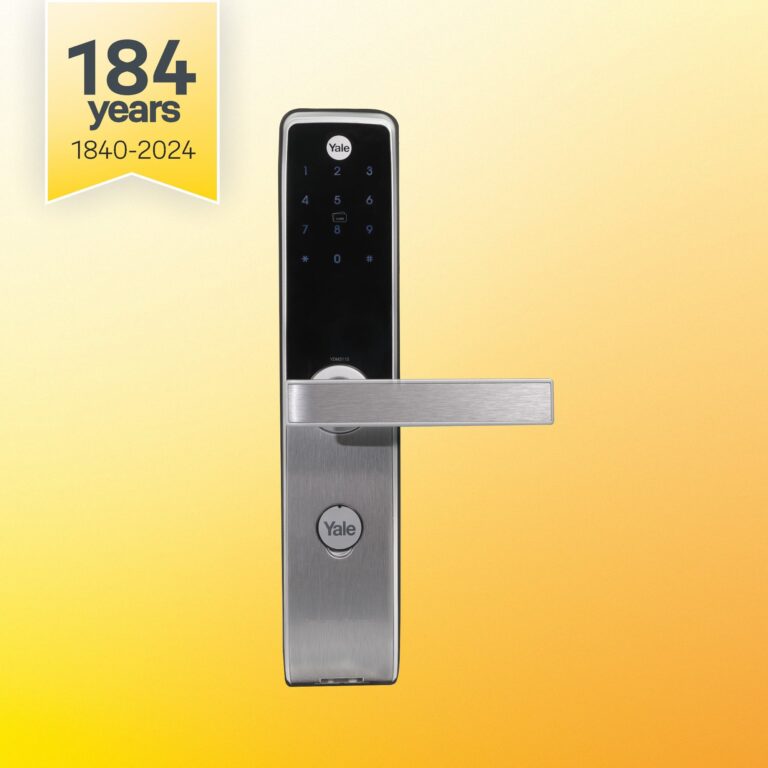 YaleModel YDM 3115A
RFID Card and PIN Smart Door Lock
- Door Thickness
- 38 mm to 80 mm
- Installation Type
- Mortise
- Finish
- Matt Black, Silver
From ₹34,599 Incl. GST2 finishesChoose options This product has multiple variants. The options may be chosen on the product page -
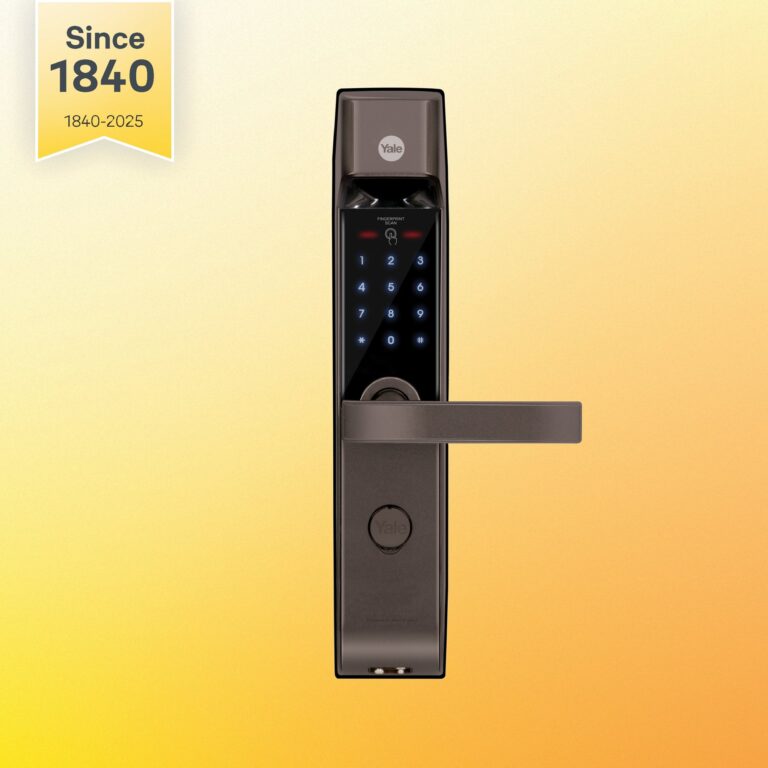 35% below MRPYaleModel YDM 4115A
Fingerprint Smart Door Lock, Brown
- Door Thickness
- 38 mm to 80 mm
- Installation Type
- Mortise
- Finish
- Brown
₹30,970 Incl. GST MRP₹47,99935% below MRP -
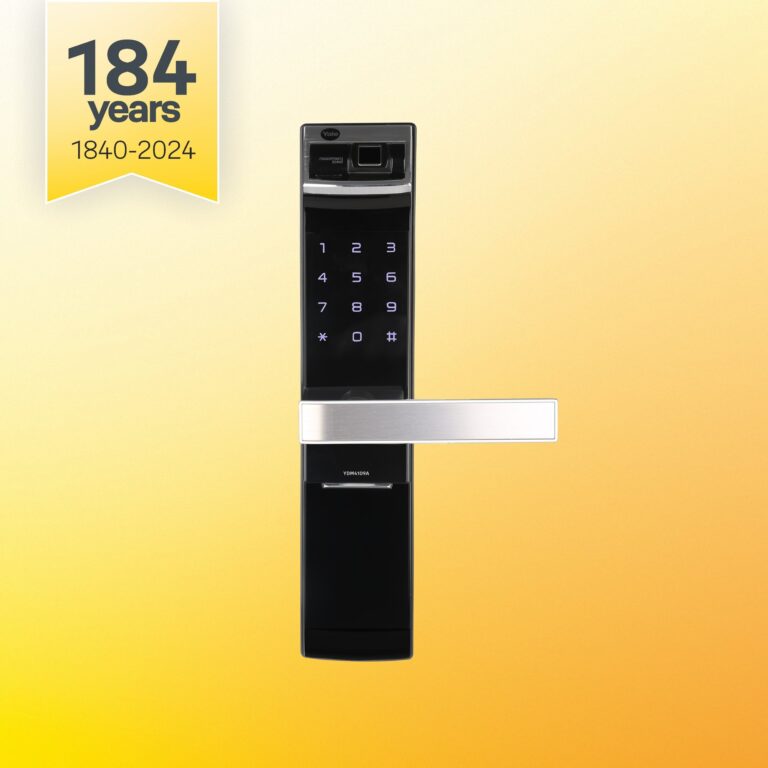 YaleModel YDM4109 A
Fingerprint Smart Door Lock with Lever Handle
- Door Thickness
- 38 mm to 80 mm
- Installation Type
- Mortise
- Finish
- Black, Gold
From ₹40,961 Incl. GST2 finishesChoose options This product has multiple variants. The options may be chosen on the product page -
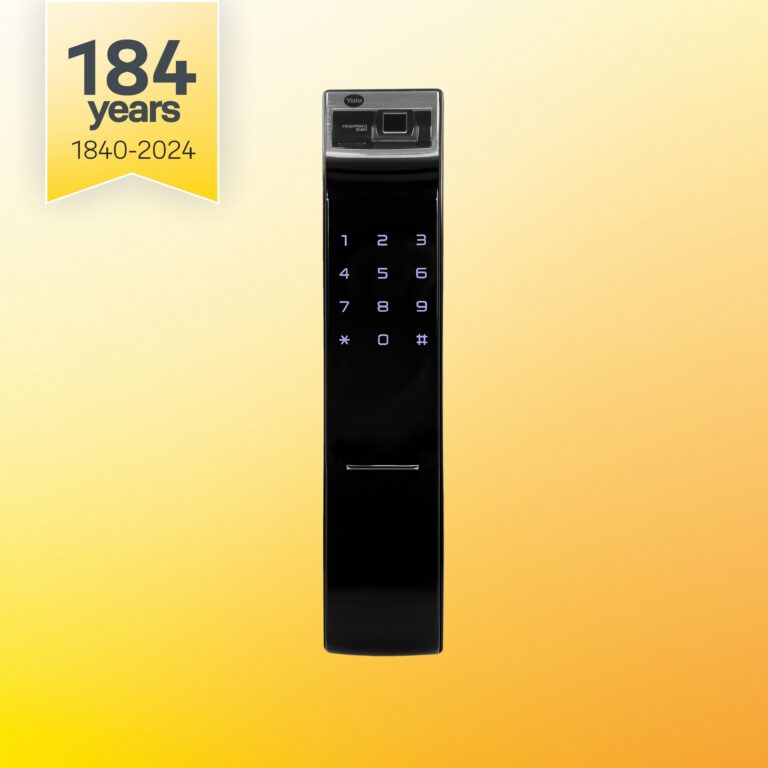 23% below MRPYaleModel YDM4109A RL
Fingerprint Smart Door Lock, Roller Latch
- Door Thickness
- 40 mm to 80 mm
- Installation Type
- Mortise
- Finish
- Black
₹45,956 Incl. GST MRP₹59,99923% below MRP -
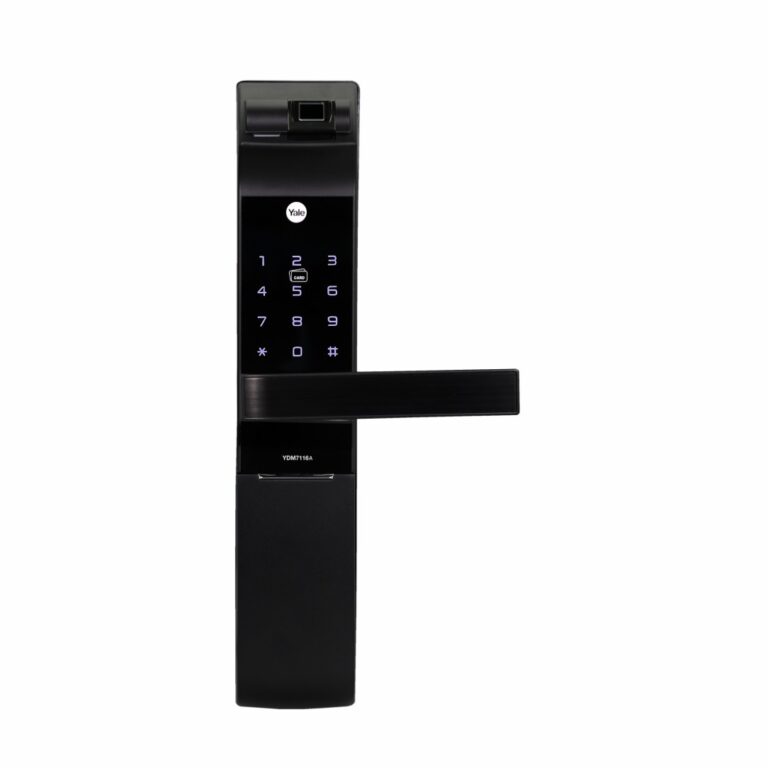 YaleModel YDM7116A-YH
Digital Door Lock with Yale Home Kit
- Door Thickness
- 40 mm to 90 mm
- Installation Type
- Mortise
From ₹56,199 Incl. GST3 optionsChoose options This product has multiple variants. The options may be chosen on the product page -
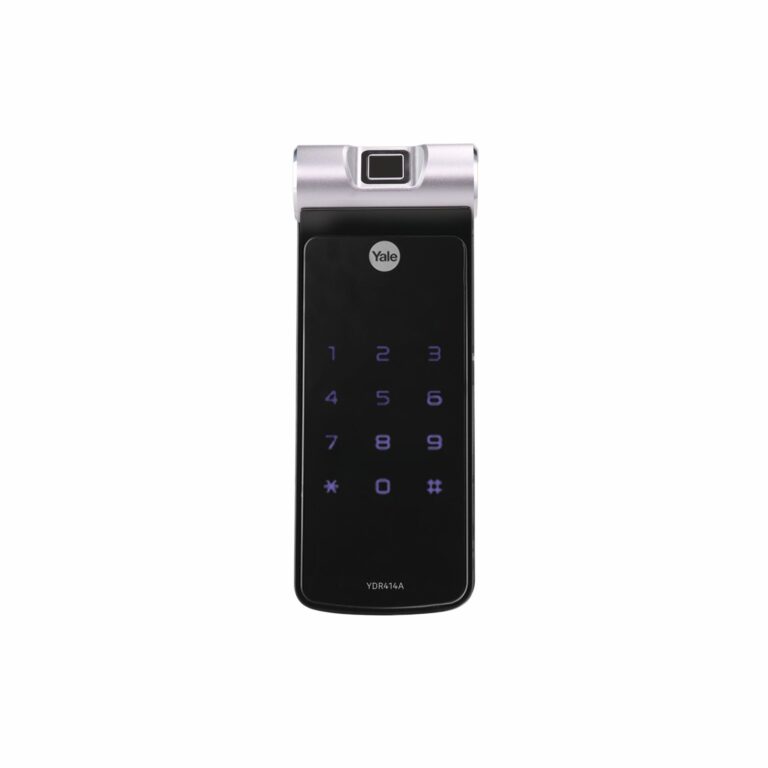 21% below MRPYaleModel YDR 414A
Fingerprint Rim Smart Door Lock
- Door Thickness
- 35 mm to 55 mm
- Lock Type
- Rim digital door lock
- Finish
- Black
₹35,965 Incl. GST MRP₹45,99921% below MRP
Finding the right smart lock
Start with the door, then the users. The sections below are organised that way:
- Home and office smart locks: digital door locks for wooden and metal doors, with fingerprint, PIN, card and app options depending on the model.
- Hotel locks: card-operated room locks for hotels, guest houses and serviced apartments, with matching accessories and software.
- Glass door locks: models built for frameless glass doors in offices and showrooms.
- Cabinet and locker locks for staff lockers, drawers and storage, and lock accessories such as extra cards, tags and add-ons.
Whatever the door, check four things: door thickness and material against the lock's supported range, the handing (left or right opening), the credentials each user will carry, and the emergency power or mechanical key option if the batteries run flat. Smart locks with app features may also need a Wi-Fi accessory, so read the model's datasheet before ordering.
Buying guidance
How to choose a smart lock
General guidance. Ratings vary by model.
- Door type and thicknessMeasure the door thickness and note the material: wood, metal or glass. Each lock lists the range it fits.
- Mortise or rimCheck the existing lock body. A mortise lock sits inside the door edge; a rim lock mounts on the inside face.
- Unlock methodsPick the methods people will use: fingerprint, PIN, card, app, and a mechanical key for emergencies.
- App and bridgeCheck whether remote access needs a separate Wi-Fi bridge or gateway, and which app manages users.
Need help choosing?
Tell us what it is for and where it goes, and we suggest models. Have a list of models and quantities? Request a quote.