
Department
IP phones and telephony
Compare desk phones and phone-system equipment by network connection, calling features and provisioning needs. Confirm power, platform support and supplied accessories.


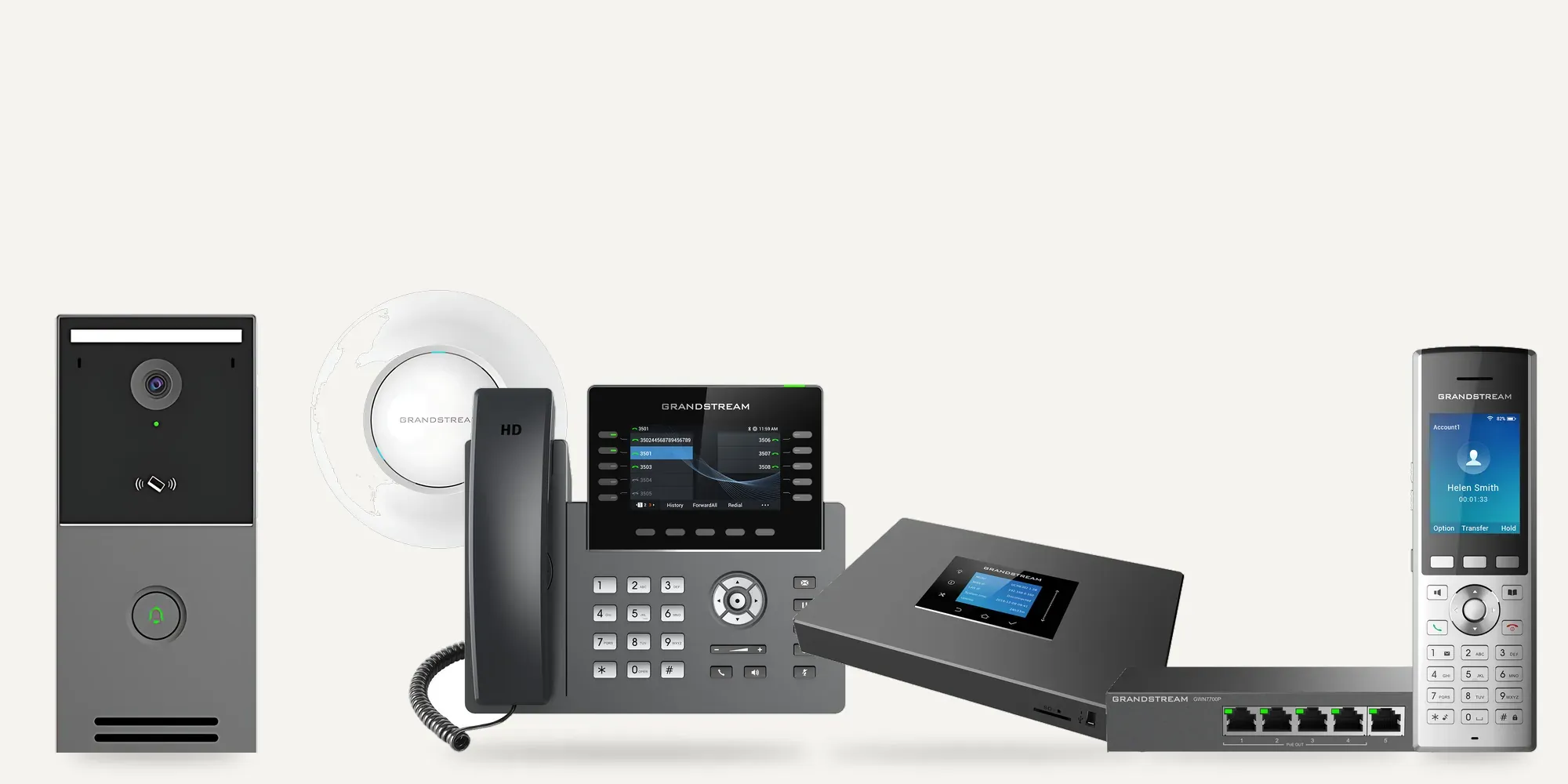
All products
-
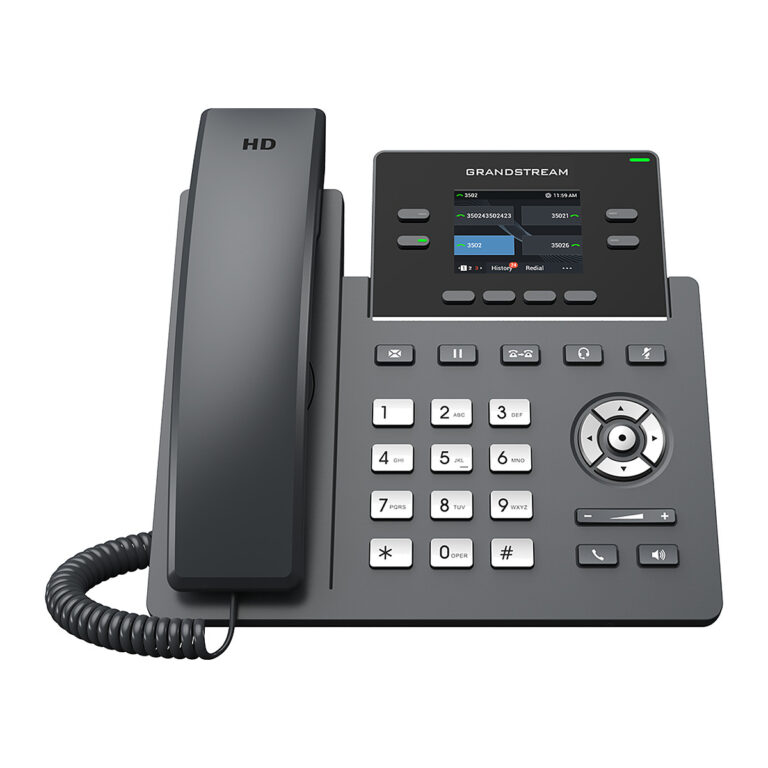 GrandstreamModel GRP2612
Colour Screen IP Phone, 4 Lines, 4 SIP Accounts
- Lines
- 4
- PoE
- No
₹11,328 Incl. GST -
GrandstreamModel GRP2612G
Gigabit PoE IP Phone, 4 Lines, Colour Screen
- Lines
- 4
- PoE
- Yes, IEEE 802.3af
- Wi-Fi
- No
₹11,328 Incl. GST -
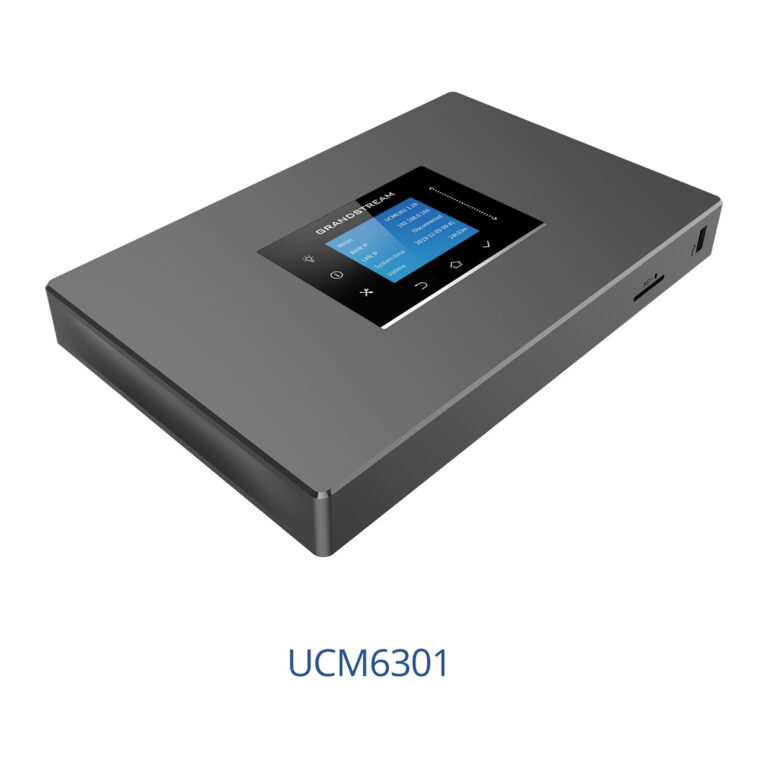 GrandstreamModel UCM6301
IP PBX, 500 Users, 1 FXS + 1 FXO, Video Meetings
- Max Users
- 500
- Concurrent Calls
- 75 (G.711), 50 with SRTP
- FXS Ports
- 1 x RJ11 with lifeline
₹63,561 Incl. GST -
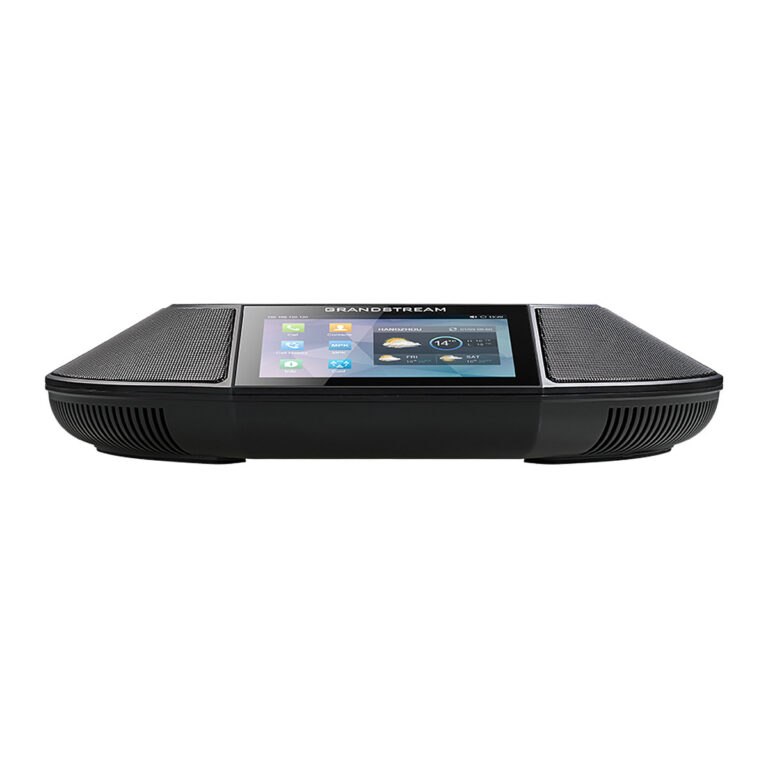 GrandstreamModel GAC2500
Android Conference Phone, 4.3 in Touch Screen, 6 Lines
- Lines
- 6
- PoE
- PoE+ 802.3at Class 4
- Wi-Fi
- 802.11 b/g/n
₹71,526 Incl. GST -
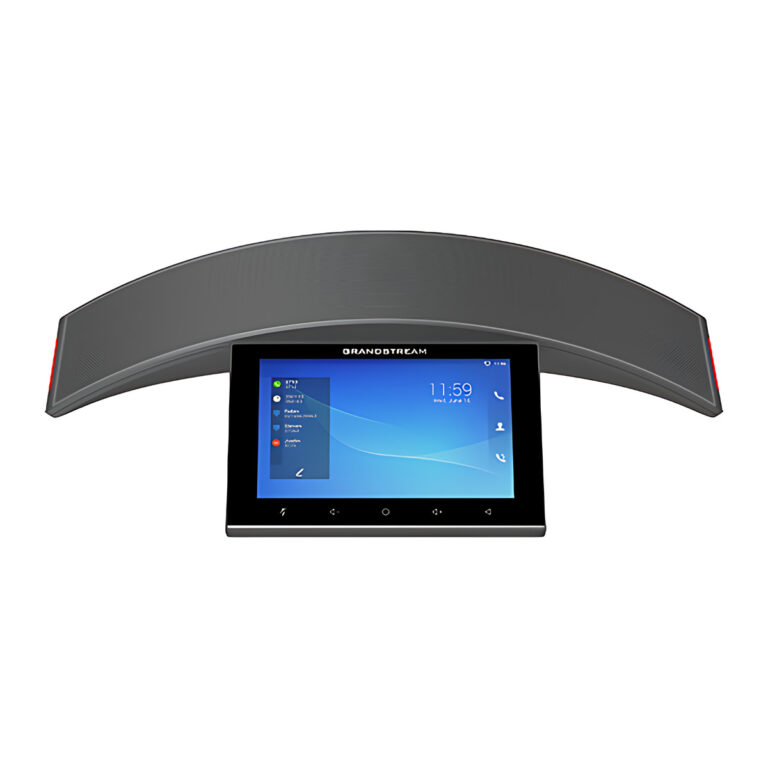 GrandstreamModel GAC2570
Conference Phone, 7 in Touch Screen, Wi-Fi 6, 12 Mics
- Operating System
- Android 10
- Power
- PoE+ 802.3at Class 4
₹119,316 Incl. GST -
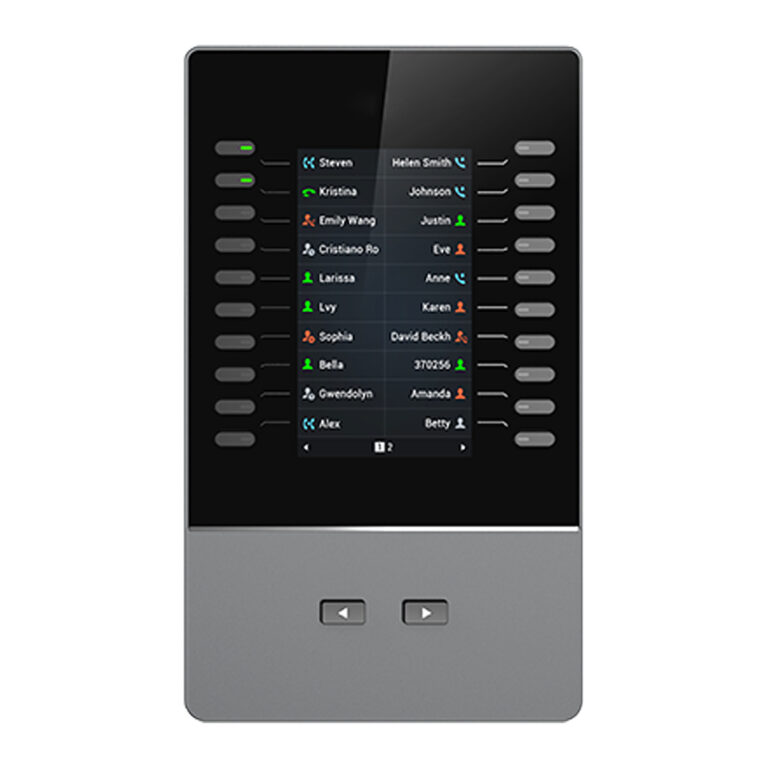 GrandstreamModel GBX20
Expansion Module, 4.3 Inch Colour LCD, 40 Keys
- Connection
- USB cable to host phone
- Firmware Upgrade
- Through the host phone
₹24,015 Incl. GST -
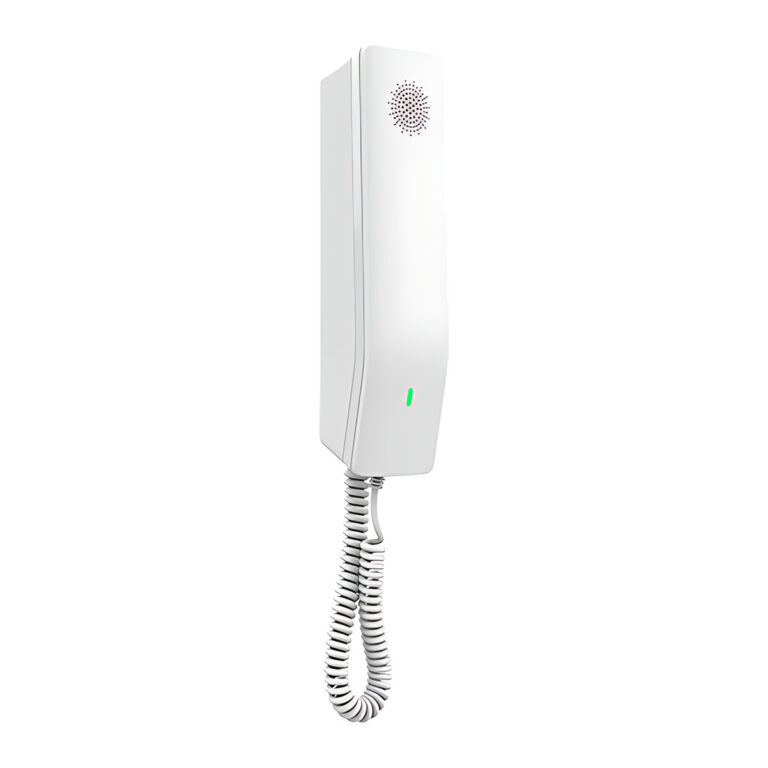 GrandstreamModel GHP610
Compact Hotel Phone, PoE, White
- Lines
- 2
- Network Ports
- 1 x 10/100 Mbps Ethernet
- PoE
- Integrated, Class 2
₹6,213 Incl. GST -
GrandstreamModel GHP610W
Compact Hotel Phone, Wi-Fi 6, White
- Lines
- 2
- Network Ports
- 1 x 10/100 Mbps Ethernet
- PoE
- Integrated, Class 2
₹9,818 Incl. GST -
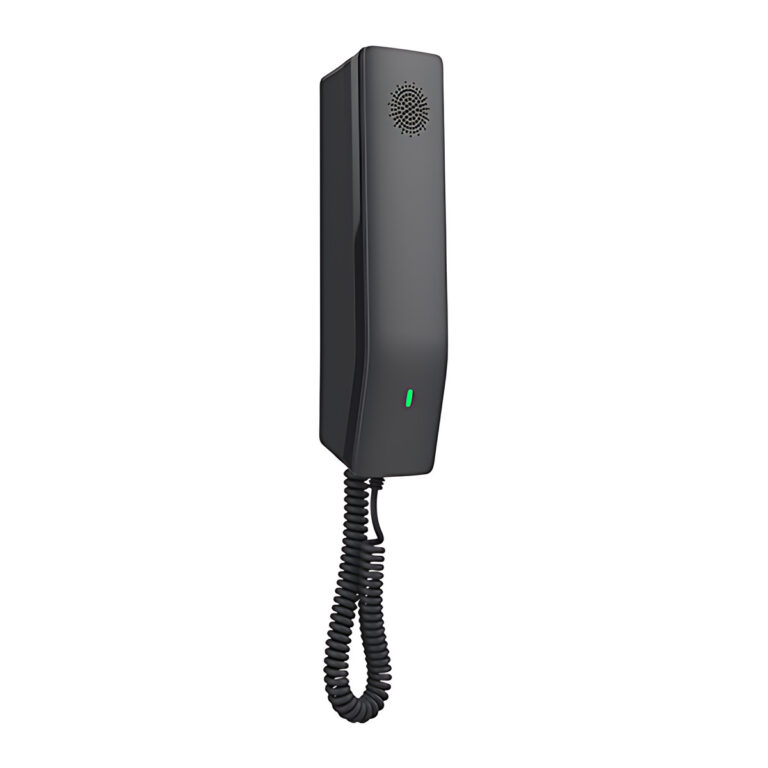 GrandstreamModel GHP611
Compact Hotel Phone, PoE, Black
- Lines
- 2
- Network Ports
- 1 x 10/100 Mbps Ethernet
- PoE
- Integrated, Class 2
₹6,213 Incl. GST -
GrandstreamModel GHP611W
Compact Hotel Phone, Wi-Fi 6, Black
- Lines
- 2
- Network Ports
- 1 x 10/100 Mbps Ethernet
- PoE
- Integrated, Class 2
₹9,818 Incl. GST -
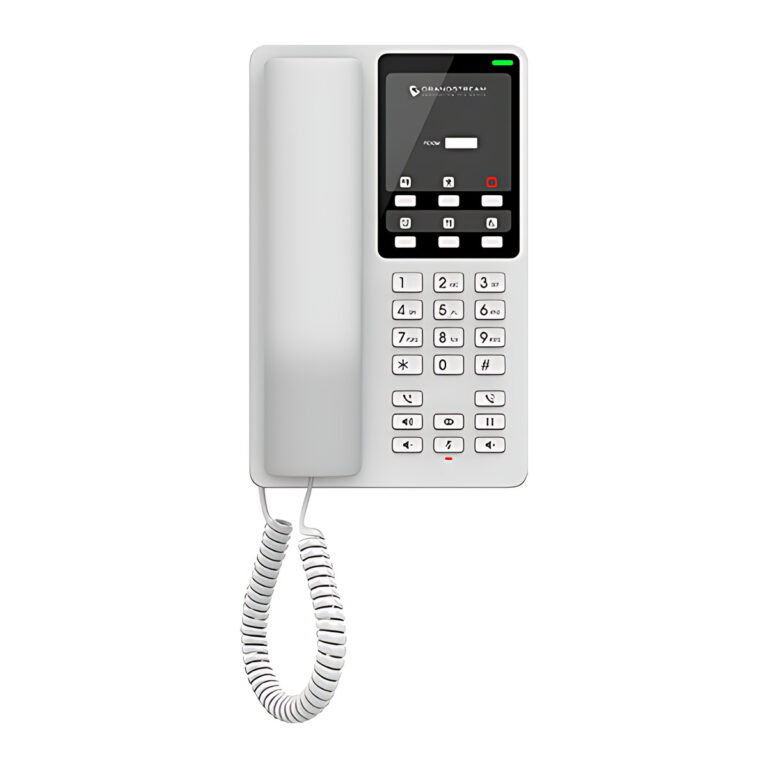 GrandstreamModel GHP620
Desktop Hotel Phone, PoE, White
- Lines
- 2
- Network Ports
- 1 x 10/100 Mbps Ethernet
- PoE
- Integrated, Class 2
₹6,691 Incl. GST -
GrandstreamModel GHP620W
Desktop Hotel Phone, Wi-Fi 6, White
- Lines
- 2
- Network Ports
- 1 x 10/100 Mbps Ethernet
- PoE
- Integrated, Class 2
₹10,422 Incl. GST -
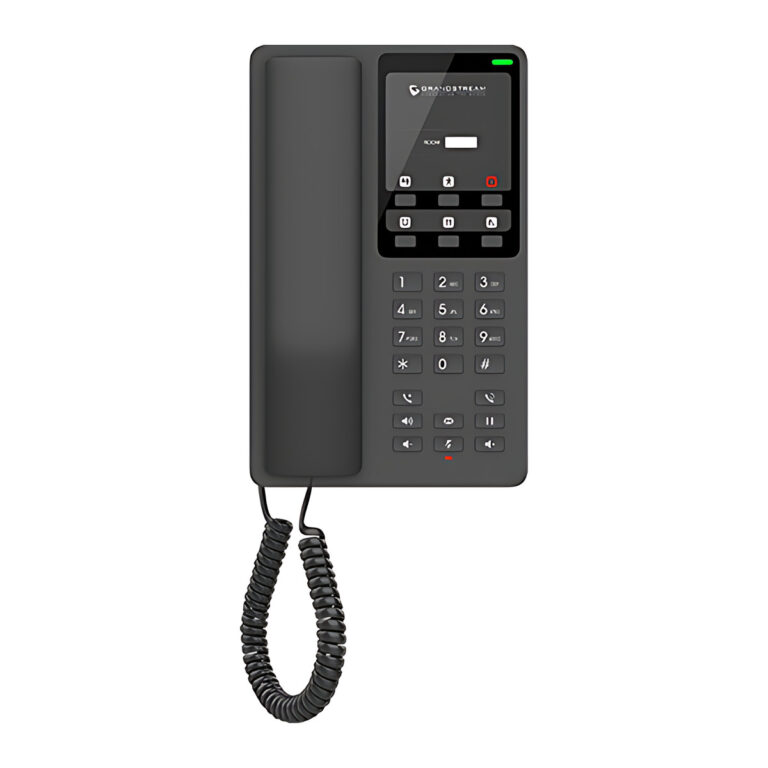 GrandstreamModel GHP621
Desktop Hotel Phone, PoE, Black
- Lines
- 2
- Network Ports
- 1 x 10/100 Mbps Ethernet
- PoE
- Integrated, Class 2
₹6,691 Incl. GST -
GrandstreamModel GHP621W
Desktop Hotel Phone, Wi-Fi 6, Black
- Lines
- 2
- Network Ports
- 1 x 10/100 Mbps Ethernet
- PoE
- Integrated, Class 2
₹10,422 Incl. GST -
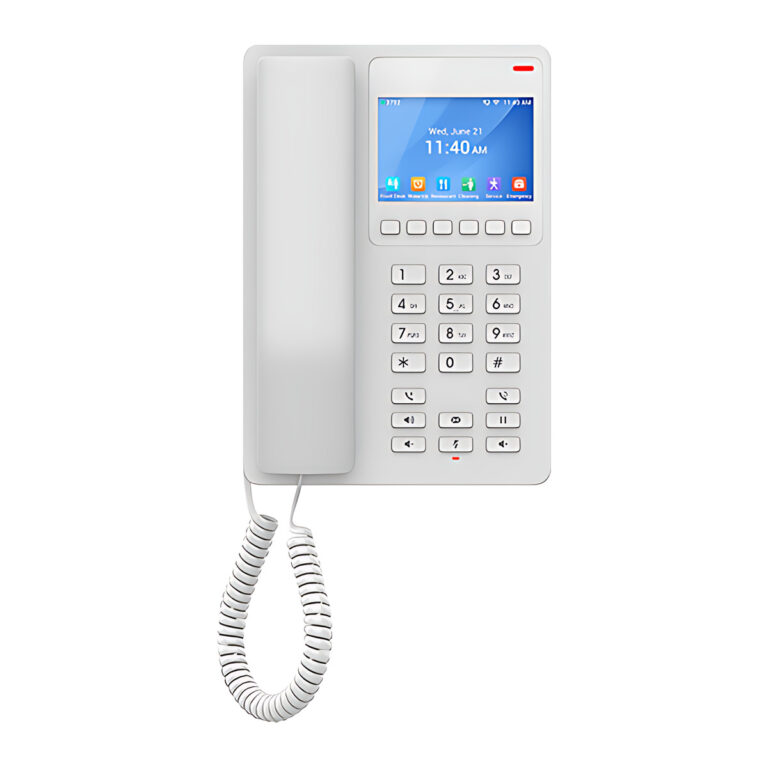 GrandstreamModel GHP630
Hotel Phone, 3.5 in Colour LCD, PoE, White
- Lines
- 2
- Network Ports
- 1 x 10/100 Mbps Ethernet
- PoE
- Integrated, Class 2
₹10,355 Incl. GST -
GrandstreamModel GHP630W
Hotel Phone, 3.5 in Colour LCD, Wi-Fi 6, White
- Lines
- 2
- Network Ports
- 1 x 10/100 Mbps Ethernet
- PoE
- Integrated, Class 2
₹11,948 Incl. GST -
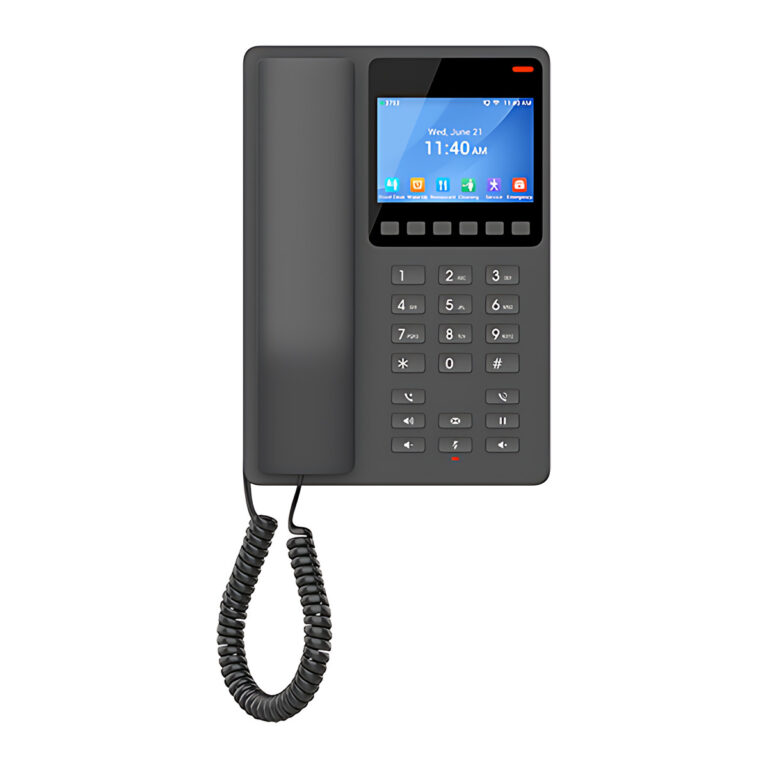 GrandstreamModel GHP631
Hotel Phone, 3.5 in Colour LCD, PoE, Black
- Lines
- 2
- Network Ports
- 1 x 10/100 Mbps Ethernet
- PoE
- Integrated, Class 2
₹10,355 Incl. GST -
GrandstreamModel GHP631W
Hotel Phone, 3.5 in Colour LCD, Wi-Fi 6, Black
- Lines
- 2
- Network Ports
- 1 x 10/100 Mbps Ethernet
- PoE
- Integrated, Class 2
₹11,948 Incl. GST -
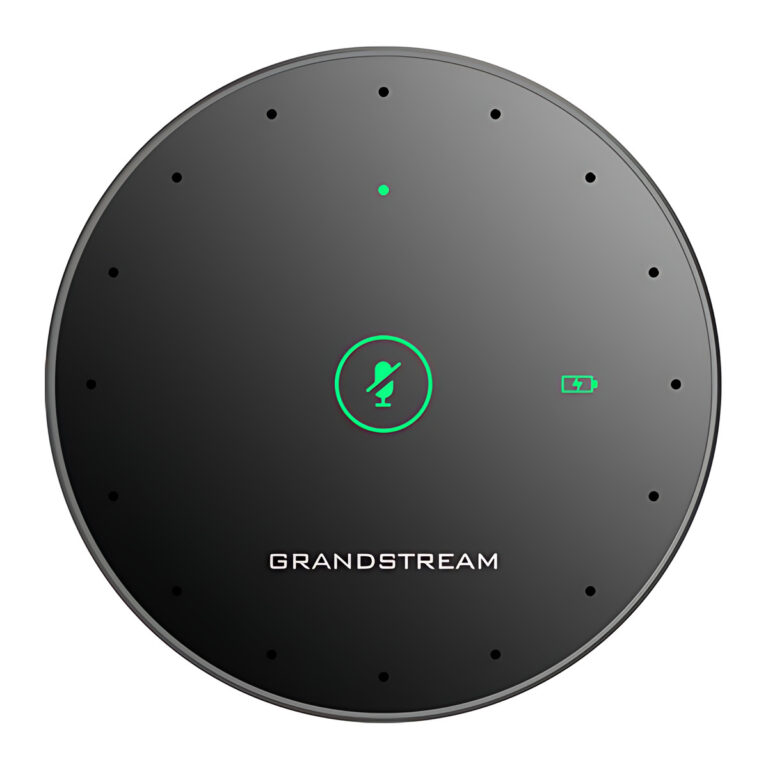 GrandstreamModel GMD1208
Wireless Desktop Conference Microphone, 5 m Pickup
- Cascade
- Up to 2
- Codecs
- Opus
₹17,974 Incl. GST -
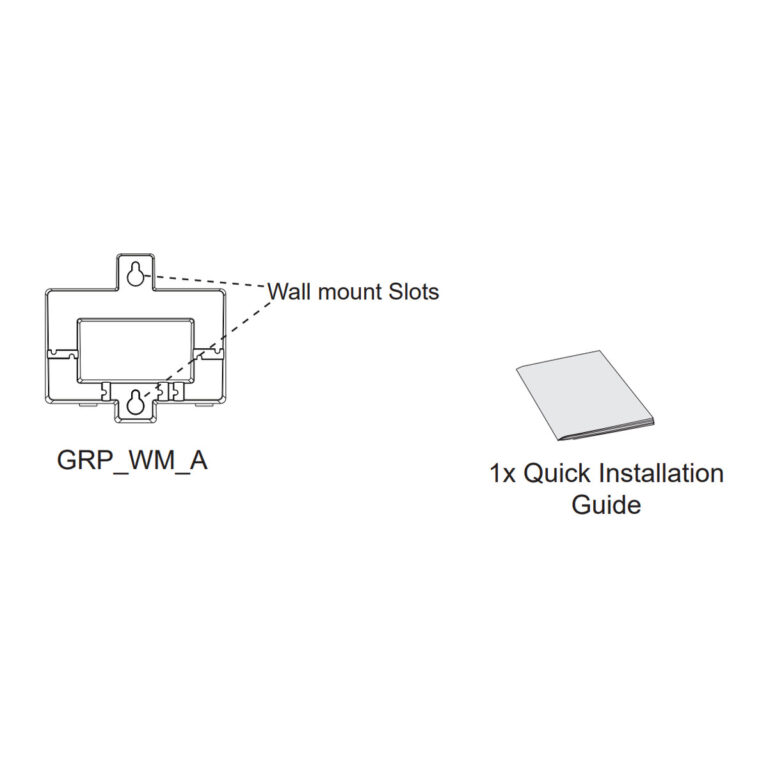 GrandstreamModel GRP_WM_A
Wall Mount Bracket for GRP260x, GRP2610, GRP2611G
₹755 Incl. GST -
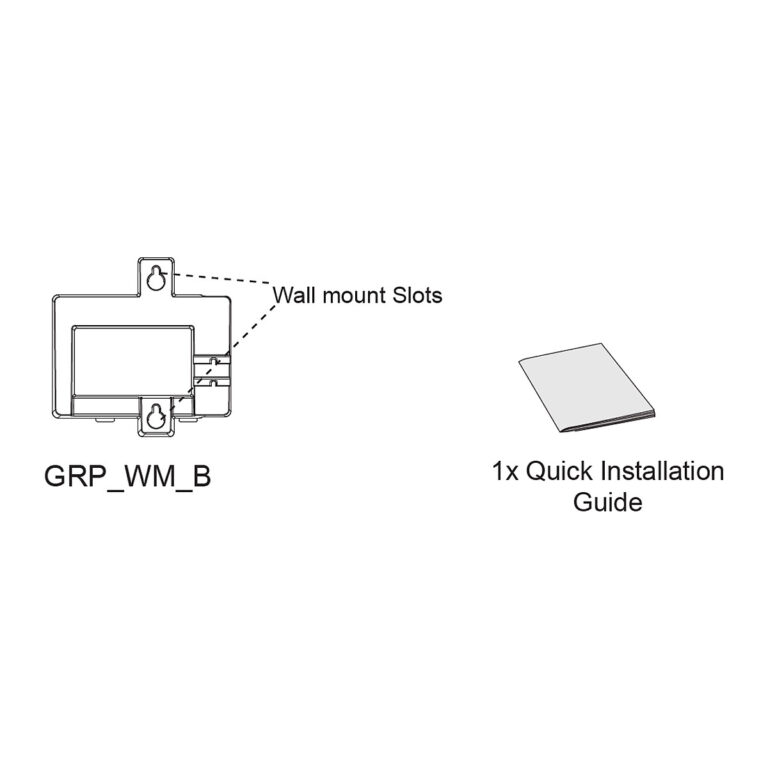 GrandstreamModel GRP_WM_B
Wall Mount Bracket for GRP2616, GRP2624, GRP2634
₹755 Incl. GST -
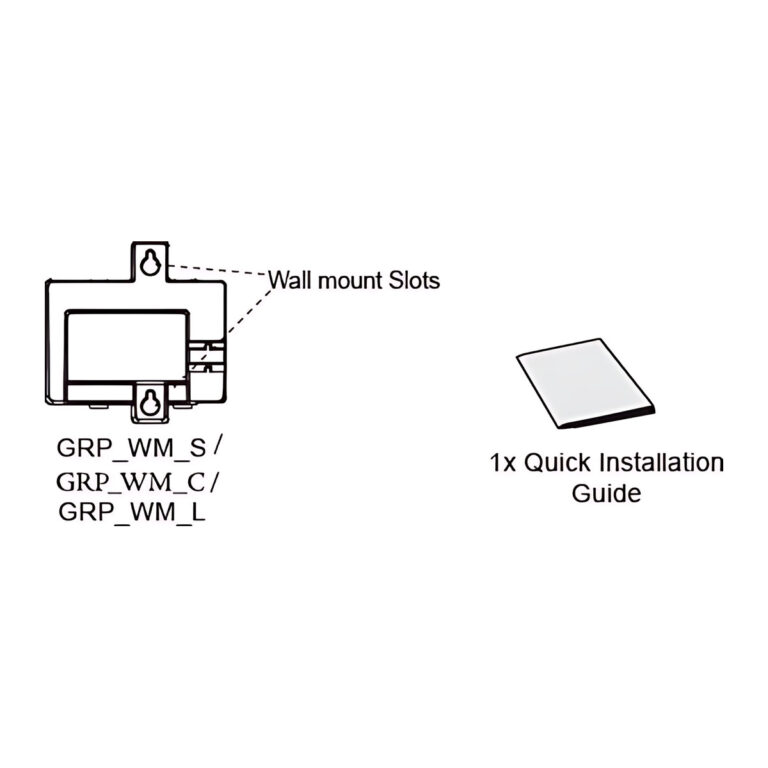 GrandstreamModel GRP_WM_C
Wall Mount Bracket for GRP2650 and GRP2670 Phones
- Compatible Phones
- GRP2650, GRP2670
₹755 Incl. GST -
GrandstreamModel GRP_WM_S
Wall Mount Bracket for GRP2612 and GRP2613 Phones
₹755 Incl. GST -
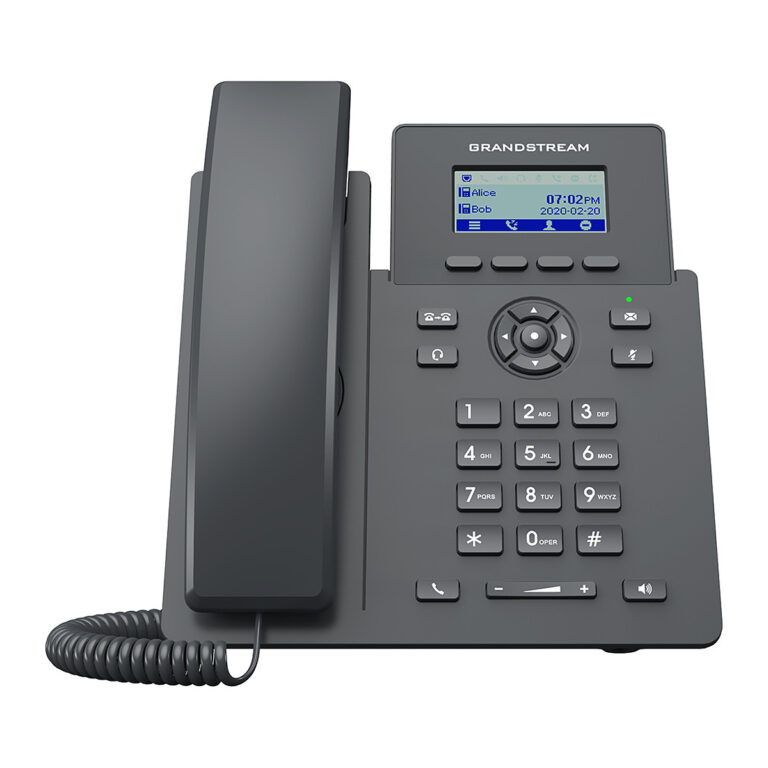 GrandstreamModel GRP2601
IP Phone, 2 Lines, 2 SIP Accounts, Dual 10/100 Ports
- Lines
- 2
- PoE
- No
₹6,042 Incl. GST
Planning an IP telephony system
- IP desk phones: SIP phones from two-line models to colour, Bluetooth, Wi-Fi and Android video phones.
- Wi-Fi and cordless IP phones: handsets for staff who move around a site, including rugged models.
- Hotel phones: guest room phones with service keys.
- IP PBX systems: on-site call servers with FXS and FXO ports.
- VoIP gateways and ATAs: connect analog phones, fax machines, PSTN lines and E1/T1 trunks to SIP.
- SIP intercoms and paging speakers: talk-back intercoms, nurse call units and paging amplifiers.
Start with the call server, an on-site IP PBX or a hosted PBX plan, then choose endpoints that register to it over SIP. Count the SIP accounts and line keys each user needs, check whether each phone takes PoE from the switch or needs an adapter, and confirm codec support across phones and gateways. Existing analog handsets and fax machines can join the new system through an ATA or FXS gateway.
Buying guidance
How to choose an IP phone
General guidance. Ratings vary by model.
- LinesCount the SIP accounts each user needs, including shared lines and keys for watching colleagues' extensions.
- Display and keysChoose the screen and programmable keys for the role. Reception desks usually need more keys than a single desk.
- PoE and networkCheck whether the phone takes power from a PoE switch, and whether it has a gigabit port for a PC.
- Wi-Fi, Bluetooth and PBXConfirm Wi-Fi or Bluetooth needs for headsets, and check the phone against your PBX platform before ordering.
Need help choosing?
Tell us what it is for and where it goes, and we suggest models. Have a list of models and quantities? Request a quote.