
Department
Networking
Compare switches, wireless access points and network equipment by ports, speed, power and management requirements. Check the complete link and PoE budget for your devices.


All products
-
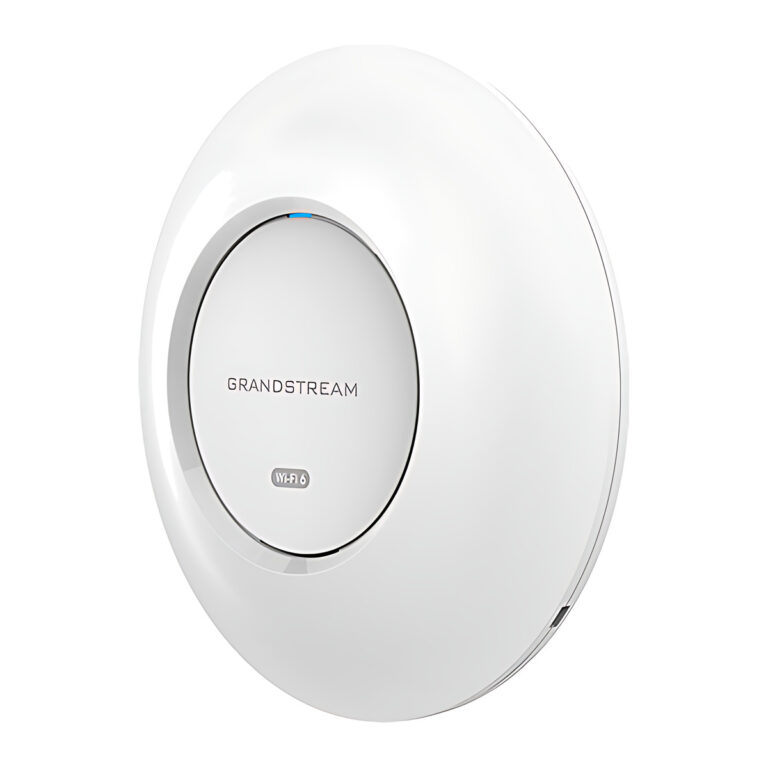 GrandstreamModel GWN7660E
Wi-Fi 6 Ceiling Access Point, AX3000, 160 MHz
- Wi-Fi Standard
- IEEE 802.11a/b/g/n/ac/ax
- Max Clients
- 256
- Coverage
- Up to 175 m
₹12,585 Incl. GST -
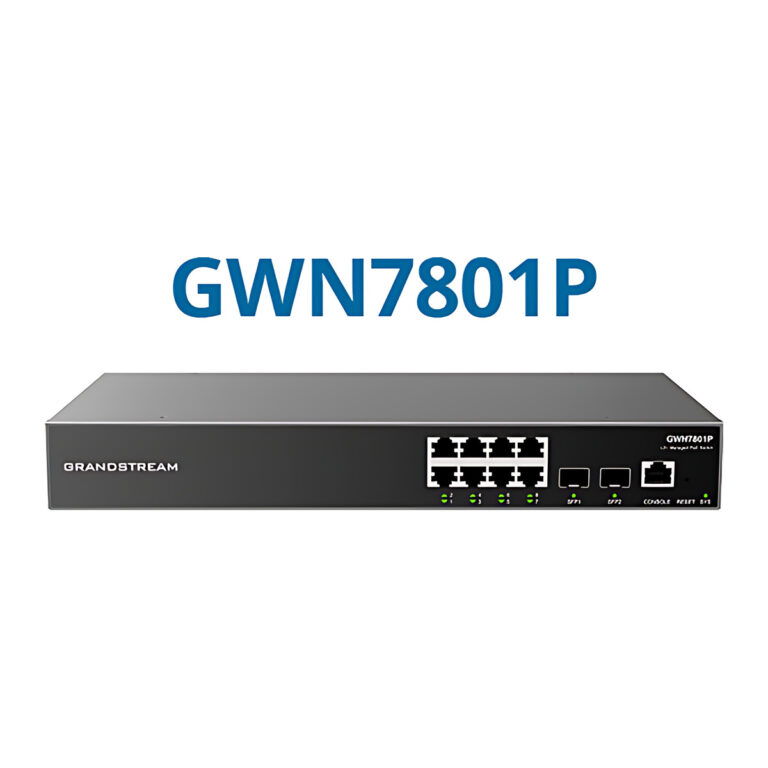 GrandstreamModel GWN7801P
Layer 2+ Managed PoE Switch, 8 GbE + 2 SFP, 130 W
- PoE Budget
- 130 W
- SFP Ports
- 2 x 1G SFP
- Layer
- Layer 2+ managed
₹22,505 Incl. GST -
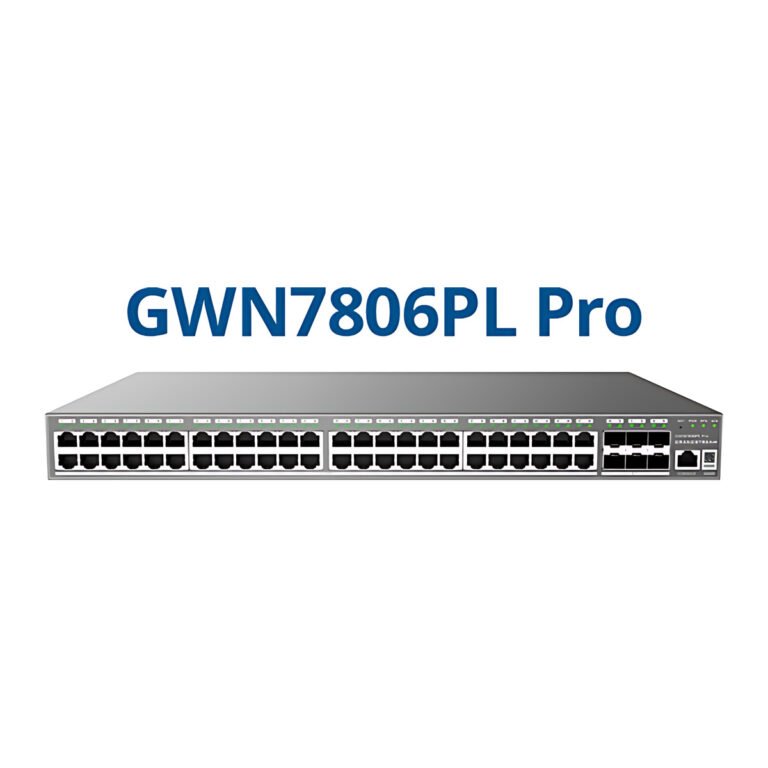 GrandstreamModel GWN7806PL Pro
Managed PoE+ Switch, 48 GbE + 6 x SFP+, 400 W
- PoE Budget
- 400 W
- SFP Ports
- 6 x 10G SFP+
₹82,317 Incl. GST -
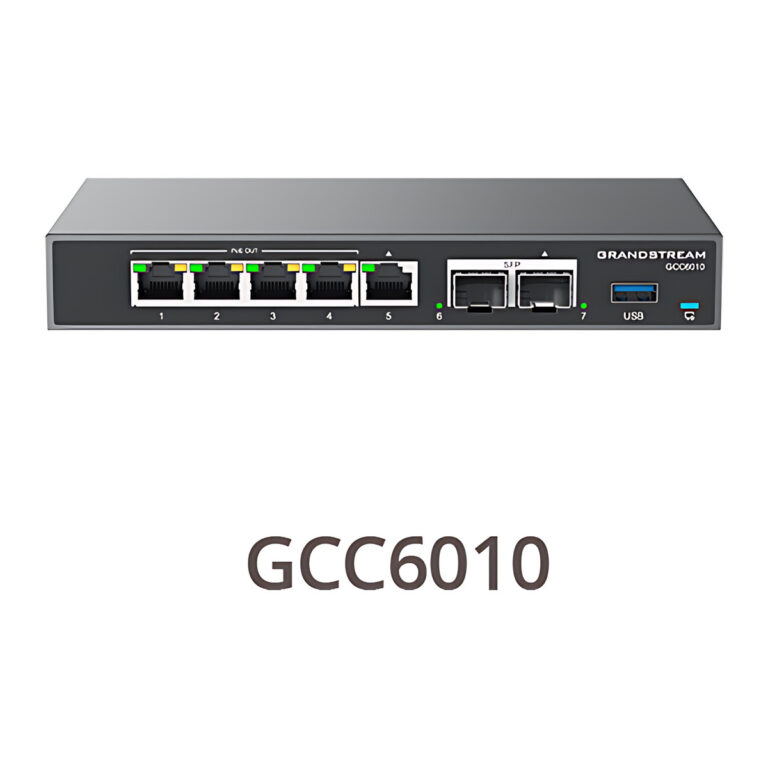 GrandstreamModel GCC6010
UC + Network Convergence Appliance, Firewall, VPN, IP PBX
- Router Throughput
- 2.5 Gbps
- SFP Ports
- 2 x 2.5G SFP
- IPsec VPN Throughput
- 1 Gbps
₹51,701 Incl. GST -
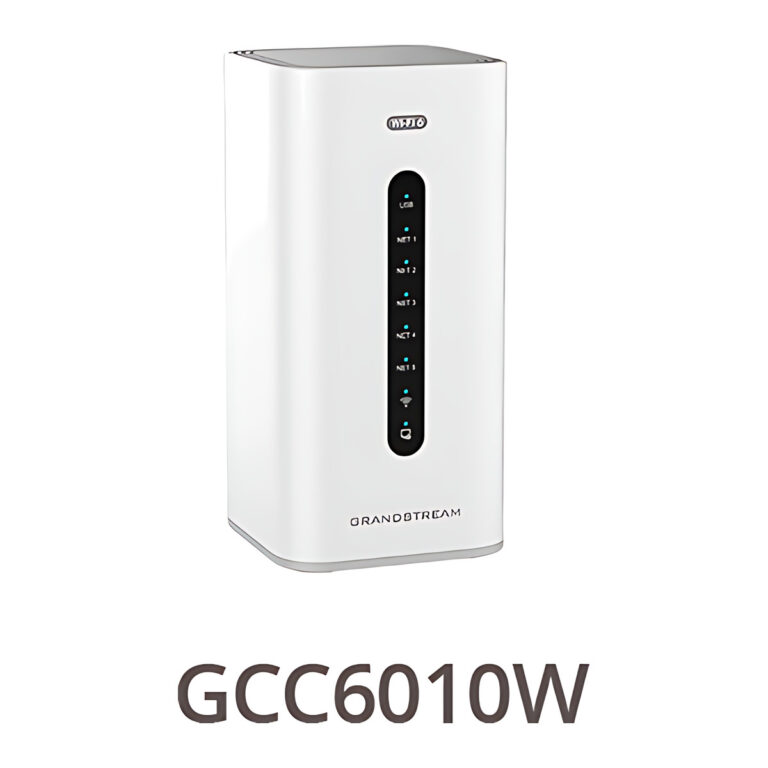 GrandstreamModel GCC6010W
UC + Network Convergence Appliance, Wi-Fi 6, IP PBX
- Router Throughput
- 3 Gbps
- IPsec VPN Throughput
- 1 Gbps
- IDS/IPS Throughput
- 900 Mbps
₹54,666 Incl. GST -
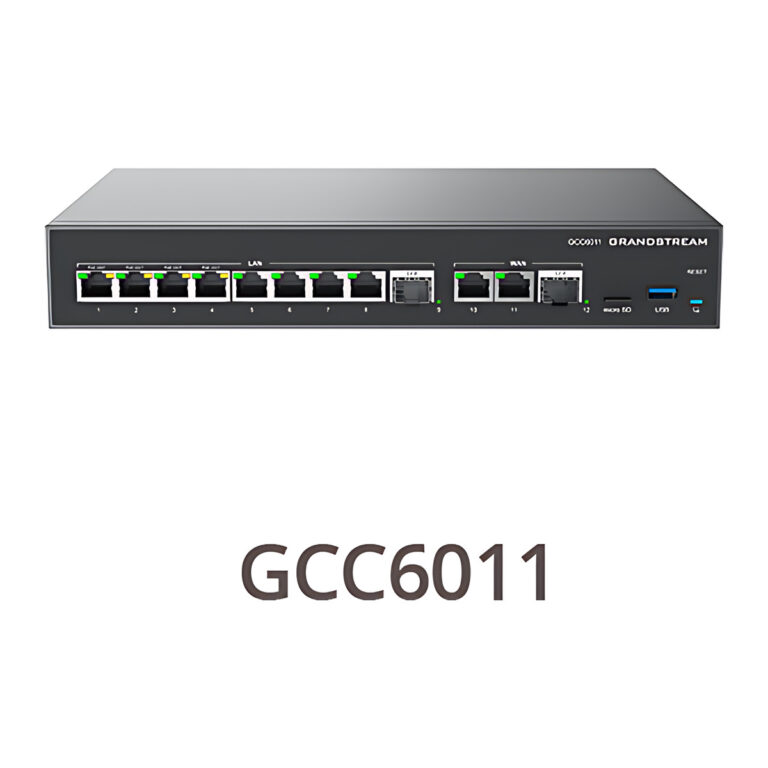 GrandstreamModel GCC6011
UC + Network Convergence Appliance, 10 GigE, PoE, Rack
- Router Throughput
- 2.5 Gbps
- SFP Ports
- 2 x 2.5G SFP
- IPsec VPN Throughput
- 1 Gbps
₹57,631 Incl. GST -
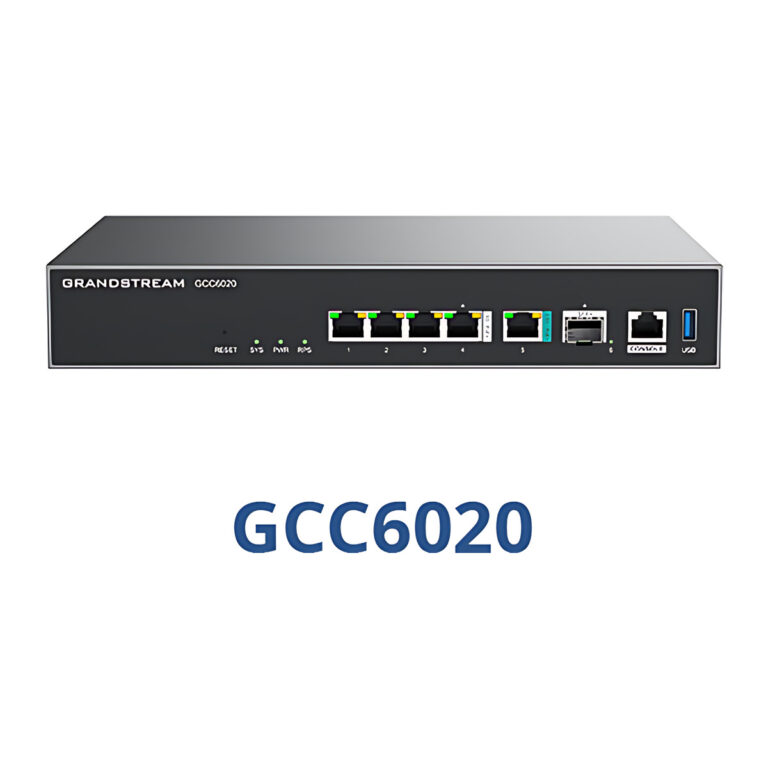 GrandstreamModel GCC6020
UC + Network Convergence Appliance, 10G SFP+, 5 PoE, IP PBX
- SFP Ports
- 1 x 10G SFP+
- Router Throughput
- 6.5 Gbps
₹84,738 Incl. GST -
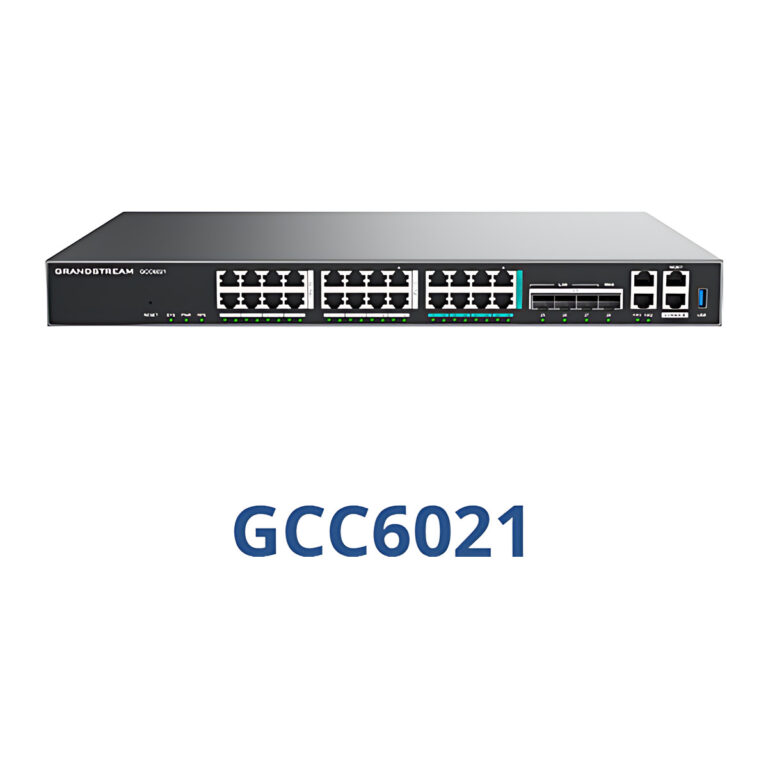 GrandstreamModel GCC6021
UC + Network Convergence Appliance, 10G SFP+, 24 PoE, IP PBX
- SFP Ports
- 4 x 10G SFP+
- Router Throughput
- 10 Gbps
₹140,025 Incl. GST -
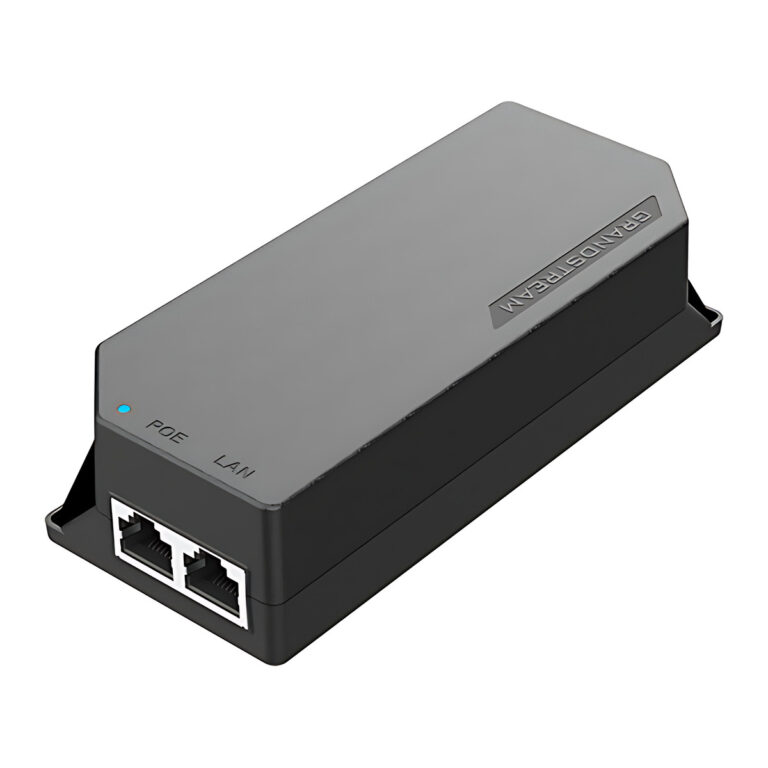 GrandstreamModel GS-POE15W-MG
PoE Injector, 2.5 Gbps, IEEE 802.3af
- PoE Standard
- IEEE 802.3af
- PoE Output Power
- 20 W
₹2,945 Incl. GST -
GrandstreamModel GS-POE30W-MG
PoE+ Injector, 2.5 Gbps, 30 W
- PoE Standard
- IEEE 802.3af/at
- PoE Output Power
- 30.2 W
₹3,625 Incl. GST -
GrandstreamModel GS-POE60W-MG
PoE++ Injector, 10 Gbps, 60 W
- PoE Standard
- IEEE 802.3af/at/bt
- PoE Output Power
- 60 W
₹5,286 Incl. GST -
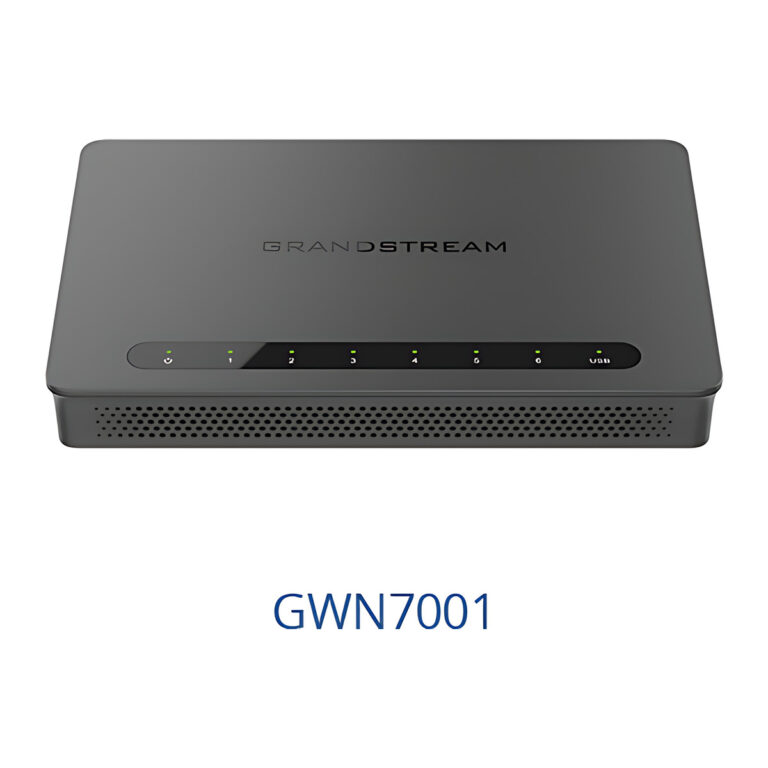 GrandstreamModel GWN7001
Multi-WAN Gigabit VPN Router, 6 x GigE Ports
- NAT Throughput
- 2.2 Gbps
- IPsec VPN Throughput
- 530 Mbps
- Max VPN Tunnels
- 50
₹9,962 Incl. GST -
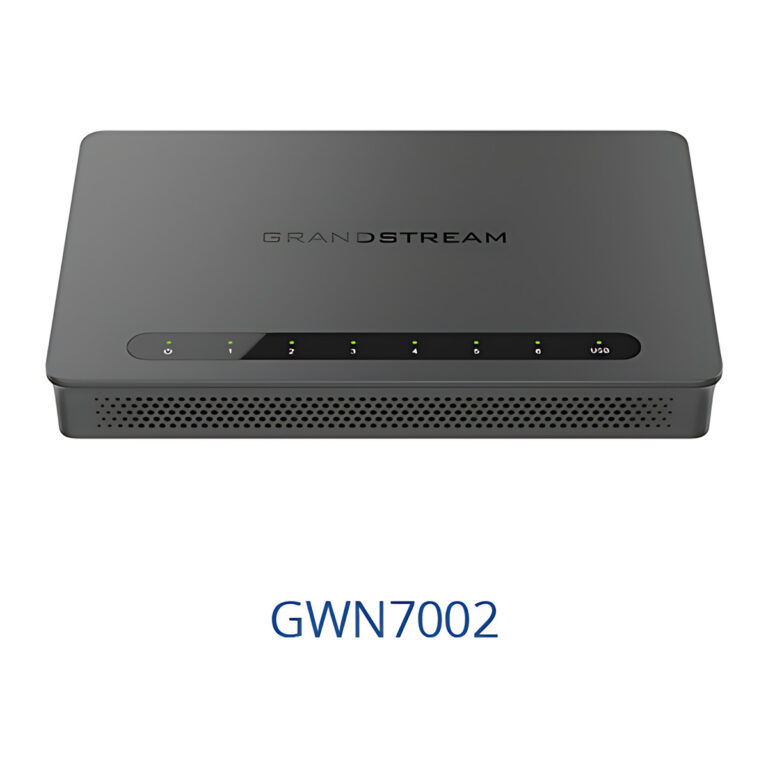 GrandstreamModel GWN7002
Multi-WAN VPN Router, 4 x GigE, 2 x 2.5G SFP, PoE Out
- SFP Ports
- 2 x 2.5 Gigabit SFP
- Max VPN Tunnels
- 50
₹11,355 Incl. GST -
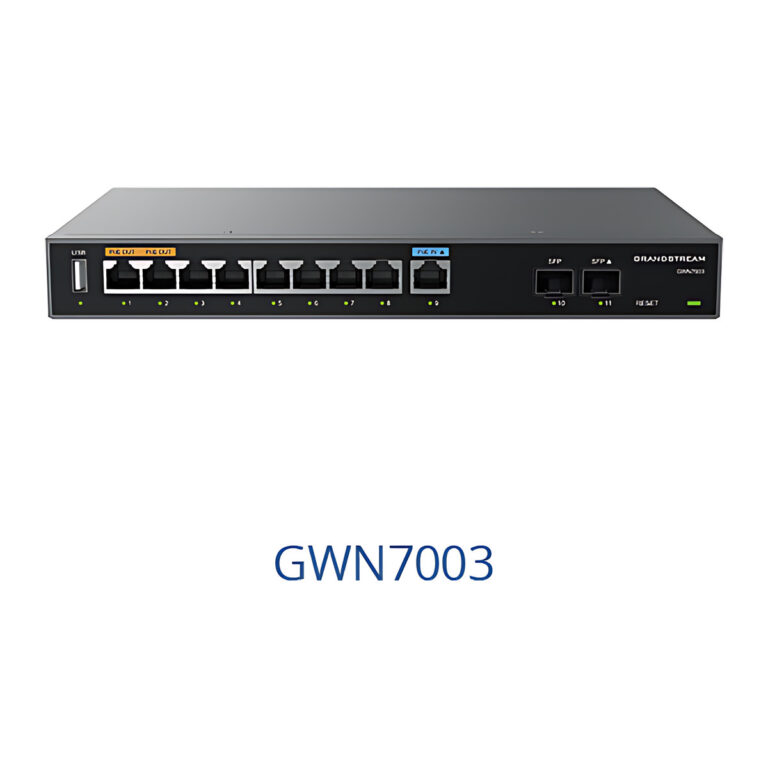 GrandstreamModel GWN7003
Multi-WAN VPN Router, 9 x GigE, 2 x 2.5G SFP, Rack Mount
- SFP Ports
- 2 x 2.5 Gigabit SFP
- Max VPN Tunnels
- 100
₹16,271 Incl. GST -
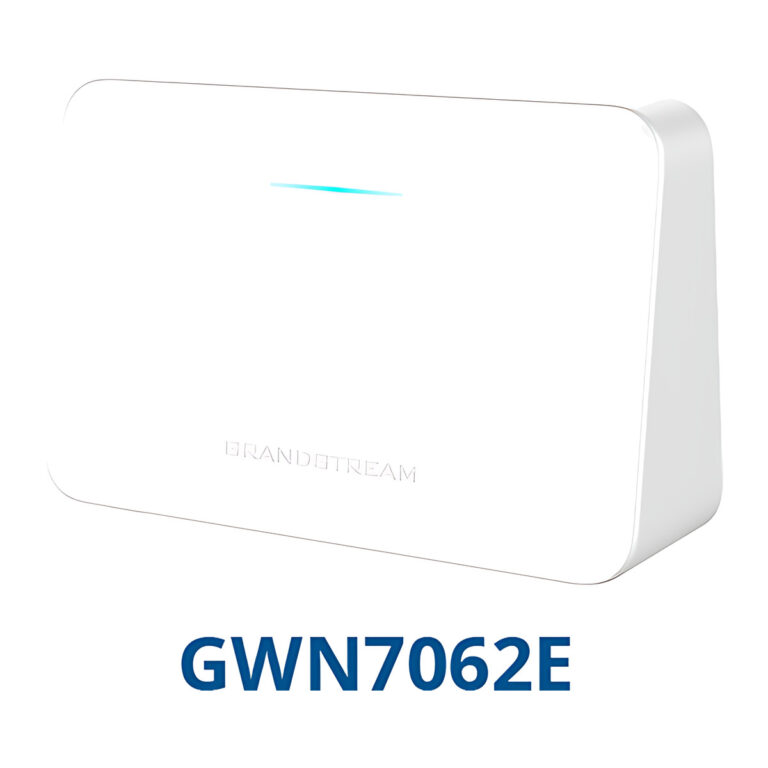 GrandstreamModel GWN7062E
Wi-Fi 6 Router, AX3000, 3 x GigE, Mesh Ready
- Mounting
- Desktop or indoor wall
- Compliance
- FCC, CE, RCM, IC
₹8,306 Incl. GST -
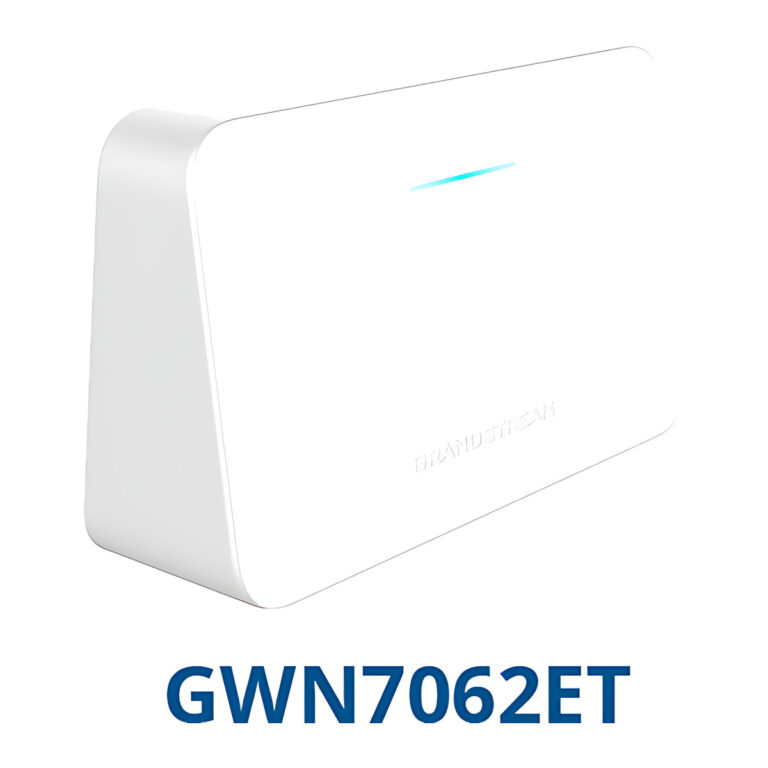 GrandstreamModel GWN7062ET
Wi-Fi 6 Router with 2 FXS Phone Ports, AX3000
- Mounting
- Desktop or indoor wall
- Compliance
- FCC, CE, RCM, IC
- Other Ports
- 1 x USB 2.0
₹11,932 Incl. GST -
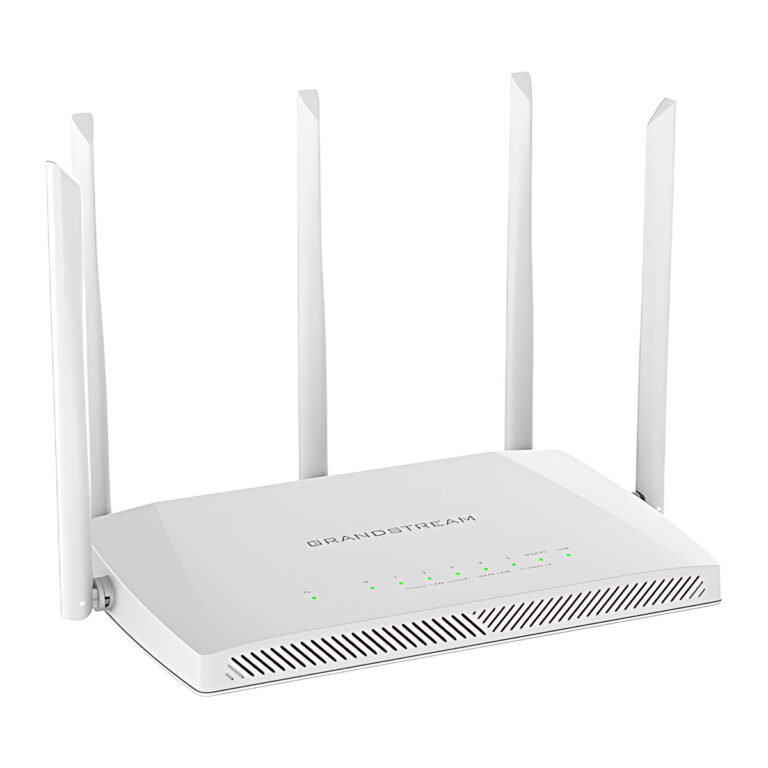 GrandstreamModel GWN7062M
Wi-Fi 6 Router, AX3000, 2.5G SFP/RJ45 Combo WAN
- Mounting
- Desktop or indoor wall
- Compliance
- FCC, CE, RCM, IC
- Power Consumption
- 18 W maximum
₹12,083 Incl. GST -
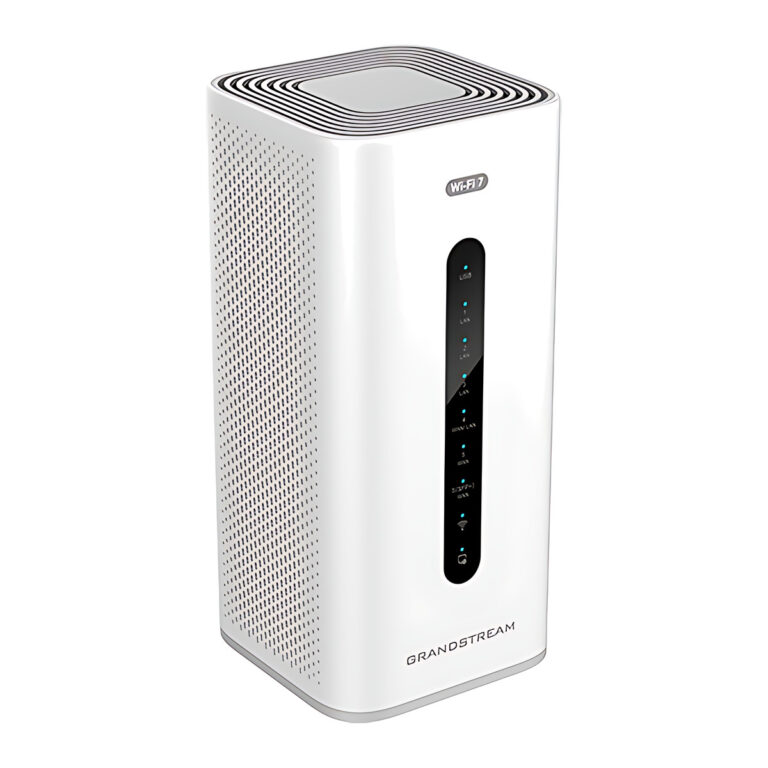 GrandstreamModel GWN7072
Wi-Fi 7 Tri-Band Router, BE11000, 10G SFP+/RJ45 WAN
- Power Input
- 12 V adapter included
- NAT Throughput
- 10 Gbps
₹27,187 Incl. GST -
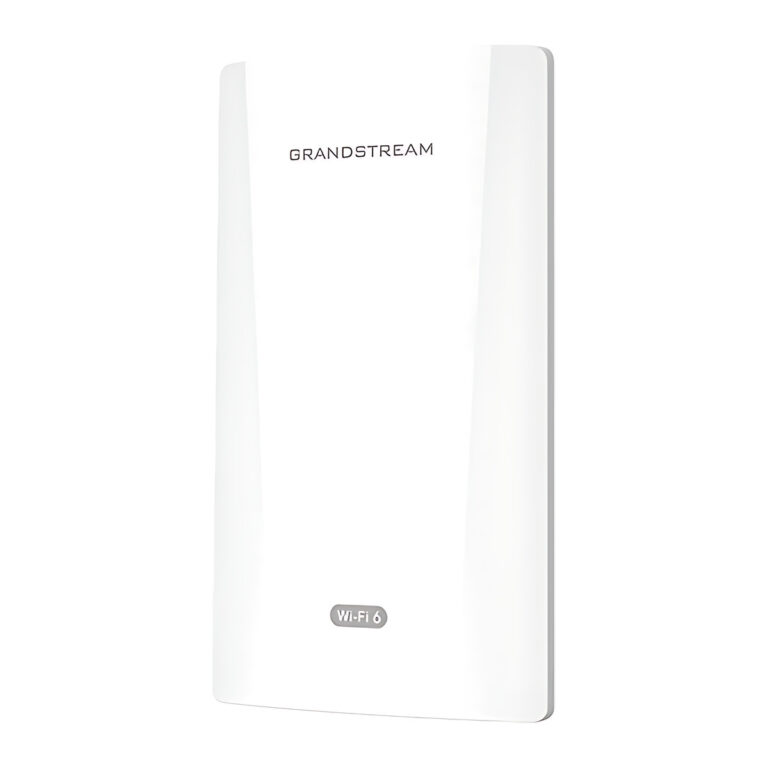 GrandstreamModel GWN7302
PtP/PtMP Wireless Bridge, 5 GHz Wi-Fi 6, 5 km, IP66
- Coverage
- Up to 5 km
- Point to Multipoint
- 1 to 4
- IP Rating
- IP66
₹16,541 Incl. GST -
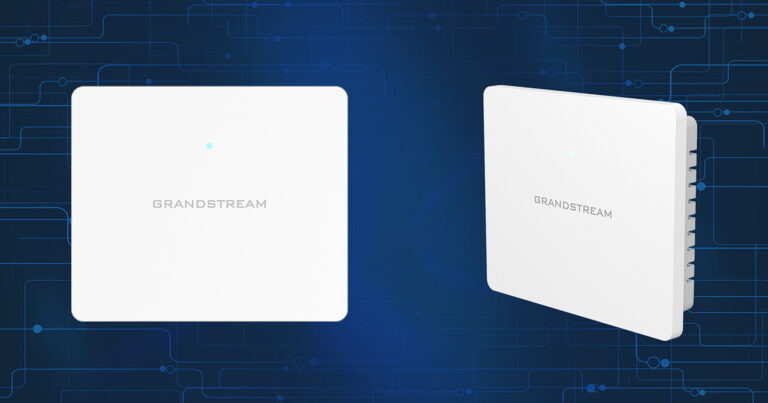 GrandstreamModel GWN7603
Wi-Fi 5 Wall Access Point, 4 x GigE, 2 x PoE Out
- Max Clients
- 100+
- Coverage
- Up to 100 m
- Power Input
- PoE 802.3af/at
₹9,399 Incl. GST -
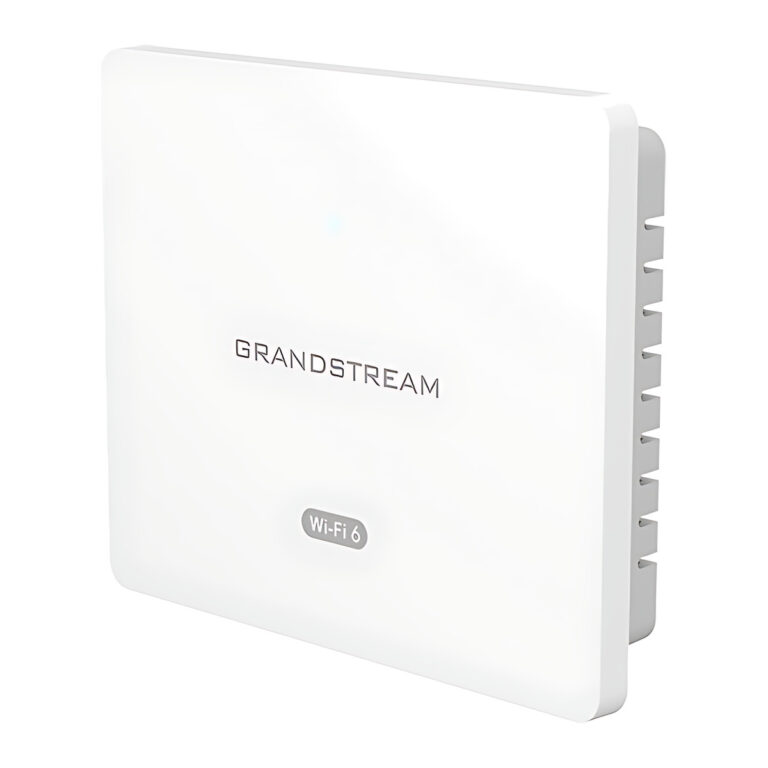 GrandstreamModel GWN7604
Wi-Fi 6 Wall Access Point, AX3000, 4 x GigE, PoE Out
- Wi-Fi Standard
- IEEE 802.11a/b/g/n/ac/ax
- Max Clients
- 256
- Coverage
- Up to 100 m
₹10,992 Incl. GST -
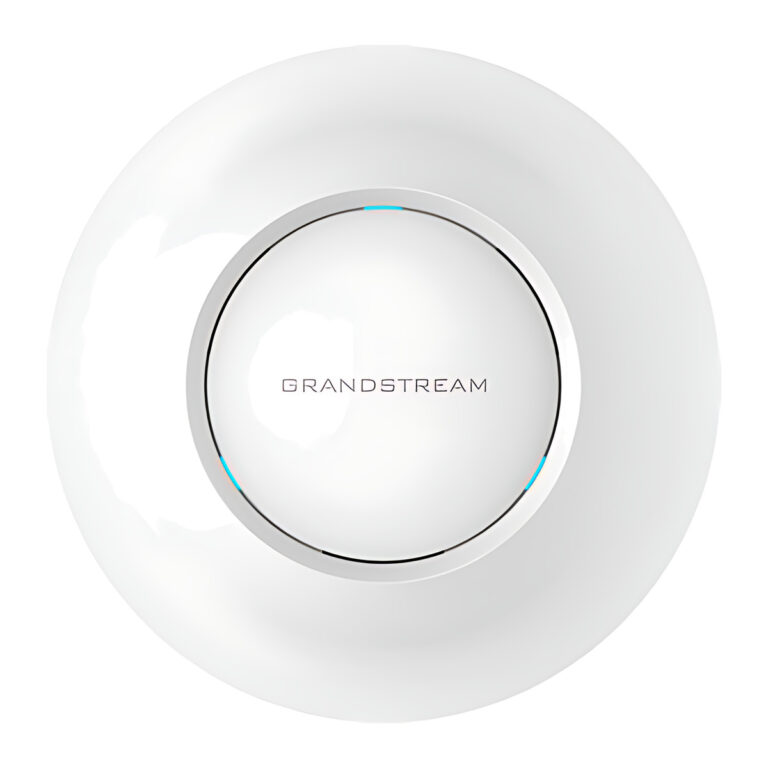 GrandstreamModel GWN7605
Wi-Fi 5 Ceiling Access Point, 2×2 MU-MIMO, 2 x GigE
- Max Clients
- 100+
- Coverage
- Up to 165 m
- Power Input
- PoE 802.3af/at
₹12,234 Incl. GST -
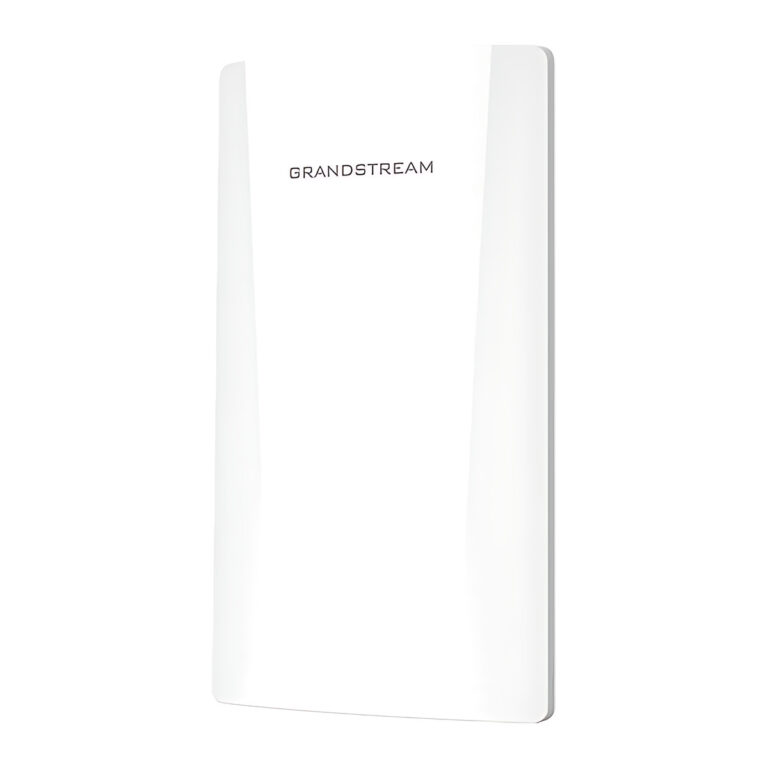 GrandstreamModel GWN7605CLR
Outdoor Wi-Fi 5 Access Point, IP66, PoE or 12 to 24 V DC
- Max Clients
- 100+
- Coverage
- Up to 150 m
₹11,932 Incl. GST -
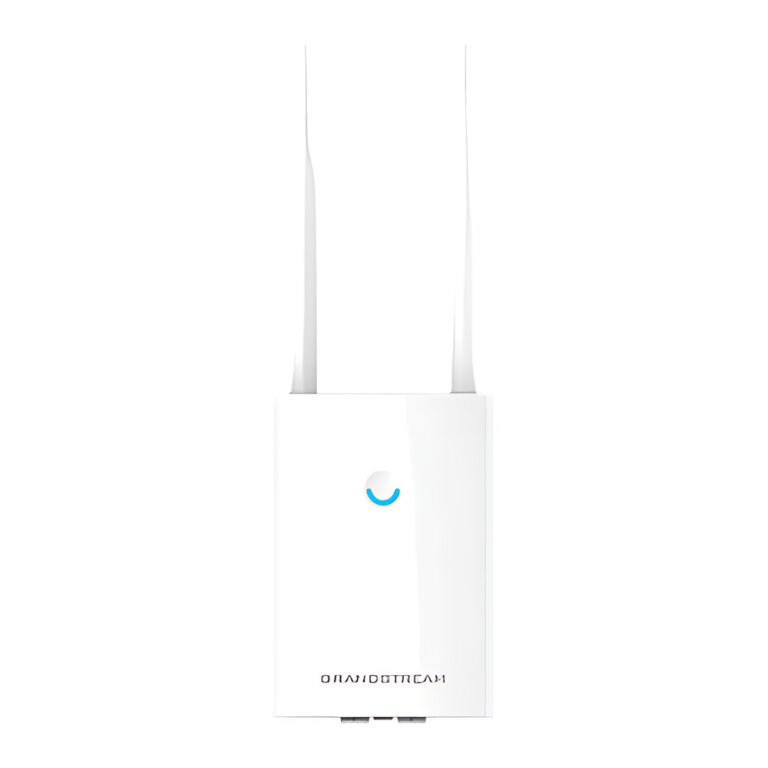 GrandstreamModel GWN7605LR
Outdoor Long-Range Wi-Fi 5 Access Point, IP66, 250 m
- Max Clients
- 100+
- Coverage
- Up to 250 m
- Power Input
- PoE 802.3af/at
₹17,672 Incl. GST
Finding the right networking equipment
- Network switches: unmanaged, managed and Layer 3 switches with PoE and SFP+ options.
- Wireless access points: Wi-Fi 5, Wi-Fi 6 and Wi-Fi 7 models for ceilings, walls, in-wall boxes and outdoor areas.
- Routers and gateways: multi-WAN VPN routers, Wi-Fi routers and convergence appliances.
- PoE injectors, network adapters and network accessories for single devices, computers and cabling work.
Plan from the router outwards: the router or gateway handles internet links and VPN, switches distribute wired ports and PoE, and access points provide Wi-Fi. A link runs at the speed of its slowest part, so a 2.5G access point needs a 2.5G switch port to reach full speed, and every PoE device must fit within the switch's power budget.
Buying guidance
How to choose network equipment
General guidance. Ratings vary by model.
- Ports and speedCount the devices to connect. Gigabit suits most desks; 2.5G or 10G ports suit access points, servers and uplinks.
- PoE budgetAdd up the power drawn by cameras, phones and access points on a switch and keep the total within its PoE budget.
- Managed or unmanagedUnmanaged switches connect devices as they are. Managed switches add VLANs, monitoring and remote setup.
- Wi-Fi coveragePlan access points by area and number of users, match the Wi-Fi standard of your devices, and choose ceiling, wall or outdoor mounting.
Need help choosing?
Tell us what it is for and where it goes, and we suggest models. Have a list of models and quantities? Request a quote.