
At a glance
- Battery Life
- Up to 1.5 years
- Batteries
- 6 × AA lithium (pre-installed)
- Operating Temperature
- -10 °C to +40 °C
- Dimensions
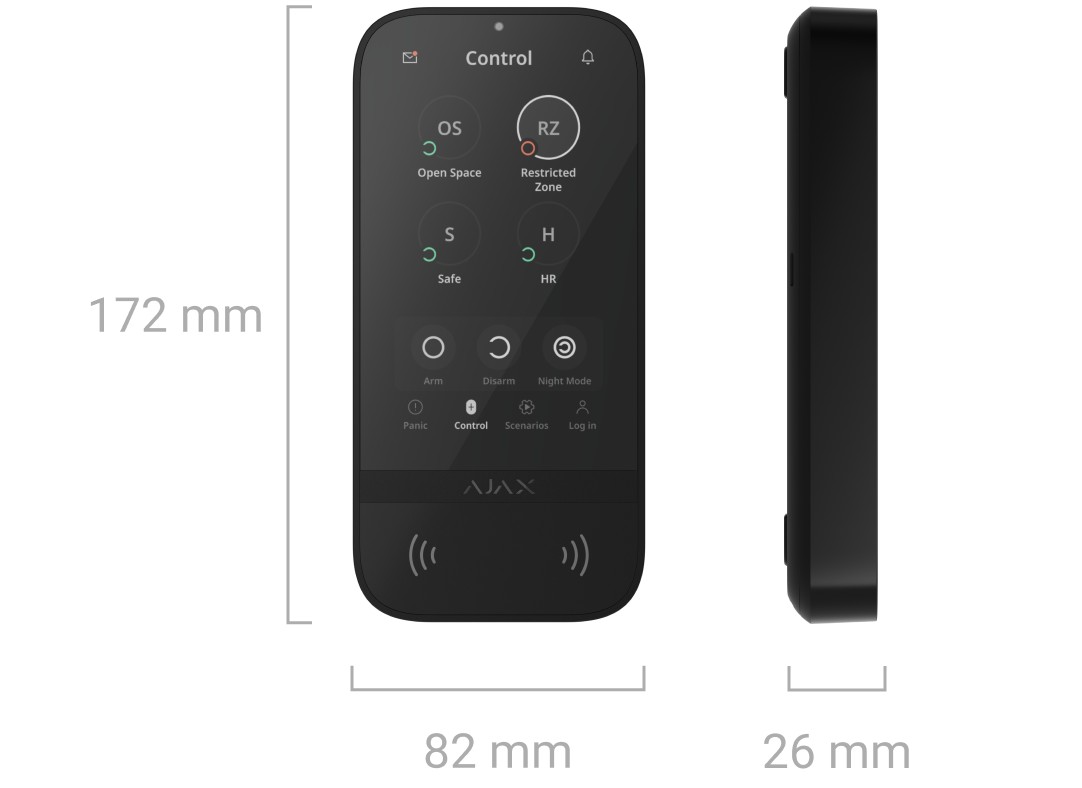
- 172 × 82 × 26 mm
- Radio Range (Open Space)
- Up to 1,700 m
- Communication Loss Detection
- After 36 s
In the box
- KeyPad TouchScreen Jeweller
- SmartBracket mounting panel
- 6 x AA battery (pre-installed)
- Installation kit
- Quick start guide
 Model KP.TS.J
Ajax KeyPad TouchScreen Jeweller Wireless 5-inch Touchscreen Alarm Keypad
₹40,207 Incl. GST
₹34,074 + 18% GST
At a glance
- Battery Life
- Up to 1.5 years
- Batteries
- 6 × AA lithium (pre-installed)
- Operating Temperature
- -10 °C to +40 °C
- Dimensions
- 172 × 82 × 26 mm
- Radio Range (Open Space)
- Up to 1,700 m
- Communication Loss Detection
- After 36 s
5-inch touchscreen keypad for controlling your Ajax alarm with a code, a Pass card or Tag, or your phone over Bluetooth, with panic buttons and scenario control on screen. Battery or 12 V power; works with Ajax Hub 2 and Hub 2 Plus hubs.
- WarrantyManufacturer warranty under Ajax's terms: 2 years. Warranty claims
- DeliveryPrice, availability and delivery charges are confirmed in your quotation. Shipping and delivery
Overview
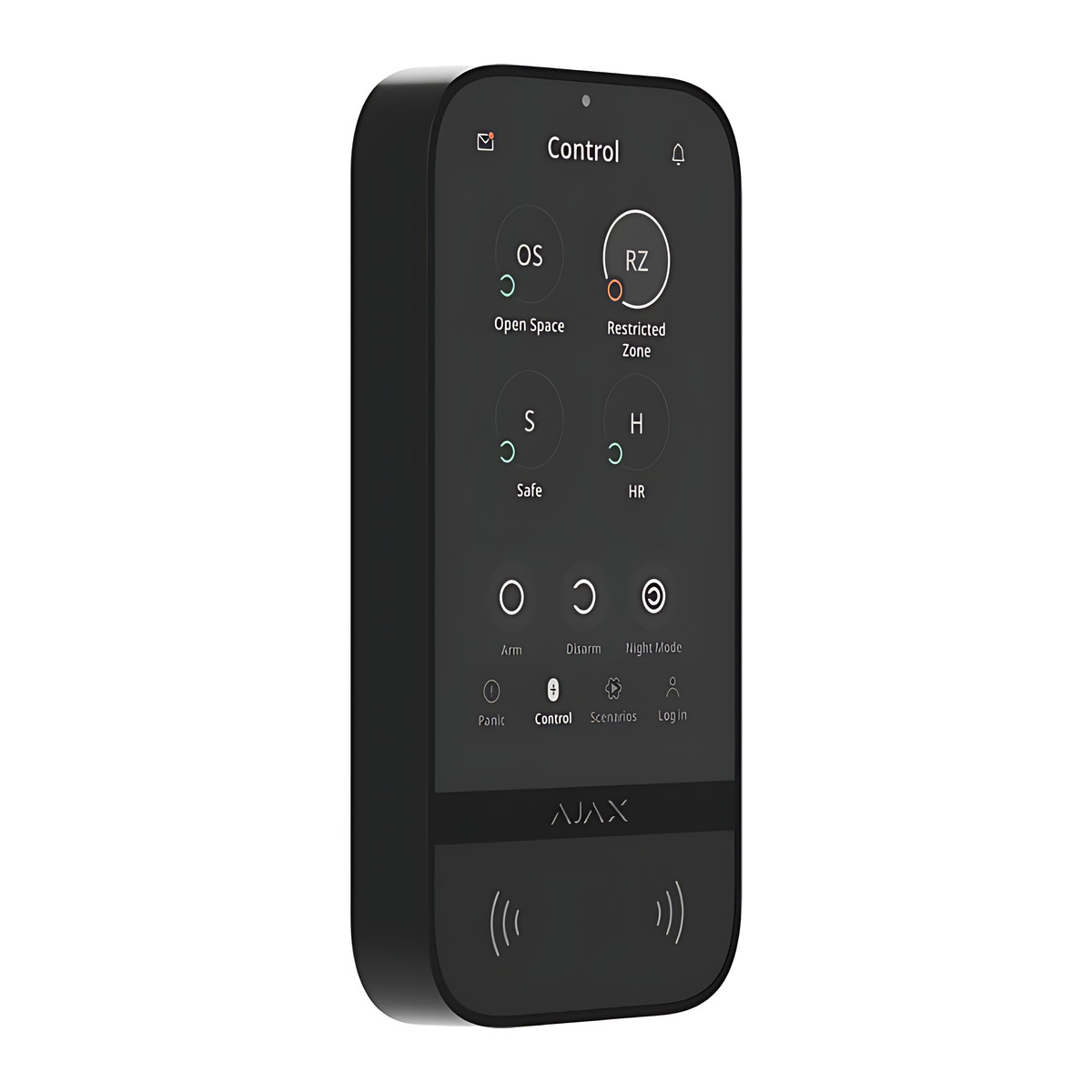
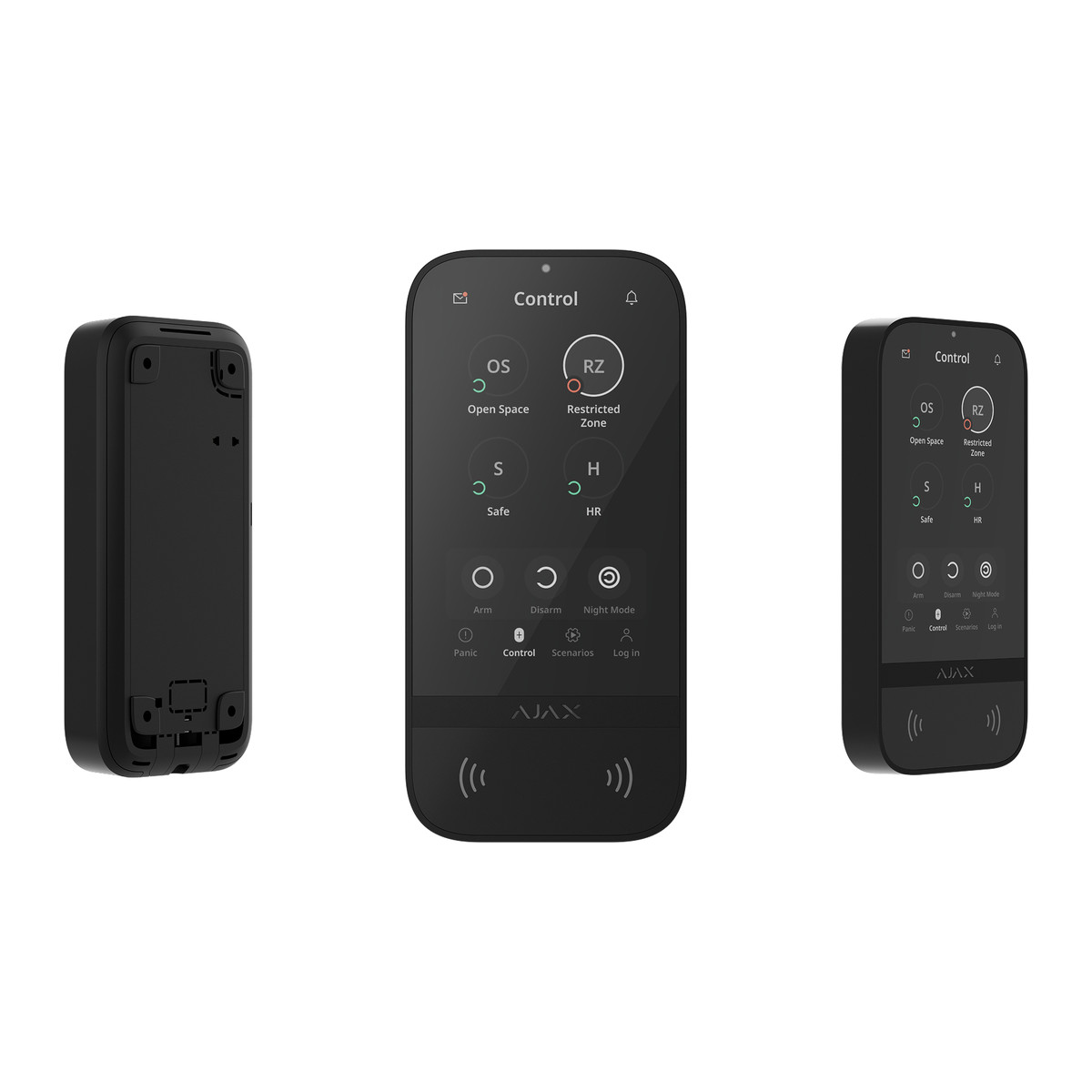
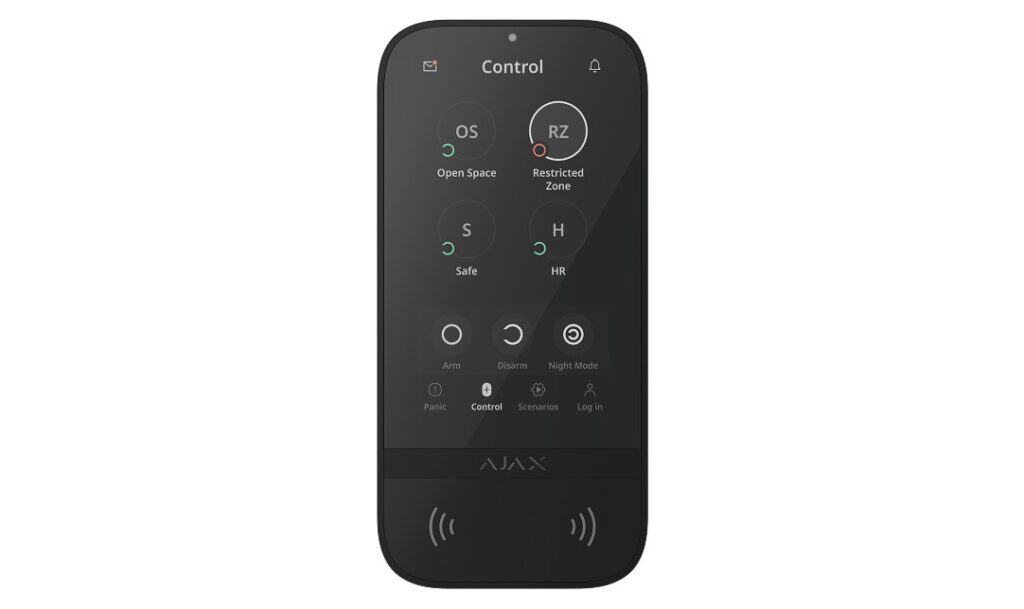
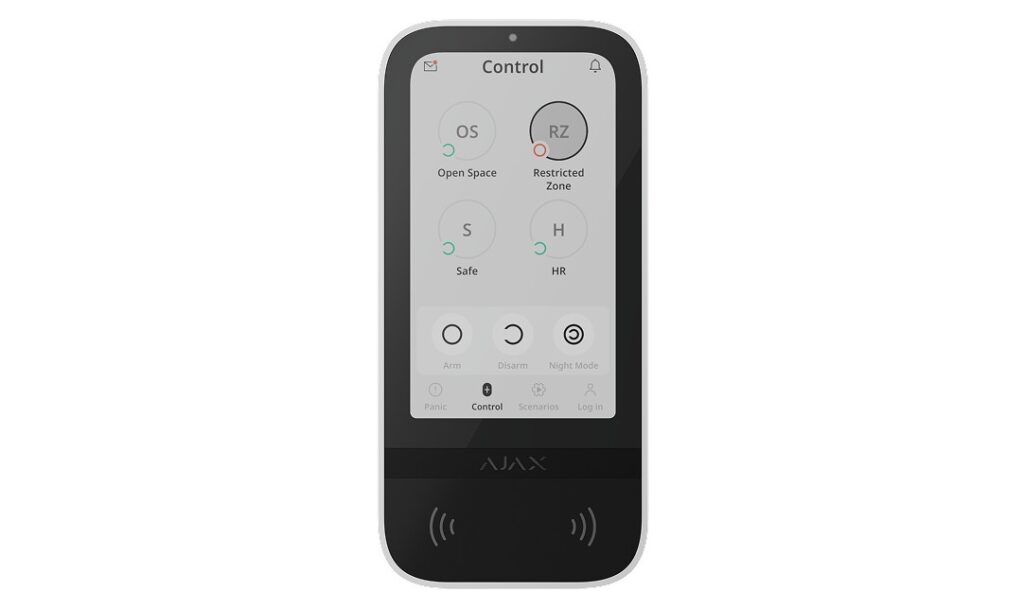
The Ajax KeyPad TouchScreen Jeweller is a wireless keypad with a 5-inch touchscreen for controlling an Ajax alarm by the door. People can arm and disarm with a code, a Pass card or Tag fob, or just their phone over Bluetooth, and the screen also shows recent events, panic buttons and up to six automation buttons. It suits homes and offices that want a clear control point by the entrance rather than a plain keypad.
Is it right for you?
- It suits an indoor entrance where you want to see system status and recent events on a screen, not just LEDs.
- Choose it if people would rather authorise with their phone over Bluetooth than carry a card.
- It is indoor only (-10 to 40 °C, up to 75% humidity).
- It works with Hub 2, Hub 2 (4G), Hub 2 Plus and the ReX 2 range extender. It does not work with Hub Jeweller, Hub Plus Jeweller or third-party control panels.
- If you want the screen always on or over-the-air firmware updates, plan a 12 V DC supply at the keypad; on batteries alone it wakes when you approach.
Key features
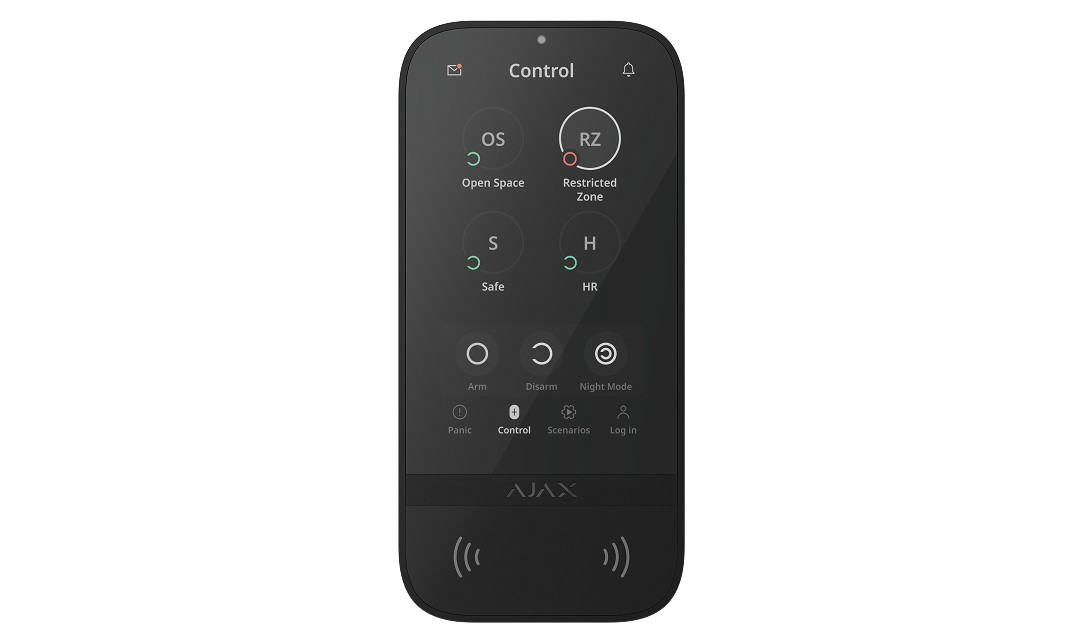
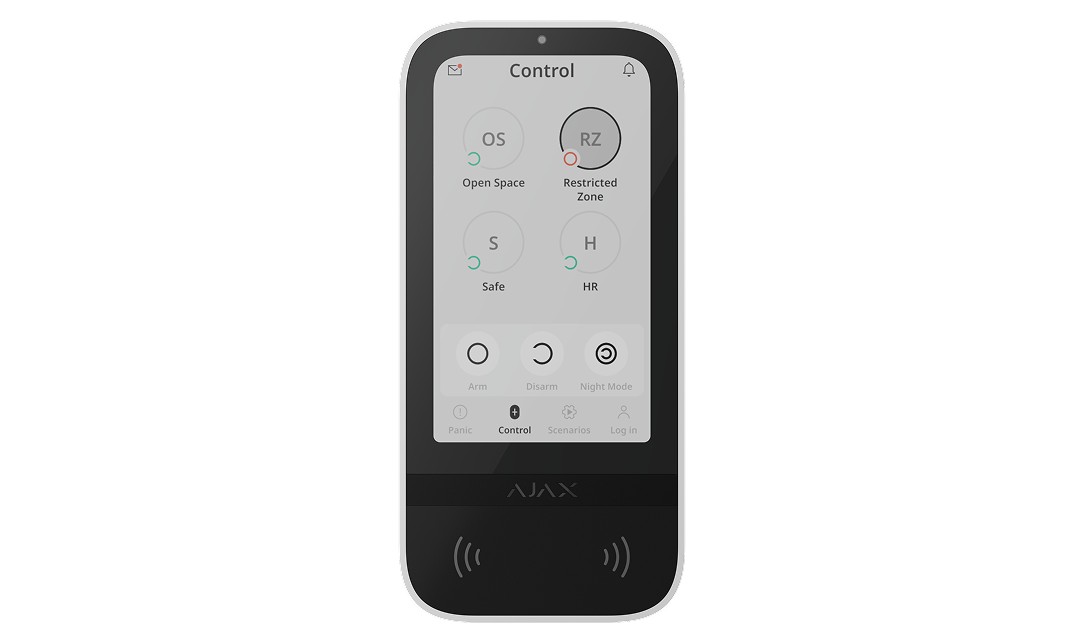
- 5-inch IPS capacitive touchscreen, 480 × 854 px, with automatic or manual brightness, dark and light interface and a 30,000-hour backlight.
- Control by codes, Pass cards and Tag key fobs (DESFire EV1 and EV2, 13.56 MHz) or a smartphone with the Ajax app over Bluetooth Low Energy (BLE 4.2 or later, Android and iOS).
- Up to 200 personal codes and one keypad code, duress codes, and up to 99 codes for unregistered people, depending on the hub model; arming without a code can be enabled.
- Separate tabs for panic, fire and auxiliary help alarms, up to 6 scenario buttons for automation devices, and the last 100 events since you last checked.
- Built-in buzzer for alarms, door openings and entry and exit delays; the logo can light red when the system or group is armed.
- Auto screen wake-up as you approach, with the distance adjustable in the app, and optional pre-authorisation so status is hidden until a code or card is presented.
- Six AA lithium batteries, pre-installed, last up to 1.5 years with default settings and up to 4 interactions a day; they become the backup when 10.5 to 14 V DC external power is connected.
- Jeweller radio up to 1,700 m in open space, Wings for large data packets, tamper alarm, a holding screw on the SmartBracket and auto-lock after more than 3 wrong codes or unverified cards within 1 minute.
What else you need
An Ajax Hub 2, Hub 2 (4G) or Hub 2 Plus (or ReX 2) and the Ajax app. Only if you want the display always active or want to update the firmware, you also need a 10.5 to 14 V DC supply (up to 0.4 A) at the keypad; for card access you need Ajax Pass cards or Tag fobs.
Installation
Mount it indoors on the SmartBracket mounting panel and secure it with the holding screw. If you use external power, an installer runs a 12 V DC feed to the keypad. An Ajax installer can position it, add it to the hub and set up codes, cards and scenario buttons.
Software and licences
Everything is configured in the Ajax app: codes, access devices, Bluetooth authorisation, scenario buttons and pre-authorisation. Firmware updates are run from the app and need external power connected. The keypad icon is not shown in the Ajax Security System app version 3.0 and later.
Before you buy
- Not compatible with Hub Jeweller, Hub Plus Jeweller or third-party panels: check you have a Hub 2 family hub.
- Firmware updates and the always-on display both need 10.5 to 14 V DC external power.
- Indoor use only.
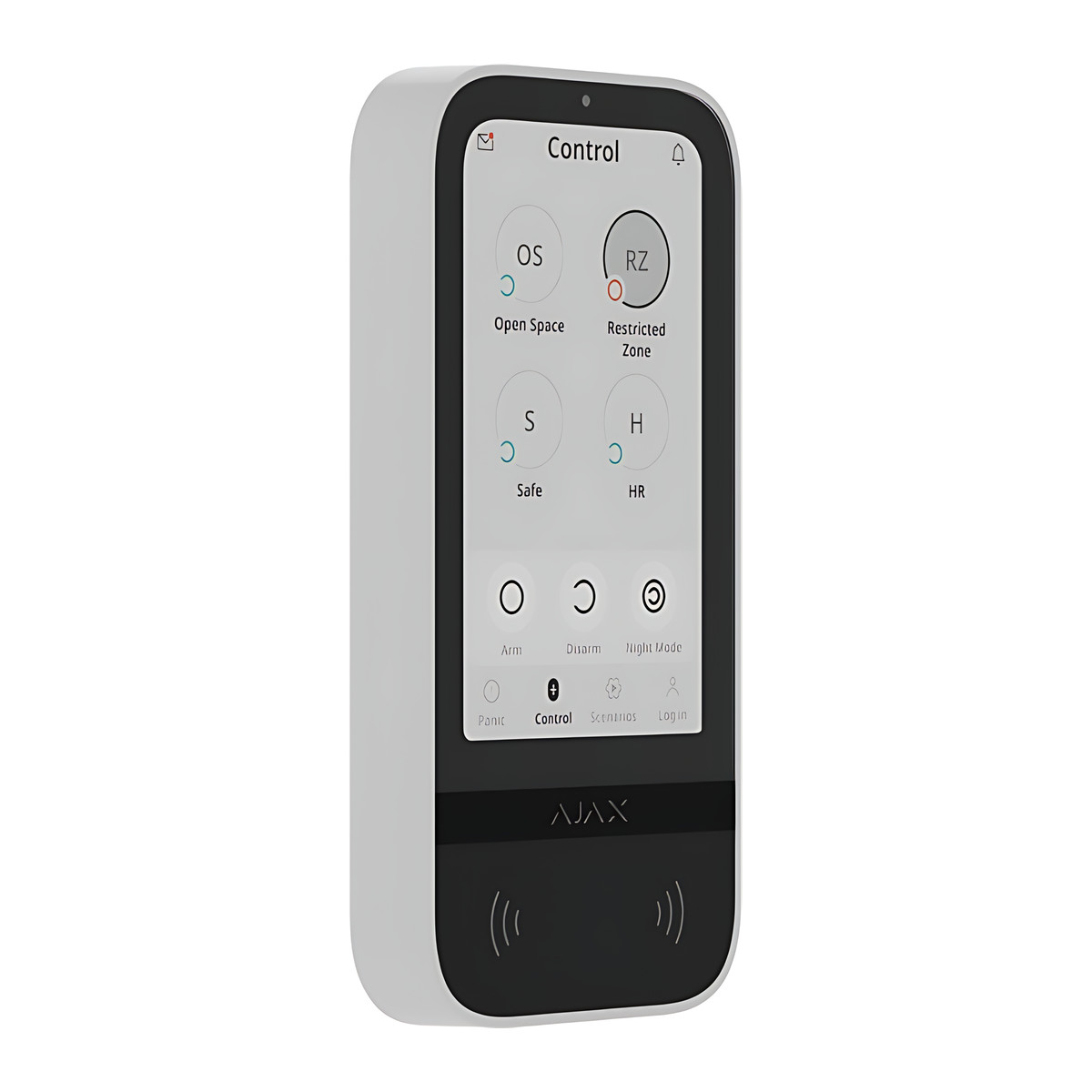
- Choose black or white; the keypad is 172 × 82 × 26 mm.
Features
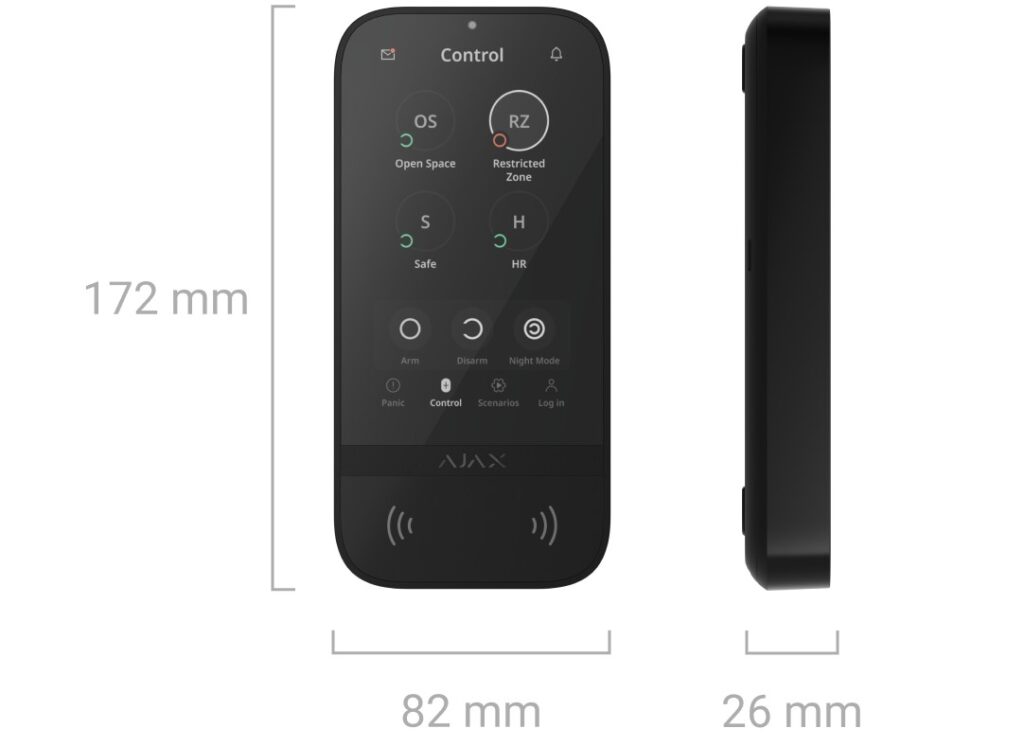
Size and fit
- Dimensions
- 172 × 82 × 26 mm
- Weight
- 325 g (black), 329 g (white)
Technical specifications
Key facts
- What is it?
- Keypads & RemotesBrand Ajax, model KP.TS.J
- How is it powered?
- Battery: 6 × AA lithium, Pre-installed
- What comes in the box?
- KeyPad TouchScreen Jeweller; SmartBracket mounting panel; 6 x AA battery (pre-installed); Installation kit and 1 more
- Which documents are available?
- Datasheet, online manual, software (2), regional compliance reference (2), online specifications (3) Open documents
- Can SecurityGearHub help with installation?
- Setup guidanceManuals, wiring guides and answers to setup questions. On-site work is arranged separately where available. Ask about installation
- Not stated by the manufacturer
- outdoor rating
RelatedSolutionIntrusion alarm systemsGuideWireless alarm system guideDocumentsAll Ajax documents
General
- Manufacturer model
- KP.TS.J
- Frequency Bands
- 866.0 to 866.5 MHz, 868.0 to 868.6 MHz, 868.7 to 869.2 MHz, 905.0 to 926.5 MHz, 915.85 to 926.5 MHz, 921.0 to 922.0 MHz (depends on sales region)
- Maximum Effective Radiated Power
- Up to 20 mW
- Radio Range (Open Space)
- Up to 1,700 m
- Encryption
- Block encryption with dynamic key
- Frequency Hopping
- Yes
- Communication Loss Detection
- After 36 s (depends on Jeweller settings)
- Display
- 5-inch IPS touchscreen, 480 × 854 px, automatic or manual brightness
- Control Methods
- Codes, Tag key fobs, Pass cards, smartphone via Bluetooth Low Energy
- Contactless Access
- DESFire EV1, EV2; ISO 14443-A (13.56 MHz)
- Access Codes
- Up to 200 personal codes (depends on hub) plus 1 keypad code
- Panic Buttons
- Panic, fire, auxiliary help
- Scenario Buttons
- Up to 6 on a dedicated tab
- Event Log on Screen
- Up to 100 latest events
- Batteries
- 6 × AA lithium (pre-installed), backup when external power is used
- External Power
- 10.5 to 14 V DC, up to 0.4 A (required for firmware updates and always-on display)
Input
- Power supply
- Battery: 6 × AA lithium, Pre-installed; Type: type C; Calculated battery life: up to 1.5 years, Keypad’s operating voltage range, 10.5 to 14 V DC, up to 0.4 A, Keypad’s nominal operating voltage, 12 V DC, Quiescent keypad’s current consumption at nominal voltage, 46 μA, Maximum keypad’s current consumption at nominal voltage, 1.5 mA (With default settings and up to 4 interactions with a keypad per day. The batteries serve as a backup when the external power supply is connected); Full battery capacity: 2,650 mAh; Low battery voltage: 6.6 V DC; Low battery recovery voltage: 8.1 V DC; End-of-life battery voltage: 4.92 V DC (Device is switched off); End-of-life battery capacity: 350 mAh
- Battery Life
- Up to 1.5 years (default settings, up to 4 interactions a day)
Protection
- Tamper Alarm
- Yes
Environment
- Operating Temperature
- -10 °C to +40 °C
Physical
- Enclosure
- Dimensions: 172 × 82 × 26 mm; Weight of the black device: 325 g; Weight of the white device: 329 g; Operating temperature range: from -10 °C to +40 °C; Operating humidity: up to 75%
- Dimensions
- 172 × 82 × 26 mm
- Weight
- 325 g (black), 329 g (white)
- Colours
- Black, White
- Warranty
- Manufacturer warranty under Ajax's terms: 2 years. How claims work
Product attributes and shipping details
| Brand | Ajax |
|---|---|
| Colour | Black, White |
| Alarm Technology | Jeweller |
Downloads
Download software
- Ajax Security System (iOS)Version 3.59 · iOS 18.0+ · Released October 28, 2026Prerequisites: Compatible Ajax hub; Ajax account; Device is added to a compatible Ajax hub and configured in Ajax apps (hub required)Licence: Free; account requiredSoftware · Family · apps.apple.comView official download page
- Ajax Security System (Android)Android · Released November 9, 2026Prerequisites: Compatible Ajax hub; Ajax account; Device is added to a compatible Ajax hub and configured in Ajax apps (hub required)Licence: Free; account requiredSoftware · Family · play.google.comView official download page
Documentation
- KeyPad TouchScreen JewellerDatasheet · Family · 10.7 MBDownload
- Ajax KeyPad TouchScreen Jeweller product pageOnline specifications · Family · ajax.systemsView official page
- Ajax KeyPad TouchScreen Jeweller technical specifications pageOnline specifications · Family · ajax.systemsView official page
- Ajax device compatibility with hubs and control elementsOnline specifications · General · ajax.systemsView official page
User manual
- Ajax KeyPad TouchScreen Jeweller: Online manualOnline manual · Family · ajax.systemsView official page
Series documents can differ from your exact model. Report a wrong or missing file
Questions about this product
Does it need external power?
Not for daily use: the six pre-installed AA lithium batteries last up to 1.5 years. External 10.5 to 14 V DC power is needed only for firmware updates and to keep the screen always on.
Can I unlock it with my phone?
Yes. A smartphone with the Ajax app and Bluetooth Low Energy 4.2 or later can authorise you instead of a card or fob.
Which hubs does it work with?
Hub 2, Hub 2 (4G), Hub 2 Plus and the ReX 2 range extender. It does not work with Hub Jeweller or Hub Plus Jeweller.
Can it be fitted outdoors?
No. It is designed for indoor use only, at -10 to 40 °C.
Does it need an internet connection?
No. It talks to the hub by Jeweller and Wings radio; the hub needs its own connection for app alerts.
Can I control lights or gates from it?
Yes. A separate tab holds up to 6 buttons, each controlling one automation device or a group of them.
Ask about this modelSetup, compatibility, what is in the box
Answers are automated. Do not enter personal or account details.
Looking for an alternative?
We list alternatives only when we have checked they suit the same job. Compare other models in the category, or ask us to suggest one for your site.