
At a glance
- Face Capacity
- 10,000 (1:N) / 50,000 (1:1)
- Palm Capacity
- 5,000 (1:N) / 20,000 (1:1)
- User Capacity
- 50,000
- Display
- 2.4 in touchscreen TFT, 240 × 320
- Face Recognition Speed
- Under 100 ms
- Protection
- IP66
 Model OmniAC20-W[RNP]
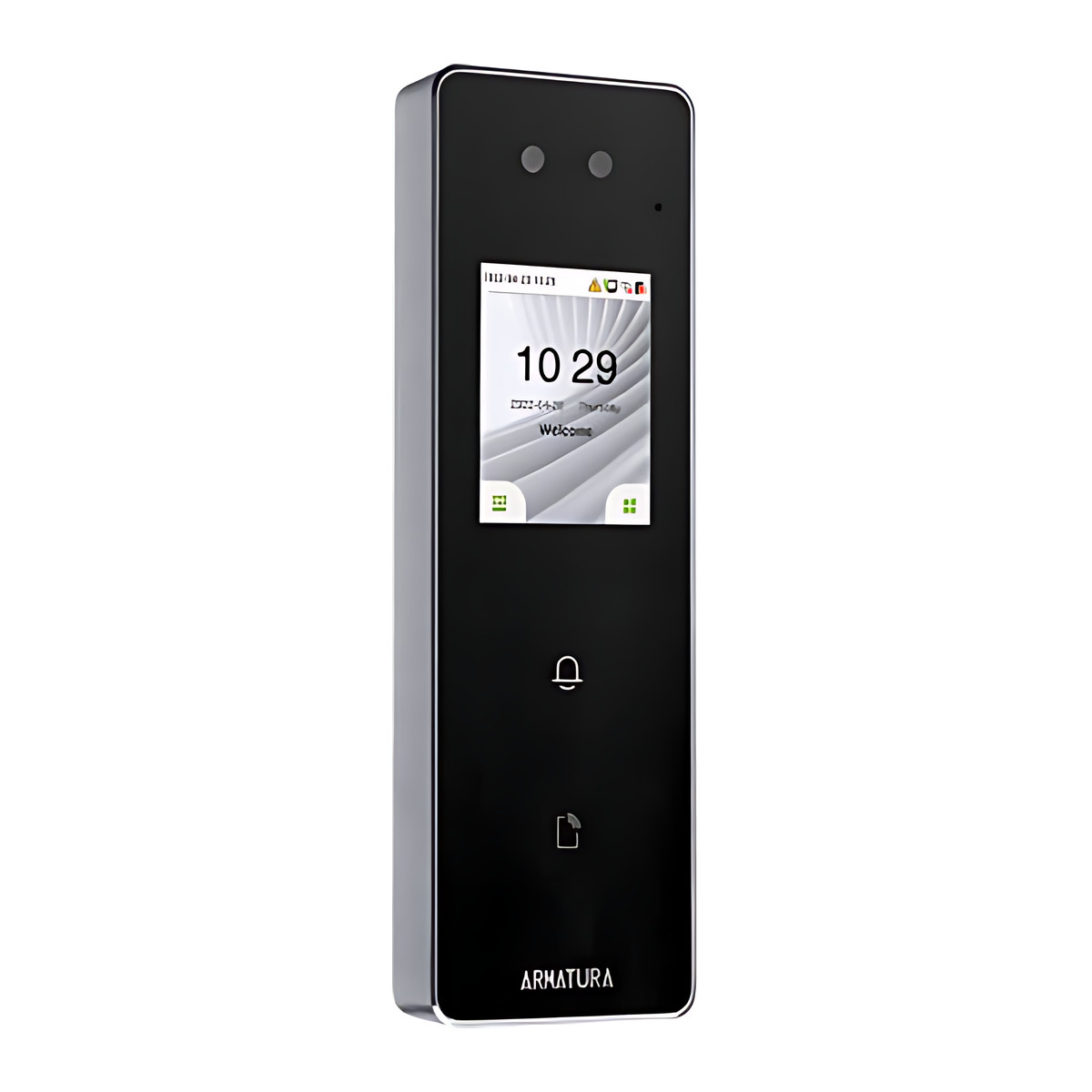
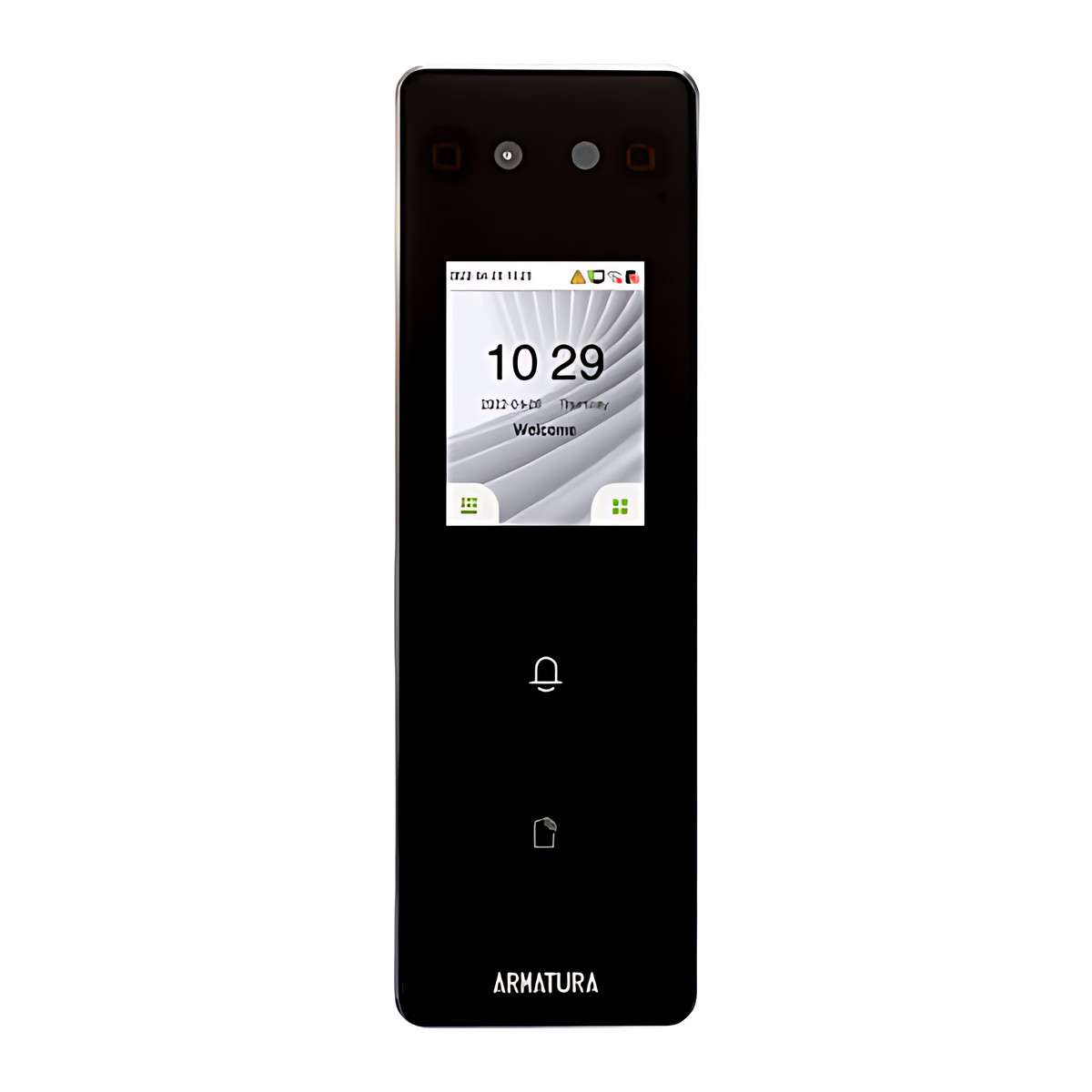
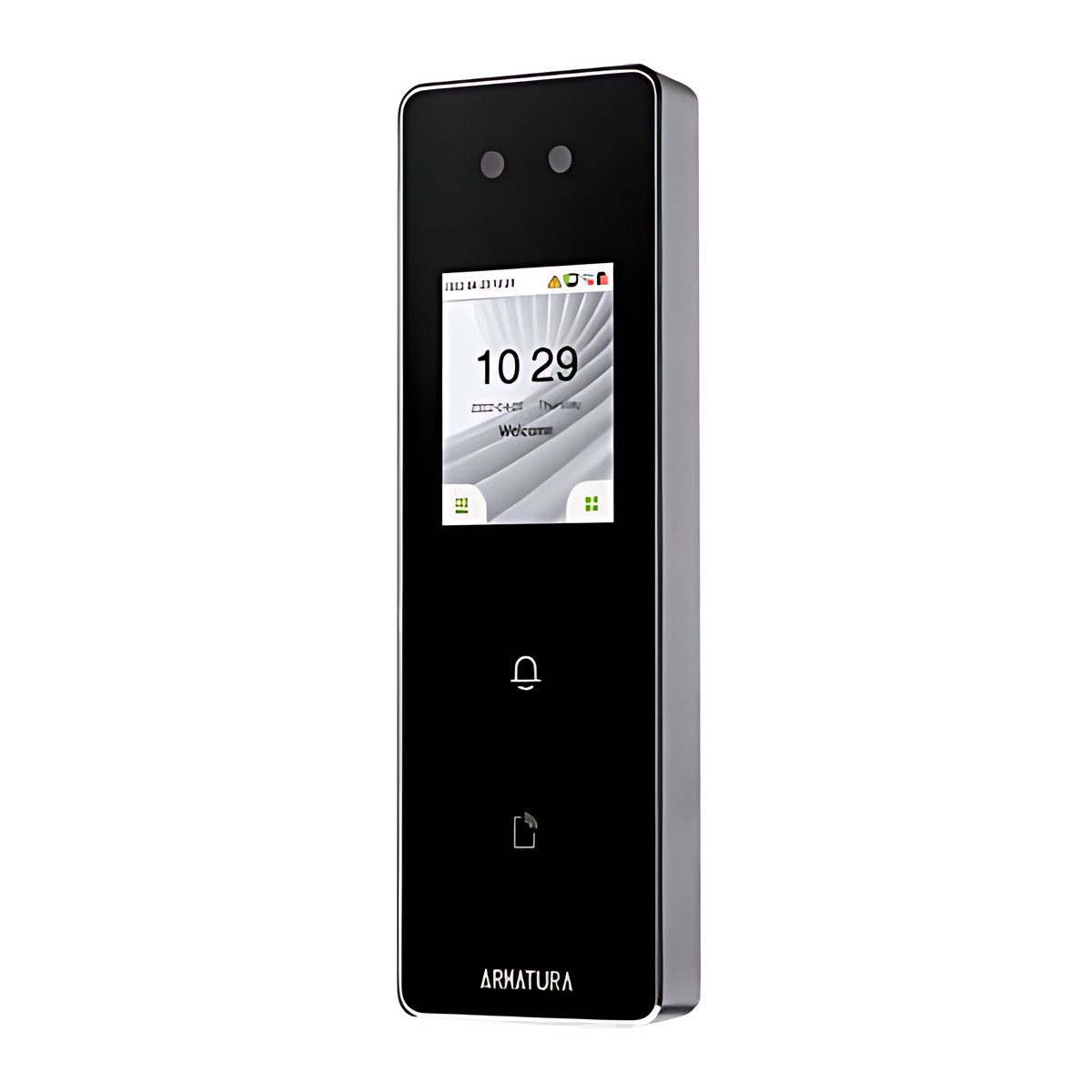
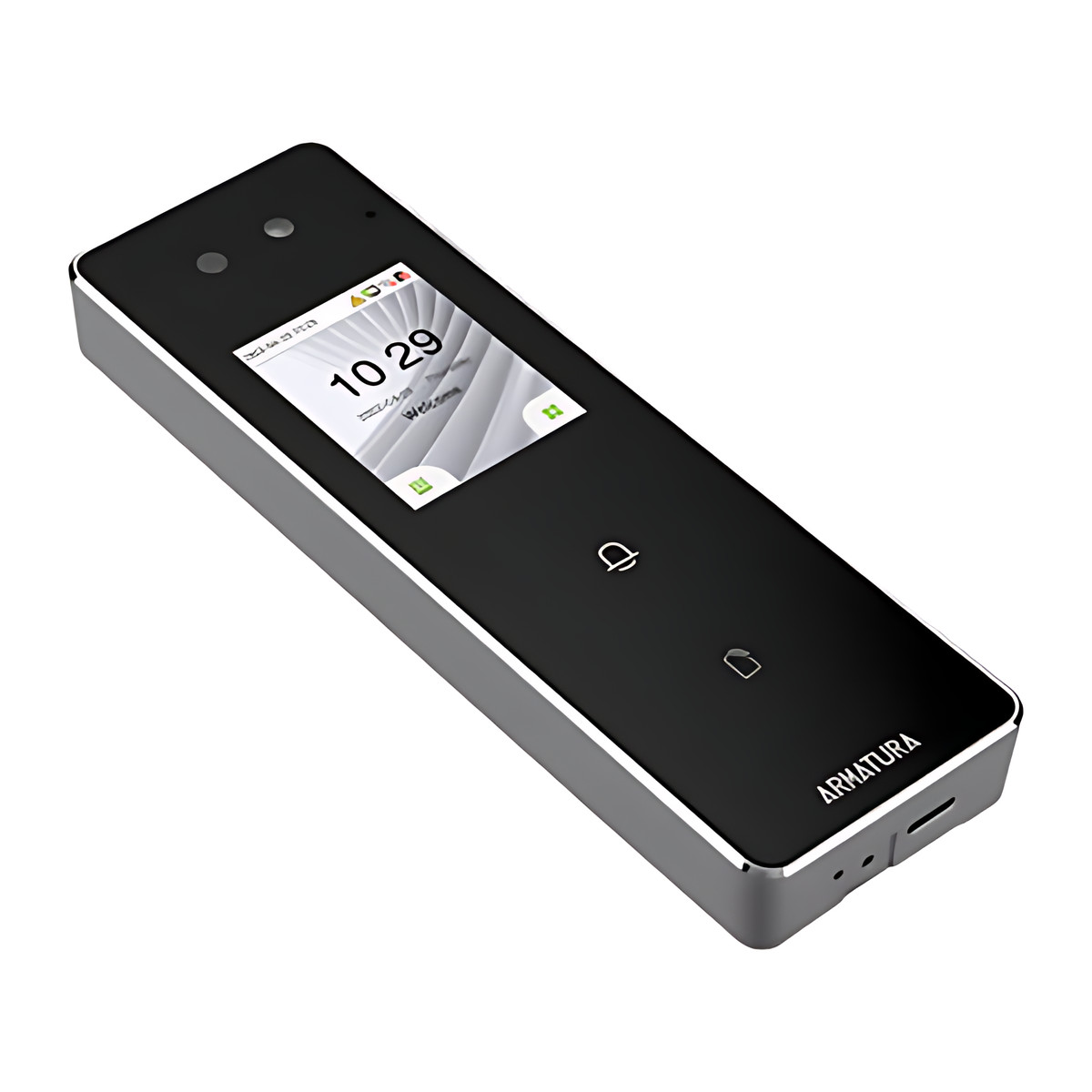
Armatura OmniAC20-W[RNP] Face and Palm Access Control Terminal, IP66
₹92,386 Incl. GST
₹78,293 + 18% GST
At a glance
- Face Capacity
- 10,000 (1:N) / 50,000 (1:1)
- Palm Capacity
- 5,000 (1:N) / 20,000 (1:1)
- User Capacity
- 50,000
- Display
- 2.4 in touchscreen TFT, 240 × 320
- Face Recognition Speed
- Under 100 ms
- Protection
- IP66
Compact door terminal that opens by face or palm, with cards and QR codes as a fallback, for offices, clinics and outdoor side gates. 2.4 inch touchscreen, IP66, 50,000 users, Wi-Fi and video intercom. [RNP] card module. Phone credentials need the RNPB or RNIB version.
- Mobile credentials
- MDF
- Not supported on this version
- RNI
- Not supported on this version
- RNIB
- Armatura ID app, supported on this version
- RNP
- Not supported on this version
- RNPB
- Armatura ID app, supported on this version
- RNP
- The card module fitted to this version. Operating frequency: 125 kHz; 13.56 MHz (ISO 14443 A and B, JIS X6319, ISO 15693); 2.4 GHz Bluetooth (BLE).
Part of the Armatura OmniAC Series. Compare all 10 models
- WarrantyManufacturer warranty under Armatura's terms. Warranty claims
- DeliveryPrice, availability and delivery charges are confirmed in your quotation. Shipping and delivery
Overview
The Armatura OmniAC20-W[RNP] is a compact door terminal that opens a door by face or palm, with cards and QR codes as a fallback for visitors and contractors. A dual camera and on-board AI processor do the matching on the terminal, and the IP66 housing lets it stand outdoors as well as inside.
This version is fitted with the [RNP] card module.
Is it right for you?
- Suits clinics, schools and co-working spaces, where touchless face or palm entry avoids shared keypads and lost cards matter less.
- It controls one door. For several doors managed together, pair terminals with an Armatura AHDU controller.
- It needs its own 12 to 24 V DC supply, since it has no PoE input. If you want PoE, see the OmniAC30.
- Choose this version when your existing cards match the [RNP] card module. If you want phone credentials, choose the RNPB or RNIB version.
Key features
- Face recognition in under 100 ms and palm recognition in under 140 ms, each with liveness detection, plus mask detection.
- Face recognition from 40 to 140 cm with dual camera liveness, or 40 to 200 cm with single camera liveness; palm recognition from 18 to 40 cm.
- 50,000 users as standard (100,000 optional), with 10,000 faces and 5,000 palms for 1:N matching (50,000 faces and 20,000 palms in 1:1 mode).
- Reads 125 kHz and 13.56 MHz cards (ISO 14443 A and B, JIS X6319, ISO 15693) at up to 50 mm and scans Armatura ID and static QR codes. Bluetooth phone credentials need the RNPB or RNIB version.
- 2.4 inch touchscreen (240 x 320), speaker and microphone, and SIP v2.0 video intercom.
- 3 relays (1 A at 30 V DC), Wiegand in and out, exit button, door sensor and four auxiliary inputs, and OSDP RS-485 for one extra reader.
- 10/100 Ethernet and Wi-Fi, with TLS 1.2 to the server and AES128 to OSDP readers and panels.
- 1,000,000 event records, 99 access groups, magnetic tamper detection and IP66 weather protection.
What else you need
A 12 to 24 V DC supply (12 V DC at 3 A or 24 V DC at 1.5 A, 10 W maximum), since there is no PoE input.
An electric lock, a lock power supply and an exit button, plus a door sensor (door position sensor) if you want door held or forced alarms.
A network connection by Ethernet or Wi-Fi if you want to manage it from a server or use the video intercom.
Installation
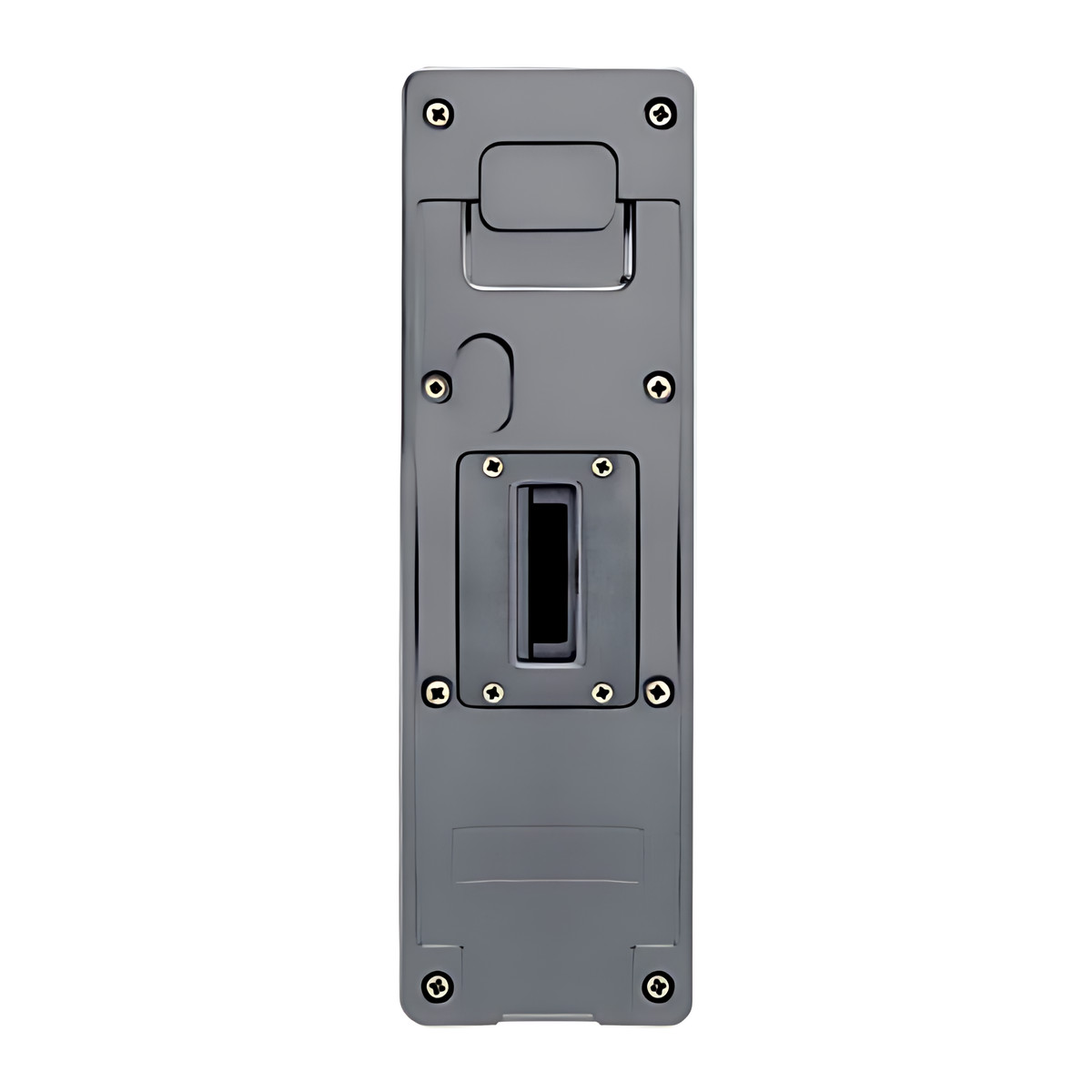
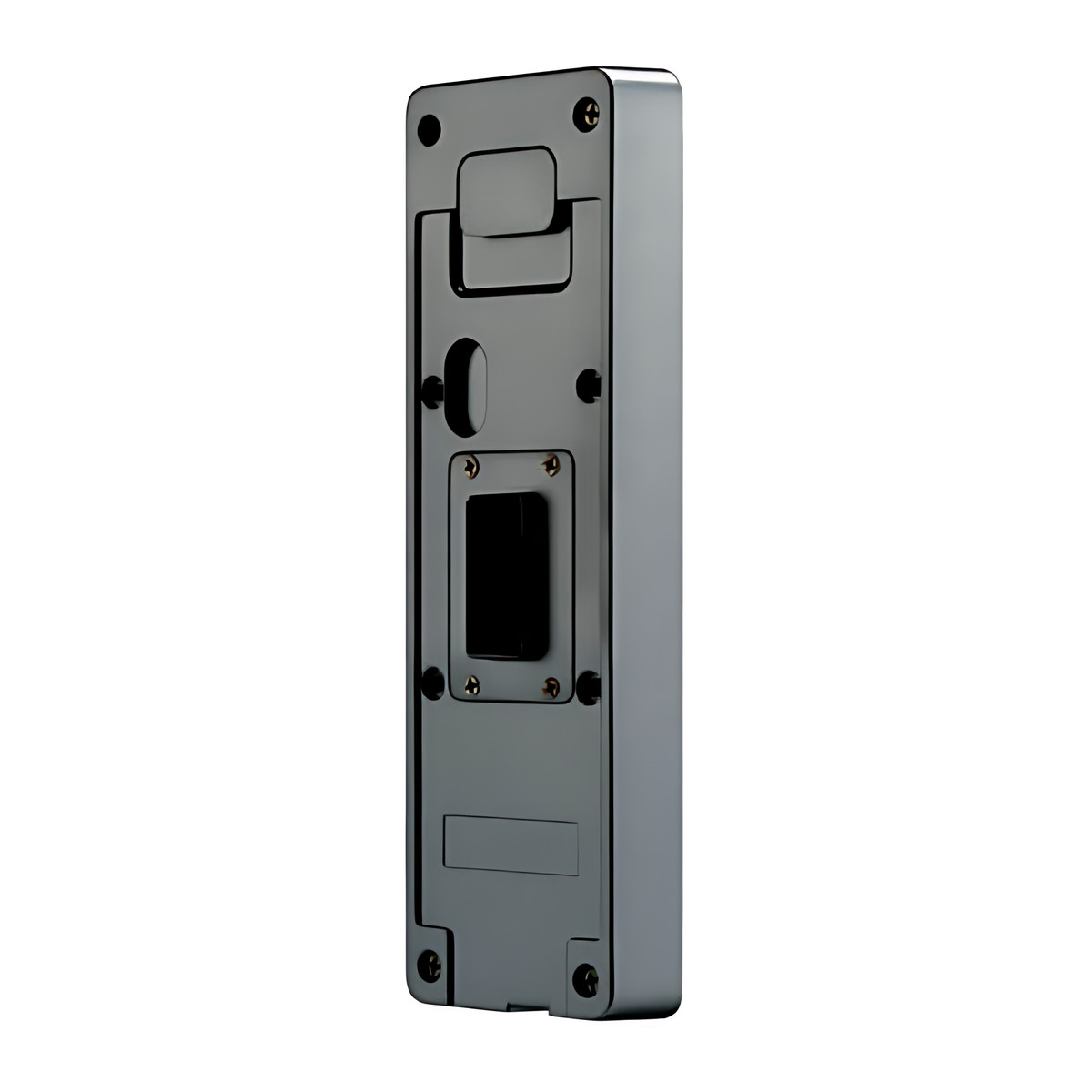
An access control installer should fit it. Mount it at about 1.4 m with the tilted plate, or 1.5 m with the flat plate, for good face and palm angles. The job involves wiring the DC supply, lock, exit button and door sensor, connecting the network, and enrolling users.
Software and licences
Works as a standalone terminal, and can pass credentials to an Armatura AHDU controller or a third-party panel over Wiegand. The Armatura ID app provides QR codes; Bluetooth phone credentials need the RNPB or RNIB version.
Before you buy
- Card support depends on the [RNP] module, so tell us the card technology you use.
- It controls one door and has no PoE input.
Technical specifications
Key facts
- What is it?
- Face recognition terminalBrand Armatura
- How is it powered?
- 12 to 24 V DC
- Does it support RS-485?
- Yes
- Does it support OSDP?
- YesOSDP v2.0
- Does it support Wiegand?
- Yes
- Can it be used outdoors?
- IP66Outdoor (all-weather)
- What capacity does it support?
- 10,000 faces5,000 palms50,000 cards50,000 users1 door1,000,000 transaction records
- Which documents are available?
- Brochure, user manual, installation guide, software (2), online specifications Open documents
- Can SecurityGearHub help with installation?
- Setup guidanceManuals, wiring guides and answers to setup questions. On-site work is arranged separately where available. Ask about installation
- Not stated by the manufacturer
- PoE, software, box contents
RelatedSeriesArmatura OmniAC Series, 10 modelsGuideFace vs fingerprint attendance machineDocumentsAll Armatura documents
- Model / configuration
- OmniAC20- W[RNP]
- Configuration
- 1. Deep-learning palm recognition.
2. Face+Palm+QR code+RFID, standalone readers.
3. IP66 Indoor/Outdoor use. 2.4-inch touch screen.
4.Wi-Fi - Card Module
- [RNP]
- Mobile Credentials
- Not supported on this version (Armatura ID mobile credentials need the RNPB or RNIB version)
- Power Supply
- 12 V DC at 3 A to 24 V DC at 1.5 A; 10 W max
- Memory
- 1 GB RAM + 8 GB Flash
- Cameras
- 2 MP visible light CMOS and 1.3 MP global-shutter IR CMOS
- Display
- 2.4 in touchscreen TFT, 240 × 320
- Relays
- 3
- User Capacity
- 50,000 (100,000 optional)
- Card Capacity
- 50,000 (100,000 optional)
- Face Capacity
- 10,000 (1:N) / 50,000 (1:1)
- Palm Capacity
- 5,000 (1:N) / 20,000 (1:1)
- Operating Frequency
- 125 kHz; 13.56 MHz (ISO 14443 A and B, JIS X6319, ISO 15693); 2.4 GHz Bluetooth (BLE)
- CPU
- 1.2 GHz quad-core ARM, 2.4 TOPS NPU
- Ethernet
- 10Base-T / 100Base-TX, auto MDI/MDIX
- RS-485
- OSDP v2.0 / v2.2 (depends on firmware)
- Inputs
- Wiegand, exit button, door sensor, auxiliary (4 TTL inputs)
- Outputs
- Wiegand, lock relay, alarm relay
- Relay Contact Rating
- 1 A at 30 V DC resistive
- Data Protection
- TLS 1.2 to server; AES128 to OSDP readers and panels
- Video Intercom
- SIP v2.0
- Audio
- Speaker and microphone
- RFID Reading Distance
- Up to 50 mm
- Face Recognition Distance
- 400 to 1,400 mm
- Face Recognition Accuracy
- TAR 99% at FAR 0.01%
- Face Recognition Speed
- Under 100 ms (field test)
- Face Liveness Detection
- Yes (infrared plus visible light, or visible light)
- Mask Detection
- Yes
- Palm Recognition Distance
- 180 to 400 mm
- Palm Recognition Accuracy
- TAR 98.7% at FAR 0.01%
- Palm Recognition Speed
- Under 140 ms (field test)
- QR Code
- Armatura ID QR and customisable static QR
- Transaction Buffer
- 1,000,000 records
- Access Groups
- 99
- Doors Controlled
- 1 on board; 1 OSDP or Wiegand reader supported
- Recommended Mounting Height
- 1.4 m with tilted plate; 1.5 m with horizontal plate
- Protection
- IP66
- Tamper
- Magnetic tamper detection
- Operating Environment
- Outdoor (all-weather)
- Warranty
- Manufacturer warranty under Armatura's terms. How claims work
Product attributes and shipping details
| Brand | Armatura |
|---|---|
| Connectivity | OSDP, SIP, Wiegand, RS-485 |
| Environment | Outdoor |
| Verification | Face |
| IP Rating | IP66 |
Downloads
Download software
- Armatura Connect (iOS)Version 3.9 · iOS 14.1+ · Released June 24, 2026Prerequisites: Bluetooth (smartphone-based parameter configuration); Armatura CONNECT user manual listed on OmniAC20 pageLicence: FreeSoftware · Family · apps.apple.comView official download page
- Armatura Connect (Android)Version 1.2.9 · Android 9+ · Released October 30, 2026Prerequisites: Bluetooth; Armatura CONNECT user manual listed on OmniAC20 pageLicence: FreeSoftware · Family · play.google.comView official download page
Documentation
- Armatura OmniAC Series brochureBrochure · Family · d1agmp9y4cki1i.cloudfront.netDownload
- Armatura OmniAC20- W[RNP] product pageOnline specifications · Family · zkteco.inView official page
User manual
- OmniAC20 User ManualModels: OmniAC20 · Revision v2.2, January 2025User manual · Family · armatura.usDownload
Installation guide
- OmniAC20 Installation Guide (Version 1.6)Models: OmniAC20 · Revision 1.6Installation guide · Family · armatura.usDownload
Series documents can differ from your exact model. Report a wrong or missing file
Questions about this product
Can it be installed outdoors?
Yes. The housing is IP66 rated for indoor or outdoor doors, including all-weather use.
Does it work with phones?
Not this version. QR codes from the Armatura ID app work, but Bluetooth phone credentials need the RNPB or RNIB version.
What power does it need?
12 to 24 V DC, up to 10 W. It has no PoE input, so run a separate supply.
How many users can it store?
50,000 users as standard, or 100,000 as an option, with 10,000 faces and 5,000 palms for 1:N matching.
Does it need an internet connection?
No for standalone use. A network connection is needed to manage it from a server or to use the video intercom.
Can it connect to an existing access control panel?
Yes. It passes credentials to an Armatura AHDU controller or a third-party panel over Wiegand, and can take one extra OSDP or Wiegand reader.
Ask about this modelSetup, compatibility, what is in the box
Answers are automated. Do not enter personal or account details.
Looking for an alternative?
We list alternatives only when we have checked they suit the same job. Compare other models in the category, or ask us to suggest one for your site.