
At a glance
- Camera
- CM70, 3840 x 2160 sensor, 4K
- Audio
- 8 MEMS microphones, 4 m pickup, 3 W speaker
- Screen Sharing
- Up to 4K at 30 fps, mirror and extended modes
- Wireless
- 5 GHz, up to 10 m, WPA3-PSK
- Coverage
- Small and medium rooms up to 32 m²
- Display Output
- HDMI from RC10 hub
 Model CA400Current model
Fanvil LINKVIL CA400 Wireless Video Conference Kit, 4K Camera
Price on request
At a glance
- Camera
- CM70, 3840 x 2160 sensor, 4K
- Audio
- 8 MEMS microphones, 4 m pickup, 3 W speaker
- Screen Sharing
- Up to 4K at 30 fps, mirror and extended modes
- Wireless
- 5 GHz, up to 10 m, WPA3-PSK
- Coverage
- Small and medium rooms up to 32 m²
- Display Output
- HDMI from RC10 hub
Meeting room kit for small and medium rooms up to 32 m²: one USB-C cable from a laptop runs the speakerphone, 4K camera and wireless screen sharing in Teams, Zoom or Webex. Auto-framing camera, 8 microphones with 4 m pickup, HDMI to the room display.
Include the required quantity and configuration in your quote request. Price and availability will be confirmed in the quotation.
- WarrantyManufacturer warranty under Fanvil's terms. Warranty claims
- DeliveryPrice, availability and delivery charges are confirmed in your quotation. Shipping and delivery
Overview
What it is
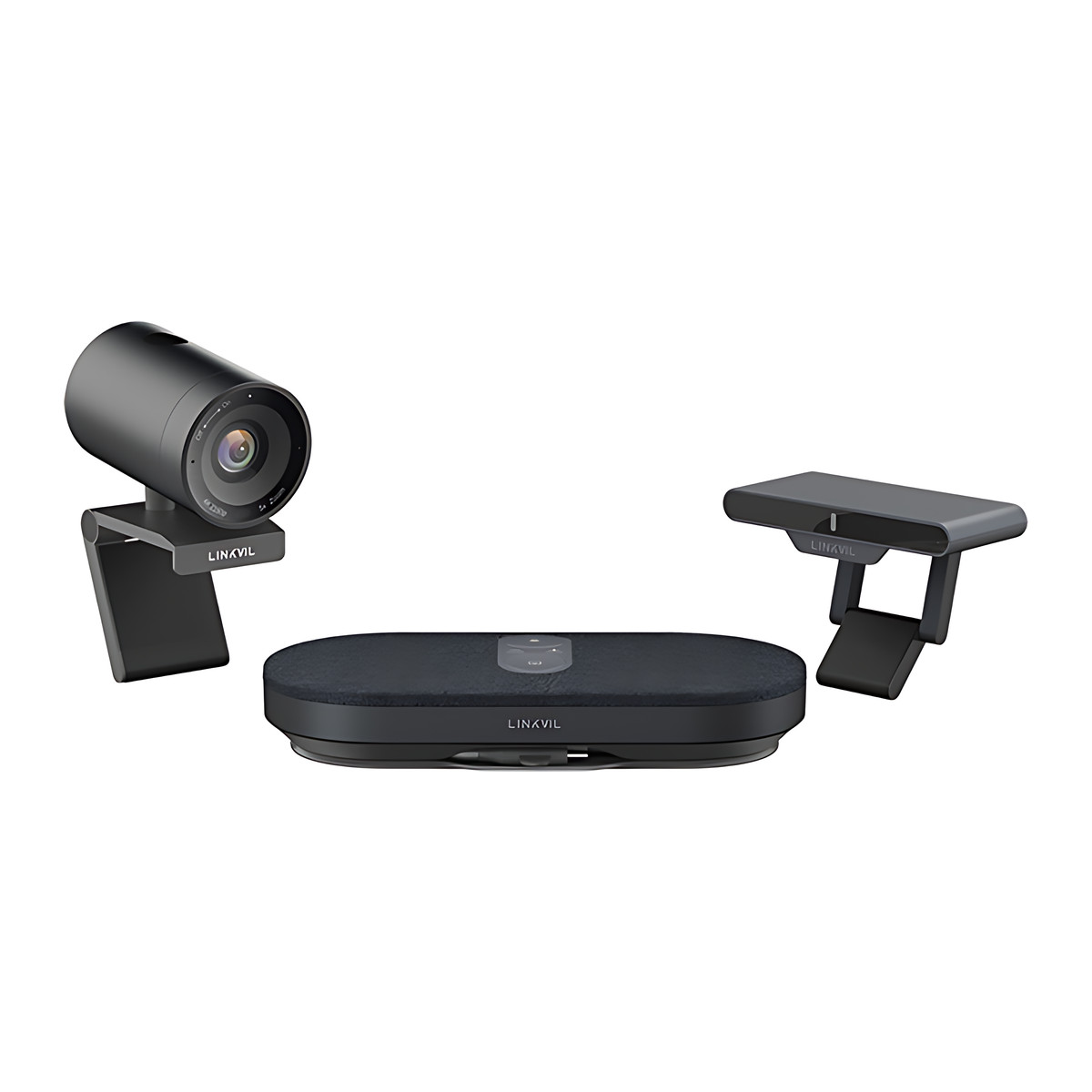
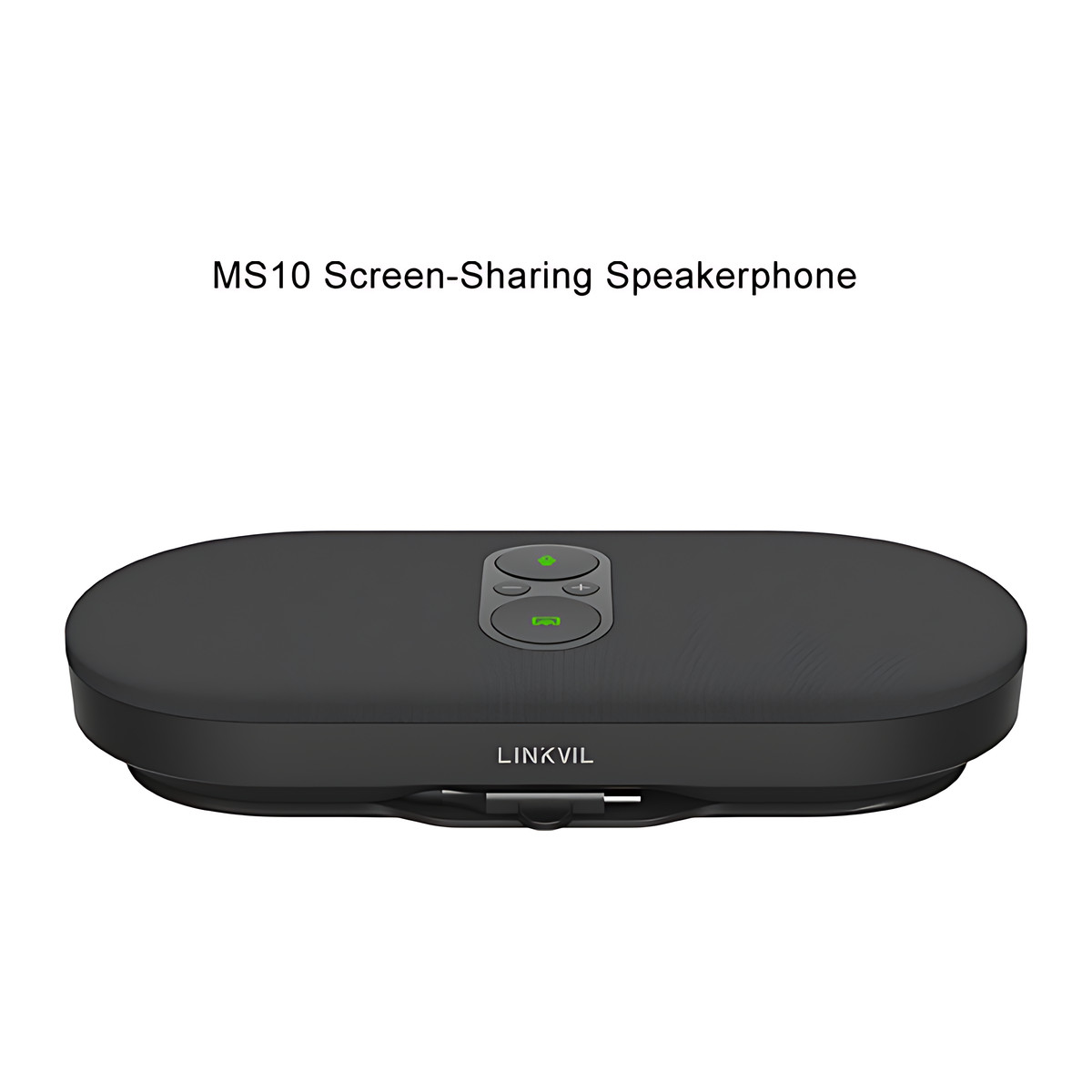
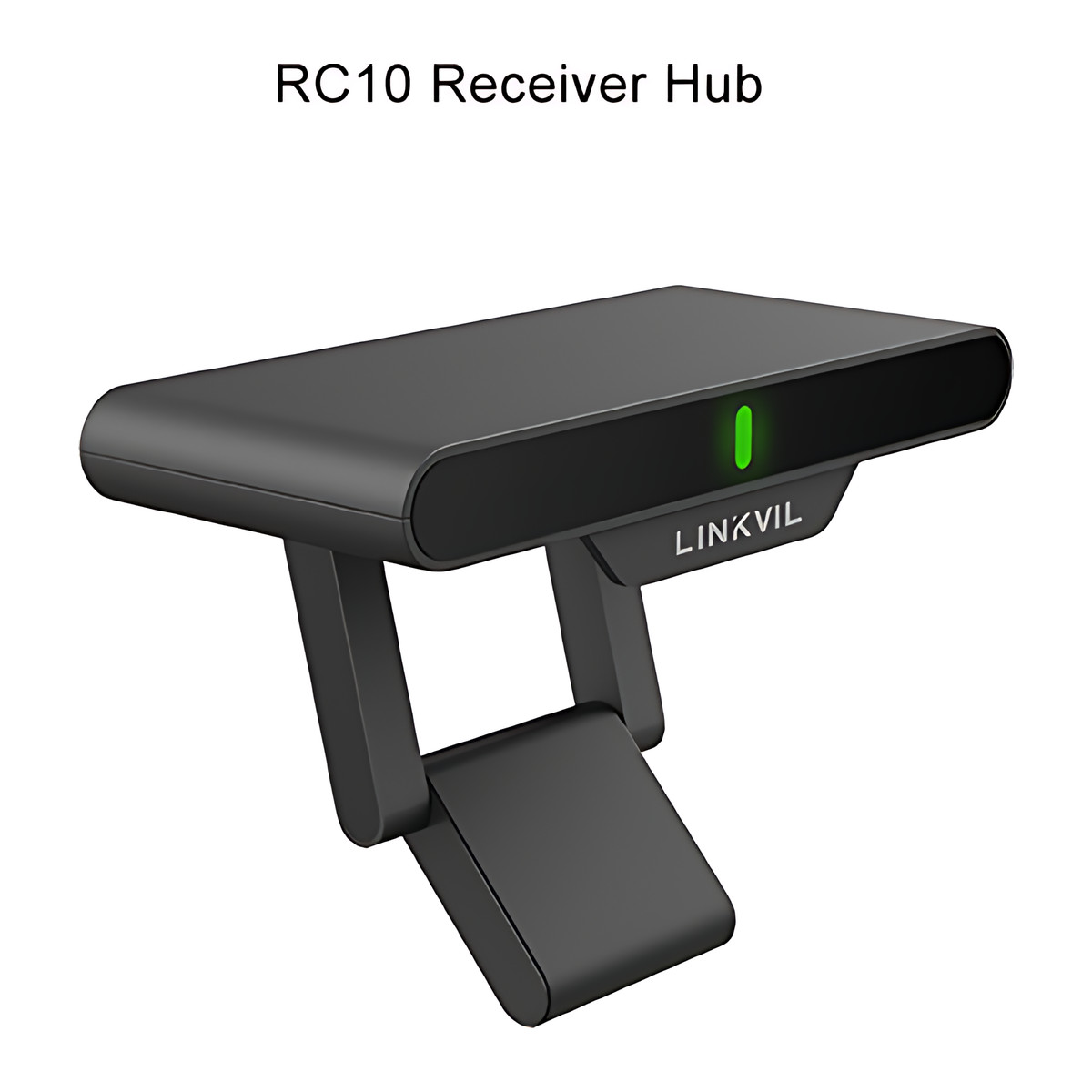
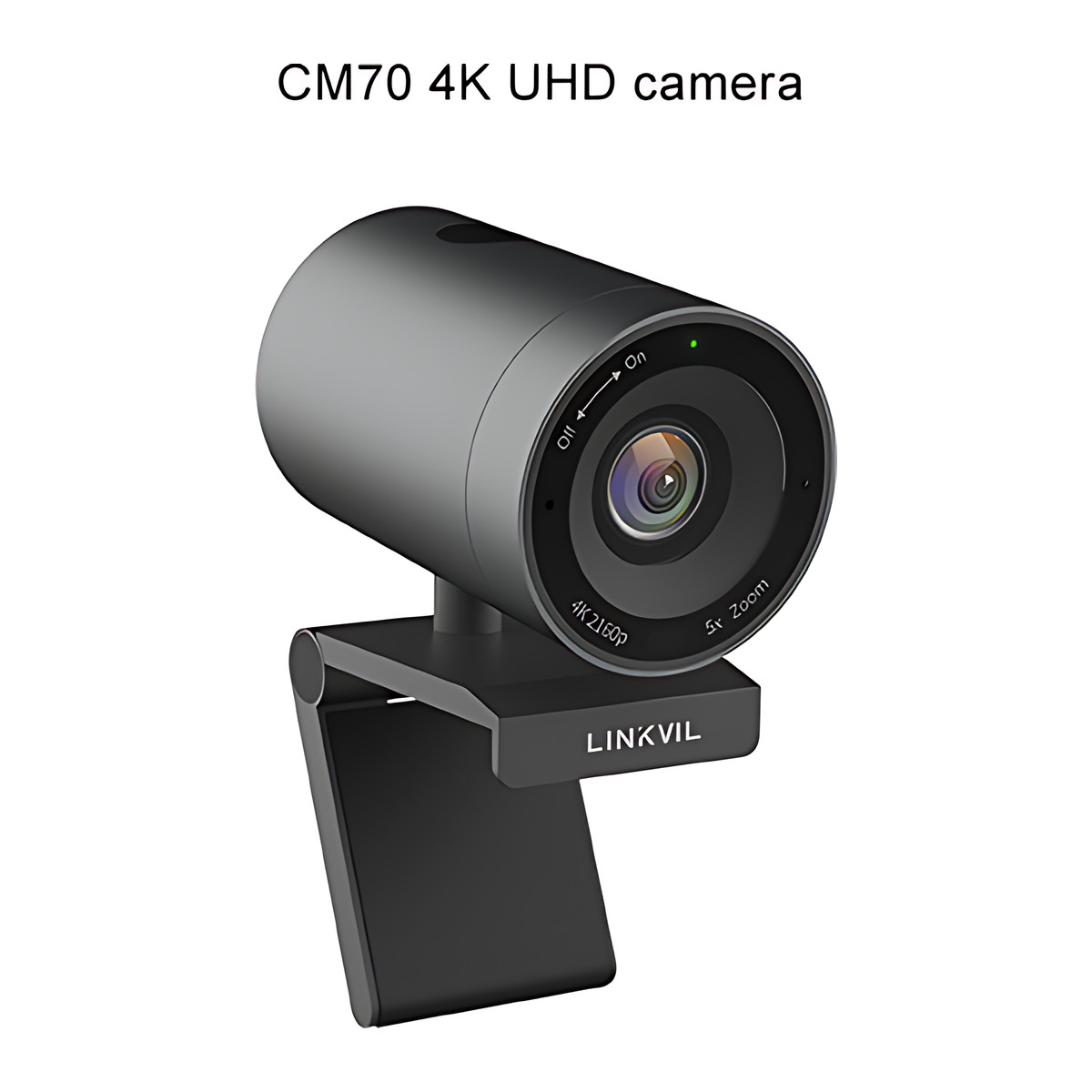
The CA400 is a wireless video conferencing kit from LINKVIL, Fanvil’s wireless UC (unified communications) product line. It contains the MS10 screen-sharing speakerphone, the RC10 receiver hub and the CM70 4K UHD camera.
What it is used for
It equips small and medium meeting rooms, which Fanvil sizes at up to 32 square metres, for bring-your-own-device meetings on Teams, Zoom, Webex, Google Meet and similar apps running on the laptop.
Key features
- One USB-C cable from the laptop enables speakerphone, camera and wireless screen sharing
- 4K at 30 fps wireless screen sharing to the room display over HDMI
- 8 MEMS microphones, 360 degree pickup up to 4 m, with AEC, ANS and AGC
- 3 W speaker
- CM70 camera: 3840 x 2160 sensor, 118.5 degree diagonal view, 5x digital zoom, auto-framing and a magnetic privacy cover
- 5 GHz wireless link up to 10 m with WPA3-PSK encryption
Buying considerations
The room needs a display with an HDMI input. No software or drivers are needed on the laptop. Up to 3 extra CP20 screen-sharing pods can be added, sold separately. Reverse control needs a USB-A to USB-B cable that is not included.
Installation considerations
The RC10 takes 5 V / 2 A USB-C PD power and mounts magnetically or on a stand. The camera clips to a display or uses a tripod thread.
Compatibility
The camera works as a UVC device on Windows 7, Windows 10 and macOS 10.8 or later.
Technical specifications
Key facts
- What is it?
- Conference Phones & Video ConferencingBrand Fanvil, model CA400
- How is it powered?
- RC10: USB-C PD 5 V / 2 A
- Can it be used outdoors?
- Indoor
- Which documents are available?
- User guide (2), quick start guide, firmware Open documents
- Not stated by the manufacturer
- PoE, box contents
- Components
- MS10 speakerphone, RC10 receiver hub, CM70 4K camera
- Camera
- CM70, 3840 x 2160 sensor, 4K at 30 fps over USB 3.0, auto-framing, 5x digital zoom
- Field of View
- 118.5° diagonal, 109.9° horizontal, 74.6° vertical
- Audio
- 8 MEMS microphones, 4 m pickup, 3 W speaker
- Screen Sharing
- Up to 4K at 30 fps, mirror and extended modes
- Wireless
- 5 GHz, up to 10 m, WPA3-PSK
- Coverage
- Small and medium rooms up to 32 m²
- Display Output
- HDMI from RC10 hub
- Laptop Connection
- USB-C (integrated 0.65 m cable)
- Power
- RC10: USB-C PD 5 V / 2 A
- Dimensions
- MS10 180 x 81 x 32 mm; RC10 102 x 45 x 20 mm; CM70 80 x 75 x 53 mm
- Weight
- MS10 385 g; RC10 85 g; CM70 210 g
- Warranty
- Manufacturer warranty under Fanvil's terms. How claims work
Product attributes and shipping details
| Brand | Fanvil |
|---|---|
| Connectivity | HDMI, USB-C, Wi-Fi |
| Environment | Indoor |
| Mounting | Desktop, Display mount |
Downloads
User manual
Firmware
- Fanvil firmware: CA400n/a (device firmware) · Released March 19, 2026Prerequisites: Read release note on page; Firmware update only from this model page; verify MD5 listedLicence: FreeFirmware · Family · fanvil.comView official download page
Series documents can differ from your exact model. Report a wrong or missing file
Questions about this product
Do participants need to install software?
No. Fanvil states screen sharing, camera and audio work plug and play over USB-C without software or drivers.
What size room is the CA400 for?
Fanvil describes it for small and medium meeting rooms up to 32 square metres.
Which conferencing apps does it support?
It acts as a USB camera and speakerphone for the laptop, so it works with apps such as Teams, Zoom, Webex and Google Meet running on that laptop.
Ask about this modelSetup, compatibility, what is in the box
Answers are automated. Do not enter personal or account details.
Looking for an alternative?
We list alternatives only when we have checked they suit the same job. Compare other models in the category, or ask us to suggest one for your site.