
At a glance
- Coverage
- Up to 5 km
- Max Data Rate
- Up to 2,402 Mbps (802.11ax)
- Point to Multipoint
- 1 to 4
- Ethernet Ports
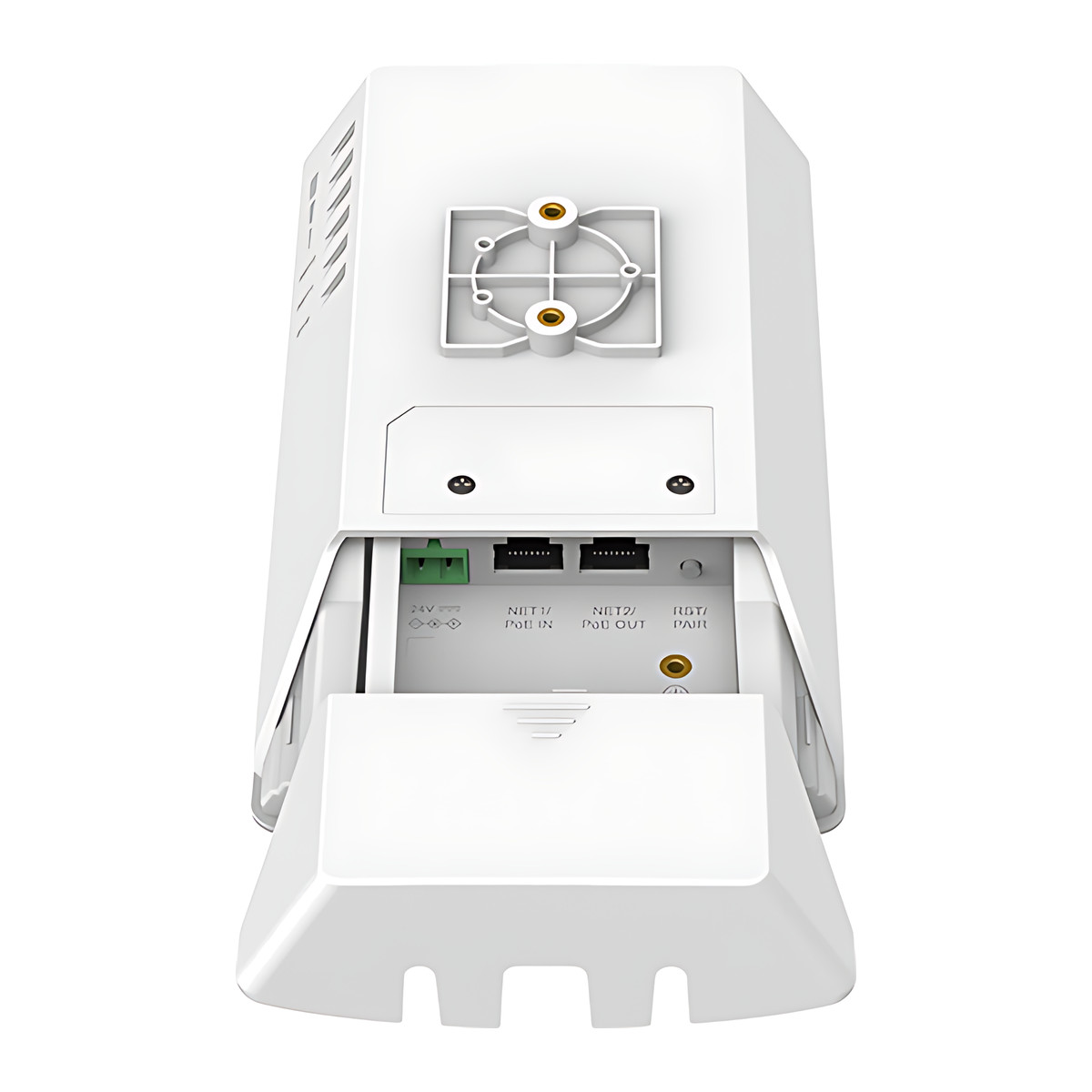
- 1 x Gigabit RJ45 PoE in, 1 x Gigabit RJ45 PoE out
- IP Rating
- IP66
- Wi-Fi Standard
- IEEE 802.11a/n/ac/ax, 5 GHz only
In the box
- GWN7302 wireless bridge
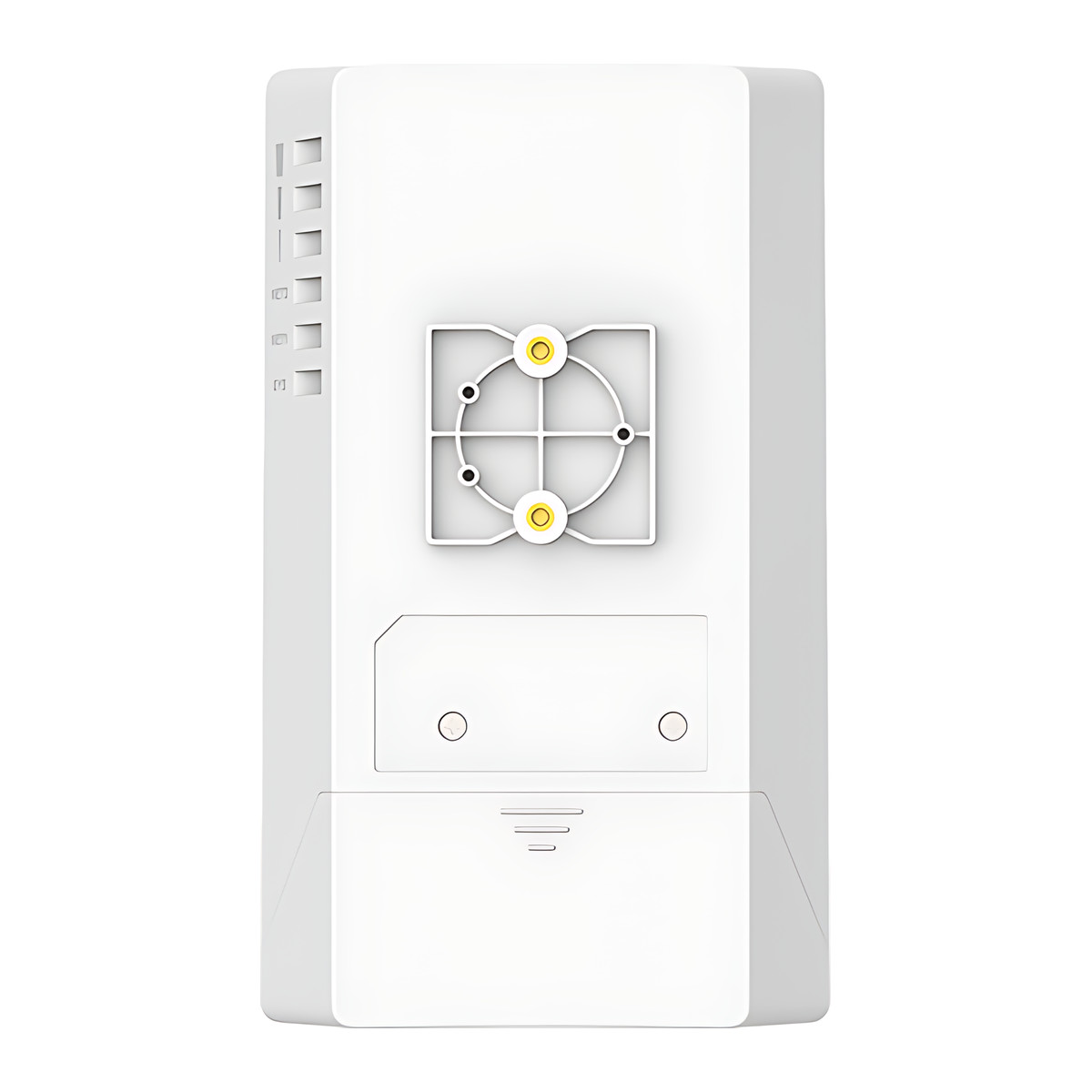
- Mounting kits
- Quick start guide
 Model GWN7302Current model
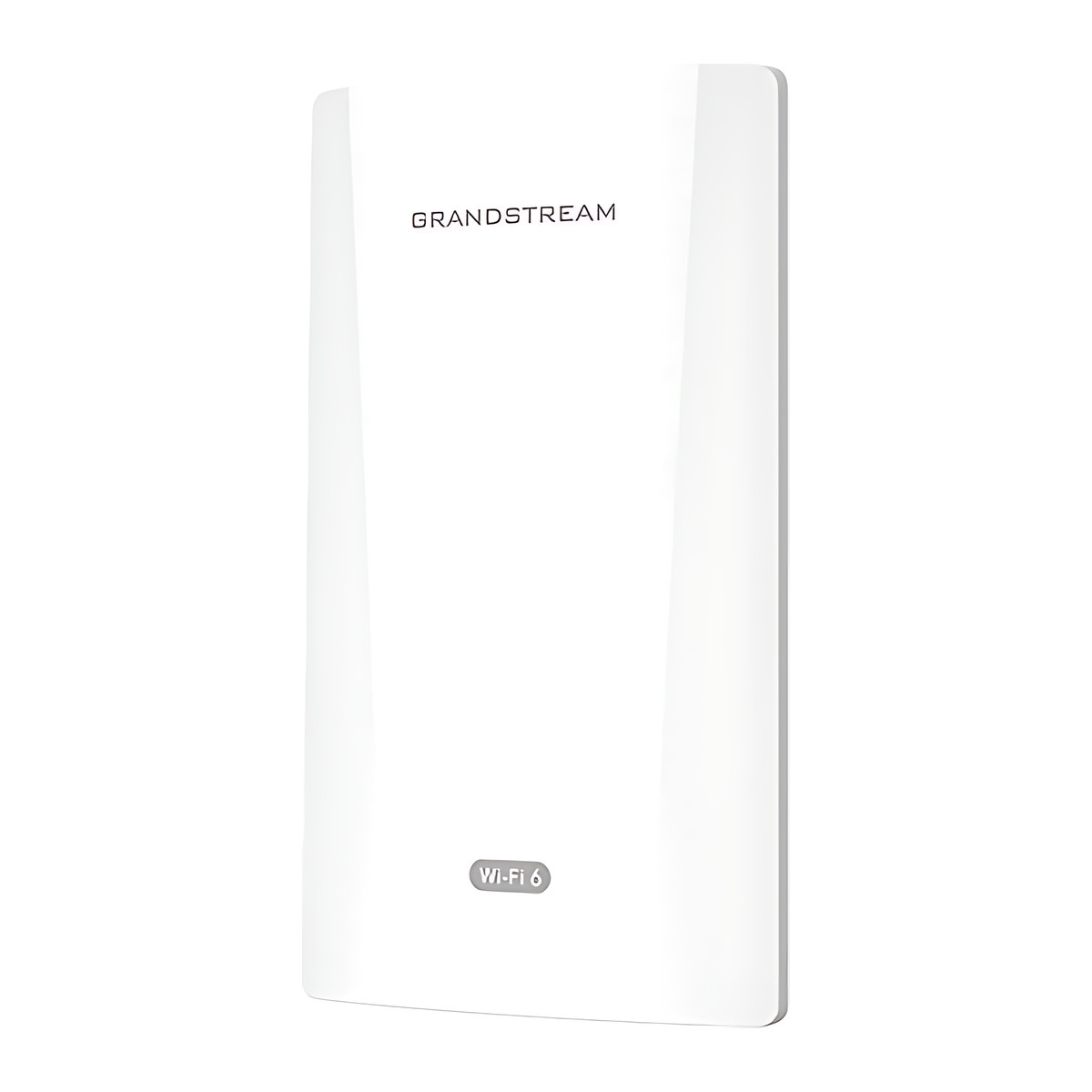
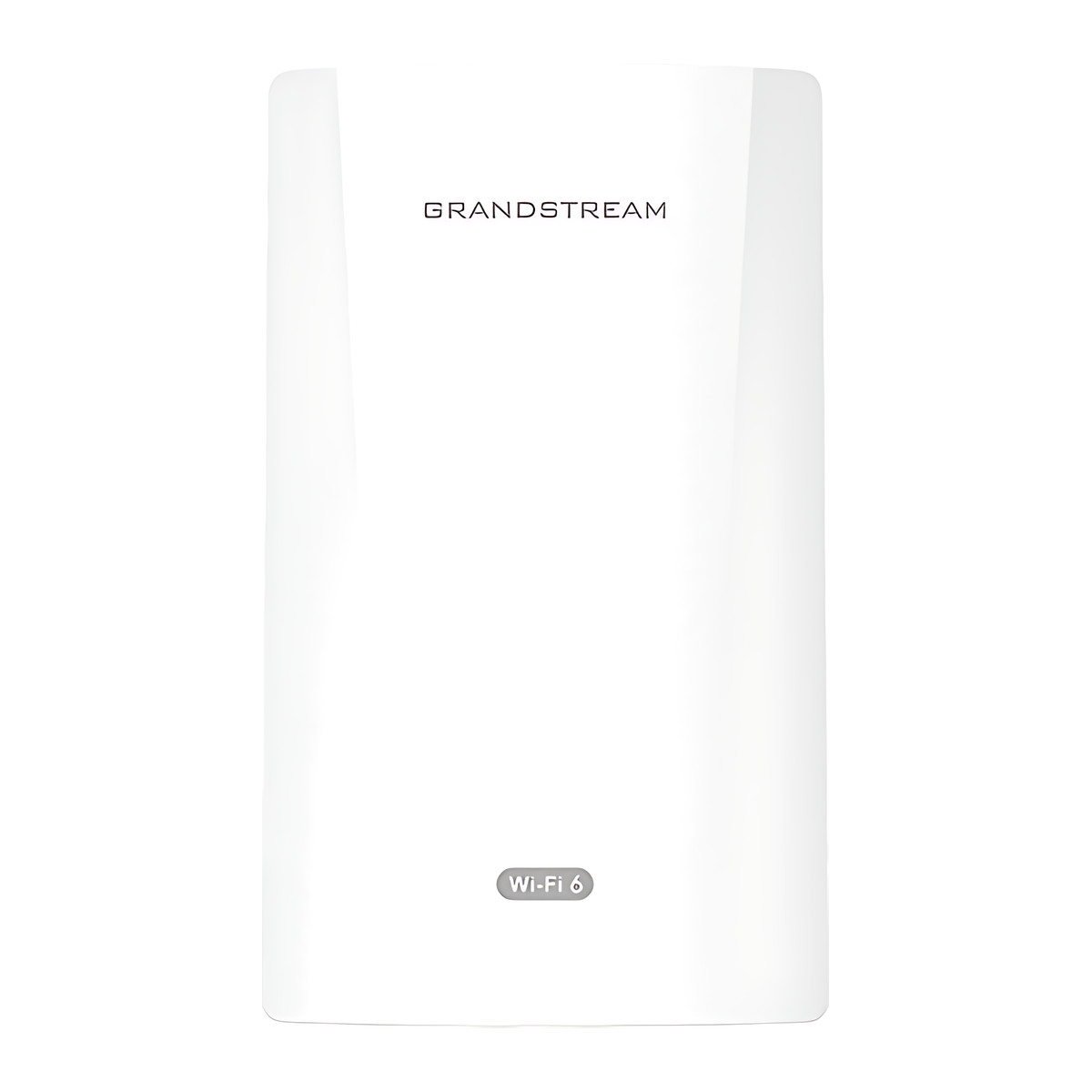
Grandstream GWN7302 PtP/PtMP Wireless Bridge, 5 GHz Wi-Fi 6, 5 km, IP66
₹16,541 Incl. GST
₹14,018 + 18% GST
At a glance
- Coverage
- Up to 5 km
- Max Data Rate
- Up to 2,402 Mbps (802.11ax)
- Point to Multipoint
- 1 to 4
- Ethernet Ports
- 1 x Gigabit RJ45 PoE in, 1 x Gigabit RJ45 PoE out
- IP Rating
- IP66
- Wi-Fi Standard
- IEEE 802.11a/n/ac/ax, 5 GHz only
Links a gatehouse, warehouse, car park or CCTV pole back to the main network by radio instead of cable or fibre. Weatherproof 5 GHz point-to-point or point-to-multipoint bridge, up to 5 km range, two Gigabit ports with PoE pass-through, one-key pairing.
- WarrantyManufacturer warranty under Grandstream's terms. Warranty claims
- DeliveryPrice, availability and delivery charges are confirmed in your quotation. Shipping and delivery
Overview
The Grandstream GWN7302 is a wireless bridge that links two or more buildings over a 5 GHz radio link instead of a cable or fibre. Typical jobs are connecting a gatehouse, warehouse, car park, construction site office or CCTV pole back to the main network across a campus or factory. It works as a point-to-point link (PtP, one unit at each end) or point-to-multipoint (PtMP, one main unit serving up to four remote units), with a rated range of up to 5 km.
Is it right for you?
- It suits an outbuilding or camera pole that needs a network connection where trenching cable is impractical.
- The two ends need clear line of sight; trees or buildings in the path reduce range and speed.
- One listing is one unit: a point-to-point link needs two, and a multipoint setup needs one main unit plus one per remote building, up to four.
- The second port can power a camera or access point at the far end, which saves a separate power feed there.
Key features
- 802.11ax 5 GHz radio (5,150 to 5,850 MHz), 2×2 MIMO (multiple input, multiple output) with TDMA (time-division multiple access) scheduling, up to 2,402 Mbps link rate.
- Two internal 13.5 dBi directional antennas with a 30 degree beamwidth.
- Range up to 5 km; point-to-multipoint from one unit to up to four remote units.
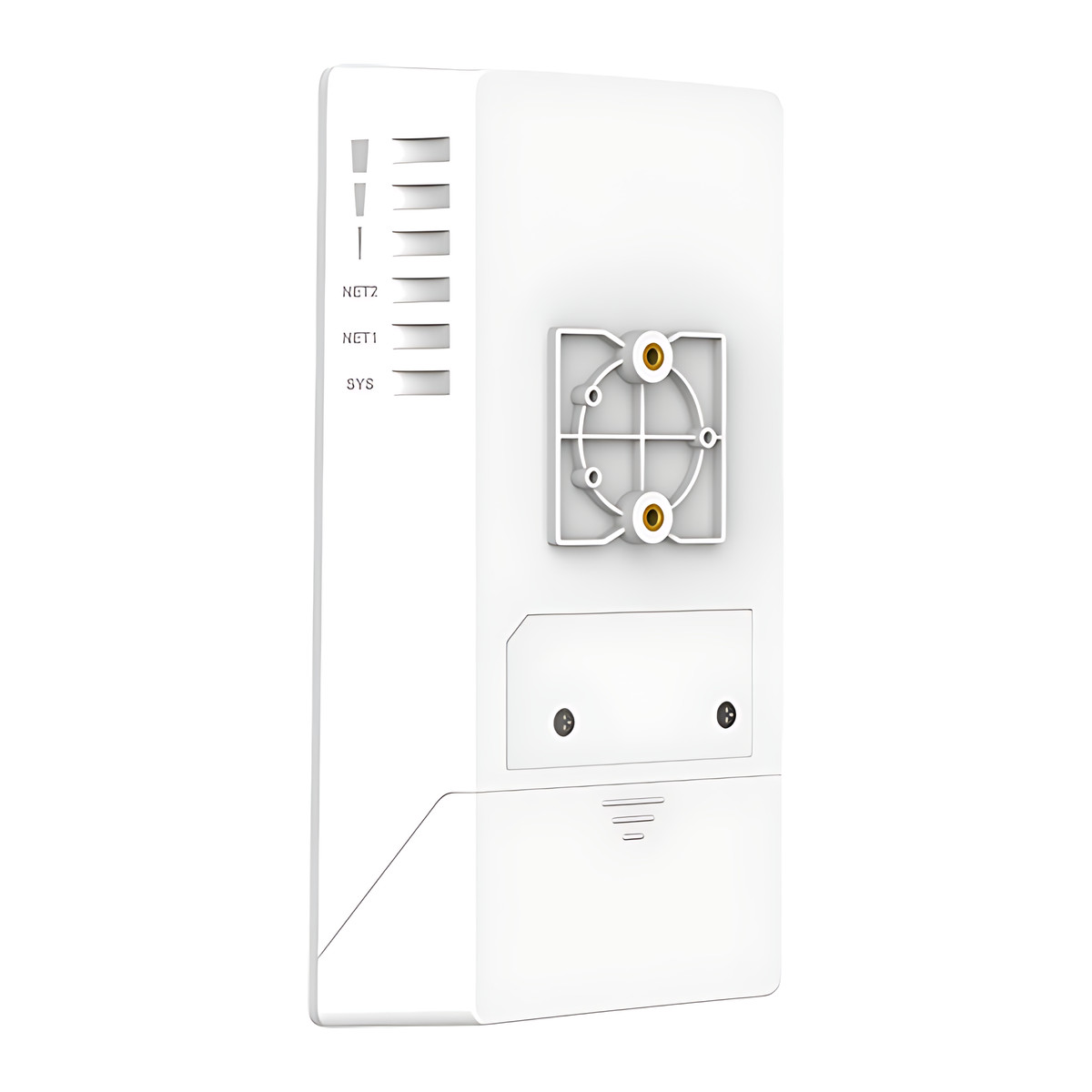
- One-key pairing and signal strength LEDs to help aim the units, plus built-in link test, antenna alignment and spectrum analyser tools.
- Two Gigabit ports: one takes Power over Ethernet (PoE) in, the other gives PoE out to a camera or access point at the far end (up to 13 W on a PoE+ feed, or up to 25 W with a 24 V DC 2 A supply).
- IP66 weatherproof housing (dust tight and protected against water jets), rated -30 to 60 °C.
- 180 x 102 x 38 mm, 412 g.
What else you need
At least two units for a link. Power each from an 802.3af or 802.3at PoE switch or injector, or from a 24 V DC supply (16 to 48 V compatible); the unit draws up to 13 W. The package has no power adapter or PoE injector, so plan a PoE switch, injector or DC supply at each end. Outdoor-rated network cable to each unit.
Installation
Needs clear line of sight between the two ends. Mount each unit on a wall or pole with the supplied kits, point them at each other and fine-tune using the signal LEDs or the antenna alignment tool in the web interface. A network installer can survey the path, fit the units and pair them.
Software and licences
Set up from its own web page or the GWN app over its management Wi-Fi. Remote management is through GDMS Networking (Grandstream Device Management System, via SSH tunnelling) and GWN Manager; TR-069 and SNMP are also supported.
Before you buy
- One listing is one unit; a point-to-point link needs at least two.
- The package contains the bridge, mounting kits and a quick start guide, with no power adapter or PoE injector.
- PoE output at the far end is limited to 13 W on PoE+ input, or 25 W with a 24 V DC 2 A input.
- 5 GHz only, with no 2.4 GHz radio.
Technical specifications
Key facts
- What is it?
- Wireless bridgeBrand Grandstream, model GWN7302
- How is it powered?
- PoE 802.3af/at, or 24 V DC
- Does it support PoE?
- YesPoE+ (IEEE 802.3at), PoE (IEEE 802.3af)
- Can it be used outdoors?
- IP66
- What comes in the box?
- GWN7302 wireless bridge; Mounting kits; Quick start guide
- Which documents are available?
- Datasheet, software (4), firmware Open documents
General
- Radios/Bands
- Single band 5 GHz (5,150 to 5,850 MHz)
- MIMO
- 2x2:2 with TDMA
- Max Data Rate
- Up to 2,402 Mbps (802.11ax)
- Coverage
- Up to 5 km
- Point to Multipoint
- 1 to 4
- Antennas
- 2 internal directional antennas, 13.5 dBi, 30 degree beamwidth
- Ethernet Ports
- 1 x Gigabit RJ45 PoE in, 1 x Gigabit RJ45 PoE out
- PoE Budget
- 13 W PoE out with PoE+ input; 25 W with 24 V DC 2 A input
- Management
- Local web UI, GWN app, GDMS Networking via SSH tunnelling, GWN Manager, TR-069, SNMP
Input
- Power Input
- PoE 802.3af/at, or 24 V DC (16 to 48 V compatible)
- Power Consumption
- 13 W maximum
Environment
- IP Rating
- IP66
- Operating Temperature
- -30 to 60 °C
Physical
- Mounting
- Wall or pole, kits included
- Dimensions
- 180 x 102 x 38 mm
- Weight
- 412 g
Approvals
- Wi-Fi Standard
- IEEE 802.11a/n/ac/ax, 5 GHz only
- Compliance
- FCC, CE, RCM, IC
- Warranty
- Manufacturer warranty under Grandstream's terms. How claims work
Product attributes and shipping details
| Brand | Grandstream |
|---|---|
| WiFi Standard | Wi-Fi 6 (802.11ax) |
| Ports | 2 x GigE |
| Connectivity | PoE, Wi-Fi, Ethernet |
| Supply Voltage | 24 V DC |
| PoE standard | PoE (IEEE 802.3af), PoE+ (IEEE 802.3at) |
Downloads
Download software
- Grandstream GWN7302 software (GWN app (iOS))Version 1.17.4 · iOS 13.0+ · Released August 27, 2026Prerequisites: GDMS Networking or GWN Manager; Mobile management with GDMS Networking or GWN ManagerLicence: FreeSoftware · Family · apps.apple.comView official download page
- Grandstream GWN7302 software (GWN app (Android))Version 1.0.17.4 · Android 7.0+ · Released August 25, 2026Prerequisites: GDMS Networking or GWN Manager; Mobile management with GDMS Networking or GWN ManagerLicence: FreeSoftware · Family · play.google.comView official download page
- GDMS Networking (GWN.Cloud)Web; GDMS/GWN mobile appsPrerequisites: Device MAC and password from label; Cloud controller for GWN seriesLicence: Free; account requiredSoftware · Family · grandstream.comView official download page
- GWN ManagerVersion 1.1.39.8 · Linux server (AlmaLinux 9, Ubuntu, CentOS 7) as tar.gz or OVAPrerequisites: On-premise Linux server or VM; On-premise alternative to GDMS NetworkingLicence: FreeSoftware · Family · grandstream.comView official download page
Documentation
- GWN7302 DatasheetDatasheet · This model · 685.4 KBDownload
Firmware
- Grandstream firmware: GWN7302Version 1.0.5.7 · n/a (device firmware)Prerequisites: Read release notes and warnings in the row (downgrade limits, backups); Firmware update only from this exact model row; read release notes firstLicence: FreeFirmware · Family · grandstream.comView official download page
Series documents can differ from your exact model. Report a wrong or missing file
Questions about this product
How many GWN7302 units do I need for a link?
At least two: one at each end. In point-to-multipoint mode one unit can serve up to four remote units.
Is a power supply included?
No. The package lists the bridge, mounting kits and a quick start guide. Power it from an 802.3af or 802.3at PoE source or a 24 V DC supply (16 to 48 V compatible).
Can it power a camera at the remote end?
Yes. The second Gigabit port has PoE output: up to 13 W when the bridge is fed by PoE+, or up to 25 W with a 24 V 2 A DC input.
Can it be used outdoors?
Yes. It has an IP66 housing and works from -30 to 60 °C.
Does it need line of sight?
Yes. The units need a clear path between them, and the rated range of up to 5 km assumes that.
Ask about this modelSetup, compatibility, what is in the box
Answers are automated. Do not enter personal or account details.
Looking for an alternative?
We list alternatives only when we have checked they suit the same job. Compare other models in the category, or ask us to suggest one for your site.