
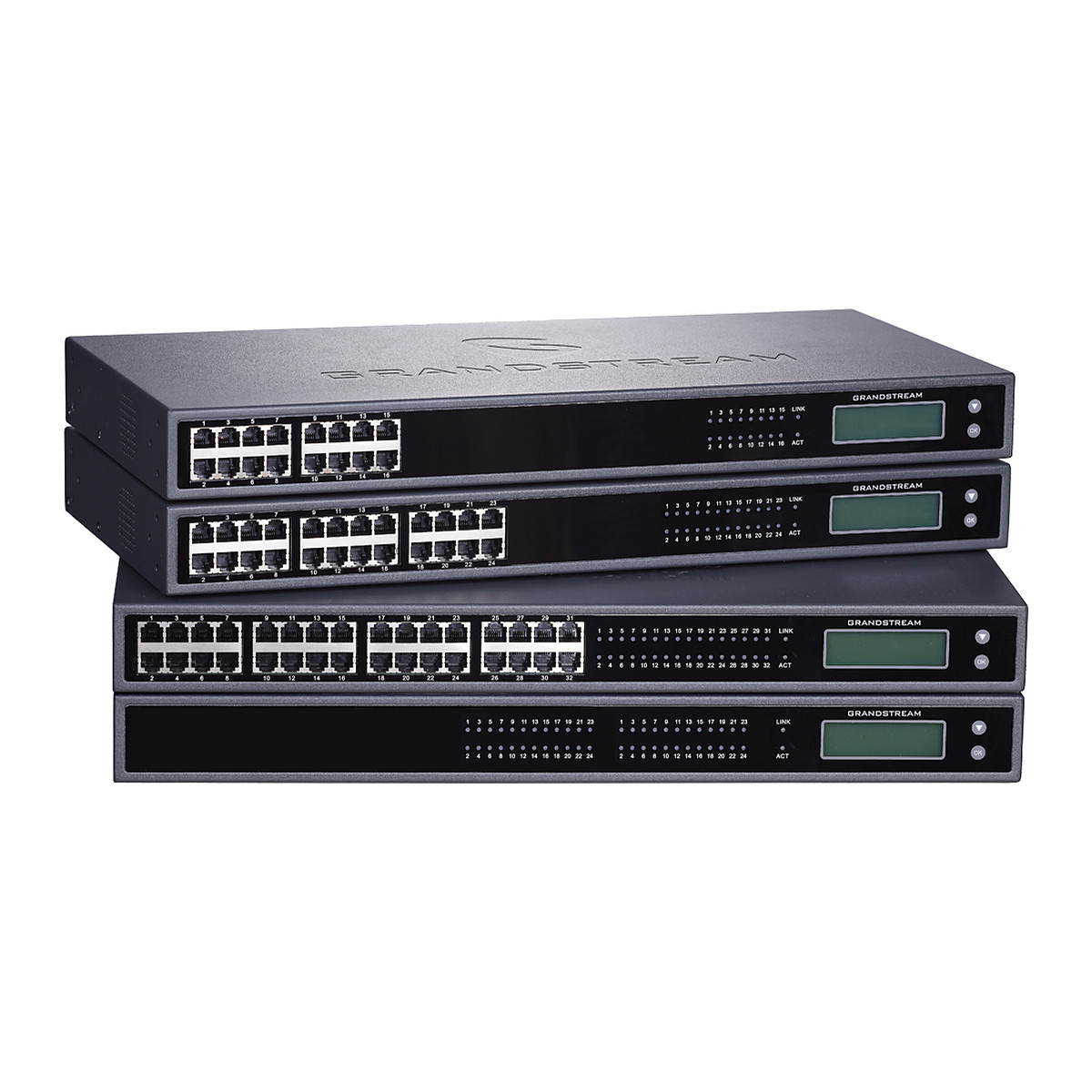
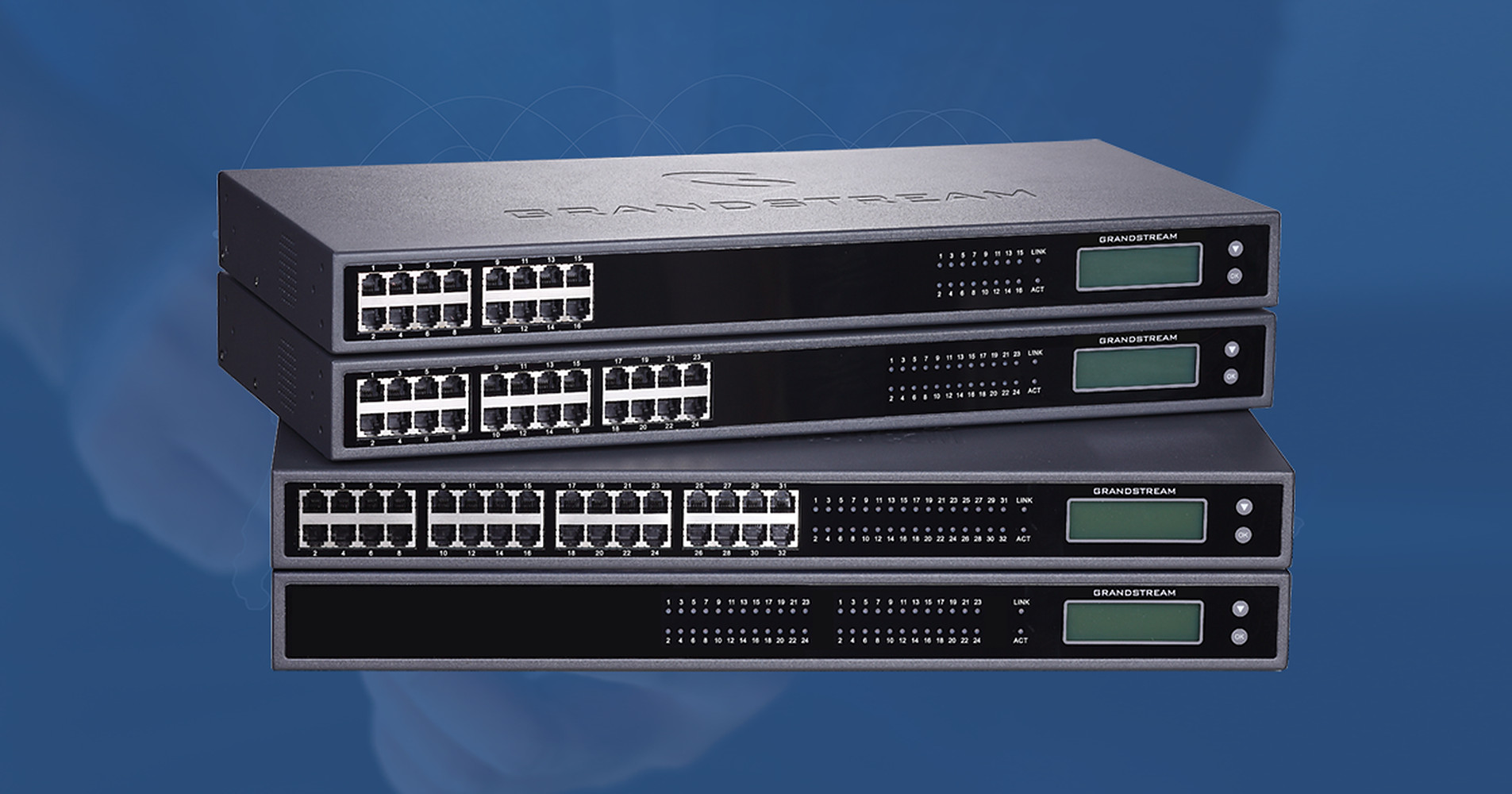
At a glance
- FXS Ports
- 2 x RJ21 50-pin Telco connectors (no RJ11 ports)
- Network Ports
- 1 x 10/100/1000 Mbps auto-sensing RJ45
- Max Users
- 48 SIP accounts (one per port), 4 SIP server profiles
- Concurrent Calls
- 48
- Display
- Backlit graphic LCD
- Dimensions
- 440 x 255 x 44 mm (1U)
In the box
- Power adapter
- 2 x RJ21 Telco cable
- Rack mounting brackets
 Model GXW4248V2Current model
Grandstream GXW4248V2 FXS Gateway, 48 Analog Ports, Gigabit, GDMS Managed
₹249,065 Incl. GST
₹211,072 + 18% GST
At a glance
- FXS Ports
- 2 x RJ21 50-pin Telco connectors (no RJ11 ports)
- Network Ports
- 1 x 10/100/1000 Mbps auto-sensing RJ45
- Max Users
- 48 SIP accounts (one per port), 4 SIP server profiles
- Concurrent Calls
- 48
- Display
- Backlit graphic LCD
- Dimensions
- 440 x 255 x 44 mm (1U)
Moves a large group of analogue phones, fax lines or old PBX extensions onto an IP phone system (SIP) from one 1U rack unit. 48 phone ports (FXS), one Gigabit port, cloud management through GDMS.
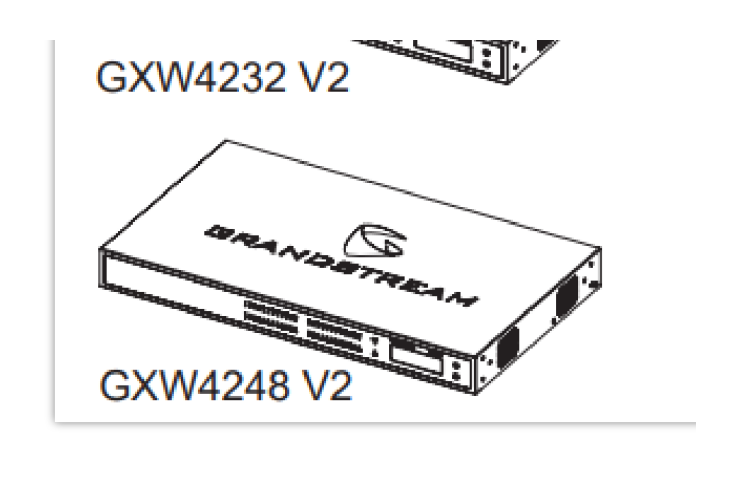
Part of the Grandstream GXW4200 V2 series. Compare all 4 models
- WarrantyManufacturer warranty under Grandstream's terms. Warranty claims
- DeliveryPrice, availability and delivery charges are confirmed in your quotation. Shipping and delivery
Overview
The Grandstream GXW4248V2 moves 48 analogue phone lines onto an internet phone system (SIP, Session Initiation Protocol) from a single rack unit. It connects existing analogue handsets, fax machines, door or lift phones and the extension lines of an old PBX to a SIP server or office phone system (IP PBX), so a building can keep its handsets and structured cabling while the phone system changes. It suits hotels, hospitals, hostels, schools and factories with many analogue extensions.
It is the second hardware version of the GXW4200 series and adds cloud management through GDMS (Grandstream Device Management System).
Is it right for you?
- Suits a place with up to 48 analogue extensions to connect to a SIP system, in a 19-inch rack or on a desk.
- For 16, 24 or 32 extensions, the GXW4216V2, GXW4224V2 and GXW4232V2 are the smaller models on the same platform, and they also have individual RJ11 ports.
- It connects phones (FXS ports). To bring landlines into the same phone system, pair it with an HT8x1 FXO gateway such as the HT841.
Key features
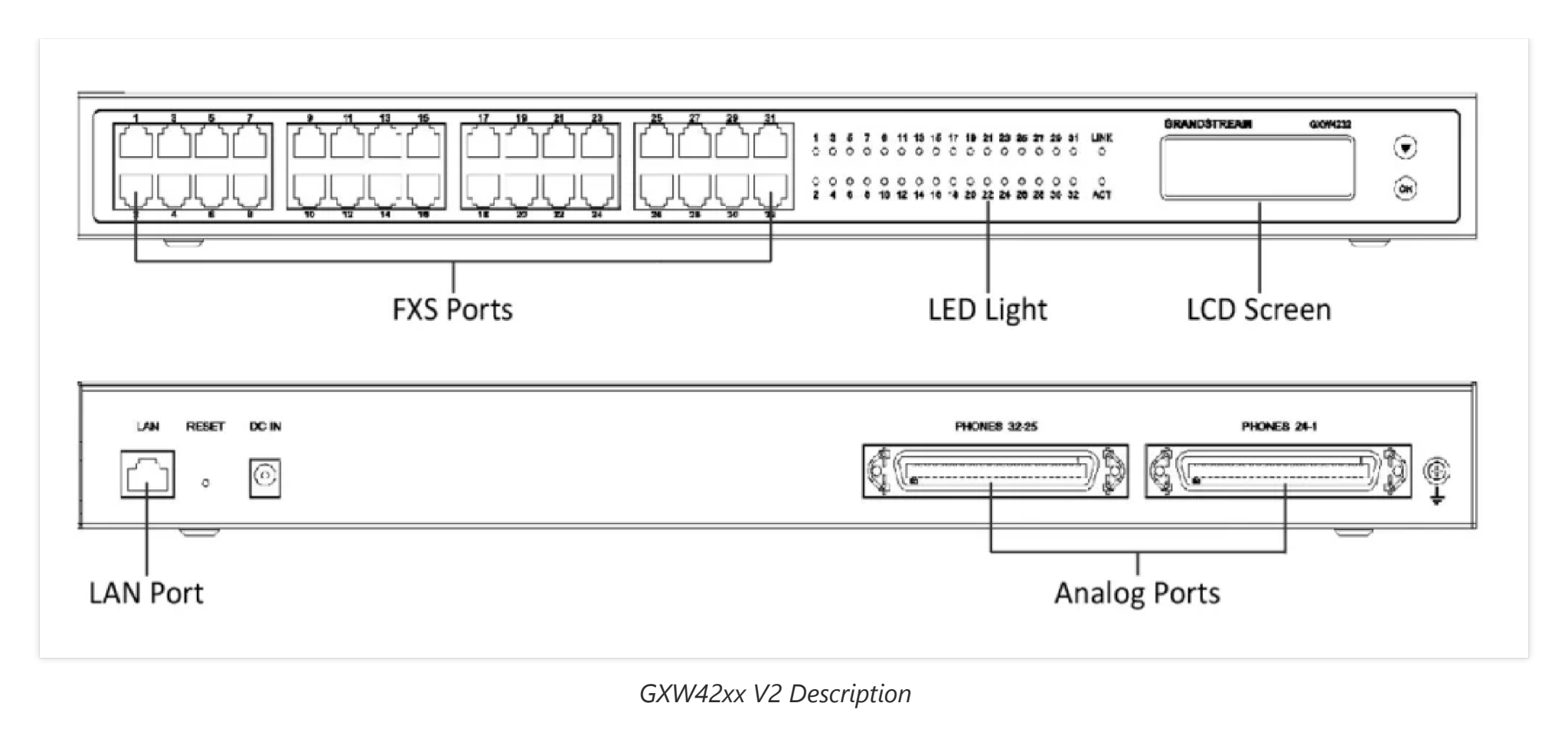
- 48 phone lines (FXS, Foreign Exchange Station) on 2 RJ21 50-pin Telco connectors, with two Telco cables in the box; there are no RJ11 ports.
- An independent SIP account for each of the 48 ports, with 4 SIP server profiles per system.
- 48 concurrent calls (fewer when SRTP encryption is used).
- One 10/100/1000 Mbps auto-sensing RJ45 network port.
- HD voice with G.722 and Opus, plus G.711, G.723.1, G.726-32, G.729 and iLBC.
- T.38 fax relay (up to 14.4 kbps) and G.711 pass-through, 3-way conferencing per port and message-waiting lamp support.
- Secure boot, a unique certificate and random default password per unit, dual firmware images, SRTP, TLS and HTTPS.
- Backlit graphic LCD on the front for status.
What else you need
- A SIP server or IP PBX, such as a Grandstream UCM.
- A network connection for the RJ45 port.
- A mains socket for the power adapter in the box (100 to 240 V AC in, 24 V DC 6.25 A, 150 W maximum).
- An RJ21 patch panel or punch-down block for the two Telco cables.
Installation
Mount it in a 19-inch rack with the front brackets in the box, or stand it on a desk (440 x 255 x 44 mm, 1U, 3.36 kg). All 48 lines run through the two RJ21 Telco connectors, so plan an RJ21 patch panel or punch-down block; there are no RJ11 ports.
A phone system installer should fit and configure it, since each port needs its own SIP account and the wiring usually runs through a patch panel.
Software and licences
Configure it from its web interface or provision it by TR-069, HTTP, HTTPS, TFTP, FTP, FTPS or GDMS. It works with IP PBXs, soft-switches and SIP platforms, and supports zero-configuration provisioning with the Grandstream UCM series.
Before you buy
- The power adapter, two Telco cables and rack brackets are in the box. All ports are on Telco connectors, so plan an RJ21 patch panel or punch-down block.
- A SIP server or IP PBX is required; the gateway does not make calls on its own.
- Package weight is 4.92 kg.
Technical specifications
Key facts
- What is it?
- VoIP Gateways & ATAsBrand Grandstream, model GXW4248V2
- How is it powered?
- External adapter, input 100 to 240 V AC, output 24 V DC 6.25 A, 150 W max (included)
- What capacity does it support?
- 48 users
- What comes in the box?
- Power adapter; 2 x RJ21 Telco cable; Rack mounting brackets
- Which documents are available?
- Datasheet, user guide, quick start guide, certificate, firmware Open documents
RelatedSeriesGrandstream GXW4200 V2 series, 4 modelsDocumentsAll Grandstream documents
- FXS Ports
- 2 x RJ21 50-pin Telco connectors (no RJ11 ports)
- Network Ports
- 1 x 10/100/1000 Mbps auto-sensing RJ45
- Max Users
- 48 SIP accounts (one per port), 4 SIP server profiles
- Concurrent Calls
- 48 (except when using SRTP, per user manual)
- Codecs
- G.711, G.722, G.723.1, G.726-32, G.729, iLBC, Opus
- Fax Over IP
- T.38 Group 3 fax relay up to 14.4 kbps, G.711 pass-through
- Protocols
- SIP (RFC 3261) over UDP/TCP/TLS, RTP/RTCP, SRTP, HTTP/HTTPS, DHCP, NTP, TFTP, PPPoE, STUN, LLDP
- Provisioning
- TFTP, HTTP, HTTPS, FTP, FTPS, TR-069, GDMS
- Security
- SRTP, TLS/SIPS, HTTPS, secure boot, random admin password
- Display
- Backlit graphic LCD
- Power
- External adapter, input 100 to 240 V AC, output 24 V DC 6.25 A, 150 W max (included)
- Mounting
- Desktop or 19-inch rack (front brackets)
- Dimensions
- 440 x 255 x 44 mm (1U)
- Weight
- 3.36 kg (package 4.92 kg)
- Operating Temperature
- 0 to 40 °C
- Warranty
- Manufacturer warranty under Grandstream's terms. How claims work
Product attributes and shipping details
| Brand | Grandstream |
|---|---|
| Ports | 48 x FXS + 1 x GigE |
| Connectivity | Ethernet |
| Supply Voltage | 24 V DC |
Downloads
Documentation
- GXW4200 Series v2 DatasheetDatasheet · Family · 732.8 KBDownload
Certificate and compliance document (1)
- GXW4248 V2 EU Declaration of ConformityCertificate · This model · 192.4 KBDownload
User manual
- GXW42XX V1/GXW42XX V2 Series User ManualUser guide · Family · 1.1 MBDownload
Installation guide
- GXW42xx V2 Quick Installation GuideQuick start guide · Family · 855.6 KBDownload
Firmware
- Grandstream firmware: GXW4248 V2NEWVersion 1.0.35.1 · n/a (device firmware)Prerequisites: Read release notes and warnings in the row (downgrade limits, backups); Firmware update only from this exact model row; read release notes firstLicence: FreeFirmware · Family · grandstream.comView official download page
Series documents can differ from your exact model. Report a wrong or missing file
Works with this product
Relevant accessories
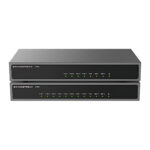
- Grandstream HT841 FXO Gateway, 4 PSTN Line Ports + 1 FXS, PoE PoweredHT841
Why Grandstream guide for peering GXW42xx FXS gateways with HT8x1 FXO gateways for PSTN lines.
₹26,922Add to cart
Other models in the series
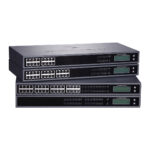
- Grandstream GXW4216V2 FXS Gateway, 16 Analog Ports, Gigabit, GDMS ManagedGXW4216V2
Why Same GXW4200 V2 platform with 16 FXS ports.
₹90,473Add to cart - Grandstream GXW4224V2 FXS Gateway, 24 Analog Ports, Gigabit, GDMS ManagedGXW4224V2
Why Same GXW4200 V2 platform with 24 FXS ports.
₹128,233Add to cart - Grandstream GXW4232V2 FXS Gateway, 32 Analog Ports, Gigabit, GDMS ManagedGXW4232V2
Why Same GXW4200 V2 platform with 32 FXS ports.
₹173,545Add to cart
Questions about this product
Does each of the 48 ports get its own SIP account?
Yes. Each telephone port has an independent SIP account, with 4 SIP server profiles per system.
Can I manage it from the cloud?
Yes. It supports secure cloud provisioning and management through GDMS, Grandstream's device management system.
Is it rack mountable?
Yes. It is a 1U unit for desktop or 19-inch rack mounting, and the front brackets are in the box.
How do I connect the phones?
Through two RJ21 50-pin Telco connectors to a patch panel; there are no RJ11 ports. Two Telco cables are in the box.
What power does it need?
The power adapter in the box, which takes 100 to 240 V AC mains.
Does it need an internet connection?
It needs a network connection to your SIP server or IP PBX. A hosted phone system needs internet access; an IP PBX on your own network works over the local network. GDMS cloud management also needs internet access.
Ask about this modelGate sizing, power, accessories
Answers are automated. Do not enter personal or account details.
Looking for an alternative?
We list alternatives only when we have checked they suit the same job. Compare other models in the category, or ask us to suggest one for your site.