
At a glance
- Connector
- USB-C
- Bluetooth
- 6.0, Classic and LE Audio
- LE Audio codec
- LC3
In the box
- UGREEN BT701 Bluetooth 6.0 USB-C audio transmitter
 Model UGREEN BT701 (65708)
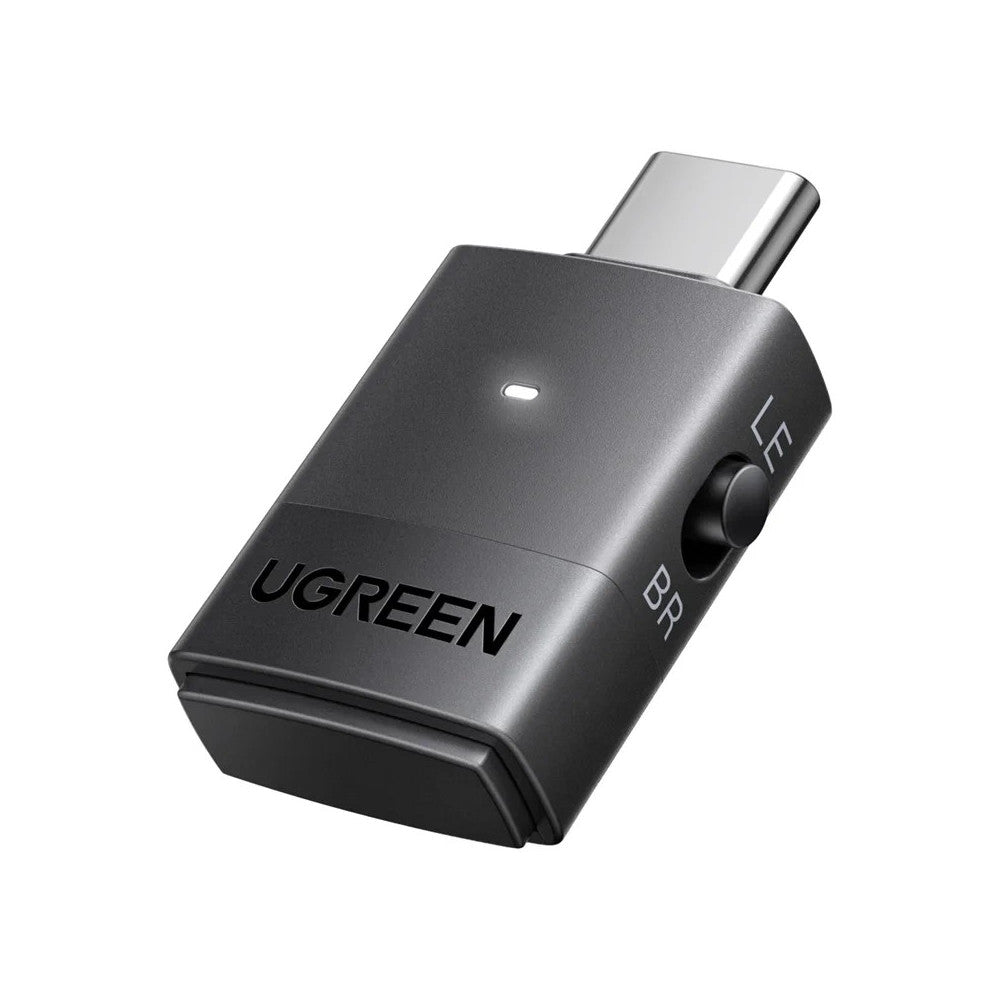
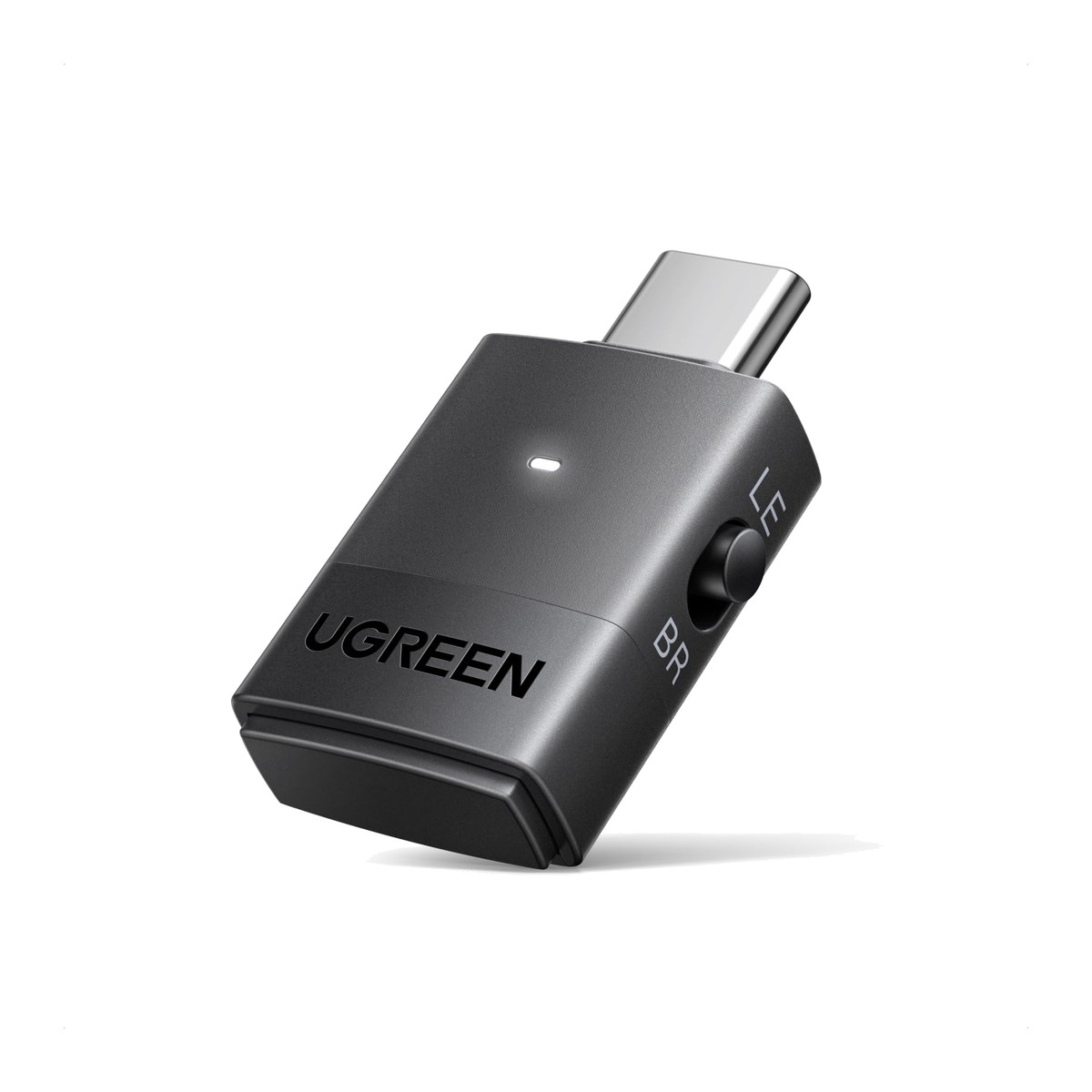
UGREEN BT701 Bluetooth 6.0 USB-C Audio Transmitter, LE Audio and aptX Adaptive (65708)
₹4,163 Incl. GST MRP ₹5,620 25% below MRP
₹3,528 + 18% GST
At a glance
- Connector
- USB-C
- Bluetooth
- 6.0, Classic and LE Audio
- LE Audio codec
- LC3
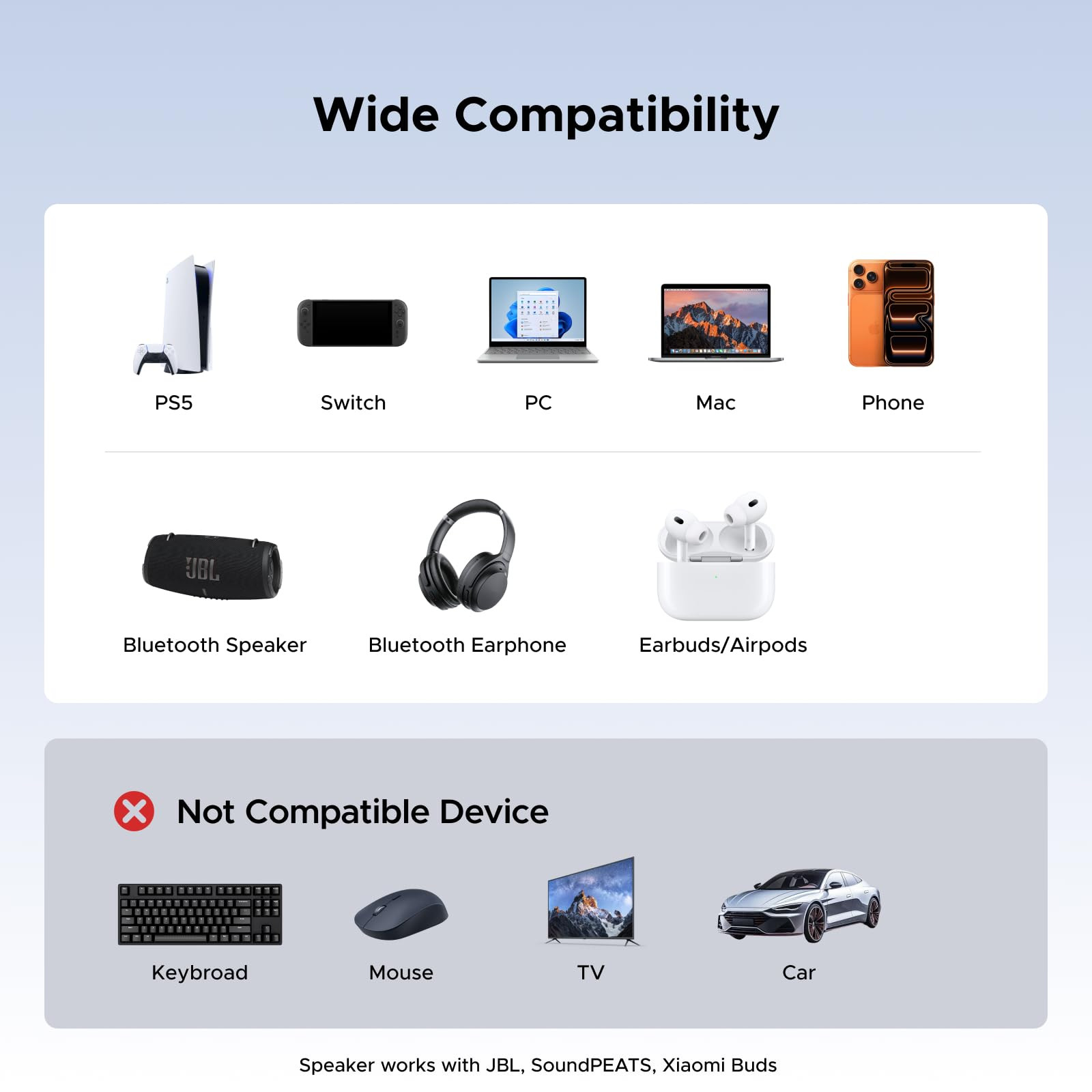
Plugs into the USB-C port of a PS5, Switch, PC or Mac and sends sound to Bluetooth headphones or speakers. Bluetooth 6.0 with LE Audio, Auracast and aptX Adaptive, no drivers needed. Audio output only.
- WarrantyManufacturer warranty under UGREEN's terms. Warranty claims
- DeliveryPrice, availability and delivery charges are confirmed in your quotation. Shipping and delivery
Overview
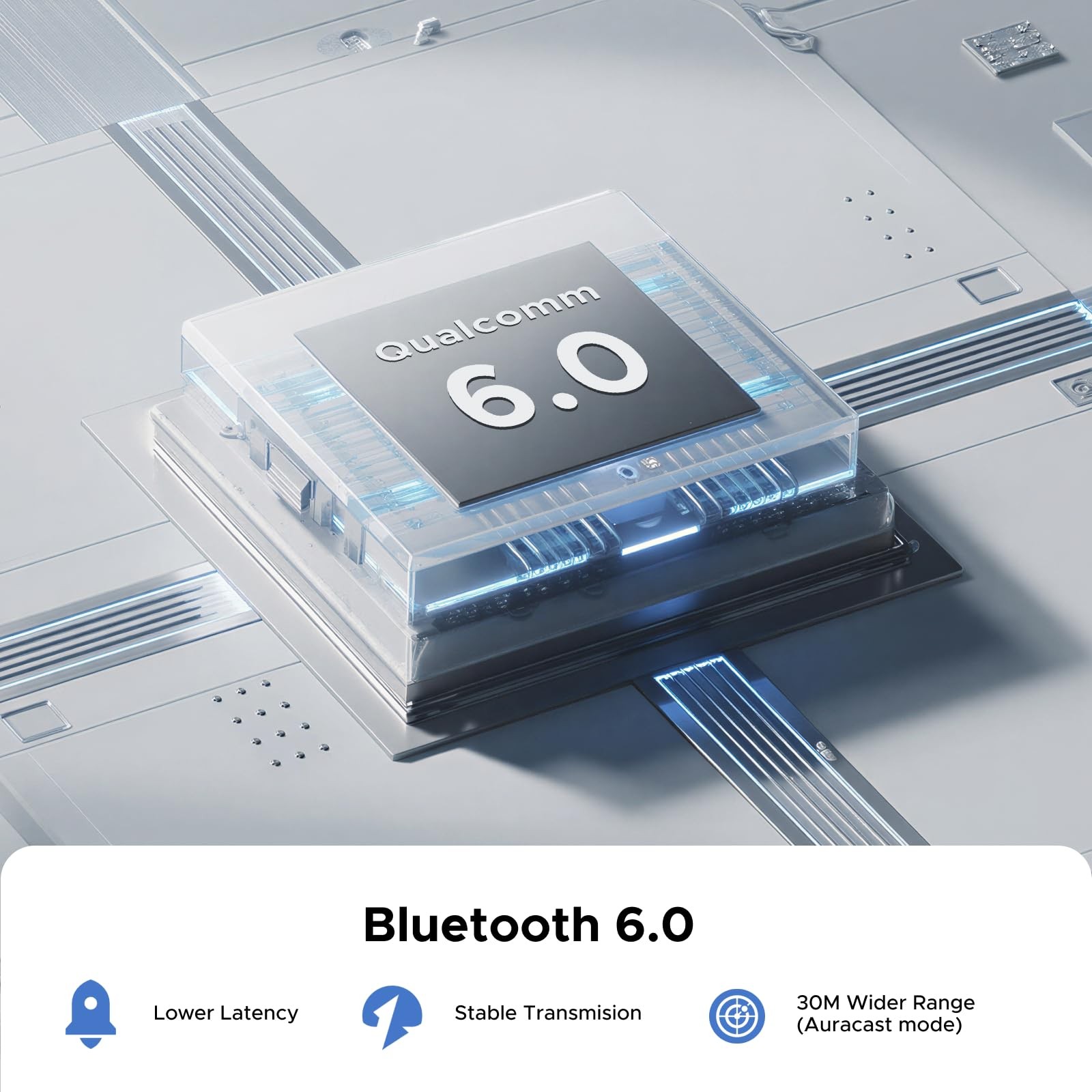
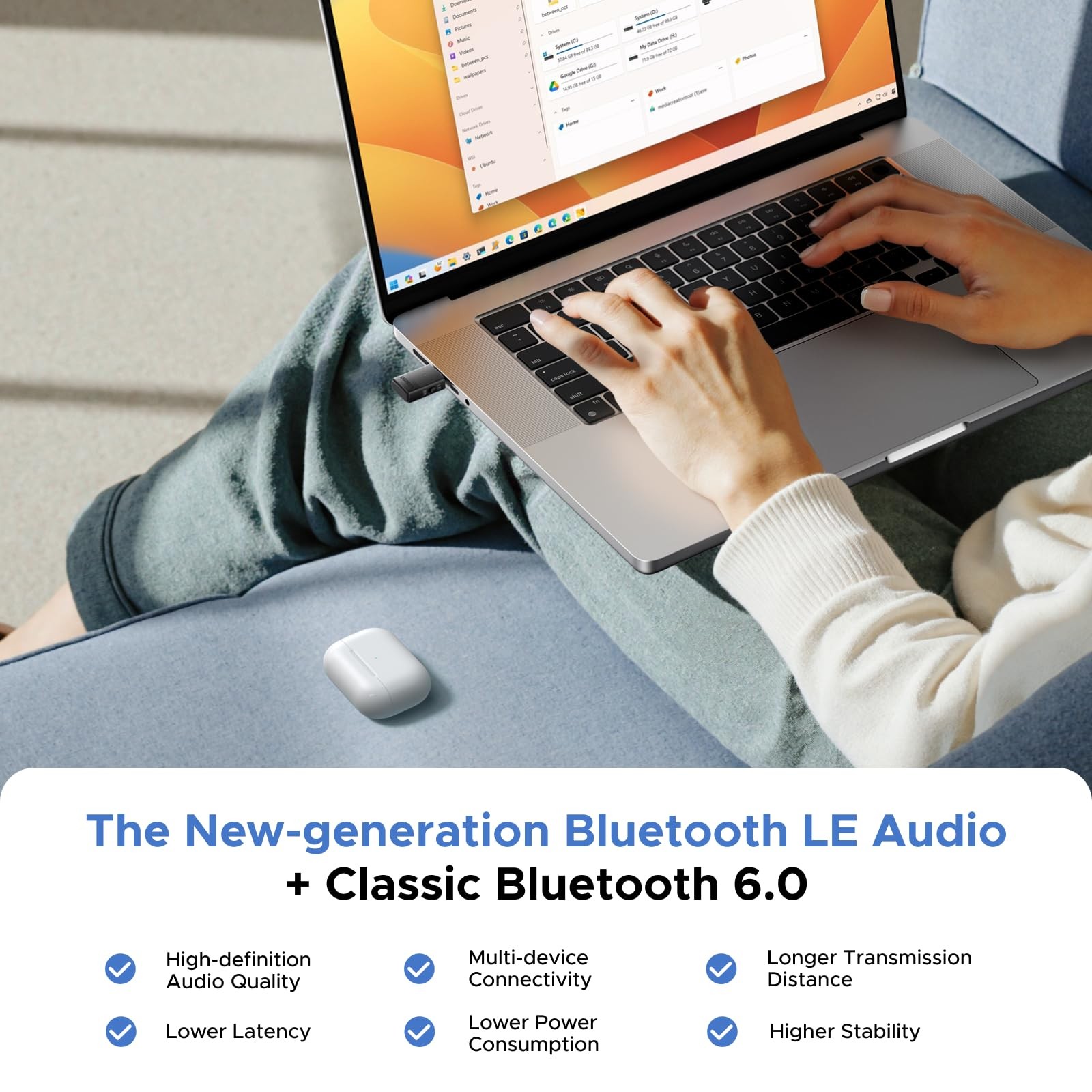
The UGREEN BT701 (65708) plugs into the USB-C port of a PS5, Nintendo Switch, Windows PC or Mac and sends the sound to Bluetooth headphones or speakers. It uses Bluetooth 6.0 with LE Audio and Auracast as well as classic Bluetooth with aptX Adaptive, needs no drivers, and carries audio out only: it does not pass a headset microphone.
Is it right for you?
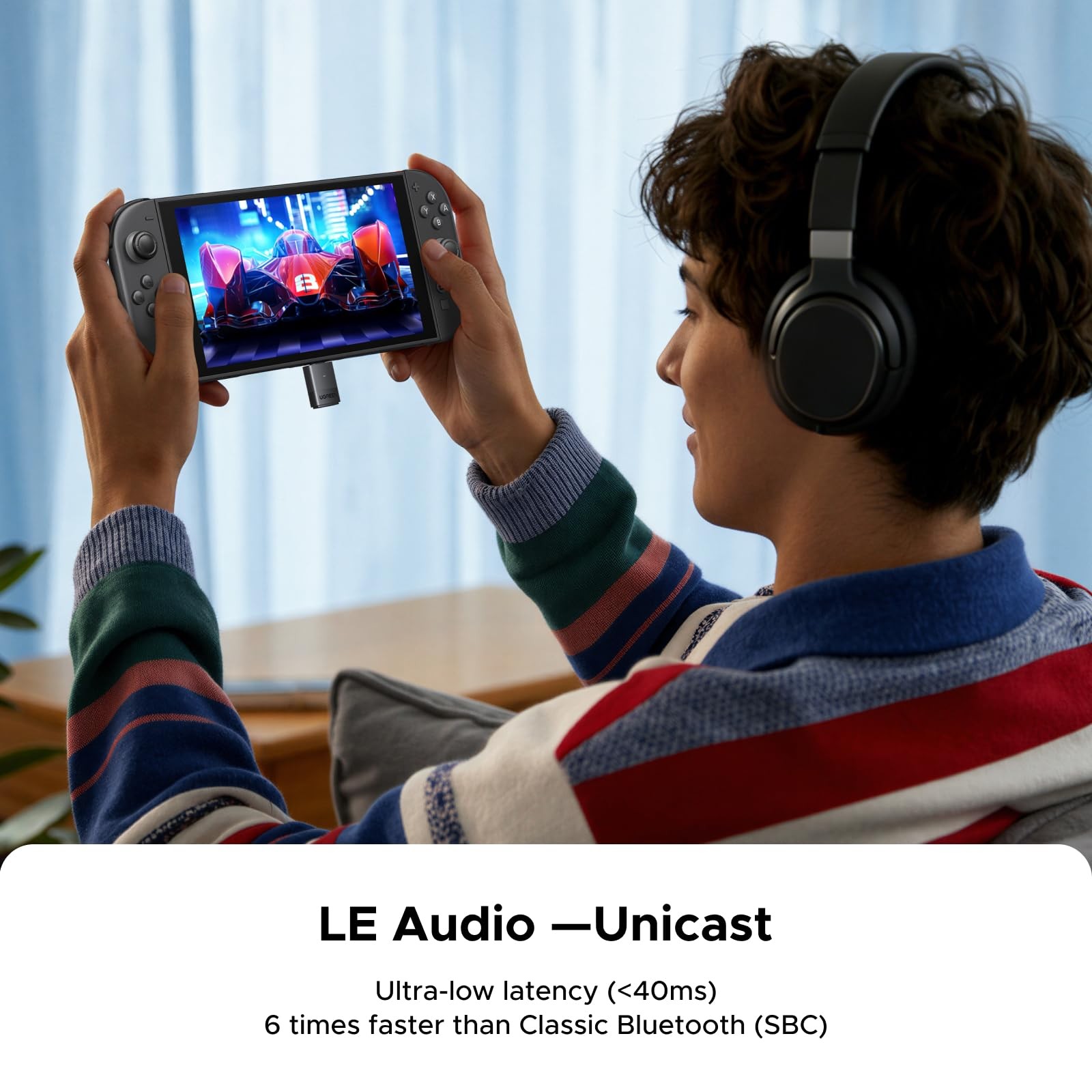
- Suits game audio from a PS5 or PS5 Pro, a Switch or Switch 2 through the USB-C port, and plug-and-play use on Windows PCs, laptops, Macs and iMacs with USB-C.
- Suits LE Audio headphones and speakers in LE mode (Low Latency or High Quality) and standard Bluetooth headphones in Classic mode with aptX or SBC.
- Not for voice chat or calls: it is audio output only, with no microphone path.
- Not for mice, keyboards or controllers: it connects audio devices only.
Key features
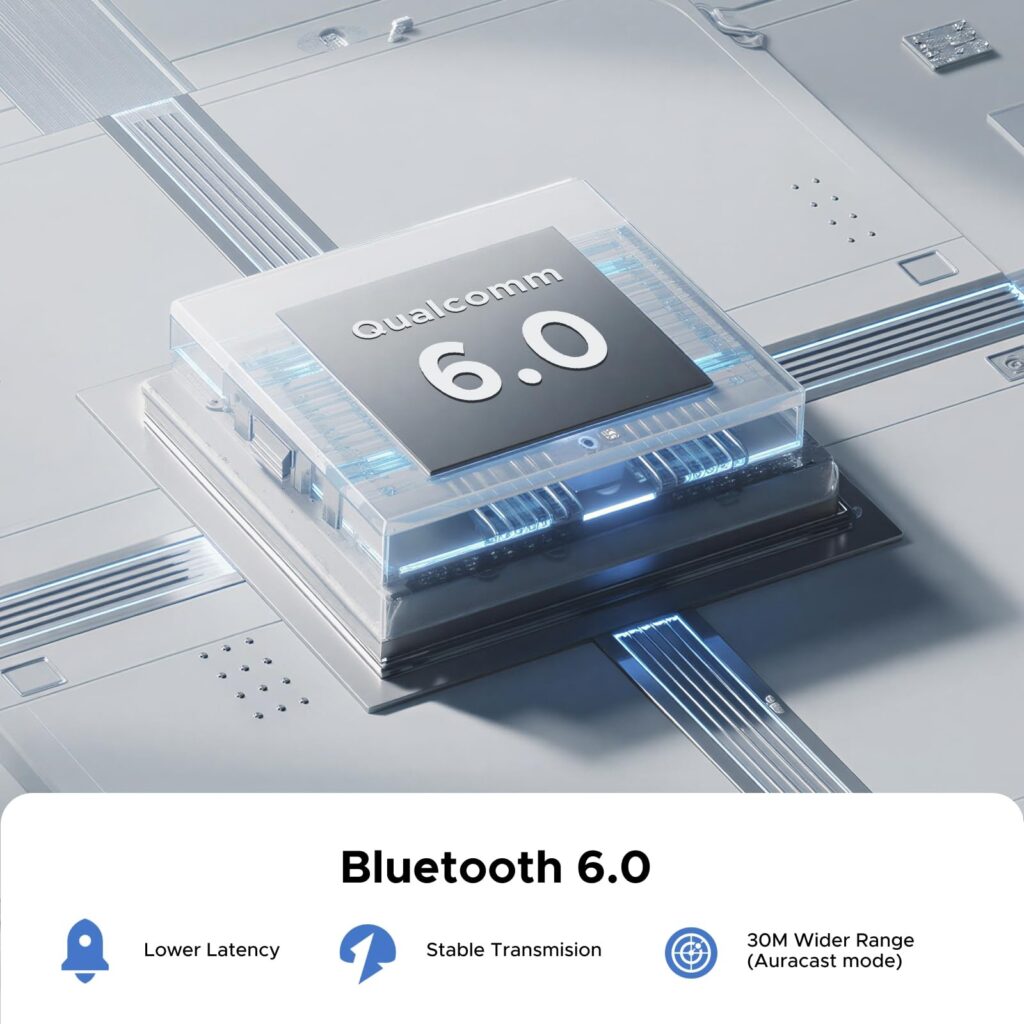
- Bluetooth 6.0 with both Classic and LE Audio.
- Classic codecs aptX Adaptive (High Quality and Low Latency), aptX HD, aptX and SBC.
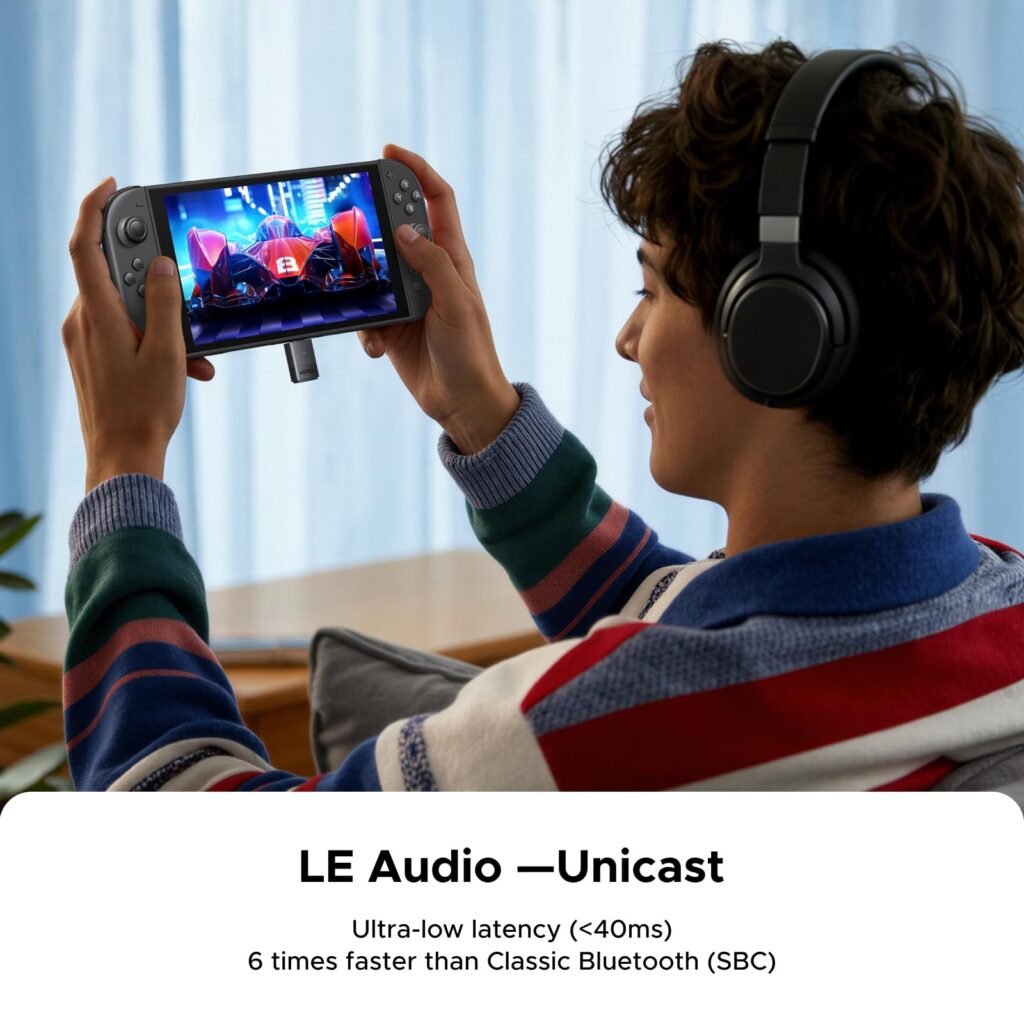
- LE Audio with the LC3 codec, in LE Unicast or Auracast broadcast mode.
- USB-C connector, no drivers needed.
What else you need
A device with a USB-C port that outputs USB audio and a pair of Bluetooth headphones or a Bluetooth speaker. Nothing else is needed.
Installation
Plug the BT701 into the USB-C port, put the headphones in pairing mode and pair. On a PC or Mac, select the BT701 as the audio output device.
Before you buy
- Audio output only. A headset microphone will not work through it for voice chat or calls.
- It does not connect Bluetooth mice, keyboards or controllers.
- LE Audio modes need LE Audio headphones; standard headphones use Classic mode.
Features
In use
Plugs into the USB-C port of a PS5, Switch, PC or Mac and sends sound to Bluetooth headphones or speakers. Bluetooth 6.0 with LE Audio, Auracast and aptX Adaptive, no drivers needed. Audio output only.
Ports and connections
- Connector
- USB-C
Technical specifications
Key facts
- What is it?
- Audio accessoryBrand UGREEN, model BT701 (65708)
- What comes in the box?
- UGREEN BT701 Bluetooth 6.0 USB-C audio transmitter
- Which documents are available?
- Online specifications Open documents
- Product / SKU
- 65708
- Model
- UGREEN BT701 (65708)
- Connector
- USB-C
- Bluetooth
- 6.0, Classic and LE Audio
- Classic codecs
- aptX Adaptive (HQ / Low Latency), aptX HD, aptX, SBC
- LE Audio codec
- LC3
- Modes
- Classic, LE Unicast, Auracast broadcast
- Drivers
- None needed
- Country of origin
- China
- Warranty
- Manufacturer warranty under UGREEN's terms. How claims work
Product attributes and shipping details
| Weight | 0.03 kg |
|---|---|
| Brand | UGREEN |
| Bluetooth Version | 6.0; Classic and LE Audio |
Downloads
Documentation
- UGREEN 65708 product pageOnline specifications · This model · uk.ugreen.comView official page
Series documents can differ from your exact model. Report a wrong or missing file
Questions about this product
Can I use my headset microphone for voice chat?
No. The BT701 sends sound to headphones and speakers only; it does not carry a microphone.
Does it work with ordinary Bluetooth headphones?
Yes. Standard headphones connect in Classic mode with aptX or SBC. LE Audio headphones can use the LE modes.
Do I need to install drivers?
No. It is plug and play on PS5, Switch, Windows and Mac over USB-C.
Can I connect a Bluetooth controller through it?
No. It is for audio devices only.
Ask about this modelSetup, compatibility, what is in the box
Answers are automated. Do not enter personal or account details.
Looking for an alternative?
We list alternatives only when we have checked they suit the same job. Compare other models in the category, or ask us to suggest one for your site.