
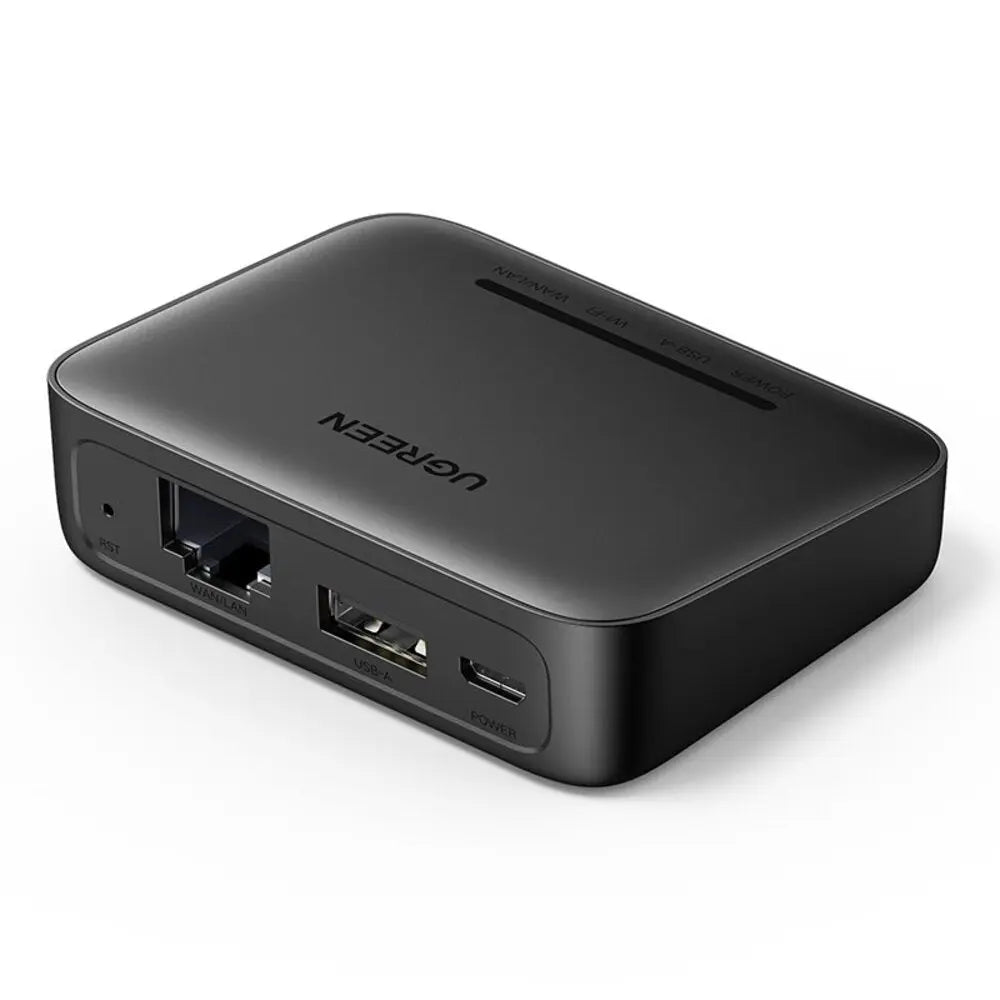
At a glance
- Dimensions
- 6.9 × 5.5 × 2.0 cm
- LAN interface
- 1 × RJ45 Ethernet port
- Power interface
- 1 × micro-USB power input
- Reset
- Recessed reset pinhole
In the box
- UGREEN USB network print server
 Model 10941
UGREEN USB 2.0 Network Print Server for RAW Printers (10941)
₹7,589 Incl. GST MRP ₹14,441 47% below MRP
₹6,431 + 18% GST
At a glance
- Dimensions
- 6.9 × 5.5 × 2.0 cm
- LAN interface
- 1 × RJ45 Ethernet port
- Power interface
- 1 × micro-USB power input
- Reset
- Recessed reset pinhole
Shares one USB printer with several computers on an office or home wired network. USB 2.0 print server with an RJ45 Ethernet port. The printer must support RAW network printing.
Out of stock
- WarrantyManufacturer warranty under UGREEN's terms. Warranty claims
- DeliveryPrice, availability and delivery charges are confirmed in your quotation. Shipping and delivery
Overview
The UGREEN 10941 is a small wired print server that shares one USB printer with several computers on an office or home network, so the printer can stay in one place and everyone prints to it over the LAN. It has one RJ45 Ethernet port, one USB-A 2.0 port for the printer and a micro-USB power input. The printer must support RAW network printing.
Is it right for you?
- Suits a USB-only printer that supports the RAW printing protocol, on a wired network with a router or switch.
- Suits an office where several people share one printer and want it in a fixed spot rather than tied to one PC.
- It is wired only: there is no Wi-Fi, Bluetooth or cloud printing.
- Scanner, fax and other multifunction features are not guaranteed to work through it.
Key features
- Shares one RAW-protocol USB printer with multiple users on the same wired LAN; jobs queue to the one printer.
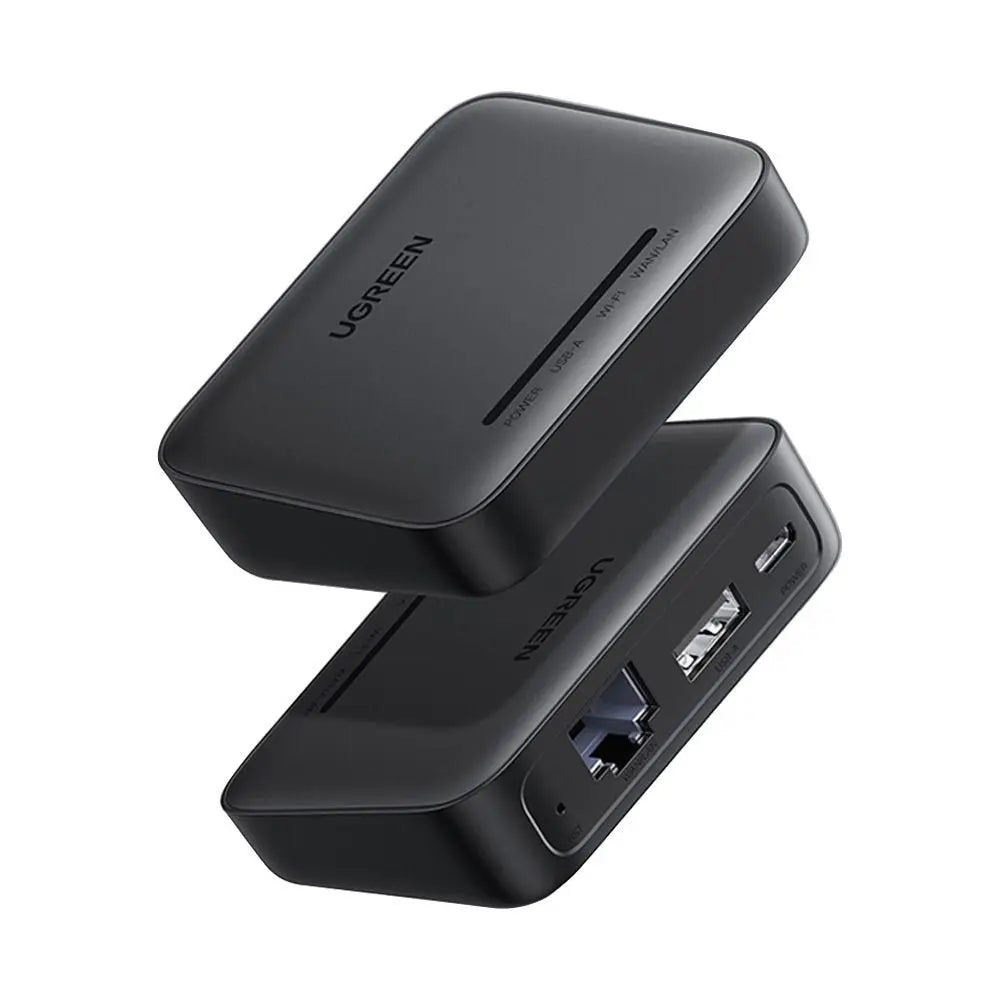
- 1 x RJ45 Ethernet port to the network and 1 x USB-A 2.0 host port for the printer.
- Fixed local IP configuration, so client computers can address the printer reliably.
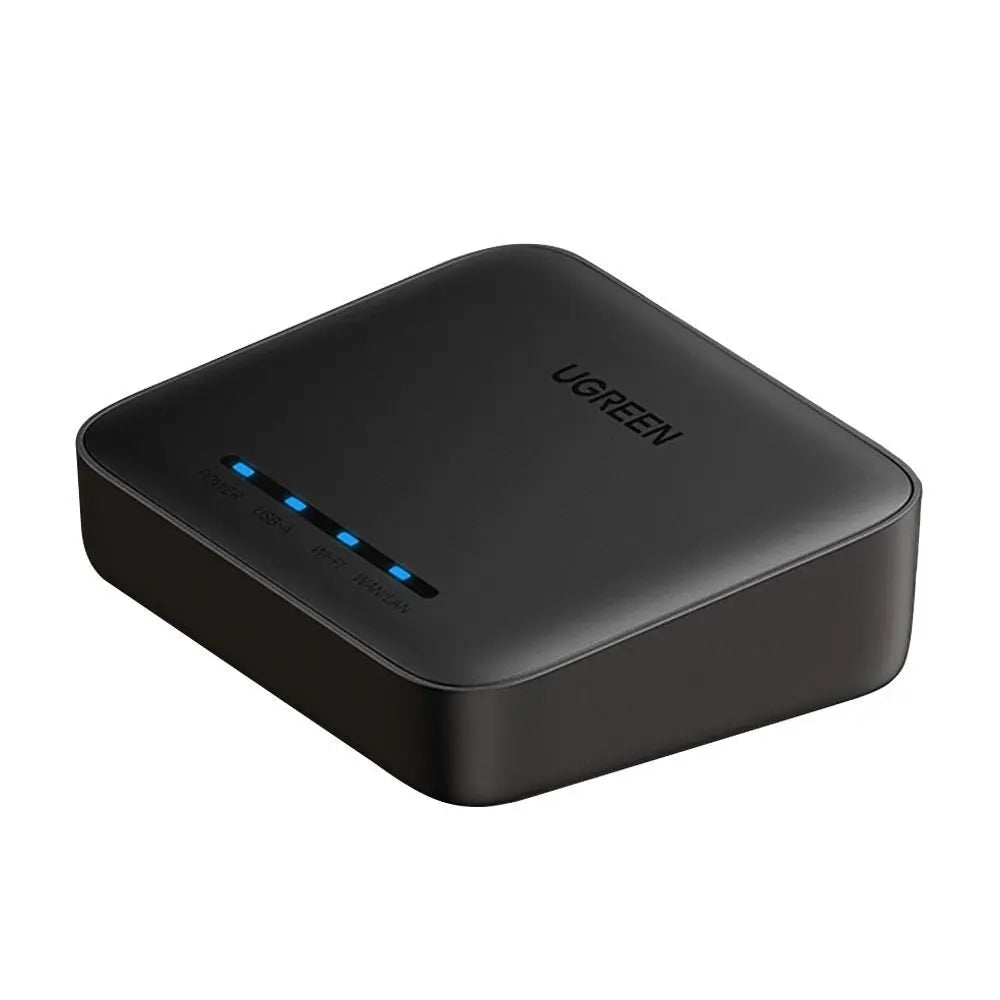
- Printed status indicators on the top panel and a recessed reset pinhole for setup and recovery.
- Powered through micro-USB; external power is required.
- About 6.9 x 5.5 x 2.0 cm, in black.
What else you need
- A USB printer that supports RAW network printing, with its driver installed on each computer that will print.
- A wired Ethernet router or switch, an Ethernet cable and a USB cable to the printer.
- A micro-USB power source; a power adapter is not listed in the box.
- A Windows computer for the initial configuration utility, and a fixed LAN IP address for the print server.
Installation
Connect the printer to the USB-A port, the network to the RJ45 port and power to the micro-USB input. Run the Windows configuration tool to set a fixed IP, then add the printer on each computer using its driver and the server’s IP address.
Software and licences
Initial configuration uses the Windows Print Server Config Tool and the manual. Each client computer needs the printer’s own driver. Third-party Android printing apps can work only after model-specific verification, and they can change or be withdrawn.
Before you buy
- RAW protocol support is mandatory: the server does not make every USB printer network-capable.
- No Wi-Fi, Bluetooth, cloud printing or secure remote printing over the internet.
- Canon LBP2900, LBP2900+ and LBP3000, HP P1008 and M403D, and Epson 1390 are unsupported.
- The USB port is for a printer only, not for network storage, webcams or general USB-over-IP.
- A reset can erase the network settings; note the working configuration before using the pinhole.
- Use it only on a trusted LAN and do not open router port-forwarding rules for it.
- No power adapter, Ethernet cable or printer USB cable is listed in the package.
- No Ethernet link-speed figure is published for this model.
Technical specifications
Key facts
- What is it?
- Network accessoryBrand UGREEN, model 10941
- How is it powered?
- 1 × micro-USB
- What comes in the box?
- UGREEN USB network print server
- Which documents are available?
- Online specifications Open documents
- LAN interface
- 1 × RJ45 Ethernet port
- Printer interface
- 1 × USB-A 2.0 host port for one compatible printer
- Power interface
- 1 × micro-USB power input
- Reset
- Recessed reset pinhole
- Status
- Top-panel printed status indicators
- Printer protocol requirement
- Printer must support RAW network printing
- Wireless radio
- None stated; wired LAN product
- Product type
- Wired USB network print server
- LAN port
- 1 × RJ45 Ethernet
- Printer port
- 1 × USB-A 2.0 host port
- Power input
- 1 × micro-USB
- Printer requirement
- Printer must support RAW network printing
- Initial configuration
- Windows Print Server Config Tool and manual
- Addressing
- Fixed local IP configured for the print server
- Users
- Multiple LAN users can submit jobs to one printer queue
- Ethernet speed
- No Ethernet link-speed figure is safely published for this SKU
- Wireless connectivity
- No Wi-Fi or Bluetooth stated
- Scanner / MFP extras
- Not guaranteed
- External power
- Required
- Colour
- Black
- Dimensions
- 6.9 × 5.5 × 2.0 cm
- Connector type
- External USB
- Weight
- 200 g
- Country of origin
- China
- Manufacturer
- UGREEN Group Limited
- Warranty
- Manufacturer warranty under UGREEN's terms. How claims work
Product attributes and shipping details
| Brand | UGREEN |
|---|
Downloads
Documentation
- UGREEN 10941 product pageOnline specifications · This model · ugreenindia.comView official page
Series documents can differ from your exact model. Report a wrong or missing file
Questions about this product
Will it work with my printer?
Only if the printer supports RAW network printing. Canon LBP2900, LBP2900+, LBP3000, HP P1008, HP M403D and Epson 1390 are unsupported.
Does it add Wi-Fi to the printer?
No. It is a wired product with an RJ45 port and no Wi-Fi, Bluetooth or cloud printing.
What power does it need?
External power through its micro-USB input. A power adapter is not listed in the box.
Can I scan over the network with it?
Scanner, fax and other multifunction features are not guaranteed to work through it.
Do I need a Windows PC?
Yes, for the initial configuration tool. After setup, each computer prints using the printer's own driver and the server's fixed IP address.
Ask about this modelSetup, compatibility, what is in the box
Answers are automated. Do not enter personal or account details.
Looking for an alternative?
We list alternatives only when we have checked they suit the same job. Compare other models in the category, or ask us to suggest one for your site.