
Serial and Console Cables
Cables and adapters that connect a computer’s USB port to serial and legacy equipment: USB to RS232 DB9 adapters, DB9 serial cables, RJ45 console cables for network devices, and USB to parallel printer cables. The deciding points are the connector and gender at the device end, the adapter chipset (Prolific PL2303 or FTDI) for driver support, and the cable length.
All products
-
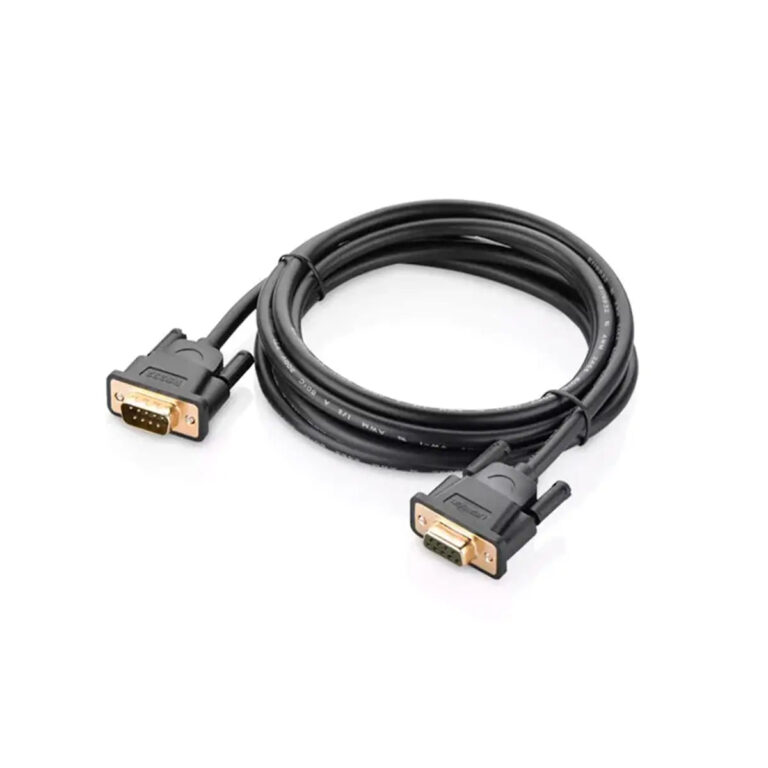 UGREENModel 20145
DB9 RS232 Extension Cable, 1.5 m
- Connector A
- DB9 male
- Length
- 1.5 m
₹409 Incl. GST MRP₹88753% below MRP -
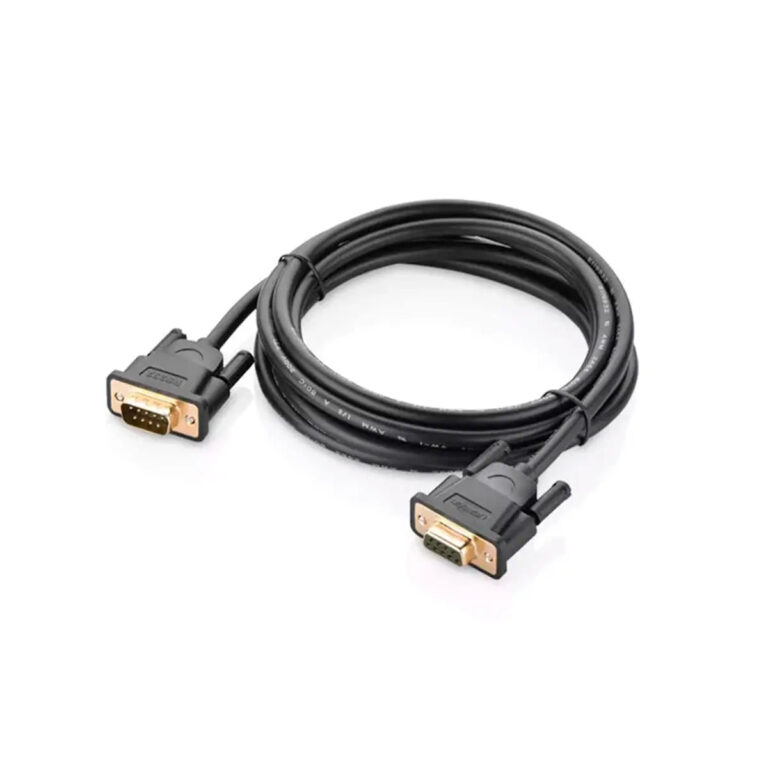 UGREENModel 20147
DB9 RS232 Extension Cable, 3 m
- Connector A
- DB9 male
- Length
- 3 m
₹479 Incl. GST MRP₹99852% below MRP -
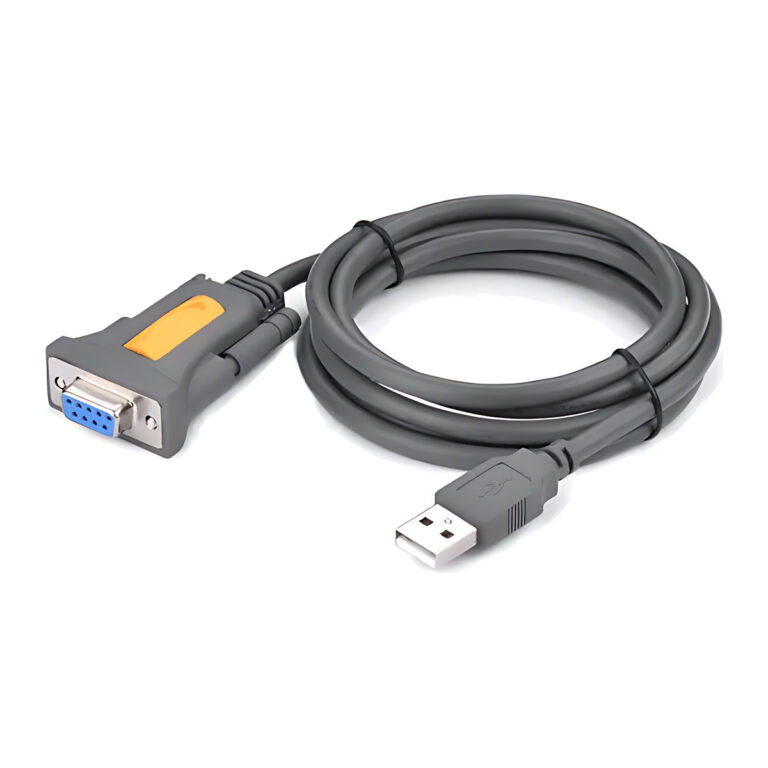 UGREENModel 20201
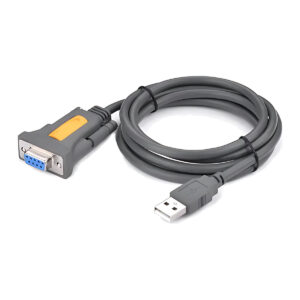
USB to RS-232 DB9 Serial Adapter Cable, Prolific Chipset, 1.5 m
- Connector type
- USB
- Cable length
- 1.5 metres
₹1,406 Incl. GST MRP₹2,22036% below MRP -
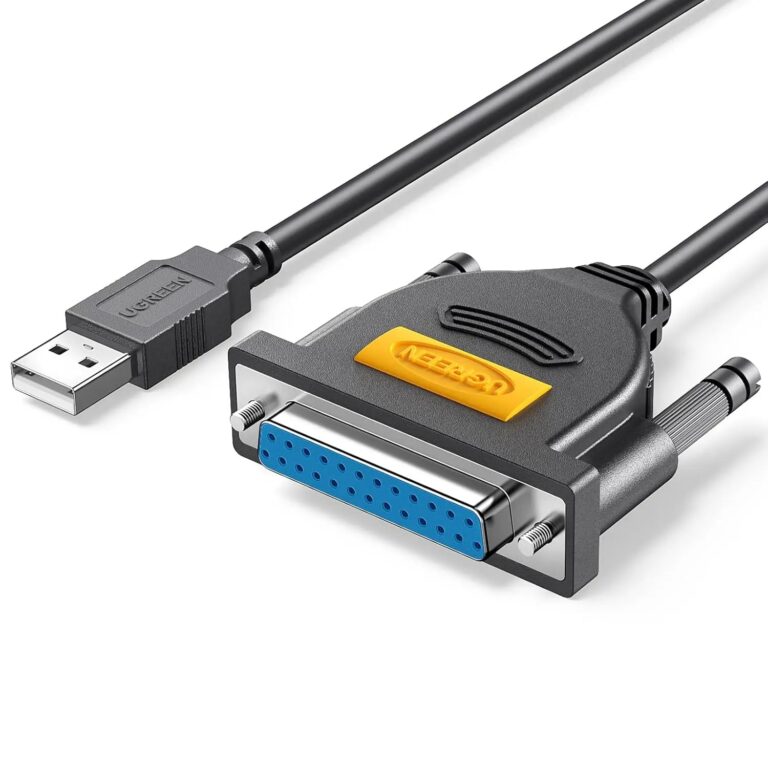 UGREENModel 20224
2 m USB to DB25 Parallel Printer Adapter
- Connector type
- USB
- Length
- 2 m
₹1,089 Incl. GST MRP₹2,10948% below MRP -
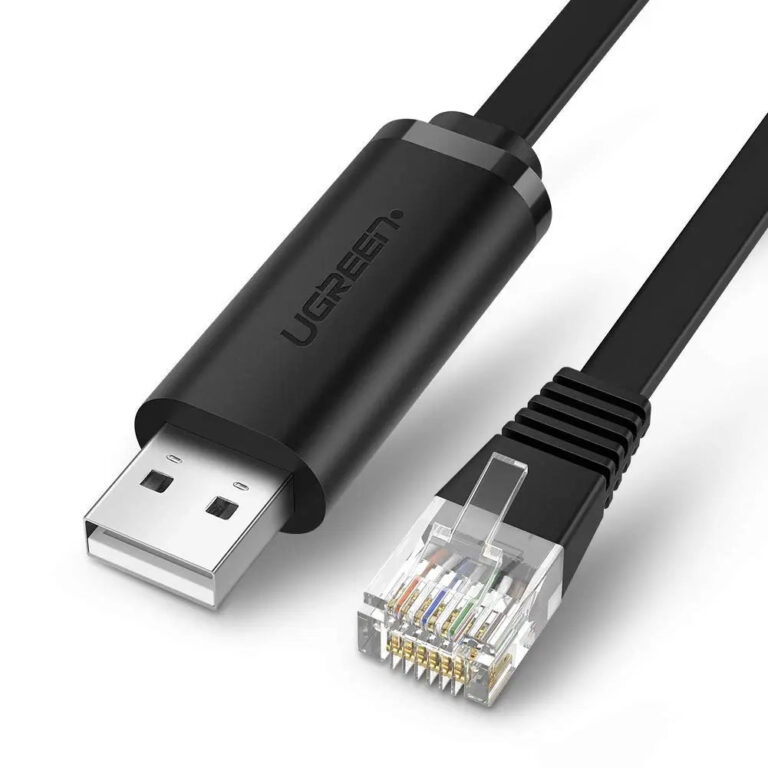 UGREENModel 50773
USB to RJ45 Console Cable for Cisco, Routers and Switches, 1.5 m
- Connector type
- USB
- Length
- 1.5M
₹1,639 Incl. GST MRP₹2,88743% below MRP -
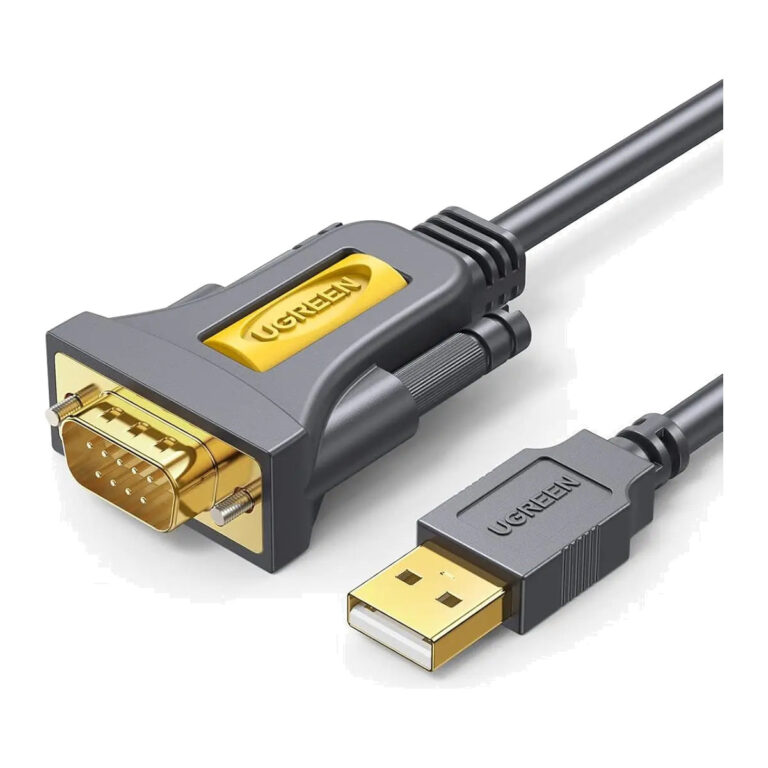 UGREENModel 20223
CR104 USB-A to RS232 DB9 Adapter with PL2303, 3 m
- Connector type
- USB
- Cable length
- 3 m
₹1,809 Incl. GST MRP₹3,66550% below MRP -
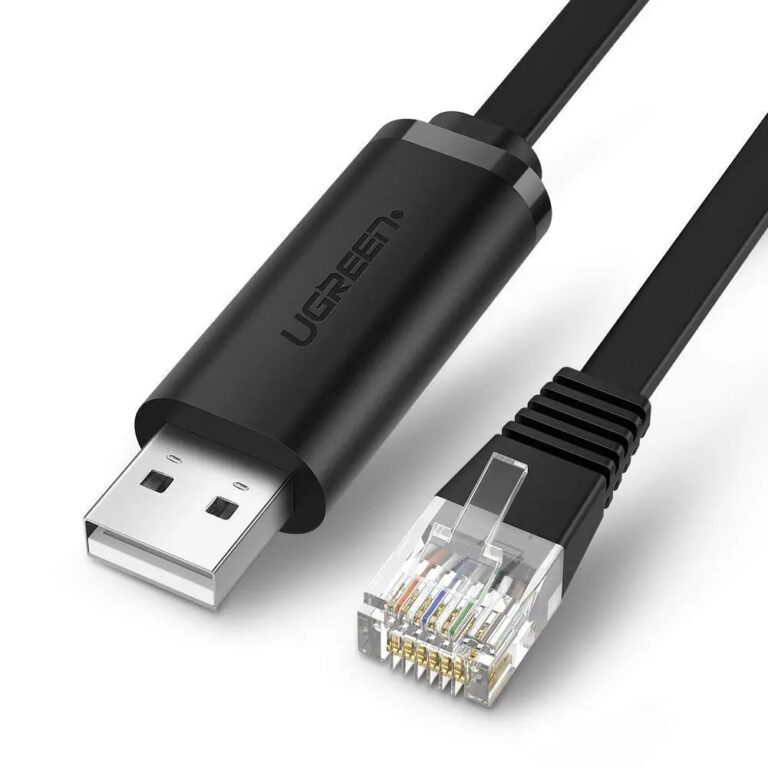 UGREENModel 60813
USB-A to RJ45 Console Cable with FTDI, 3 m
- Connector type
- RJ45
- Cable length
- 3 m / 10 ft
₹2,049 Incl. GST MRP₹3,99848% below MRP -
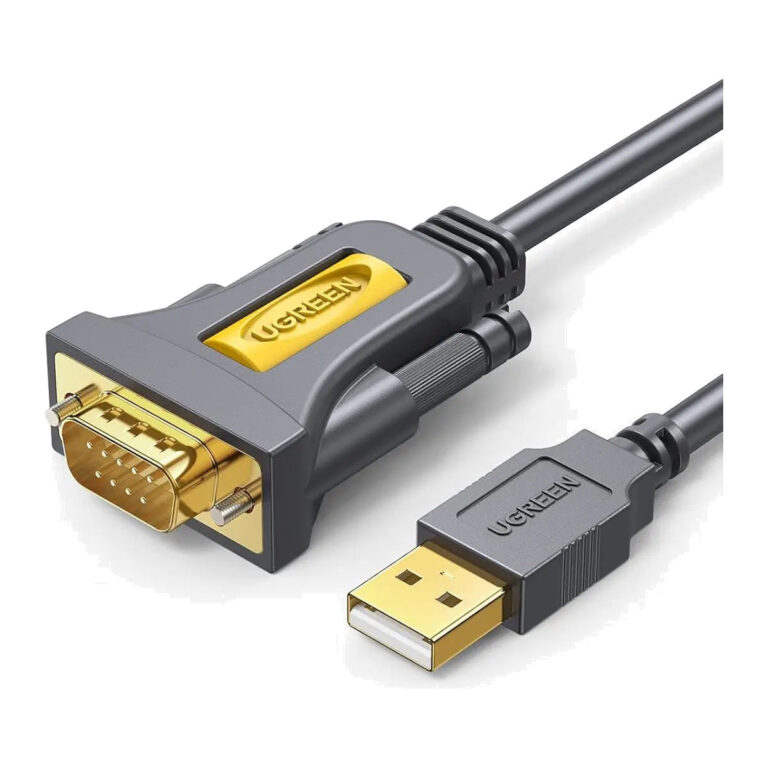 UGREENModel 20210
USB-A to RS232 DB9 Adapter with PL2303, 1 m
- Connector type
- USB 2.0
- Cable length
- 1 m
₹1,049 Incl. GST MRP₹2,88763% below MRP -
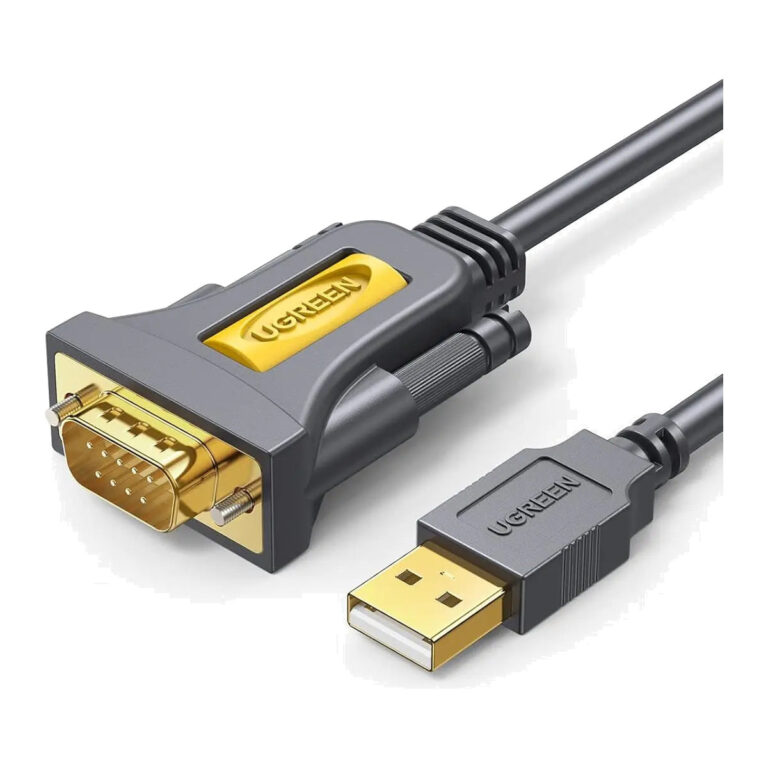 UGREENModel 20222
USB-A to RS232 DB9 Adapter with PL2303, 2 m
- Connector type
- USB
- Cable length
- 2 m
₹1,639 Incl. GST MRP₹3,33150% below MRP -
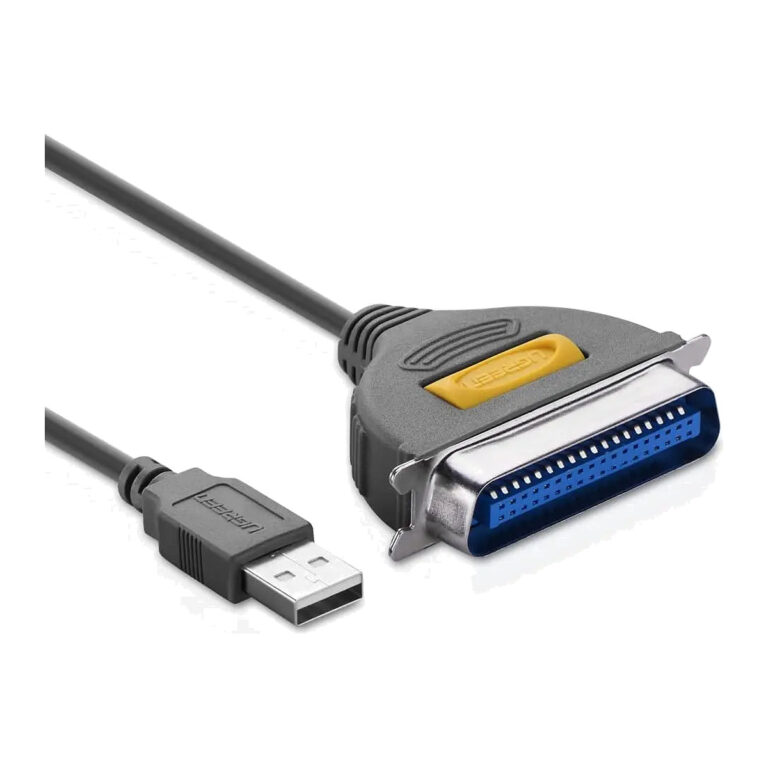 UGREENModel 20225
USB to Parallel IEEE 1284 CN36 Printer Cable 2 m, Gray
- Connector A
- USB-A male (USB 2.0)
- Data Rate
- Up to 12 Mbps
- Length
- 2 m
₹989 Incl. GST MRP₹2,10953% below MRPOut of stock -
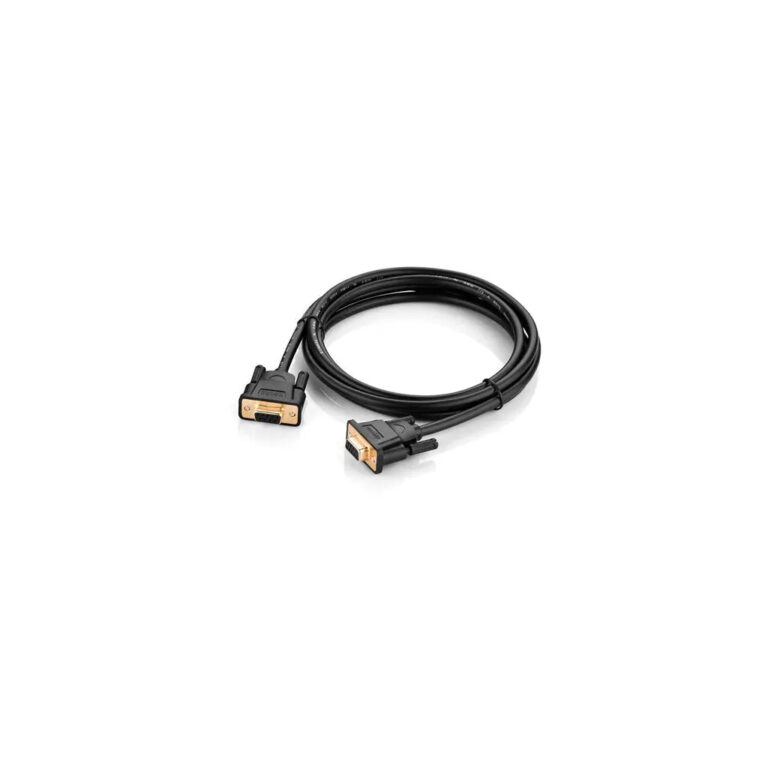 UGREENModel 20149
DB9 RS232 Female-to-Female Cable, 1.5 m
- Cable length
- 1.5 m
- Connector 1
- DB9 female
- Mating equipment ports
- Compatible DB9 male
₹409 Incl. GST MRP₹88753% below MRPOut of stock -
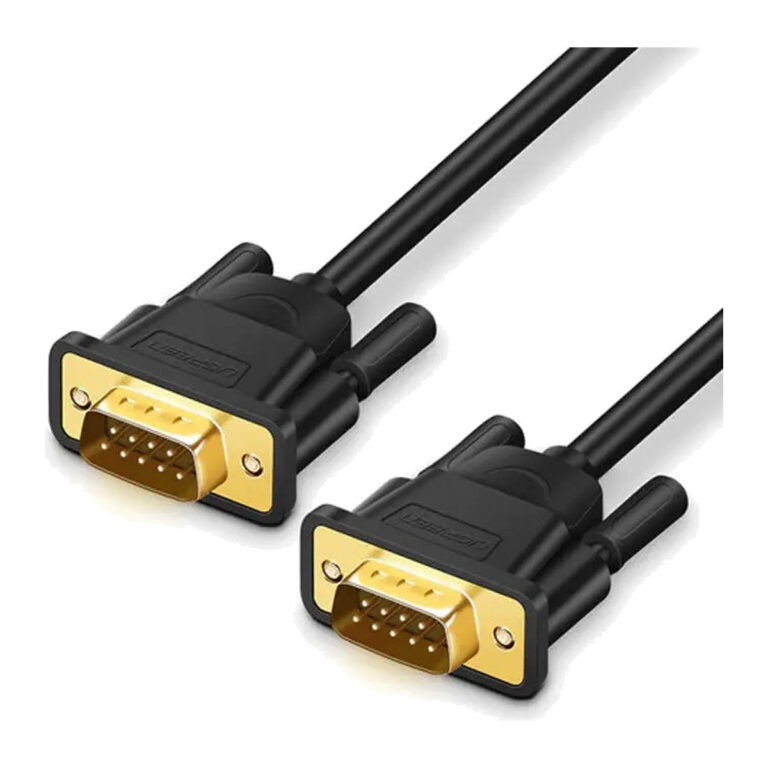 UGREENModel 20153
DB9 RS232 Male-to-Male Cable, 1.5 m
- Cable length
- 1.5 m
- Connector 1
- DB9 male
- Mating equipment ports
- Compatible DB9 female
₹409 Incl. GST MRP₹88753% below MRPOut of stock
How to choose a USB to RS232 cable
Serial work is unforgiving of small mismatches, so check these points before ordering:
- Connector type: DB9 RS232 suits most industrial, POS and GPS devices, while an RJ45 console cable is for the console port on Cisco and similar routers, switches and firewalls.
- Chipset: Prolific PL2303 and FTDI chipsets both have mature drivers for Windows, Mac and Linux. Confirm driver support for your operating system before you head out to a site.
- Gender: DB9 extension, male-to-male and female-to-female cables each solve a different port pairing, so look at the device port before choosing.
- Length: RS232 is a low-speed signal, so a 1.5m to 3m serial cable comfortably reaches a rack or a POS counter.
For older printers with a parallel port, the USB to IEEE1284 and DB25 adapters in this range handle the conversion. If your device connects over Ethernet instead, look at network adapters or browse all cables and connectivity products.
Need help choosing?
Tell us what it is for and where it goes, and we suggest models. Have a list of models and quantities? Request a quote.