
Cameras and Capture
Browse UGREEN webcams and HDMI video capture cards for video calls, online classes, streaming and recording. The webcams offer 1080p and 2K resolution with built-in dual microphones, and the capture cards bring a console, camera or laptop HDMI signal into a PC over USB.
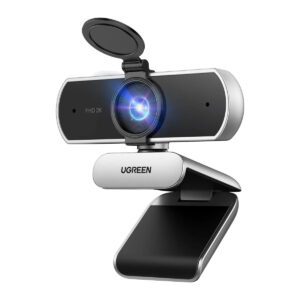
All products
-
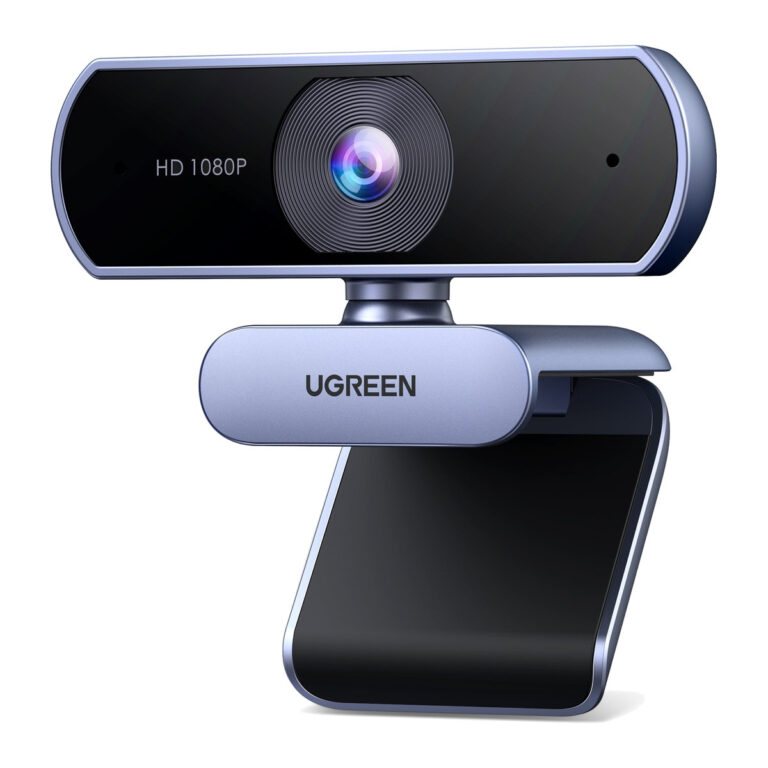 UGREENModel 15728
1080p30 USB Webcam with Dual Microphones
- Product type
- Wired USB webcam
- Wireless
- No
₹4,199 Incl. GST MRP₹8,76352% below MRP -
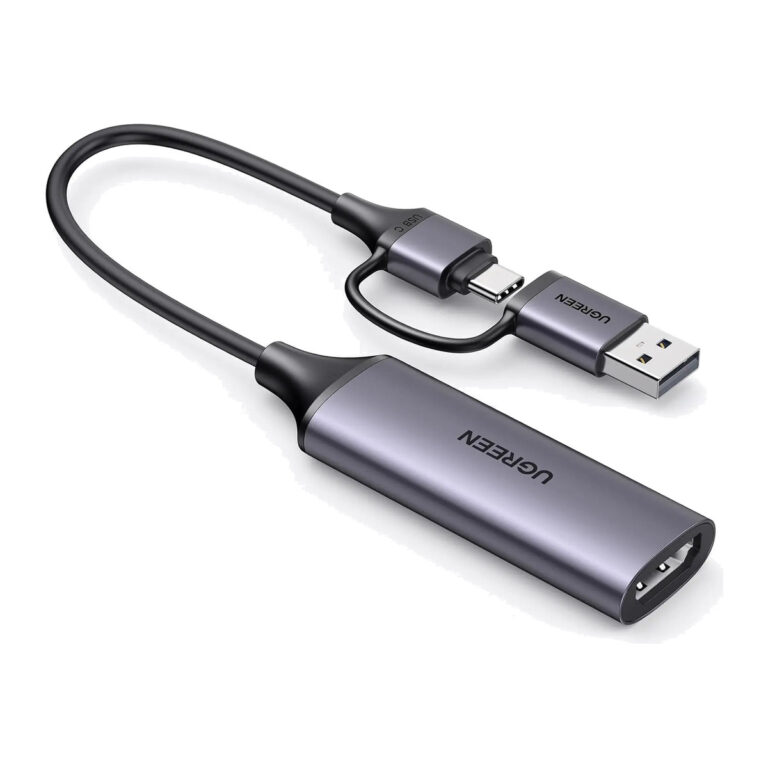 UGREENModel 25854
HDMI Video Capture Card, 1080p, 4K Input, USB-A and USB-C
₹3,588 Incl. GST MRP₹7,66553% below MRP -
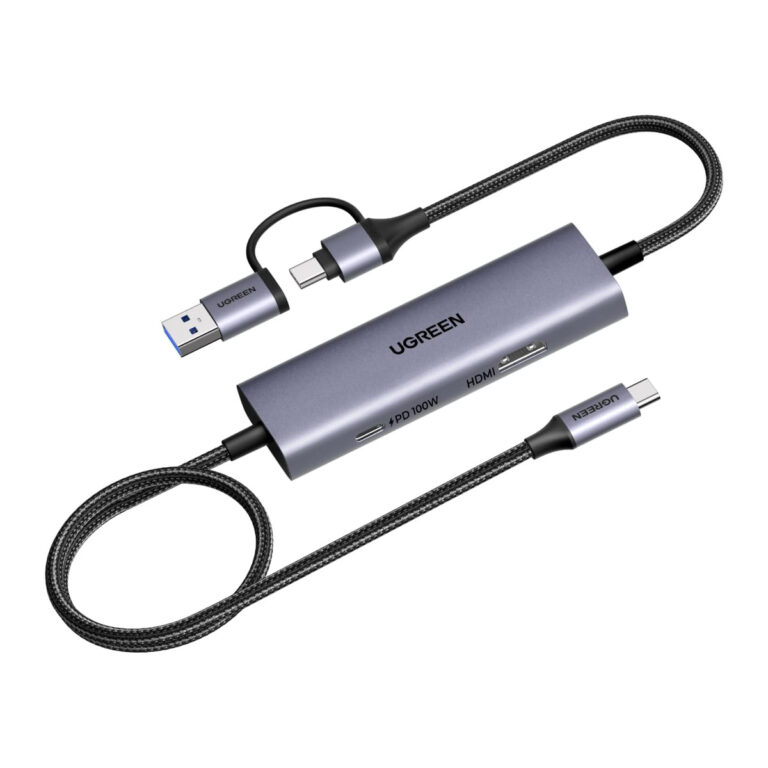 UGREENModel 65856
USB-C Video Capture Card, 4K 30 Hz Loop-Out, 100 W PD
- Product Type
- USB-C video capture card
- Loop-Out
- HDMI, up to 4K at 30 Hz
- Backward Compatibility
- 1080p at 60 Hz and lower
₹7,879 Incl. GST MRP₹9,99921% below MRP -
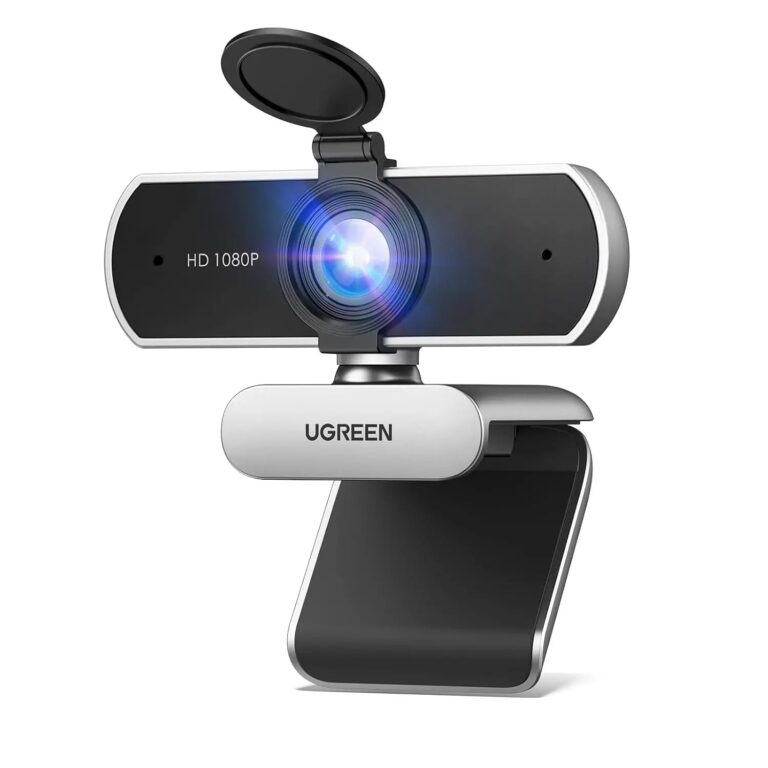 UGREENModel 75326
Full HD 1080p Webcam, Dual Mics, 85 Degree View, Privacy Cover
- Resolution
- 1080p at 30 fps
- Sensor
- 2 MP
- Field of View
- 85 degrees
₹4,669 Incl. GST MRP₹5,55315% below MRP -
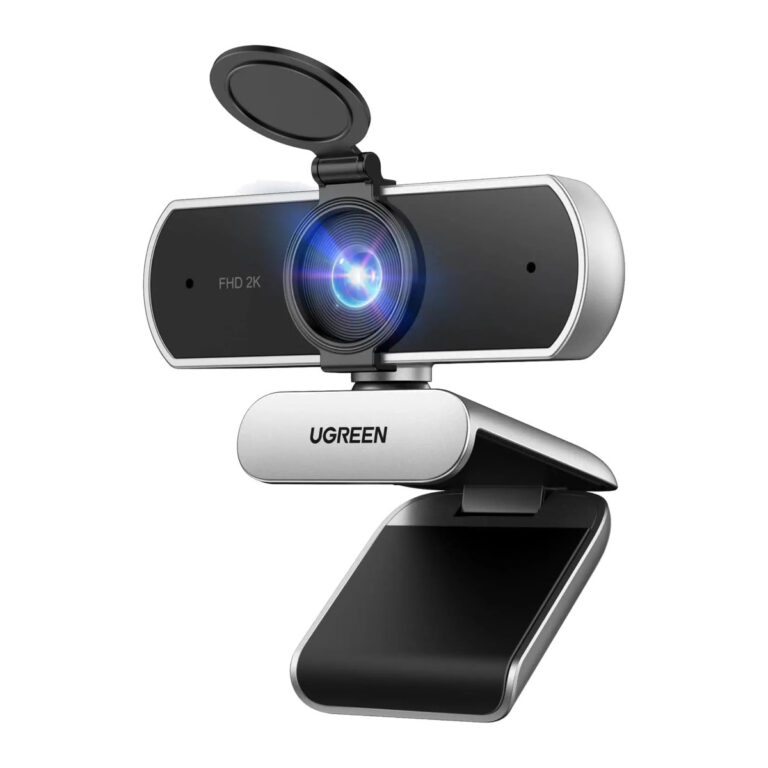 UGREENModel 75330
2K Webcam, 4 MP Sensor, Dual Microphones, Privacy Cover
- Resolution
- 2K at 30 fps; 1080p
- Sensor
- 4 MP CMOS
- Microphones
- Dual built-in
₹5,369 Incl. GST MRP₹6,66419% below MRP -
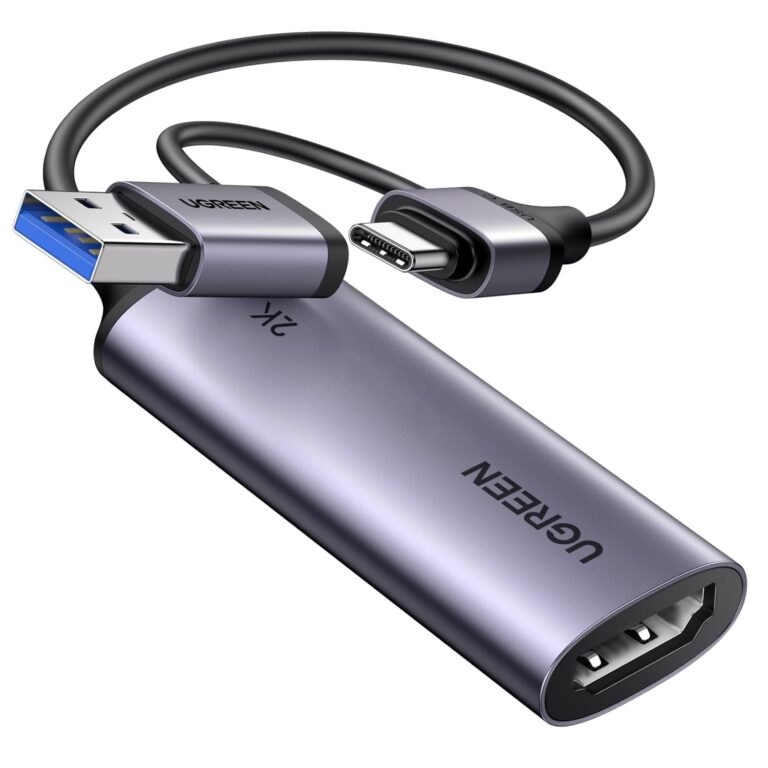 UGREENModel CM629
HDMI Video Capture Card, 4K Input, 1080p at 60 fps, USB-A and USB-C
- Product Type
- HDMI video capture card
- Input
- HDMI, up to 4K
- Host Connection
- USB-A / USB-C
₹2,763 Incl. GST MRP₹5,99953% below MRPOut of stock -
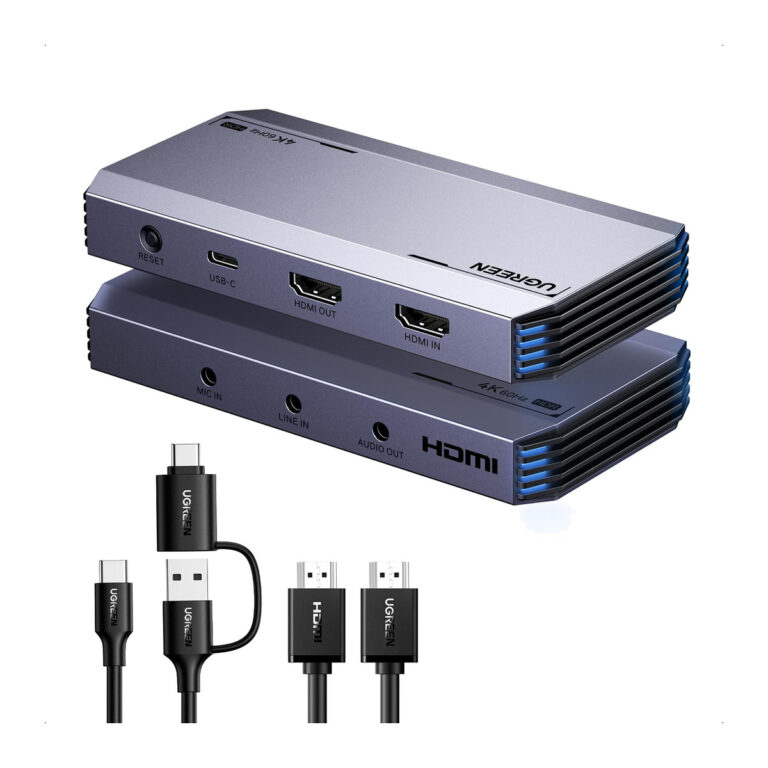 UGREENModel 25173
4K 60 Hz HDMI Capture Card, USB-C 5 Gbps, Loop-Out, HDR
- Connector type
- HDMI
- HDMI Input
- Up to 4K at 60 Hz, HDR
- Capture Output
- USB-C, up to 5 Gbps
₹9,811 Incl. GST MRP₹21,10753% below MRPOut of stock
How to choose a webcam or capture card
For a webcam used in meetings, 1080p at 30 frames per second is enough for most platforms, since video call apps compress the stream anyway. A 2K webcam gives more detail for recording and some room to crop. Also check:
- Microphones: dual mics with noise reduction help in open offices, though a separate USB microphone still sounds clearer.
- Field of view and privacy: a wider view fits more people into a meeting room shot, and a privacy cover blocks the lens when not in use.
- Capture vs pass-through: many capture cards accept a 4K input and pass it to a TV but record at a lower resolution. Read the capture figure, not only the input figure.
- Connection: a USB 3.0 capture card records at higher resolution with less delay than USB 2.0. Check whether your PC has USB-A or USB-C free.
For USB microphones, see audio accessories. To route several HDMI sources into one capture card, look at HDMI switches and extenders.
Need help choosing?
Tell us what it is for and where it goes, and we suggest models. Have a list of models and quantities? Request a quote.