
Switches and Extenders
Switches, splitters, KVM switches, matrix switches and extenders look alike but do different jobs: a switch picks one of several sources for one screen, a splitter copies one source to several screens, a KVM shares a keyboard, mouse and monitor between computers, and an extender carries the signal over Cat6 or a wireless link. Then match the HDMI version, the resolution and refresh rate (1080p, 4K at 30 or 60 Hz, or 8K) and the port count to your devices.
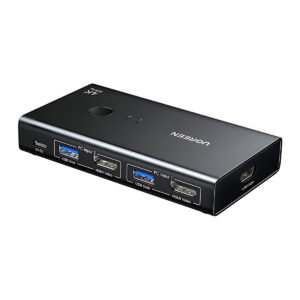
All products
-
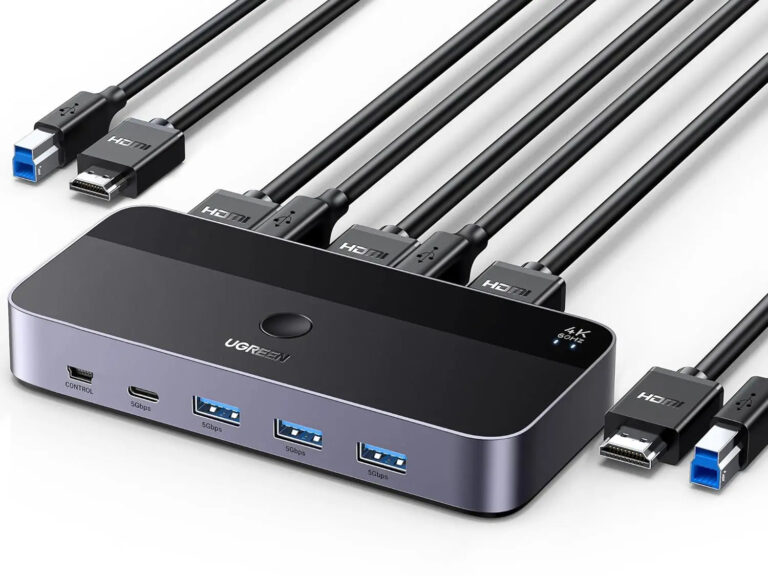 UGREENModel 15707
2-PC HDMI KVM Switch, 4K60 and USB 3.0
- Connector type
- HDMI, USB
- External display count
- One
- Computer channels
- 2
₹5,698 Incl. GST MRP₹14,44160% below MRP -
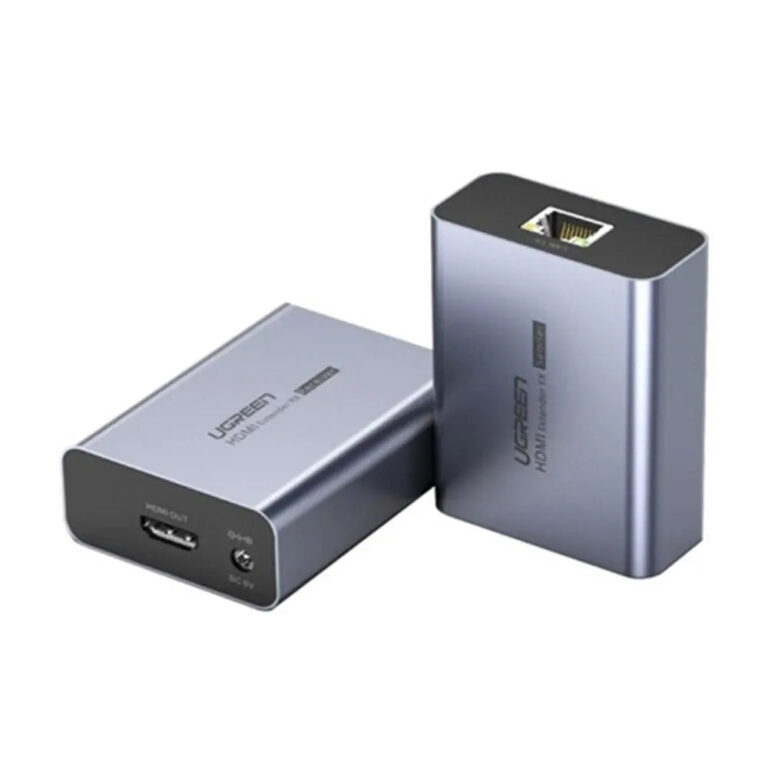 UGREENModel 20519
HDMI Extender Kit over Cat5e/Cat6, 1080p 60 Hz, up to 70 m
- Connector type
- ETHERNET
- Maximum Resolution
- 1920 x 1080 at 60 Hz
₹8,059 Incl. GST MRP₹14,44144% below MRPKit -
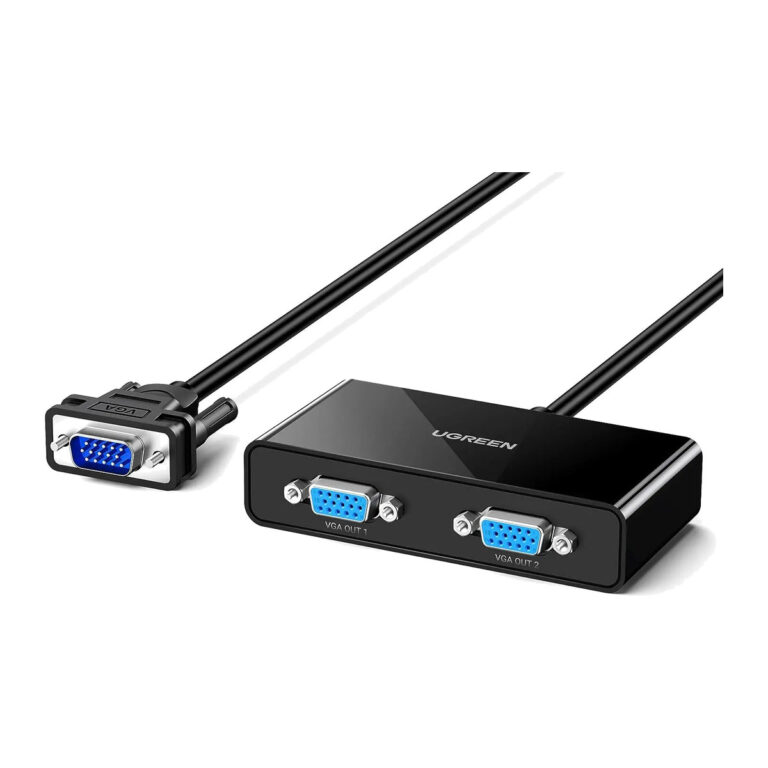 UGREENModel 20918
VGA Splitter 1 In 2 Out, Video Duplicator up to 1920 x 1440
- Function
- Duplicate (mirror) only
- Connector type
- VGA
- Maximum Resolution
- 1920 x 1440 at 60 Hz
₹1,519 Incl. GST MRP₹3,33154% below MRP -
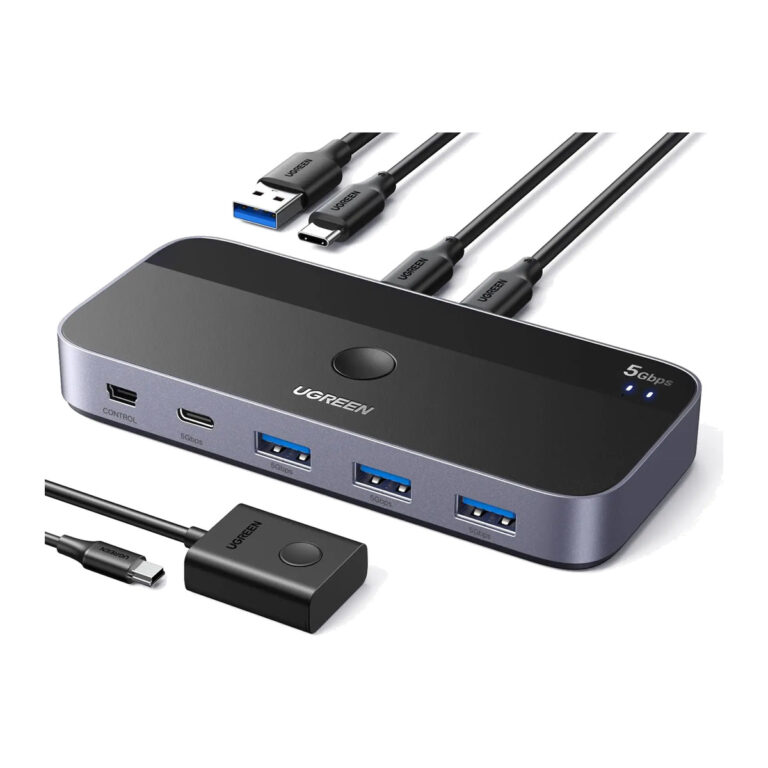 UGREENModel 25098
2-Computer 4-Port USB Sharing Switch
₹2,909 Incl. GST MRP₹8,59666% below MRP -
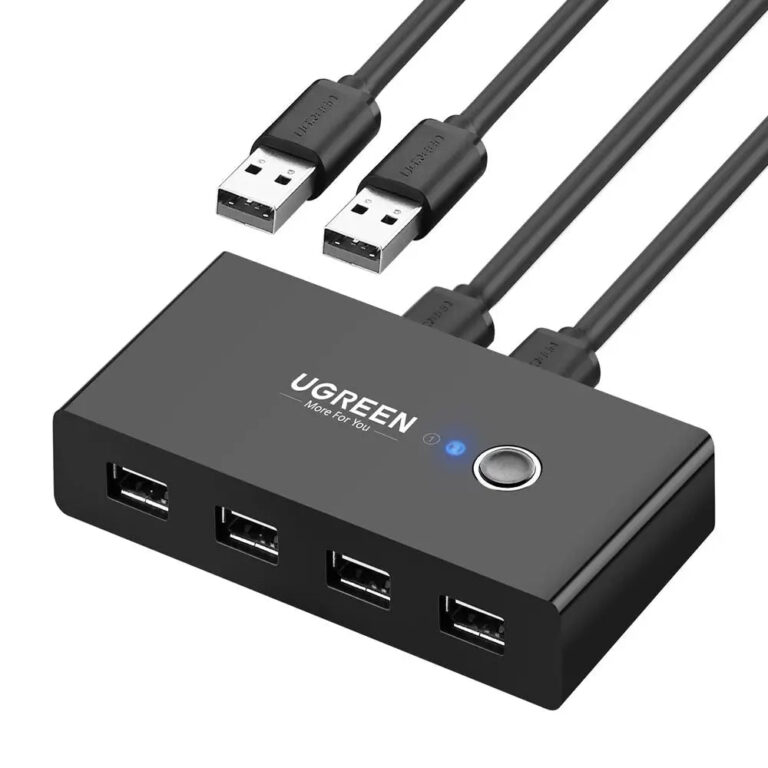 UGREENModel 30767
2-PC 4-Port USB 2.0 Sharing Switch
- Connector type
- usb
- USB version
- USB 2.0
₹1,170 Incl. GST MRP₹2,88759% below MRP -
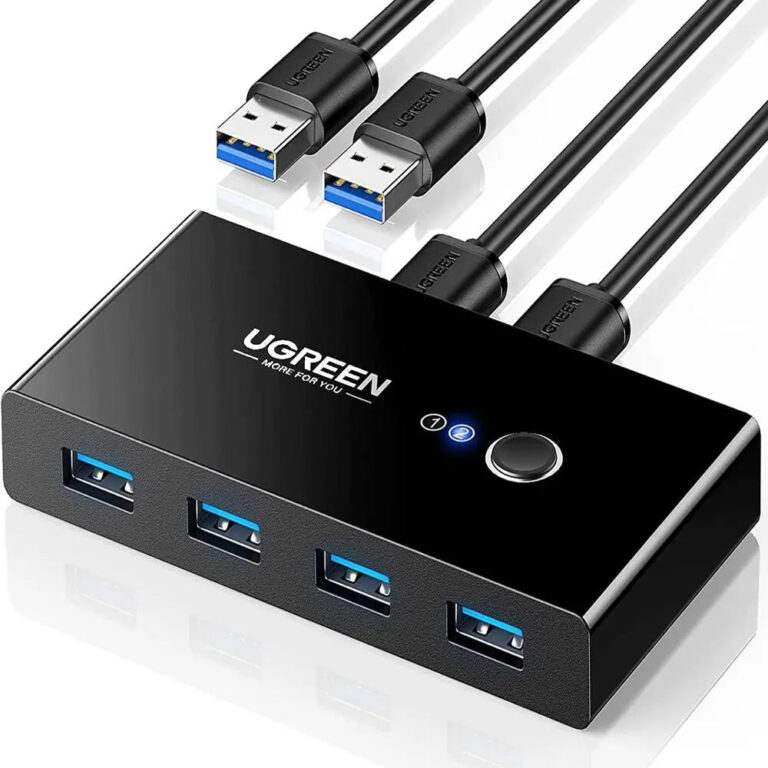 UGREENModel 30768
2-PC 4-Port USB 3.0 Sharing Switch
- Connector type
- USB
- Material
- Metal
- USB version
- USB 3.0
₹1,874 Incl. GST MRP₹5,10963% below MRP -
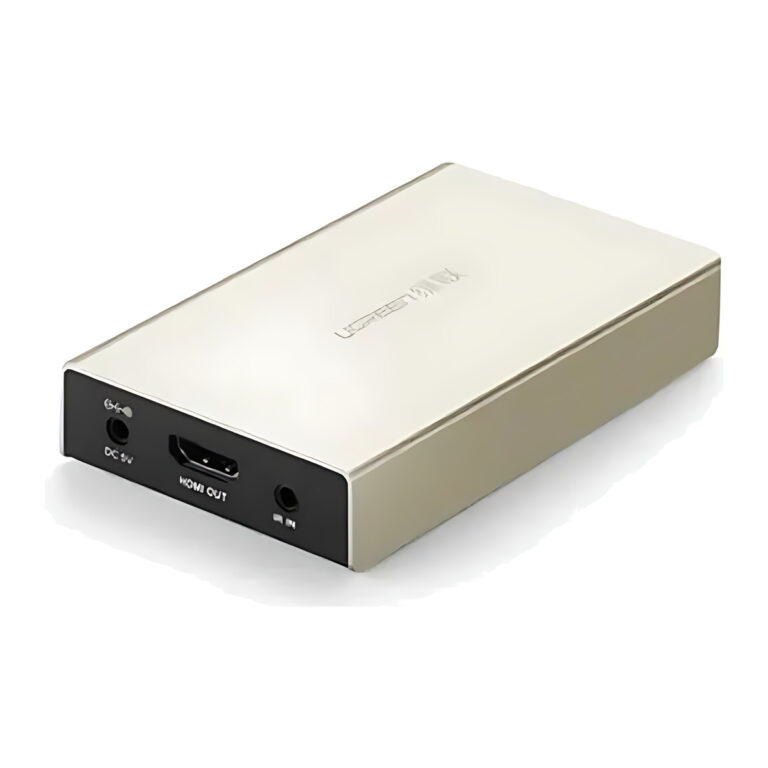 UGREENModel MM116
HDMI over Cat6 Extender Receiver, 1080p, up to 120 m with IR
- Connector type
- HDMI
- Maximum Resolution
- 1080p
₹9,949 Incl. GST MRP₹18,88547% below MRP -
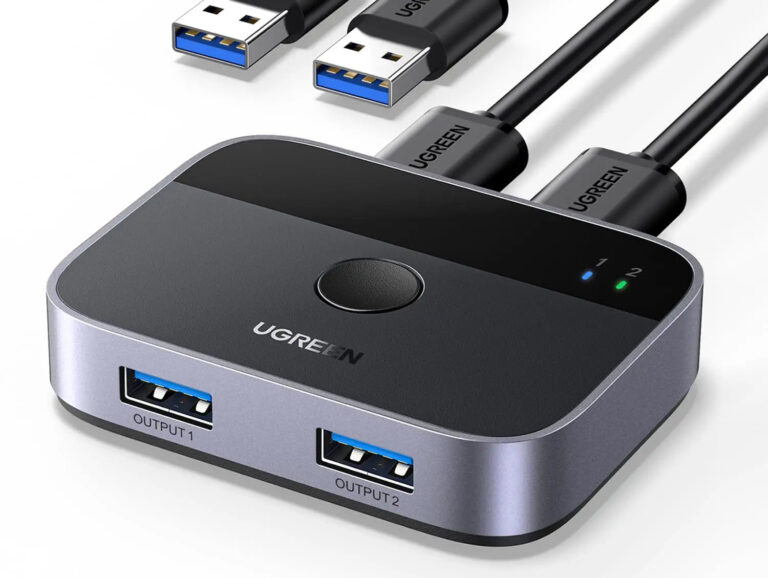 UGREENModel 35313
USB 3.0 Switch, 2 PCs Share 2 USB Devices, 5 Gbps
- Connector type
- USB 3.0 Type A
- Material
- Aluminium
- Cables Included
- 2 x USB-A to USB-A
₹2,481 Incl. GST MRP₹4,44244% below MRP -
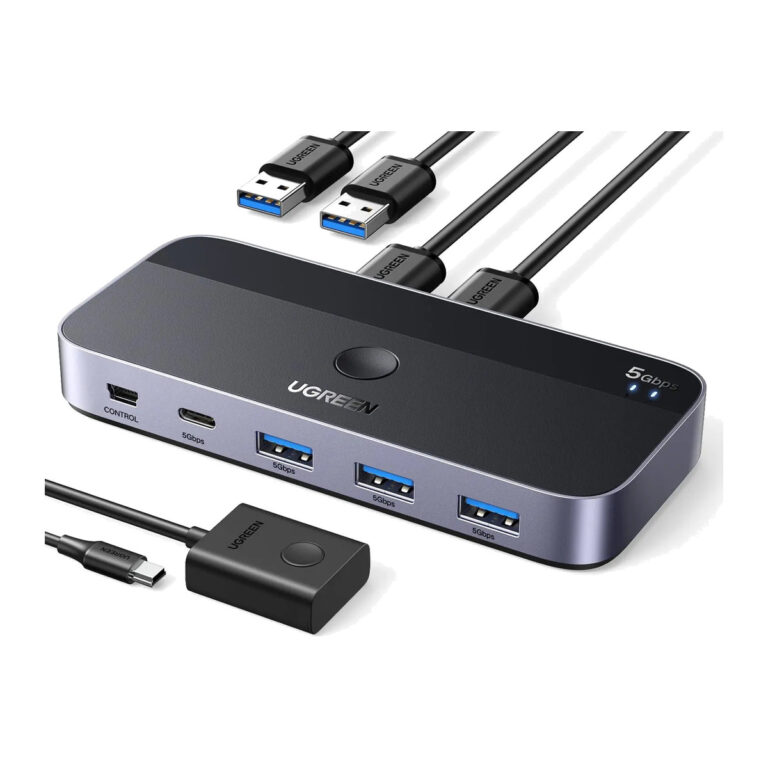 UGREENModel 15705
4-Port USB 3.0 Sharing Switch for 2 Computers
- Connector type
- USB- C and USB -A
- Downstream data ports
- 3 × USB-A and 1 × USB-C
₹2,653 Incl. GST MRP₹6,66460% below MRP -
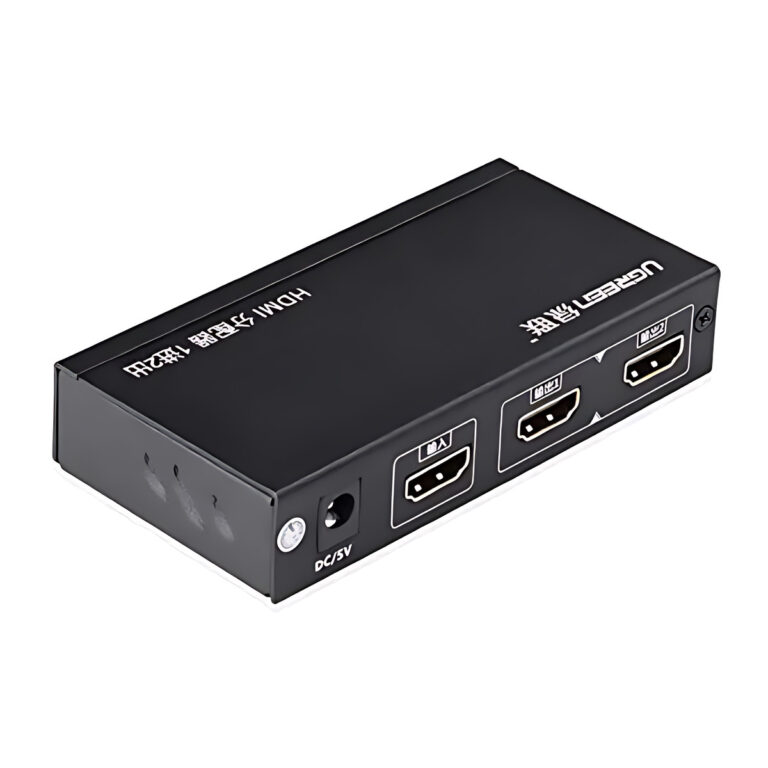 UGREENModel 40201EU
HDMI Splitter 1 In 2 Out, HDMI 1.4, 4K 30 Hz, 12 V Powered
- Connector type
- HDMI
- Inputs
- 1 x HDMI (Type A female)
- Outputs
- 2 x HDMI (Type A female)
₹3,309 Incl. GST MRP₹3,99817% below MRP -
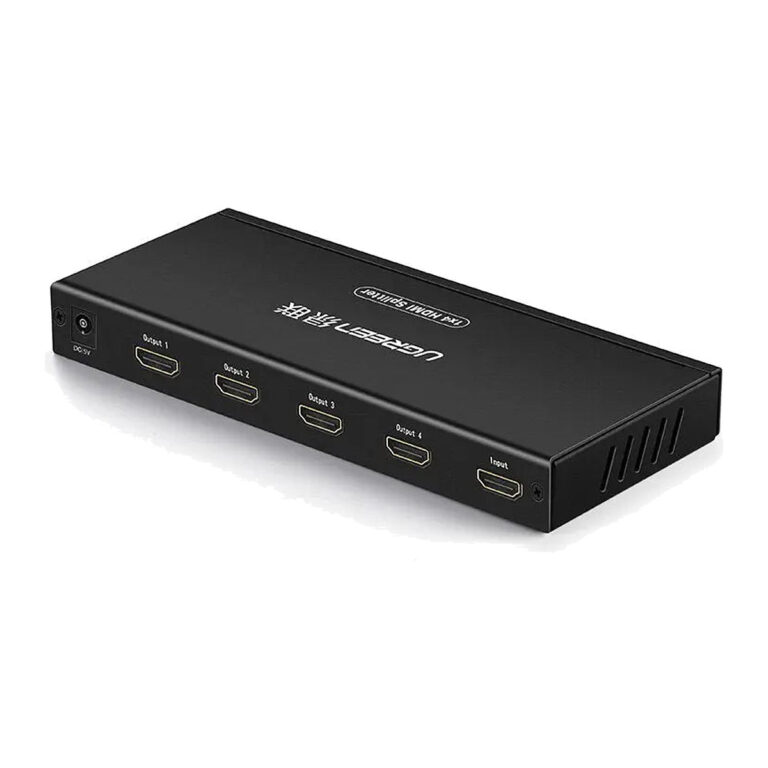 UGREENModel 40202
1×4 HDMI 1.4 Splitter, 4K30
- Connector type
- HDMI
- Inputs
- 1 × HDMI Type-A female
- Outputs
- 4 × HDMI Type-A female
₹4,609 Incl. GST MRP₹5,1099% below MRP -
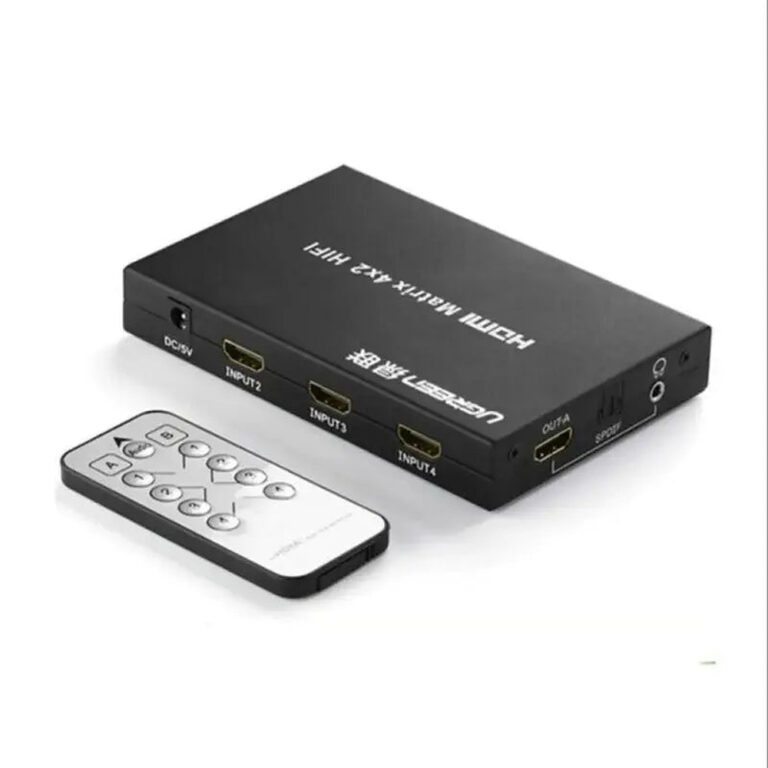 UGREENModel 40216
4×2 HDMI 1.4 Matrix Switch, 4K30, Audio Extraction
- Inputs
- 4 × HDMI Type-A female
- Power
- 5 V DC/1 A
- Maximum
- 4K@30 Hz
₹12,869 Incl. GST MRP₹16,66322% below MRP -
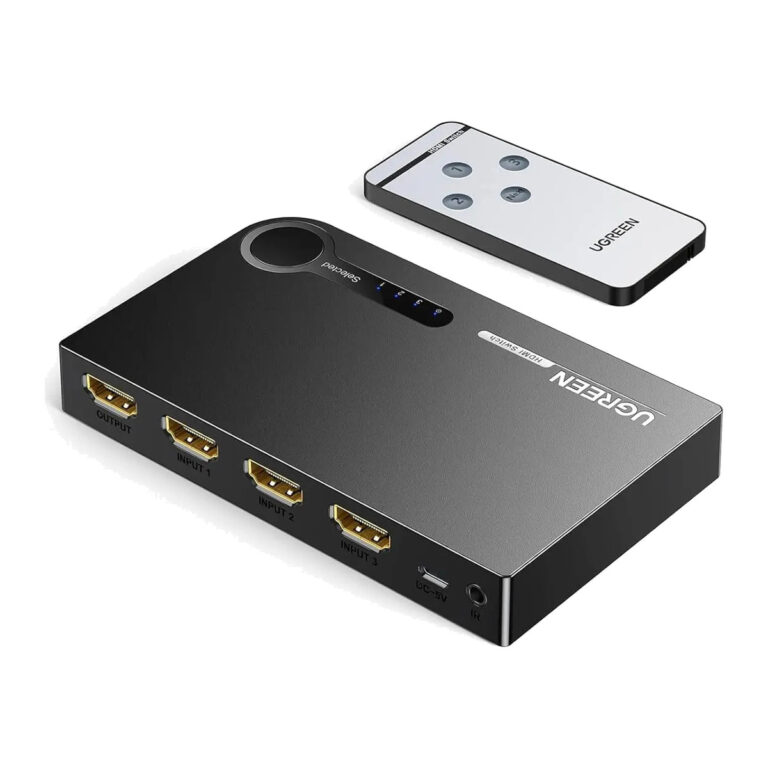 UGREENModel 40234
HDMI Switch 3 In 1 Out with IR Remote, 1080p 3D, Auto Switching
- Connector type
- HDMI
- Supported Resolutions
- 1080p, 3D; 4K x 2K
₹2,569 Incl. GST MRP₹5,55353% below MRP -
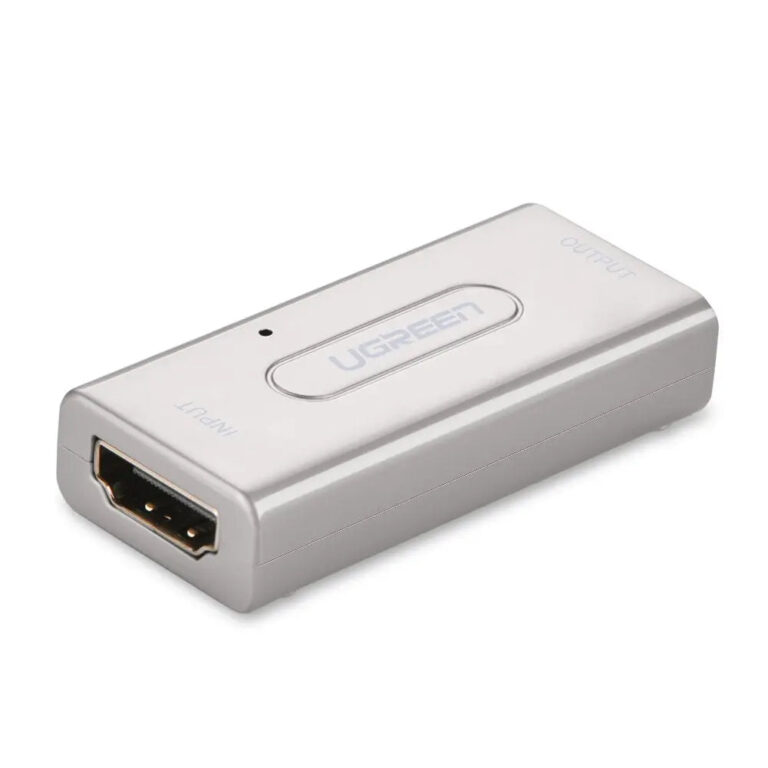 UGREENModel 40265
HDMI Repeater Extender, 1080p, Extends HDMI Runs up to 50 m
- Connector type
- HDMI
- Maximum Resolution
- 1080p
₹1,699 Incl. GST MRP₹2,88741% below MRP -
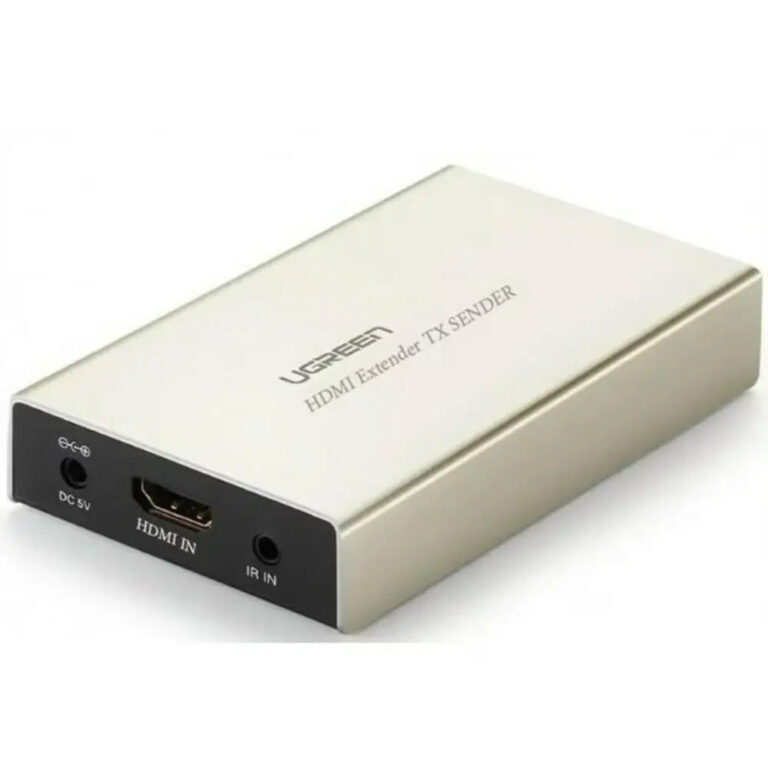 UGREENModel 40280
HDMI over Cat6 Extender Transmitter, 1080p, up to 120 m with IR
- Maximum Resolution
- 1080p
- Maximum Distance
- Up to 120 m
- HDMI Version
- HDMI 1.3, HDCP 1.2
₹12,839 Incl. GST MRP₹25,55149% below MRP -
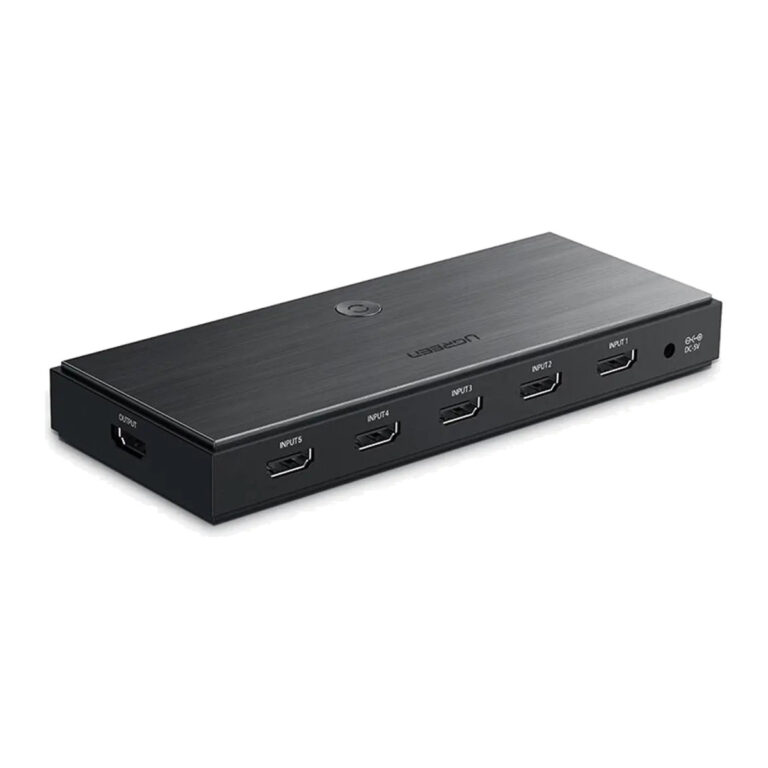 UGREENModel 50710
5-Port HDMI 2.0 Switch with Remote
- Connector type
- HDMI
- HDMI capability
- HDMI 2.0
₹6,999 Incl. GST MRP₹8,88621% below MRP -
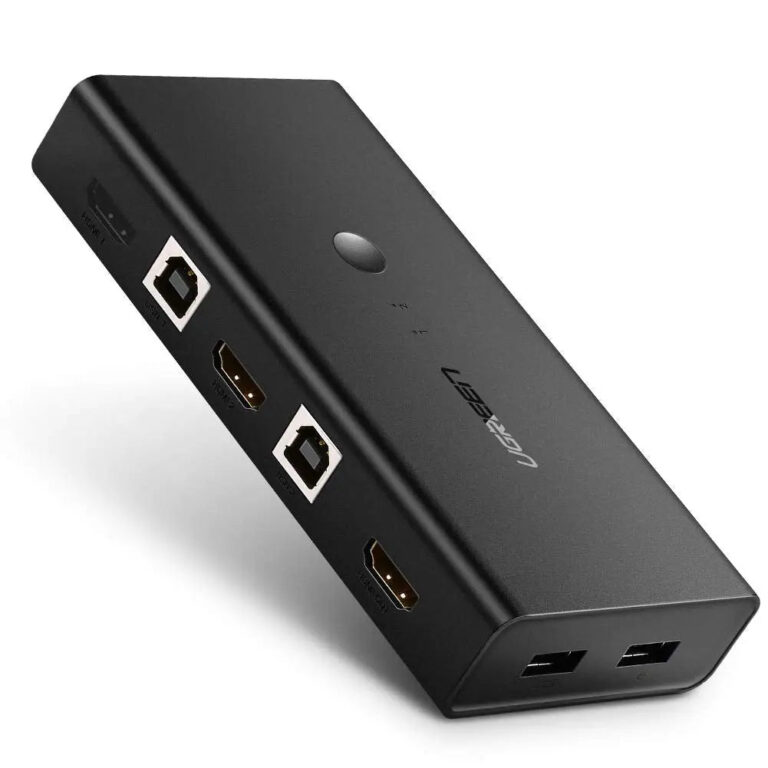 UGREENModel 50744
2-Port HDMI KVM Switch, 4K30, 4× USB
- Connector type
- HDMI and USB
- Video inputs
- 2 × HDMI
₹5,489 Incl. GST MRP₹5,9437% below MRP -
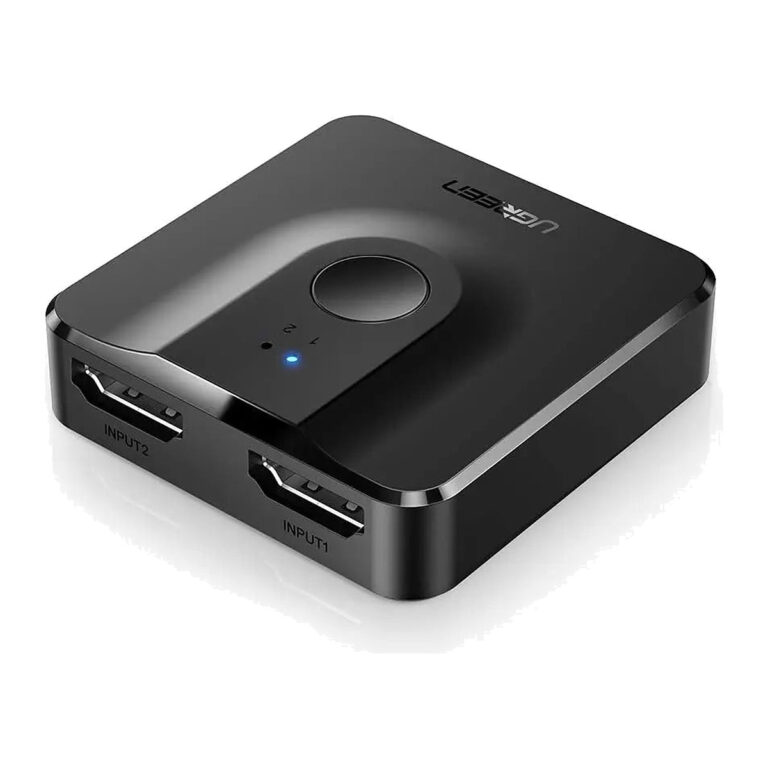 UGREENModel 50966
Bidirectional 2-Port HDMI Switch, 4K60
- Connector type
- HDMI
- Simultaneous displays
- 1 only
- Maximum
- 4096×2160@60 Hz
₹873 Incl. GST MRP₹2,22060% below MRP -
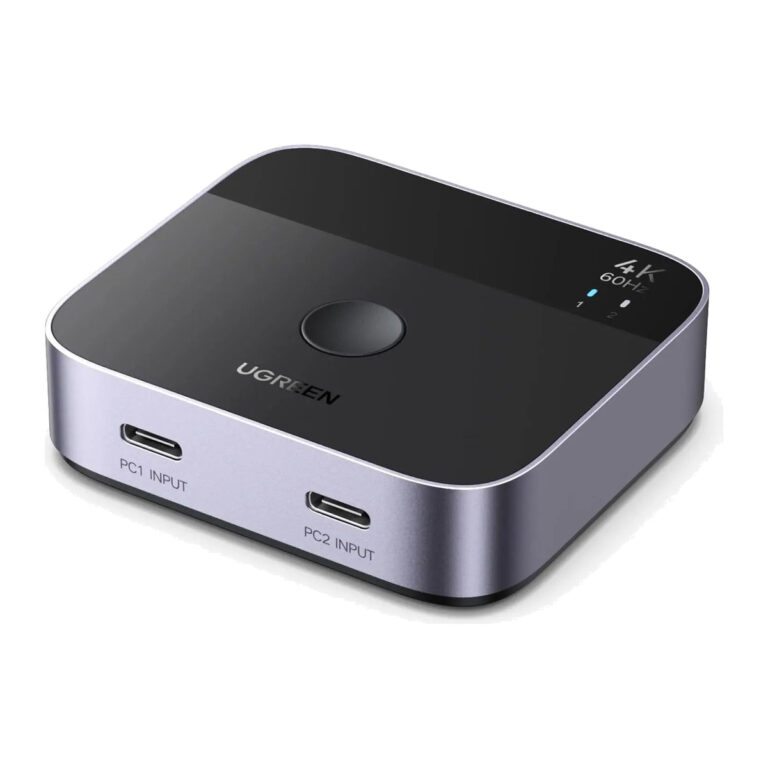 UGREENModel 55451
2×1 USB-C to HDMI Switch, 4K60
- Connector type
- HDMI
- Bandwidth
- 18 Gbps
- Video features
- HDR; HDCP 2.2
₹3,889 Incl. GST MRP₹7,77549% below MRP -
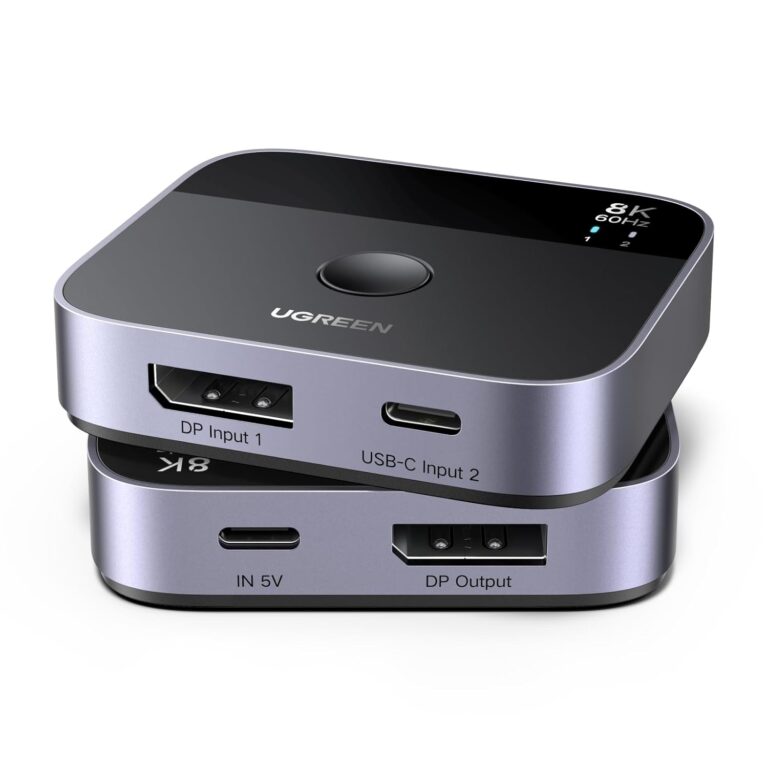 UGREENModel 65878
DP + USB-C to DisplayPort Switch, 8K60
- Outputs
- 1 × DisplayPort female
- Maximum
- 8K@60 Hz
- Link rate
- 32.4 Gbps
₹3,679 Incl. GST MRP₹6,12539% below MRP -
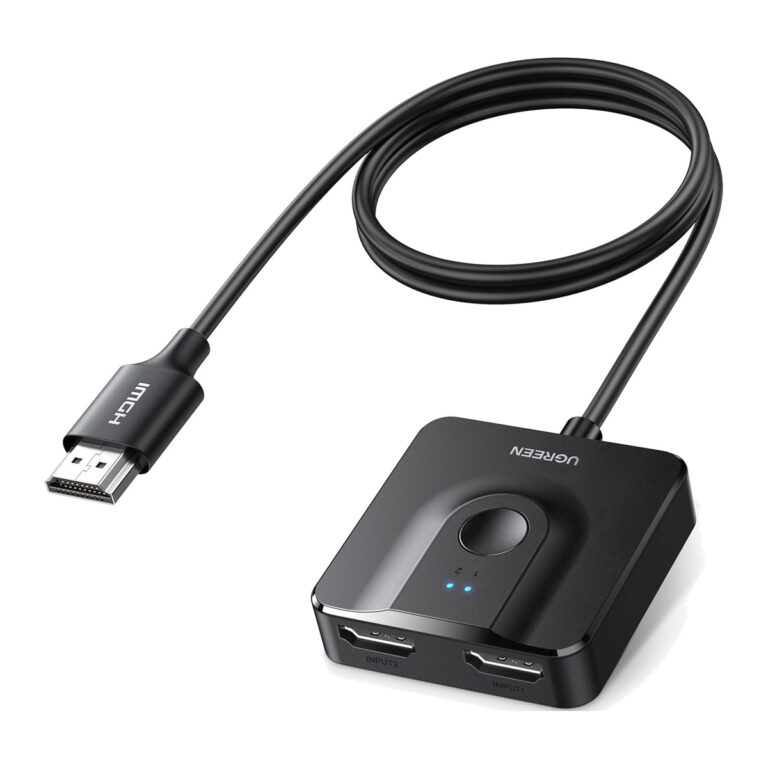 UGREENModel 70607
HDMI 2.0 Bi-Directional Switch, 2 In 1 Out, 4K 60 Hz, with 1 m Cable
- Product Type
- HDMI Switch / Splitter
- Maximum Resolution
- 4K@60 Hz
₹1,359 Incl. GST MRP₹3,09956% below MRP -
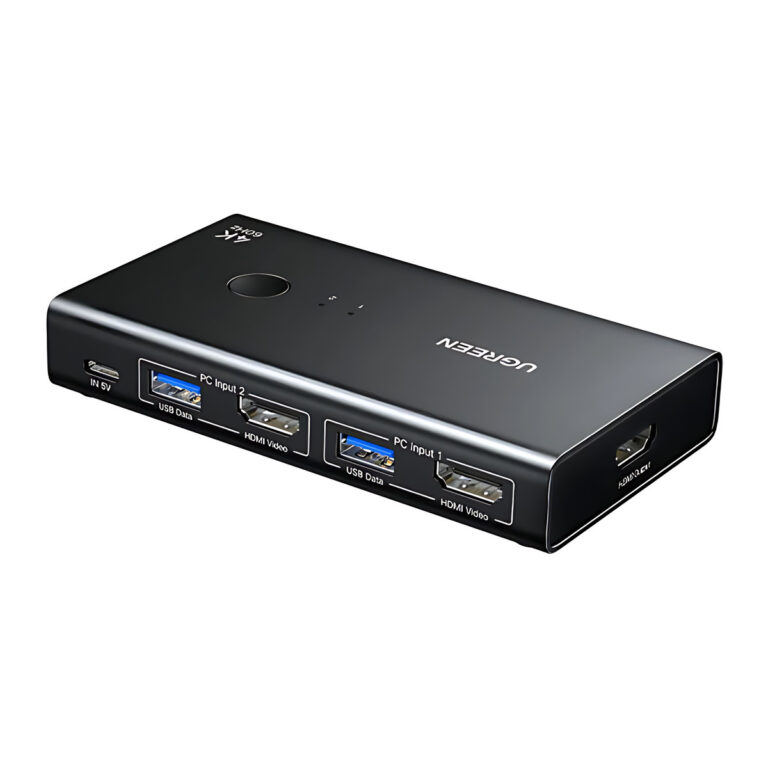 UGREENModel AK502
HDMI KVM Switch for 2 PCs, 4K at 60 Hz, 4 USB 3.0 Ports, Black
- USB data rate
- Up to 5 Gbps
- Video
- Up to 4K at 60 Hz
₹3,814 Incl. GST MRP₹5,14925% below MRP -
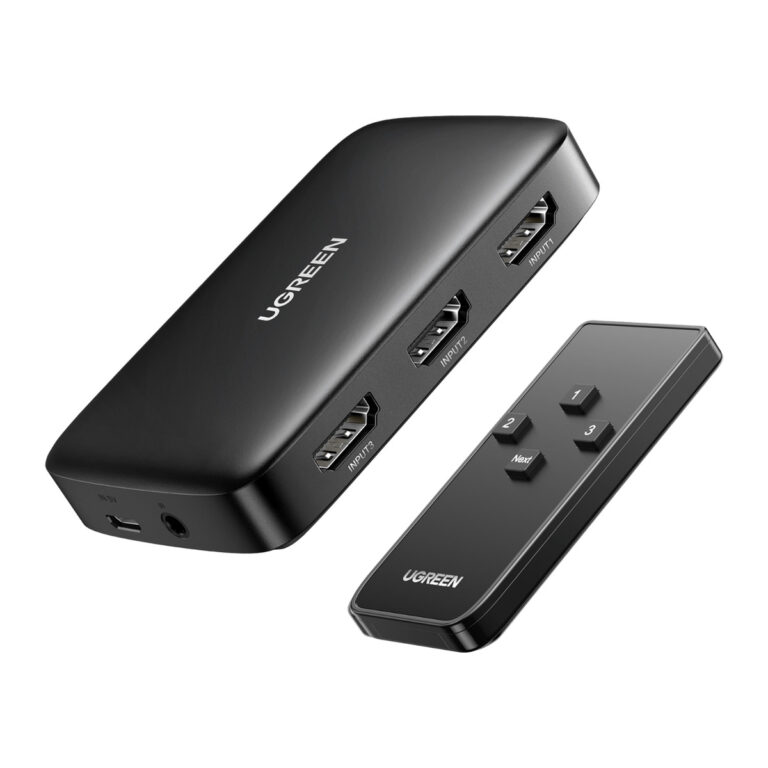 UGREENModel 80125
HDMI Switch 3 In 1 Out with IR Remote, 4K 30 Hz, Auto Switching
- Inputs
- 3 x HDMI
- Outputs
- 1 x HDMI
- Switching
- Auto, button, IR remote
₹1,842 Incl. GST MRP₹3,33144% below MRP -
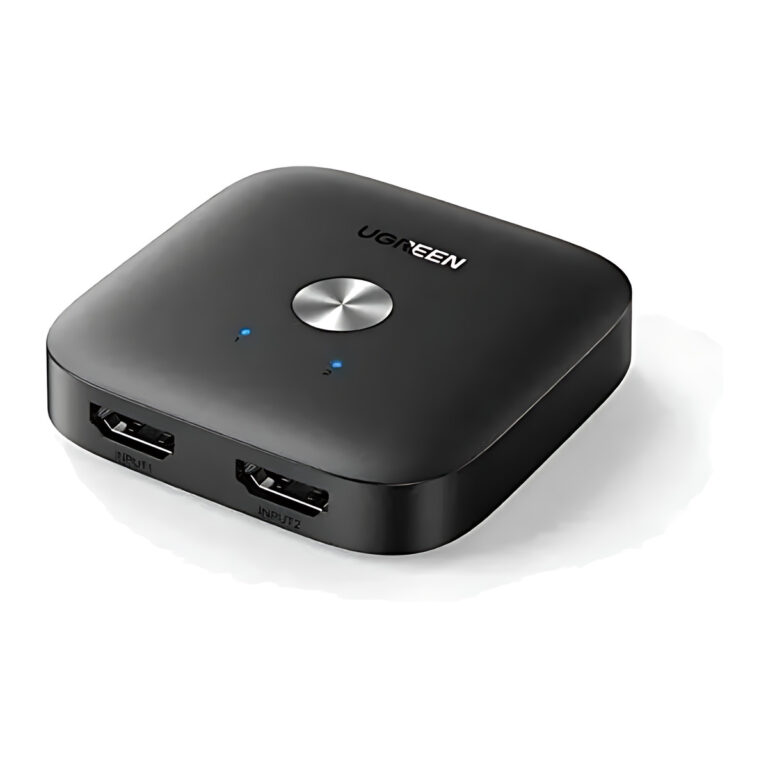 UGREENModel 80126
HDMI Switch 2 In 1 Out, 4K at 60 Hz, One-Button
- Connector type
- HDMI
- Maximum Resolution
- 4K at 60 Hz
₹1,869 Incl. GST MRP₹2,84334% below MRP
Switch, splitter, KVM or extender: which do you need?
These devices look alike but do different jobs. An HDMI switch picks one of several sources for a single display. A splitter sends one source to several displays at once, such as a row of reception or meeting room screens. A matrix switch combines both, routing any input to any output. A KVM switch lets one keyboard, mouse and monitor control two or four computers.
Once you know the type, check:
- Resolution and refresh rate: match the device to your display, for example 4K60 for a modern monitor or 8K60 for the newest screens.
- HDCP and EDID handling: these decide whether protected content and the correct resolution pass through.
- Distance: a Cat5e or Cat6 HDMI extender covers longer runs than a passive cable, and wireless extenders avoid cable runs where routing is difficult.
- Control: IR remotes help when the switch sits behind a TV or inside a cabinet.
You will also need the right HDMI and display cables for each port.
Need help choosing?
Tell us what it is for and where it goes, and we suggest models. Have a list of models and quantities? Request a quote.