
Network Switches
Network switches from compact 5-port desktop units to 48-port rack switches with 10G SFP+ uplinks. The choice comes down to management level (unmanaged, Lite managed, Layer 2+ or Layer 3), port speed (Gigabit or 2.5G multi-gig), PoE, PoE+ or PoE++ ports for phones, cameras and access points, and the number of SFP or SFP+ fibre uplinks.


All products
-
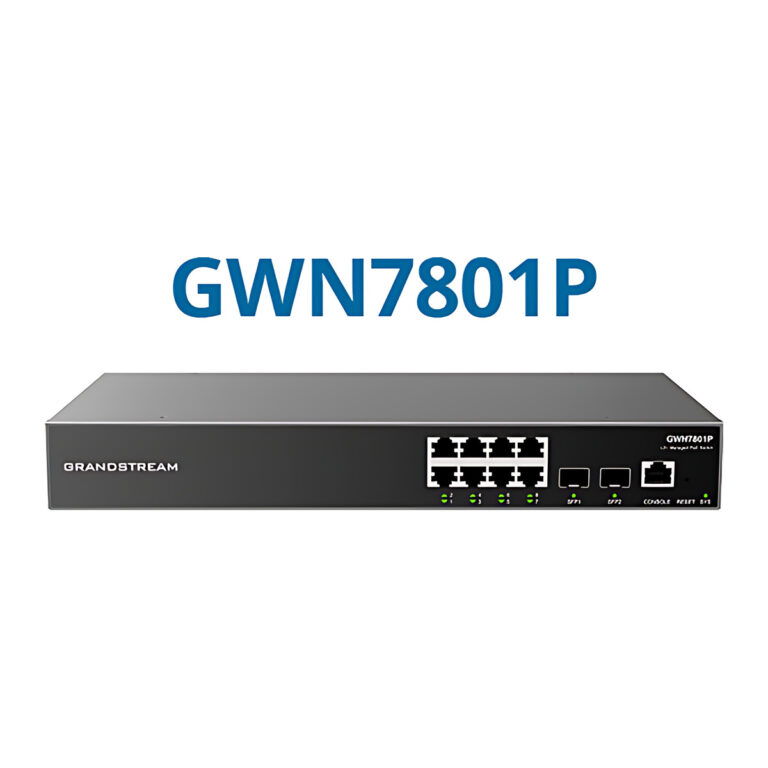 GrandstreamModel GWN7801P
Layer 2+ Managed PoE Switch, 8 GbE + 2 SFP, 130 W
- PoE Budget
- 130 W
- SFP Ports
- 2 x 1G SFP
- Layer
- Layer 2+ managed
₹22,505 Incl. GST -
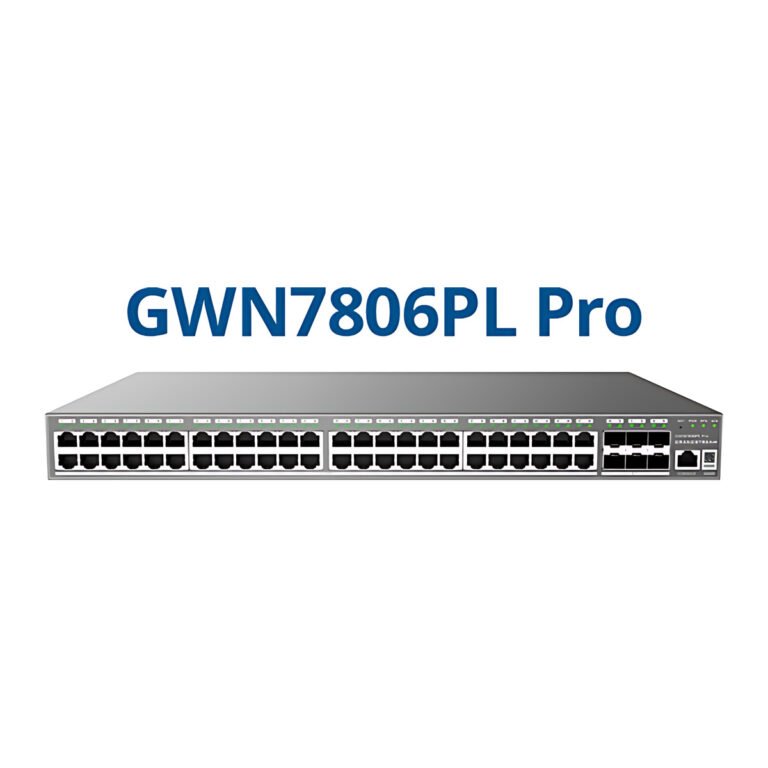 GrandstreamModel GWN7806PL Pro
Managed PoE+ Switch, 48 GbE + 6 x SFP+, 400 W
- PoE Budget
- 400 W
- SFP Ports
- 6 x 10G SFP+
₹82,317 Incl. GST -
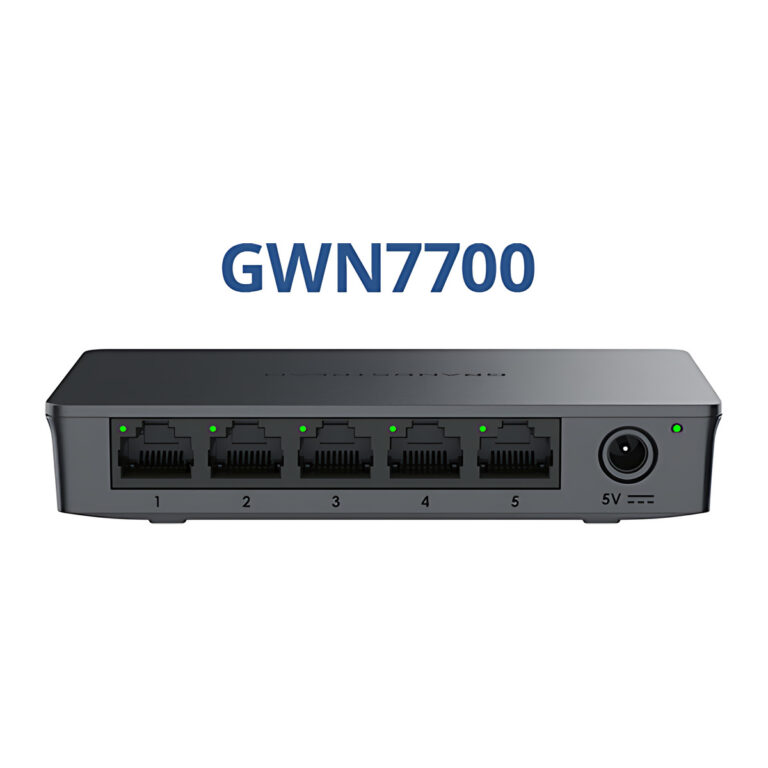 GrandstreamModel GWN7700
Unmanaged Gigabit Switch, 5 Ports
- Layer
- Layer 2 unmanaged
- Switching Capacity
- 10 Gbps
₹1,964 Incl. GST -
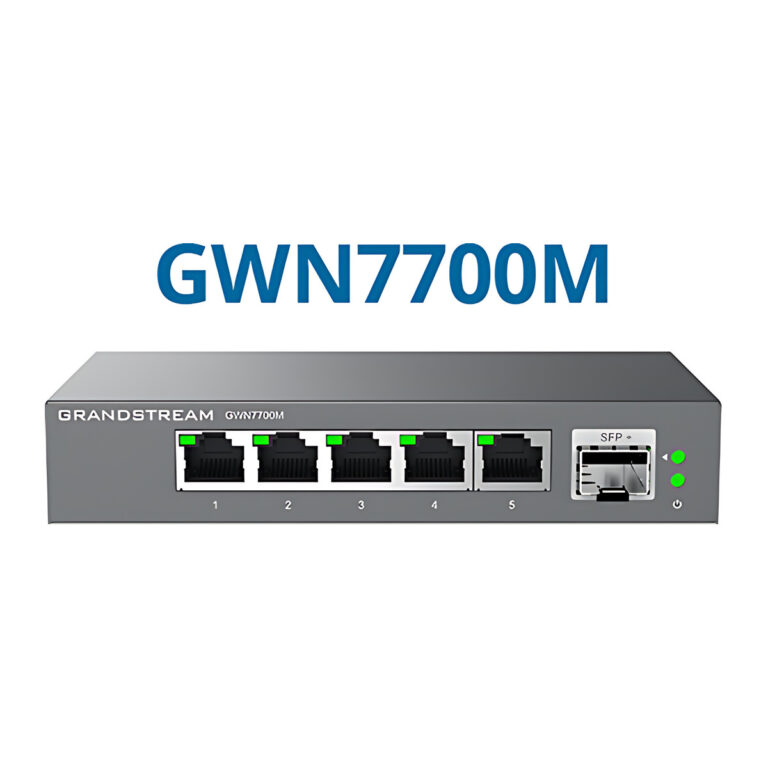 GrandstreamModel GWN7700M
Unmanaged 2.5G Multi-Gigabit Switch, 5 Ports, 1 SFP+
- Layer
- Layer 2 unmanaged
- Switching Capacity
- 45 Gbps
₹9,062 Incl. GST -
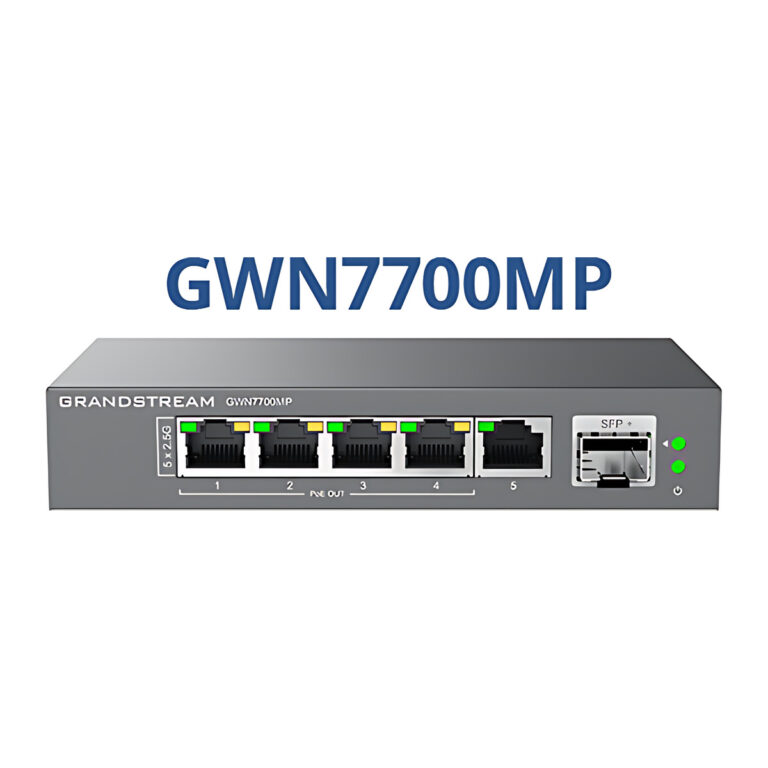 GrandstreamModel GWN7700MP
Unmanaged 2.5G PoE Switch, 5 Ports, 1 SFP+, 57 W
- PoE Budget
- 57 W
- Layer
- Layer 2 unmanaged
₹9,818 Incl. GST -
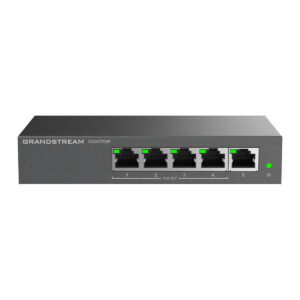
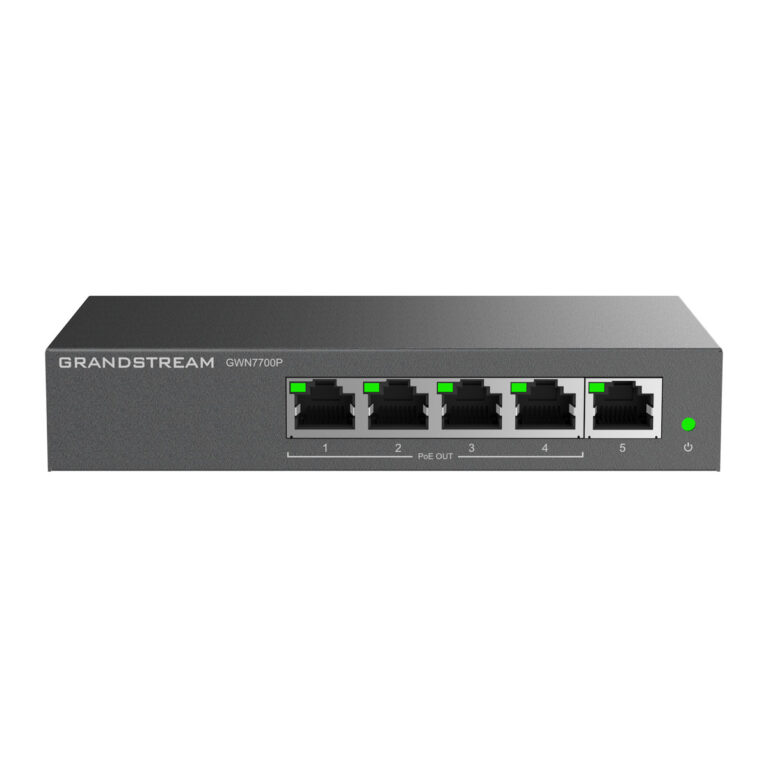 GrandstreamModel GWN7700P
Unmanaged PoE Switch, 5 Gigabit Ports, 4 PoE+, 60 W
- PoE Budget
- 60 W
- Layer
- Layer 2 unmanaged
₹5,891 Incl. GST -
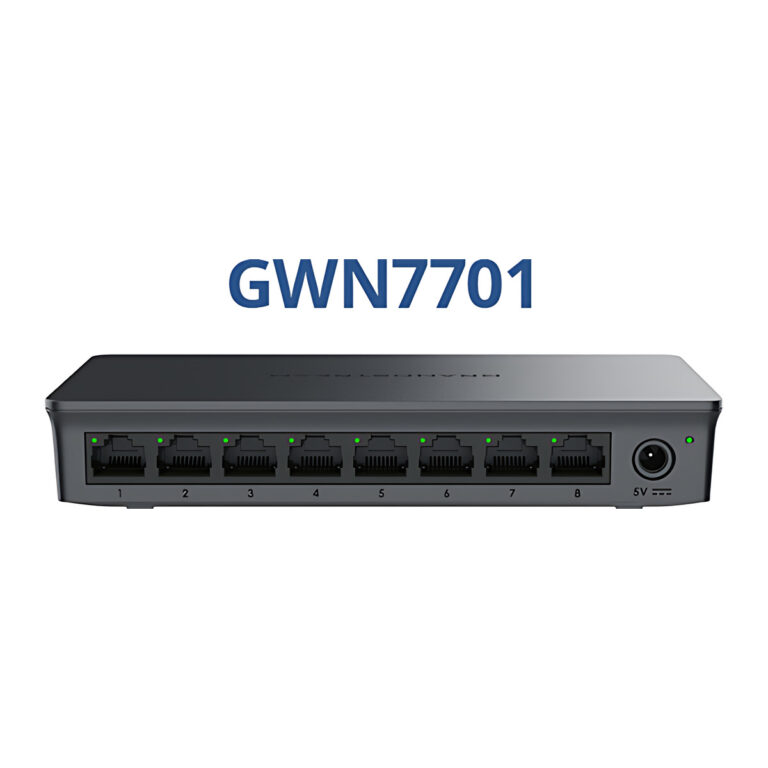 GrandstreamModel GWN7701
Unmanaged Gigabit Switch, 8 Ports
- Layer
- Layer 2 unmanaged
- Switching Capacity
- 16 Gbps
₹3,021 Incl. GST -
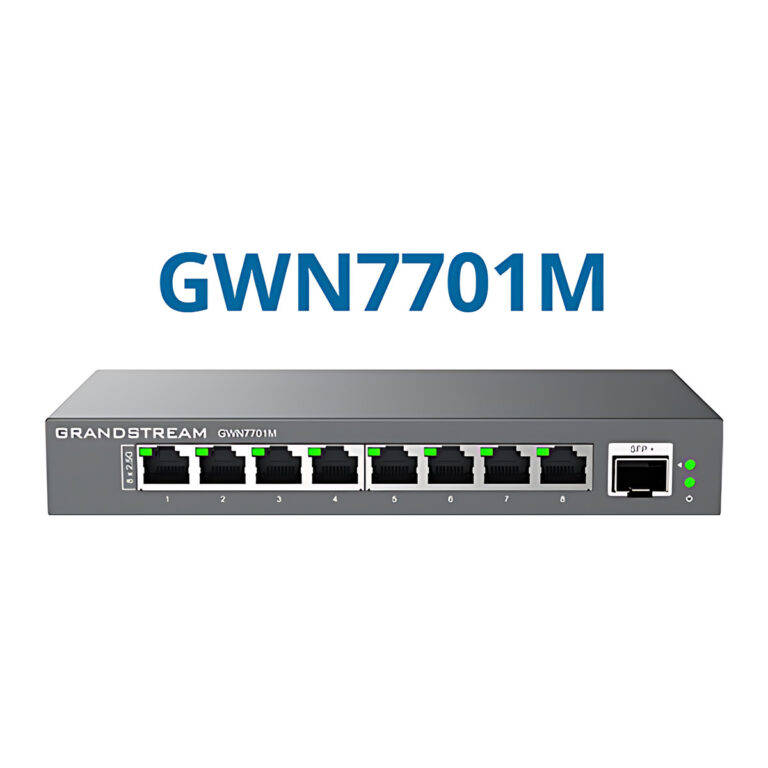 GrandstreamModel GWN7701M
Unmanaged 2.5G Multi-Gigabit Switch, 8 Ports, 1 SFP+
- Layer
- Layer 2 unmanaged
- Switching Capacity
- 60 Gbps
₹12,838 Incl. GST -
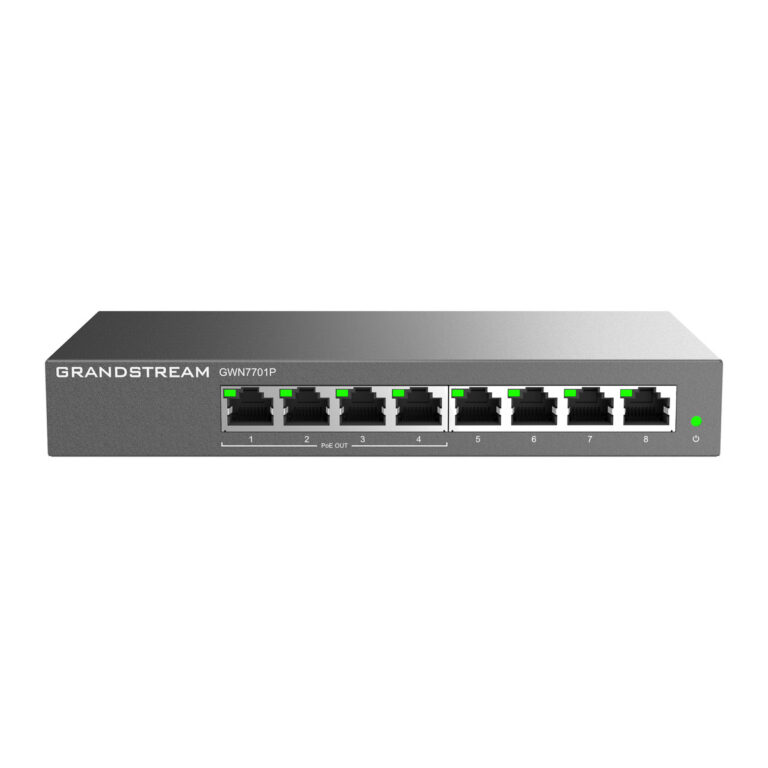 GrandstreamModel GWN7701P
Unmanaged PoE Switch, 8 Gigabit Ports, 4 PoE+, 60 W
- PoE Budget
- 60 W
- Layer
- Layer 2 unmanaged
₹7,401 Incl. GST -
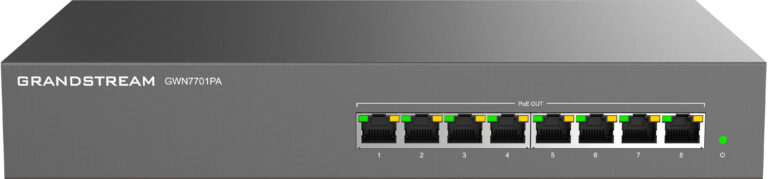 GrandstreamModel GWN7701PA
Unmanaged PoE Switch, 8 Gigabit Ports, 8 PoE+, 145 W
- PoE Budget
- 145 W
- Layer
- Layer 2 unmanaged
₹12,838 Incl. GST -
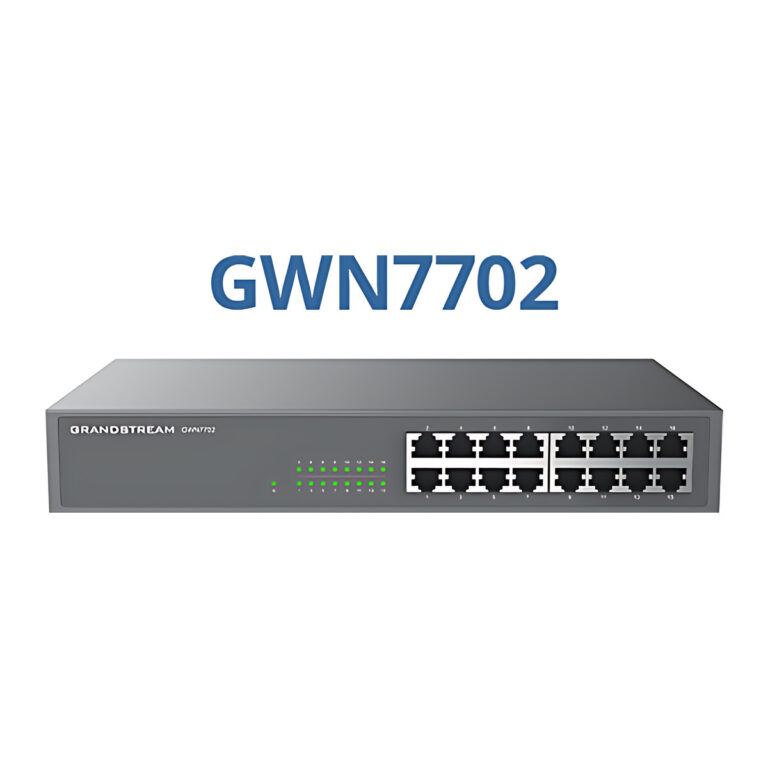 GrandstreamModel GWN7702
Unmanaged Gigabit Switch, 16 Ports
- Layer
- Layer 2 unmanaged
- Switching Capacity
- 32 Gbps
₹9,818 Incl. GST -
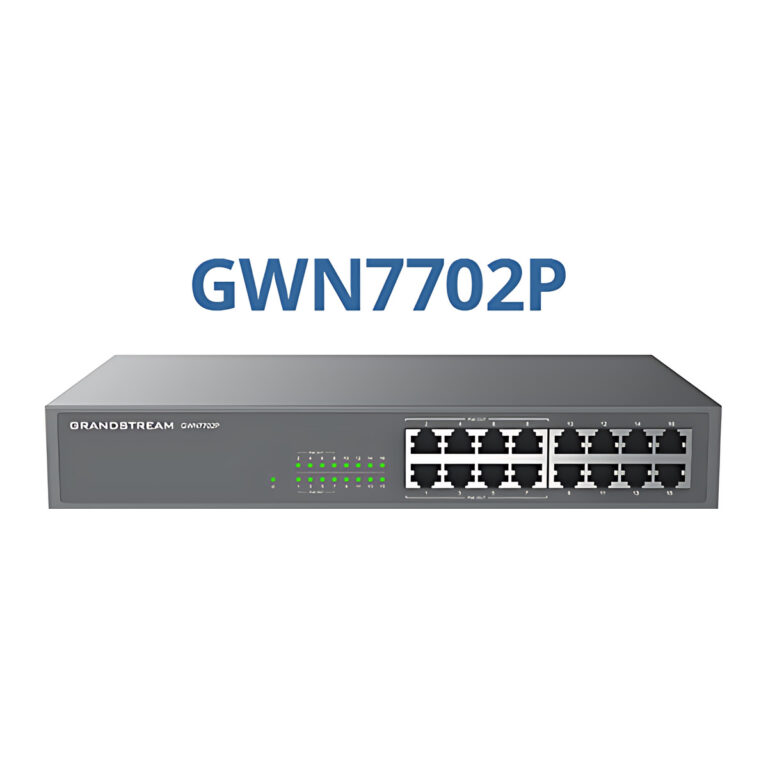 GrandstreamModel GWN7702P
Unmanaged PoE Switch, 16 Gigabit Ports, 8 PoE+, 138 W
- PoE Budget
- 138 W
- Layer
- Layer 2 unmanaged
₹19,484 Incl. GST -
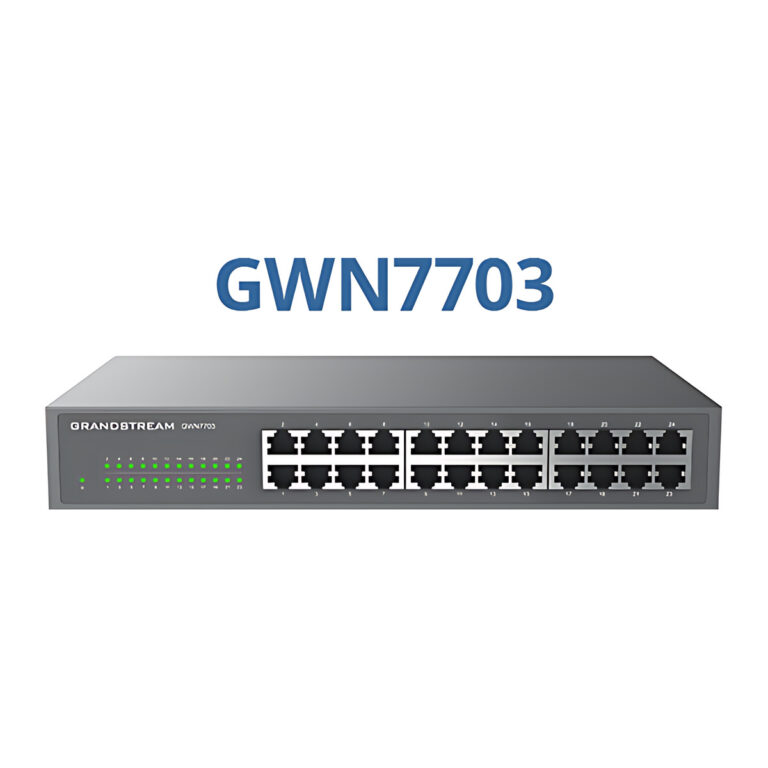 GrandstreamModel GWN7703
Unmanaged Gigabit Switch, 24 Ports
- Layer
- Layer 2 unmanaged
- Switching Capacity
- 48 Gbps
₹11,932 Incl. GST -
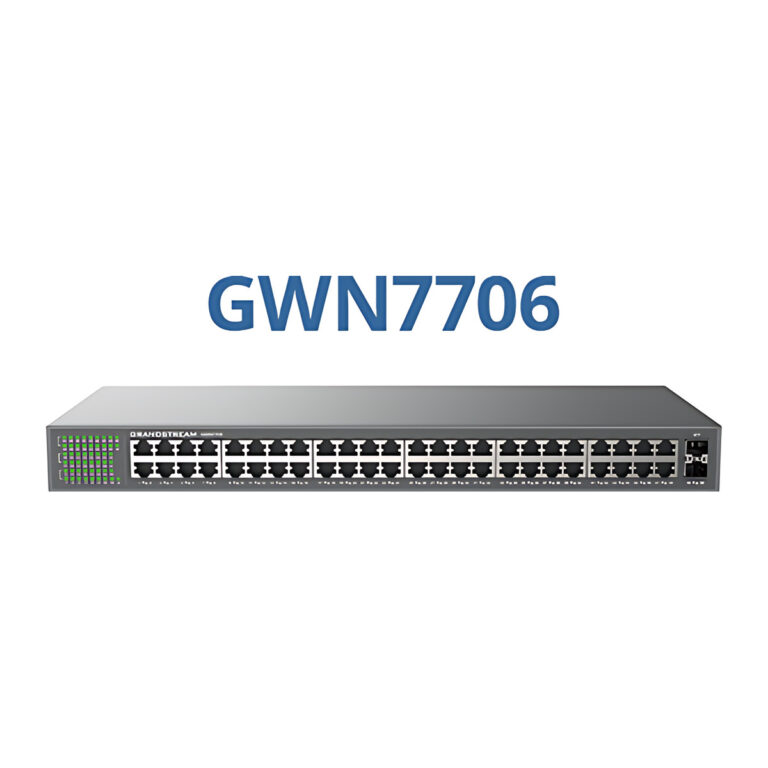 GrandstreamModel GWN7706
Unmanaged Gigabit Switch, 48 Ports, 2 SFP Ports
- SFP Ports
- 2 x SFP (1000Base-X)
- Layer
- Layer 2 unmanaged
₹36,099 Incl. GST -
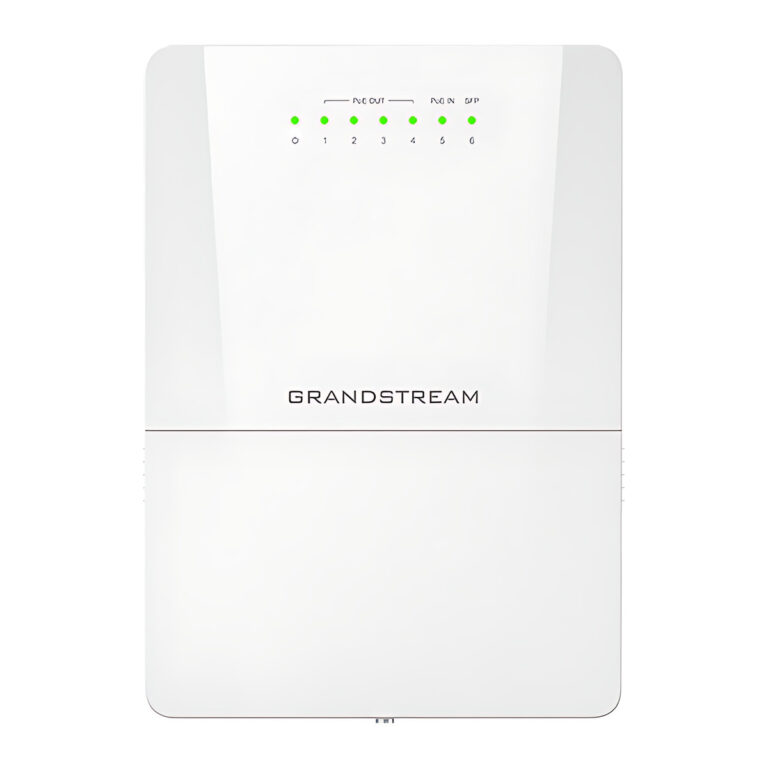 GrandstreamModel GWN7710R
Outdoor Lite Managed PoE Switch, IP66, 5 GbE + SFP
- SFP Ports
- 1 x 1G/2.5G SFP
- Layer
- Layer 2 Lite managed
₹15,859 Incl. GST -
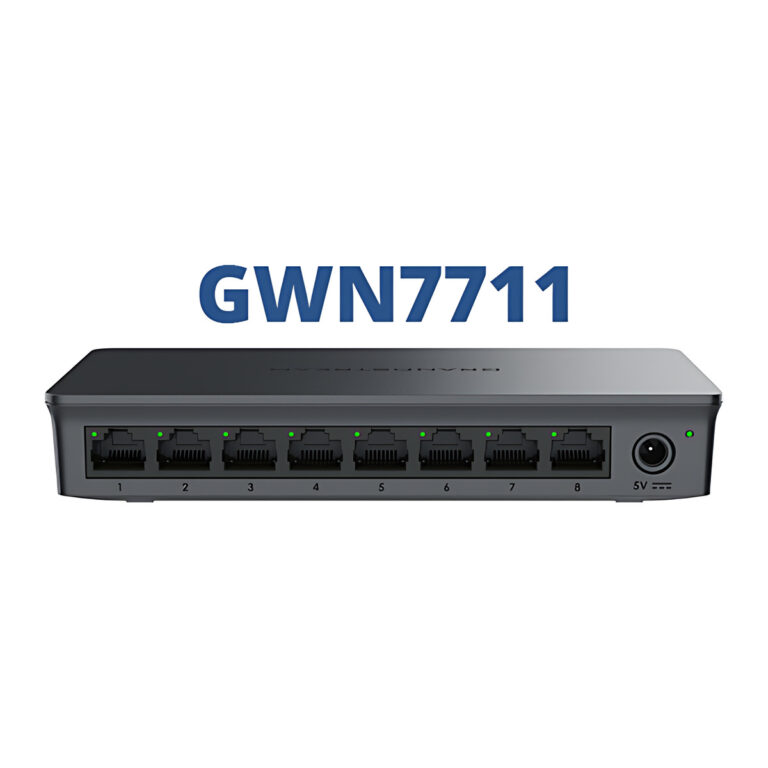 GrandstreamModel GWN7711
Lite Managed Switch, 8 Gigabit Ports
- Layer
- Layer 2 Lite managed
- Switching Capacity
- 16 Gbps
₹3,625 Incl. GST -
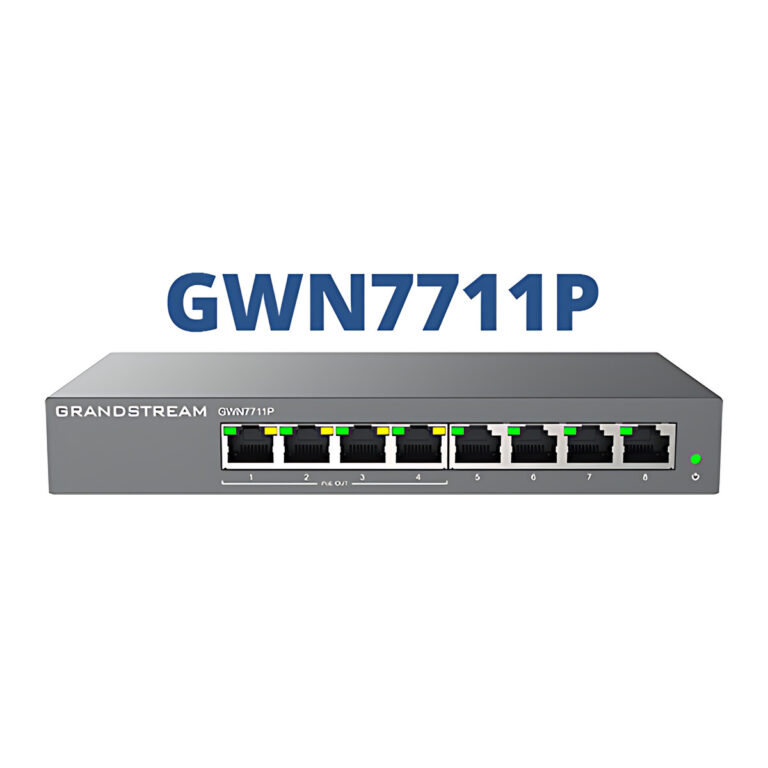 GrandstreamModel GWN7711P
Lite Managed PoE Switch, 8 Gigabit Ports, 4 PoE+, 60 W
- PoE Budget
- 60 W
- Layer
- Layer 2 Lite managed
₹9,818 Incl. GST -
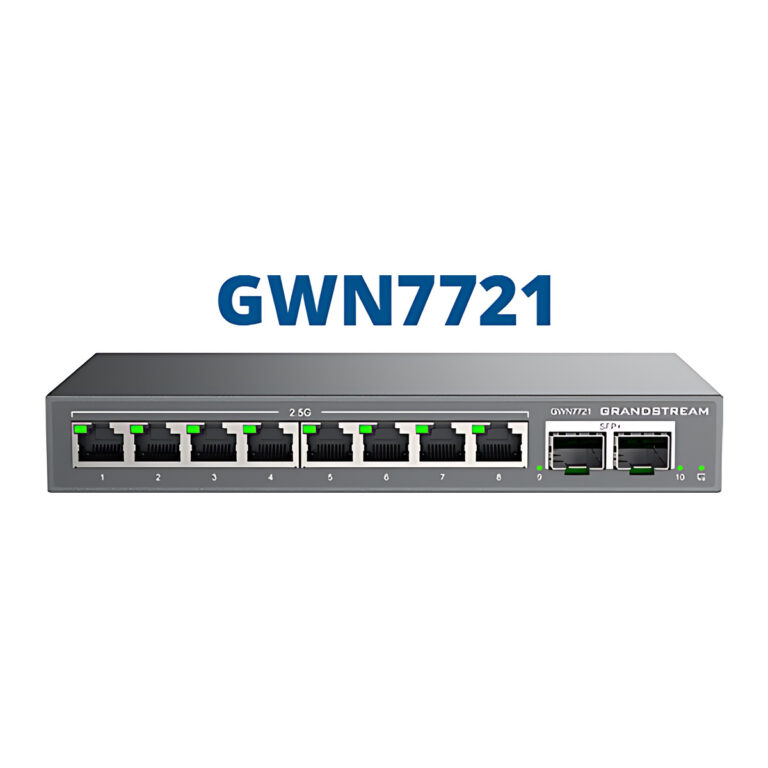 GrandstreamModel GWN7721
Lite Managed 2.5G Switch, 8 x 2.5GbE, 2 x 10G SFP+
- Layer
- Layer 2 Lite managed
- Switching Capacity
- 80 Gbps
₹11,328 Incl. GST -
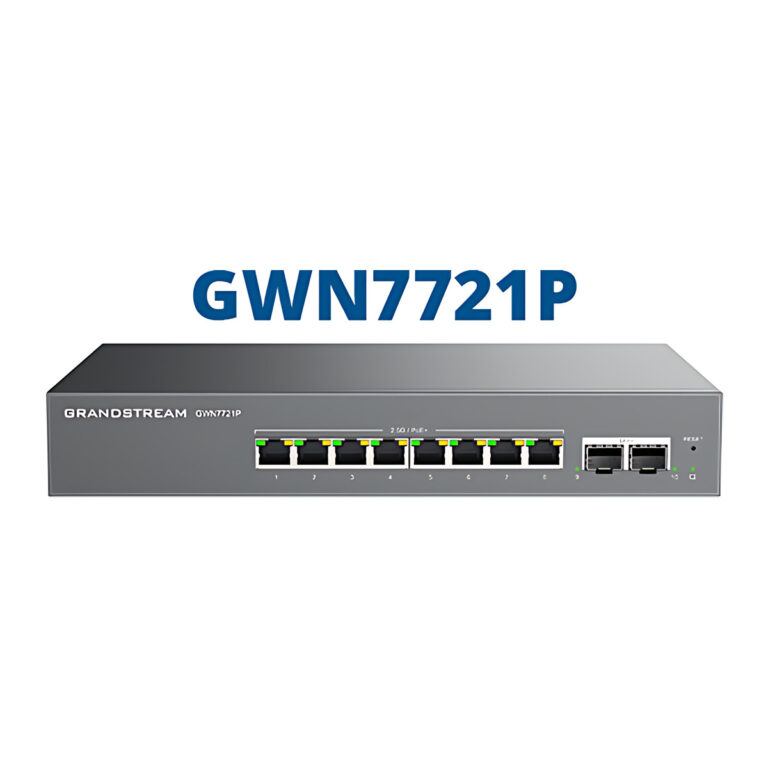 GrandstreamModel GWN7721P
Lite Managed 2.5G PoE+ Switch, 8 Ports, 2 x SFP+, 130 W
- PoE Budget
- 130 W
- Layer
- Layer 2 Lite managed
₹19,635 Incl. GST -
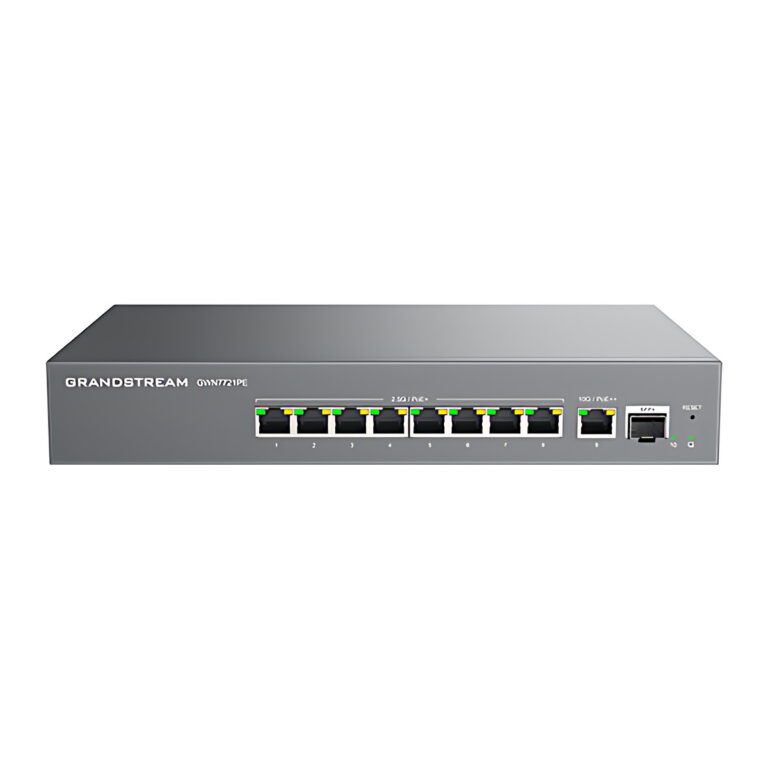 GrandstreamModel GWN7721PE
Lite Managed PoE++ Switch, 8 x 2.5G, 1 x 10G, 1 x SFP+
- PoE Budget
- 130 W
- SFP Ports
- 1 x SFP+ (10 Gbps)
- Layer
- Layer 2 Lite managed
₹23,411 Incl. GST -
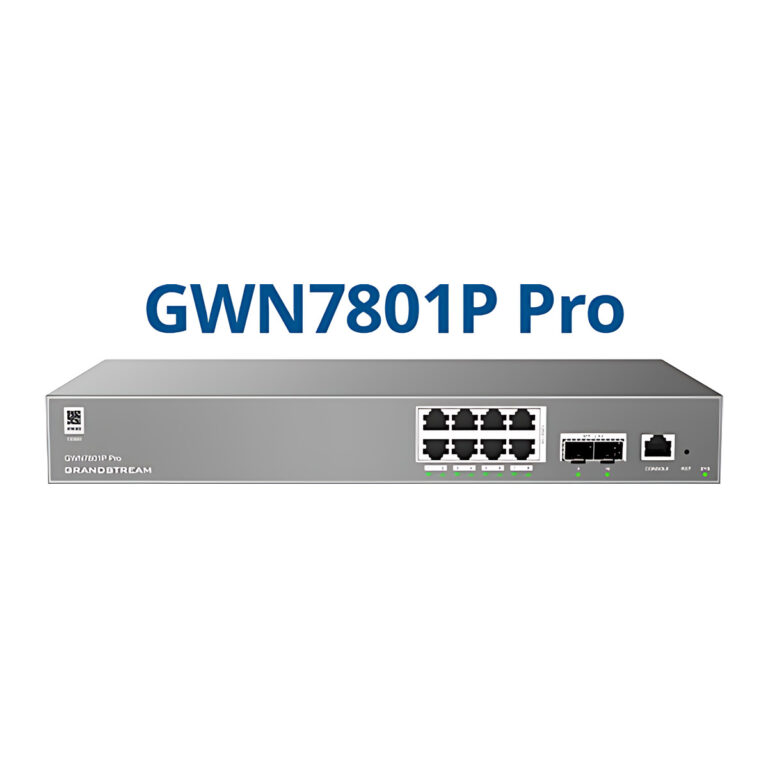 GrandstreamModel GWN7801P Pro
Managed PoE+ Switch, 8 GbE + 2 x SFP, 130 W
- PoE Budget
- 130 W
- SFP Ports
- 2 x 2.5G SFP
₹21,901 Incl. GST -
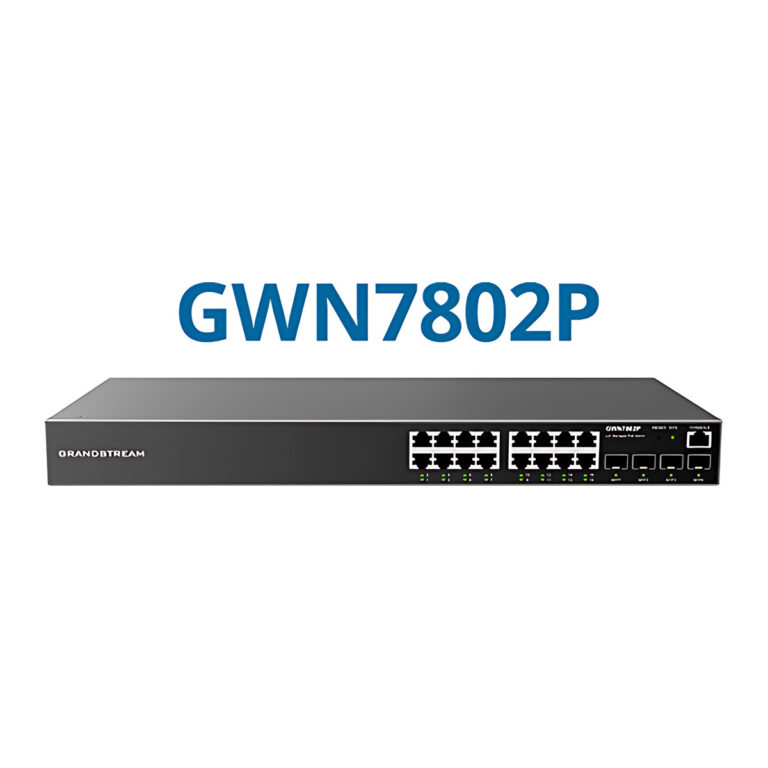 GrandstreamModel GWN7802P
Layer 2+ Managed PoE Switch, 16 GbE + 4 SFP, 240 W
- PoE Budget
- 240 W
- SFP Ports
- 4 x 1G SFP
- Layer
- Layer 2+ managed
₹40,630 Incl. GST -
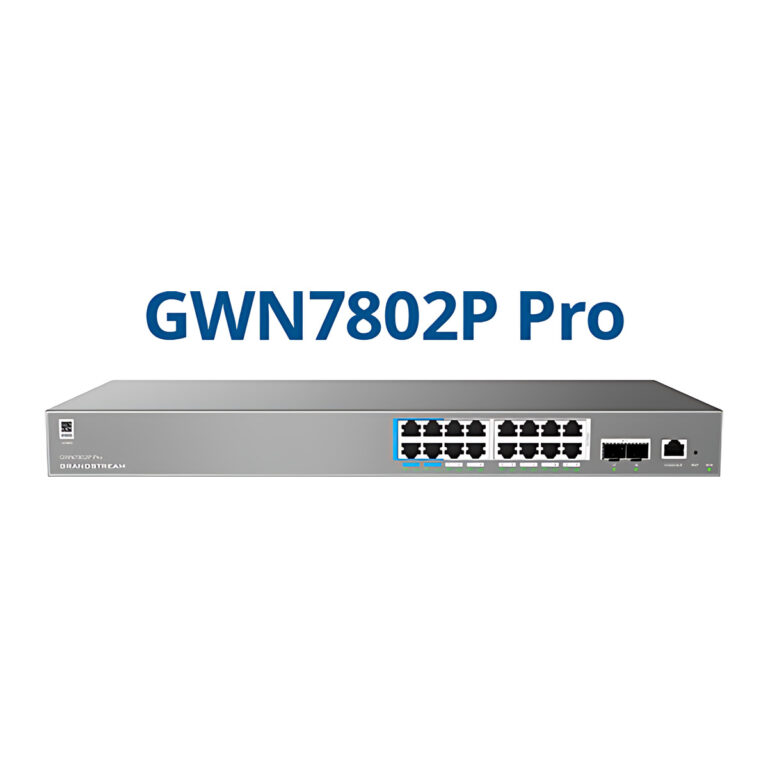 GrandstreamModel GWN7802P Pro
Managed PoE++ Switch, 16 GbE + 2 x SFP+, 250 W
- PoE Budget
- 250 W
- SFP Ports
- 2 x 10G SFP+
₹37,005 Incl. GST -
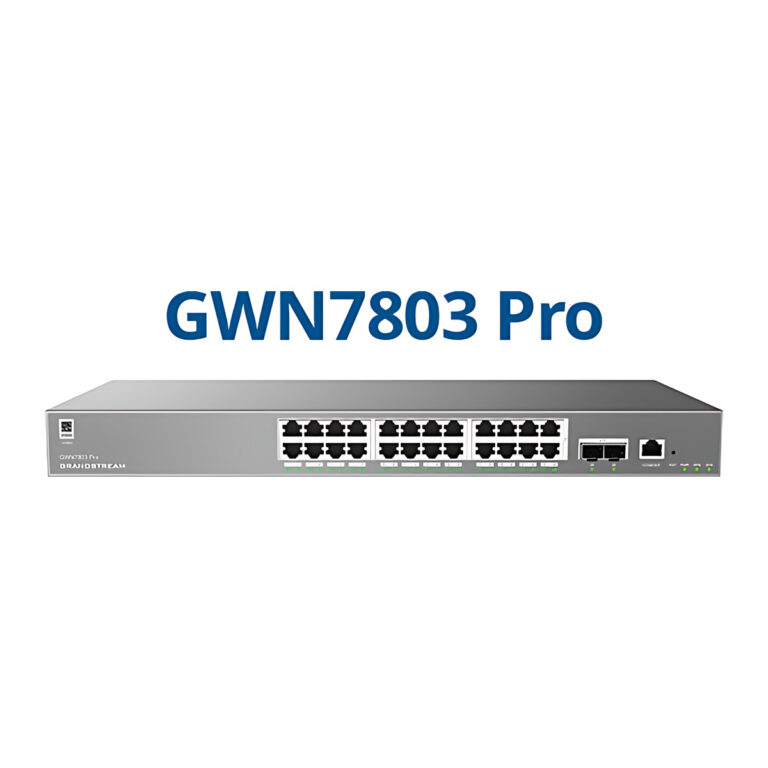 GrandstreamModel GWN7803 Pro
Managed Switch, 24 GbE + 2 x 10G SFP+
- SFP Ports
- 2 x 10G SFP+
- Switching Capacity
- 88 Gbps
₹27,942 Incl. GST
Choosing a network switch
- Managed or unmanaged: unmanaged switches are plug and play. Lite and Layer 2+ managed models add VLANs, QoS and monitoring, and Layer 3 switches also route between VLANs, which suits larger sites with several subnets.
- PoE: to power IP phones, access points, intercoms or cameras through the cable, choose a PoE, PoE+ or PoE++ model and add up the draw of every device against the switch's total PoE budget.
- Port speed and uplinks: Gigabit ports suit most endpoints, 2.5G multi-gig ports suit Wi-Fi 6 and Wi-Fi 7 access points, and SFP or SFP+ ports carry fibre or 10G links between switches.
- Mounting: desktop and wall units suit small rooms, while 19 inch rack models fit a network cabinet.
Count today's devices and PoE loads and leave spare ports for growth. A managed switch pays off once the network carries phones, cameras or guest Wi-Fi that should be kept apart. Connect devices with Ethernet cables and terminate runs with parts from network accessories.
Need help choosing?
Tell us what it is for and where it goes, and we suggest models. Have a list of models and quantities? Request a quote.