
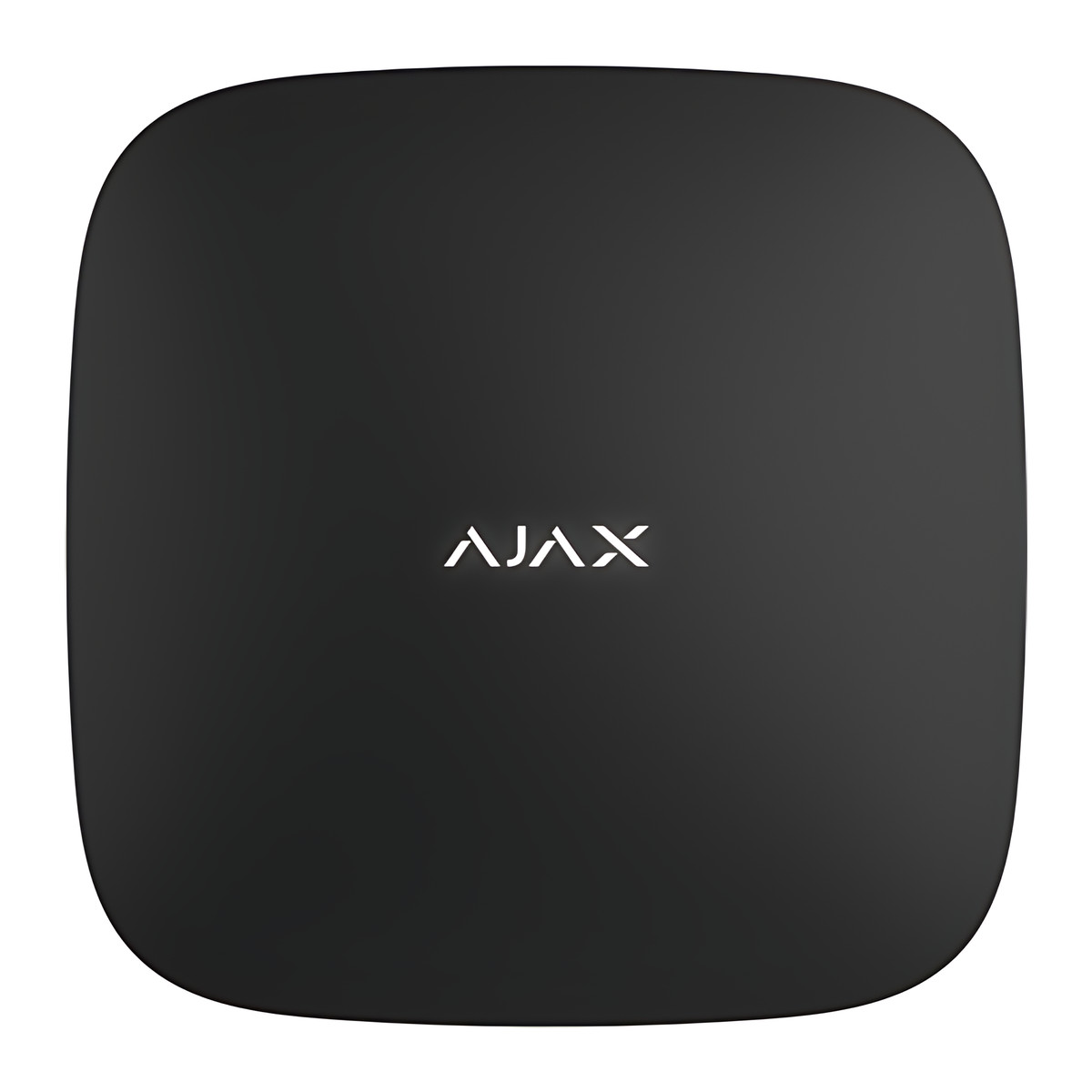
At a glance
- Users
- Up to 50
- Protection Class
- IP20
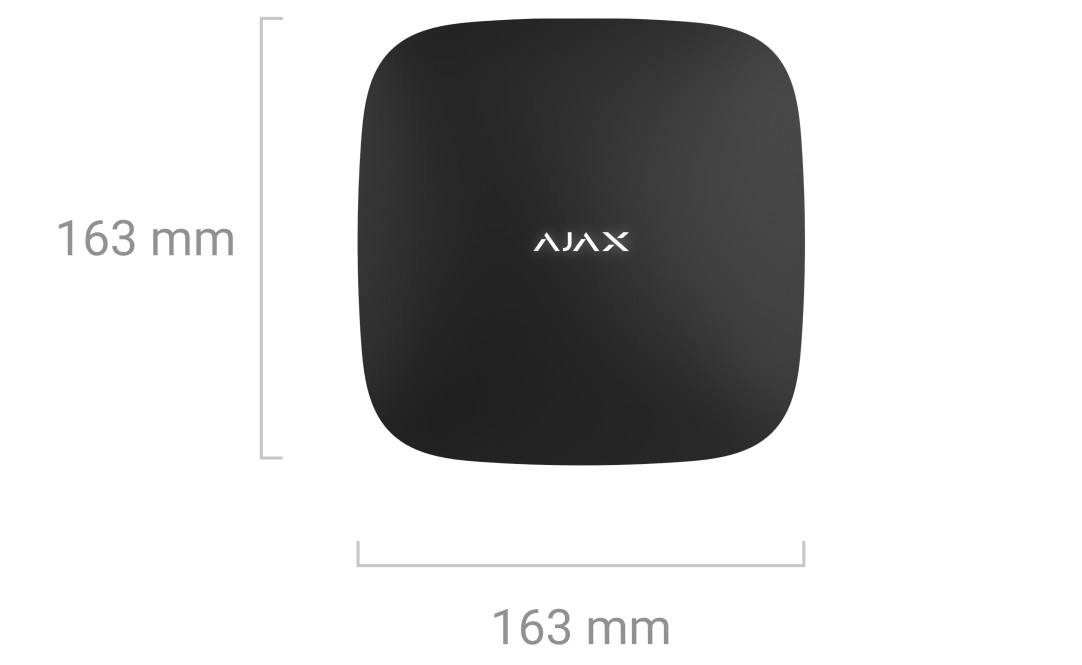
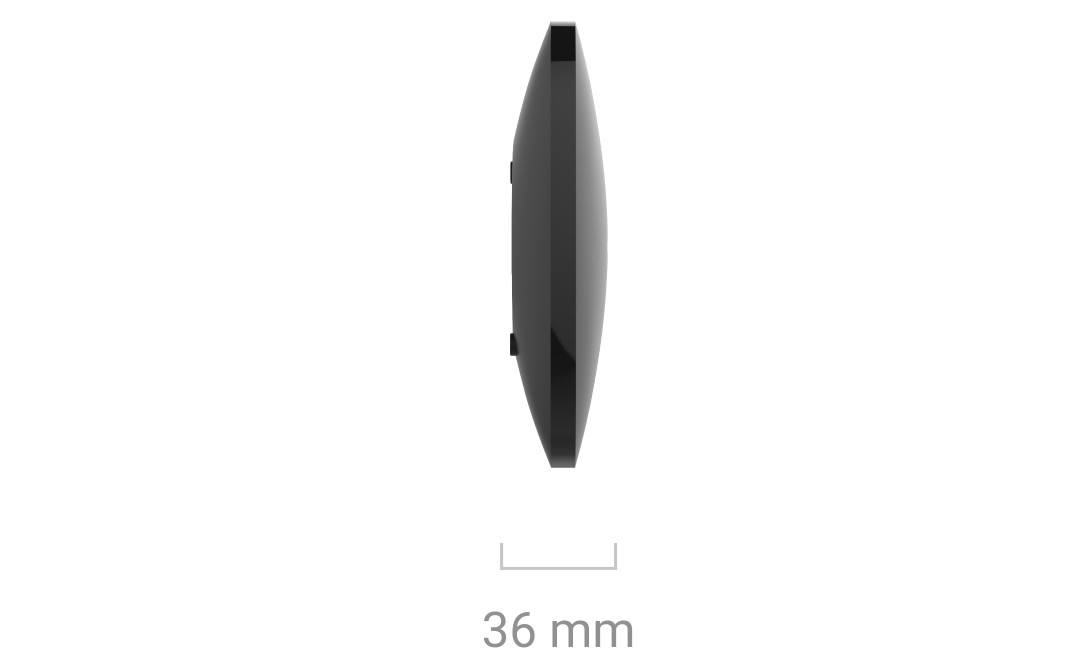
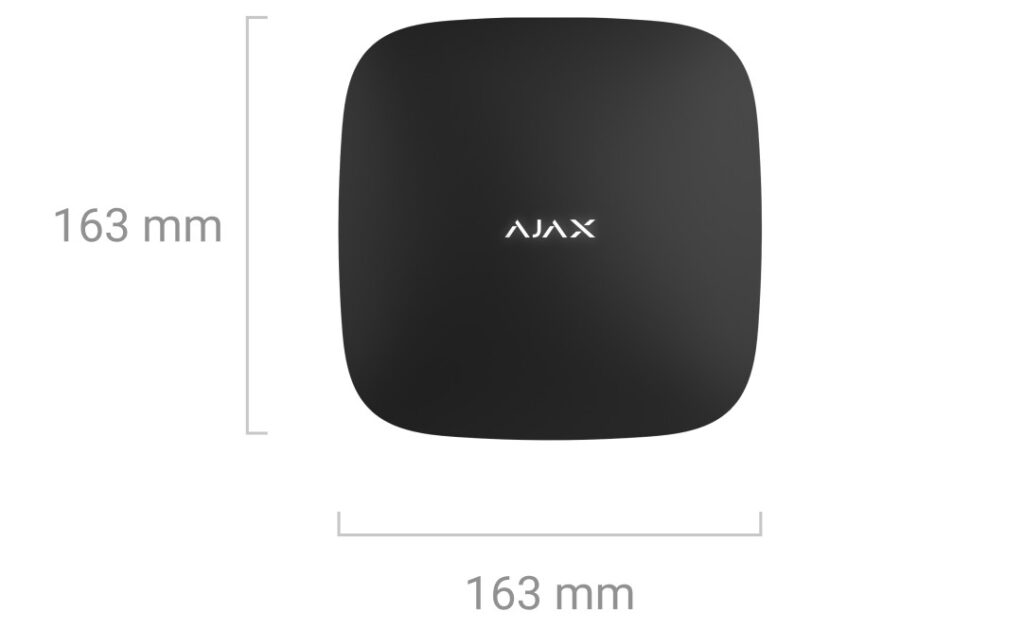
- Dimensions
- 163 x 163 x 36 mm
- Security Groups
- Up to 9
In the box
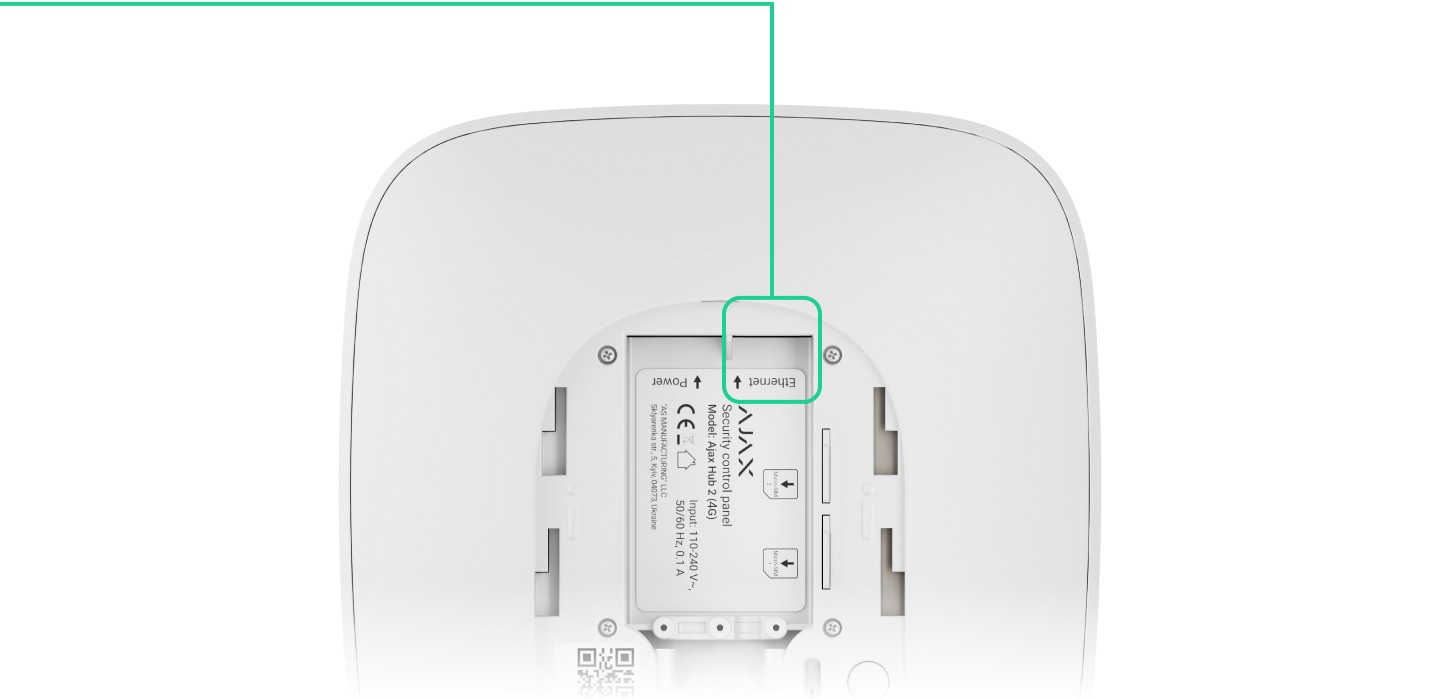
- Hub 2 (4G) Jeweller
- Power cable
- Ethernet cable
- Installation kit
- SIM card (supplied depending on the region)
- Quick Start Guide
 Model Hub 2 (4G) Jeweller
Ajax Hub 2 (4G) Jeweller
₹43,985 Incl. GST
₹37,275 + 18% GST
At a glance
- Users
- Up to 50
- Protection Class
- IP20
- Dimensions
- 163 x 163 x 36 mm
- Security Groups
- Up to 9
Control panel for an Ajax wireless alarm in a home, shop or office, alerting you to intrusion and showing photos from MotionCam detectors to check an alarm. Connects over Ethernet and two 4G SIM cards, with up to 100 devices and 50 users; indoor use.
- WarrantyManufacturer warranty under Ajax's terms: 2 years. Warranty claims
- DeliveryPrice, availability and delivery charges are confirmed in your quotation. Shipping and delivery
Overview
The Ajax Hub 2 (4G) Jeweller is the control panel of an Ajax wireless alarm for a home, shop or office. It links detectors, keypads and sirens by radio, sends alarms to your phone through the Ajax app or to a monitoring company, and shows photos from MotionCam detectors so you can see what set off the alarm. It stays in touch over Ethernet and two 4G SIM cards, and keeps running on its own battery during a power cut.
Is it right for you?
- It suits a home, shop or office that needs up to 100 Ajax devices, 50 users, 9 security groups and 50 rooms.
- Choose it if you want photo verification: it receives MotionCam photos over the Wings radio protocol.
- It is for indoor use only (IP20, -10 to 40 °C).
- You need an Ethernet port, a mobile signal, or both, at the place you fit it.
- If voice calls over 4G (VoLTE) matter to you, note that the hub does not support them.
Key features
- Up to 100 Ajax devices, including up to 10 sirens or keypads with a built-in siren and up to 5 range extenders.
- Jeweller radio range up to 2,000 m and Wings up to 1,700 m in open space, so detectors can sit across a large home or building.
- Three communication channels: Ethernet up to 100 Mbps and two micro-SIM slots for 2G, 3G and 4G (LTE). Switching from Ethernet to SIM is instant; between SIMs takes up to 4 minutes.
- Photo verification by alarm, by scenario, on demand and by schedule, with photos up to 640 × 480 pixels, 1 to 5 photos per series, delivered in up to 9 s by default.
- Up to 25 IP cameras or DVRs from Dahua, Hikvision, Safire, EZVIZ and Uniview, or RTSP streams, viewable in the app.
- Built-in 3.7 V, 3 Ah battery for up to 15 hours on SIM only, or up to 100 hours with Battery Power Saver (not EN 50131 Grade 2 compliant when that is enabled).
- Push, SMS and call notifications set per user, up to 32 automation scenarios, and reporting to monitoring stations over SIA (DC-09), SurGard (Contact ID), ADEMCO 685 and other protocols.
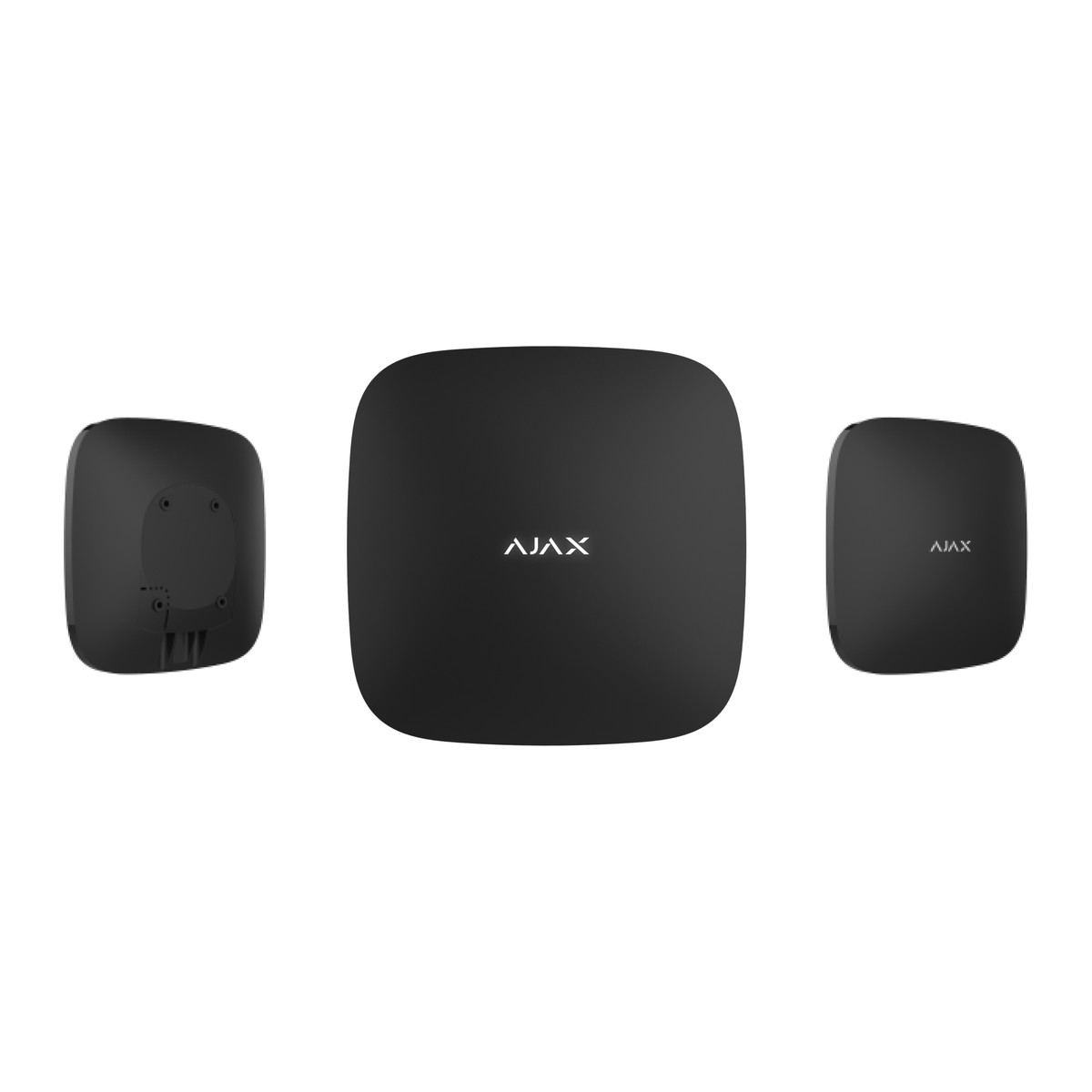
- Tamper alarm, device authentication, frequency hopping, and alerts for jamming and connection loss. EN 50131 Grade 2. Black or white, 163 × 163 × 36 mm, 362 g.
What else you need
- Ajax Jeweller detectors, keypads and sirens for your place; none are included.
- A mains socket (110 to 240 V AC, up to 10 W), a router port with DHCP, and one or two micro-SIM cards with data and the PIN request disabled. Add an SMS or call plan if you want those alerts.
- An Ajax account and the Ajax app on your phone.
- Only if the radio signal is weak at the far end of a large or multi-storey building: ReX 2 range extenders, up to 5 per hub. ReX 2 relays MotionCam photos; the older ReX does not, and neither raises the 100-device limit.
- Only if you want fobs and cards: a KeyPad Plus (hub firmware OS Malevich 2.11 or later), which reads Tag fobs and Pass cards. Tag does not pair with the hub on its own.
- Only if there is no mains at the hub position: the 6V PSU (type A) or 12-24V PSU (type A) boards, which are separate Ajax accessories.
- Only if a security company will monitor the alarm: a monitoring station service.
Installation
Place the hub indoors, at least 1 m from routers, power cables and other Ajax devices, away from metal objects and mirrors, and where the mobile signal is good (0 or 1 bar may fail to dial or send SMS). Slide off the SmartBracket, keeping its perforated part intact for the tamper, and screw it to the wall with the screws from the installation kit rather than tape. Connect the power and Ethernet cables, insert the SIM cards, and hold the power button for 3 seconds until the logo lights; allow up to 2 minutes for the hub to connect and update its firmware. Add the hub to the Ajax app by its QR code or ID, pair your devices, assign rooms and groups, and check that every device shows 2 to 3 bars of Jeweller signal (and Wings for MotionCam). Then set notifications for each user and the monitoring connection if used. An Ajax installer can survey the place and set it up with the Ajax PRO apps.
Software and licences
The hub is managed from the Ajax Security System app, which needs an Ajax account; the Spaces feature needs app version 3.0 or later. Installers use Ajax PRO and PRO Desktop (Spaces need PRO 2.0 or PRO Desktop 4.0 or later). Photo by schedule needs hub firmware OS Malevich 2.19 or later, and photo on demand and by scenario are off by default until you enable them.
Before you buy
- Indoor only: IP20, -10 to 40 °C, humidity up to 75%.
- The radio band depends on the sales region (866.0 to 926.5 MHz options). Confirm the band of the unit supplied matches your other Ajax devices.
- A SIM card is only included in some regions. VoLTE is not supported.
- If you need EN 50131 Grade 2 compliance, leave Battery Power Saver off.
- MotionCam detectors cannot be paired through the older ReX; use ReX 2 for photo relay.
- The 12 V power board made for the original Hub, Hub Plus and ReX is not the one for this hub; Hub 2 (4G) uses the 12-24V PSU (type A).
- Check accessories against Ajax’s device compatibility tool. Choose black or white.
Features
Size and fit
- Dimensions
- 163 x 163 x 36 mm
- Weight
- 362 g
Technical specifications
Key facts
- What is it?
- Alarm Hubs & PanelsBrand Ajax
- How is it powered?
- 110 V to 240 V AC, 50/60 Hz, up to 10 W
- What capacity does it support?
- Up to 50 users
- Which software works with it?
- Ajax Security System app, Ajax PRO: Tool for Engineers and Ajax PRO Desktop
- What comes in the box?
- Hub 2 (4G) Jeweller; Power cable; Ethernet cable; Installation kit and 2 more
- Which documents are available?
- Datasheet, online manual, software (5), regional compliance reference (2), online specifications (3), and more Open documents
- Can SecurityGearHub help with installation?
- Setup guidanceManuals, wiring guides and answers to setup questions. On-site work is arranged separately where available. Ask about installation
RelatedSolutionIntrusion alarm systemsGuideWireless alarm system guideDocumentsAll Ajax documents
General
- Wireless Devices
- Up to 100 Ajax devices, including up to 10 sirens or keypads with a built-in siren and up to 5 range extenders
- Users
- Up to 50
- Security Groups
- Up to 9
- Rooms
- Up to 50
- Automation Scenarios
- Up to 32
- Radio Protocols
- Jeweller (alarms and events) and Wings (photos)
- Radio Range
- Jeweller up to 2,000 m; Wings up to 1,700 m (open space, depends on the device)
- Radio Frequency Band
- Depends on the sales region (866.0 MHz to 926.5 MHz options listed); confirm the band of the supplied unit
- Ethernet
- 1 x 8P8C (RJ45), up to 100 Mbps
- Cellular
- 2 micro-SIM slots; 2G GSM900/DCS1800 (B3/B8), 3G WCDMA 850/900/2100 (B1/B5/B8), 4G LTE FDD B1/B3/B5/B7/B8/B20
- VoLTE
- Not supported
- Channel Switching
- Ethernet to SIM instantly; between SIMs up to 4 minutes
- Notifications
- Push, SMS and calls, set per user
- Monitoring Protocols
- SIA (DC-09), SurGard (Contact ID), ADEMCO 685 and other proprietary protocols
- Photo Verification
- By alarm, by scenario, on demand and by schedule (schedule needs OS Malevich 2.19 or later); up to 640 x 480 pixels; 1 to 5 photos per series; delivery up to 9 s by default
- Main Power
- 110 V to 240 V AC, 50/60 Hz, up to 10 W
- Backup Battery
- Built-in Li-ion polymer 3.7 V, 3 Ah; up to 15 hours on SIM only; up to 100 hours with Battery Power Saver (not EN 50131 Grade 2 compliant when enabled)
- Alternative Power
- 6 V DC via 6 V PSU (type A) or 12 V to 24 V DC via 12-24V PSU (type A), sold separately
- Anti-Sabotage
- Tamper alarm, device authentication, frequency hopping, jamming and connection loss notifications
Environment
- IP Cameras or DVRs
- Up to 25 (Dahua, Hikvision, Safire, EZVIZ, Uniview integration; RTSP)
- Operating Temperature
- -10 °C to +40 °C
- Operating Humidity
- Up to 75 %
- Protection Class
- IP20 (indoor installation only)
Physical
- Dimensions
- 163 x 163 x 36 mm
- Weight
- 362 g
- Colours
- Black, White
Approvals
- Compliance
- EN 50131 Grade 2 (see specification page for full list)
- Warranty
- Manufacturer warranty under Ajax's terms: 2 years. How claims work
Product attributes and shipping details
| Brand | Ajax |
|---|---|
| Colour | Black, White |
| IP Rating | IP20 |
| Alarm Technology | Jeweller |
Downloads
Download software
- Ajax Security System (iOS)Version 3.59 · iOS 18.0+ · Released October 28, 2026Prerequisites: Compatible Ajax hub; Ajax account; Hub is set up and controlled through Ajax apps (user or PRO app)Licence: Free; account requiredSoftware · Family · apps.apple.comView official download page
- Ajax Security System (Android)Android · Released November 9, 2026Prerequisites: Compatible Ajax hub; Ajax account; Hub is set up and controlled through Ajax apps (user or PRO app)Licence: Free; account requiredSoftware · Family · play.google.comView official download page
- Ajax PRO: Tool for Engineers (iOS)Version 2.59 · iOS 18.0+ · Released October 28, 2026Prerequisites: Ajax PRO account; Installer app for configurationLicence: Free; account requiredSoftware · Family · apps.apple.comView official download page
- Ajax PRO: Tool for Engineers (Android)Version 2.59 · Android 8.0+ · Released November 9, 2026Prerequisites: Ajax PRO account; Installer app for configurationLicence: Free; account requiredSoftware · Family · play.google.comView official download page
- Ajax PRO DesktopWindows x64 (download on page); macOS (App Store button on page); 32-bit Windows, Windows 7/8 and macOS 10.15 need an earlier build from supportPrerequisites: Ajax PRO account; 64-bit Windows 10+ recommended for video wall; Monitoring/configuration for security companiesLicence: Free; account requiredSoftware · Family · ajax.systemsView official download page
Documentation
- Ajax Hub 2 (4G) Jeweller datasheetDatasheet · This model · 2.1 MBDownload
- Ajax Hub 2 (4G) Jeweller product pageOnline specifications · Family · ajax.systemsView official page
- Ajax Hub 2 (4G) Jeweller technical specifications pageOnline specifications · Family · ajax.systemsView official page
- Ajax device compatibility with hubs and control elementsOnline specifications · General · ajax.systemsView official page
User manual
- Ajax Hub 2 (4G) Jeweller: Online manualOnline manual · Family · ajax.systemsView official page
Firmware
- Ajax hub firmware (OS Malevich)n/aPrerequisites: Hub online; Updated automatically via Ajax Cloud; no manual fileLicence: FreeFirmware · Family · ajax.systemsView official download page
Series documents can differ from your exact model. Report a wrong or missing file
Works with this product
Compatible expansions and software
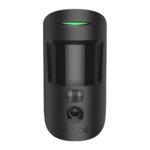
- Ajax MotionCam Jeweller wireless motion detector, photo by alarmMC.Y.J
Why Hub 2 sends photos from MotionCam detectors over Wings; Hub 2 (4G) is one of the two hubs UL/ULC certified with MotionCam. Condition: Counts toward the 100-device limit. MotionCam cannot be paired through ReX Jeweller.
₹18,335Choose options - Ajax MotionCam Outdoor Jeweller wireless outdoor motion detector, photo by alarmMC.O.J
Why MotionCam Outdoor is a photo verification detector for Hub 2. Condition: Outdoor detector; check radio signal at the site.
₹37,611Add to cart - Ajax ReX 2 Jeweller Wireless Range Extender with Ethernet and Photo RelayRX2.Y.J
Why For Hub 2 (4G); relays alarms, events and MotionCam photos. Condition: Up to 5 per hub. Ethernet link to the hub requires ReX 2 firmware OS Malevich 2.13 and both devices on the same router network (no direct cable). A ReX on Ethernet stops the hub entering Battery Power Saver standby.
₹22,311Choose options - Ajax MotionCam (PhOD) Jeweller wireless motion detector, photo on demandMC.P.J
Why Photo verification detector supported by Hub 2 photo by alarm, scenario, on demand and schedule. Condition: Photo by schedule needs hub firmware OS Malevich 2.19 or later; on demand and by scenario are disabled by default.
₹20,096Choose options - Ajax ReX Jeweller Wireless Range Extender, up to 1,800 m Radio RangeRX.Y.J
Why Works with Ajax hubs; up to five on Hub 2 variants. Condition: Does not relay MotionCam photos (no Wings). Multiple ReX need OS Malevich 2.8 or later. Does not increase the device limit.
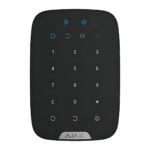
₹15,936Choose options - Ajax KeyPad Plus Jeweller Wireless Keypad with DESFire Card ReaderKP.P.J
Why KeyPad Plus works with Hub 2 Jeweller. Condition: Hub firmware OS Malevich 2.11 or higher.
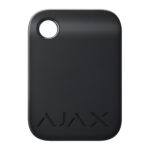
₹15,936Choose options - Ajax Tag contactless key fob, DESFire with AES encryptionTG.Y.Y
Why Used with KeyPad Plus, which supports Tag key fobs and Pass cards. Condition: Requires a KeyPad Plus (or other Ajax reader keypad) on the hub; Tag does not pair with the hub on its own.
₹741Choose options



Replacements and alternatives
- Ajax Hub 2 (2G) JewellerHB2.2G.J
Why Same series; 2G-only modem instead of 2G/3G/4G. Condition: Battery Power Saver life up to 70 hours on the 2G version against up to 100 hours on the 4G version.
₹30,295Choose options - Ajax Hub 2 Plus JewellerHB2.P.J
Why Alternative option alongside Hub 2 (4G), the 12-24V PSU (type A), ReX 2 and KeyPad Plus. Condition: Compare capacity and channels before substituting.
₹51,787Choose options


Not compatible
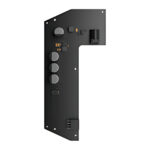
- Ajax 12 V PSU for Hub, Hub Plus and ReX, Low-Voltage Power Board12V.HR.Y
Why not For Hub, Hub Plus and ReX only. Hub 2 (4G) needs the 12-24V PSU (type A) instead. Condition: Not for use as a Hub 2 power option; ask us if unsure.
Questions about this product
Does Hub 2 (4G) need an internet connection?
Yes. It reports over Ethernet, over one or two micro-SIM cards with data, or both, and switches between them on its own.
What happens in a power cut?
The built-in battery keeps it running for up to 15 hours on SIM only, or up to 100 hours with Battery Power Saver enabled.
Are detectors, keypads or sirens included?
No. The box holds the hub, power cable, Ethernet cable, installation kit and quick start guide, with a SIM card in some regions only.
Can it be fitted outdoors?
No. It is rated IP20 for indoor use at -10 to 40 °C.
Can I monitor it myself without a security company?
Yes. You receive push, SMS and call alerts and MotionCam photos in the Ajax app. A monitoring company can be added as well.
Does it work with cameras?
Yes. Up to 25 IP cameras or DVRs from Dahua, Hikvision, Safire, EZVIZ and Uniview, or RTSP streams, can be viewed in the app.
Ask about this modelSetup, compatibility, what is in the box
Answers are automated. Do not enter personal or account details.