
At a glance
- Lines
- 2
- Display
- 2.41 inch monochrome LCD, 132 x 48
- Network Ports
- 2 x 10/100 Mbps Ethernet
- Conference
- 5-way audio conference
- Programmable Keys
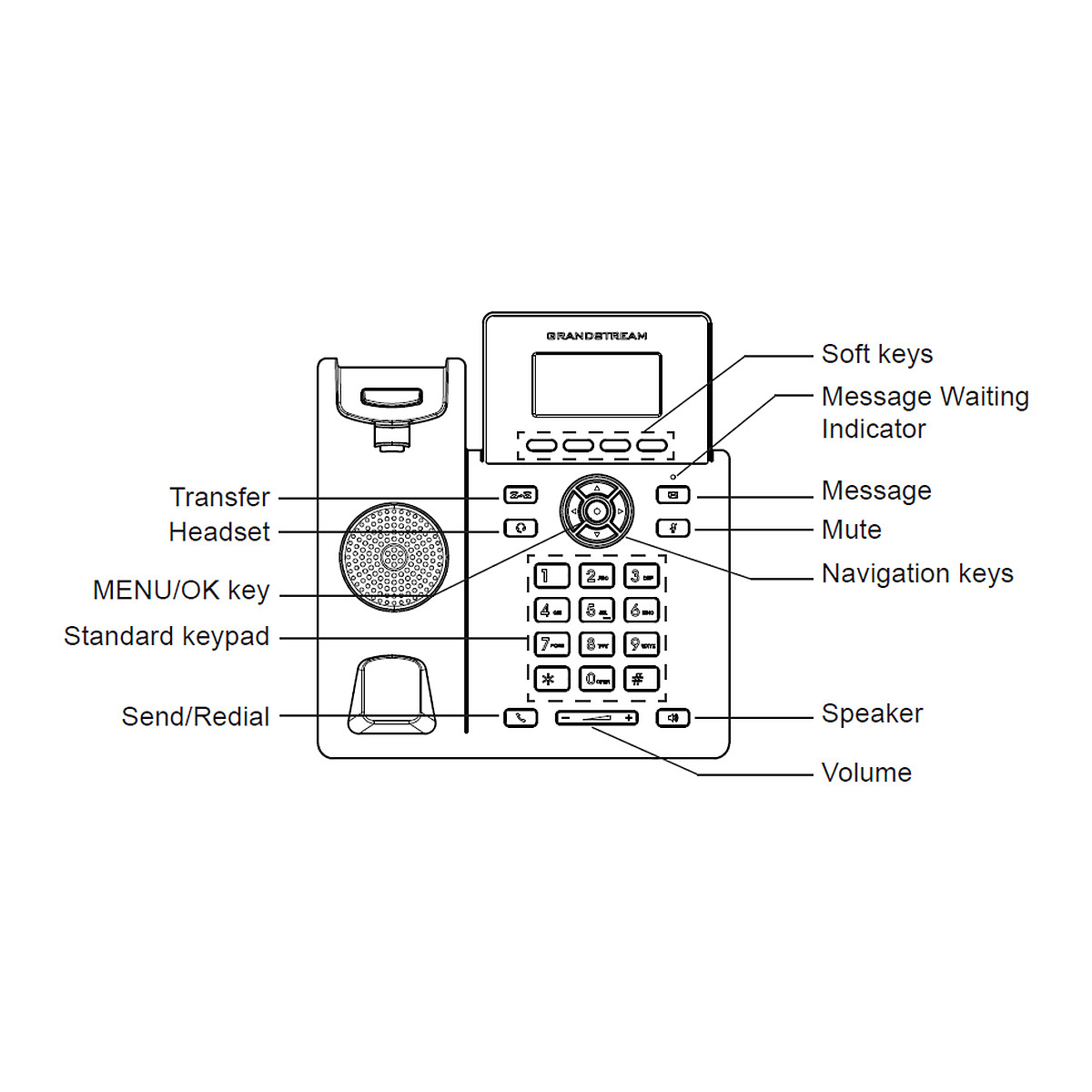
- 4 XML softkeys, 5 navigation keys, 8 fixed function keys
- Dimensions
- 208 x 180 x 63.4 mm (with handset)
In the box
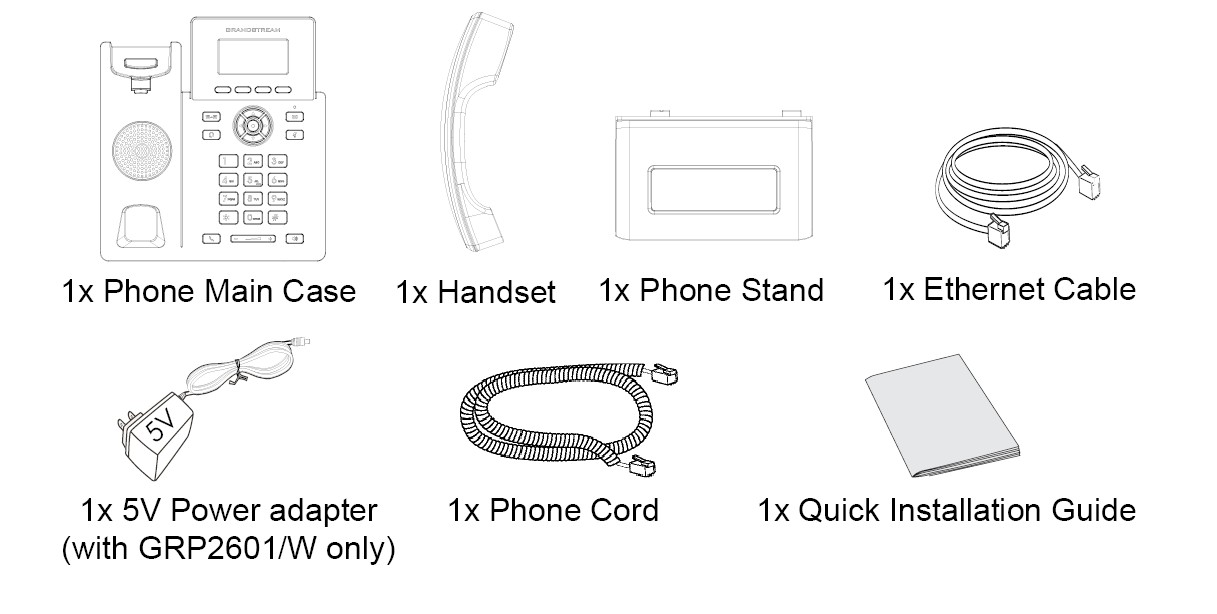
- 5 V DC, 0.6 A universal power adapter
- Handset with cord
- Desk stand
- Network cable
- Quick installation guide
 Model GRP2601Current model
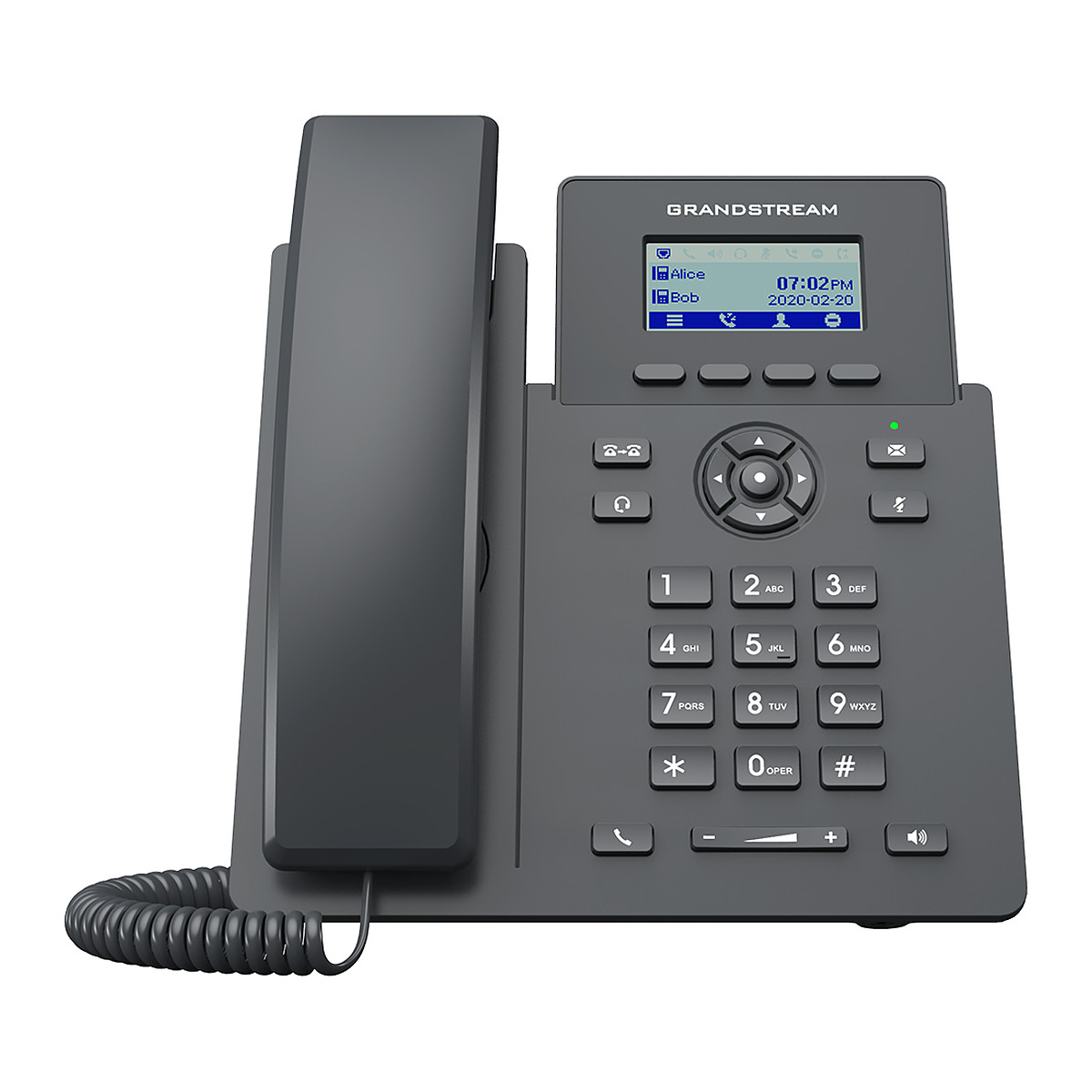
Grandstream GRP2601 IP Phone, 2 Lines, 2 SIP Accounts, Dual 10/100 Ports
₹6,042 Incl. GST
₹5,120 + 18% GST
At a glance
- Lines
- 2
- Display
- 2.41 inch monochrome LCD, 132 x 48
- Network Ports
- 2 x 10/100 Mbps Ethernet
- Conference
- 5-way audio conference
- Programmable Keys
- 4 XML softkeys, 5 navigation keys, 8 fixed function keys
- Dimensions
- 208 x 180 x 63.4 mm (with handset)
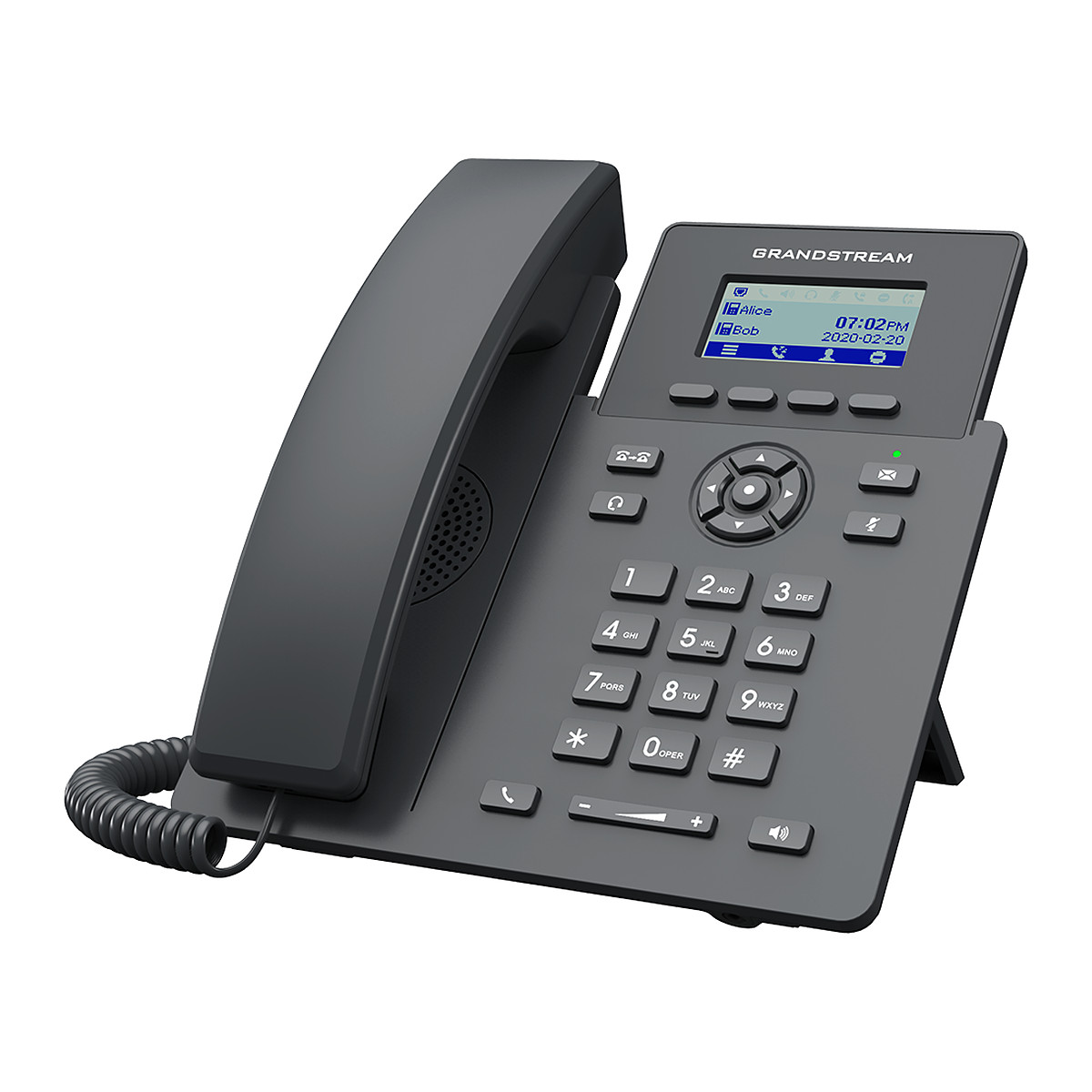
A low-cost desk phone for reception desks, back offices, classrooms and staff areas. Two lines and 2 SIP accounts, a 2.41 inch display, two 10/100 network ports and a power adapter in the box.
- WarrantyManufacturer warranty under Grandstream's terms. Warranty claims
- DeliveryPrice, availability and delivery charges are confirmed in your quotation. Shipping and delivery
Overview
A reception desk, back office, classroom or staff room needs a phone that simply works, without costing much. The Grandstream GRP2601 is the basic model of the GRP2600 Essential range: a two-line desk phone with a compact monochrome screen and a speakerphone, powered by an adapter and connected by a network cable. It suits any home office or small business whose phone system (IP PBX) or hosted provider uses standard Session Initiation Protocol (SIP) accounts.
Is it right for you?
- Suits reception desks, back offices, classrooms and hotel or hostel staff areas where you want a dependable extension at low cost.
- Suits bulk roll-outs by IT teams and service providers, because Grandstream Device Management System (GDMS) can configure many handsets from one console.
- Choose the GRP2601P instead if your network switch supplies Power over Ethernet (PoE) and you want to avoid a power socket at the desk.
- Choose the GRP2601W if the desk has no network point and you would rather connect over Wi-Fi.
- Choose the GRP2602 if you need four SIP accounts, line keys and high-definition (HD) audio.
Key features
- 2 lines and 2 SIP accounts, so one desk can handle two calls or two numbers.
- 2.41 inch monochrome screen (132 x 48) with 4 programmable softkeys and 5-way navigation, so the menus are simple to follow.
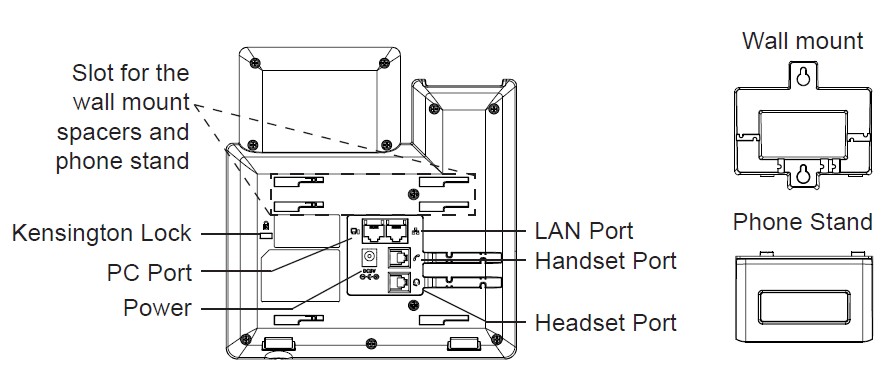
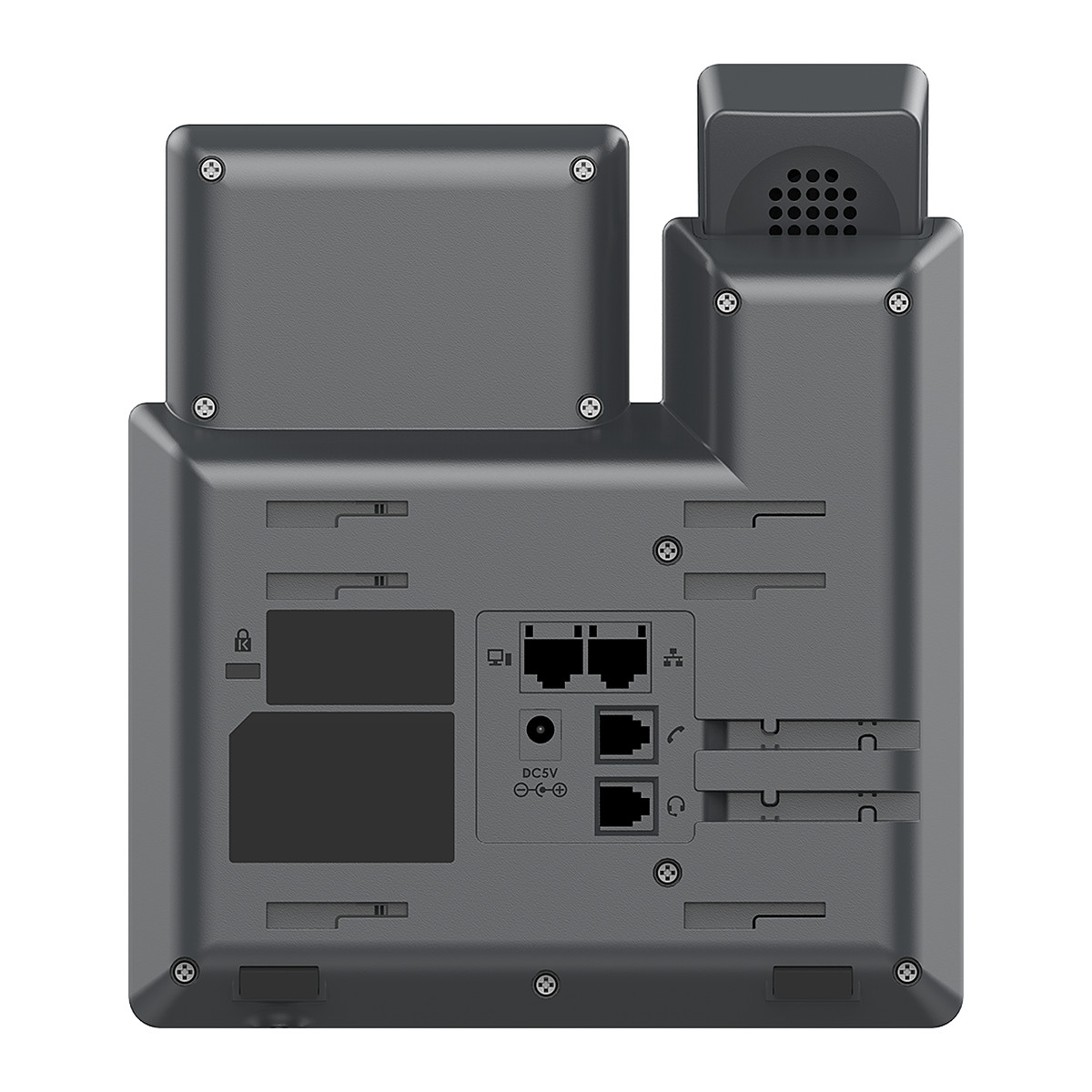
- Two switched 10/100 Mbps network ports, so a computer can share the desk’s network cable through the phone.
- 5-way audio conferencing with Opus and G.722 wideband codecs, so a small group can join one call from the phone.
- Noise Shield and AI noise reduction, which cut background sound on your side of the call.
- Phonebook of up to 2,000 entries and an 800-record call log.
- Zero-touch cloud provisioning through GDMS, with secure boot and encrypted data storage.
What else you need
- A SIP account for each line, from a phone system (IP PBX) in your building or in the cloud, or from a hosted voice over IP (VoIP) provider. The phone registers to any of them over standard SIP.
- A mains socket at the desk for the 5 V DC, 0.6 A adapter that comes with the phone.
- A network cable to the desk: this model has no Wi-Fi.
- Only if you want the phone on a wall, the GRP_WM_A wall mount bracket, sold separately.
- Only if you want a wired headset, one with an RJ9 plug; electronic hook switch (EHS) control works with Plantronics, Jabra and Sennheiser headsets.
Installation
A desk phone is a plug-in job that an office IT person or phone installer can do: fit the handset cord, connect the network cable and the power adapter, then enter the SIP account details in the phone’s web interface. For a roll-out of many phones, an installer can push the settings through GDMS or TR-069 instead.
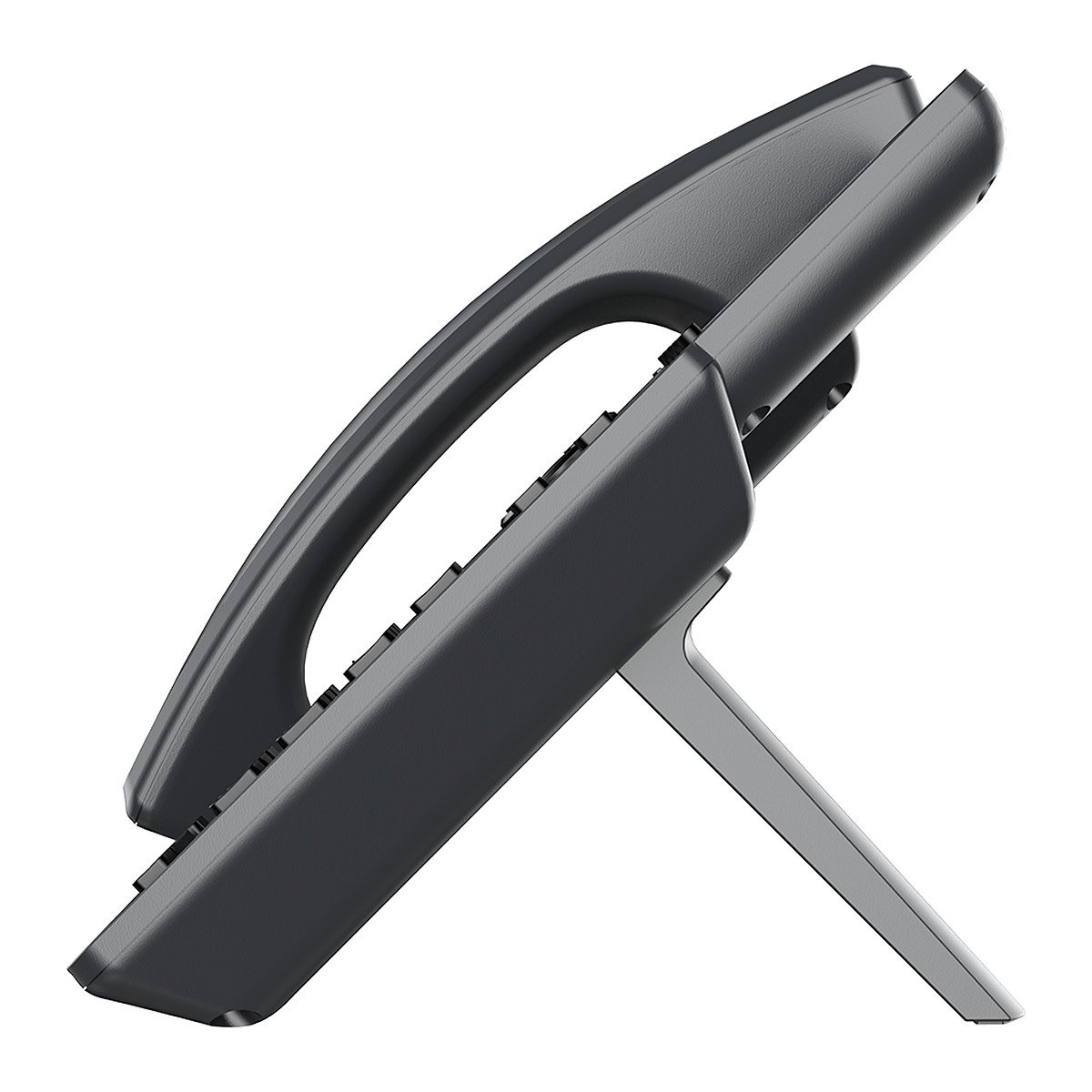
The supplied desk stand holds the phone at a single 45 degree angle.
For wall use, fit the GRP_WM_A bracket. Screws and wall anchors are not included with the bracket, so match them to your wall. Reverse the hookswitch tab under the handset rest so the handset stays put when the phone is upright.
Software and licences
GDMS cloud provisioning and TR-069 let an installer or IT team configure, monitor and update phones centrally, and the web interface covers a single phone. Grandstream’s Click2Dial browser extension places calls from a computer.
Before you buy
- The GRP_WM_A wall mount bracket is sold separately and comes without screws or wall anchors.
- It is made for indoor desks, with an operating range of 0 to 40 °C.
Technical specifications
Key facts
- What is it?
- IP desk phoneBrand Grandstream, model GRP2601
- How is it powered?
- 5 V DC
- Does it support PoE?
- No
- What comes in the box?
- 5 V DC, 0.6 A universal power adapter; Handset with cord; Desk stand; Network cable and 1 more
- Which documents are available?
- Installation guide, datasheet, quick start guide, user guide, software, and more Open documents
- Lines
- 2
- SIP Accounts
- 2
- Display
- 2.41 inch monochrome LCD, 132 x 48
- Network Ports
- 2 x 10/100 Mbps Ethernet (switched LAN and PC)
- PoE
- No
- Wi-Fi
- No
- Codecs
- G.711, G.722 (wideband), G.729A/B, G.726, G.723.1, iLBC, Opus
- Conference
- 5-way audio conference
- Headset Port
- RJ9 headset jack with EHS support (Plantronics, Jabra, Sennheiser)
- Programmable Keys
- 4 XML softkeys, 5 navigation keys, 8 fixed function keys
- Power
- 5 V DC, 0.6 A adapter (included)
- Mounting
- Desk stand included; wall mount with optional bracket (GRP_WM_A)
- Dimensions
- 208 x 180 x 63.4 mm (with handset)
- Weight
- 650 g
- Operating Temperature
- 0 to 40 °C
- Management
- Web interface, GDMS cloud provisioning, TR-069
- Warranty
- Manufacturer warranty under Grandstream's terms. How claims work
Product attributes and shipping details
| Brand | Grandstream |
|---|---|
| Ports | 2 x 10/100 Mbps Ethernet |
| Supply Voltage | 5 V DC |
| Connectivity | SIP |
Downloads
Download software
- Grandstream GRP2600 Series software (GS EXT (virtual extension))Version 1.0.21 · iOS 9.0+; Android (https://play.google.com/store/apps/details?id=com.grandstream.vext) · Released September 11, 2026Prerequisites: GRP260x phone; Virtual extension add-on listed for GRP260xLicence: FreeSoftware · Family · apps.apple.comView official download page
Documentation
- GRP2601/GRP2601P/GRP2601W DatasheetDatasheet · Family · 613.7 KBDownload
Certificate and compliance document (1)
- Grandstream GRP2601 EU declaration of conformityCertificate · This model · 193.5 KBDownload
User manual
- GRP260x Series User GuideUser guide · Family · 3.2 MBDownload
Installation guide
Firmware
- Grandstream firmware: GRP2601/P/W, GRP2602/P/G/W, GRP2603/P, GRP2604/PVersion 1.0.7.71 · n/a (device firmware)Prerequisites: Read release notes and warnings in the row (downgrade limits, backups); Firmware update only from this exact model row; read release notes firstLicence: FreeFirmware · Family · grandstream.comView official download page
Series documents can differ from your exact model. Report a wrong or missing file
Works with this product
Relevant accessories
- Grandstream GRP_WM_A Wall Mount Bracket for GRP260x, GRP2610, GRP2611GGRP_WM_A
Why Wall mount bracket for the GRP2601.
₹755Add to cart
Upgrades
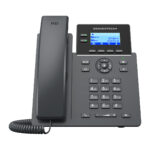
- Grandstream GRP2602 IP Phone, 2 Lines, 4 SIP Accounts, HD AudioGRP2602
Why Adds 4 SIP accounts, line keys and HD audio.
₹6,797Add to cart
Replacements and alternatives
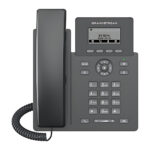
- Grandstream GRP2601L Essential Lite IP Phone, 2 Lines, WireGuard VPNGRP2601L
Why Essential Lite model with the same line count, adds WireGuard VPN and GS-FEC.
₹6,042Add to cart
Other models in the series
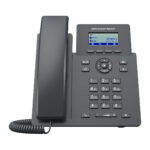
- Grandstream GRP2601P PoE IP Phone, 2 Lines, 2 SIP AccountsGRP2601P
Why Same series; differs in PoE, Wi-Fi or port speed.
₹6,042Add to cart - Grandstream GRP2601W Wi-Fi 6 IP Phone, 2 Lines, 2 SIP AccountsGRP2601W
Why Same series; differs in PoE, Wi-Fi or port speed.
₹6,797Add to cart
Questions about this product
Does the GRP2601 come with a power adapter?
Yes. A 5 V DC, 0.6 A universal power adapter is in the box, with the handset and cord, desk stand, network cable and quick installation guide.
Can the GRP2601 be mounted on a wall?
Yes, with the GRP_WM_A wall mount bracket. It is sold separately and does not include screws or wall anchors.
Do I need a phone system to use the GRP2601?
Yes. Each line needs a SIP account, from an IP PBX in your building or in the cloud, or from a hosted VoIP provider. The phone registers to any of these over standard SIP.
Does it need an internet connection?
Only if your phone system or SIP provider is in the cloud. The phone connects to your network; it reaches an IP PBX in the building over the local network and a cloud or hosted service through your internet connection.
Does it have Wi-Fi?
No. It connects over a network cable. The GRP2601W is the Wi-Fi model in the same family.
Can my computer share the phone's network cable?
Yes. The phone has two switched network ports: one to the wall and one for the PC, so one network point serves both.
Ask about this modelSetup, compatibility, what is in the box
Answers are automated. Do not enter personal or account details.