
At a glance
- Max Data Rate
- About 3 Gbps aggregate
- Power Input
- 110 to 240 V AC, 50/60 Hz (wall plug)
- Max Clients
- 128
- Coverage
- Up to 120 m
- Wi-Fi Standard
- IEEE 802.11a/b/g/n/ac/ax
- Radios/Bands
- Dual band 2.4 GHz and 5 GHz
In the box
- AC adapter plug
 Model GWN7660EMCurrent model
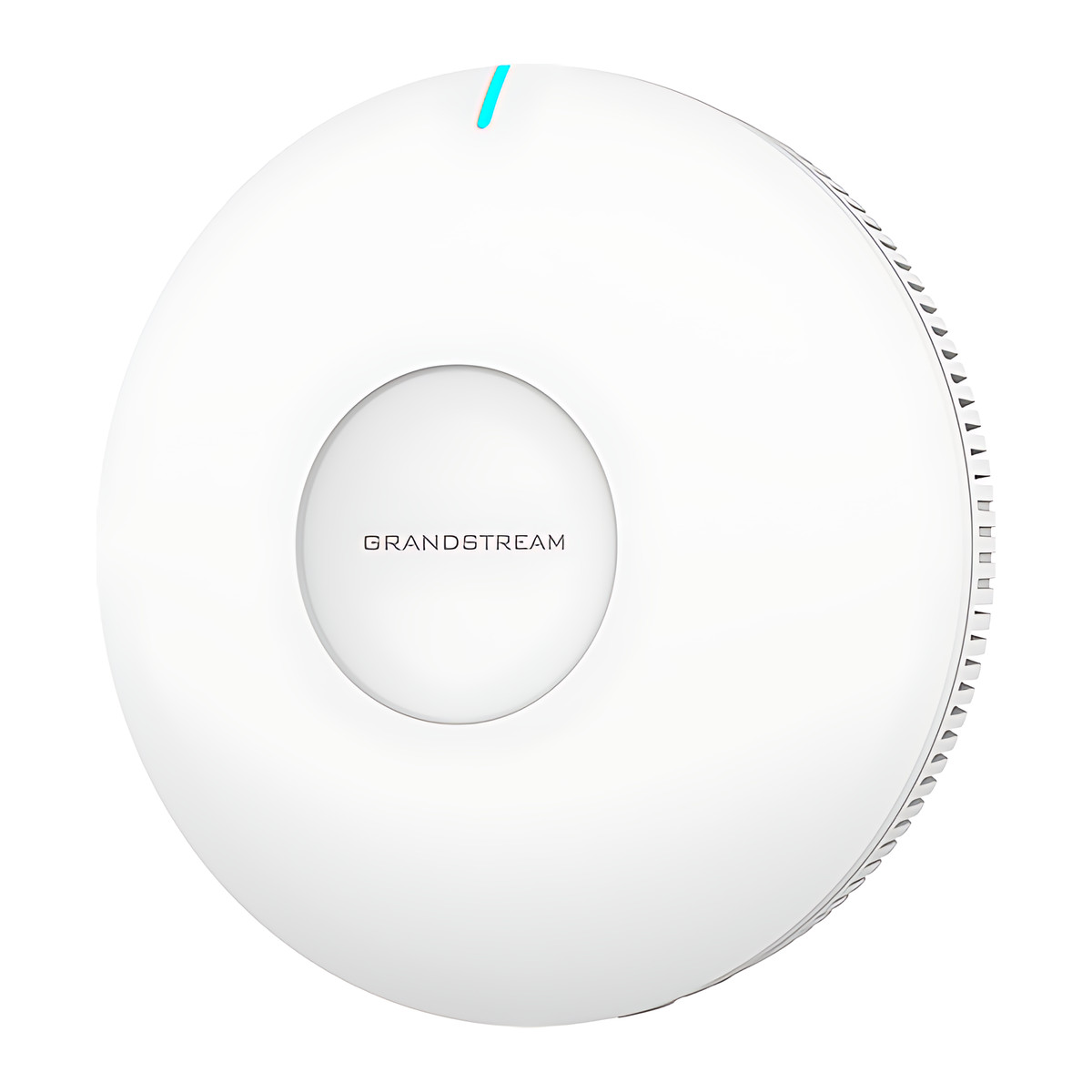
Grandstream GWN7660EM Plug-In Wi-Fi 6 Mesh Extender and Access Point, AX3000
₹10,992 Incl. GST
₹9,315 + 18% GST
At a glance
- Max Data Rate
- About 3 Gbps aggregate
- Power Input
- 110 to 240 V AC, 50/60 Hz (wall plug)
- Max Clients
- 128
- Coverage
- Up to 120 m
- Wi-Fi Standard
- IEEE 802.11a/b/g/n/ac/ax
- Radios/Bands
- Dual band 2.4 GHz and 5 GHz
Extends Wi-Fi from a Grandstream GWN7062 series or GWN7072 router into rooms where running a cable is impractical, in homes, small offices and shops. Plugs into a wall socket, AX3000 Wi-Fi 6 mesh, SYNC key pairing, one Gigabit port.
Part of the Grandstream GWN7600 Wi-Fi 6 Access Points series. Compare all 9 models
- WarrantyManufacturer warranty under Grandstream's terms. Warranty claims
- DeliveryPrice, availability and delivery charges are confirmed in your quotation. Shipping and delivery
Overview
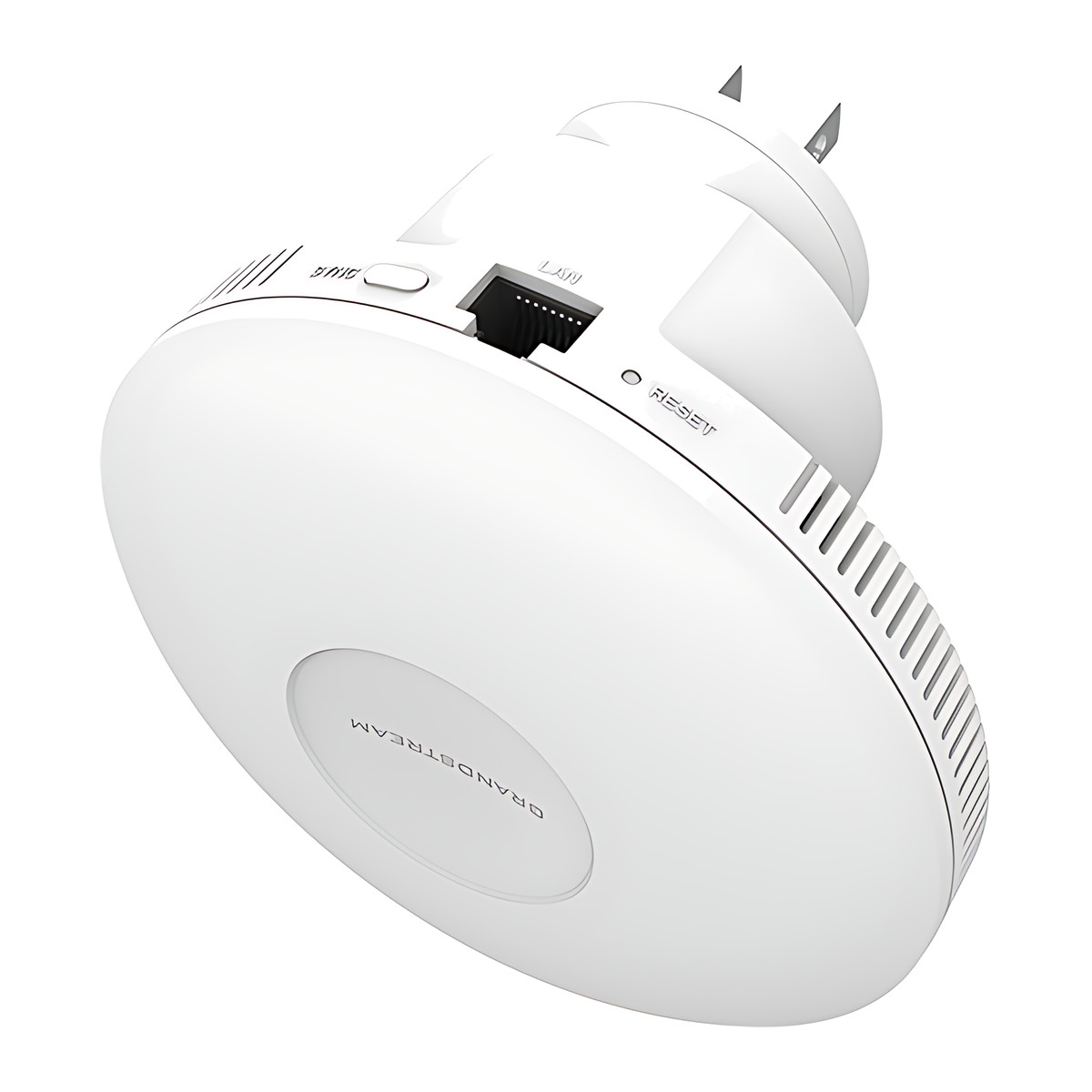
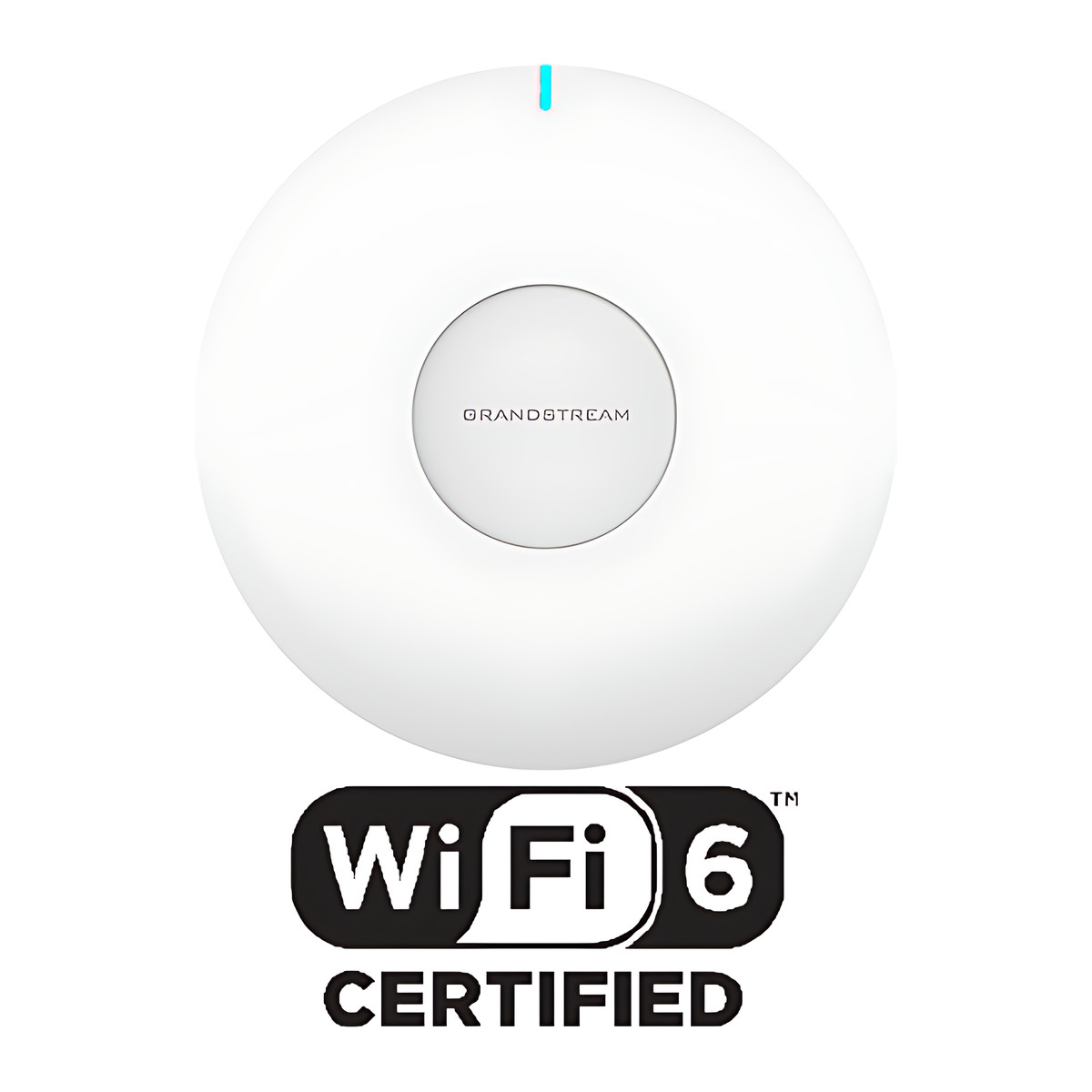
The Grandstream GWN7660EM extends Wi-Fi from a Grandstream GWN7062 series or GWN7072 router into rooms where running a cable is impractical, in homes, small offices and shops. It is an AX3000 Wi-Fi 6 access point built into a plug-in body that takes its power from the wall socket, with 2.4 GHz 2×2 and 5 GHz 3×3 radios, one Gigabit port for a wired device and a SYNC key for quick mesh pairing.
Is it right for you?
- Suits a home, small office or shop with a GWN7062E, GWN7062ET, GWN7062M or GWN7072 router and a dead zone that a cable cannot reach.
- It can also mesh with GWN7600 series access points.
- If you can run a network cable to the spot, a ceiling or wall access point powered over Power over Ethernet (PoE) will give a wired backhaul instead of a wireless one.
- It is an indoor unit rated for 0 to 40 °C.
Key features
- Mesh pairing with GWN7062E series routers at the press of the SYNC key, and with GWN7600 series access points.
- About 3 Gbps combined, with up to 2,402 Mbps on 5 GHz and 573.5 Mbps on 2.4 GHz.
- 128 concurrent devices and up to 120 m coverage.
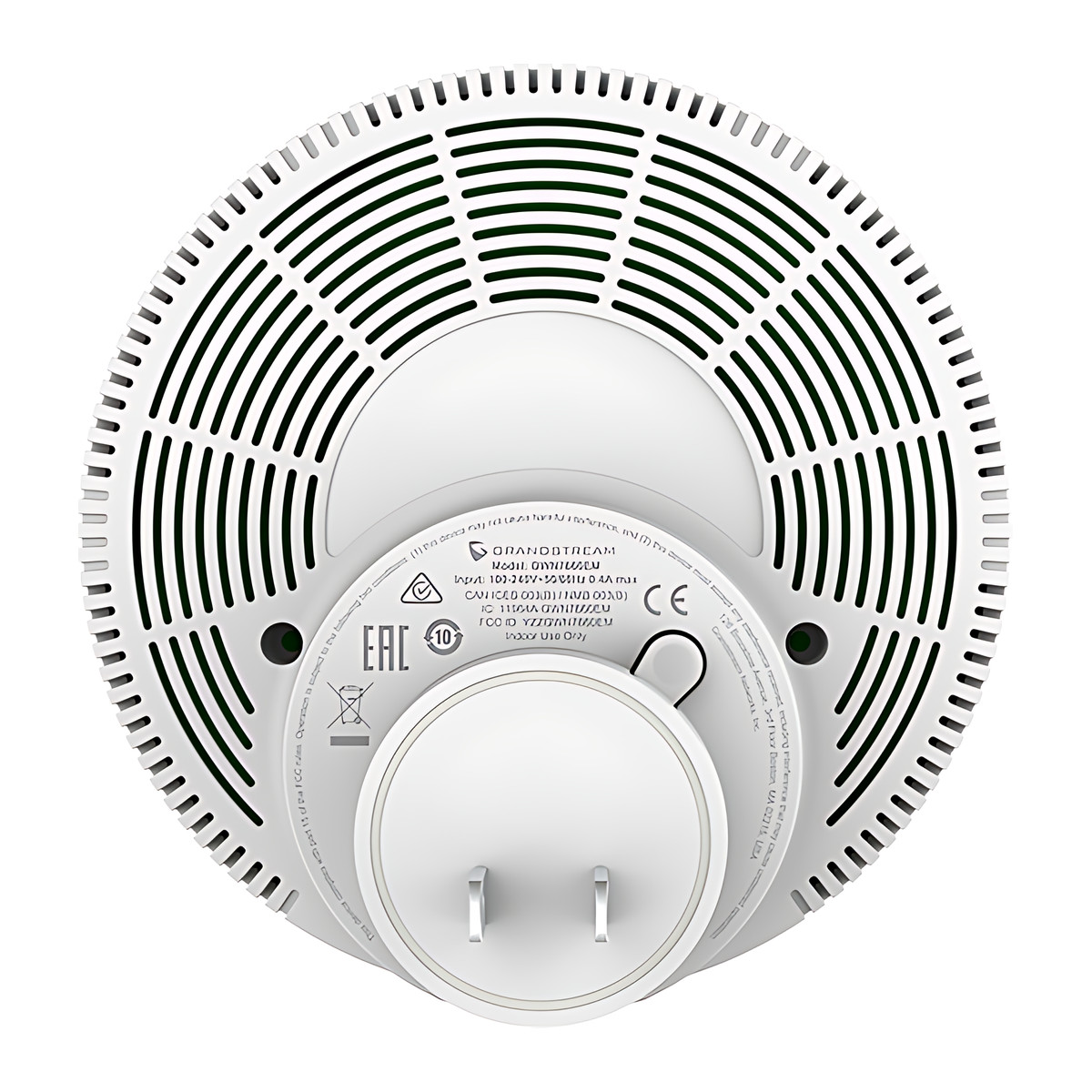
- Powered from a 110 to 240 V AC wall socket, so no PoE switch is needed.
- 1 Gigabit Ethernet port for a wired device such as a TV or PC.
- Captive portal, PPSK (private pre-shared keys, a personal Wi-Fi password per user) and WPA3.
- 16 network names (SSIDs), 8 per radio. Body of 110 x 110 x 56.7 mm and 210.5 g, 12 W maximum draw.
What else you need
- A Grandstream GWN7062E, GWN7062ET, GWN7062M or GWN7072 router, or GWN7600 series access points, to mesh with.
- A wall socket (110 to 240 V AC) roughly midway between the router and the dead zone.
Installation
Plug it into a wall socket roughly midway between the router and the dead zone and press the SYNC key to pair; no mounting hardware is needed. It can be set up without an installer; an IT support person can help with the controller settings.
Software and licences
Set it up from its own web interface, which also works as a controller for up to 10 GWN access points on the same network. For several buildings or remote management, use GDMS Networking (Grandstream Device Management System, a cloud service) or GWN Manager (software you run on your own server). Grandstream offers both at no charge, and no licence is needed. It can also be managed through the GWN app.
Before you buy
- The package lists an AC adapter plug: confirm the plug type supplied for your sockets before ordering.
- Its built-in controller manages up to 10 access points.
Technical specifications
Key facts
- What is it?
- Wireless access pointBrand Grandstream, model GWN7660EM
- How is it powered?
- 110 to 240 V AC, 50/60 Hz (wall plug)
- Can it be used outdoors?
- Indoor
- What comes in the box?
- AC adapter plug
- Which documents are available?
- Datasheet, software (4), firmware Open documents
- Not stated by the manufacturer
- PoE
RelatedSeriesGrandstream GWN7600 Wi-Fi 6 Access Points series, 9 modelsDocumentsAll Grandstream documents
General
- Radios/Bands
- Dual band 2.4 GHz and 5 GHz
- MIMO
- 2.4 GHz 2x2:2, 5 GHz 3x3:2 MU-MIMO
- Max Data Rate
- About 3 Gbps aggregate (2.4 GHz 573.5 Mbps, 5 GHz 2,402 Mbps)
- Max Clients
- 128
- Coverage
- Up to 120 m
- Ethernet Ports
- 1 x Gigabit RJ45
- SSIDs
- 16 (8 per radio)
- Antennas
- 3 internal, 2.5 dBi
- Mesh
- With GWN7062E series routers via SYNC key, and with GWN7600 series APs
- Management
- Embedded controller (up to 10 APs), GDMS Networking, GWN Manager, GWN app
Input
- Power Input
- 110 to 240 V AC, 50/60 Hz (wall plug)
- Power Consumption
- 12 W maximum
Environment
- Operating Temperature
- 0 to 40 °C
Physical
- Mounting
- Plugs directly into a wall socket
- Dimensions
- 110 x 110 x 56.7 mm
- Weight
- 210.5 g
Approvals
- Wi-Fi Standard
- IEEE 802.11a/b/g/n/ac/ax
- Compliance
- FCC, CE, RCM, IC
- Warranty
- Manufacturer warranty under Grandstream's terms. How claims work
Product attributes and shipping details
| Brand | Grandstream |
|---|---|
| WiFi Standard | Wi-Fi 6 (802.11ax) |
| Ports | 1 x GigE |
| Environment | Indoor |
| Connectivity | Wi-Fi, Ethernet |
| Supply Voltage | 110 to 240 V AC |
Downloads
Download software
- Grandstream GWN7600 Wi-Fi 6 Access Points software (GWN app (iOS))Version 1.17.4 · iOS 13.0+ · Released August 27, 2026Prerequisites: GDMS Networking or GWN Manager; Mobile management with GDMS Networking or GWN ManagerLicence: FreeSoftware · Family · apps.apple.comView official download page
- Grandstream GWN7600 Wi-Fi 6 Access Points software (GWN app (Android))Version 1.0.17.4 · Android 7.0+ · Released August 25, 2026Prerequisites: GDMS Networking or GWN Manager; Mobile management with GDMS Networking or GWN ManagerLicence: FreeSoftware · Family · play.google.comView official download page
- GDMS Networking (GWN.Cloud)Web; GDMS/GWN mobile appsPrerequisites: Device MAC and password from label; Cloud controller for GWN seriesLicence: Free; account requiredSoftware · Family · grandstream.comView official download page
- GWN ManagerVersion 1.1.39.8 · Linux server (AlmaLinux 9, Ubuntu, CentOS 7) as tar.gz or OVAPrerequisites: On-premise Linux server or VM; On-premise alternative to GDMS NetworkingLicence: FreeSoftware · Family · grandstream.comView official download page
Documentation
- GWN7660EM DatasheetDatasheet · This model · 681.9 KBDownload
Firmware
- Grandstream firmware: GWN7660EMVersion 1.0.25.7 · n/a (device firmware)Prerequisites: Read release notes and warnings in the row (downgrade limits, backups); Firmware update only from this exact model row; read release notes firstLicence: FreeFirmware · Family · grandstream.comView official download page
Series documents can differ from your exact model. Report a wrong or missing file
Works with this product
Relevant accessories
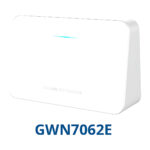
- Grandstream GWN7062E Wi-Fi 6 Router, AX3000, 3 x GigE, Mesh ReadyGWN7062E
Why Mesh with GWN7062E router via SYNC key.
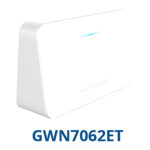
₹8,306Add to cart - Grandstream GWN7062ET Wi-Fi 6 Router with 2 FXS Phone Ports, AX3000GWN7062ET
Why Mesh compatible router.
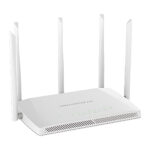
₹11,932Add to cart - Grandstream GWN7062M Wi-Fi 6 Router, AX3000, 2.5G SFP/RJ45 Combo WANGWN7062M
Why Mesh compatible router.
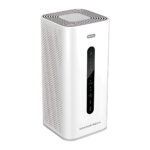
₹12,083Add to cart - Grandstream GWN7072 Wi-Fi 7 Tri-Band Router, BE11000, 10G SFP+/RJ45 WANGWN7072
Why Mesh compatible router.
₹27,187Add to cart
Questions about this product
Does the GWN7660EM need a network cable?
No. It can join a mesh wirelessly with a GWN7062E series router using the SYNC key. Its Gigabit port can connect a wired device.
Which routers does it work with?
The GWN7062E, GWN7062ET and GWN7062M, and the GWN7072. It can also mesh with GWN7600 series access points.
How is it powered?
Directly from a 110 to 240 V AC wall socket.
Do I need a separate controller or licence?
No. The web interface has a built-in controller, and GDMS Networking (cloud) and GWN Manager (on your own server) are offered at no charge.
Can it be used outdoors?
No. It is an indoor plug-in unit rated for 0 to 40 °C.
Ask about this modelSetup, compatibility, what is in the box
Answers are automated. Do not enter personal or account details.
Looking for an alternative?
We list alternatives only when we have checked they suit the same job. Compare other models in the category, or ask us to suggest one for your site.