
Wireless Access Points
Wi-Fi 5, Wi-Fi 6, Wi-Fi 6E and Wi-Fi 7 access points for ceilings, walls, in-wall boxes and outdoor poles. The choice depends on the Wi-Fi standard and number of bands (dual band, or tri-band with 6 GHz), the client load per access point, the uplink port speed (Gigabit, 2.5G or 10G) with its PoE class, and an outdoor IP rating where coverage must extend beyond the building.
All products
-
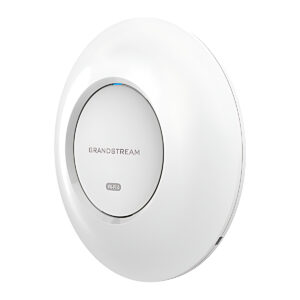
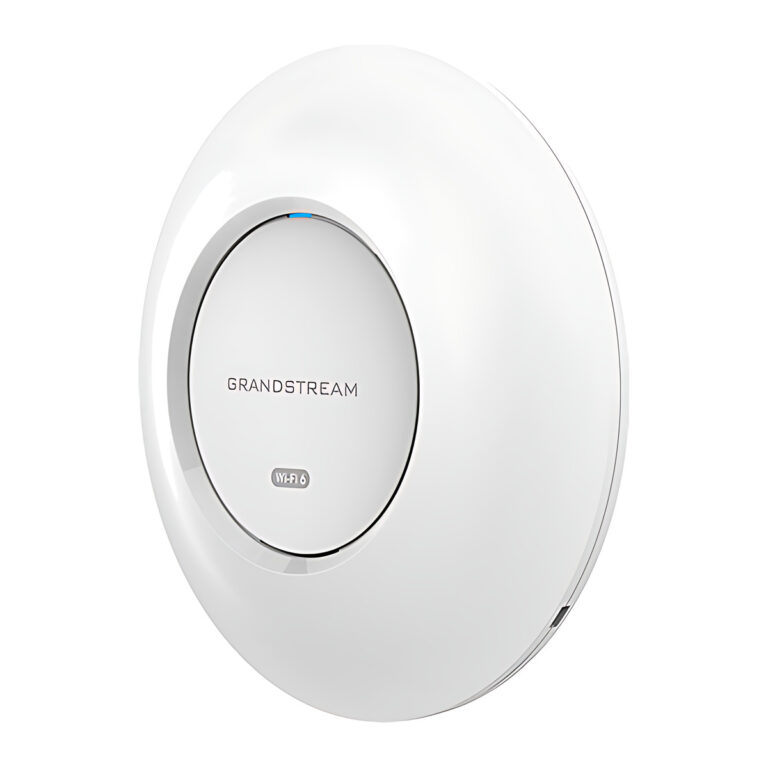 GrandstreamModel GWN7660E
Wi-Fi 6 Ceiling Access Point, AX3000, 160 MHz
- Wi-Fi Standard
- IEEE 802.11a/b/g/n/ac/ax
- Max Clients
- 256
- Coverage
- Up to 175 m
₹12,585 Incl. GST -
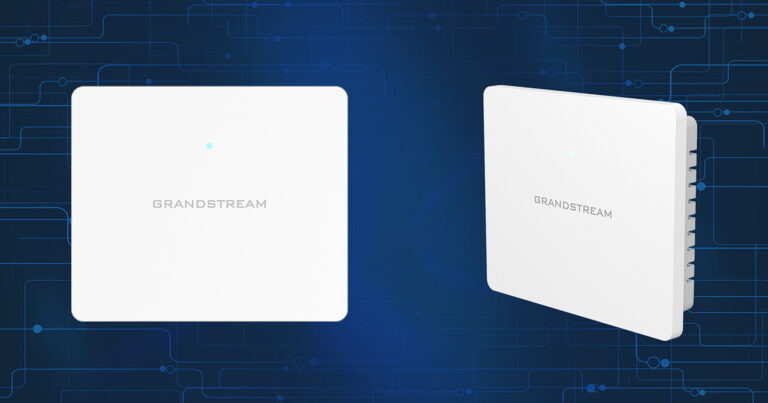 GrandstreamModel GWN7603
Wi-Fi 5 Wall Access Point, 4 x GigE, 2 x PoE Out
- Max Clients
- 100+
- Coverage
- Up to 100 m
- Power Input
- PoE 802.3af/at
₹9,399 Incl. GST -
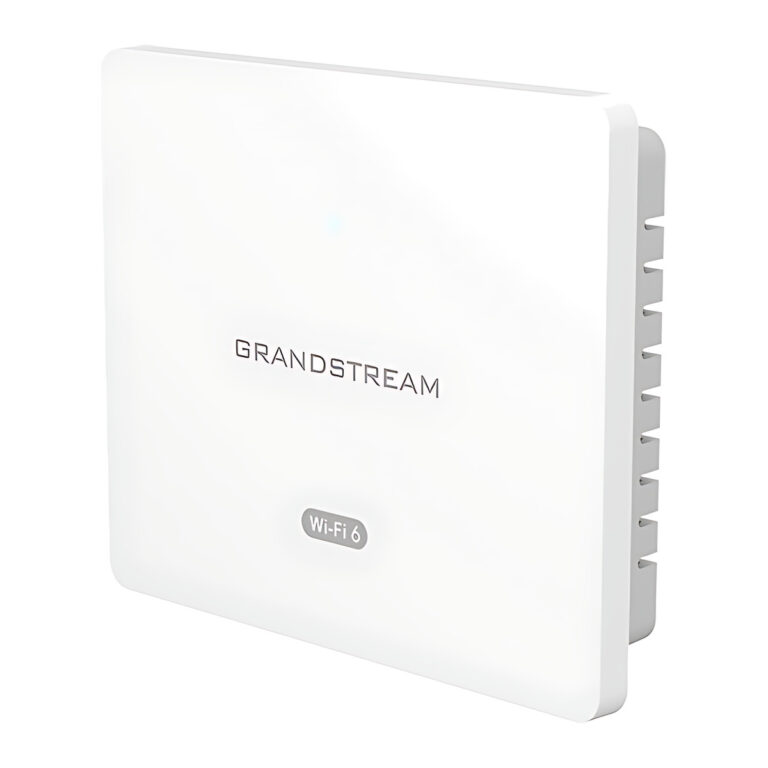 GrandstreamModel GWN7604
Wi-Fi 6 Wall Access Point, AX3000, 4 x GigE, PoE Out
- Wi-Fi Standard
- IEEE 802.11a/b/g/n/ac/ax
- Max Clients
- 256
- Coverage
- Up to 100 m
₹10,992 Incl. GST -
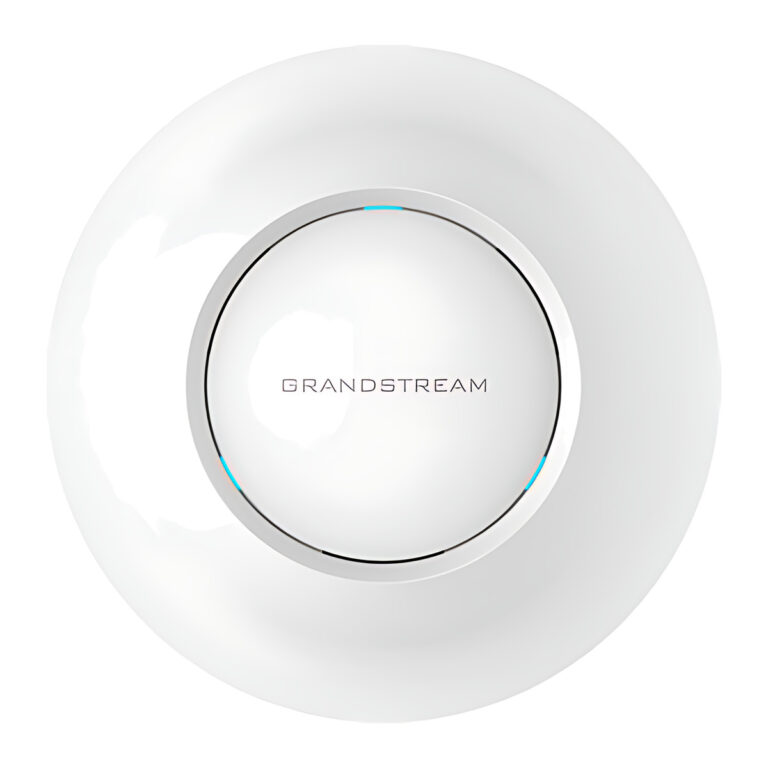 GrandstreamModel GWN7605
Wi-Fi 5 Ceiling Access Point, 2×2 MU-MIMO, 2 x GigE
- Max Clients
- 100+
- Coverage
- Up to 165 m
- Power Input
- PoE 802.3af/at
₹12,234 Incl. GST -
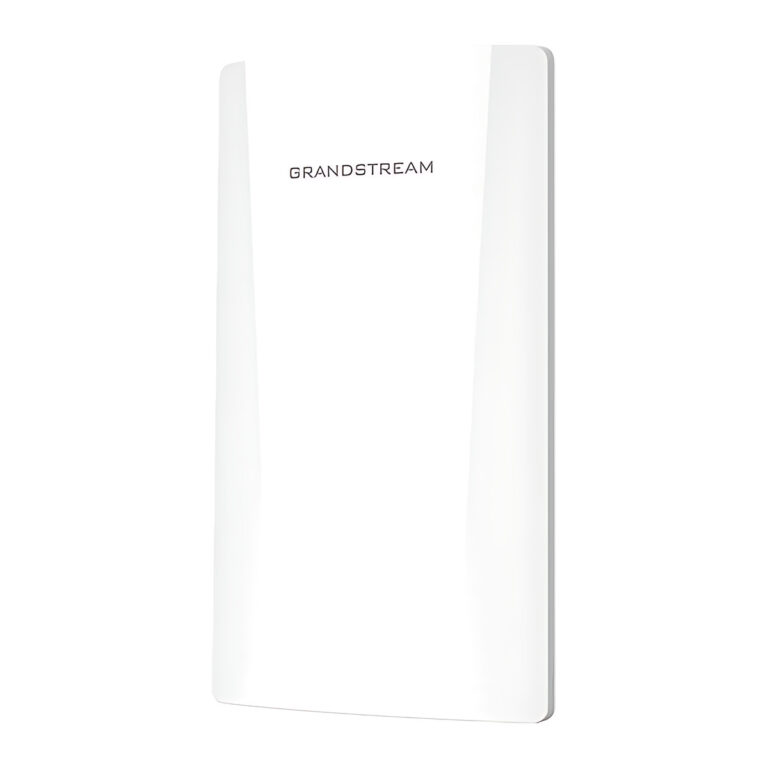 GrandstreamModel GWN7605CLR
Outdoor Wi-Fi 5 Access Point, IP66, PoE or 12 to 24 V DC
- Max Clients
- 100+
- Coverage
- Up to 150 m
₹11,932 Incl. GST -
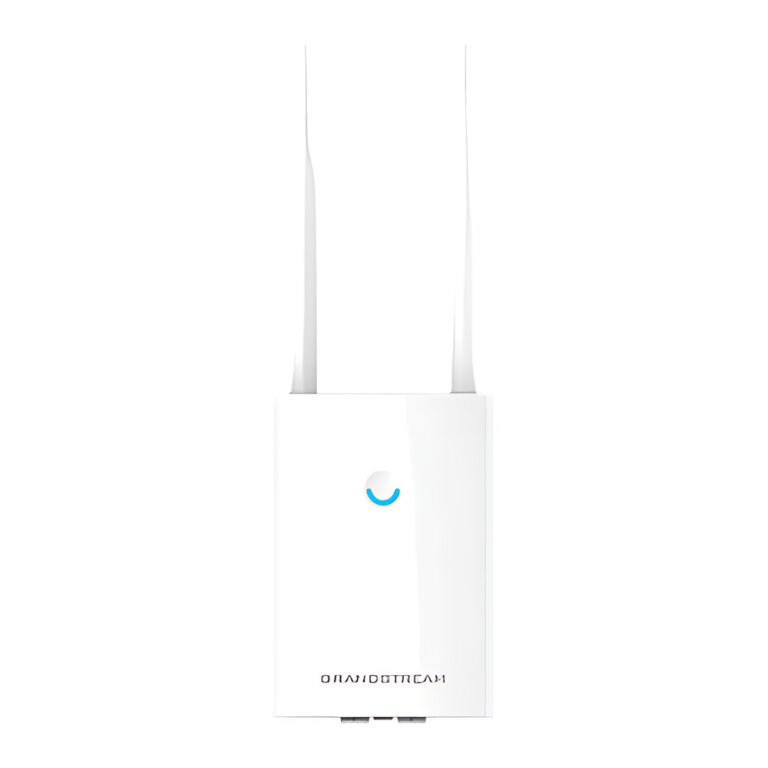 GrandstreamModel GWN7605LR
Outdoor Long-Range Wi-Fi 5 Access Point, IP66, 250 m
- Max Clients
- 100+
- Coverage
- Up to 250 m
- Power Input
- PoE 802.3af/at
₹17,672 Incl. GST -
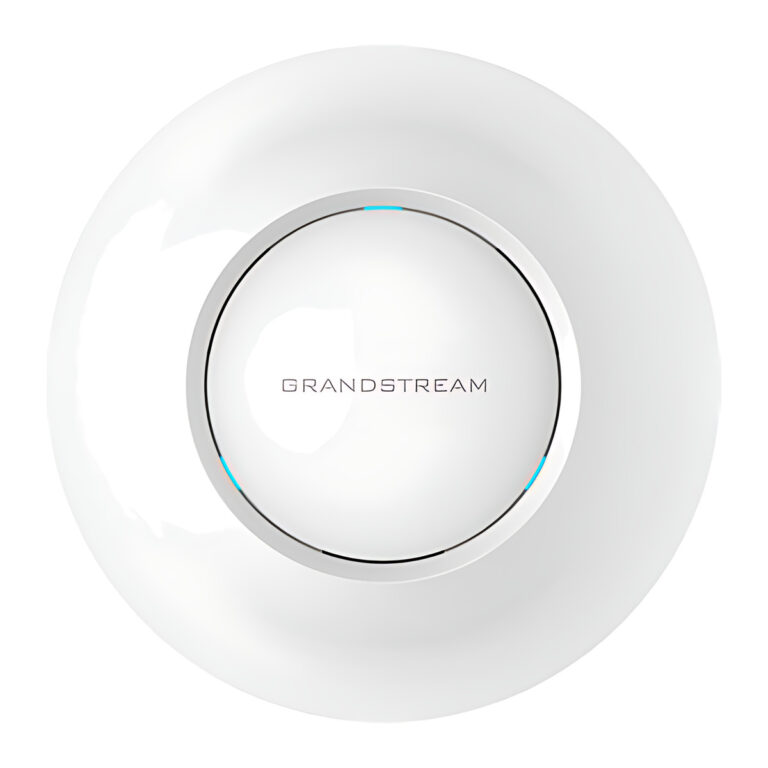 GrandstreamModel GWN7615
Wi-Fi 5 Ceiling Access Point, 3×3 MU-MIMO, 200+ Clients
- Max Clients
- 200+
- Coverage
- Up to 175 m
- Power Input
- PoE 802.3af/at
₹14,651 Incl. GST -
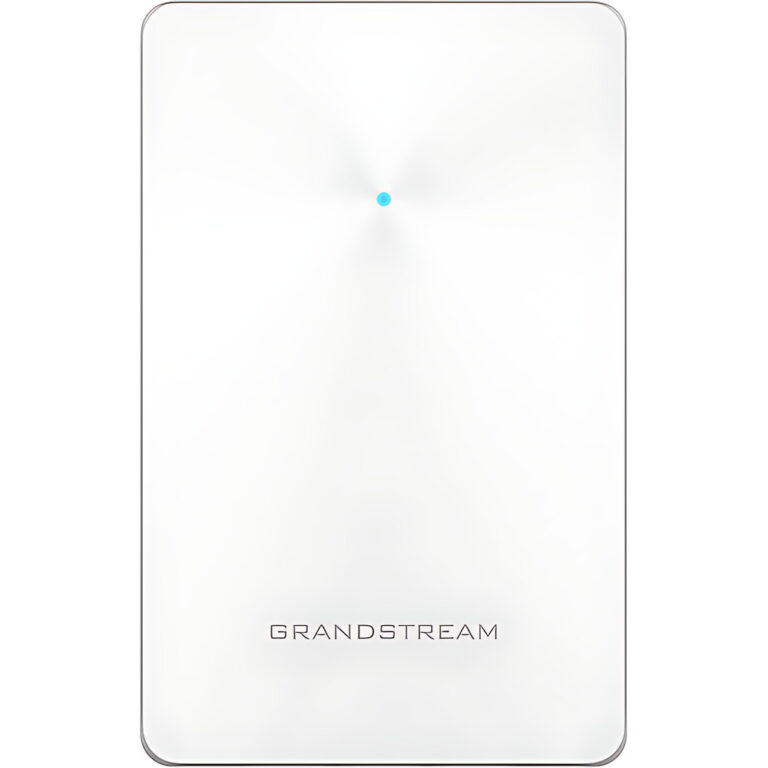 GrandstreamModel GWN7624
In-Wall Wi-Fi 5 Access Point, 4×4 5 GHz, 4 x GigE, PoE Out
- Max Data Rate
- 2.03 Gbps aggregate
- Max Clients
- Up to 200
- Coverage
- Up to 100 m
₹13,443 Incl. GST -
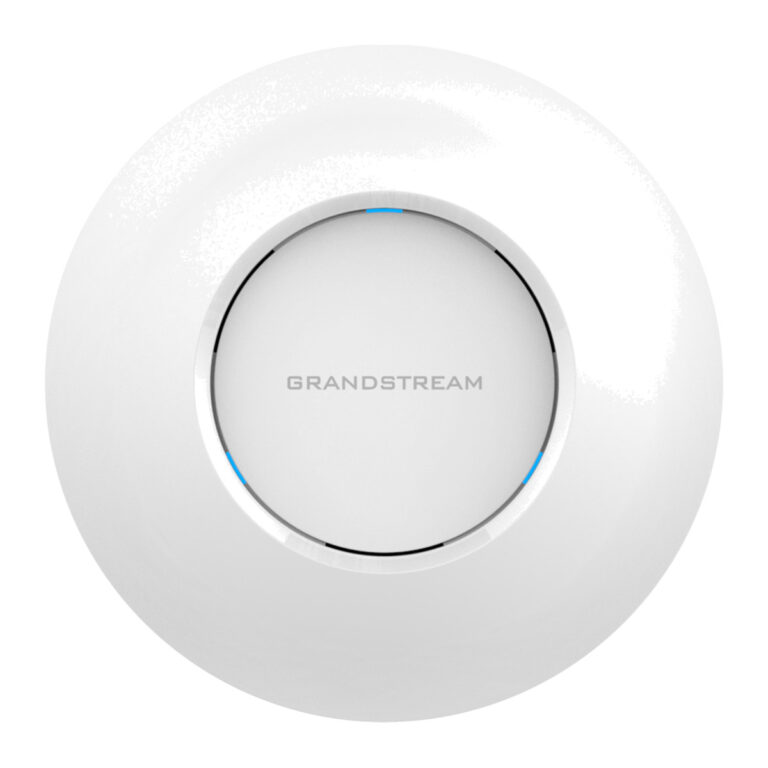 GrandstreamModel GWN7625
Wi-Fi 5 Ceiling Access Point, 4×4 5 GHz, 200 Clients
- Max Clients
- 200
- Coverage
- Up to 165 m
- Power Input
- PoE 802.3af/at
₹13,896 Incl. GST -
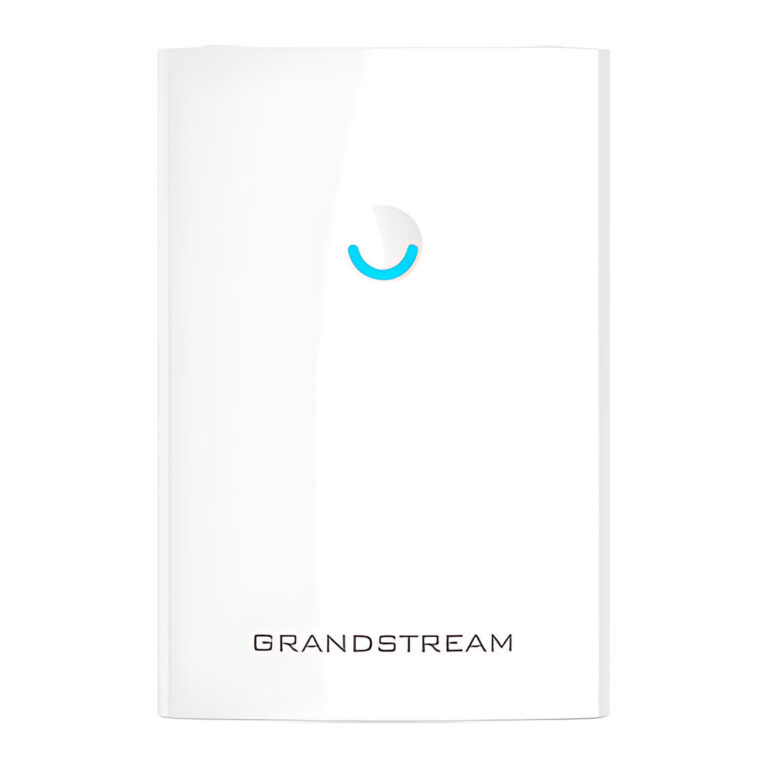 GrandstreamModel GWN7630LR
Outdoor Long-Range Wi-Fi 5 Access Point, 4×4, 300 m
- Max Clients
- Up to 250+
- Coverage
- Up to 300 m
- Power Input
- PoE+ 802.3at
₹25,010 Incl. GST -
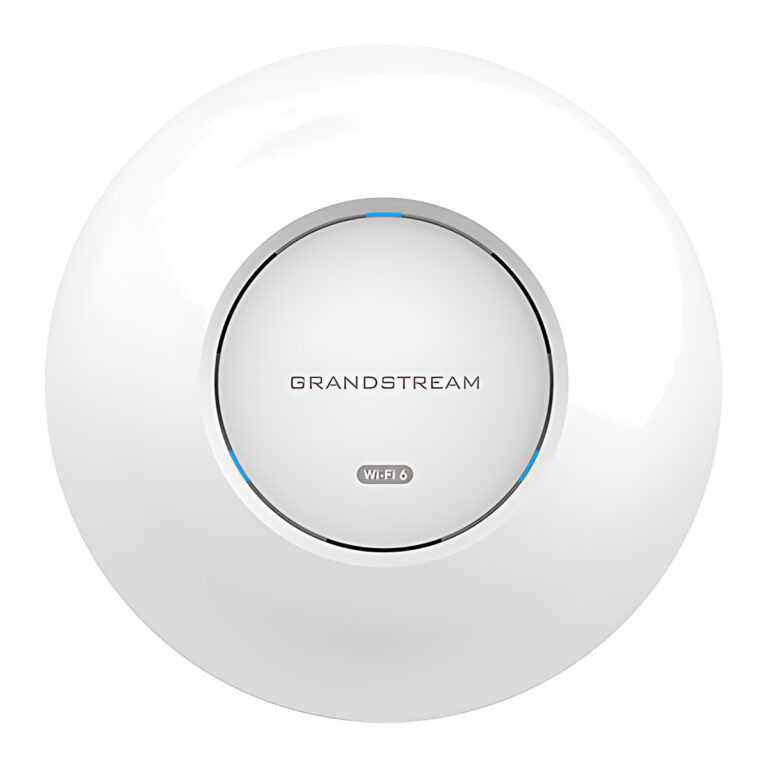 GrandstreamModel GWN7660
Wi-Fi 6 Ceiling Access Point, 2×2, 2 x GigE
- Wi-Fi Standard
- IEEE 802.11a/b/g/n/ac/ax
- Max Clients
- 500+
- Coverage
- Up to 175 m
₹16,727 Incl. GST -
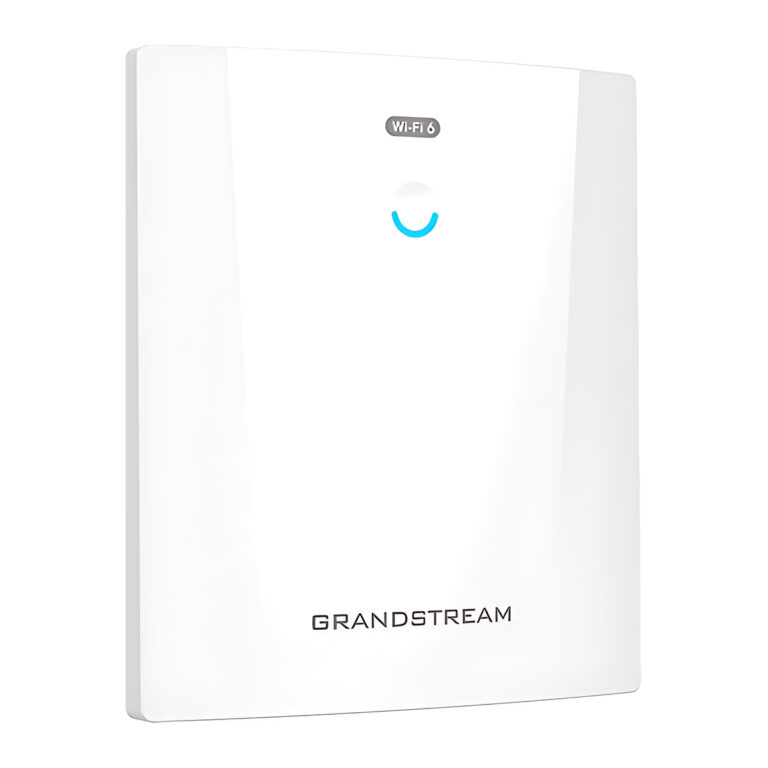 GrandstreamModel GWN7660ELR
Outdoor Wi-Fi 6 Access Point, IP68, SFP, 300 m
- Wi-Fi Standard
- IEEE 802.11b/g/n/ac/ax
- Max Clients
- 256
- Coverage
- Up to 300 m
₹18,320 Incl. GST -
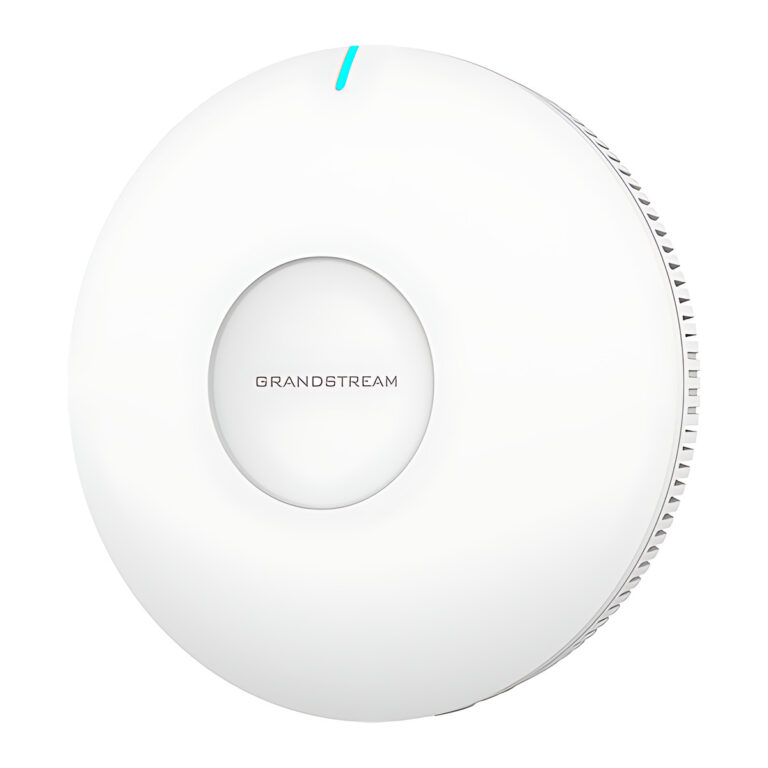 GrandstreamModel GWN7660EM
Plug-In Wi-Fi 6 Mesh Extender and Access Point, AX3000
- Wi-Fi Standard
- IEEE 802.11a/b/g/n/ac/ax
- Max Clients
- 128
- Coverage
- Up to 120 m
₹10,992 Incl. GST -
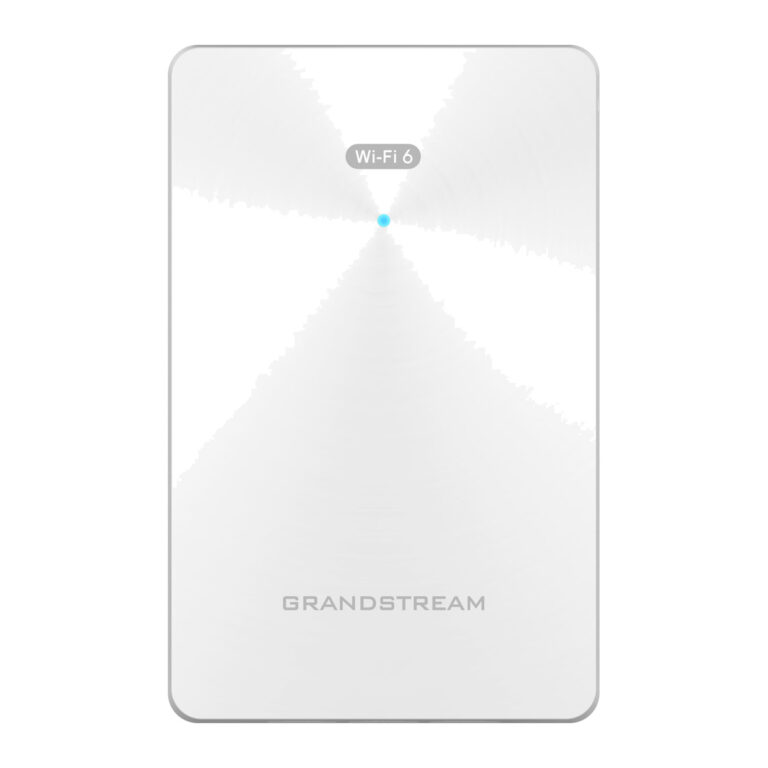 GrandstreamModel GWN7661E
In-Wall Wi-Fi 6 Access Point, AX3000, 4 x GigE, PoE Out
- Wi-Fi Standard
- IEEE 802.11a/b/g/n/ac/ax
- Max Clients
- 256
- Coverage
- Up to 100 m
₹13,541 Incl. GST -
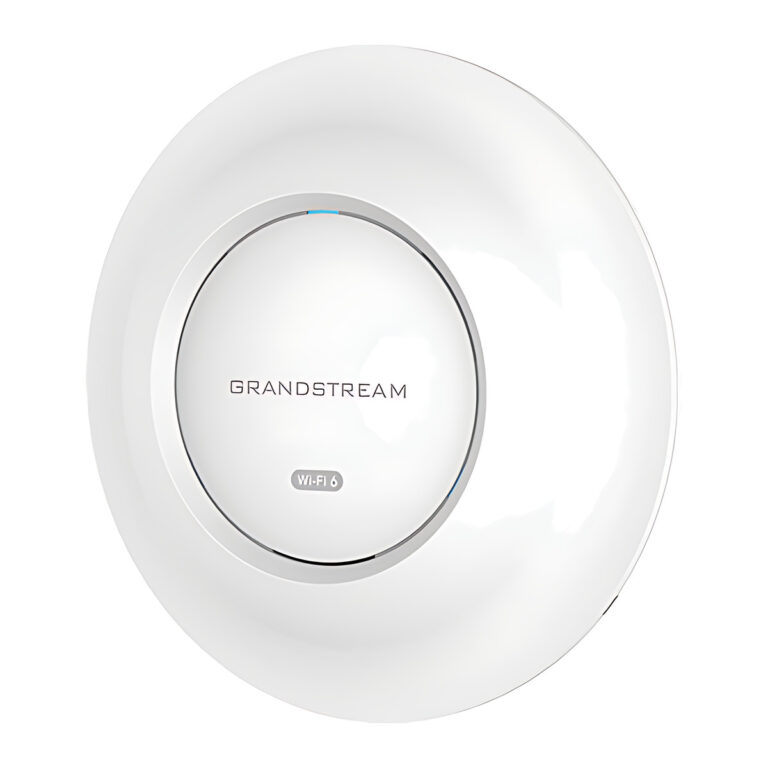 GrandstreamModel GWN7662
Wi-Fi 6 Ceiling Access Point, 4×4 5 GHz, 2.5G Uplink
- Max Clients
- 256
- Coverage
- Up to 175 m
- Power Input
- PoE 802.3af/at
₹20,995 Incl. GST -
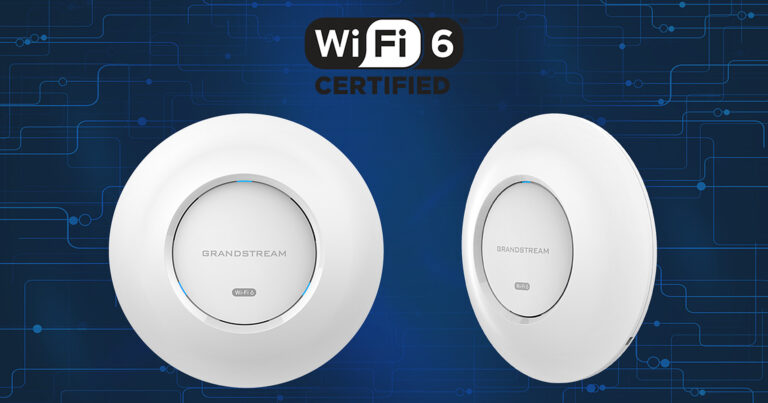 GrandstreamModel GWN7664E
Wi-Fi 6 Ceiling Access Point, AX6000, 4×4, 2 x 2.5G
- Wi-Fi Standard
- IEEE 802.11a/b/g/n/ac/ax
- Max Clients
- 512
- Coverage
- Up to 175 m
₹24,922 Incl. GST -
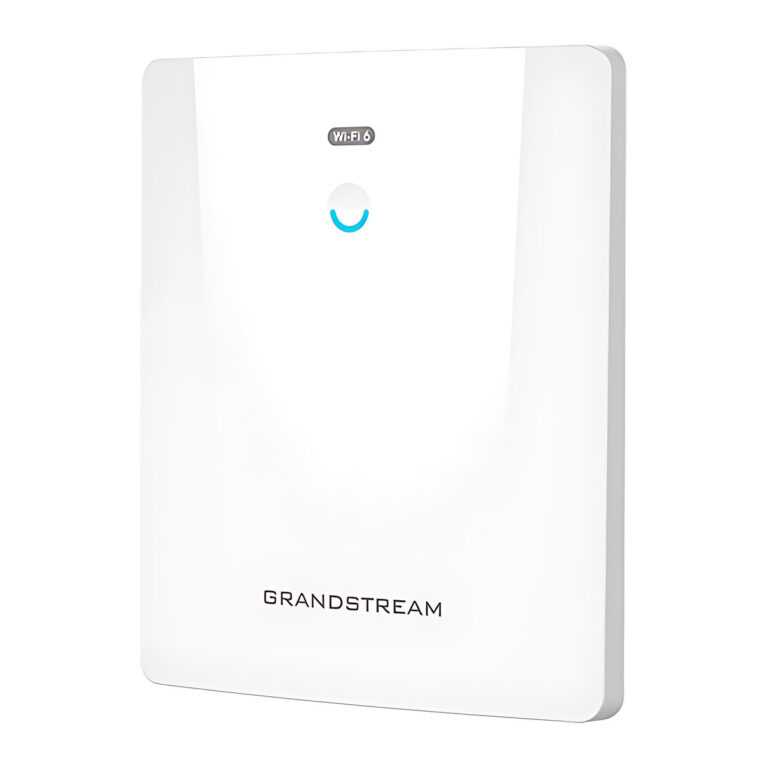 GrandstreamModel GWN7664ELR
Outdoor Wi-Fi 6 Access Point, AX6000, IP68, SFP
- Wi-Fi Standard
- IEEE 802.11b/g/n/ac/ax
- Max Clients
- 512
- Coverage
- Up to 300 m
₹30,057 Incl. GST -
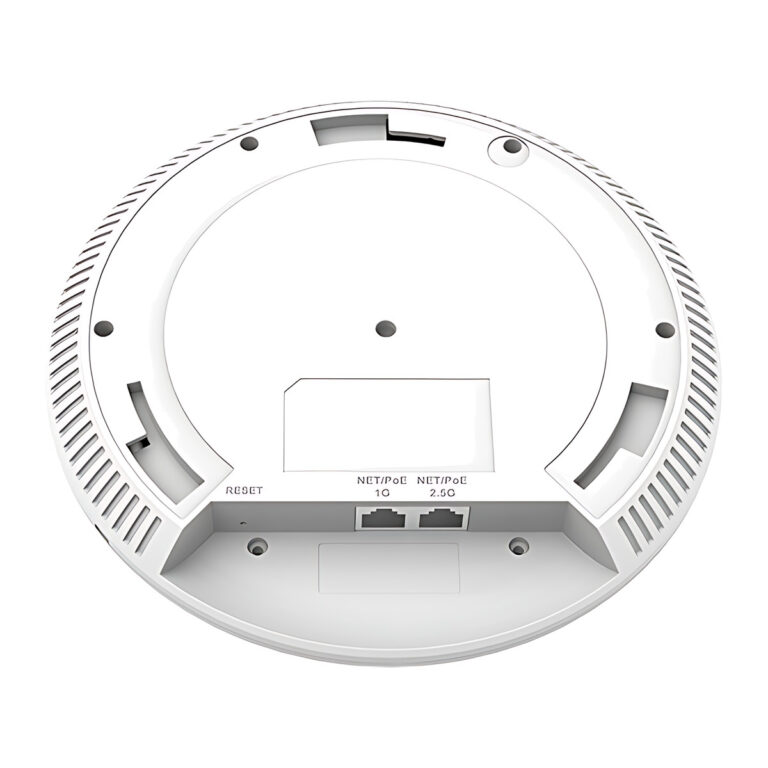 GrandstreamModel GWN7665
Wi-Fi 6E Tri-Band Access Point, AX5400, 2.5G, BLE
- Max Clients
- 384
- Coverage
- Up to 175 m
- Power Input
- PoE+ 802.3at
₹19,484 Incl. GST -
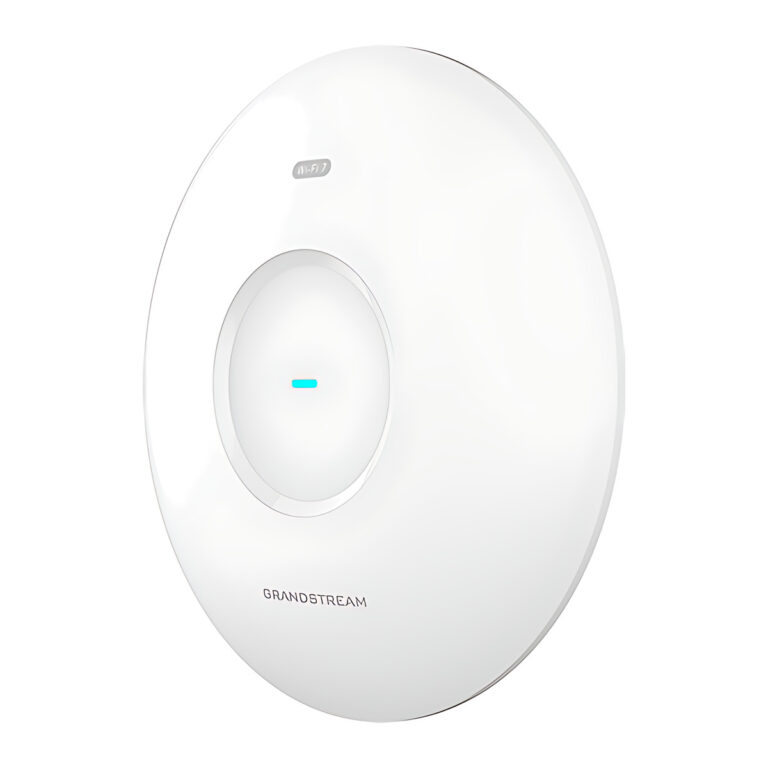 GrandstreamModel GWN7670
Wi-Fi 7 Ceiling Access Point, BE3600, 2 x 2.5G, BLE
- Max Clients
- 256
- Coverage
- Up to 175 m
- Power Input
- PoE 802.3af/at
₹18,320 Incl. GST -
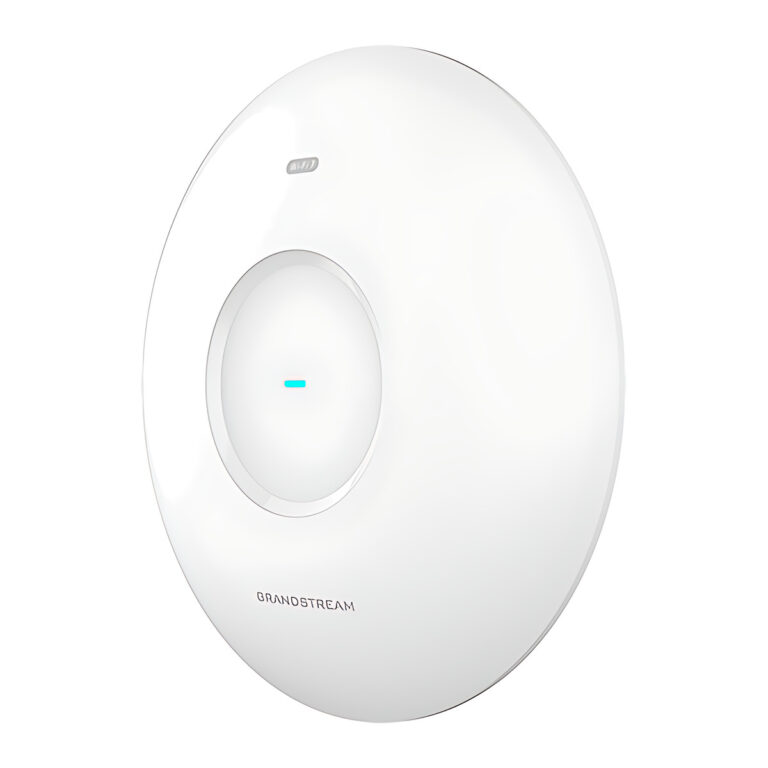 GrandstreamModel GWN7670E
Wi-Fi 7 Ceiling Access Point, BE3600, 3×3 5 GHz, 512 Clients
- Max Clients
- 512
- Coverage
- Up to 175 m
- Power Input
- PoE+ 802.3at
₹14,953 Incl. GST -
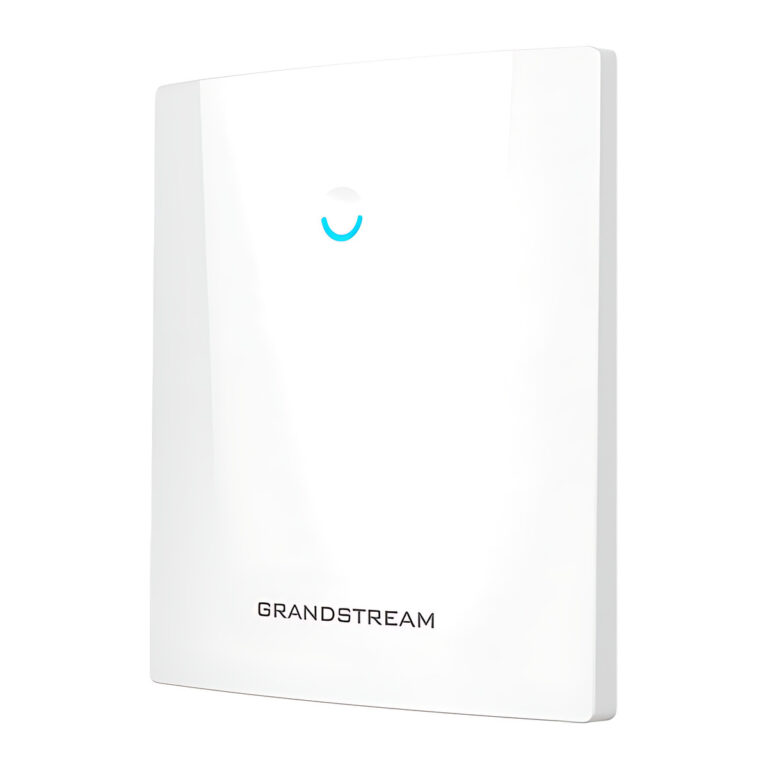 GrandstreamModel GWN7670ELR
Outdoor Wi-Fi 7 Access Point, BE3600, IP67, SFP, 350 m
- Max Clients
- 512
- Coverage
- Up to 350 m
- Power Input
- PoE+ 802.3at
₹22,505 Incl. GST -
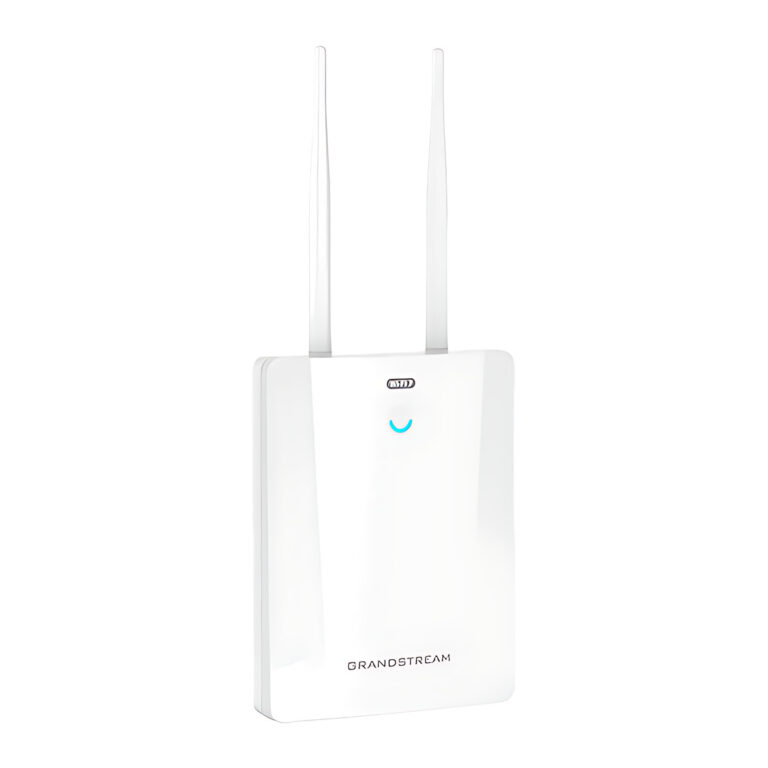 GrandstreamModel GWN7670LR
Outdoor Long-Range Wi-Fi 7 Access Point/Bridge, SFP, IP66
- Max Clients
- 256
- Power Input
- PoE+ 802.3at
₹25,526 Incl. GST -
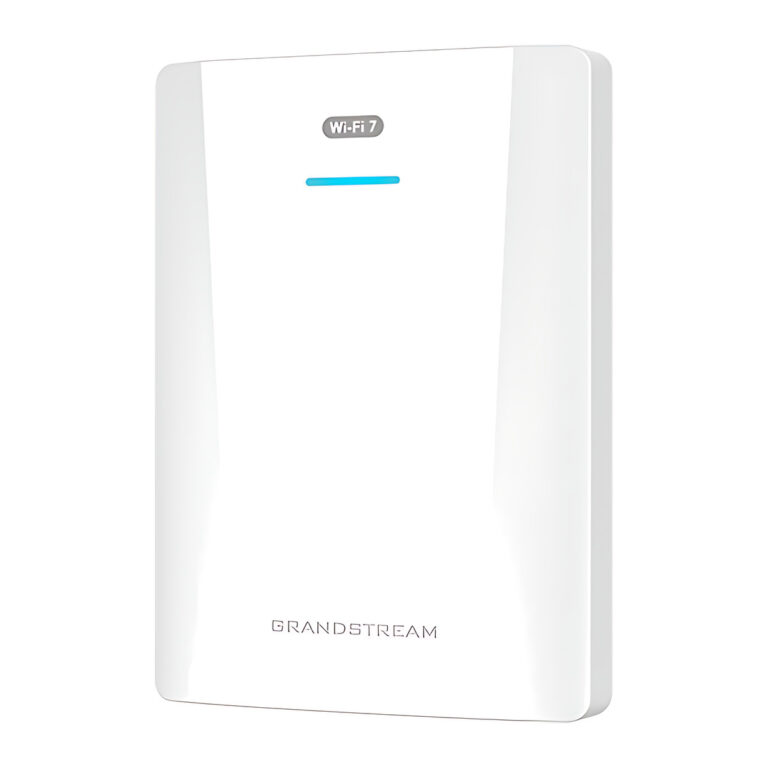 GrandstreamModel GWN7670WM
Wall-Mount Wi-Fi 7 Access Point, BE3600, 2.5G, BLE
- Max Clients
- 256
- Coverage
- Up to 175 m
- Power Input
- PoE 802.3af/at
₹16,614 Incl. GST -
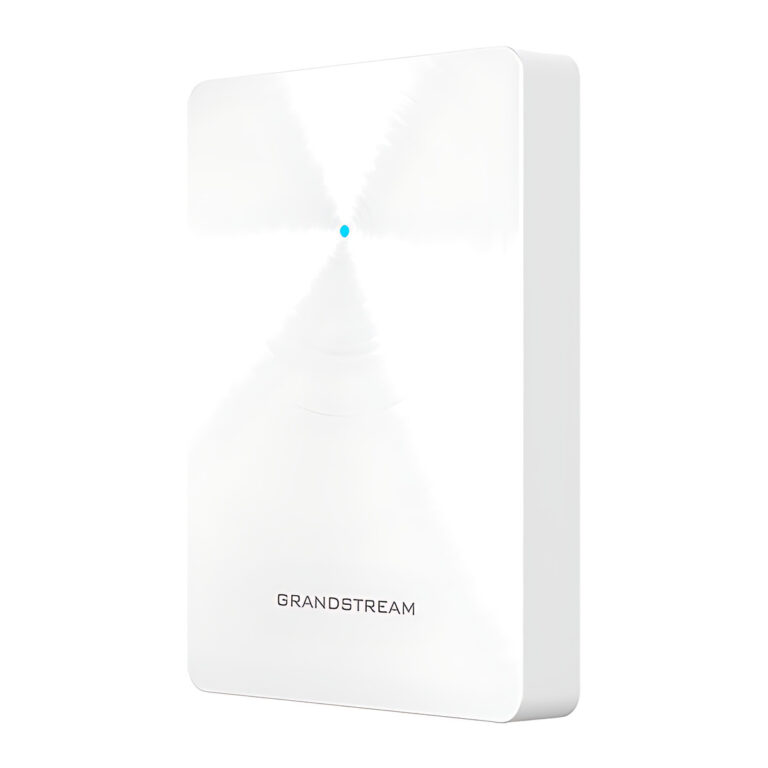 GrandstreamModel GWN7671
In-Wall Wi-Fi 7 Access Point, BE3600, 2.5G, 2 x PoE Out
- Max Clients
- 256
- Coverage
- Up to 175 m
- Power Input
- PoE+ 802.3at
₹18,125 Incl. GSTAvailable on order
Choosing a wireless access point
- Standard and bands: Wi-Fi 6 suits most offices, while tri-band Wi-Fi 6E and Wi-Fi 7 models add the 6 GHz band for dense, high-throughput areas, which client devices must also support.
- Uplink and power: faster models need a 2.5G or 10G switch port to reach full speed, and PoE, PoE+ or PoE++ according to the model.
- Form factor: ceiling and wall units for open areas, in-wall models with extra Ethernet ports for rooms, and IP-rated outdoor models for yards and campuses.
- Management: an embedded controller or a separate management platform for sites with several access points.
Plan coverage room by room rather than per building, because walls and floors cut range sharply and the listed coverage is a best case. Count the clients each area must serve, place access points so their coverage overlaps slightly for roaming, and size the switch PoE budget for every unit.
Need help choosing?
Tell us what it is for and where it goes, and we suggest models. Have a list of models and quantities? Request a quote.