
At a glance
- Wi-Fi Standard
- IEEE 802.11a/b/g/n/ac/ax/be
- MIMO
- 2.4 GHz 2x2:2, 5 GHz 3x3:3 MU-MIMO
- Max Clients
- 512
- Ethernet Ports
- 1 x 2.5 Gigabit RJ45 with PoE input
- Radios/Bands
- Dual band 2.4 GHz and 5 GHz
- Power Input
- PoE 802.3af/at
 Model GWN7673Available
Grandstream GWN7673 Wi-Fi 7 Ceiling Access Point, BE5000, 3×3 5 GHz, 512 Clients
₹17,974 Incl. GST
₹15,232 + 18% GST
At a glance
- Wi-Fi Standard
- IEEE 802.11a/b/g/n/ac/ax/be
- MIMO
- 2.4 GHz 2x2:2, 5 GHz 3x3:3 MU-MIMO
- Max Clients
- 512
- Ethernet Ports
- 1 x 2.5 Gigabit RJ45 with PoE input
- Radios/Bands
- Dual band 2.4 GHz and 5 GHz
- Power Input
- PoE 802.3af/at
Wi-Fi 7 for busy offices, classrooms and shop floors where devices use 2.4 and 5 GHz and the 6 GHz band is not in use. BE5000 ceiling unit, 3×3 5 GHz radio, 5 Gbps combined rate, up to 512 devices and a 2.5 Gigabit PoE port.
Part of the Grandstream GWN767x Wi-Fi 7 Access Points series. Compare all 11 models
- WarrantyManufacturer warranty under Grandstream's terms. Warranty claims
- DeliveryPrice, availability and delivery charges are confirmed in your quotation. Shipping and delivery
Overview
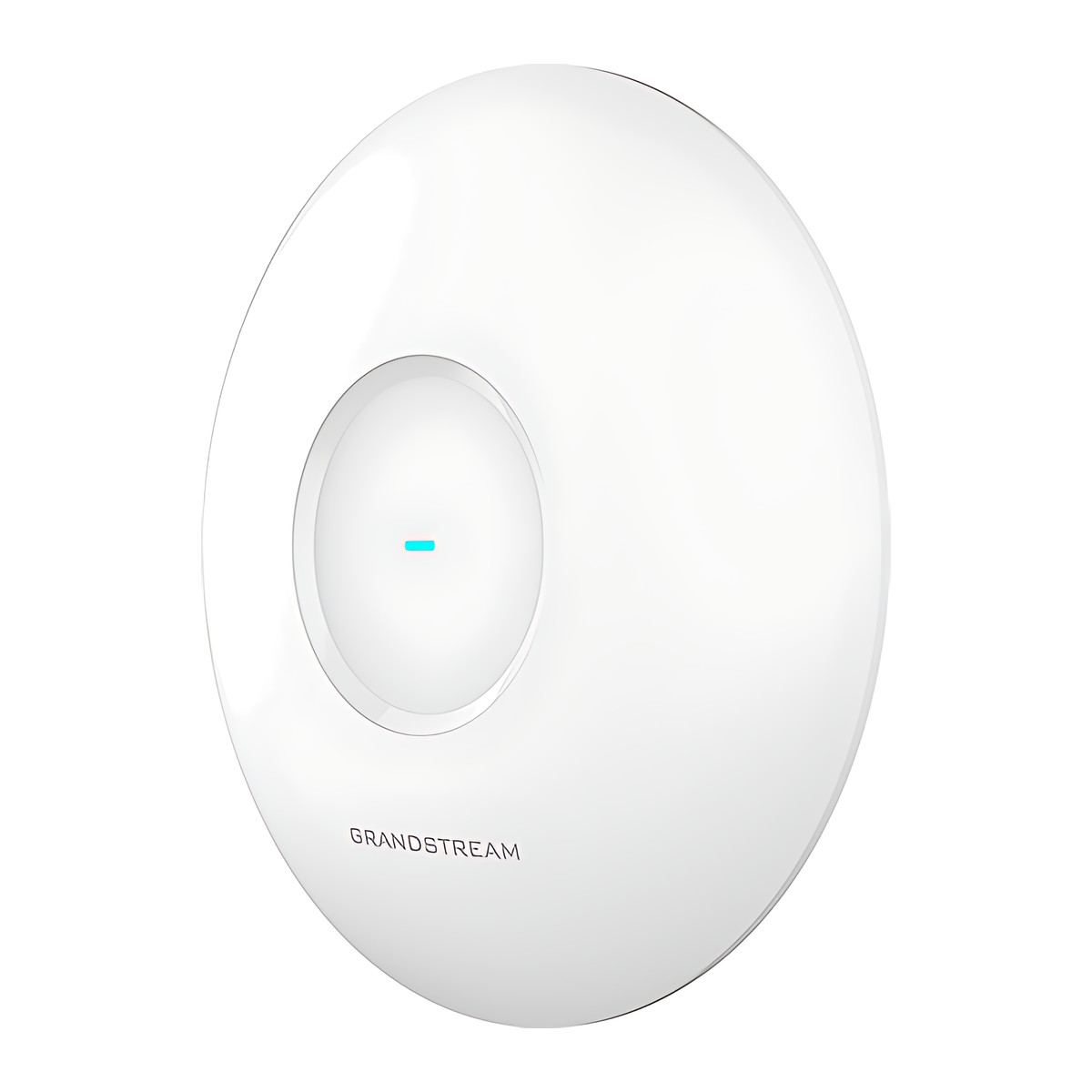
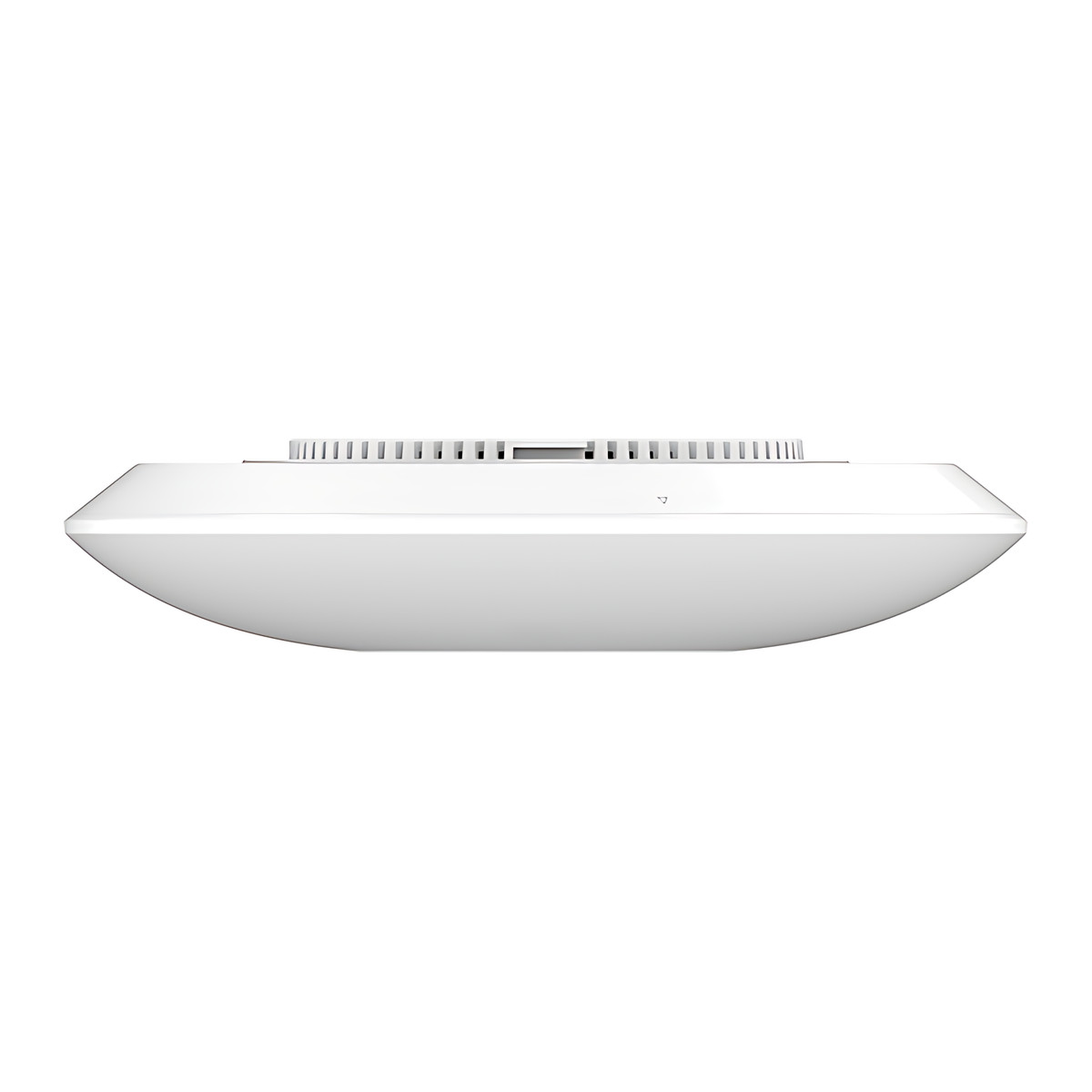
The Grandstream GWN7673 is a ceiling-mounted Wi-Fi 7 access point for places with many people and devices, such as open offices, classrooms and shop floors. It works on the 2.4 GHz and 5 GHz bands only, with three spatial streams on 5 GHz, and serves up to 512 devices from a single 2.5 Gigabit network cable. It is a step up from the GWN7670E in 5 GHz capacity.
Is it right for you?
- It suits crowded indoor areas where most devices use 2.4 and 5 GHz.
- It does not have a 6 GHz radio. If you want the 6 GHz band for newer devices, the tri-band GWN7672L adds it.
- If you need fewer streams on 5 GHz, the GWN7670E shares the same housing and 512-device capacity at a lower BE3600 rating.
- It is for indoor use, rated 0 to 45 °C.
Key features
- Dual-band Wi-Fi 7 (802.11be): 2×2 on 2.4 GHz up to 688 Mbps and 3×3 on 5 GHz up to 4,323 Mbps, about 5 Gbps combined (BE5000).
- Wi-Fi 7 features for compatible devices: multi-link operation (MLO), 4096-QAM, multi-RU (multiple resource units) and preamble puncturing.
- Up to 512 connected devices and up to 175 m coverage.
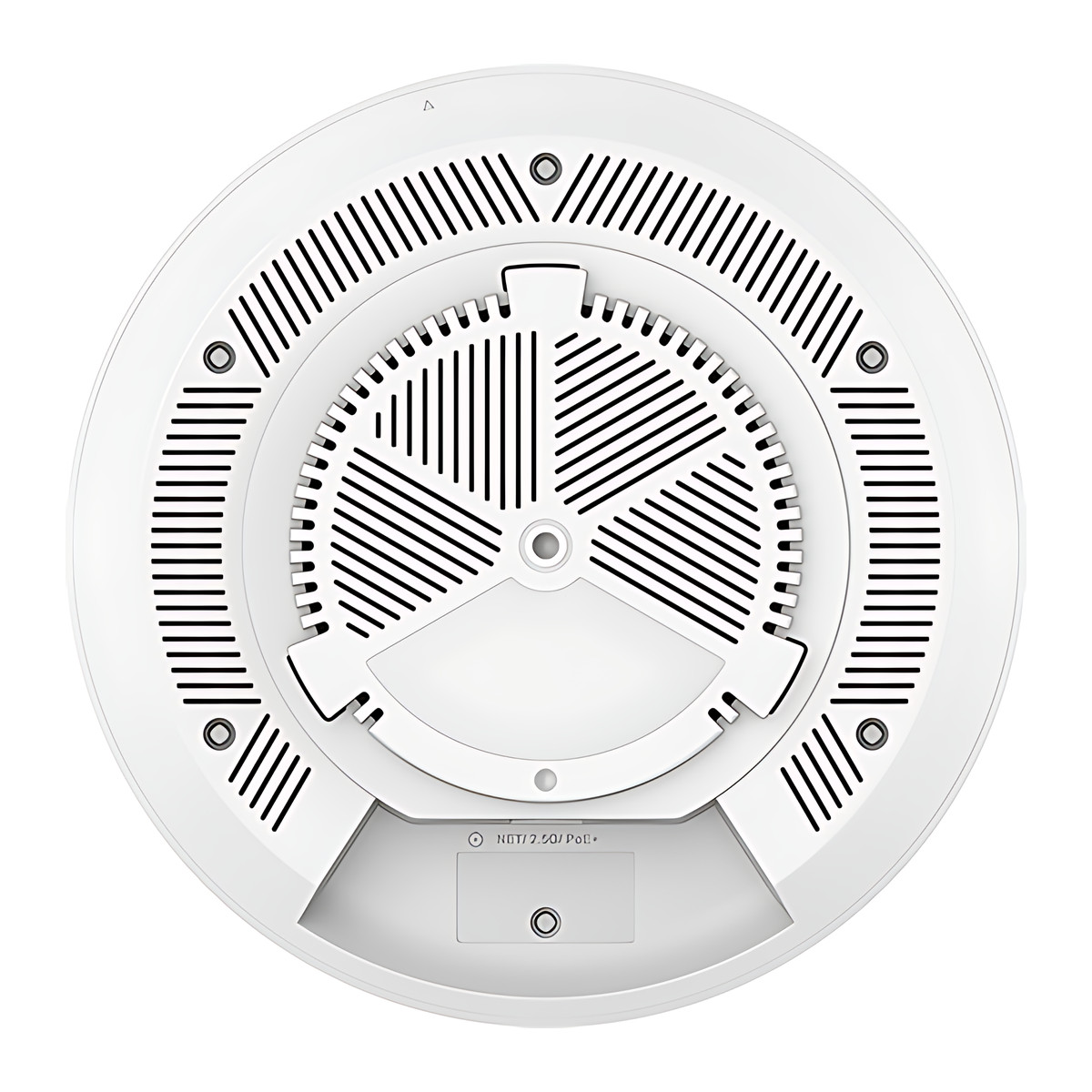
- One 2.5 Gigabit Ethernet port with Power over Ethernet (PoE) input, so one cable carries power and data.
- 32 network names (SSIDs), 16 per radio, and up to 1,000 private pre-shared key (PPSK) accounts for per-user Wi-Fi passwords.
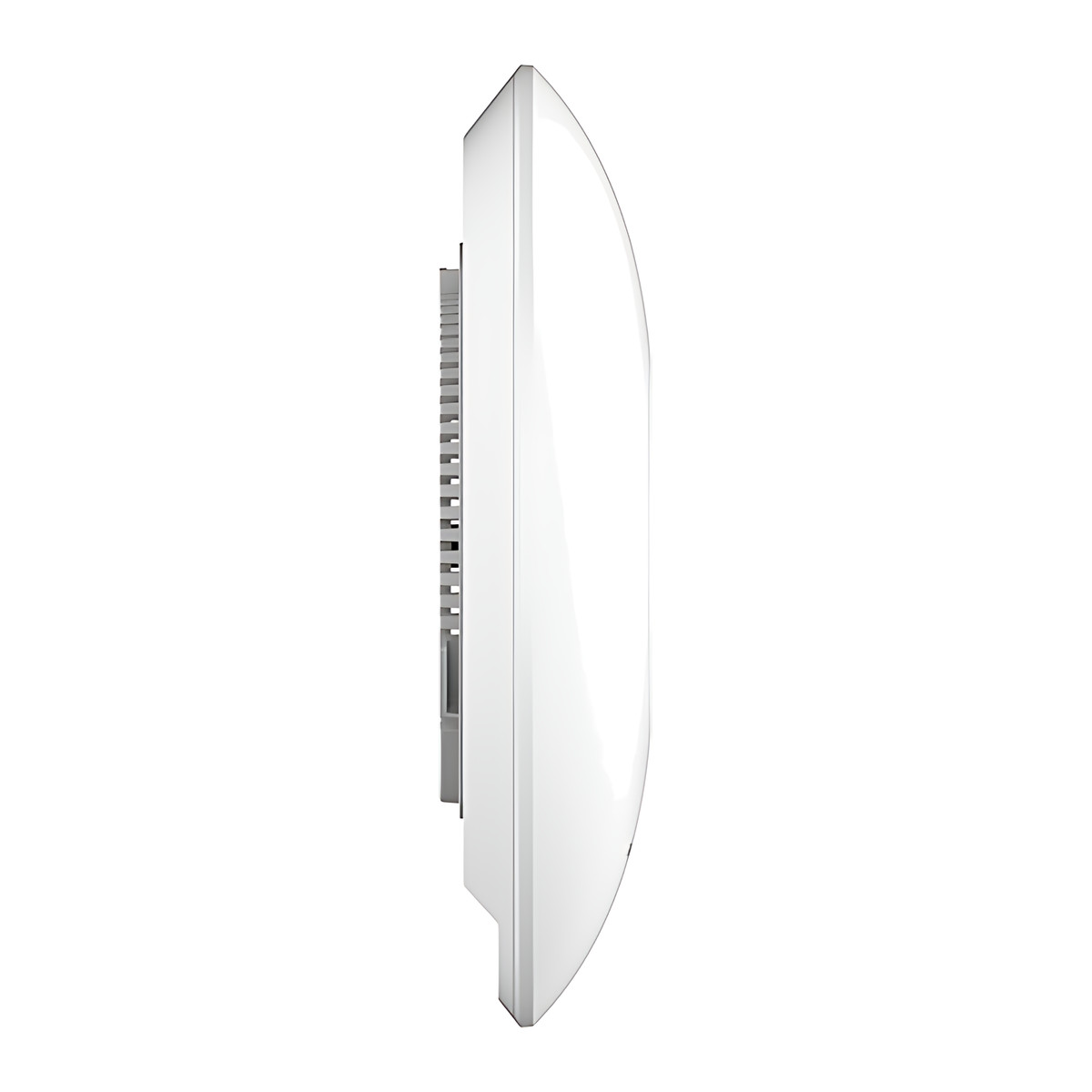
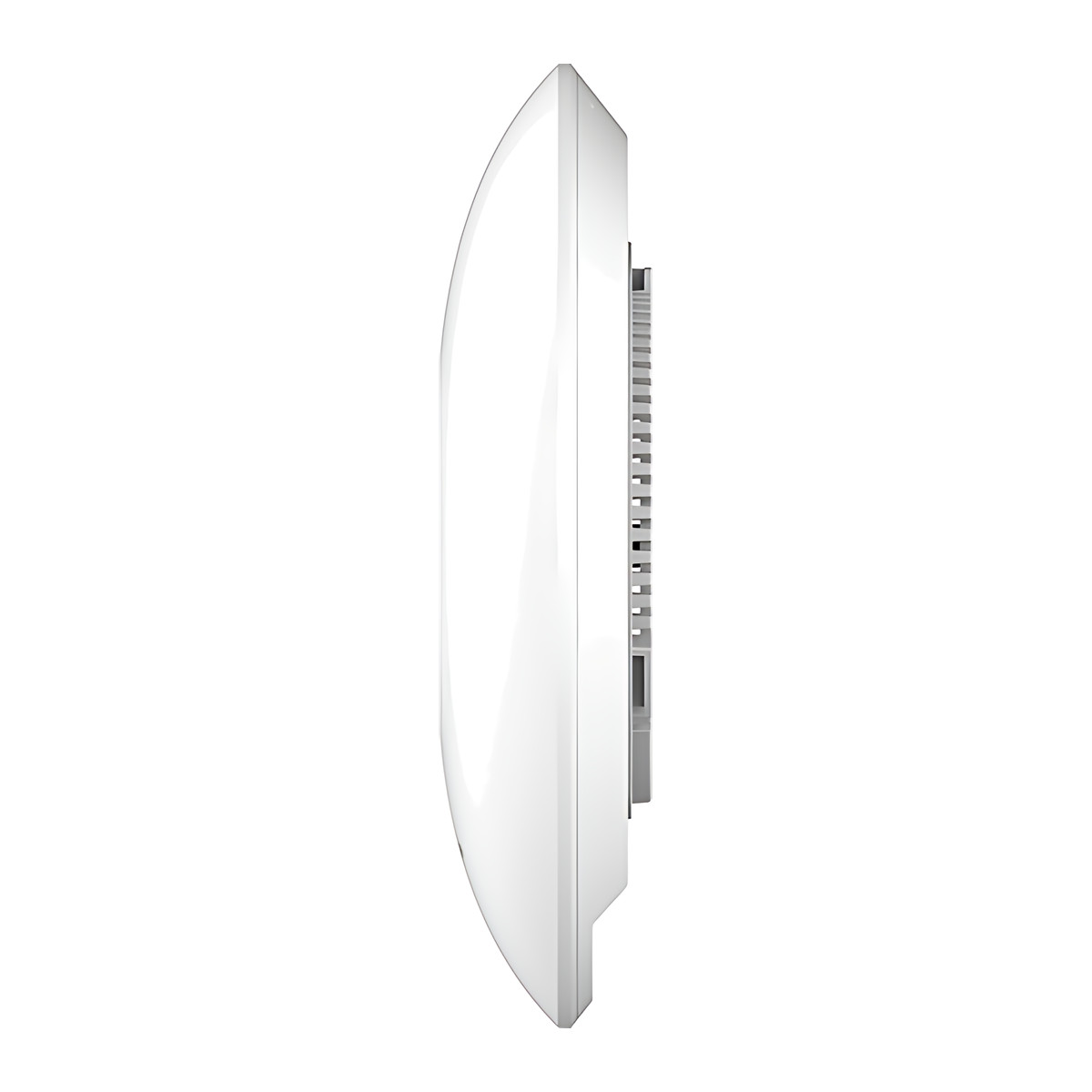
- Five internal antennas; round housing 220 mm across and 48.5 mm deep, 545.8 g.
What else you need
A PoE switch port or injector. It accepts 802.3af or 802.3at and draws up to 16 W, so an 802.3at (PoE+) port is the safe choice. No power adapter is listed in the box, so plan a PoE switch or injector. For the full 2.5 Gbps uplink the switch port must be 2.5G capable. Management is built in.
Installation
Mounts on a ceiling, wall or junction box with the supplied brackets. A network installer can fit it and set it up from the web interface or the GWN app.
Software and licences
The web interface has an embedded controller that can manage up to 50 GWN access points on the same network, so a single office or building needs no separate controller. For several buildings or remote support, GDMS Networking (Grandstream Device Management System, in the cloud) or GWN Manager (software on your own server) manage it centrally. Both are offered at no charge, and there is no licence to buy. The GWN app is also supported.
Before you buy
- Dual band only: no 6 GHz radio.
- Draws up to 16 W, so choose an 802.3at PoE+ port; no power adapter is listed in the box.
- A 2.5G switch port is needed to use the full uplink.
- Indoor use only, 0 to 45 °C.
Technical specifications
Key facts
- What is it?
- Wireless access pointBrand Grandstream, model GWN7673
- How is it powered?
- PoE 802.3af/at
- Does it support PoE?
- YesPoE+ (IEEE 802.3at), PoE (IEEE 802.3af)
- Can it be used outdoors?
- Indoor
- Which documents are available?
- Datasheet, software (4), firmware Open documents
- Not stated by the manufacturer
- box contents
RelatedSeriesGrandstream GWN767x Wi-Fi 7 Access Points series, 11 modelsDocumentsAll Grandstream documents
General
- Radios/Bands
- Dual band 2.4 GHz and 5 GHz
- MIMO
- 2.4 GHz 2x2:2, 5 GHz 3x3:3 MU-MIMO
- Max Data Rate
- BE5000 class: 2.4 GHz up to 688 Mbps, 5 GHz up to 4,323 Mbps (5 Gbps aggregate)
- Max Clients
- 512
- Coverage
- Up to 175 m
- Ethernet Ports
- 1 x 2.5 Gigabit RJ45 with PoE input
- SSIDs
- 32 (16 per radio)
- Antennas
- 5 internal: 2 x 3.5 dBi (2.4 GHz), 3 x 5.5 dBi (5 GHz)
- Management
- Embedded controller (up to 50 APs), GDMS Networking, GWN Manager, GWN app
Input
- Power Input
- PoE 802.3af/at
- Power Consumption
- 16 W maximum
Environment
- Operating Temperature
- 0 to 45 °C
Physical
- Mounting
- Indoor wall, ceiling or junction box
- Dimensions
- 220 mm diameter x 48.5 mm
- Weight
- 545.8 g
Approvals
- Wi-Fi Standard
- IEEE 802.11a/b/g/n/ac/ax/be
- Compliance
- FCC, CE, RCM, IC
- Warranty
- Manufacturer warranty under Grandstream's terms. How claims work
Product attributes and shipping details
| Brand | Grandstream |
|---|---|
| WiFi Standard | Wi-Fi 7 (802.11be) |
| Ports | 1 x 2.5 GigE |
| Environment | Indoor |
| Connectivity | PoE, Wi-Fi, Ethernet |
| Supply Voltage | |
| PoE standard | PoE (IEEE 802.3af), PoE+ (IEEE 802.3at) |
Downloads
Download software
- Grandstream GWN767x Wi-Fi 7 Access Points software (GWN app (iOS))Version 1.17.4 · iOS 13.0+ · Released August 27, 2026Prerequisites: GDMS Networking or GWN Manager; Mobile management with GDMS Networking or GWN ManagerLicence: FreeSoftware · Family · apps.apple.comView official download page
- Grandstream GWN767x Wi-Fi 7 Access Points software (GWN app (Android))Version 1.0.17.4 · Android 7.0+ · Released August 25, 2026Prerequisites: GDMS Networking or GWN Manager; Mobile management with GDMS Networking or GWN ManagerLicence: FreeSoftware · Family · play.google.comView official download page
- GDMS Networking (GWN.Cloud)Web; GDMS/GWN mobile appsPrerequisites: Device MAC and password from label; Cloud controller for GWN seriesLicence: Free; account requiredSoftware · Family · grandstream.comView official download page
- GWN ManagerVersion 1.1.39.8 · Linux server (AlmaLinux 9, Ubuntu, CentOS 7) as tar.gz or OVAPrerequisites: On-premise Linux server or VM; On-premise alternative to GDMS NetworkingLicence: FreeSoftware · Family · grandstream.comView official download page
Documentation
- GWN7673 DatasheetDatasheet · This model · 2.5 MBDownload
Firmware
- Grandstream firmware: GWN7673Version 1.0.27.9 · n/a (device firmware)Prerequisites: Read release notes and warnings in the row (downgrade limits, backups); Firmware update only from this exact model row; read release notes firstLicence: FreeFirmware · Family · grandstream.comView official download page
Series documents can differ from your exact model. Report a wrong or missing file
Works with this product
Replacements and alternatives
- Grandstream GWN7670E Wi-Fi 7 Ceiling Access Point, BE3600, 3x3 5 GHz, 512 ClientsGWN7670E
Why BE3600 dual-band Wi-Fi 7 AP with the same housing and client count.
₹14,953Add to cart - Grandstream GWN7672L Tri-Band Wi-Fi 7 Access Point, BE11000, 5G PortGWN7672L
Why Tri-band Wi-Fi 7 AP adding 6 GHz.
₹25,526Add to cart
Questions about this product
Does it use the 6 GHz band?
No. The GWN7673 is dual band (2.4 GHz and 5 GHz). The tri-band GWN7672 series adds 6 GHz.
How does the GWN7673 compare with the GWN7670E?
Both are dual-band Wi-Fi 7 access points with 512 devices and a 2.5G port. The GWN7673 runs 3x3 on 5 GHz for a BE5000 rating; the GWN7670E is BE3600.
Do I need a separate controller or licence?
No. The access point has a built-in controller in its web interface, and GDMS Networking (cloud) and GWN Manager (on your own server) are offered at no charge.
What power does it need?
802.3af or 802.3at PoE, up to 16 W. An 802.3at PoE+ port is the safe choice. No power adapter is listed in the box.
Does it need an internet connection?
Not for day-to-day use. It can be managed from its own web interface or from GWN Manager on your own server. Internet is needed only if you manage it through GDMS Networking in the cloud.
Ask about this modelSetup, compatibility, what is in the box
Answers are automated. Do not enter personal or account details.