
At a glance
- Dimensions
- 9.54 × 5.75 × 2.4 cm
- Shared USB-A ports
- 3 × 5 Gbps
- External display count
- One
- Computer channels
- 2
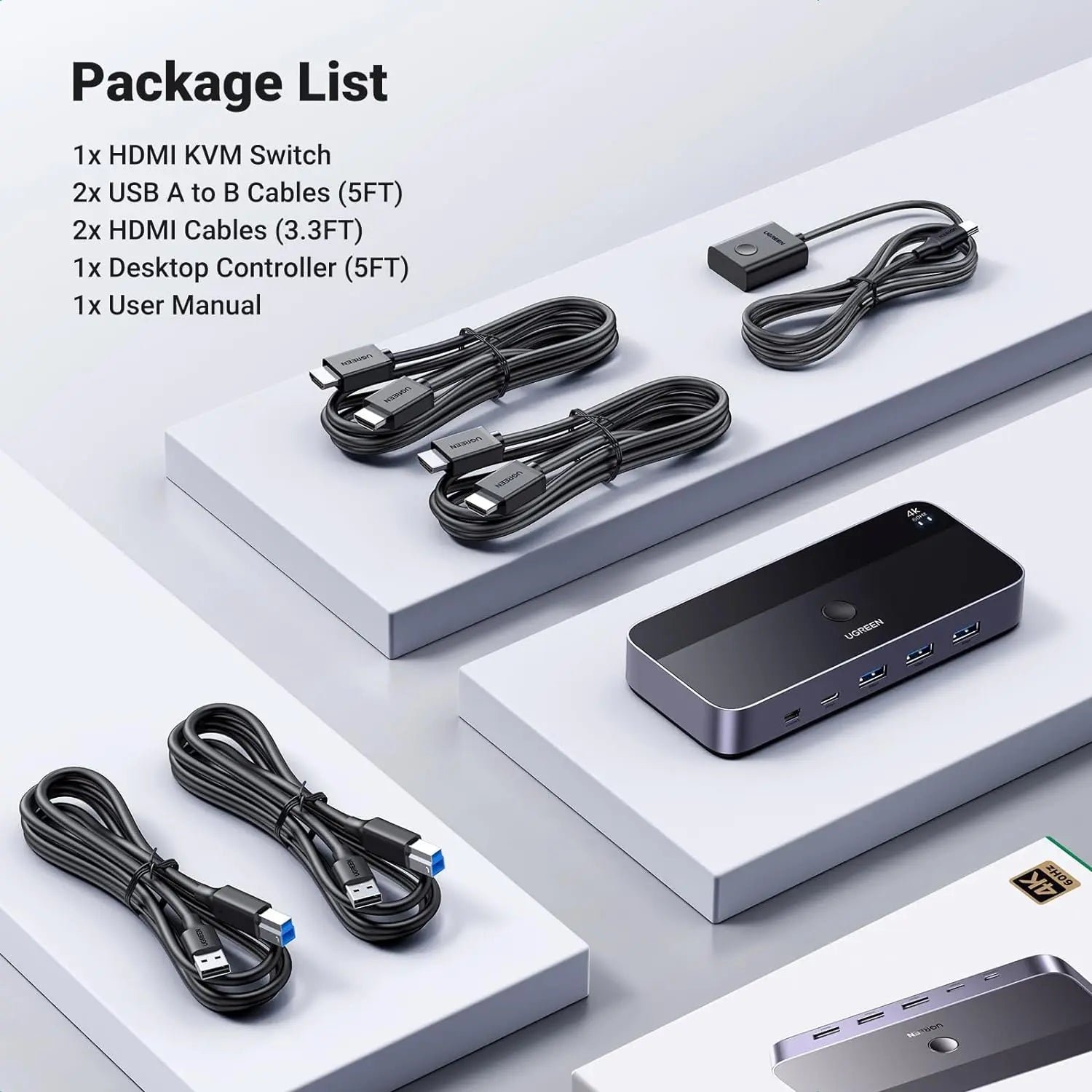
In the box
- HDMI KVM switch
- 2 x USB-A to USB-B host cable, about 1.5 m
- 2 x HDMI cable, about 1 m
- Wired desktop controller, about 1.5 m
- User manual
 Model 15707
UGREEN 2-PC HDMI KVM Switch, 4K60 and USB 3.0 (15707)
₹5,698 Incl. GST MRP ₹14,441 60% below MRP
₹4,829 + 18% GST
At a glance
- Dimensions
- 9.54 × 5.75 × 2.4 cm
- Shared USB-A ports
- 3 × 5 Gbps
- External display count
- One
- Computer channels
- 2
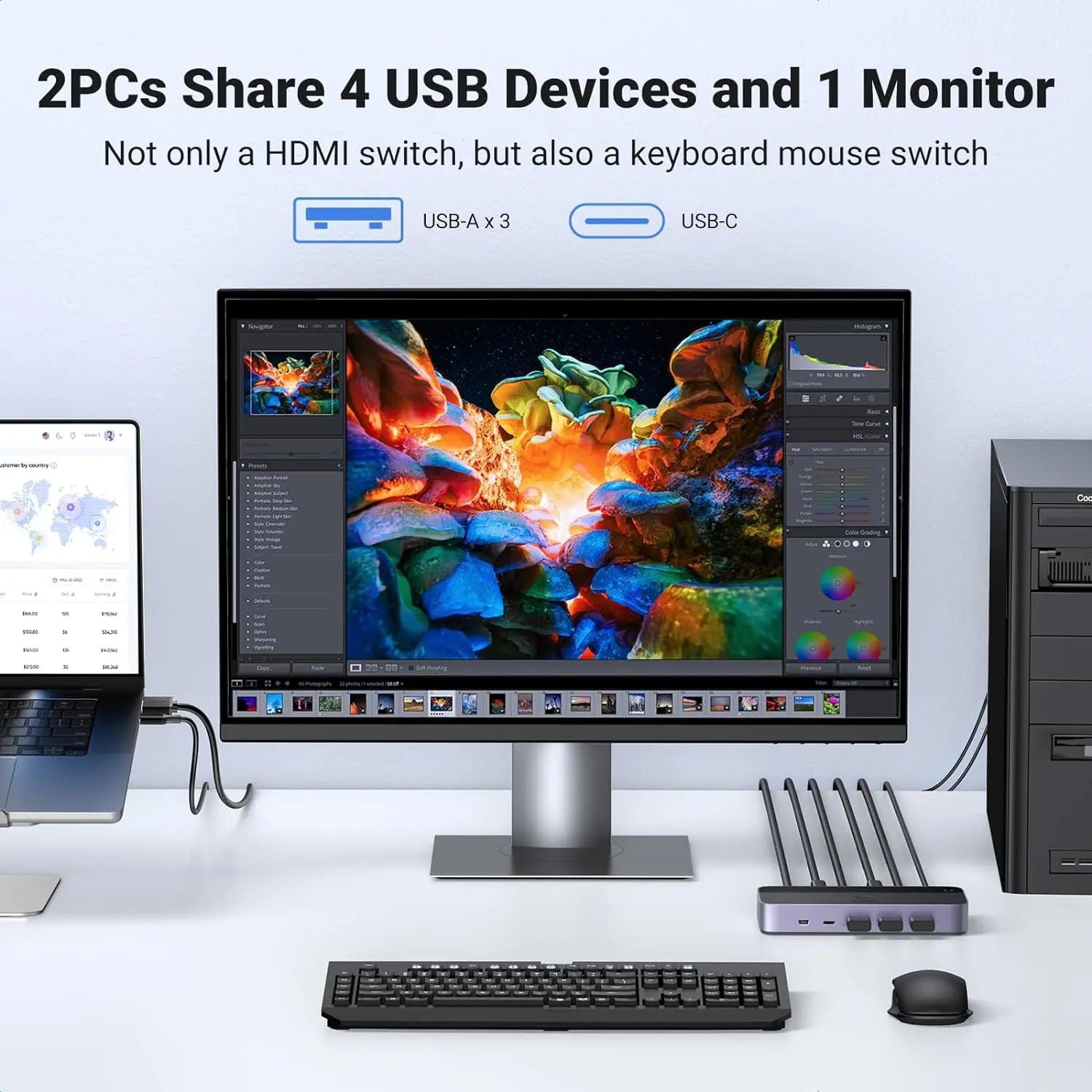
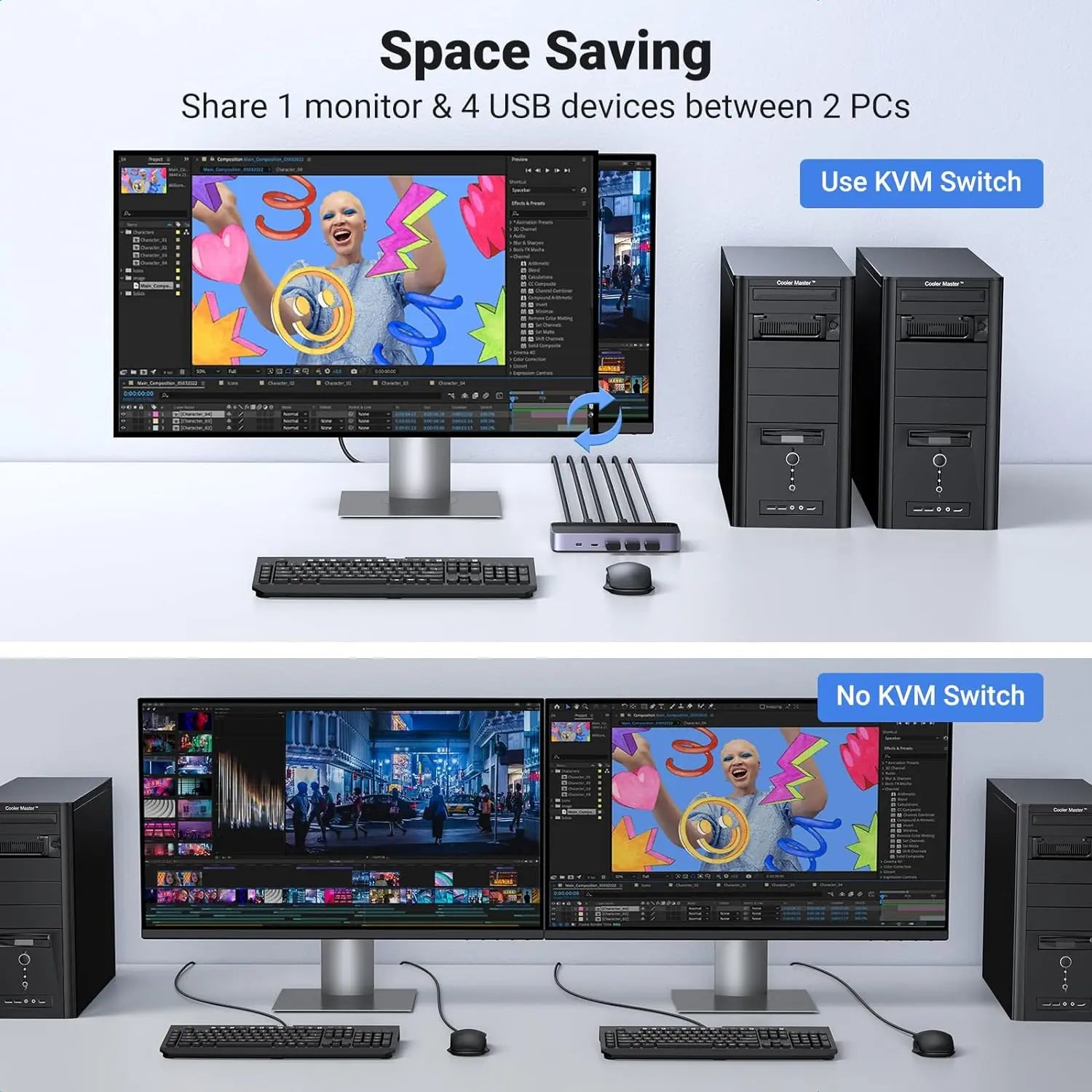
Lets two computers share one 4K monitor, keyboard, mouse and USB devices, switched by button or wired desktop controller. HDMI keyboard, video and mouse (KVM) switch, 4K at 60 Hz, four USB 3.0 ports.
- WarrantyManufacturer warranty under UGREEN's terms. Warranty claims
- DeliveryPrice, availability and delivery charges are confirmed in your quotation. Shipping and delivery
Overview
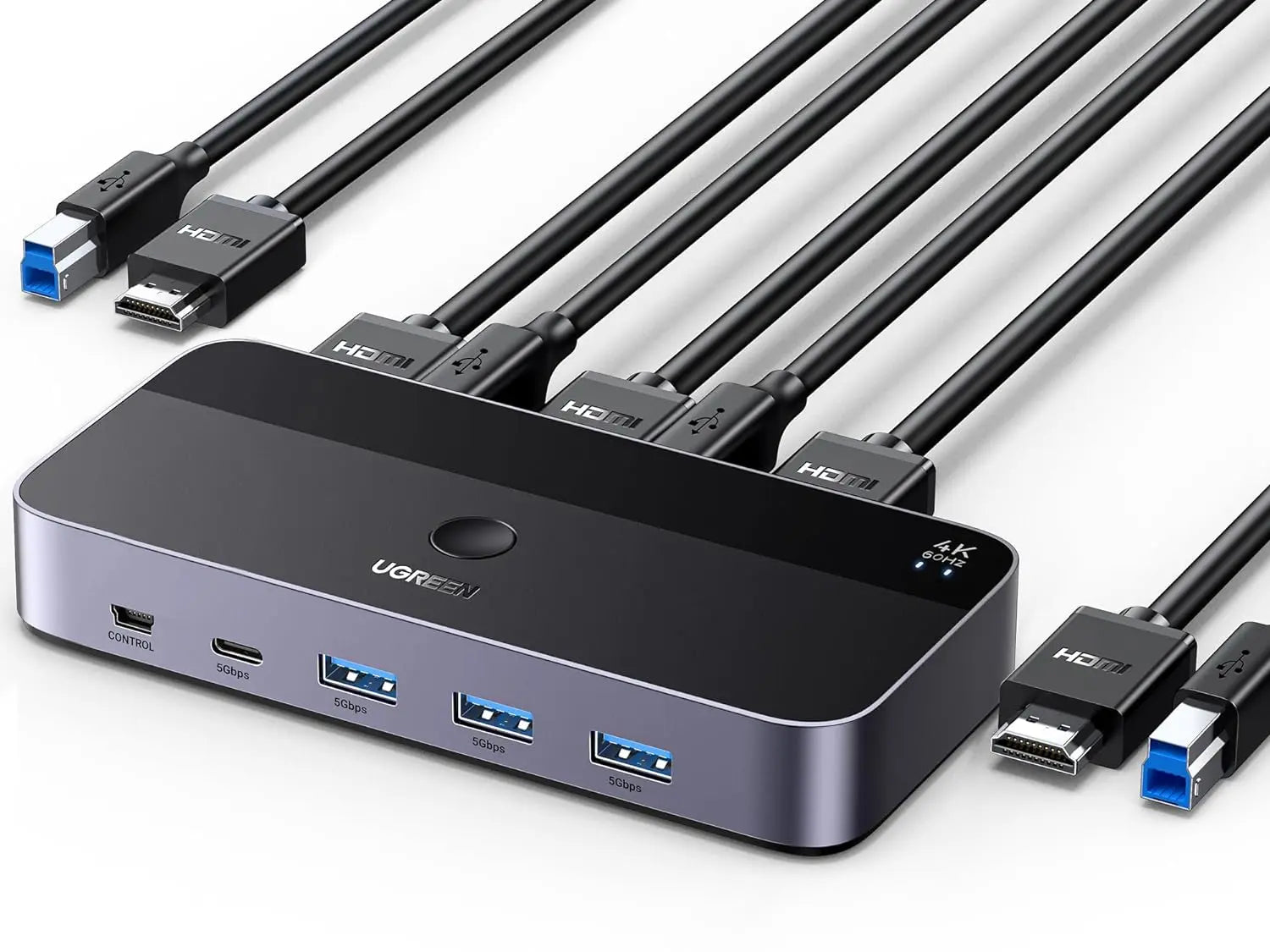
The UGREEN 15707 is a two-computer HDMI KVM (keyboard, video and mouse) switch for one monitor. Each computer connects with an HDMI cable and a USB cable, which are in the box; the monitor, keyboard, mouse and one more USB device connect to the switch, and the top button or the wired desktop controller moves them all to the other computer. It keeps 4K at 60 Hz and USB 3.0 speed, so it suits a home or office desk where a laptop and a desktop share one good monitor.
Is it right for you?
- Suits two computers with HDMI output sharing one HDMI monitor, TV or projector.
- One monitor only; it is not a dual-monitor KVM.
- The front USB-C port is a 5 Gbps data port for a peripheral. It does not accept a USB-C laptop’s video and does not charge anything; it is not a dock.
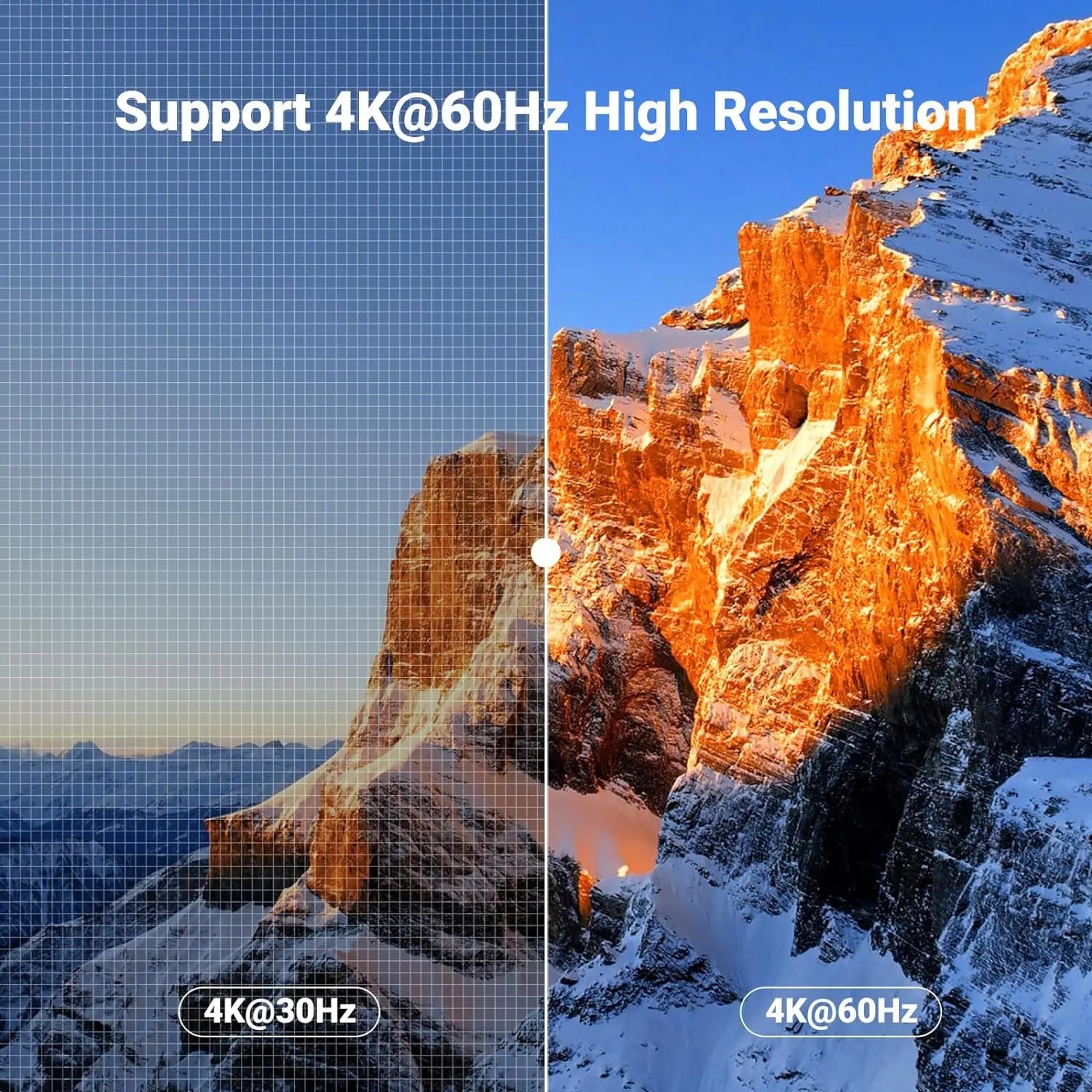
- 4K at 60 Hz works only when the selected computer, both HDMI cable segments and the display support it.
- Switching is by the button or the wired controller; a keyboard hotkey is not stated.
Key features
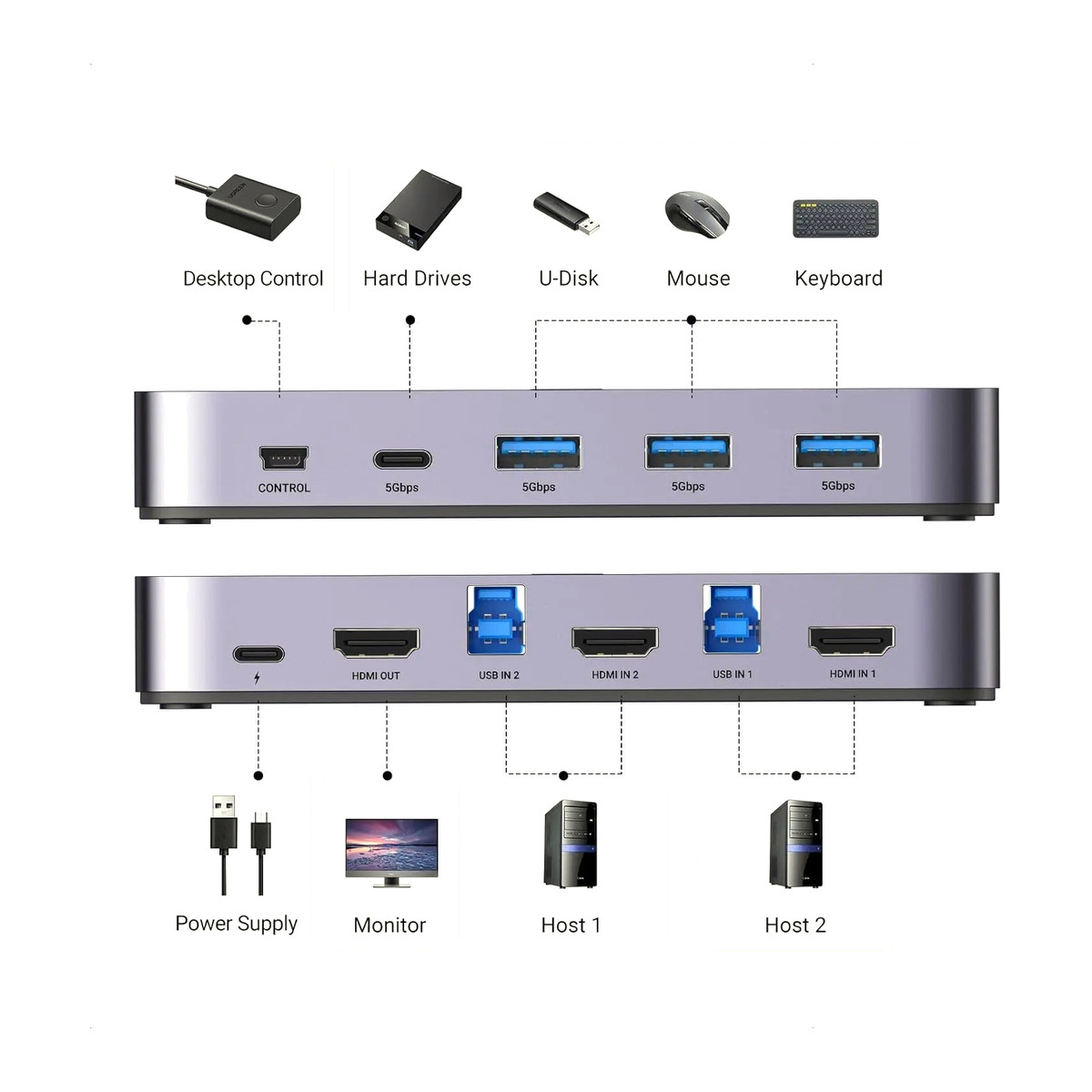
- Two HDMI inputs and two USB-B 3.0 host inputs, one of each per computer; one HDMI output up to 4K at 60 Hz.
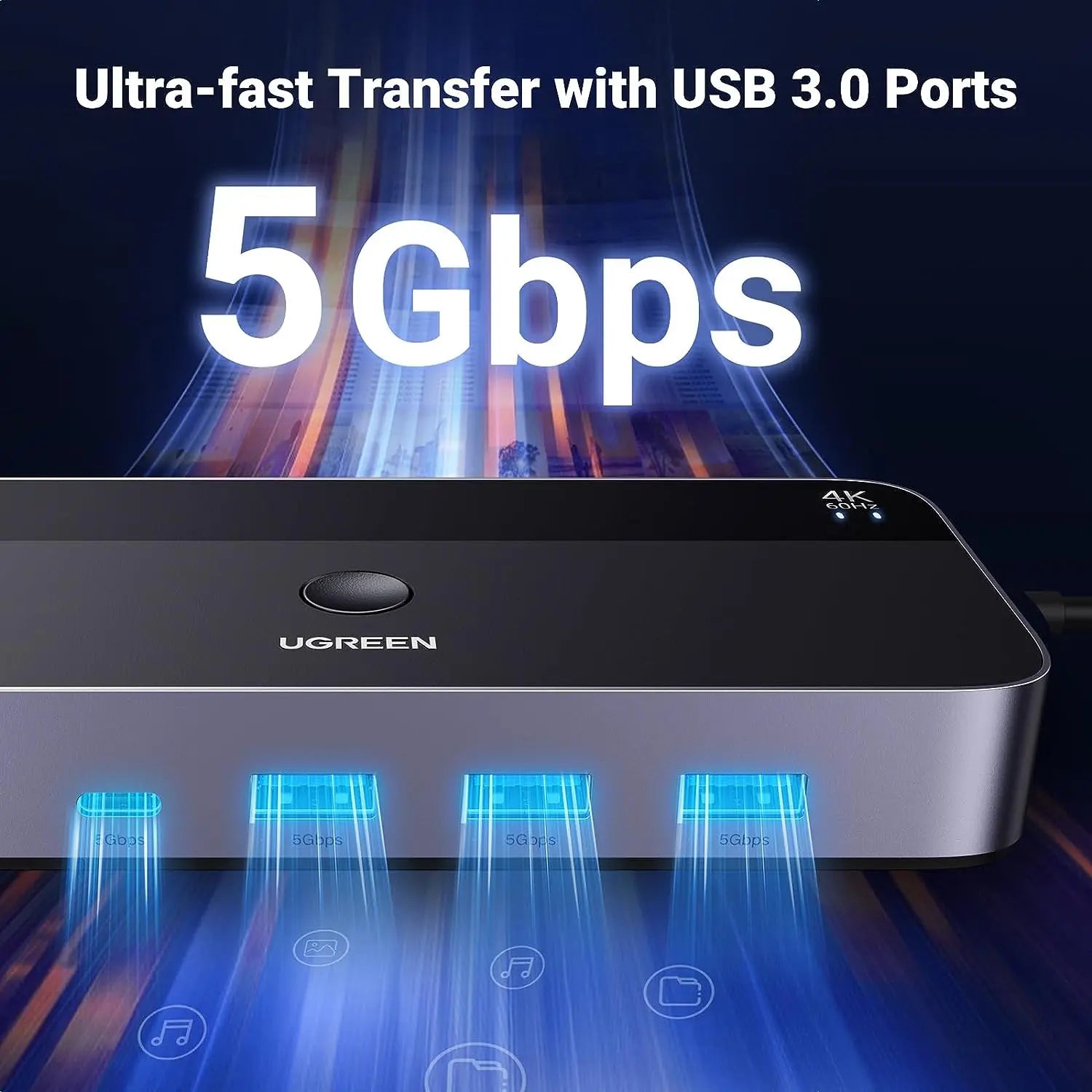
- Three USB-A 3.0 ports and one USB-C port, all 5 Gbps, shared between the computers.
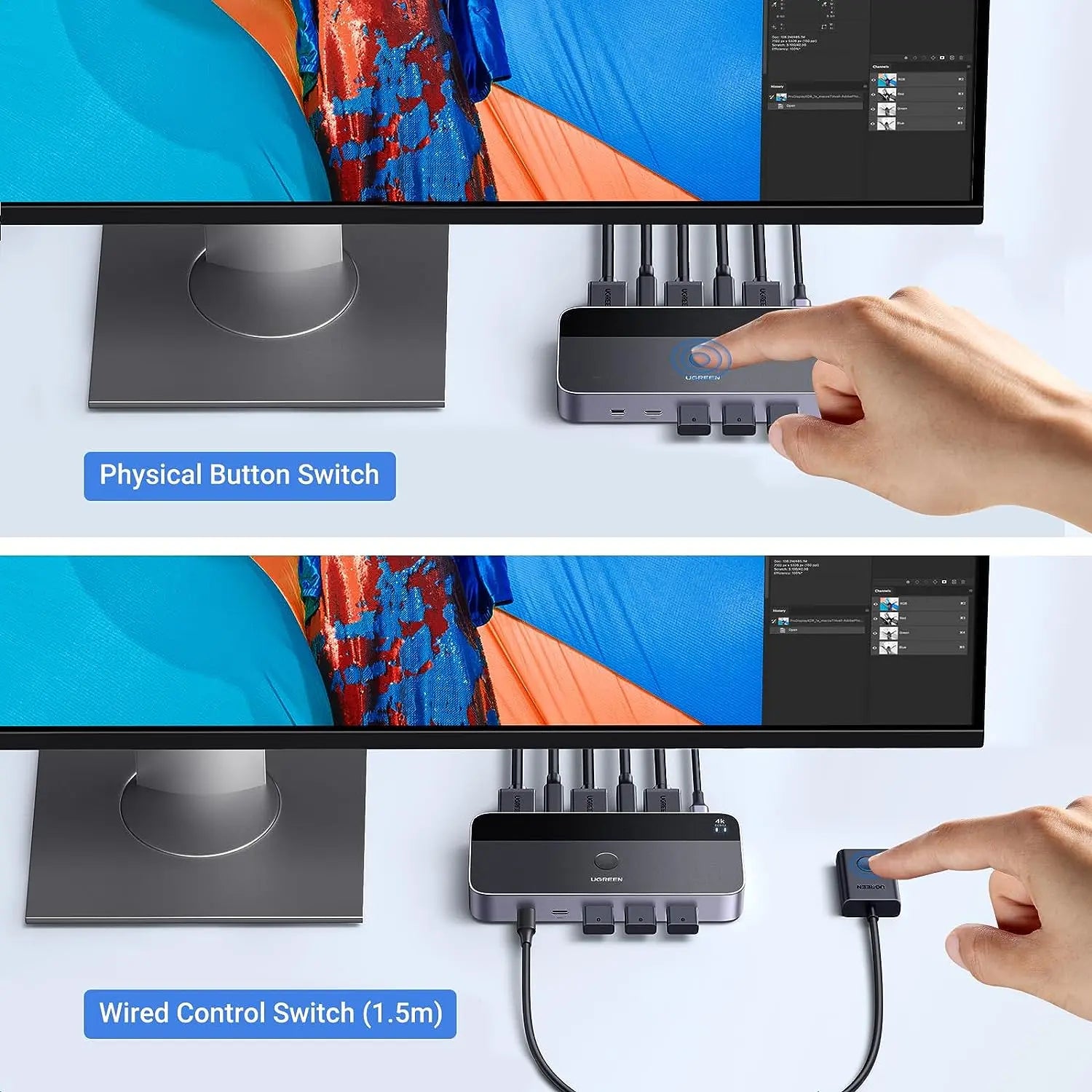
- Top button or the included wired desktop controller of about 1.5 m.
- Two HDMI cables of about 1 m and two USB-A to USB-B cables of about 1.5 m in the box for the computer side.
- Rear USB-C auxiliary power input for bus-powered devices.
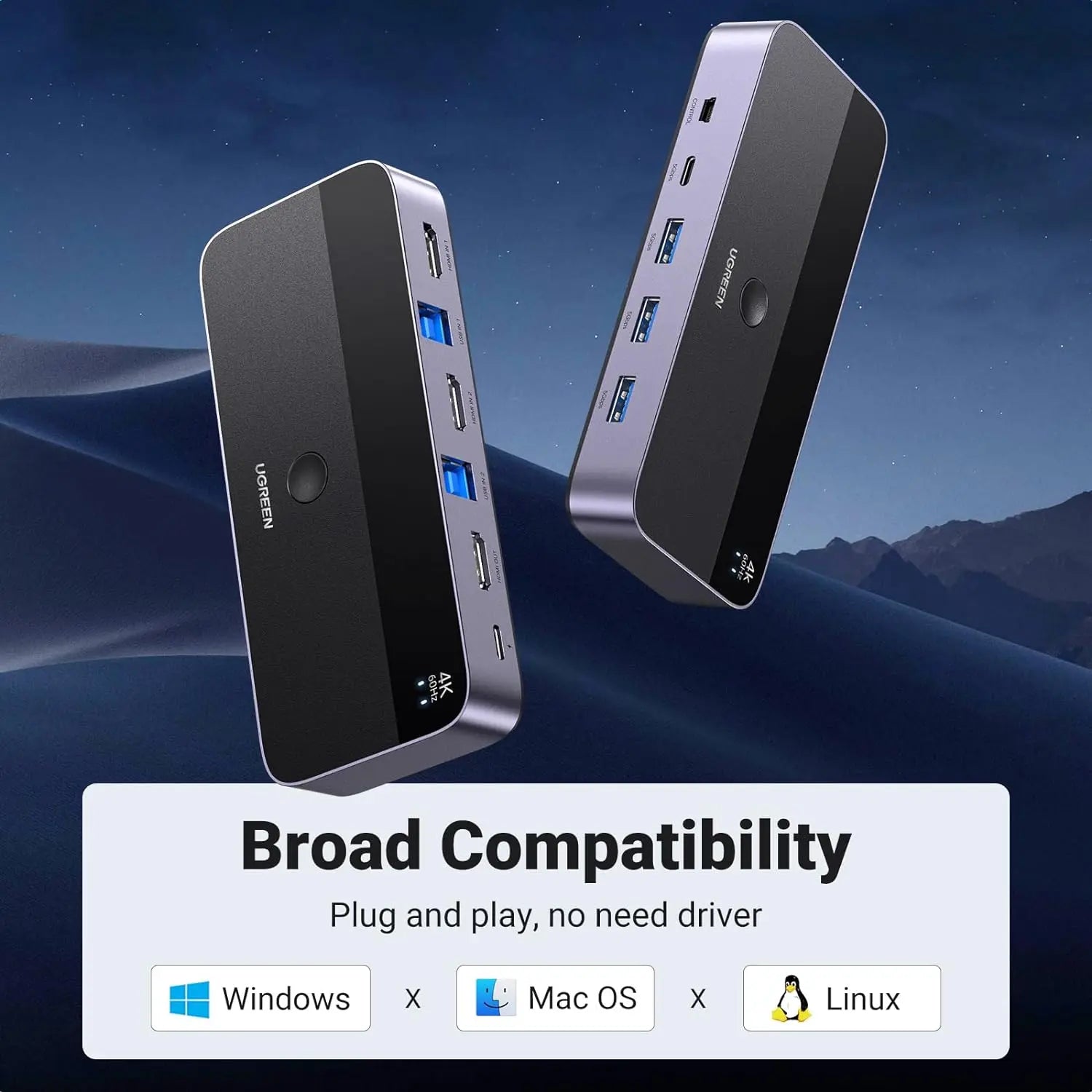
- Standard HDMI and USB switching with no product driver; Windows, macOS or Linux, subject to hardware support.
- Plastic housing, 9.54 x 5.75 x 2.4 cm, 595 g.
What else you need
- One HDMI cable from the switch’s HDMI OUT to the display; only the computer-side cables are in the box.
- A USB-A data port on each computer for the supplied USB-A to USB-B cable.
- Only if bus-powered devices lose power: a suitable supply and cable for the rear USB-C auxiliary power input, which are not included.
Installation
A desk job. Pair each HDMI input with the USB-B input bearing the same channel number, connect the monitor to HDMI OUT and the keyboard, mouse and other devices to the shared ports. If the keyboard and mouse stay on the other computer, check the matching USB-A to USB-B cable and the channel selected.
Before you buy
- Eject shared storage from the active computer before switching.
- The front USB ports are shared data ports, not host video or charging ports.
- EDID emulation and the HDCP (High-bandwidth Digital Content Protection) version are not stated by the manufacturer.
- Use auxiliary power only through the marked rear power input with a suitable supply.
- No outdoor, in-wall, plenum, direct-burial, LSZH or fire-resistance rating is stated.
Technical specifications
Key facts
- What is it?
- Switches & ExtendersBrand UGREEN, model 15707
- What comes in the box?
- HDMI KVM switch; 2 x USB-A to USB-B host cable, about 1.5 m; 2 x HDMI cable, about 1 m; Wired desktop controller, about 1.5 m and 1 more
- Which documents are available?
- User manual, online specifications Open documents
- Host channels
- 2 × HDMI inputs plus 2 × USB-B 3.0 host data inputs, one video and one USB uplink per computer
- Display output
- 1 × HDMI output, up to 4K at 60 Hz; both source and display paths must support the chosen mode
- Shared peripheral ports
- 3 × USB-A 3.0 plus 1 × USB-C 5 Gbps shared peripheral ports
- Switching
- Top-panel button or included approximately 1.5 m wired desktop controller
- Auxiliary power
- Rear USB-C auxiliary power input; a power supply or power cable is not included
- Included host cabling
- Two HDMI cables and two USB-A-to-B cables
- External display count
- One
- Driver model
- Standard HDMI and USB switching; no product driver stated
- Product type
- 2-computer, 1-monitor HDMI KVM switch
- Computer channels
- 2
- Monitor outputs
- 1 × HDMI Type-A
- HDMI inputs
- 2 × HDMI Type-A
- USB host inputs
- 2 × USB-B 3.0
- Maximum HDMI mode
- Up to 4K60
- Shared USB-A ports
- 3 × 5 Gbps
- Shared USB-C port
- 1 × 5 Gbps data
- Switching methods
- Top button and included wired controller
- Audio
- Compatible HDMI audio; endpoint dependent
- Driver
- No product-specific driver stated
- Display topology
- One selected host to one monitor
- Keyboard and mouse stay on the other host
- Check the matching USB-A-to-B host cable and confirm the top/front channel selection.
- No peripheral power
- Reduce bus-powered devices and connect a suitable auxiliary supply to the rear USB-C power input.
- Dimensions
- 9.54 × 5.75 × 2.4 cm
- Material
- Plastic
- USB version
- USB 3.0
- Connector type
- HDMI, USB
- Weight
- 595 g
- Country of origin
- China
- Manufacturer
- UGREEN Group Limited
- Warranty
- Manufacturer warranty under UGREEN's terms. How claims work
Product attributes and shipping details
| Brand | UGREEN |
|---|
Downloads
Documentation
- UGREEN 15707 product pageOnline specifications · This model · nz.ugreen.comView official page
User manual
- 15707 CM664 manualUser manual · This model · 919.8 KBDownload
Series documents can differ from your exact model. Report a wrong or missing file
Questions about this product
Can I use two monitors?
No. It has one HDMI output for one display.
Are the cables included?
Two HDMI cables of about 1 m and two USB-A to USB-B cables of about 1.5 m for the computers are in the box, plus the wired controller. You need one more HDMI cable from the switch to the display.
Can I connect a laptop through the USB-C port?
No. The front USB-C port is for a peripheral; it does not accept host video or charge a laptop.
Does it need a power adapter?
Not for normal use. A rear USB-C auxiliary power input is there for bus-powered devices; the supply and cable are not included.
Does it support 4K at 60 Hz?
Yes, when the selected computer, both HDMI cable segments and the display support it.
Can I switch with a keyboard shortcut?
A hotkey method is not stated by the manufacturer. Switching is by the top button or the wired desktop controller.
Ask about this modelSetup, compatibility, what is in the box
Answers are automated. Do not enter personal or account details.
Looking for an alternative?
We list alternatives only when we have checked they suit the same job. Compare other models in the category, or ask us to suggest one for your site.