
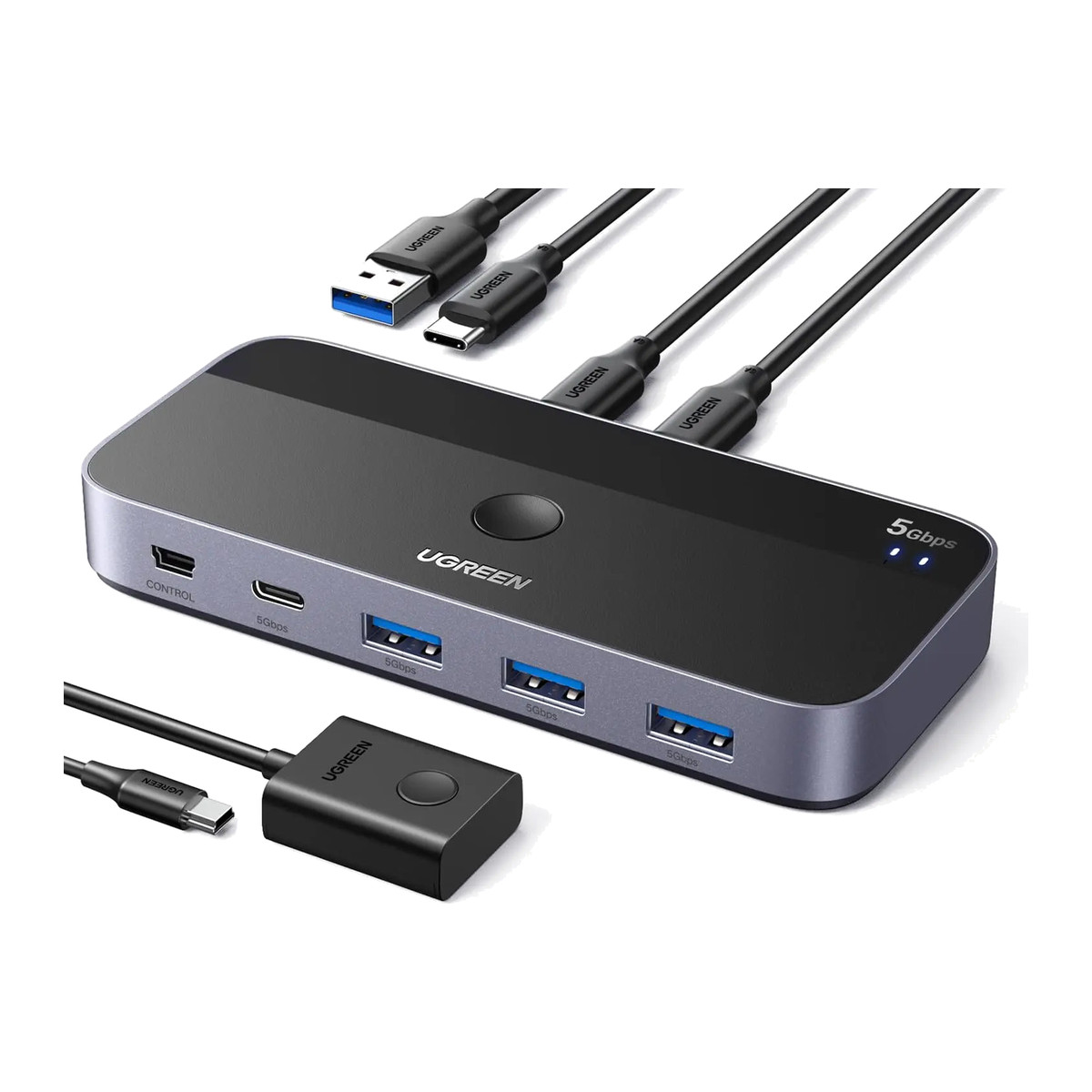
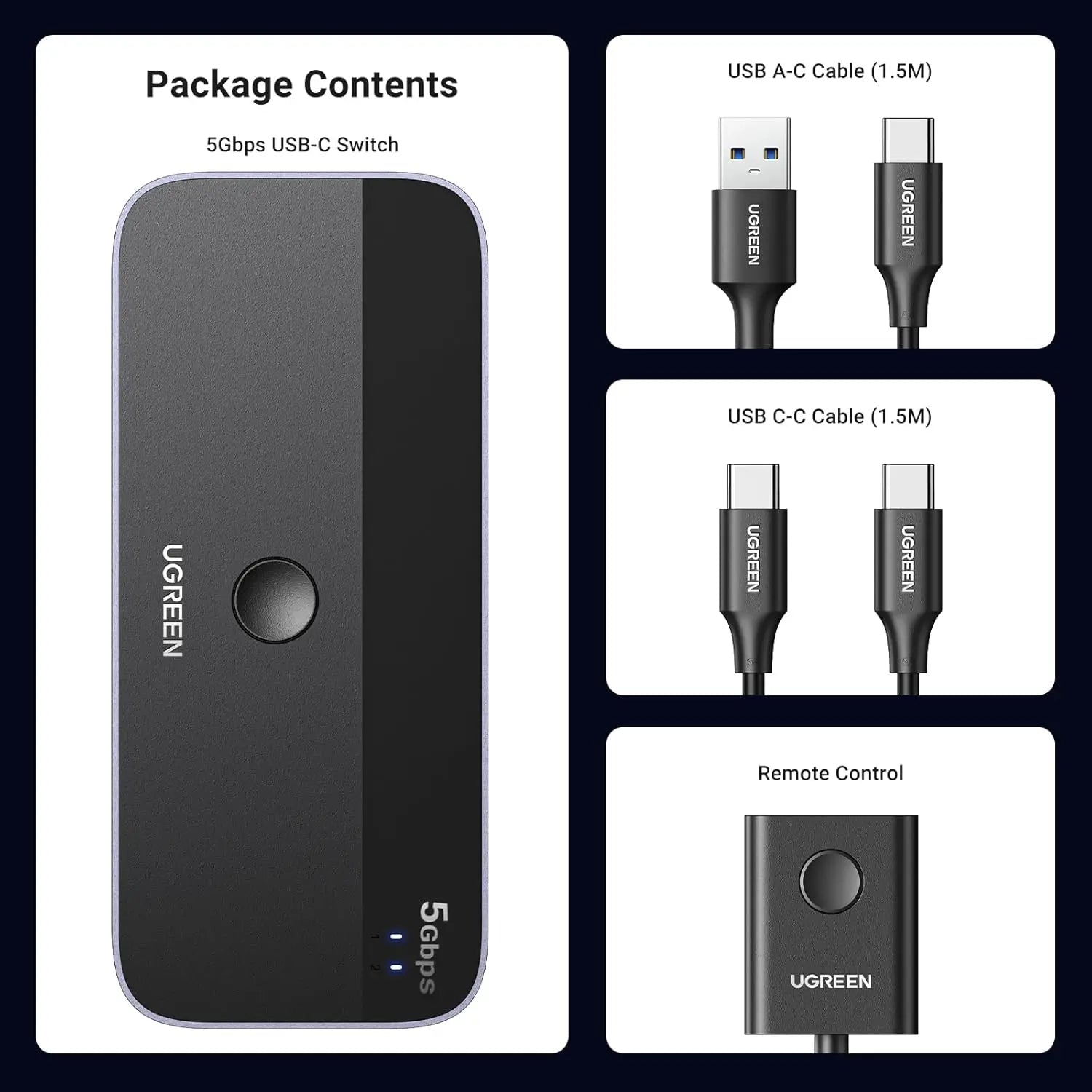
In the box
- UGREEN 25098 USB sharing switch
- Wired remote-control button
- 1.5 m USB-A to USB-C host cable
- 1.5 m USB-C to USB-C host cable
- Product documentation
 Model 25098
UGREEN 25098 2-Computer 4-Port USB Sharing Switch
₹2,909 Incl. GST MRP ₹8,596 66% below MRP
₹2,465 + 18% GST
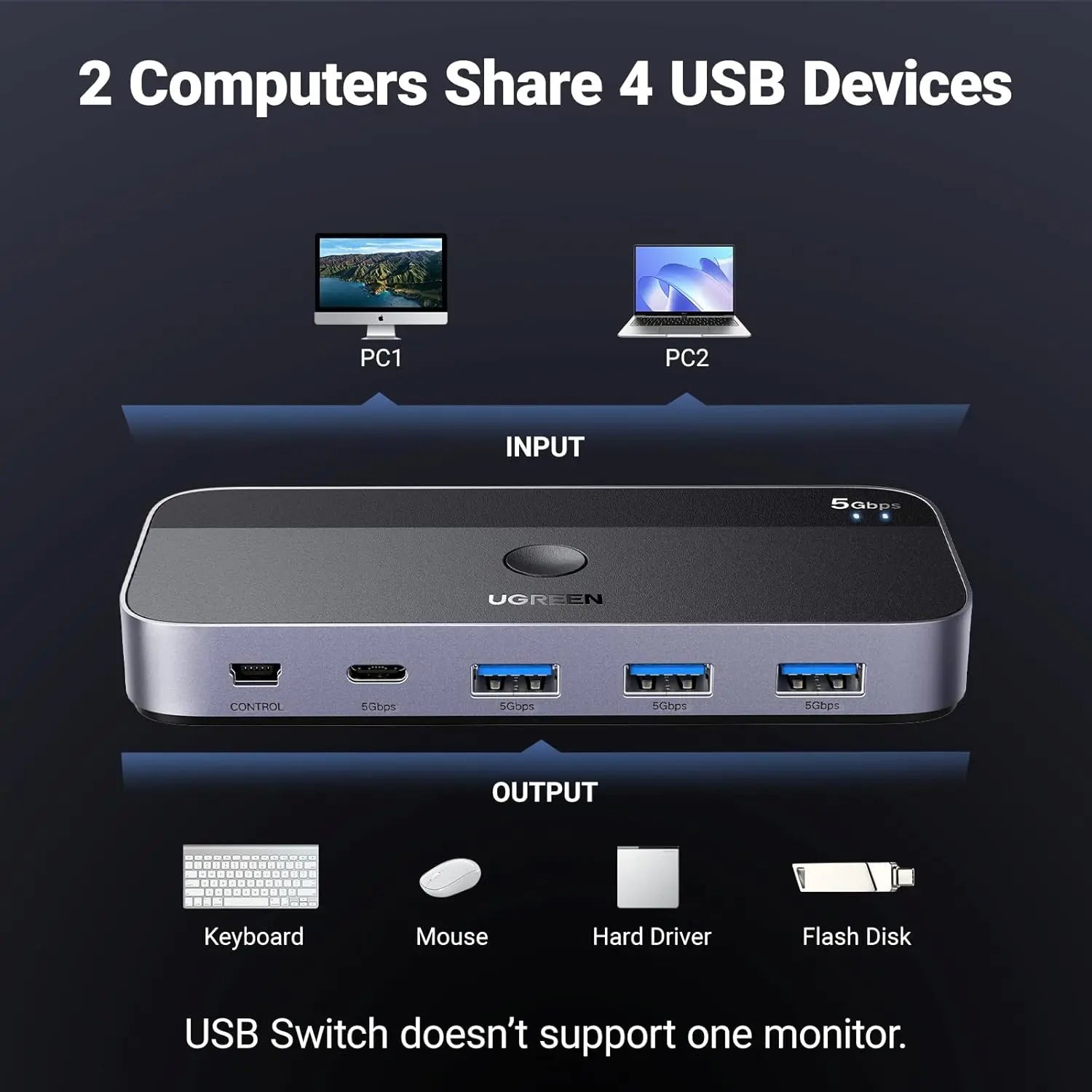
Lets two computers take turns using the same printer, keyboard, mouse or drive, so one set of devices serves both. Four ports (three USB-A, one USB-C), up to 5 Gbps, with a wired remote switch.
- WarrantyManufacturer warranty under UGREEN's terms. Warranty claims
- DeliveryPrice, availability and delivery charges are confirmed in your quotation. Shipping and delivery
Overview
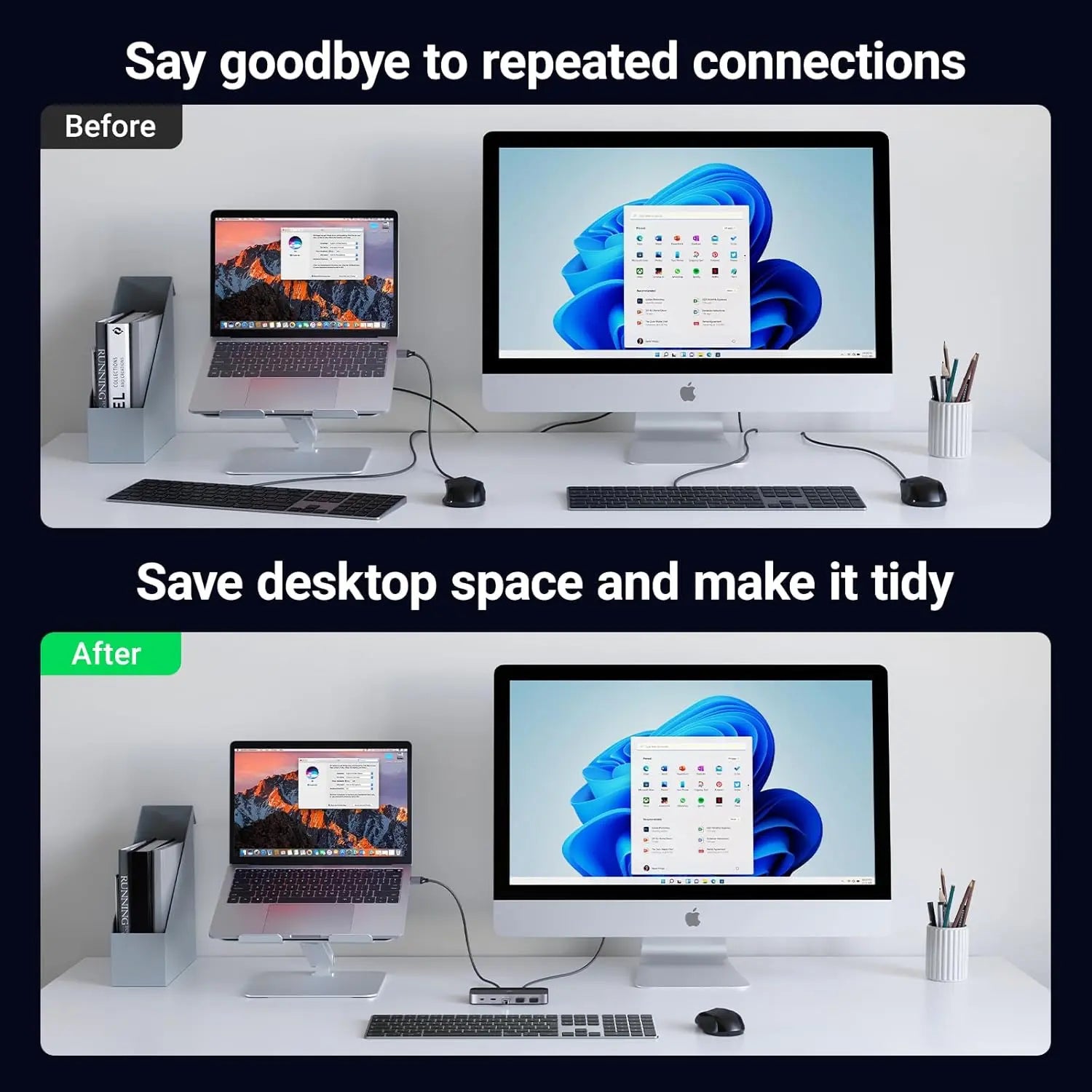
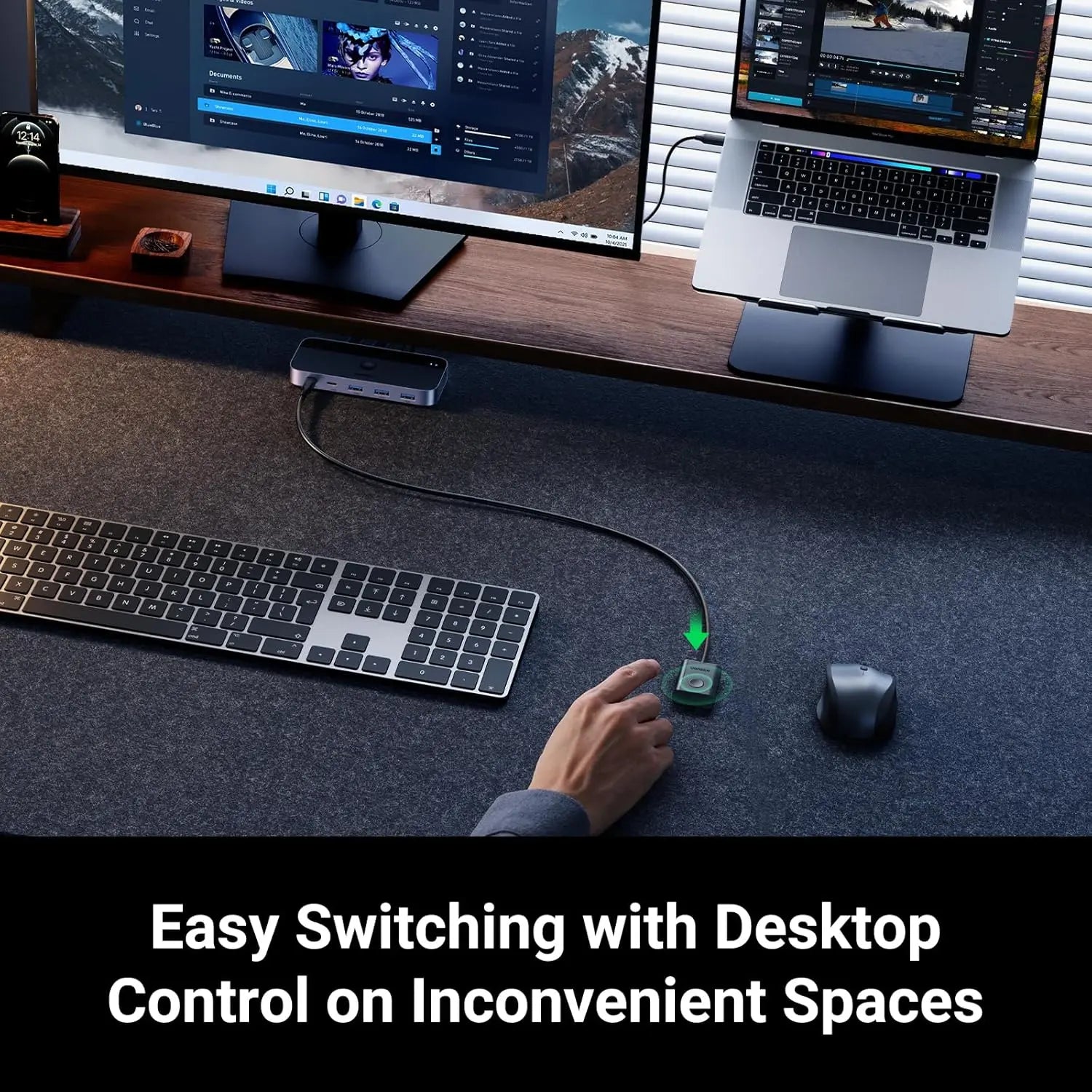
The UGREEN 25098 lets two computers take turns using the same printer, keyboard, mouse, webcam or drive. Plug up to four USB devices into the switch, connect both computers with the two 1.5 m cables that come with it, and press the top button or the wired remote to move the whole group to the other computer. It suits a home office with a work laptop and a personal PC, or a counter where two machines share one printer.
Is it right for you?
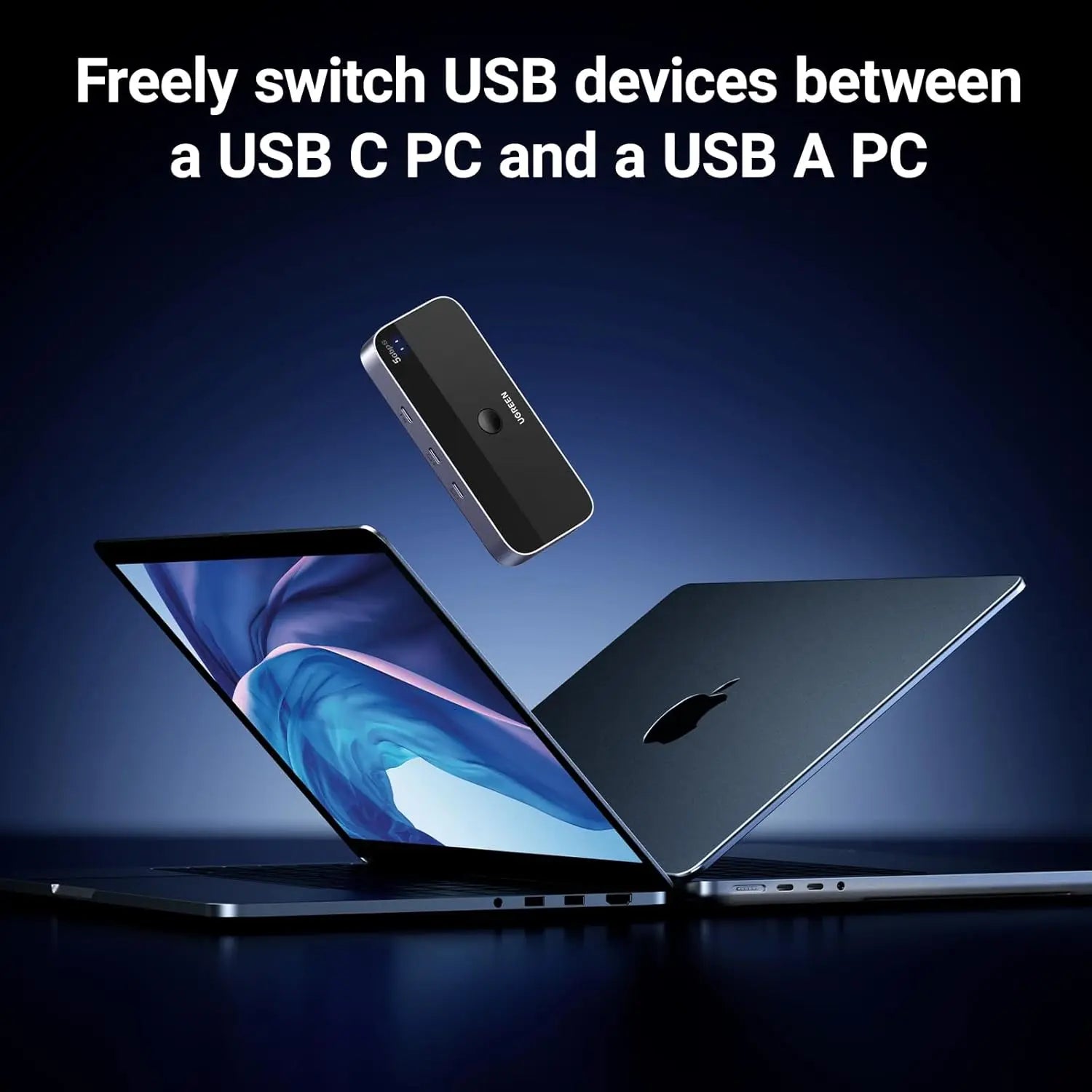
- Suits two computers that each have a USB-A or USB-C data port matching one of the supplied cables (one USB-A to USB-C and one USB-C to USB-C).
- It shares USB devices only. It does not switch a monitor, so it is not a KVM switch: video needs its own display connection and input selection.
- The USB-C ports are for ordinary USB data. No DisplayPort Alt Mode, Thunderbolt, laptop charging or dock functions.
- Only one computer can use the devices at a time.
Key features
- Two USB-C computer inputs, one selected at a time.
- Four device ports: three USB-A and one USB-C data port.
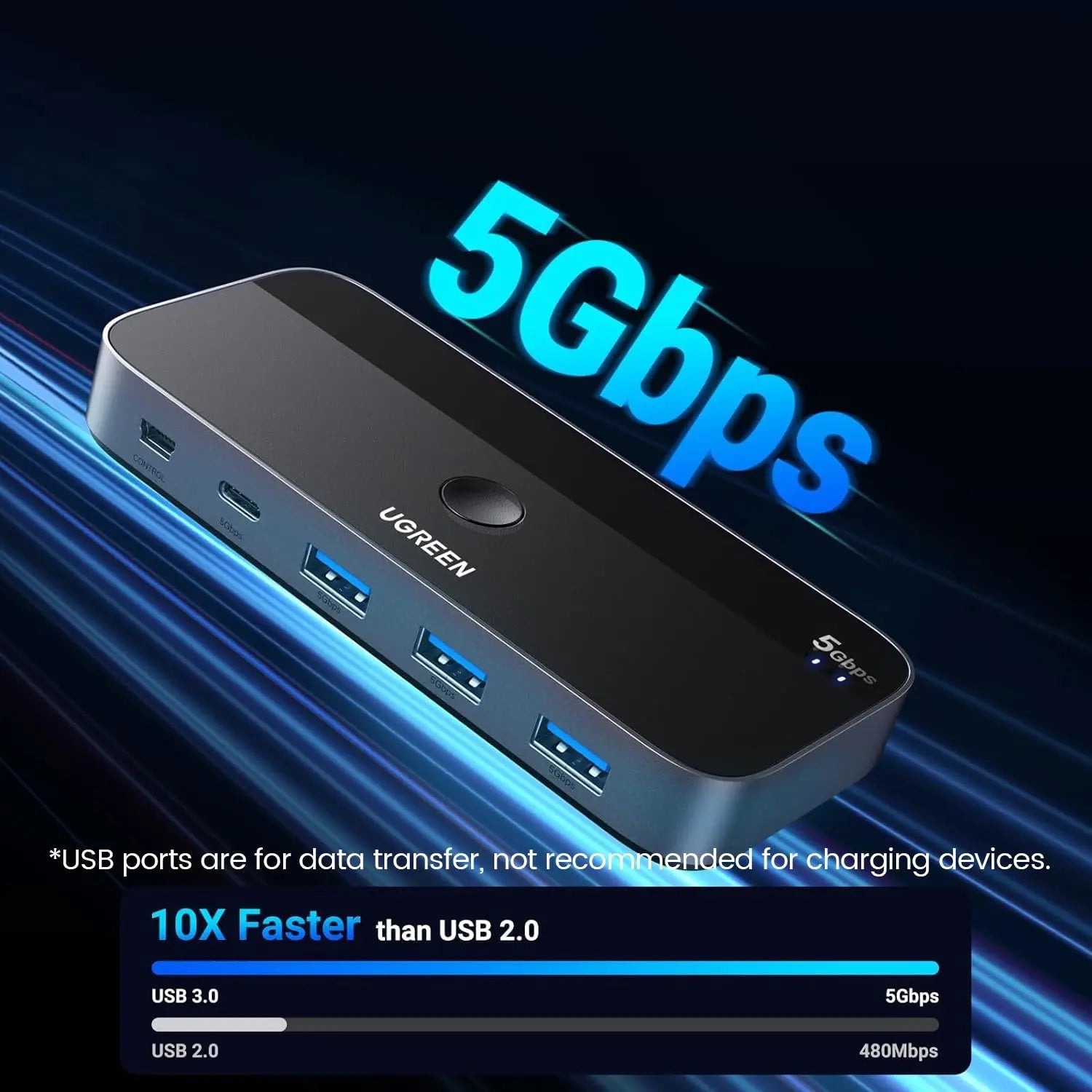
- Up to 5 Gbps where the host, cable and device all support it.
- Switch with the top-panel button or the wired remote.
- No switch software needed; connected devices still use their normal drivers on each computer.
- Two 1.5 m host cables: one USB-A to USB-C and one USB-C to USB-C.
What else you need
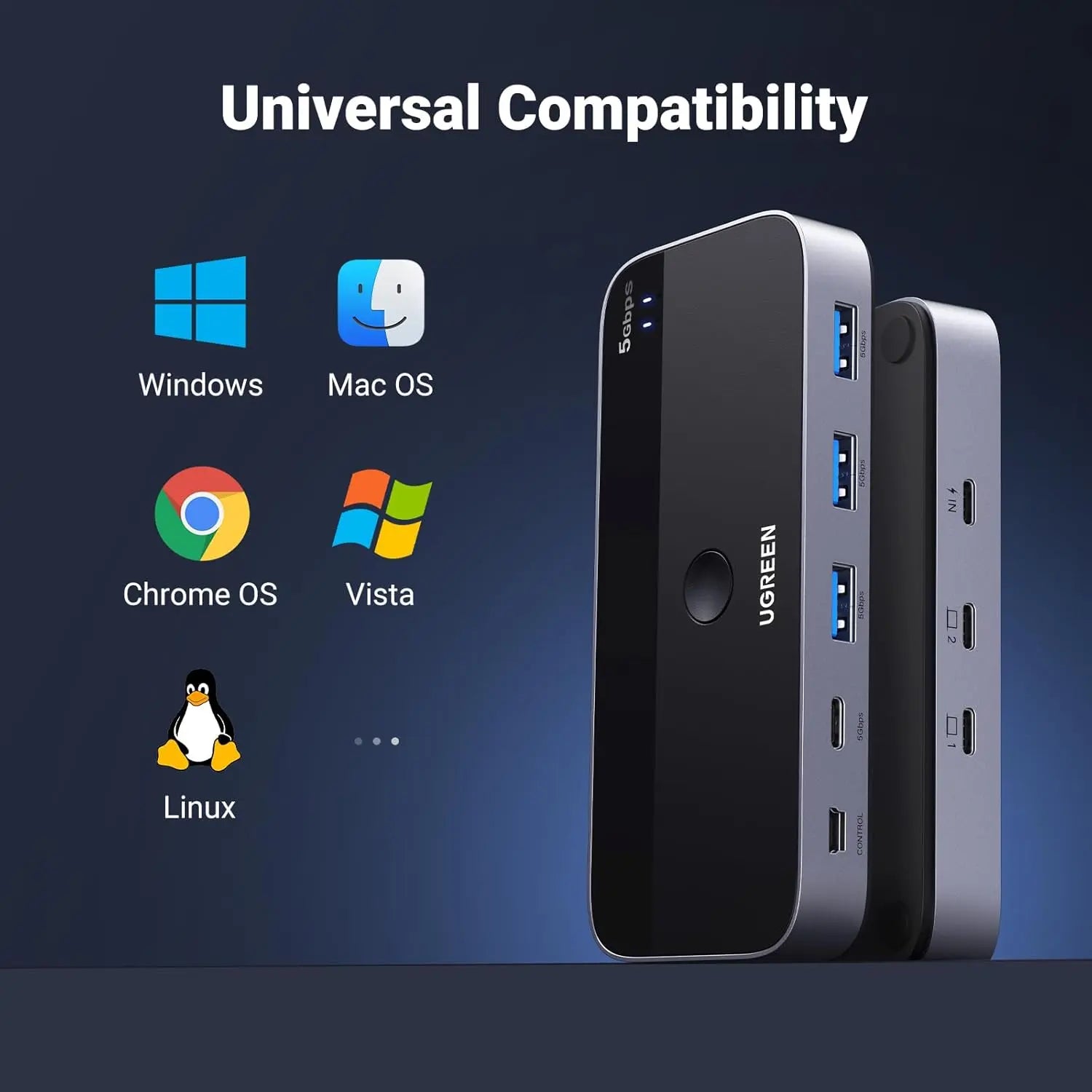
Two computers running Windows, macOS, ChromeOS or Linux, and USB devices whose drivers work on both. High-draw devices may need their own power or a powered hub.
Before you buy
- Eject storage before switching: switching while a drive is mounted can corrupt open files or the file system.
- A webcam or microphone may stay reserved by an app; close the app before switching and select the device again on the other computer.
- The 5 Gbps figure is a link ceiling, not a combined speed for four active devices.
- It does not merge the computers, transfer clipboard or files, create a network between them, or charge laptops.
- Keep the remote where a press cannot interrupt a storage transfer by accident.
Technical specifications
Key facts
- What is it?
- Switches & ExtendersBrand UGREEN, model 25098
- What comes in the box?
- UGREEN 25098 USB sharing switch; Wired remote-control button; 1.5 m USB-A to USB-C host cable; 1.5 m USB-C to USB-C host cable and 1 more
- Which documents are available?
- Regional compliance reference, online specifications Open documents
- Dimensions
- 12.3 × 5.4 × 1.7 cm
- Weight
- 340 g
- Country of origin
- China
- Manufacturer
- UGREEN Group Limited
- Warranty
- Manufacturer warranty under UGREEN's terms. How claims work
Product attributes and shipping details
| Brand | UGREEN |
|---|
Downloads
Documentation
- UGREEN 25098 product pageOnline specifications · This model · uk.ugreen.comView official page
Certificate and compliance document (1)
- UGREEN 25098 EU declaration of conformityRegional compliance reference · Regional · 182.7 KBDownload
Series documents can differ from your exact model. Report a wrong or missing file
Questions about this product
Does it switch my monitor too?
No. It shares USB devices only. Your monitor needs its own connection to each computer and its own input selection.
Can both computers use the printer at the same time?
No. One computer at a time; press the button or remote to switch.
Which cables come with it?
One 1.5 m USB-A to USB-C cable and one 1.5 m USB-C to USB-C cable, so one computer can be USB-A and the other USB-C.
Does it need software?
No switch software is needed. Each device still uses its normal drivers on each computer.
Can I switch while a USB drive is in use?
Eject it first. Switching with a drive mounted can corrupt open files.
Ask about this modelSetup, compatibility, what is in the box
Answers are automated. Do not enter personal or account details.
Looking for an alternative?
We list alternatives only when we have checked they suit the same job. Compare other models in the category, or ask us to suggest one for your site.