
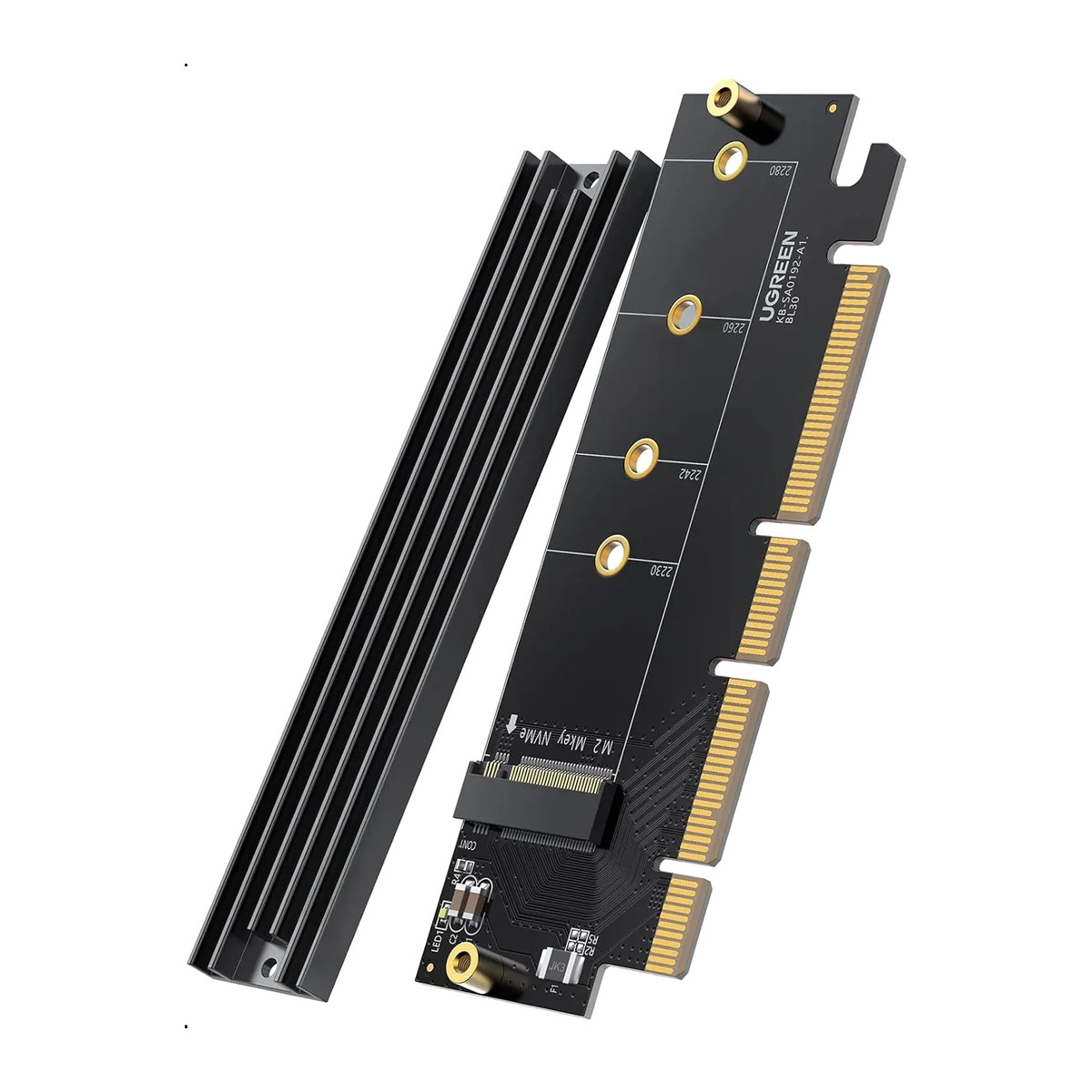
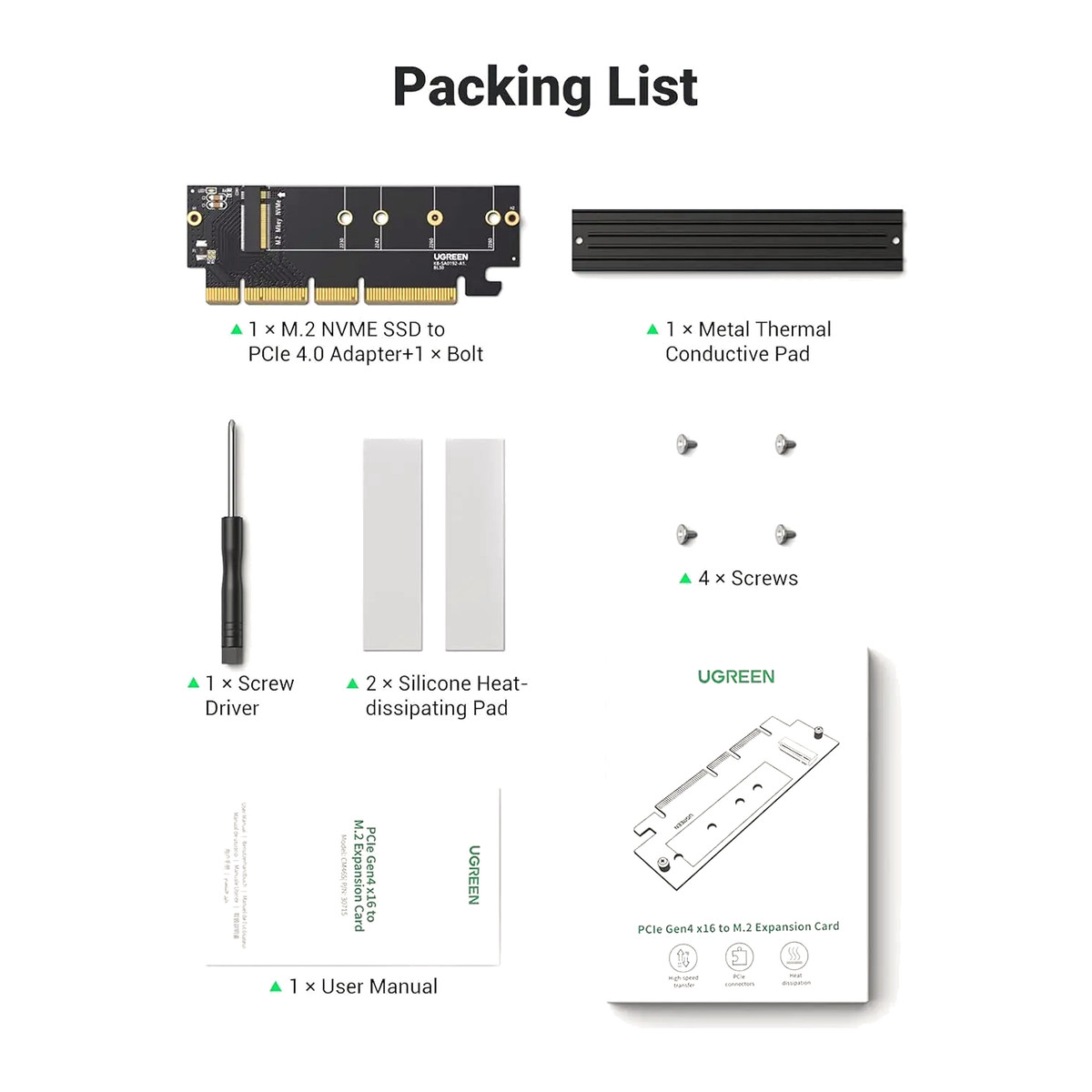
In the box
- UGREEN 30715 PCIe to M.2 adapter card
- Heatsink assembly
- Metal thermal-conductive piece
- 2 x Silicone thermal pad
- Mounting screws
- Screwdriver
- User manual
 Model 30715
UGREEN 30715 PCIe 4.0 x4 to M.2 NVMe Adapter
₹1,555 Incl. GST MRP ₹3,554 56% below MRP
₹1,318 + 18% GST
Lets a desktop PC take one more M.2 NVMe SSD by fitting it in a spare PCIe x4, x8 or x16 slot. PCIe 4.0 x4, holds 2230 to 2280 NVMe or AHCI drives and has a heatsink to keep the drive cool. Not for SATA M.2 drives.
- WarrantyManufacturer warranty under UGREEN's terms. Warranty claims
- DeliveryPrice, availability and delivery charges are confirmed in your quotation. Shipping and delivery
Overview
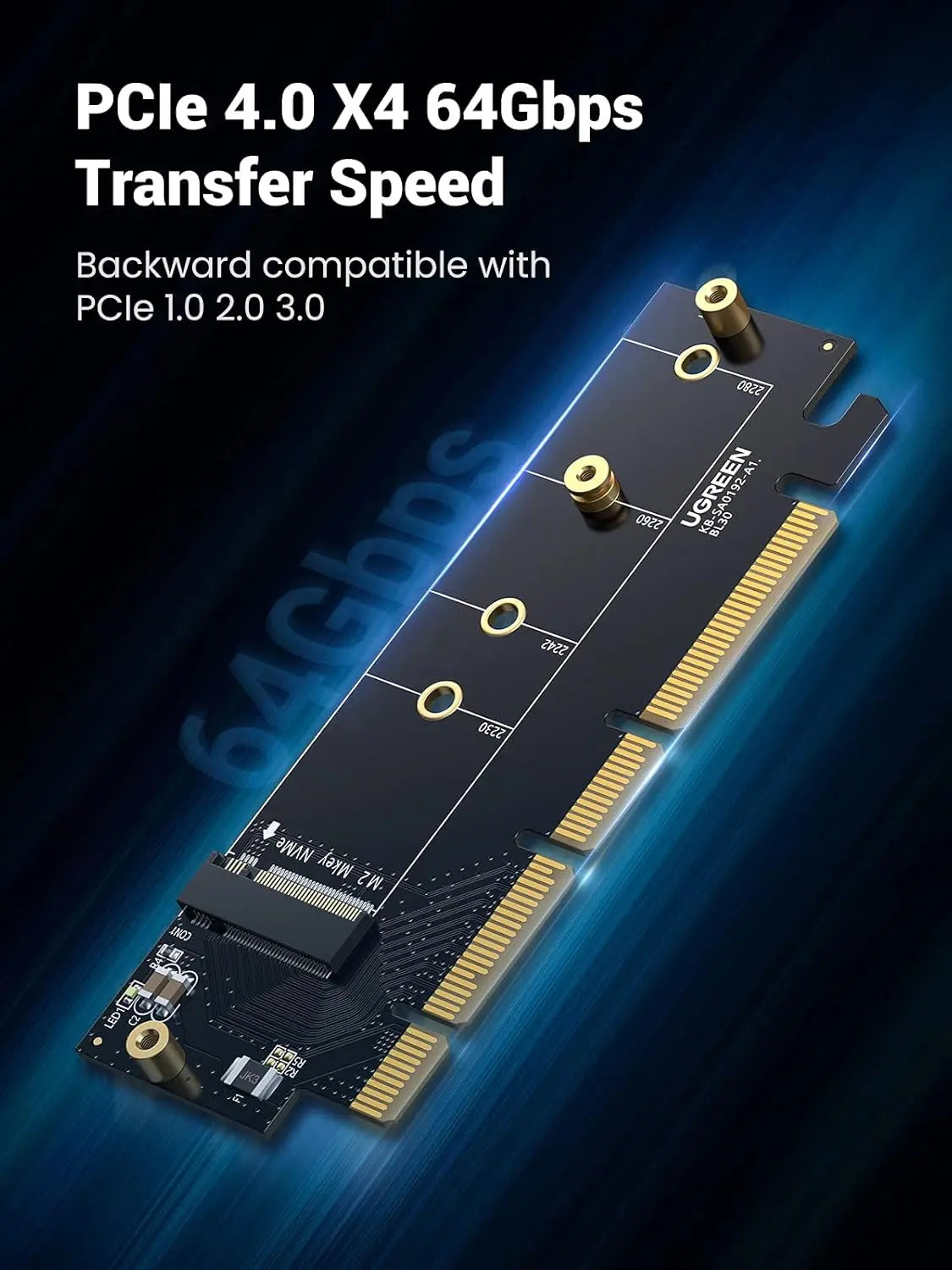
The UGREEN 30715 is a PCI Express (PCIe) adapter card with a heatsink that lets a desktop PC take one more M.2 NVMe solid state drive (SSD) in a spare PCIe slot. It has an x16-length card edge with an x4 electrical path and supports PCIe 4.0 x4, up to 64 Gbps when the motherboard, CPU and SSD all support it. It suits adding fast storage to a desktop whose M.2 slots are full, with cooling for the drive built in.
Is it right for you?
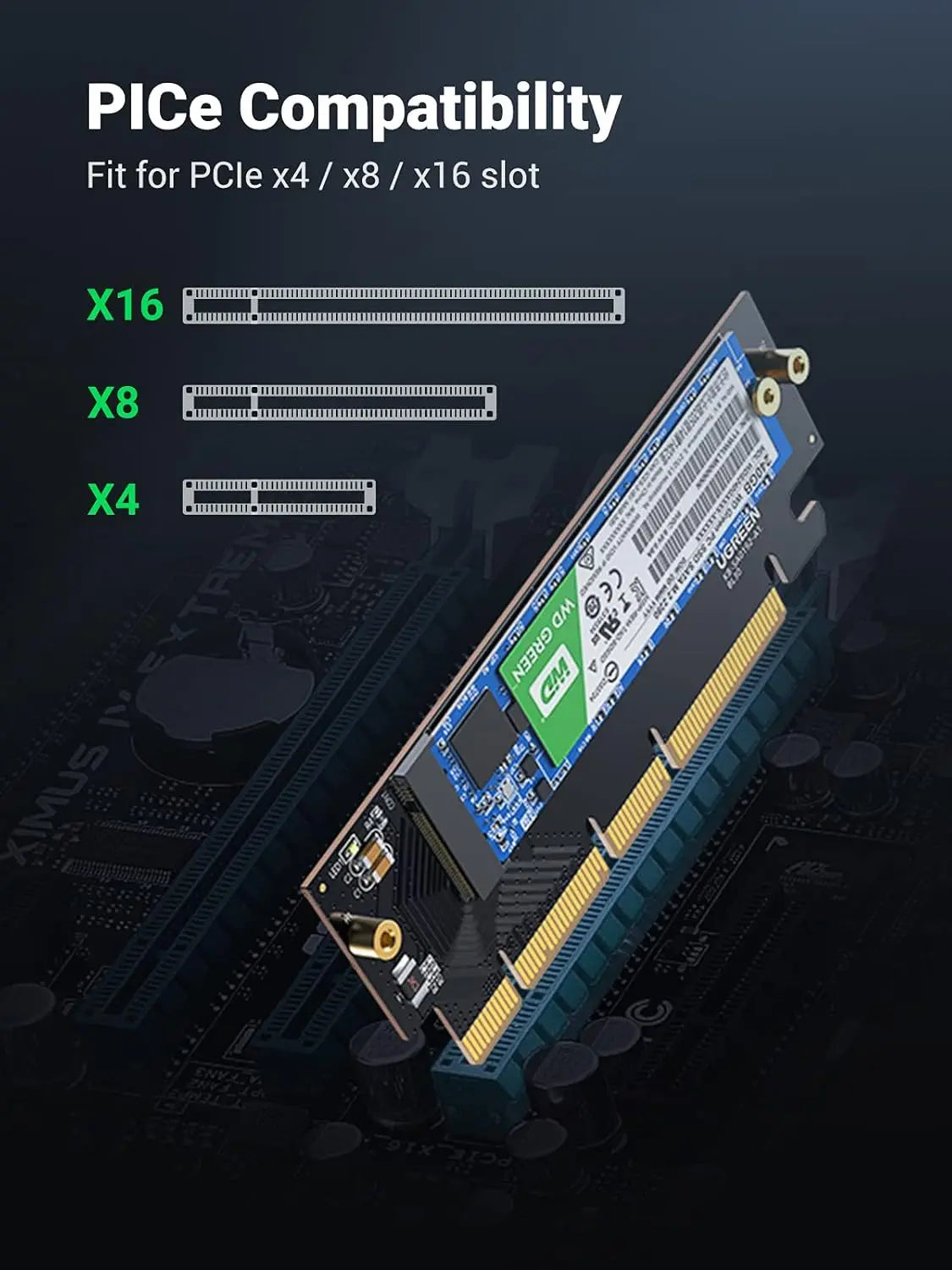
- Suits full-height desktop PCs with a free PCIe x4, x8 or x16 slot that provides at least four lanes, and with room for the heatsink.
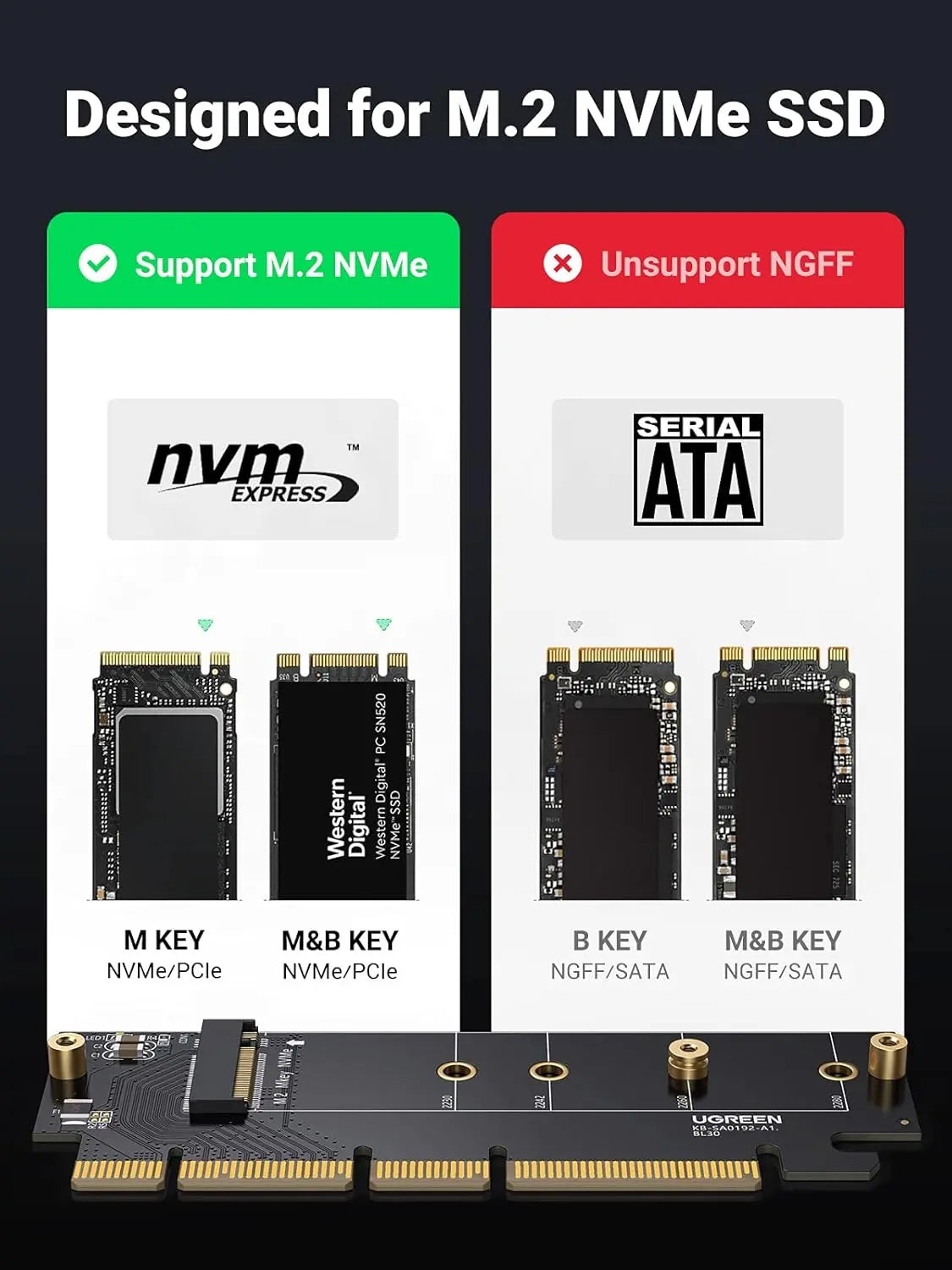
- Takes M.2 PCIe NVMe or AHCI drives, M-key or compatible B+M-key, in 2230, 2242, 2260 or 2280 length.
- Not for M.2 SATA (NGFF), B-key SATA, mSATA, 2.5-inch SATA or SAS drives.
- It is an internal card: no USB-C, Thunderbolt or external connection.
Key features
- PCIe 4.0 x4, up to 64 Gbps theoretical with a Gen 4 slot and SSD; works at lower speeds in PCIe 3.0, 2.0 and 1.0 systems.
- x16-length card edge, x4 electrical, so it fits x4, x8 and x16 slots.
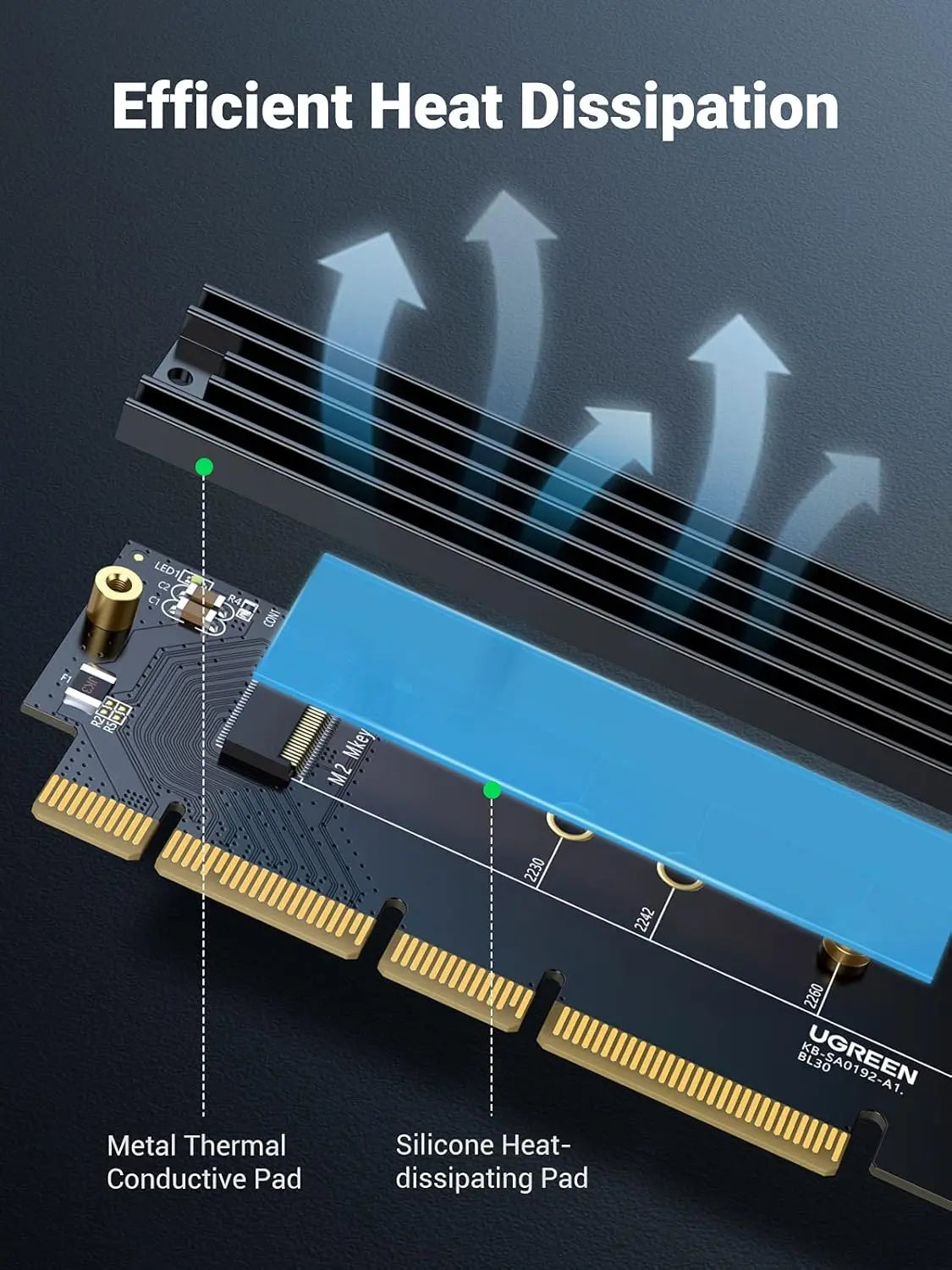
- Heatsink with a metal thermal piece and silicone thermal pads to move heat from the drive into the case airflow.
- Onboard LED showing storage activity.
- No SATA cable needed: the drive runs directly over the motherboard’s PCIe lanes.
What else you need
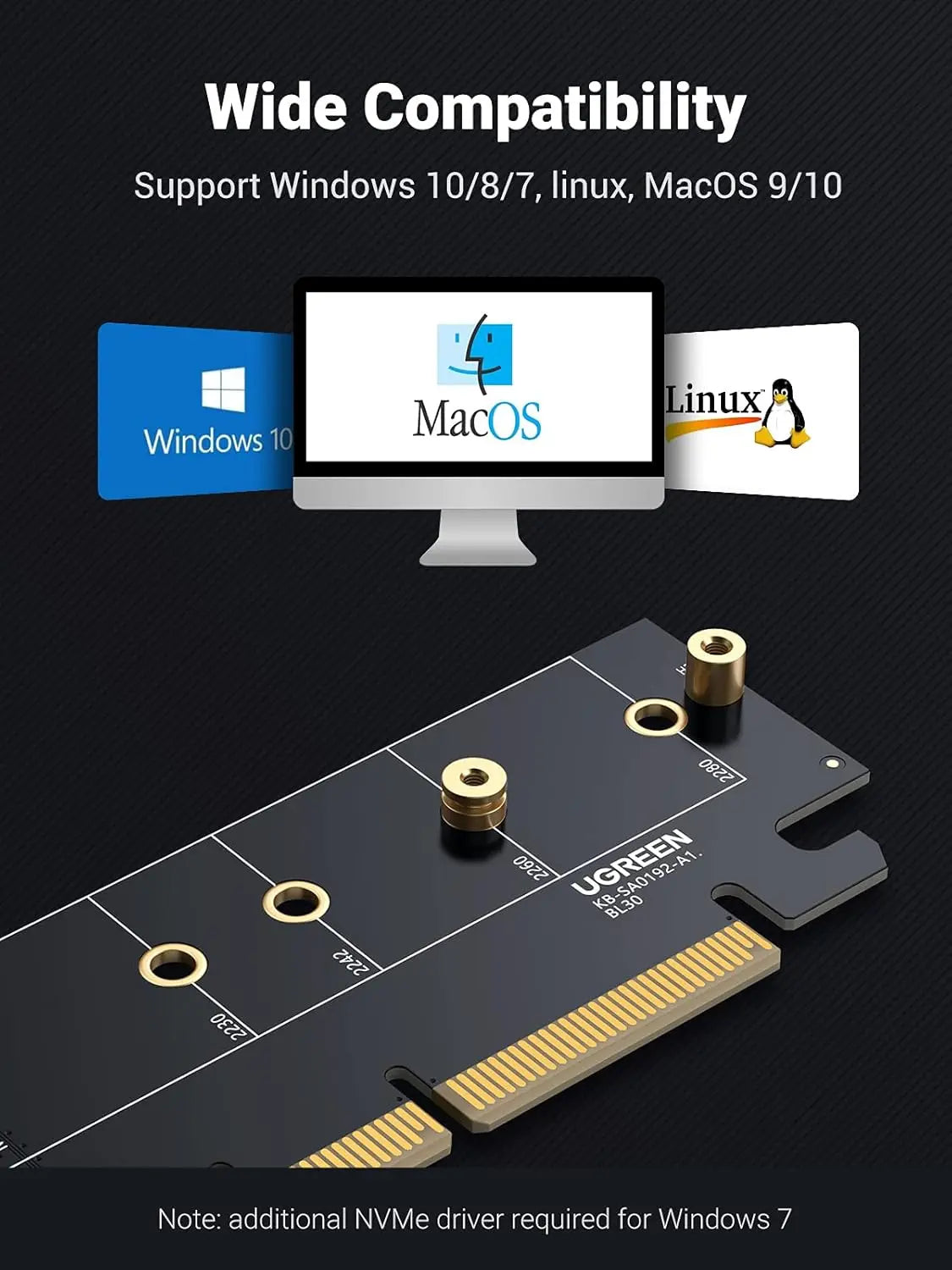
A desktop motherboard with a free full-height PCIe x4, x8 or x16 slot, an M.2 NVMe or AHCI SSD and a case bracket screw. Windows, Linux, macOS and other systems can use it where their firmware and storage driver recognise the drive.
Installation
Power the PC down, fit the SSD to the card with the correct mounting point, remove any protective film from the thermal pads, fit the heatsink, and seat the card in the PCIe slot. Keep every screw inside the case accounted for; a loose screw can short the board. Anyone comfortable fitting expansion cards can do it; otherwise ask a PC technician.
Before you buy
- The SSD is not included; one drive is installed and there is no RAID.
- Boot support depends on the BIOS or UEFI supporting boot from an NVMe drive in that slot; an unsupported configuration may still work as a data drive.
- The 64 Gbps figure is a signalling ceiling, not a transfer speed. Fitting an x4 card in an x16 slot does not make the drive faster.
- The heatsink becomes warm; ensure case airflow. Wrong thermal pad placement or forgotten protective film worsens cooling.
- Older operating systems may need storage drivers; hot plugging is not supported.
Technical specifications
Key facts
- What is it?
- Storage accessoryBrand UGREEN, model 30715
- What comes in the box?
- UGREEN 30715 PCIe to M.2 adapter card; Heatsink assembly; Metal thermal-conductive piece; 2 x Silicone thermal pad and 3 more
- Which documents are available?
- Online specifications Open documents
- Dimensions
- 1.9 × 8.9 × 12.2 cm
- Material
- silicone
- Weight
- 80 g
- Country of origin
- China
- Manufacturer
- UGREEN Group Limited
- Warranty
- Manufacturer warranty under UGREEN's terms. How claims work
Product attributes and shipping details
| Brand | UGREEN |
|---|
Downloads
Documentation
- UGREEN 30715 product pageOnline specifications · This model · nz.ugreen.comView official page
Series documents can differ from your exact model. Report a wrong or missing file
Questions about this product
Does it take SATA M.2 drives?
No. It is for PCIe NVMe and AHCI M.2 drives only.
Will it work in a PCIe 3.0 motherboard?
Yes, at PCIe 3.0 speed. It also works in PCIe 2.0 and 1.0 systems at their lower rates.
Can I boot from the drive?
Only if the BIOS or UEFI supports booting from an NVMe drive in that PCIe slot. Otherwise it works as a data drive.
Does it need a SATA cable?
No. The drive communicates directly over the motherboard's PCIe lanes.
Is the SSD included?
No. You fit your own M.2 NVMe drive.
Ask about this modelSetup, compatibility, what is in the box
Answers are automated. Do not enter personal or account details.
Looking for an alternative?
We list alternatives only when we have checked they suit the same job. Compare other models in the category, or ask us to suggest one for your site.