
Storage Accessories
Enclosures, docks, adapters and card readers for drives and memory cards. An M.2 enclosure must match the drive protocol (NVMe, SATA or both) and its real speed is set by the interface, from 5 Gbps USB to 40 Gbps USB4; SATA docks differ by drive size and bay count, and card readers by the SD, microSD or CFast formats they accept.
All products
-
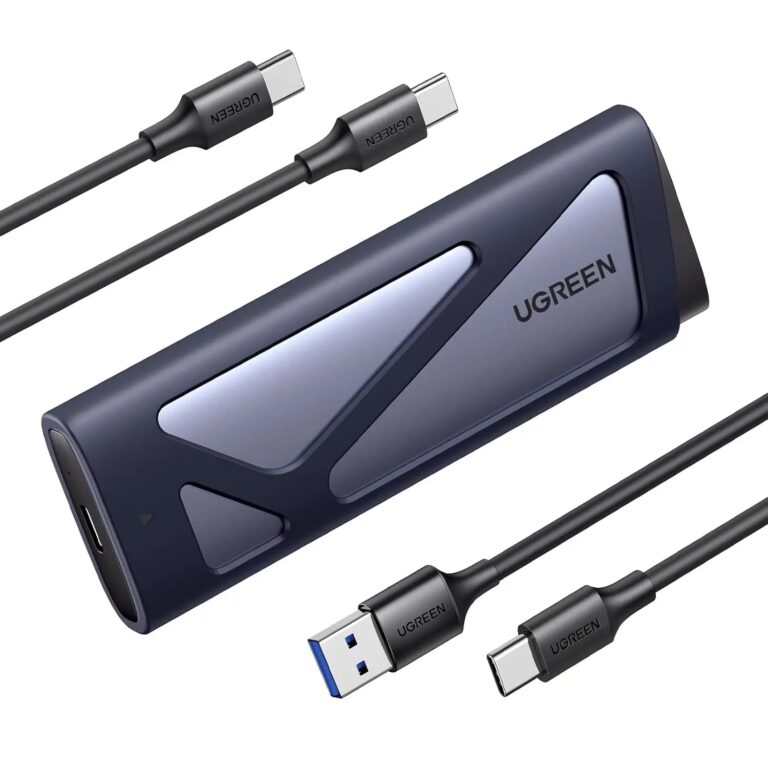 UGREENModel 15813
Dual-Protocol M.2 NVMe/SATA Enclosure, 10 Gbps
- Material
- aluminium
₹2,908 Incl. GST MRP₹4,32032% below MRP -
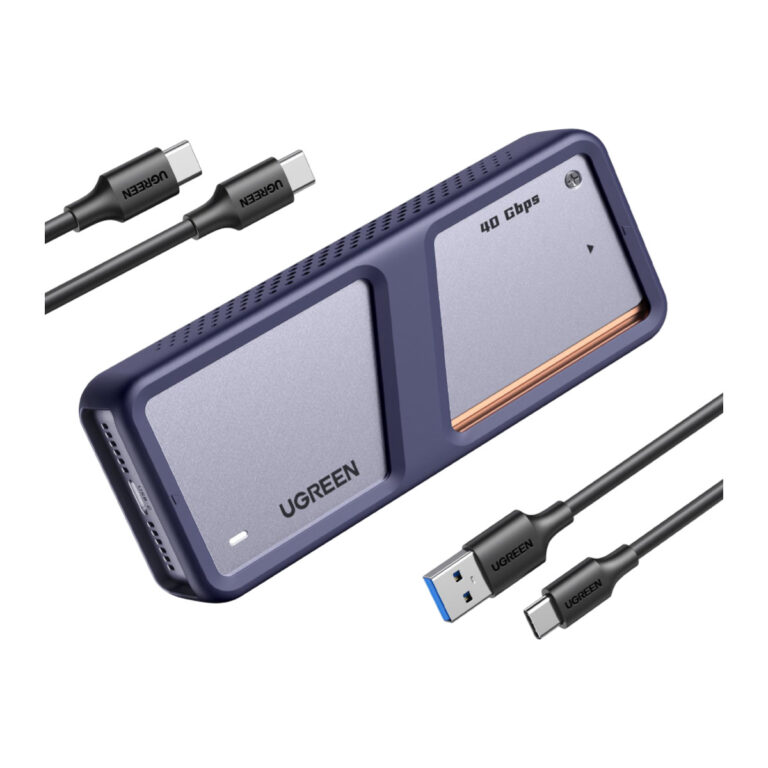 UGREENModel 15976
USB4 40 Gbps M.2 NVMe Enclosure with Fan
- Internal interface
- M.2 PCIe NVMe
- Material
- Aluminium
- Connector type
- USB
₹13,949 Incl. GST MRP₹23,32940% below MRP -
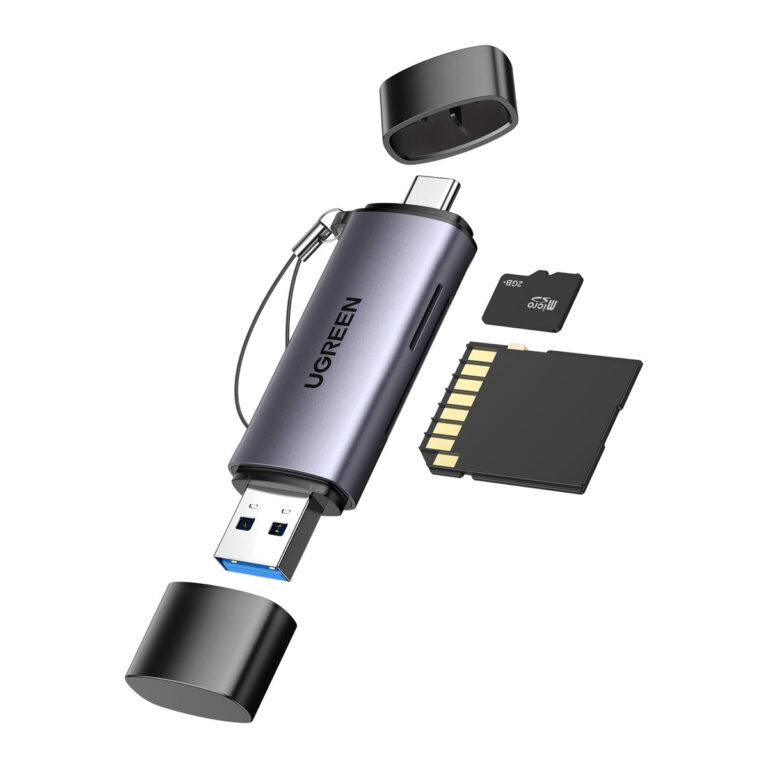 UGREENModel 50706
2-in-1 USB-C and USB-A 3.0 SD/microSD Card Reader, Dual Slot, UHS-I, OTG
- Housing
- Aluminium alloy
₹899 Incl. GST MRP₹2,22059% below MRP -
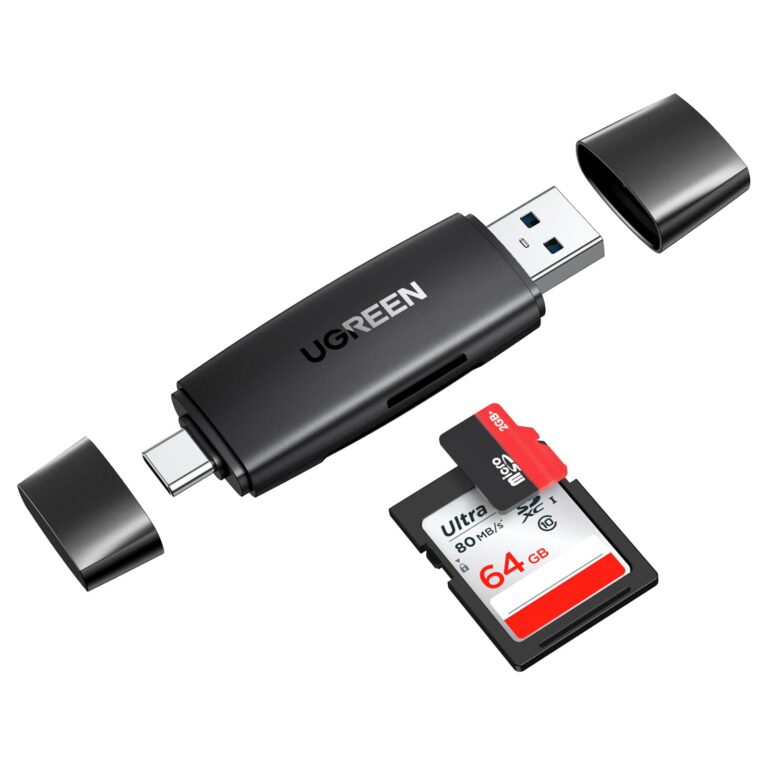 UGREENModel CM304
2-in-1 USB-C and USB-A Card Reader, SD and TF, USB 3.0 5 Gbps, Black
- Connectors
- USB-C and USB-A
- Card slots
- SD, TF (microSD)
- Read speed
- Up to 104 MB/s
₹931 Incl. GST MRP₹1,19722% below MRP -
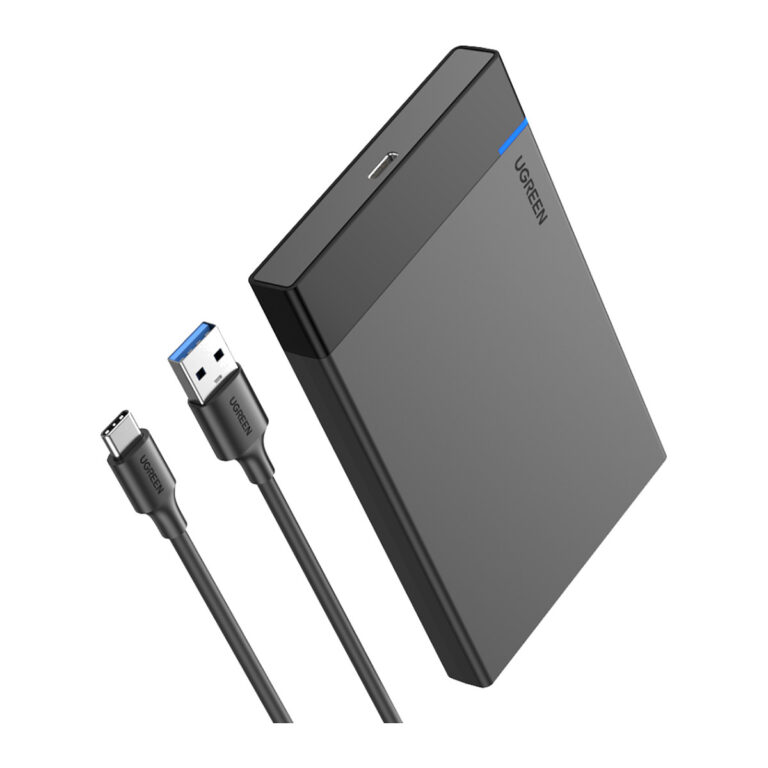 UGREENModel US221
2.5 Inch SATA Hard Drive Enclosure, USB-C 3.1 Gen 2, 6 Gbps UASP, Tool-Free
- Drive interface
- SATA III, 6 Gbps, UASP
- Enclosure port
- USB-C, USB 3.1 Gen 2
- Maximum capacity
- 6 TB
₹1,899 Incl. GST MRP₹2,87834% below MRP -
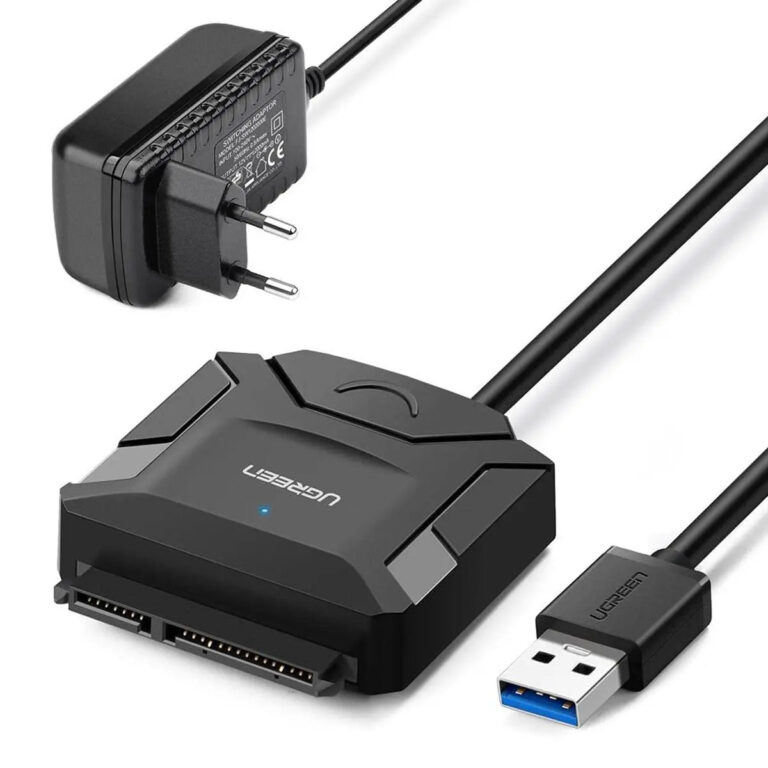 UGREENModel 20611
USB 3.0 to SATA HDD/SSD Adapter
- USB version
- USB 3.0
- Connector type
- USB and SATA
₹2,219 Incl. GST MRP₹3,99844% below MRP -
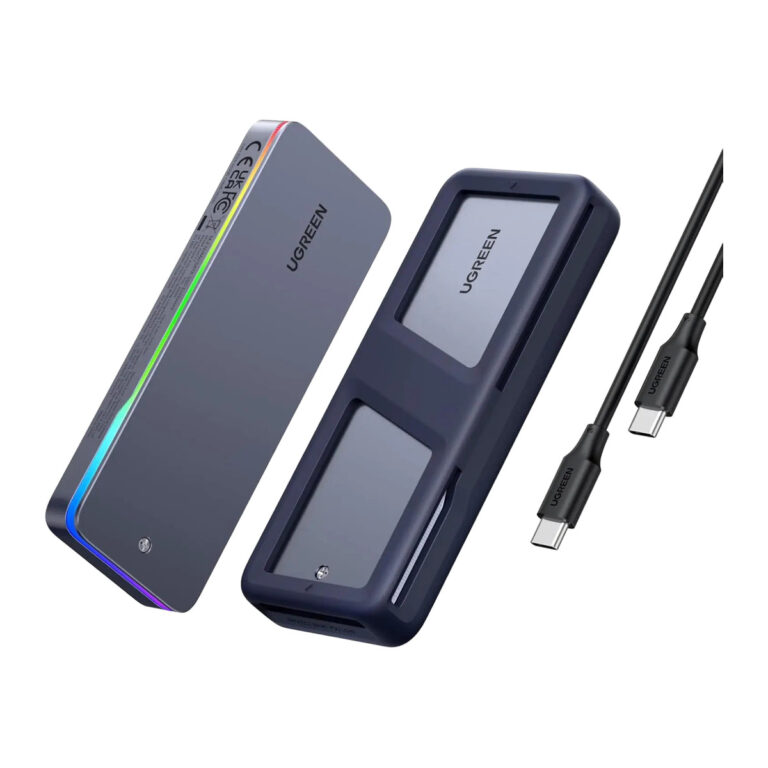 UGREENModel 25665
20 Gbps NVMe and SATA M.2 SSD Enclosure
- USB version
- USB 3.2
- Output
- 1*m.2 M-key
₹5,719 Incl. GST MRP₹7,77526% below MRP -
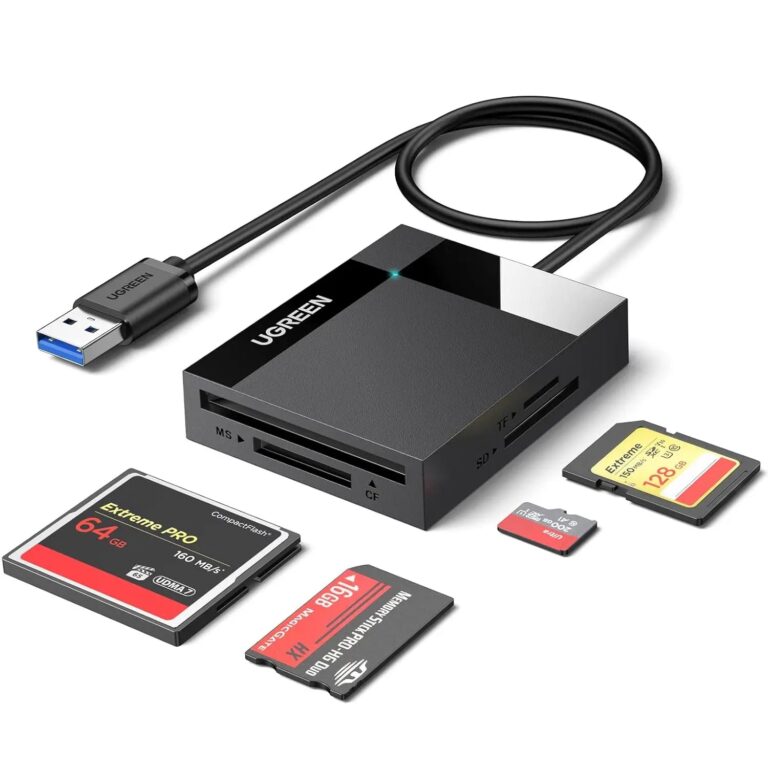 UGREENModel 30333
USB 3.0 4-in-1 SD/TF/CF/MS Card Reader, 0.5 m
- USB ceiling
- Up to 5 Gbps
- Length
- 0.5 m
- USB version
- USB 3.0
₹1,137 Incl. GST MRP₹2,60556% below MRP -
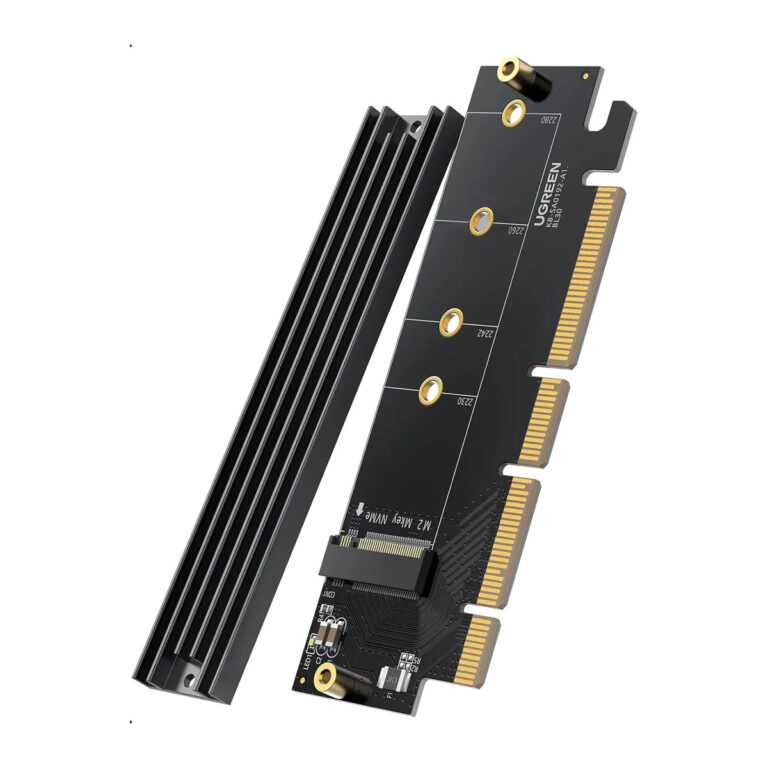 UGREENModel 30715
PCIe 4.0 x4 to M.2 NVMe Adapter
- Material
- silicone
₹1,555 Incl. GST MRP₹3,55456% below MRP -
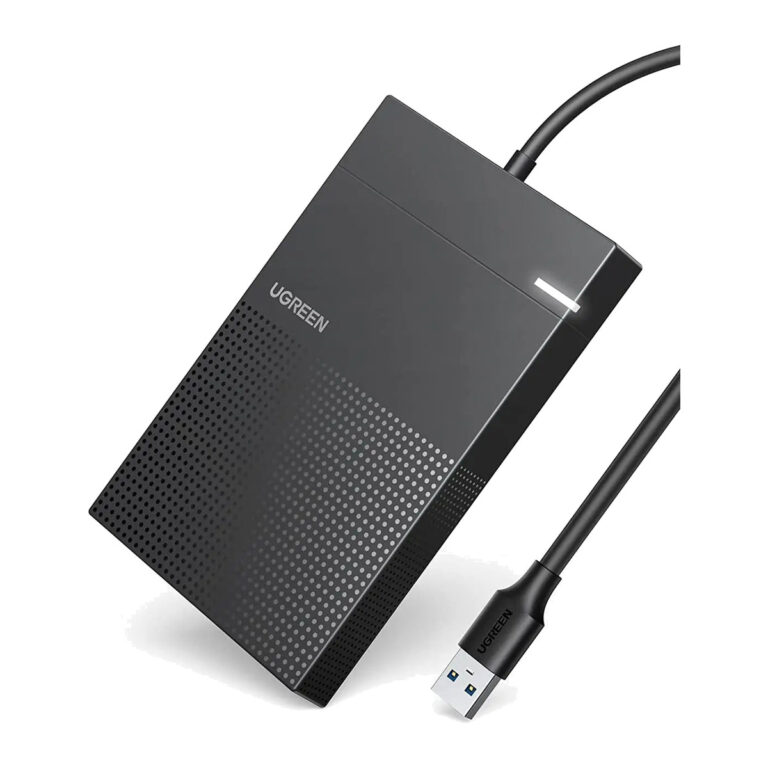 UGREENModel 30719
2.5-Inch SATA Enclosure, 5 Gbps, Integrated USB-A
- Internal interface
- SATA III, 7+15-pin
- Nominal link
- USB 3.0 up to 5 Gbps
₹1,409 Incl. GST MRP₹2,77649% below MRP -
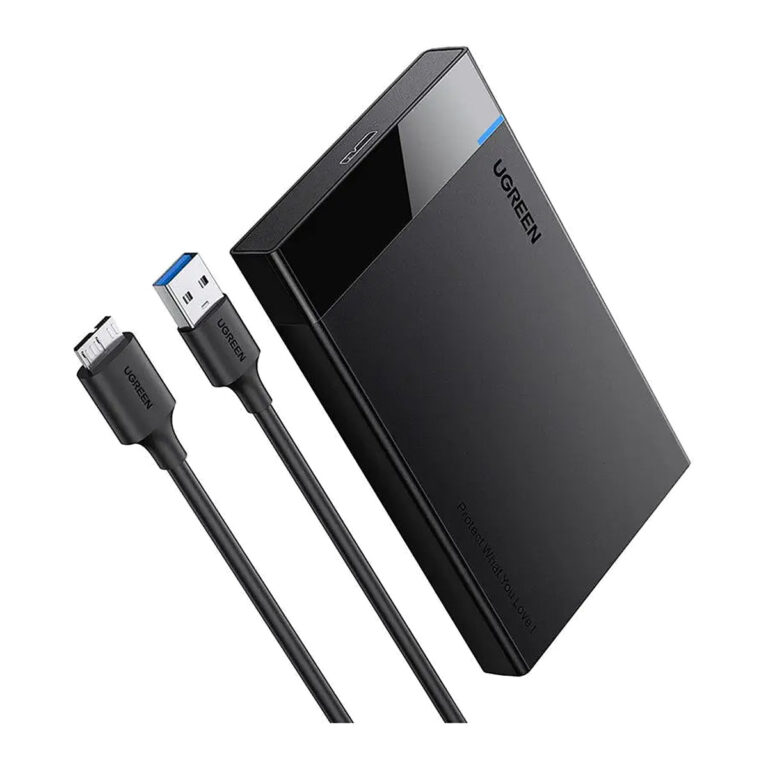 UGREENModel 30848
2.5-Inch SATA Enclosure, 5 Gbps USB-A
- Internal interface
- SATA III, 7+15-pin
- Nominal link
- USB 3.0 up to 5 Gbps
₹919 Incl. GST MRP₹2,88768% below MRP -
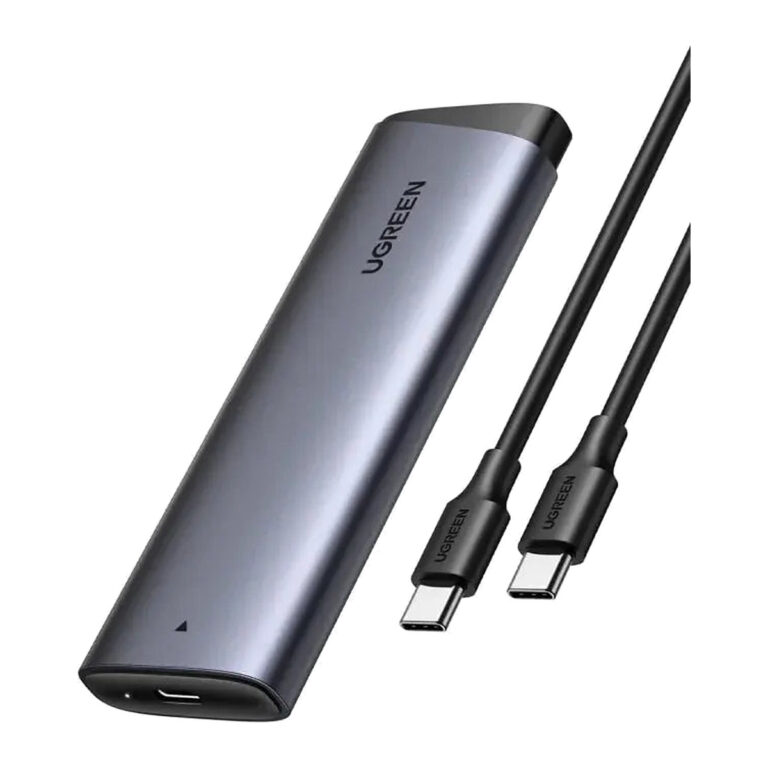 UGREENModel 35267
10 Gbps M.2 NVMe Enclosure, USB-C
- Internal interface
- M.2 PCIe NVMe
- Connector type
- USB Type C
₹1,751 Incl. GST MRP₹4,44260% below MRP -
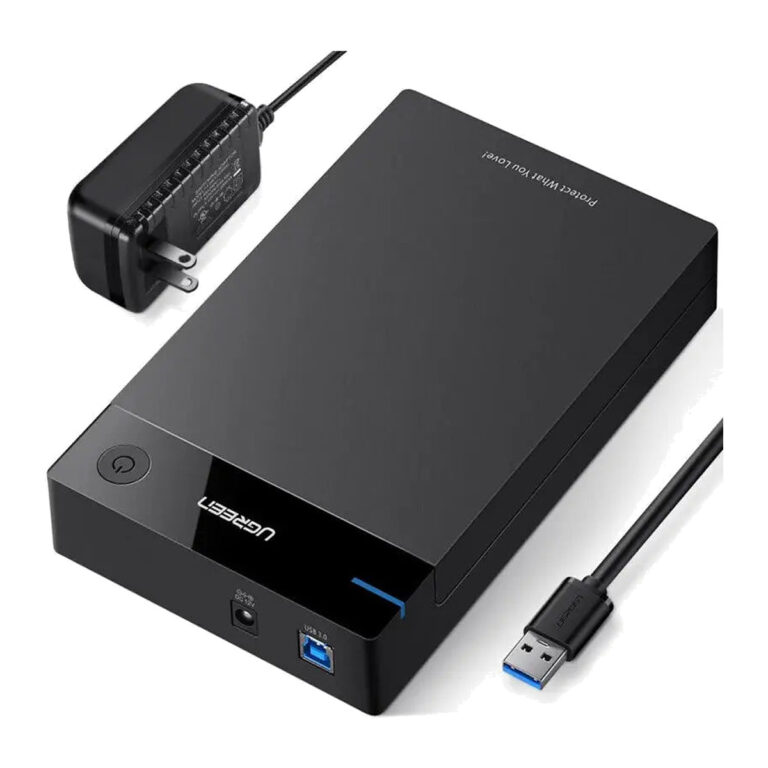 UGREENModel 50422
Powered 3.5/2.5-Inch SATA Enclosure, 5 Gbps
- Internal interface
- SATA I/II/III, 7+15-pin
- Nominal link
- USB 3.0 up to 5 Gbps
₹3,409 Incl. GST MRP₹5,10933% below MRP -
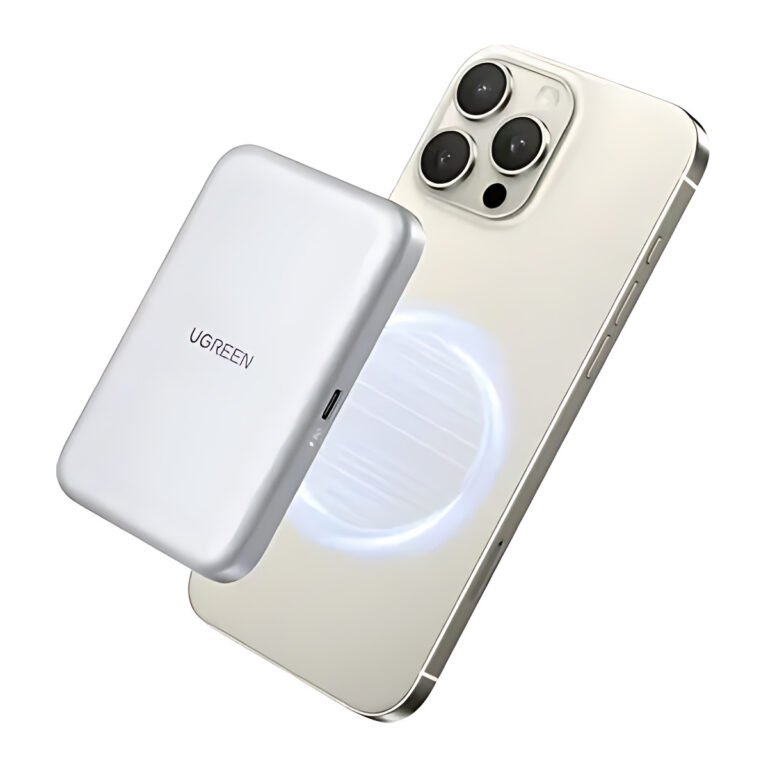 UGREENModel 55151
Magnetic M.2 NVMe SSD Enclosure for iPhone, 10 Gbps, 100 W PD
- Feature
- UGREEN 55151
- MagSafe Magnetic
- ✅ Yes
- Speed
- 10 Gbps
₹5,277 Incl. GST MRP₹11,10852% below MRP -
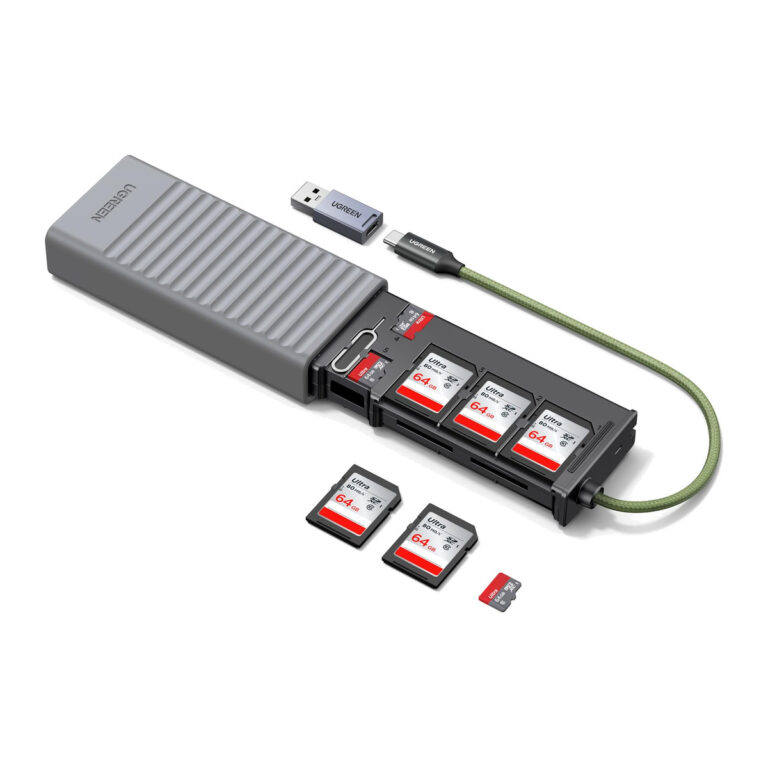 UGREENModel 55899
USB-C/USB-A 3-Slot Card Reader with 11-Card Case
- USB ceiling
- Up to 5 Gbps
- Active slots
- 2 × SD; 1 × microSD/TF
- Unsupported pair
- SD2 + TF
₹3,889 Incl. GST MRP₹5,18925% below MRP -
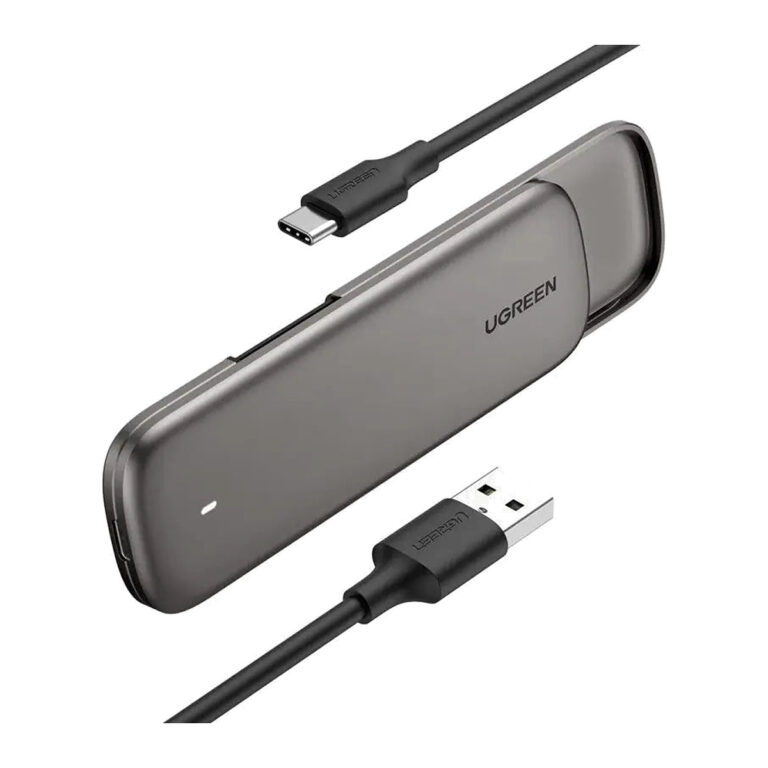 UGREENModel 60355
M.2 SATA SSD Enclosure, Aluminium, Tool-Free, 2230 to 2280
₹5,579 Incl. GST MRP₹13,33058% below MRP -
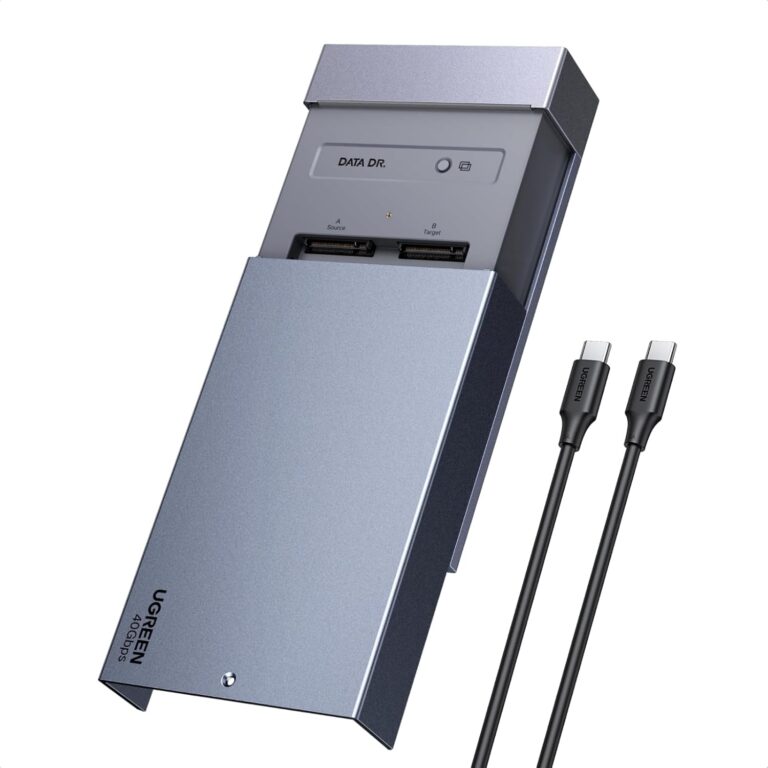 UGREENModel 65733EU
CM847 USB4 Dual M.2 NVMe SSD Enclosure, 40 Gbps, Offline Clone, RAID
- Host interface
- USB4, up to 40 Gbps
- Drive bays
- 2 × M.2 NVMe
- RAID
- RAID capability
₹19,999 Incl. GST MRP₹29,99933% below MRP -
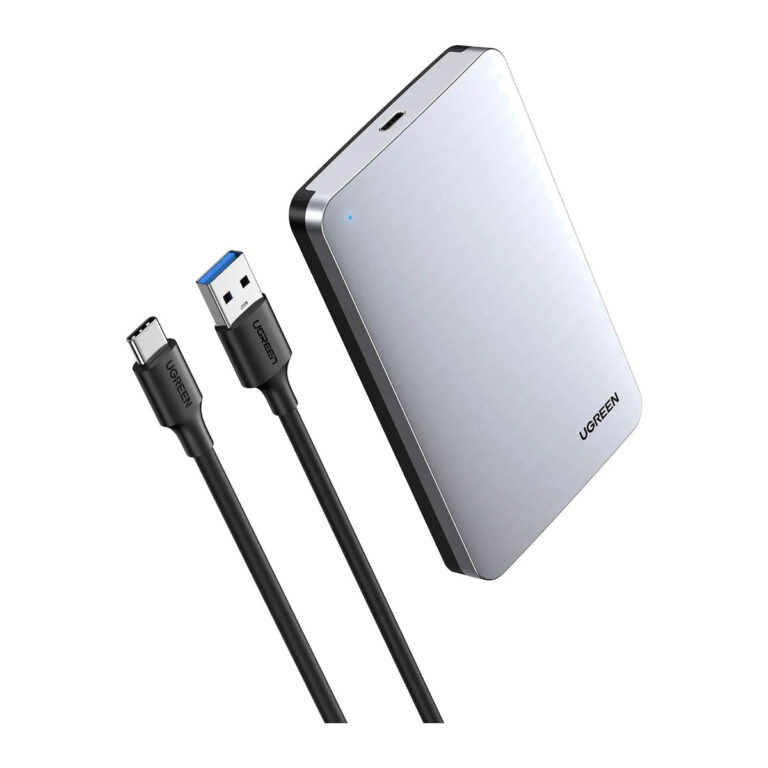 UGREENModel 70498
Aluminium 2.5-Inch SATA Enclosure, 6 Gbps
- Internal interface
- SATA III, 7+15-pin
- Material
- Aluminium
₹2,198 Incl. GST MRP₹5,59760% below MRP -
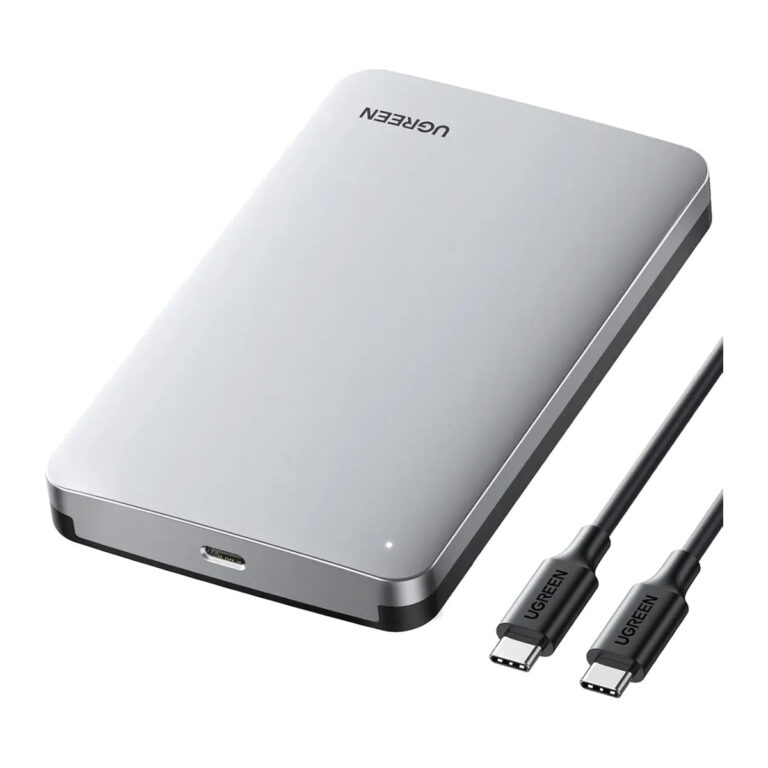 UGREENModel 70499
Aluminium 2.5-Inch SATA Enclosure, USB-C, 6 Gbps
- Internal interface
- SATA III, 7+15-pin
- Material
- Aluminium
- Connector type
- SATA, USB
₹1,834 Incl. GST MRP₹5,59767% below MRP -
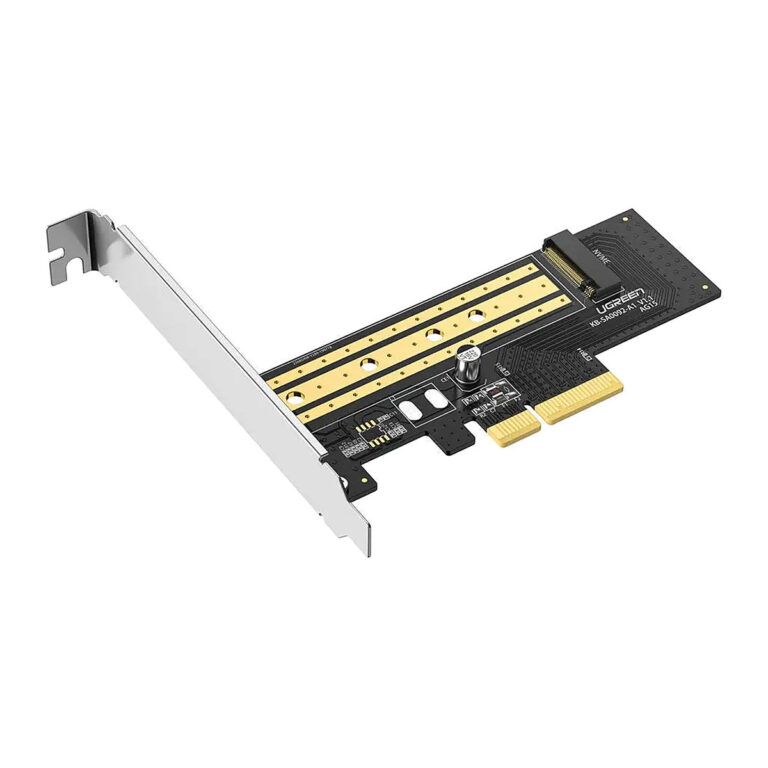 UGREENModel 70503
M.2 NVMe to PCIe 3.0 x4 Adapter Card, M-Key, 2230 to 2280
- Connector type
- PCIe
₹1,049 Incl. GST MRP₹2,10950% below MRP -
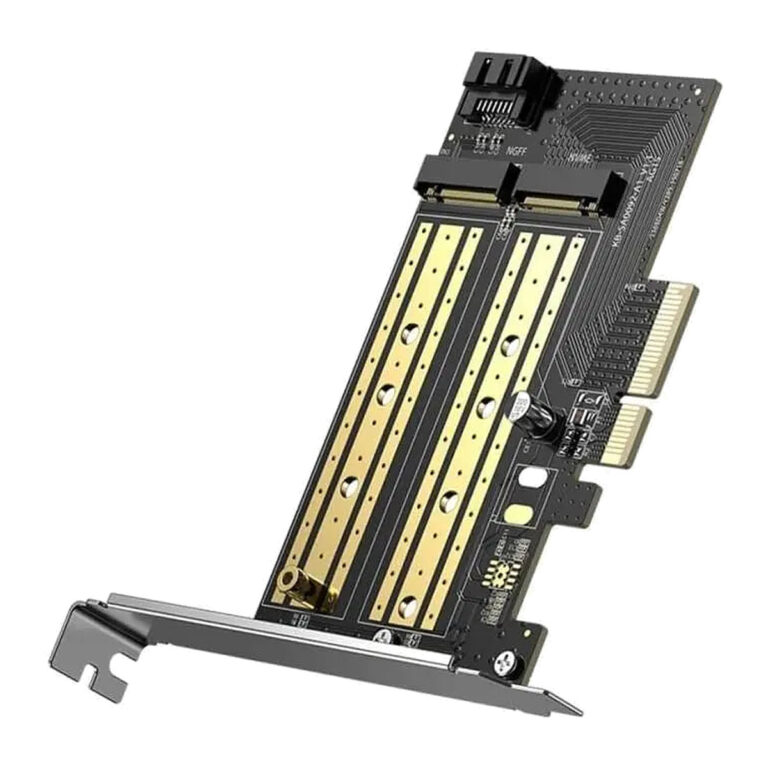 UGREENModel CM302
M.2 NVMe and SATA to PCIe 3.0 x4 Adapter Card
- Output
- PCI-E 3.0 x4, SATA 7pin
- Brackets
- Standard and low profile
₹1,251 Incl. GST MRP₹1,68925% below MRP -
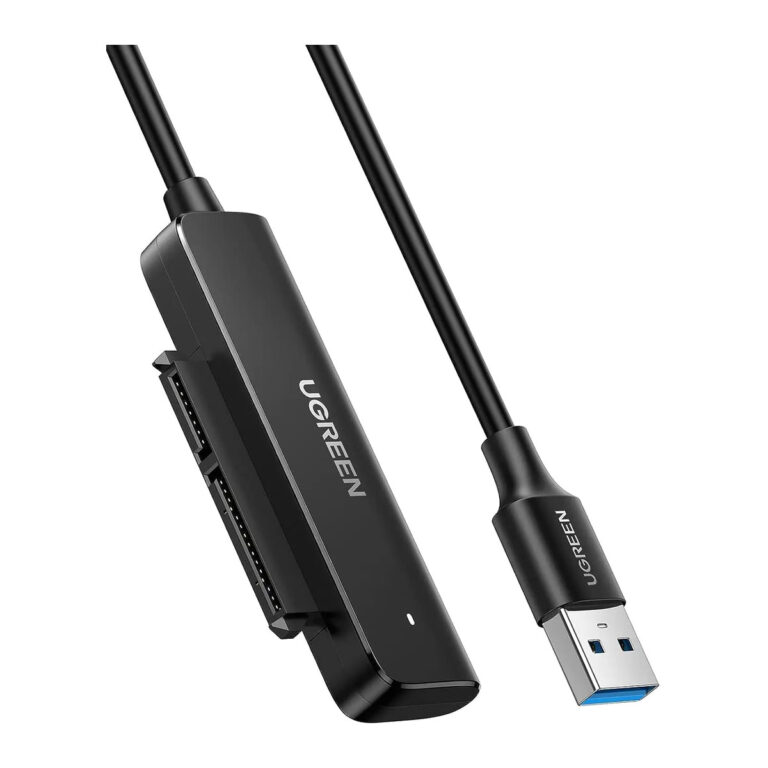 UGREENModel 70609
SATA to USB 3.0 Adapter Cable for 2.5 Inch SSD and HDD, UASP
- Length
- 46 cm
- USB version
- USB 3.0
- Connector type
- USB Type A
₹899 Incl. GST MRP₹2,10957% below MRP -
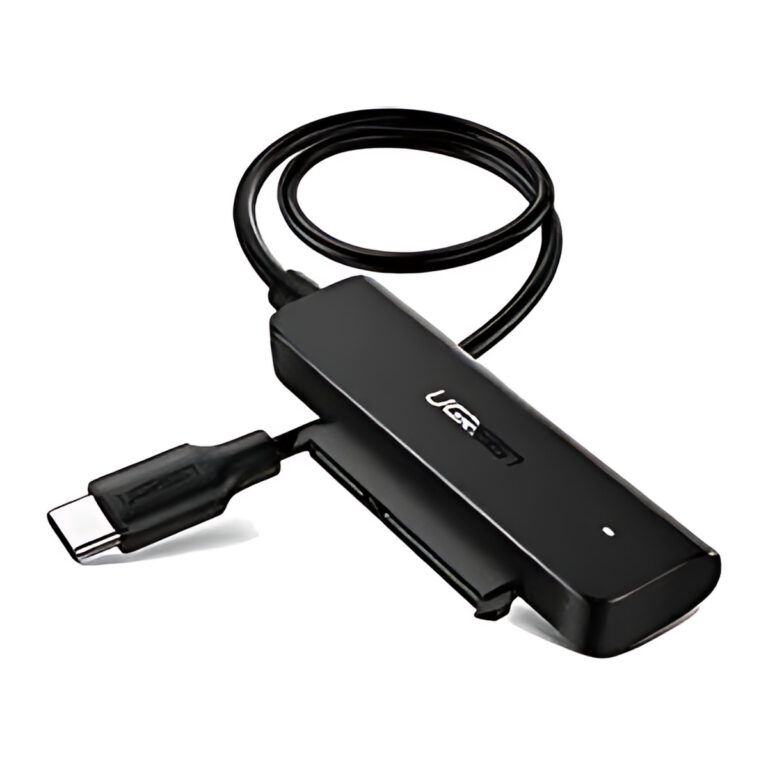 UGREENModel 70610
SATA to USB-C Adapter Cable for 2.5 Inch SSD and HDD, 5 Gbps, UASP
- Connector type
- USB C Type
₹1,289 Incl. GST MRP₹2,88755% below MRP -
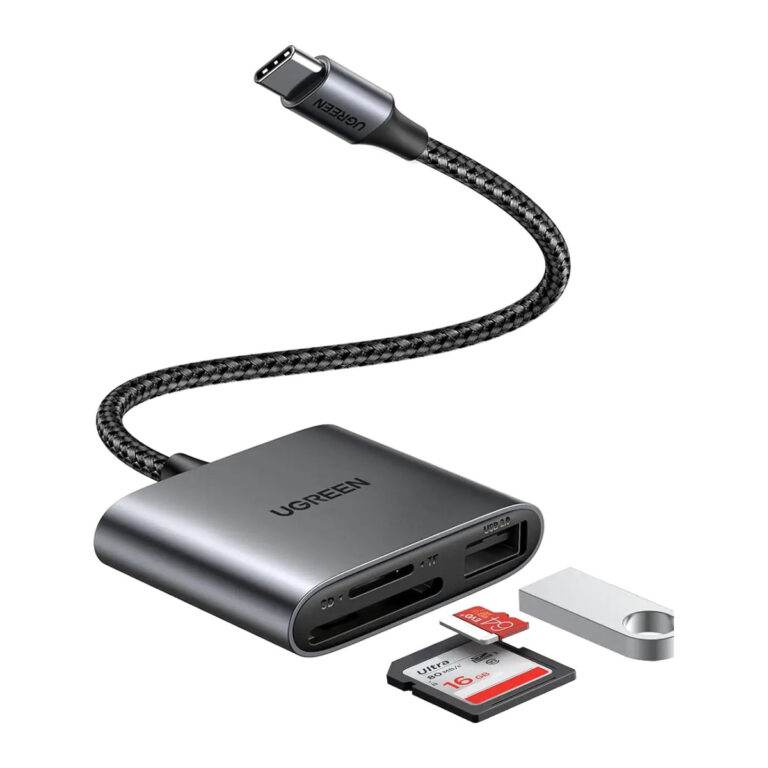 UGREENModel 80798
3-in-1 USB-C SD/microSD Reader with USB 2.0 Port
- Host connector
- USB-C male
- Card slots
- 1 × SD; 1 × microSD/TF
- Simultaneous card access
- SD + microSD supported
₹1,759 Incl. GST MRP₹2,55431% below MRP
How to choose an SSD enclosure
- Drive protocol: M.2 drives come in NVMe and SATA versions. Some enclosures take only one, while dual-protocol enclosures accept both. Check your drive label before ordering.
- Key and length: M-key and B+M key drives in 2230, 2242, 2260 and 2280 lengths are common. Confirm the enclosure supports your size.
- Speed: a 10Gbps enclosure suits most NVMe backups. 20Gbps needs a USB 3.2 Gen 2x2 port, and 40Gbps needs USB4 or Thunderbolt on the computer, otherwise the enclosure falls back to a slower speed.
- Cooling: fast NVMe drives heat up during long transfers, so an aluminium shell or built-in fan helps hold speed.
- 3.5 inch drives: desktop hard drives need external power, so pick a powered enclosure or dock.
For camera cards, match the reader to the card standard (UHS-I, UHS-II or CFast). Connect everything through hubs and docks or a suitable USB cable.
Need help choosing?
Tell us what it is for and where it goes, and we suggest models. Have a list of models and quantities? Request a quote.