
At a glance
- Maximum Resolution
- Up to 3840 × 2160 at 60 Hz with compatible equipment
- Length
- 25 cm
- Dimensions
- 11 × 11 × 1.7 cm
- Connector Finish
- Gold-plated connector surfaces
In the box
- UGREEN 70694 DisplayPort male to HDMI female adapter
 Model 70694
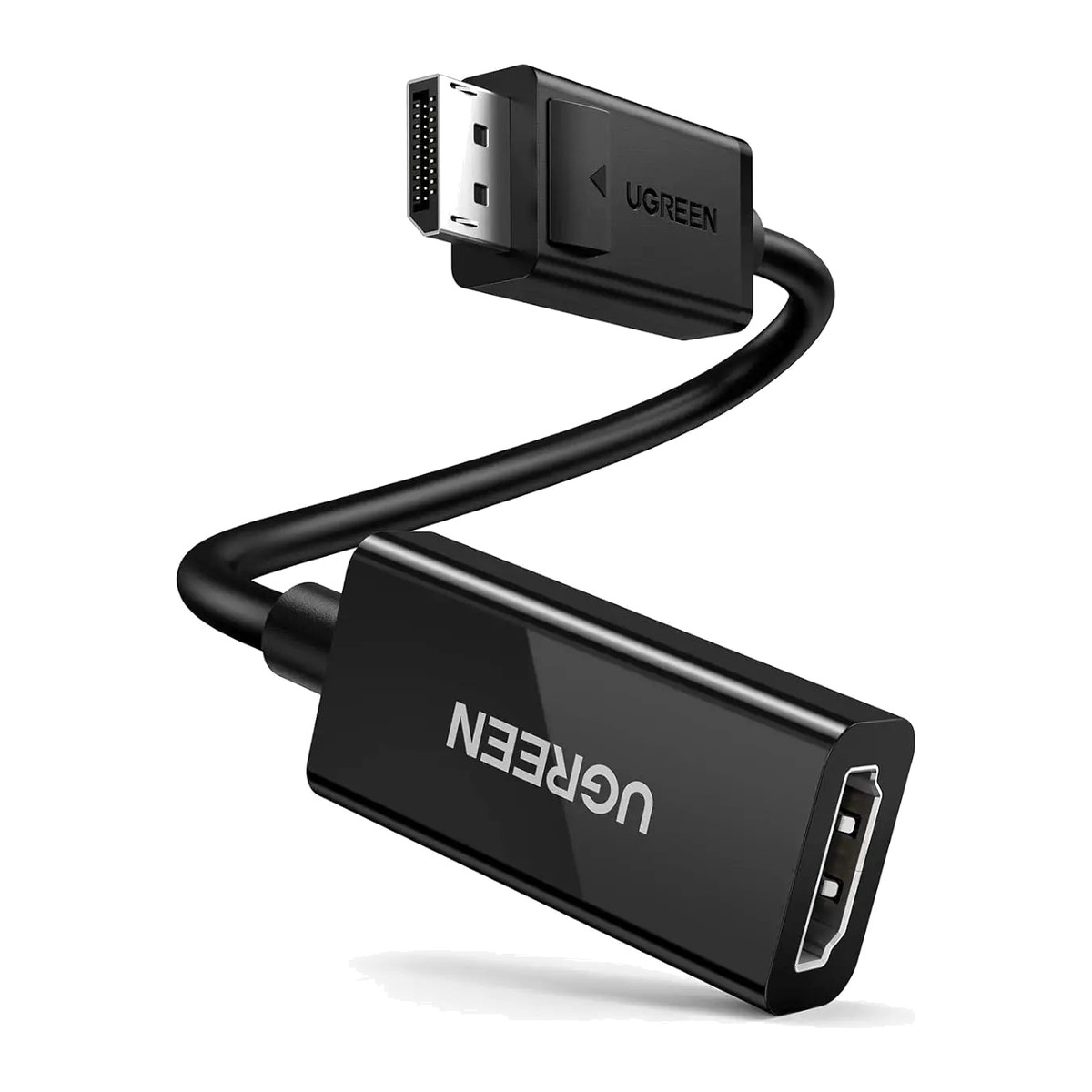
UGREEN 70694 DisplayPort to HDMI Adapter 4K@60Hz, DP Male to HDMI Female Converter, 25 cm
₹1,839 Incl. GST MRP ₹3,331 44% below MRP
₹1,558 + 18% GST
At a glance
- Maximum Resolution
- Up to 3840 × 2160 at 60 Hz with compatible equipment
- Length
- 25 cm
- Dimensions
- 11 × 11 × 1.7 cm
- Connector Finish
- Gold-plated connector surfaces
Connects a PC or graphics card with DisplayPort to an HDMI TV or monitor for sharp, smooth video. 4K at 60 Hz, 1440p at 120 Hz or 1080p at 144 Hz, latching DP plug on a 25 cm lead, one direction only.
- WarrantyManufacturer warranty under UGREEN's terms. Warranty claims
- DeliveryPrice, availability and delivery charges are confirmed in your quotation. Shipping and delivery
Overview
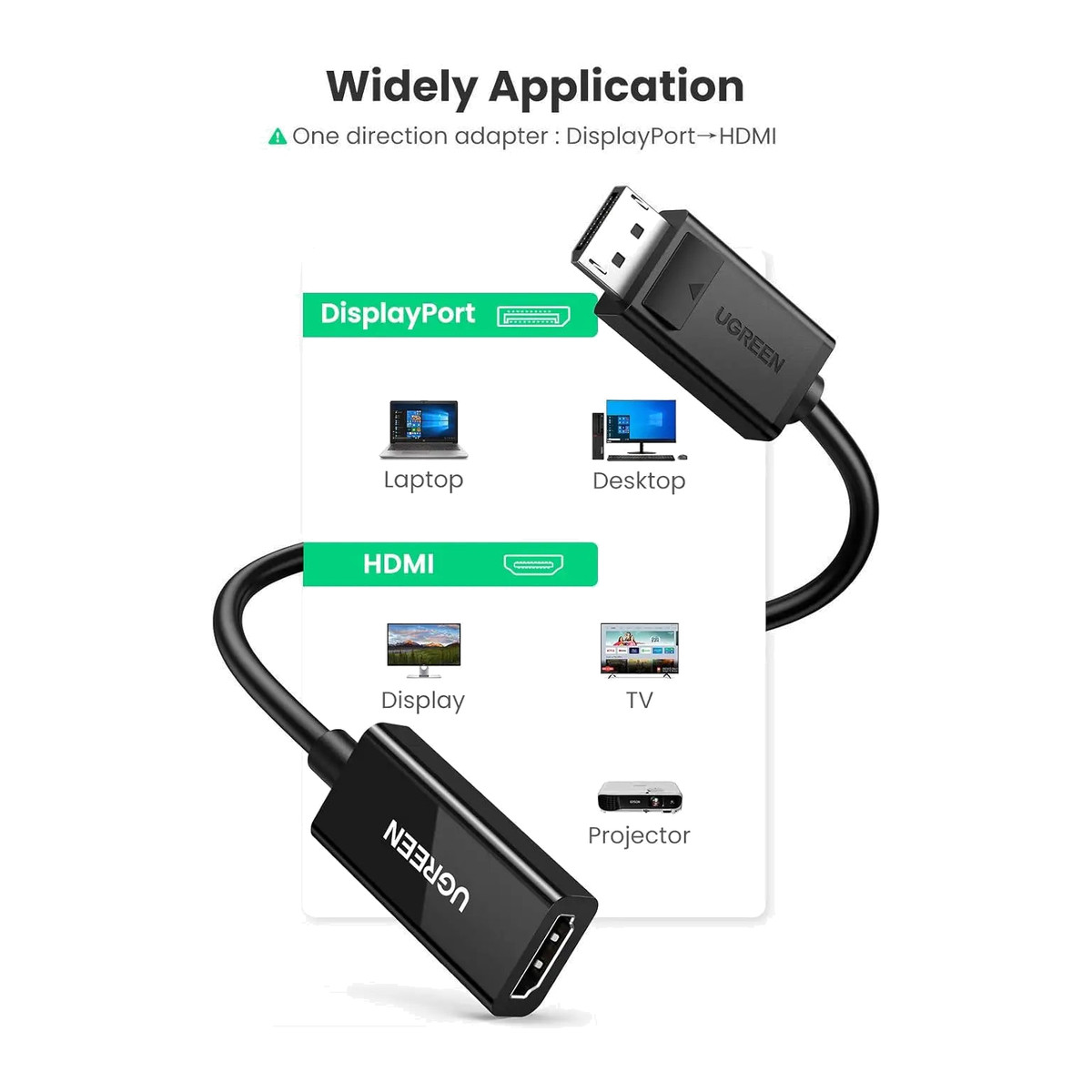
The UGREEN 70694 connects a PC, workstation or graphics card with full-size DisplayPort to an HDMI TV, monitor or projector at up to 4K at 60 Hz, with audio. It is a 25 cm adapter with a latching DisplayPort plug and an HDMI socket for your own HDMI cable, and it works in one direction only.
Is it right for you?
- Suits desktop PCs, workstations, business laptops, graphics cards and docking stations with a full-size DisplayPort output, and HDMI displays up to 4K.
- Also suits gaming monitors over HDMI: 1440p at up to 120 Hz and 1080p at up to 144 Hz.
- One direction only: DisplayPort source to HDMI display. Reverse HDMI-to-DisplayPort use is not supported.
- Not for Mini DisplayPort or USB-C ports.
Key features
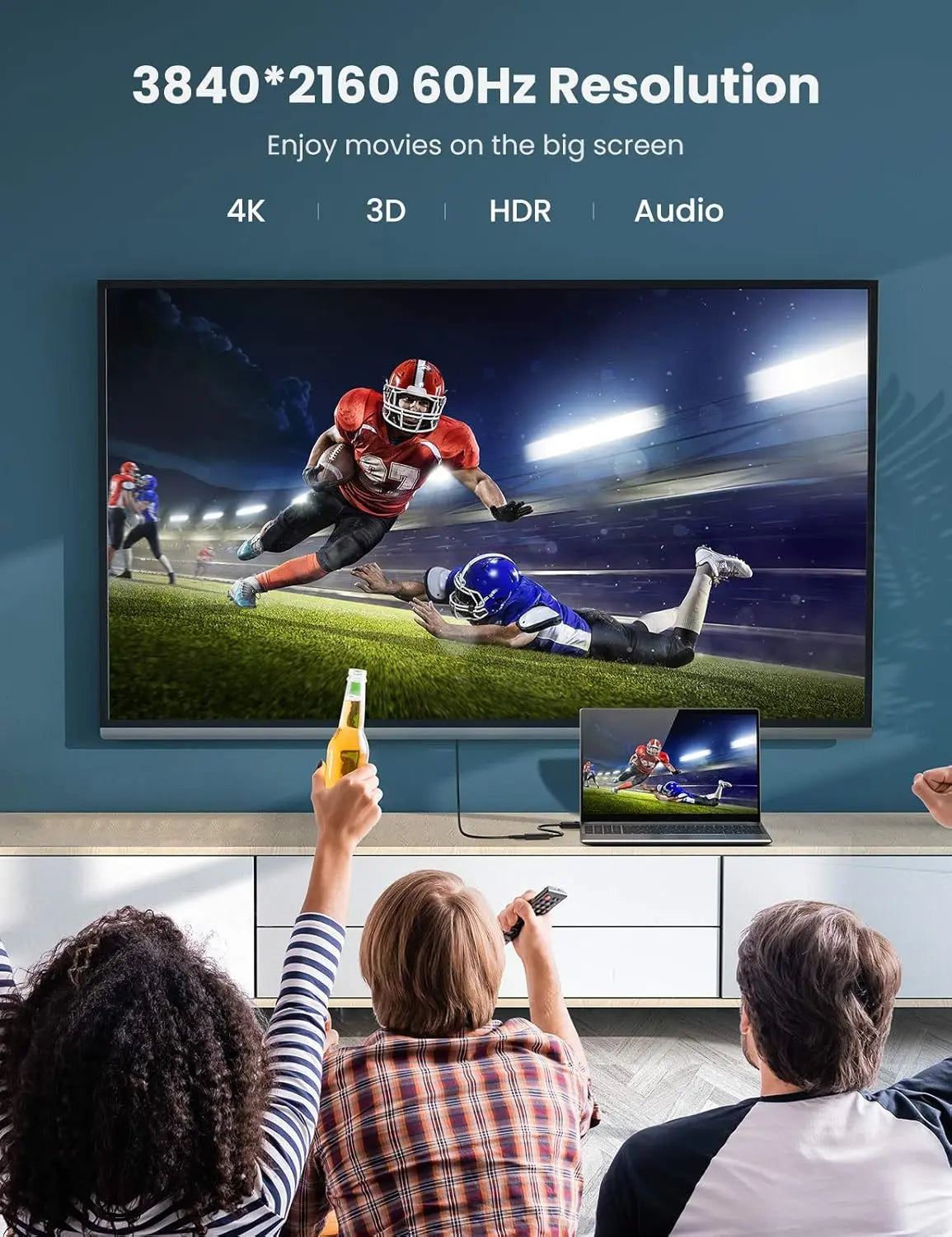
- Up to 3840 x 2160 at 60 Hz with compatible equipment, 2560 x 1440 at up to 120 Hz, and 1920 x 1080 at up to 144 Hz.
- Transmits compatible digital audio through HDMI when the DisplayPort source supplies it.
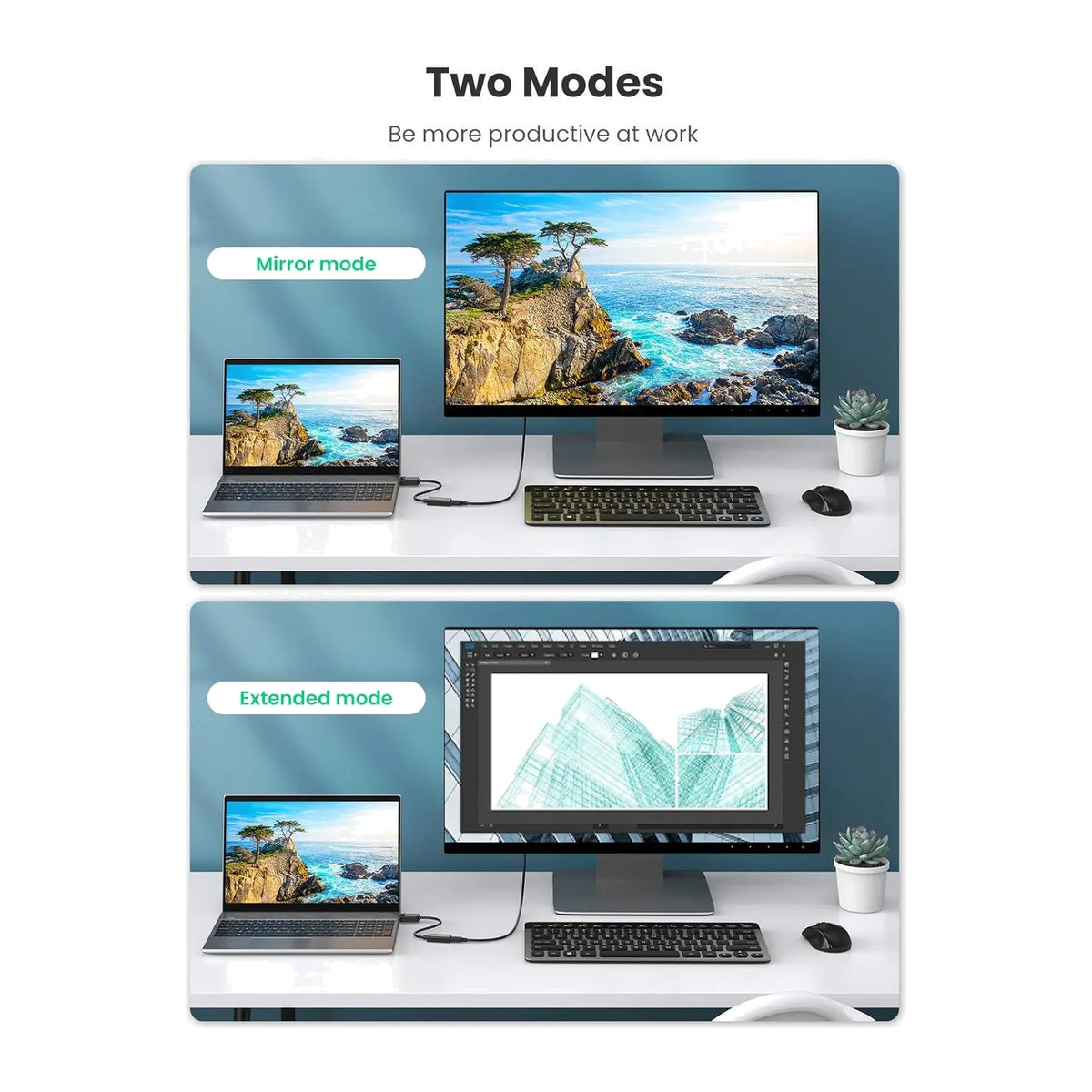
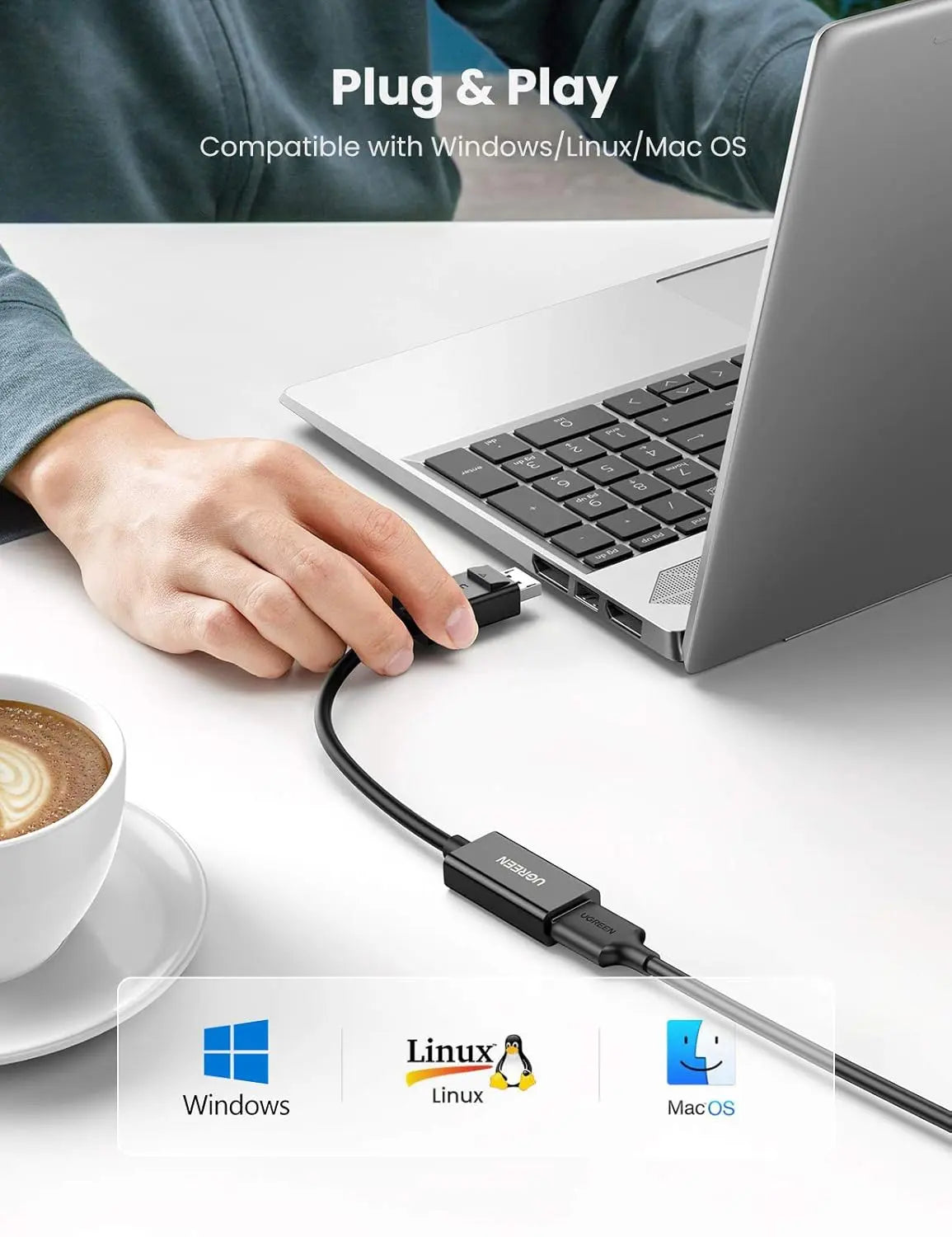
- Mirror and extended desktop modes on Windows, macOS and Linux, with no separate driver.
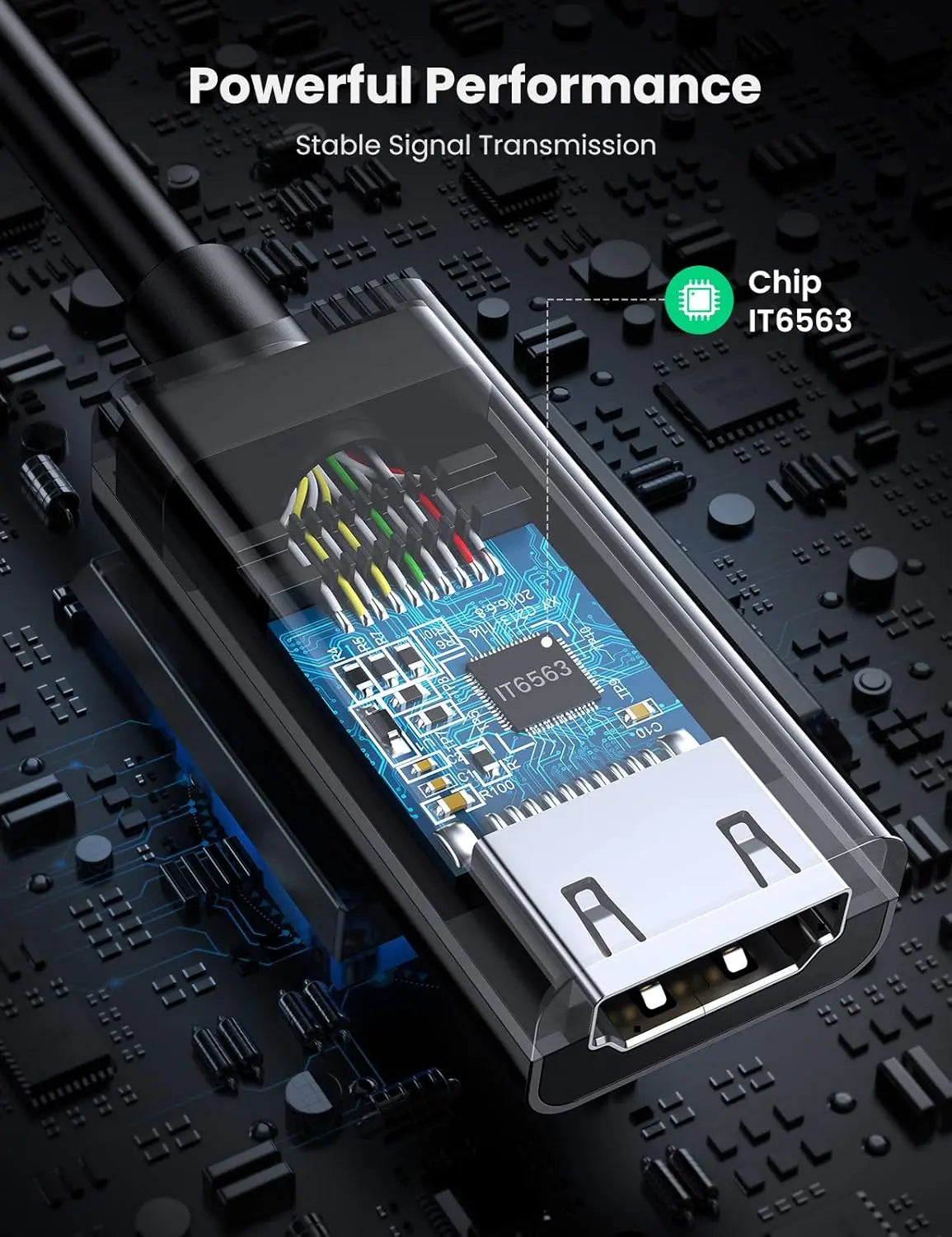
- Latching DisplayPort plug with release button, gold-plated contacts, tinned-copper conductors and foil plus braided shielding.
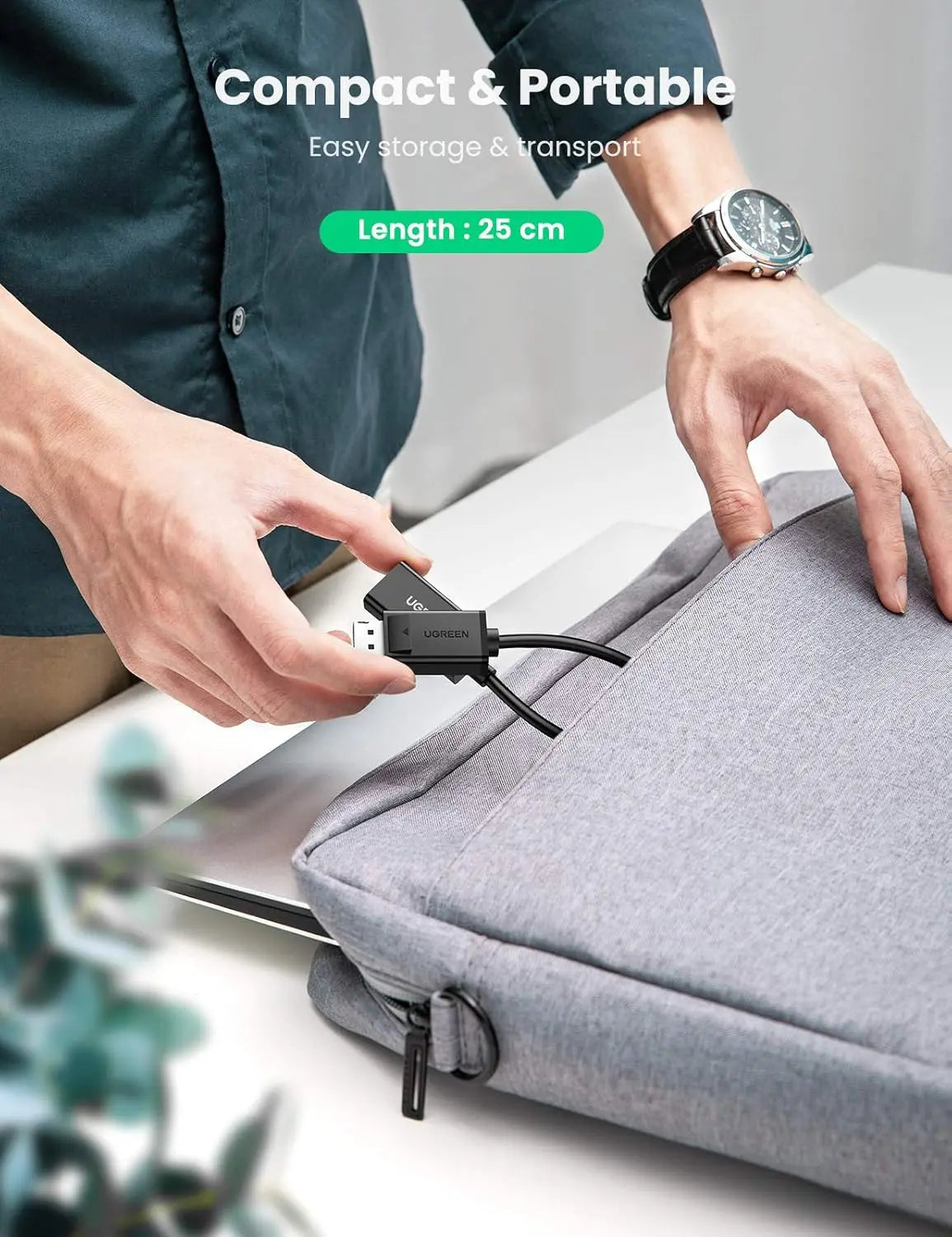
- Compact 25 cm design, black.
What else you need
A separate HDMI male-to-male cable from the adapter to the display; the HDMI cable is sold separately. For a complete 4K at 60 Hz connection, use an HDMI 2.0 or higher cable. The display must have an HDMI input and the source a full-size DisplayPort output.
Installation
Plug the DisplayPort end into the computer, connect the HDMI cable and select the HDMI input. For sound, select the HDMI display as the playback device, confirm the DisplayPort source supports audio and reconnect the adapter after changing audio settings. Press the DisplayPort release button before unplugging.
Before you buy
- 4K at 60 Hz needs compatible equipment throughout: source, adapter, HDMI 2.0 or higher cable and display.
- The adapter cannot raise the source’s maximum resolution or create audio the source does not supply.
- It connects one source to one display.
Technical specifications
Key facts
- What is it?
- Adapters & ConvertersBrand UGREEN, model 70694
- What is it used for?
- 4K monitors, televisions, projectors, office workstations, presentations, classrooms and home entertainment
- What comes in the box?
- UGREEN 70694 DisplayPort male to HDMI female adapter
- Which documents are available?
- Online specifications Open documents
- Product Type
- DisplayPort male to HDMI female video and audio converter adapter
- Input Connector
- Full-size DisplayPort male with retaining latch and release button
- Output Connector
- Standard HDMI Type-A female
- Signal Direction
- DisplayPort source to HDMI display only
- Reverse HDMI-to-DisplayPort Use
- Not supported
- Maximum Resolution
- Up to 3840 × 2160 at 60 Hz with compatible equipment
- QHD Support
- Up to 2560 × 1440 at 120 Hz
- Full HD Support
- Up to 1920 × 1080 at 144 Hz
- Audio Support
- Compatible digital audio through HDMI when supplied by the DisplayPort source
- Display Modes
- Mirror and extended desktop, depending on source hardware and operating system
- Driver Requirement
- Plug and play; no separate adapter driver normally required
- HDMI Cable
- Separate HDMI male-to-male cable required
- Recommended HDMI Cable
- HDMI 2.0-or-higher cable for a complete 4K@60Hz connection
- Adapter Length
- 25 cm
- Conductor Material
- Tinned-copper internal conductors
- Shielding
- Aluminium foil and braided shielding
- Connector Finish
- Gold-plated connector surfaces
- Housing Material
- ABS converter housing with durable PVC cable construction
- Colour
- Black
- Typical Compatible Sources
- Desktop PCs, workstations, business laptops, graphics cards and docking stations with full-size DisplayPort output
- Typical Compatible Displays
- HDMI televisions, monitors, projectors and compatible display equipment
- Typical Operating Systems
- Compatible Windows, macOS and Linux computers with supported DisplayPort hardware
- Typical use
- 4K monitors, televisions, projectors, office workstations, presentations, classrooms and home entertainment
- Ugreen 70694
- DisplayPort to HDMI 4K Adapter
- Dimensions
- 11 × 11 × 1.7 cm
- Material
- Acrylonitrile Butadiene Styrene
- Length
- 25 cm
- Connector type
- HDMI
- Weight
- 52 g
- Country of origin
- China
- Manufacturer
- UGREEN Group Limited
- Warranty
- Manufacturer warranty under UGREEN's terms. How claims work
Product attributes and shipping details
| Brand | UGREEN |
|---|
Downloads
Documentation
- UGREEN 70694 product pageOnline specifications · This model · ugreenindia.comView official page
Series documents can differ from your exact model. Report a wrong or missing file
Questions about this product
Does it support 4K at 60 Hz?
Yes, with a compatible DisplayPort source, an HDMI 2.0 or higher cable and a 4K 60 Hz display.
Does it carry sound?
Yes, when the DisplayPort source supplies audio. Select the HDMI display as the playback device.
Is an HDMI cable included?
No. The HDMI cable is sold separately.
Can I use it from an HDMI laptop to a DisplayPort monitor?
No. It works from a DisplayPort source to an HDMI display only.
How do I unplug it safely?
Press the release button on the DisplayPort plug before pulling it out.
Ask about this modelSetup, compatibility, what is in the box
Answers are automated. Do not enter personal or account details.
Looking for an alternative?
We list alternatives only when we have checked they suit the same job. Compare other models in the category, or ask us to suggest one for your site.