
Adapters and Converters
Adapters and converters join mismatched ports between laptops, cameras, monitors and projectors. Many video adapters work in one direction only, for example from a DisplayPort source to an HDMI display, so check the direction first, then the maximum resolution and refresh rate, and for USB adapters the data rate and current rating.
All products
-
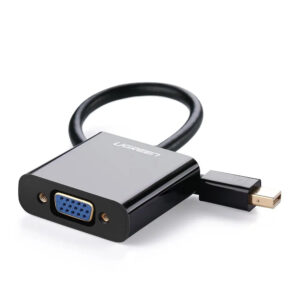
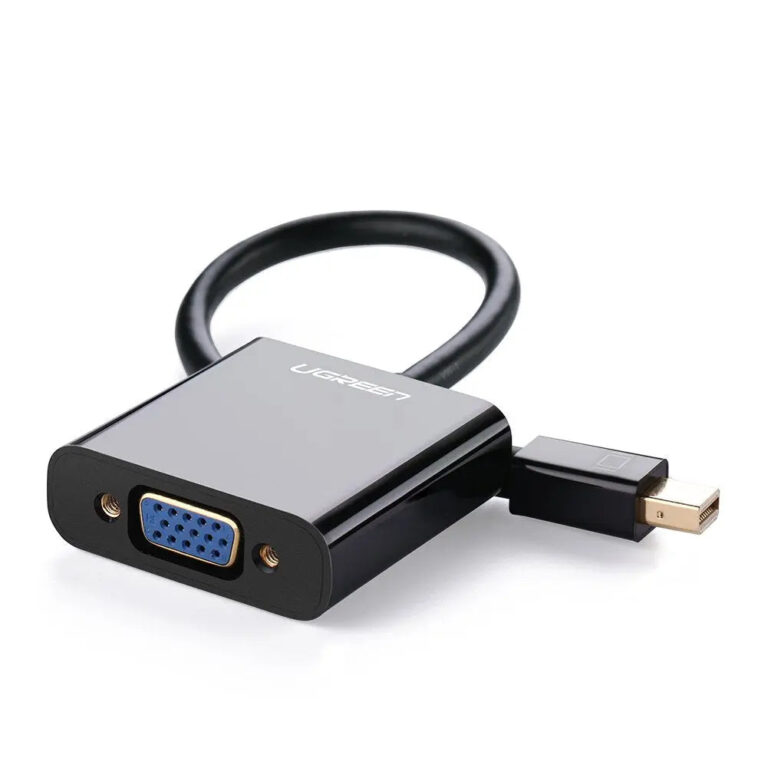 UGREENModel 10437
Mini DisplayPort to VGA Adapter, 1080p
- Connector type
- VGA
- Maximum video
- 1080p
₹1,259 Incl. GST MRP₹1,49916% below MRP -
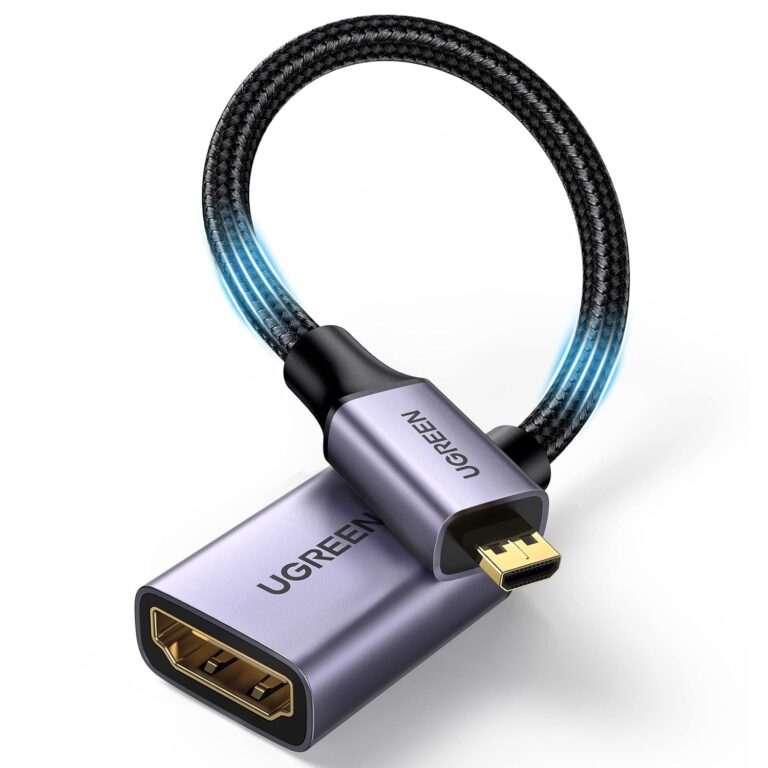 UGREENModel 10553
Micro HDMI to HDMI 2.0 Adapter, 4K 60 Hz, 25 cm
- Connector A
- Micro HDMI Type-D male
- Length
- 0.25 m / 25 cm
₹789 Incl. GST MRP₹1,21935% below MRP -
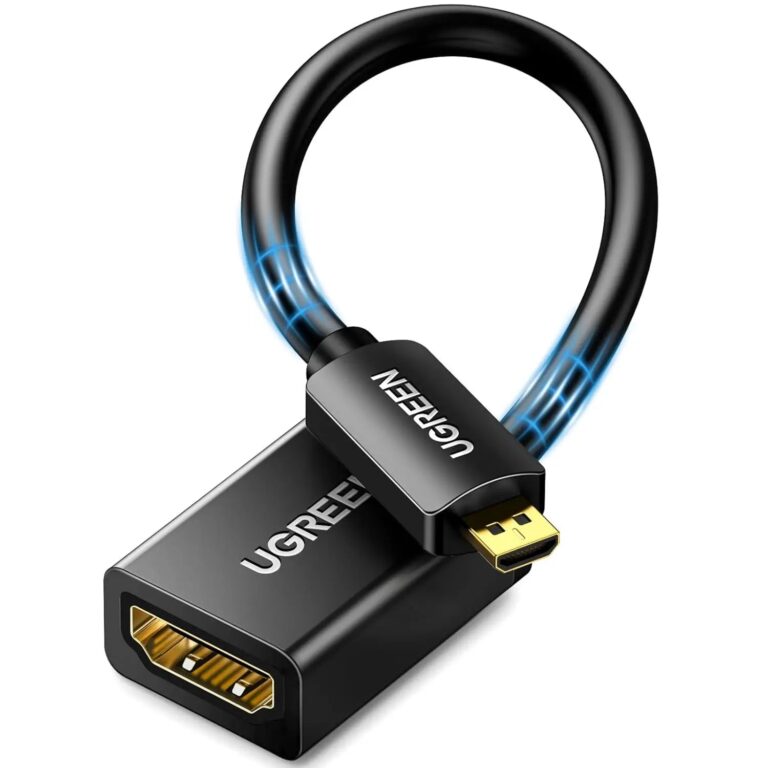 UGREENModel 20134
20 cm Micro HDMI Type-D to HDMI Female Adapter, 4K60
- Connector type
- HDMI
- Length / form
- Approximately 20 cm
₹459 Incl. GST MRP₹1,10958% below MRP -
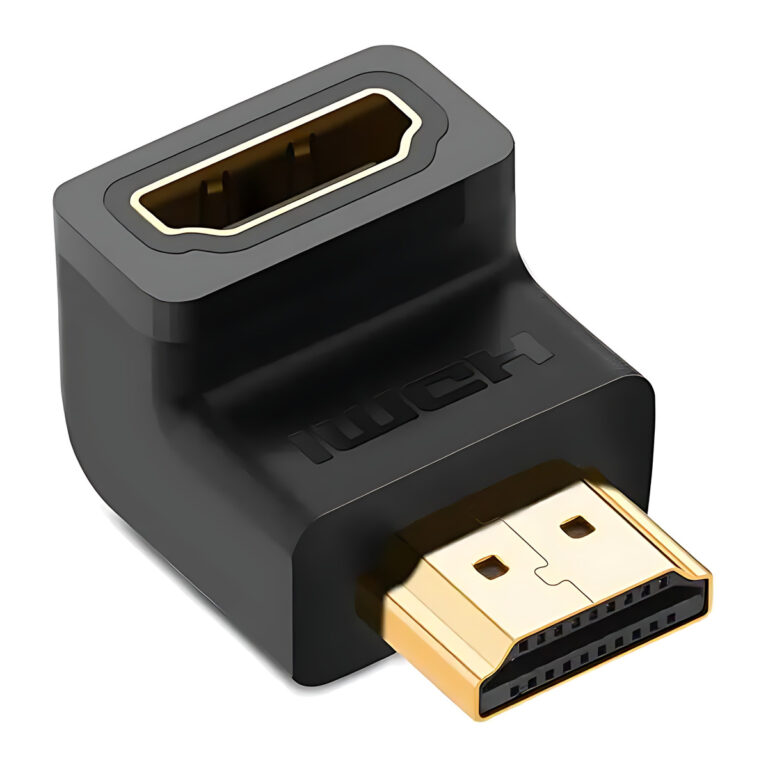 UGREENModel 20109
90° Down-Angle HDMI Adapter, 4K
- Connector A
- Full-size HDMI male
- Connector B
- Full-size HDMI female
₹443 Incl. GST MRP₹1,10960% below MRP -
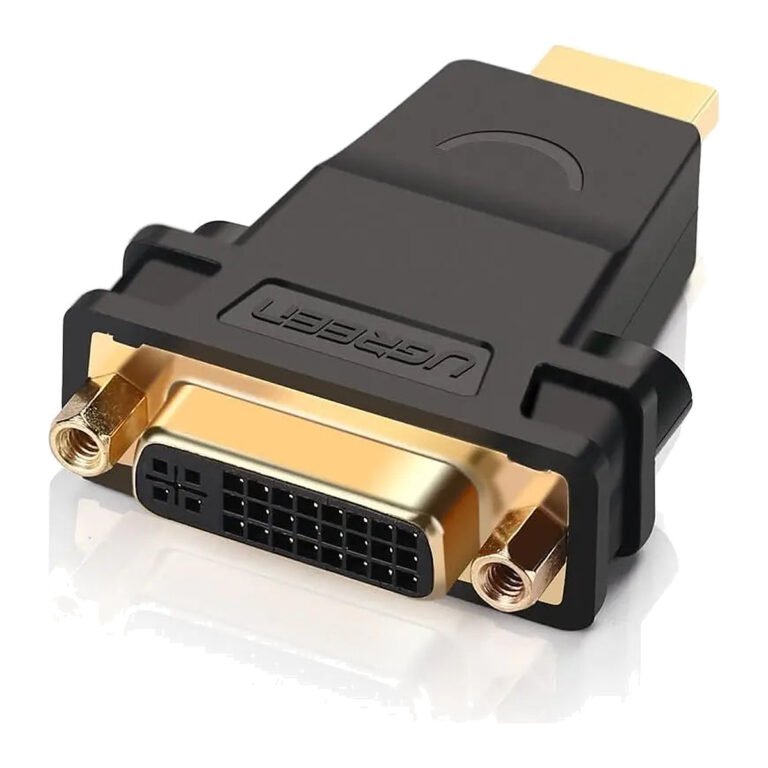 UGREENModel 20123
HDMI Male to DVI-I Female Adapter, 1080p
- Connector A
- HDMI Type-A male
- Connector B
- DVI-I 24+5 female
₹369 Incl. GST MRP₹60939% below MRP -
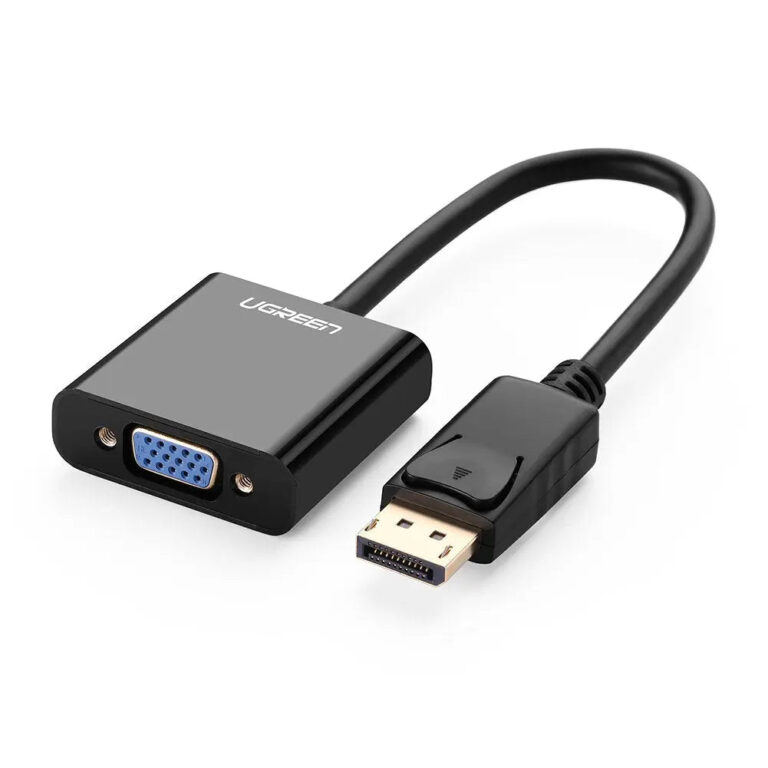 UGREENModel 20415
DisplayPort to VGA Adapter, DP Male to VGA Female, 1080p 60 Hz
- Connector type
- VGA
- Input
- DisplayPort male
- Output
- VGA female
₹1,063 Incl. GST MRP₹2,22052% below MRP -
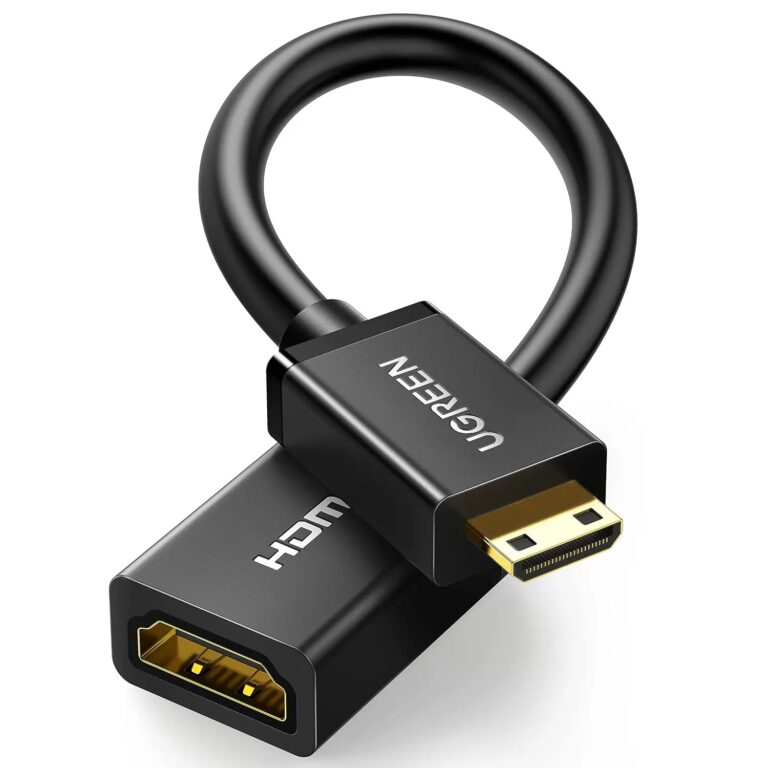 UGREENModel 20137
22 cm Mini HDMI to HDMI Female Adapter, 4K60
- Connector type
- HDMI, Ethernet
- Length / form
- Approximately 22 cm
₹939 Incl. GST MRP₹2,55463% below MRP -
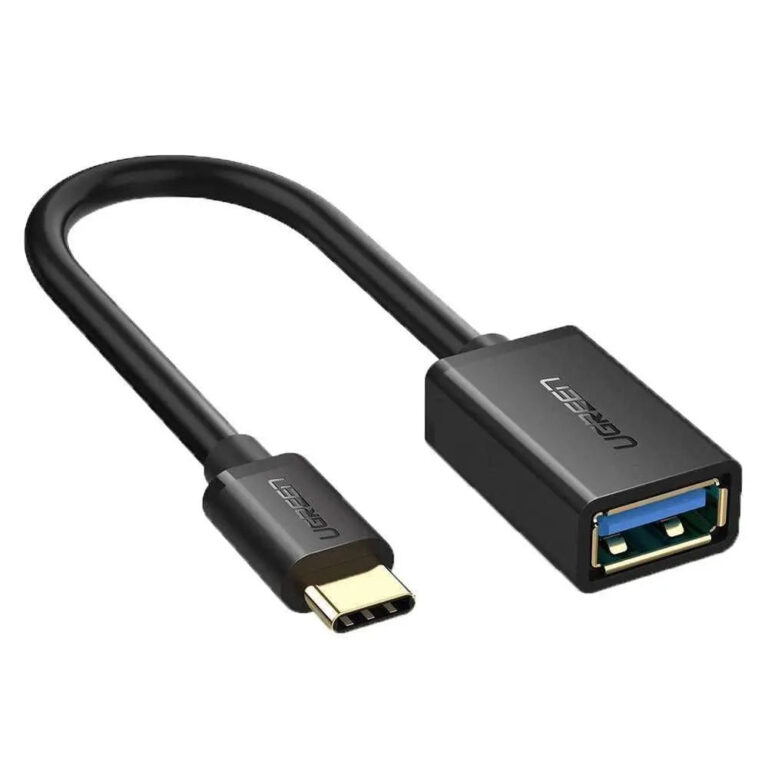 UGREENModel 30701
USB-C to USB-A 3.0 OTG Adapter
- Connector type
- USB
₹427 Incl. GST MRP₹1,10961% below MRP -
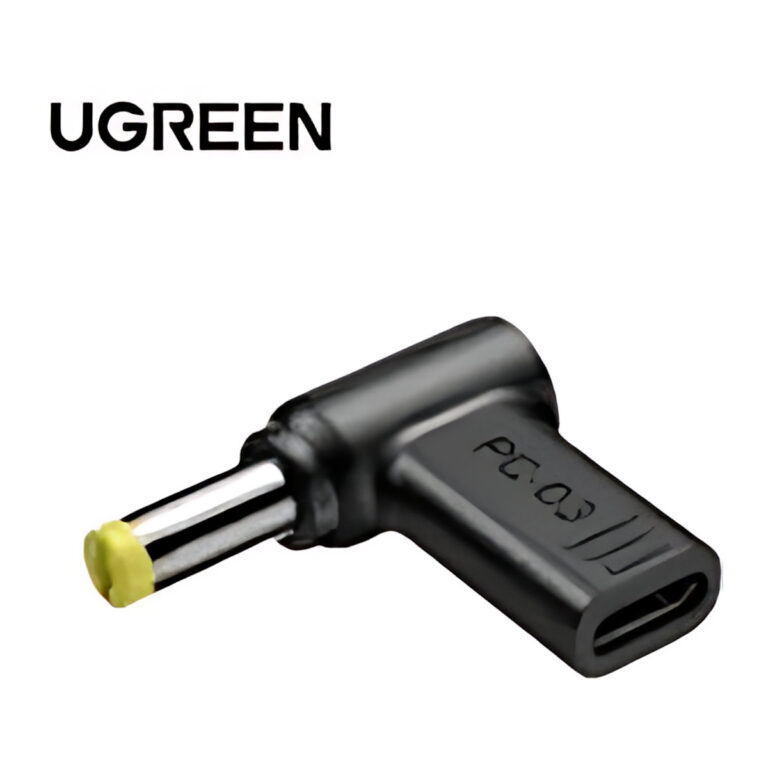 UGREENModel X377
USB-C Female to DC 5.5 x 1.7 mm Adapter for Acer Laptops
- Input
- USB-C female
- Output
- DC 5.5 x 1.7 mm male
₹649 Incl. GST MRP₹1,10941% below MRP -
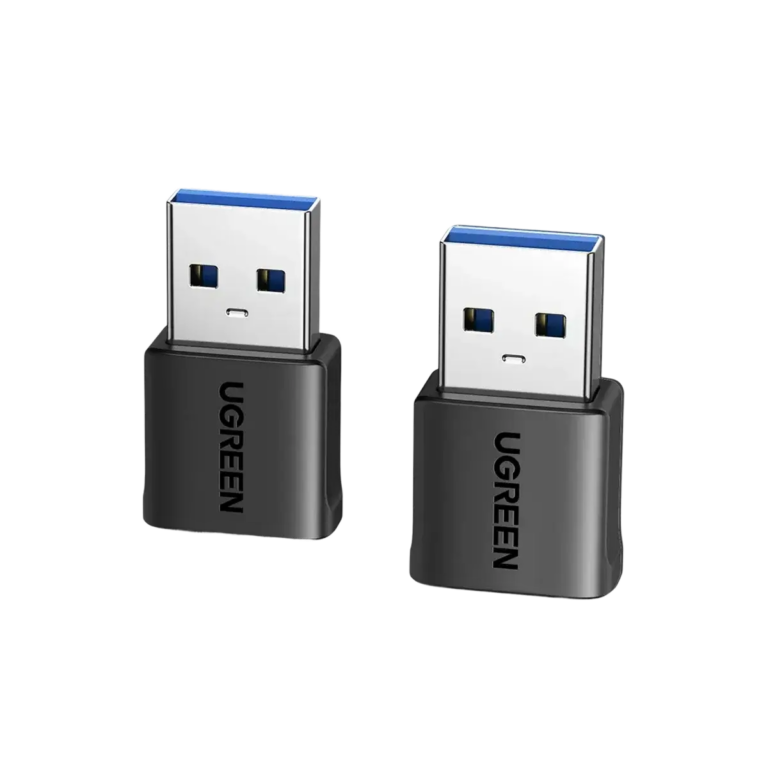 UGREENModel 45275
USB-A Male to USB-C Female Adapter, 10 Gbps Data, 3 A Charging
- Connector 1
- USB-A Male
- Data Transfer Speed
- Up to 10 Gbps
- Charging Support
- Up to 3 A charging
₹559 Incl. GST -
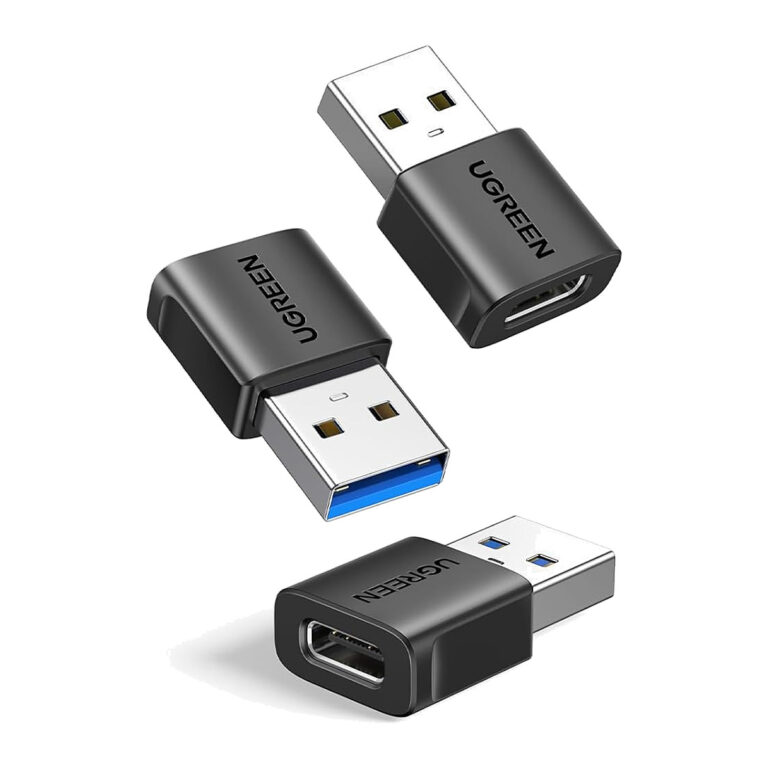 UGREENModel 45299
USB-A to USB-C Adapter, 3 Pack, 10 Gbps, Charge and Sync
- Output
- 10 Gbps
- Pack Quantity
- 3 adapters
₹719 Incl. GST MRP₹1,66556% below MRPPack of 3 -
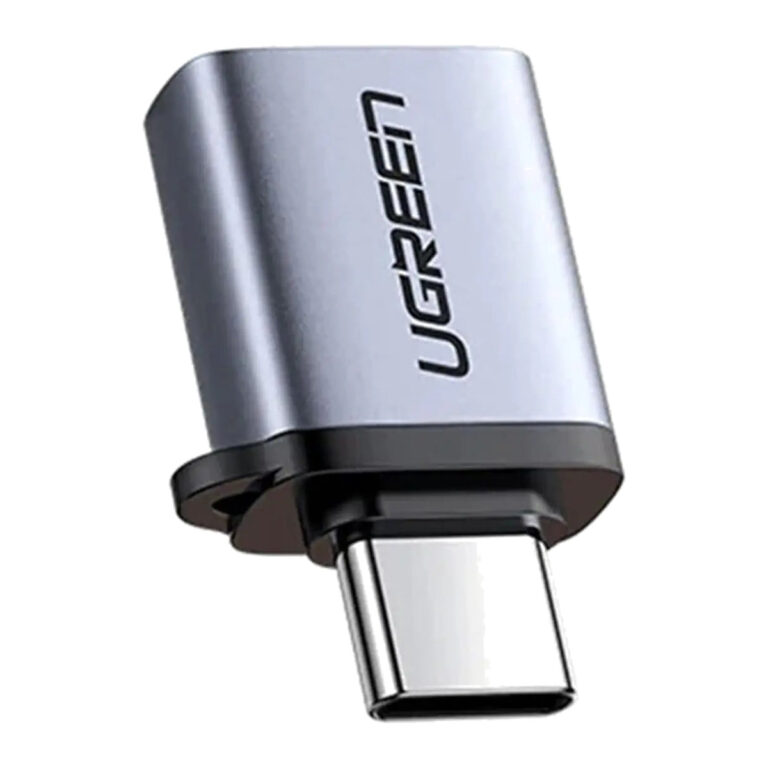 UGREENModel 50283
USB-C to USB-A 3.0 OTG Adapter with Lanyard, 5 Gbps, Space Grey
- Connector type
- USB Type C
- Data Transfer
- Up to 5 Gbps
- Colour
- Space Grey
₹387 Incl. GST MRP₹88756% below MRP -
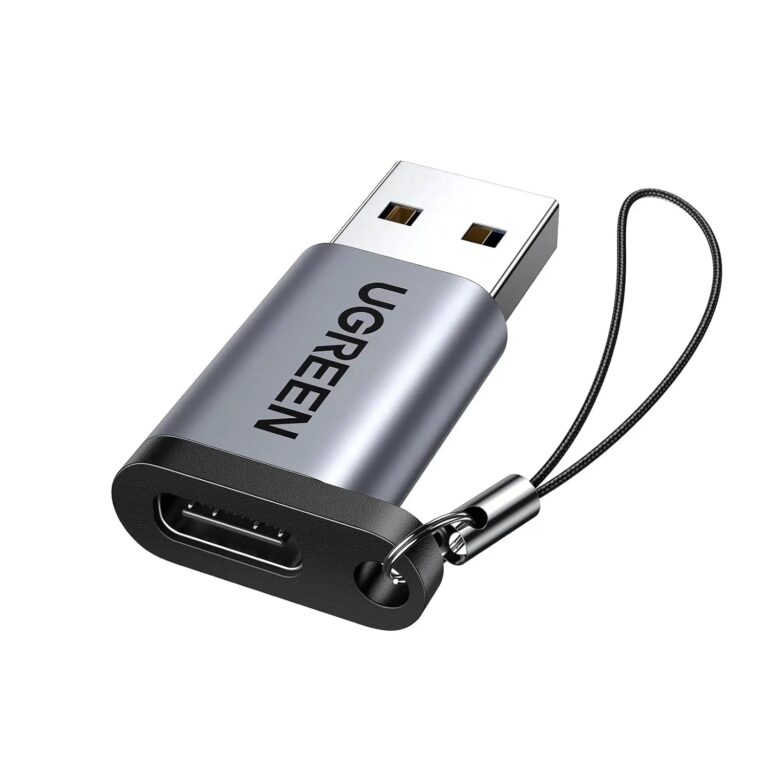 UGREENModel 50533
USB-A Male to USB-C Female Adapter, USB 3.0, 3 A, Aluminium
- Connector type
- USB Type C, USB 3.0
- Connector gender
- Male-to-Female
- Colour
- Grey
₹603 Incl. GST MRP₹1,77666% below MRP -
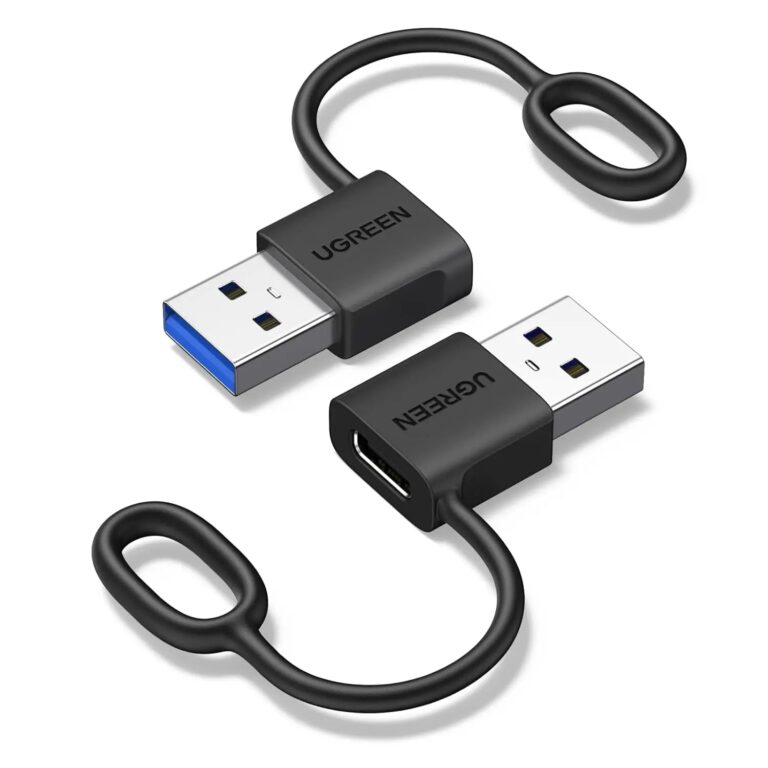 UGREENModel 65332
USB-A to USB-C Adapter, 2 Pack, 10 Gbps, Anti-Lost Ring
- Charging
- Up to 18 W
- Pack Quantity
- 2 adapters
- Accessory
- Anti-lost silicone ring
₹659 Incl. GST MRP₹88725% below MRPPack of 2 -
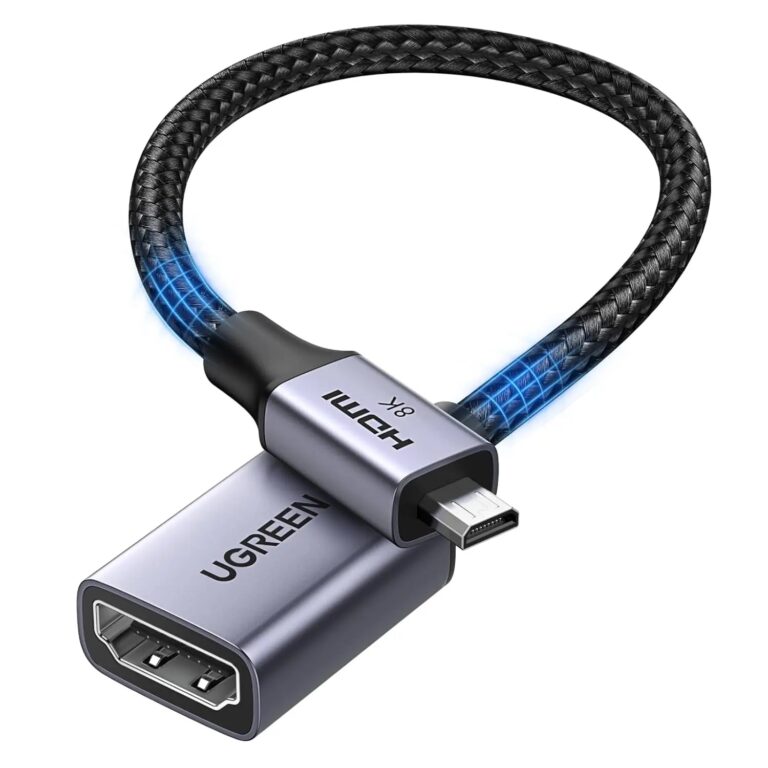 UGREENModel 65593
Micro HDMI to HDMI 2.1 Adapter, 8K at 60 Hz, 4K at 240 Hz
- Maximum Resolution
- 8K at 60 Hz
- Bandwidth
- 48 Gbps
₹949 Incl. GST MRP₹4,79780% below MRP -
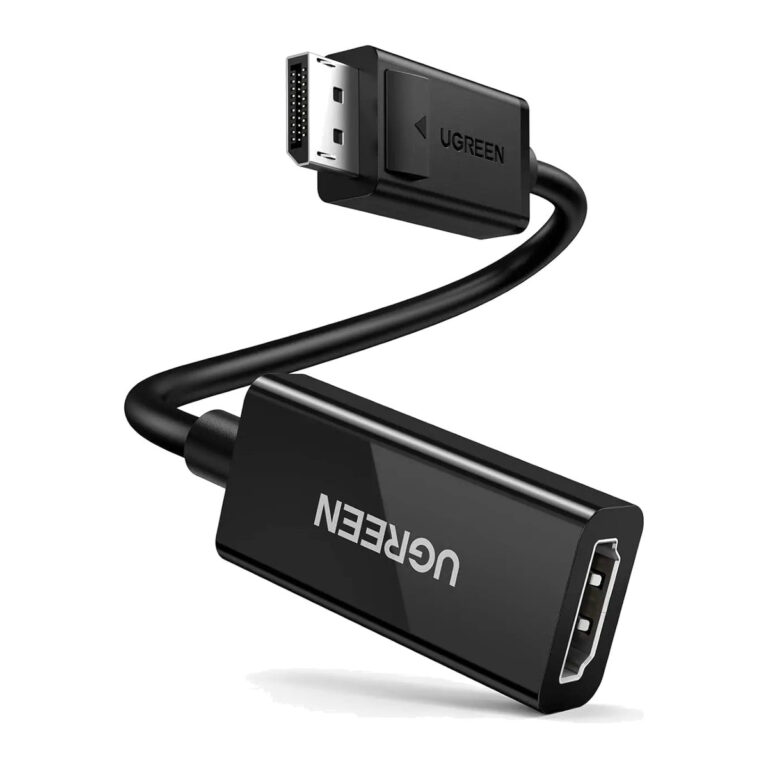 UGREENModel 70694
DisplayPort to HDMI Adapter 4K@60Hz, DP Male to HDMI Female Converter, 25 cm
- Connector type
- HDMI
- Length
- 25 cm
₹1,839 Incl. GST MRP₹3,33144% below MRP -
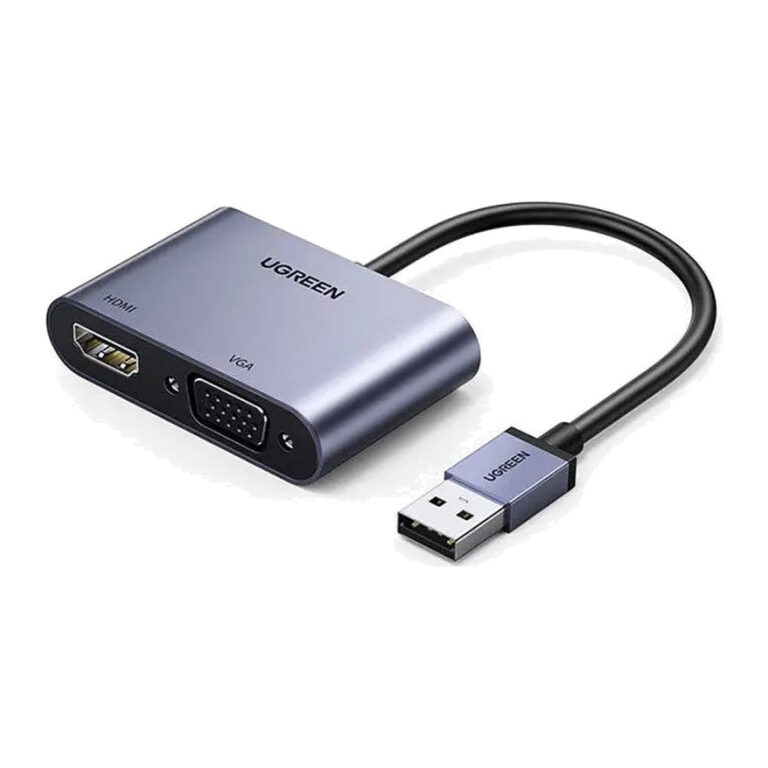 UGREENModel 20518
CM449 USB 3.0 to HDMI and VGA Display Adapter
- Connector type
- USB
- Length
- 15 cm
₹3,389 Incl. GST MRP₹8,88661% below MRP -
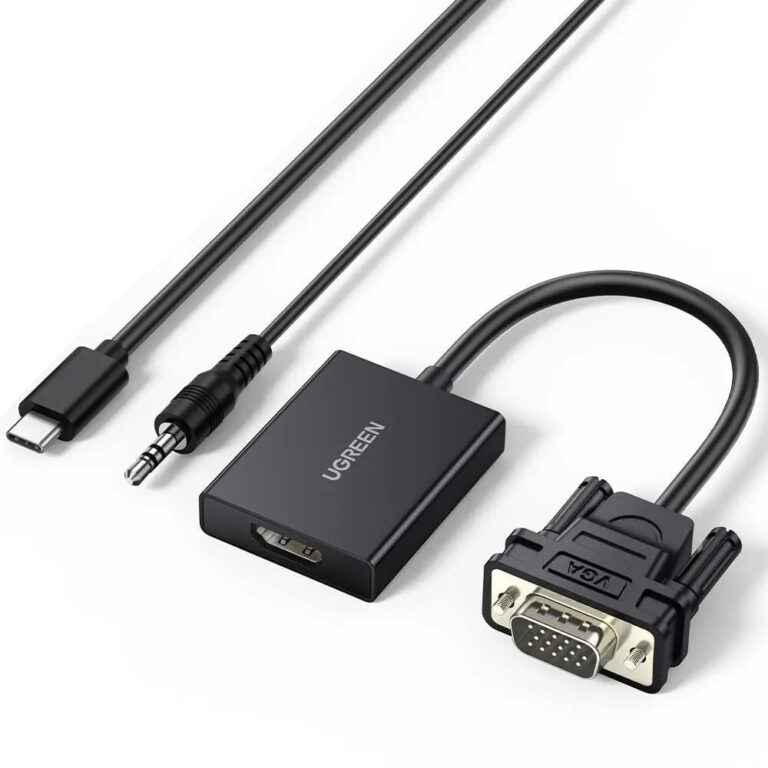 UGREENModel 50945
CM513 VGA to HDMI Converter with Audio, 1080p@60Hz
- Connector type
- HDMI
- Video input
- VGA male
₹1,333 Incl. GST MRP₹2,22039% below MRP -
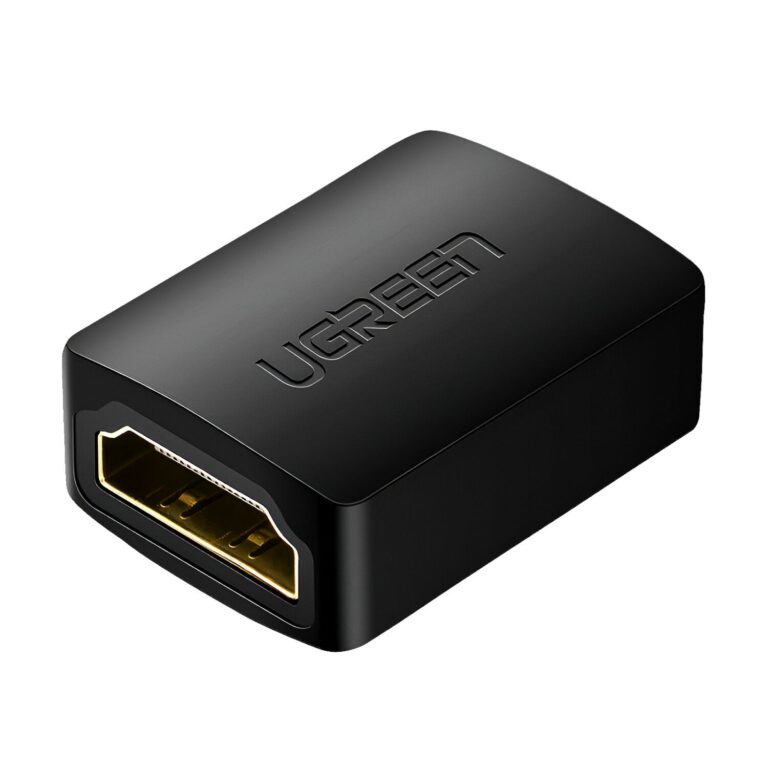 UGREENModel 20107
HDMI Female-to-Female Coupler 1-Pack, 4K60
₹419 Incl. GST MRP₹1,10962% below MRP -
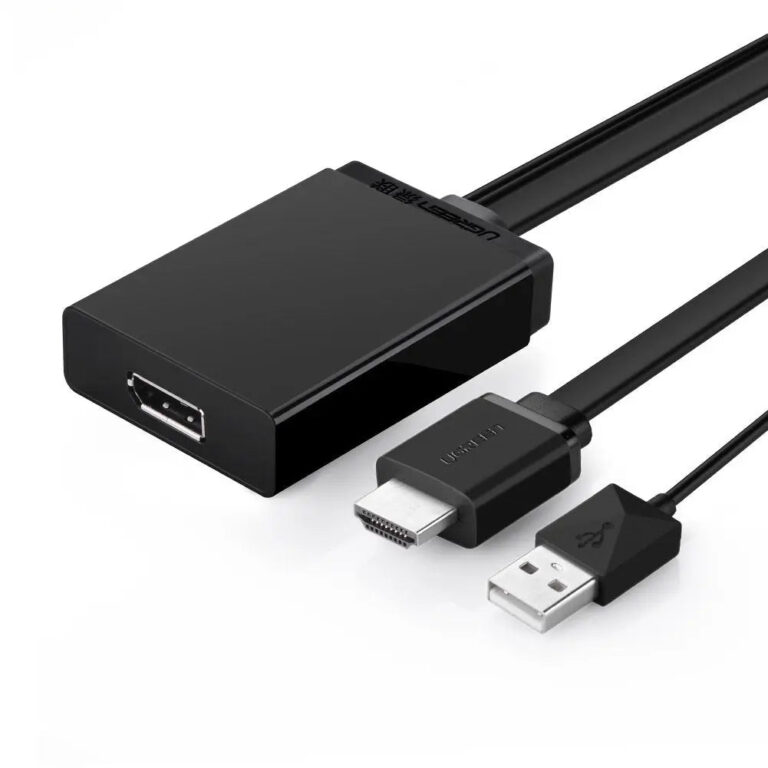 UGREENModel 40238
HDMI to DisplayPort Active Adapter, 4K 30 Hz
- Connector type
- hdmi+usb
- Maximum resolution
- 4K at 30 Hz
- Length
- 0.5 m
₹4,089 Incl. GST MRP₹8,88653% below MRP -
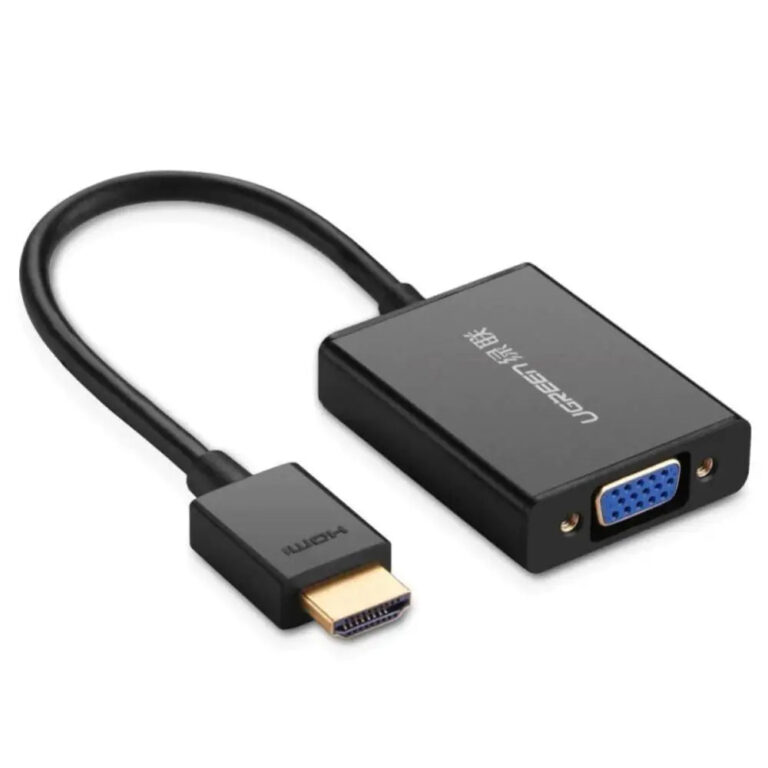 UGREENModel 40233
HDMI to VGA Adapter with 3.5 mm Audio
- Connector type
- USB
- Maximum resolution
- 1920 × 1080 at 60 Hz
₹1,289 Incl. GST MRP₹2,22041% below MRP -
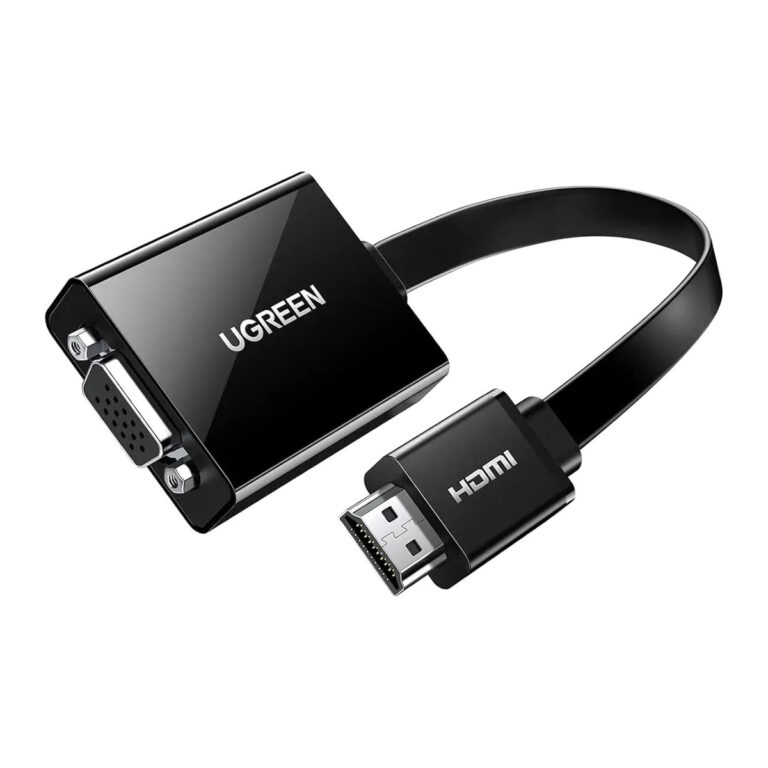 UGREENModel 40248
HDMI to VGA Adapter with Audio and Micro-USB Power
- Connector type
- HDMI
- Audio output
- 3.5 mm stereo female
- Auxiliary power input
- Micro-USB
₹1,572 Incl. GST MRP₹2,22029% below MRP -
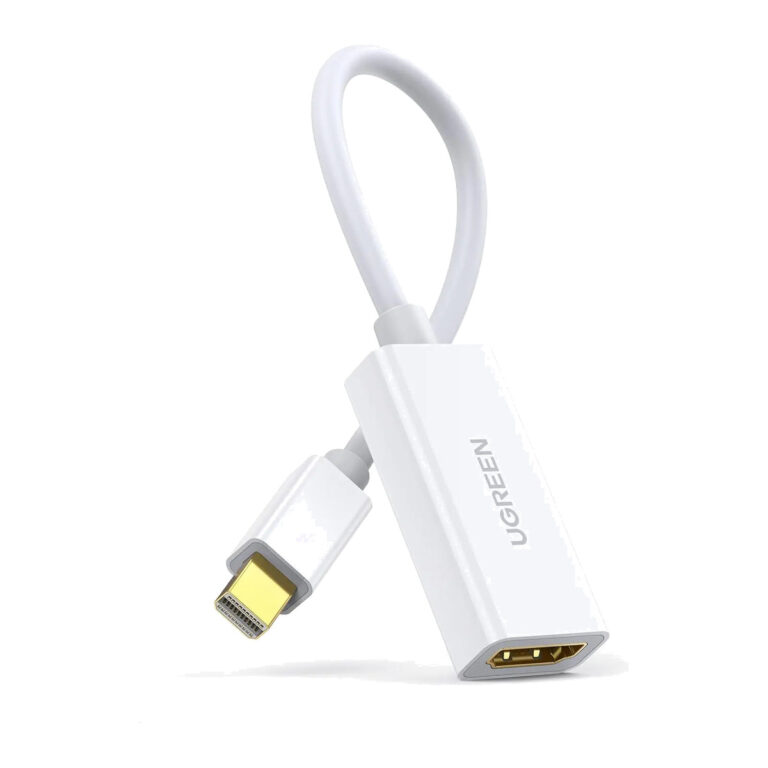 UGREENModel 10460
MD112 Mini DisplayPort to HDMI Adapter, 1080p60
- Connector type
- DisplayPort
- Display connector
- HDMI Type-A female
- Approximate length
- Approximately 25 cm
₹1,399 Incl. GST MRP₹2,22036% below MRP -
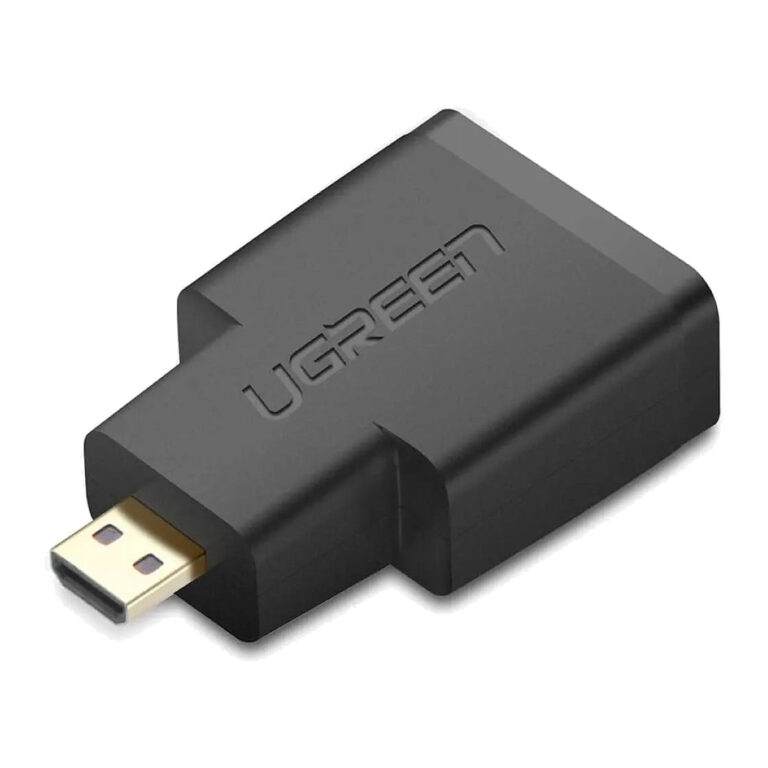 UGREENModel 20106
Micro HDMI Type-D to HDMI Female Adapter, 1440p
- Connector type
- HDMI, Micro HDMI
- Compact connector
- Micro HDMI Type-D male
- Maximum mode
- Up to 1440p and 1080p
₹477 Incl. GST MRP₹1,10956% below MRP
How to choose a display or USB adapter
- Direction: many video adapters work one way only. A DisplayPort to HDMI adapter takes a signal from a DP output to an HDMI screen, not the reverse.
- Resolution and refresh rate: check the figure in the product name, such as 1080p60, 4K60 or 8K60, against your monitor or TV.
- Active or passive: active converters handle setups where the source cannot output the target signal directly, such as some multi-monitor graphics cards.
- Analogue VGA: VGA carries no audio, so HDMI to VGA models with a 3.5 mm audio output help with projectors that use separate speakers.
- USB speed: USB-C to USB-A adapters range from 5Gbps to 10Gbps, and the higher rating suits external SSDs.
If you need several ports at once, a USB-C hub or dock is often tidier than stacking adapters. Full-length leads are under HDMI and display cables.
Need help choosing?
Tell us what it is for and where it goes, and we suggest models. Have a list of models and quantities? Request a quote.