
At a glance
- Maximum Resolution
- 4K (3840 x 2160) at 60 Hz
- Power
- USB-C 5 V 1 A, cable included
- Dimensions
- 51 × 51 × 13.5 mm
- DisplayPort Version
- 1.2
In the box
- DisplayPort switch
- USB-C power cable
 Model CM430
UGREEN 60622 CM430 DisplayPort Switch, 2 In 1 Out, Bi-Directional, 4K at 60 Hz
₹1,869 Incl. GST MRP ₹4,442 57% below MRP
₹1,584 + 18% GST
At a glance
- Maximum Resolution
- 4K (3840 x 2160) at 60 Hz
- Power
- USB-C 5 V 1 A, cable included
- Dimensions
- 51 × 51 × 13.5 mm
- DisplayPort Version
- 1.2
Lets two computers share one DisplayPort monitor, or one computer switch between two monitors, one at a time. Works in both directions, DisplayPort 1.2, up to 4K at 60 Hz.
Out of stock
- WarrantyManufacturer warranty under UGREEN's terms. Warranty claims
- DeliveryPrice, availability and delivery charges are confirmed in your quotation. Shipping and delivery
Overview
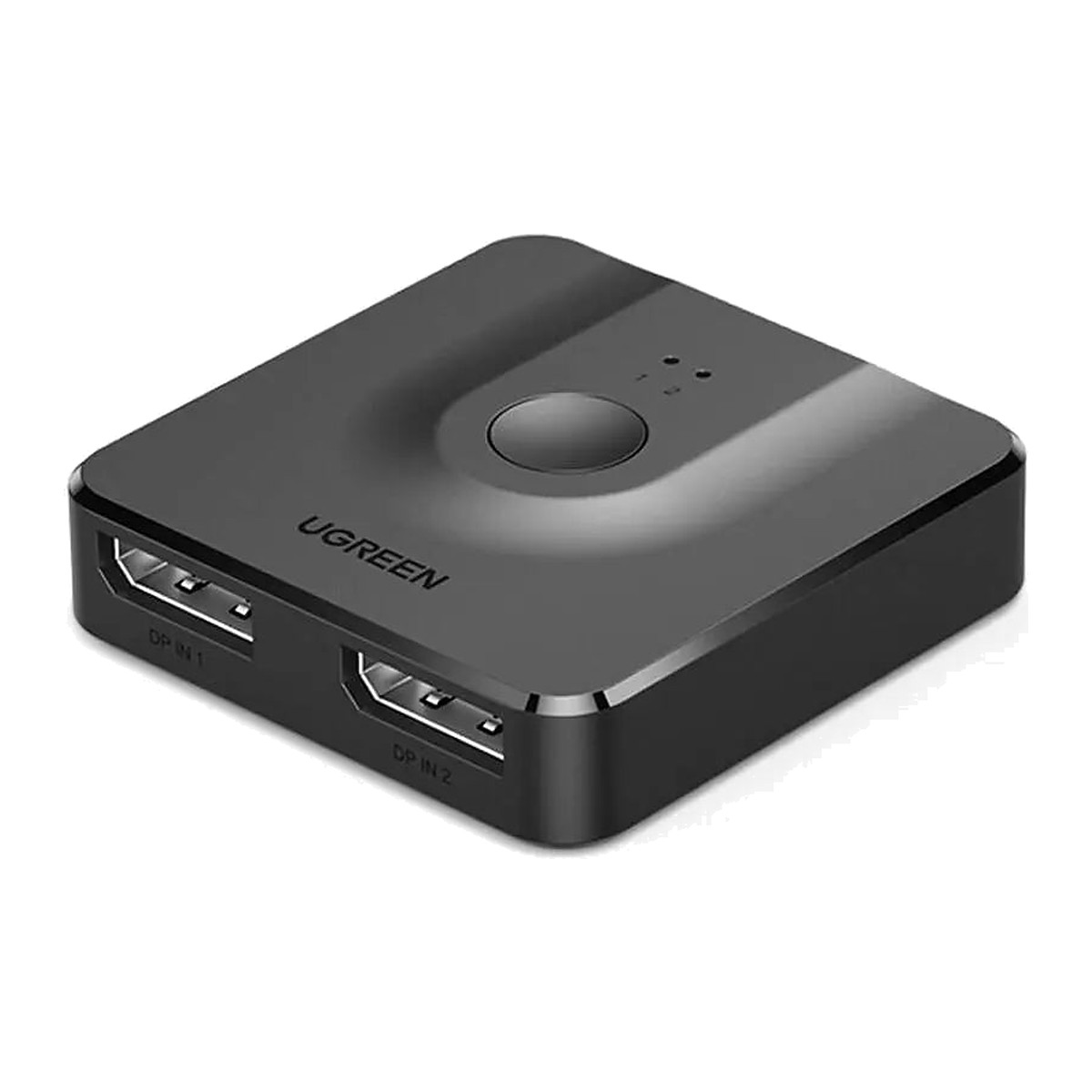
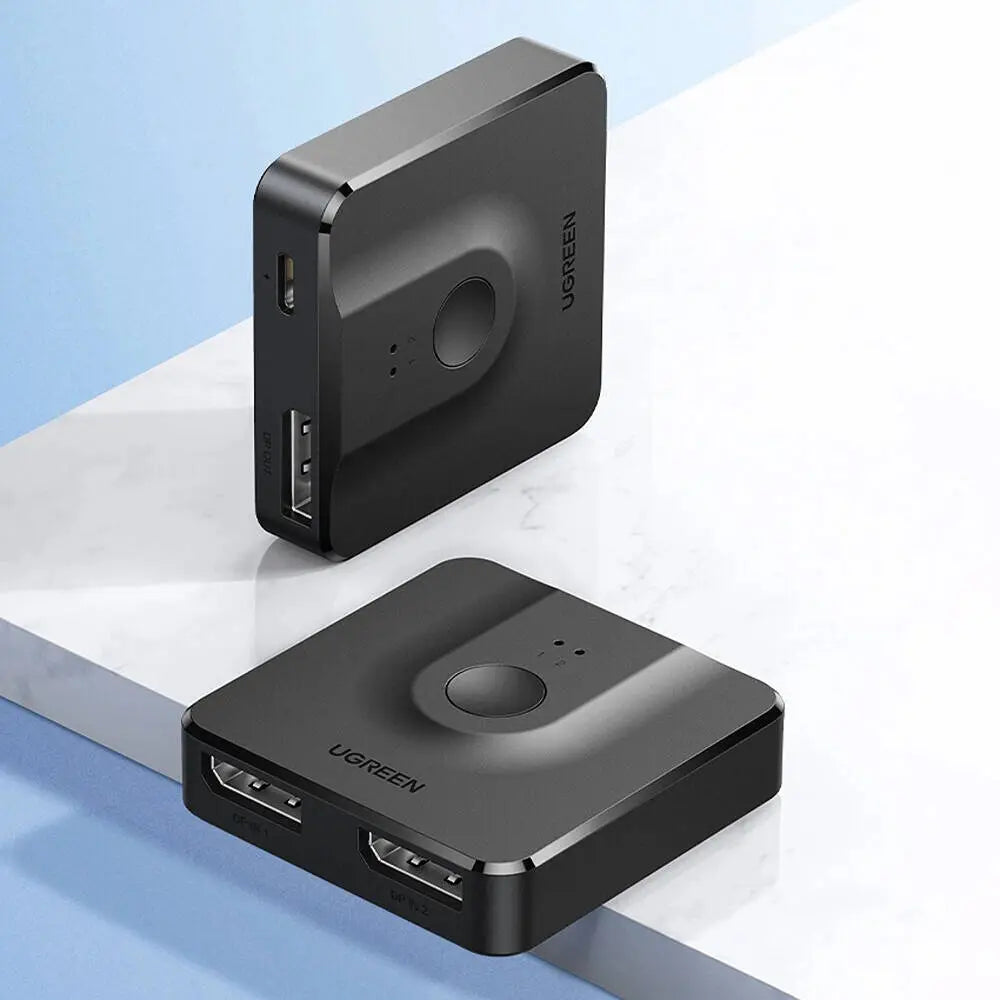
The UGREEN 60622 (model CM430) is a small DisplayPort switch that works in either direction. Connect two computers to it and share one DisplayPort monitor, pressing a button to choose which one shows, or connect one computer and send its picture to either of two monitors. It suits a desk where a laptop on a dock and a desktop PC share one screen, and it needs no drivers.
Is it right for you?
- Suits two DisplayPort sources, for example a laptop dock and a desktop graphics card, sharing one DisplayPort monitor, or one source switched between two monitors.
- It shows one path at a time. In the one-in, two-out direction only one monitor is active, so it does not mirror or extend a desktop across both screens.
- It switches video only, not a keyboard or mouse. If you want the keyboard and mouse to follow the screen, a KVM (keyboard, video and mouse) switch suits better.
- It is a DisplayPort 1.2 device, so 4K at 60 Hz is the ceiling; it suits 4K at 60 Hz and 1080p monitors.
Key features
- Two modes: two inputs to one output, or one input switched to either of two outputs.
- DisplayPort 1.2 with up to 4K (3840 x 2160) at 60 Hz, and 1080p at 60 Hz.
- HDR passes through, with HDCP (High-bandwidth Digital Content Protection) 2.2 and 1.4, so protected video plays when the rest of the chain supports it.
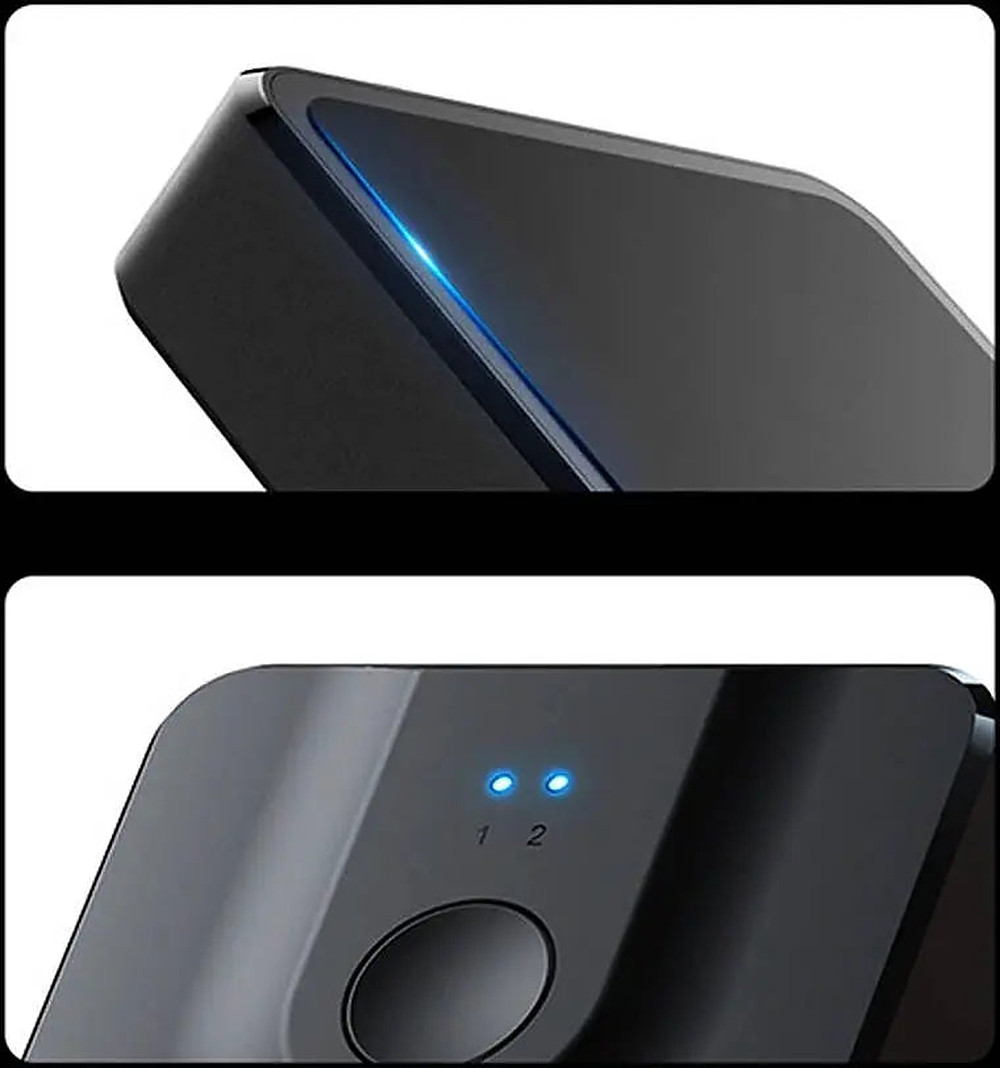
- One button with LED indicators shows which port is active.
- Signals reach up to 10 m with good-quality DisplayPort cables.
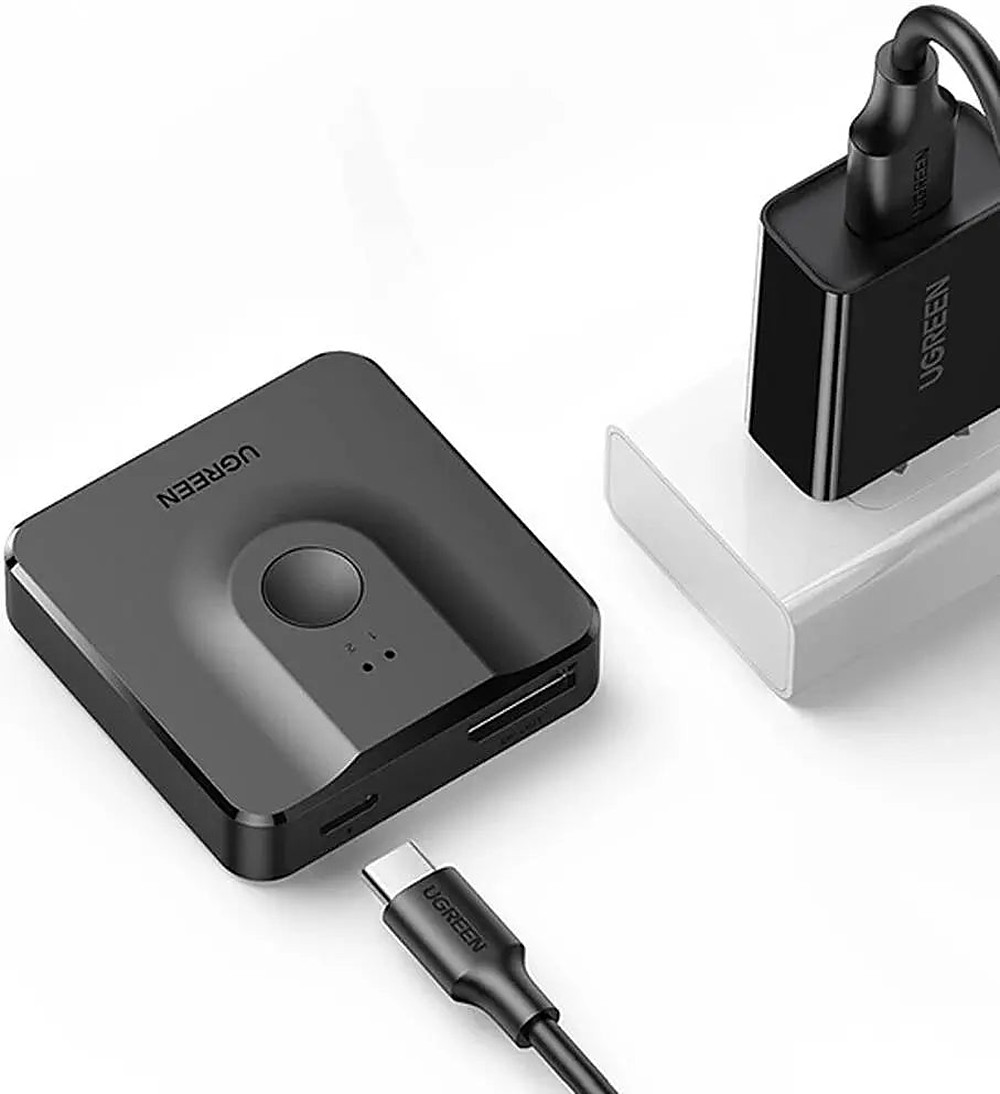
- Powered over USB-C at 5 V 1 A, and the power cable comes with it.
- Black aluminium housing, 51 x 51 x 13.5 mm and 0.1 kg, small enough to sit behind a monitor.
- No drivers on Windows, macOS or Linux.
What else you need
A DisplayPort cable for each connection: one for each source and one for the monitor, or the reverse in the one-in, two-out mode. A USB port or 5 V USB charger to power it through the supplied cable.
Installation
No installation is needed. Plug the DisplayPort cables in, connect the USB-C power cable and press the button to choose the active port.
Before you buy
- Switching is manual with the button; there is no remote and no automatic switching.
- It is not a KVM switch and does not switch USB keyboards or mice.
- Output is limited to 4K at 60 Hz, and the source, cables and monitor also set what you get.
Technical specifications
Key facts
- What is it?
- Switches & ExtendersBrand UGREEN, model CM430
- What comes in the box?
- DisplayPort switch; USB-C power cable
- Which documents are available?
- Online specifications Open documents
- Dimensions
- 51 × 51 × 13.5 mm
- Weight
- 0.1 kg
- Country of origin
- China
- Manufacturer
- UGREEN Group Limited
- Model
- CM430
- Modes
- 2 in 1 out, or 1 in 2 out (bi-directional)
- DisplayPort Version
- 1.2
- Maximum Resolution
- 4K (3840 x 2160) at 60 Hz
- HDCP
- 2.2 / 1.4
- HDR
- Supported
- Power
- USB-C 5 V 1 A, cable included
- Transmission Distance
- Up to 10 m
- Housing
- Aluminium, black
- Switching
- One button with LED indicators
- Warranty
- Manufacturer warranty under UGREEN's terms. How claims work
Product attributes and shipping details
| Brand | UGREEN |
|---|
Downloads
Documentation
- UGREEN 60622 product pageOnline specifications · This model · ugreenindia.comView official page
Series documents can differ from your exact model. Report a wrong or missing file
Questions about this product
Can both monitors show the picture at the same time?
No. In the one-in, two-out mode only one monitor is active at a time. A splitter is needed to show the same picture on two screens together.
Does it switch my keyboard and mouse as well?
No. It switches the DisplayPort video signal only. A KVM switch is needed to move a keyboard and mouse between computers.
Does it need power?
Yes. It runs from USB-C at 5 V 1 A, from a USB port or a USB charger, and the power cable comes with it.
Does it need drivers?
No. It works without drivers on Windows, macOS and Linux.
How far can the cables run?
Up to 10 m in total with good-quality DisplayPort cables.
Ask about this modelSetup, compatibility, what is in the box
Answers are automated. Do not enter personal or account details.
Looking for an alternative?
We list alternatives only when we have checked they suit the same job. Compare other models in the category, or ask us to suggest one for your site.