
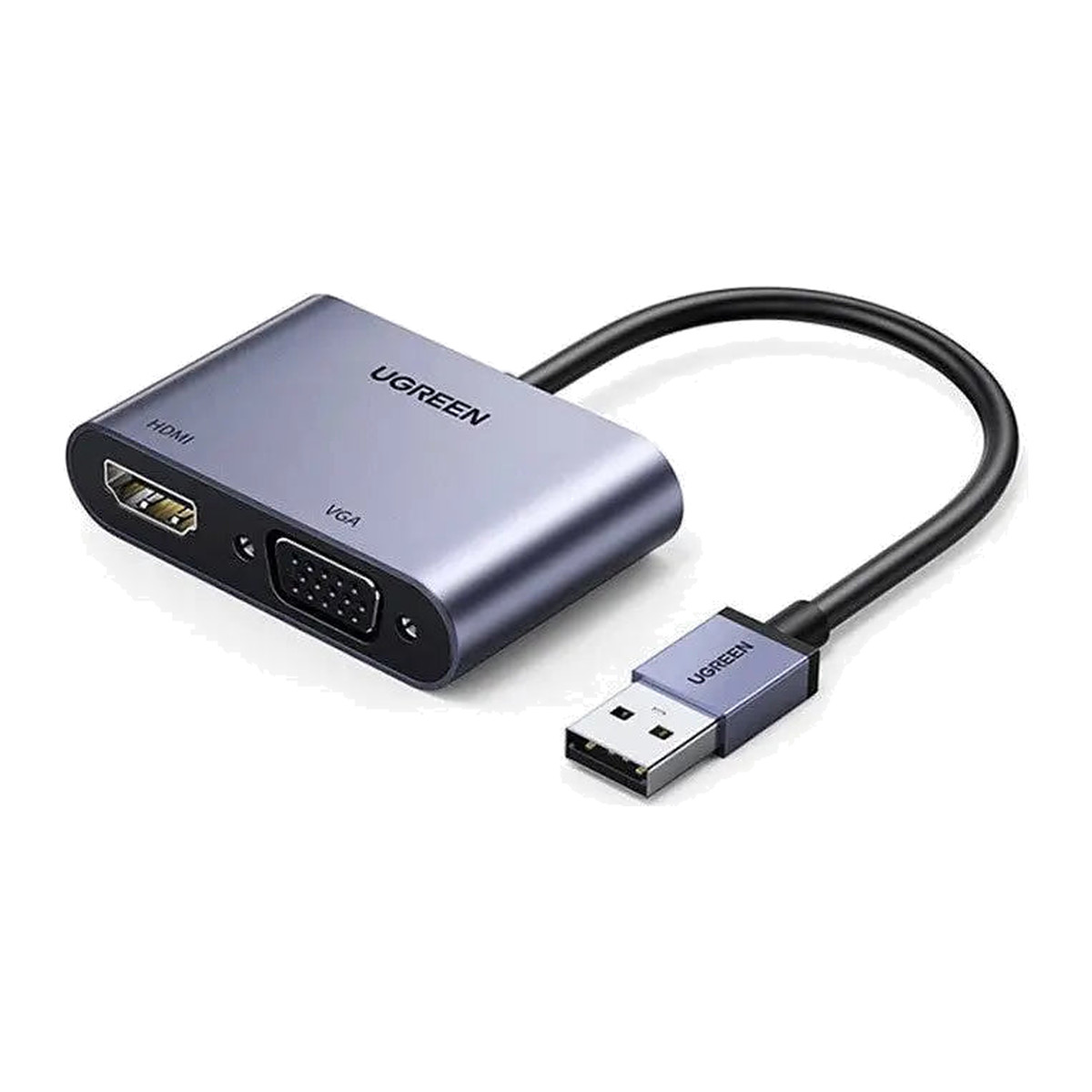
At a glance
- Host connector
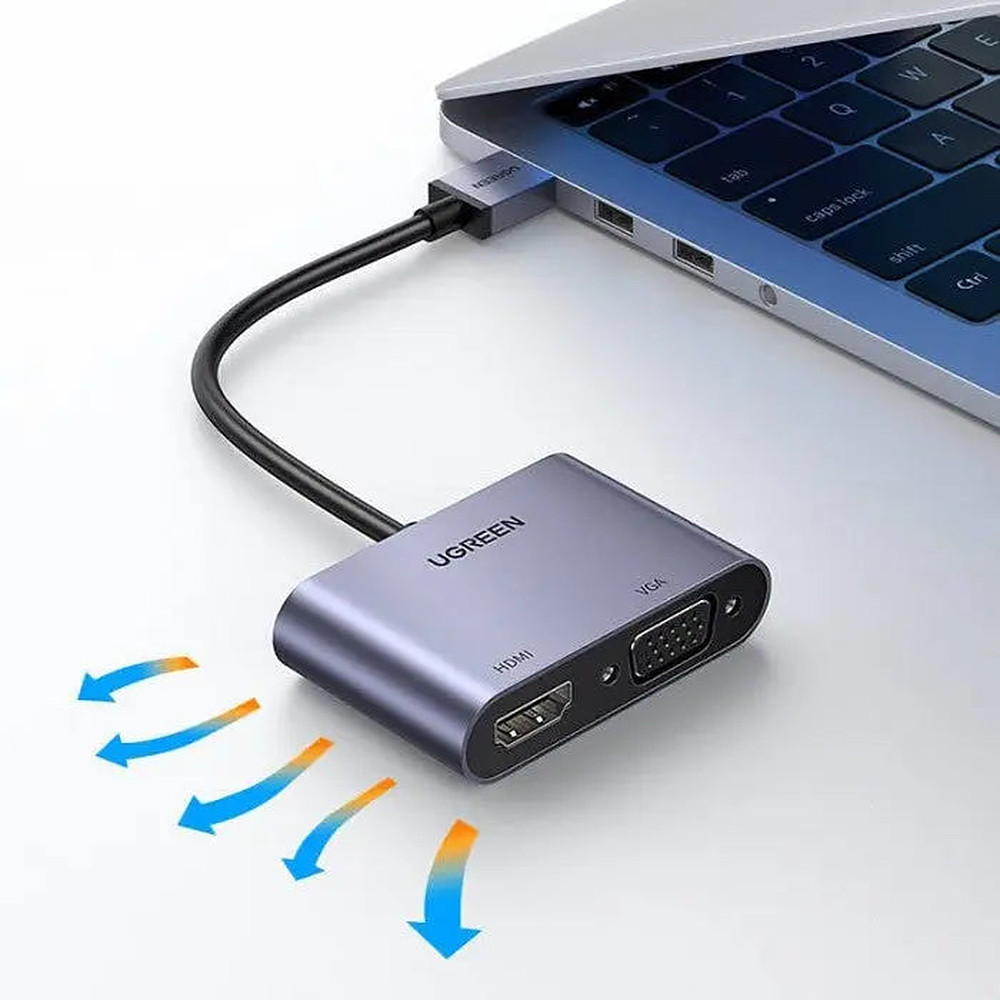
- USB-A 3.0 male
- Length
- 15 cm
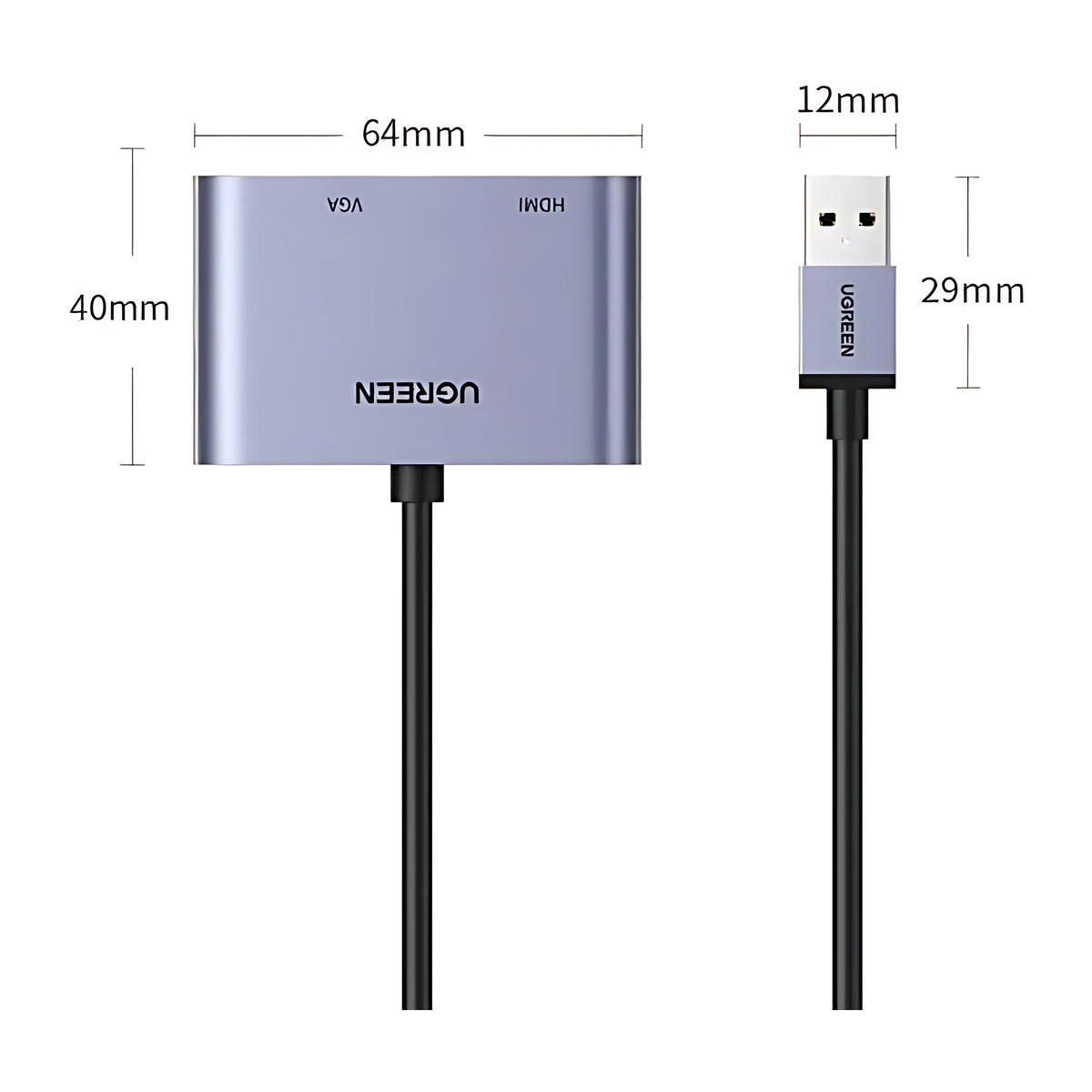
- Dimensions
- 13.8 × 8.4 × 1.5 cm
- Display outputs
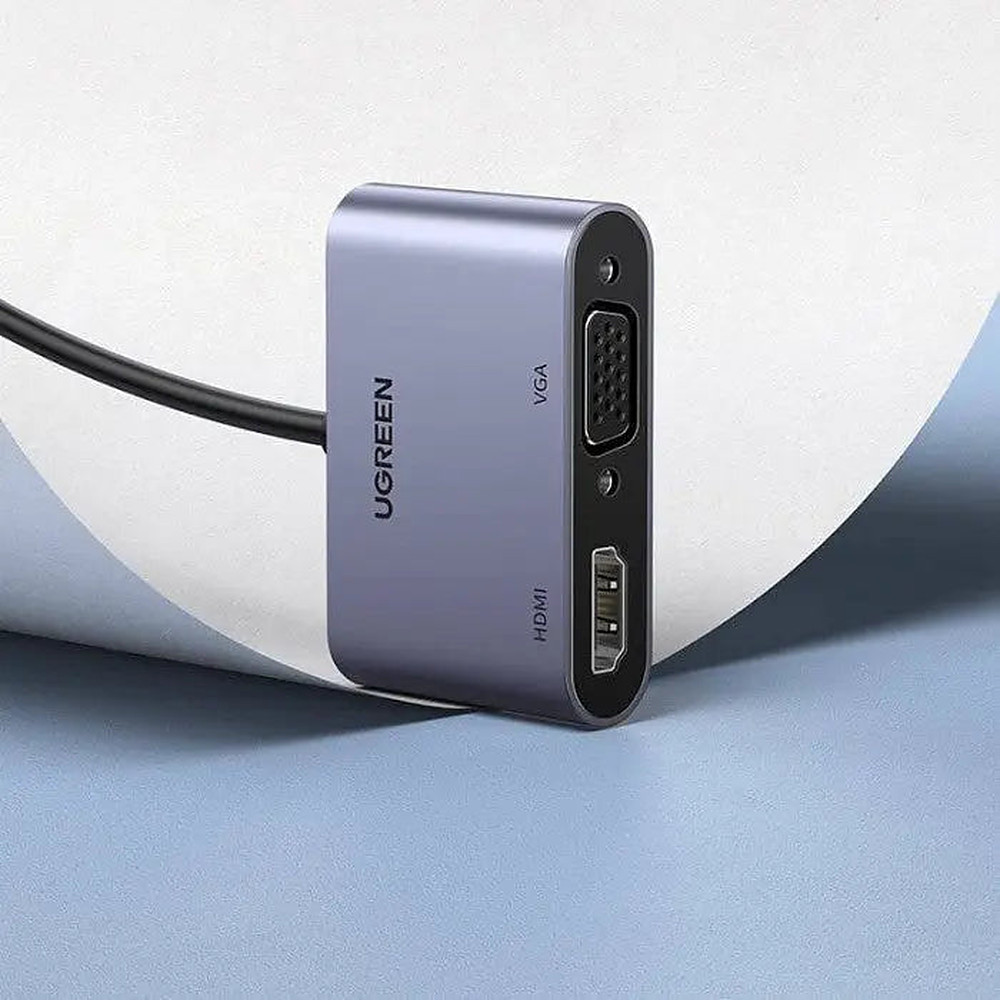
- 1 × HDMI female, 1 × VGA female
In the box
- UGREEN CM449 USB 3.0 to HDMI and VGA adapter
- User manual
 Model 20518
UGREEN CM449 USB 3.0 to HDMI and VGA Display Adapter (20518)
₹3,389 Incl. GST MRP ₹8,886 61% below MRP
₹2,872 + 18% GST
At a glance
- Host connector
- USB-A 3.0 male
- Length
- 15 cm
- Dimensions
- 13.8 × 8.4 × 1.5 cm
- Display outputs
- 1 × HDMI female, 1 × VGA female
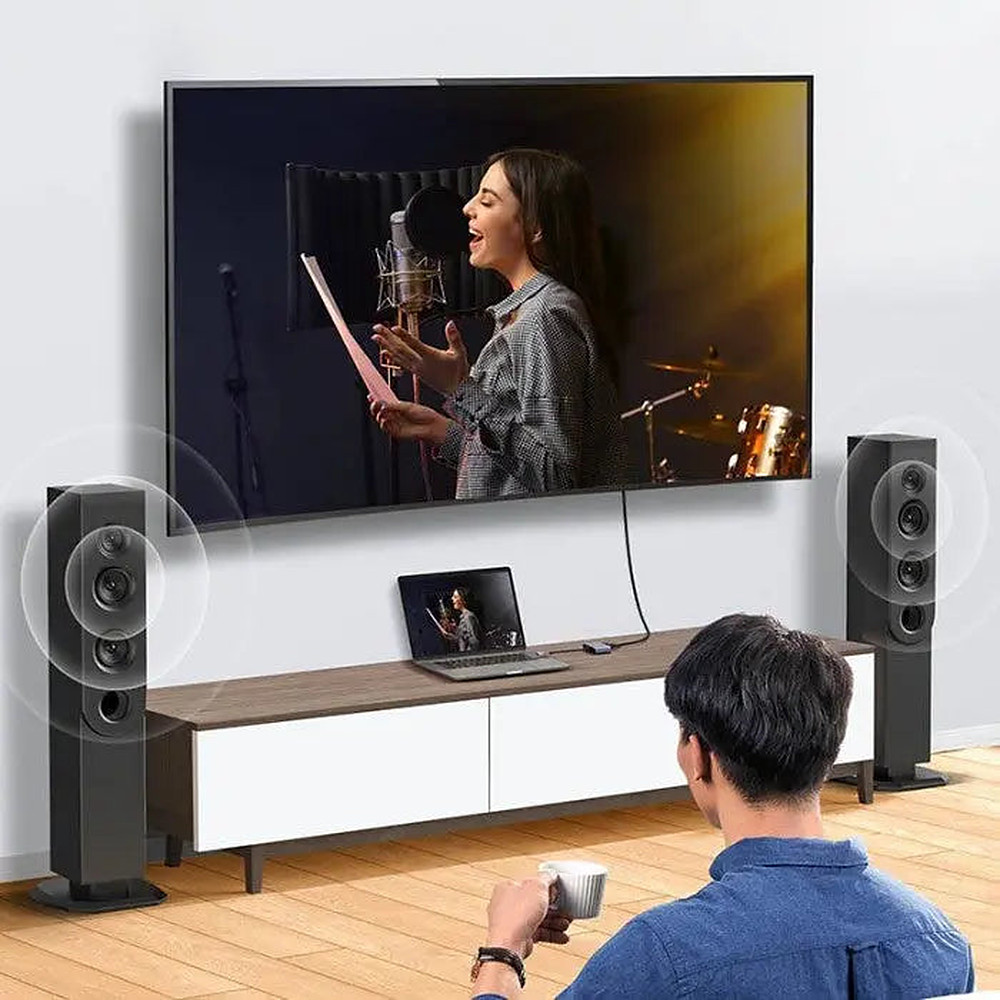
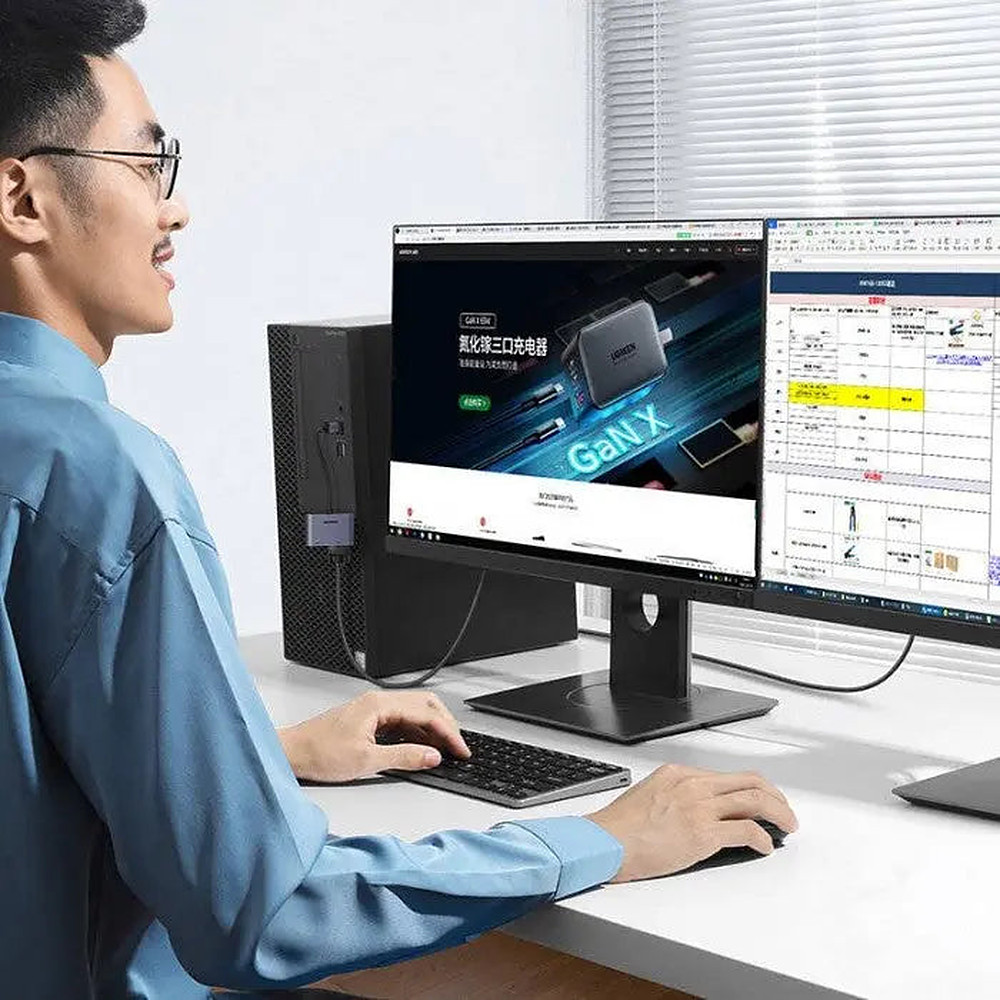
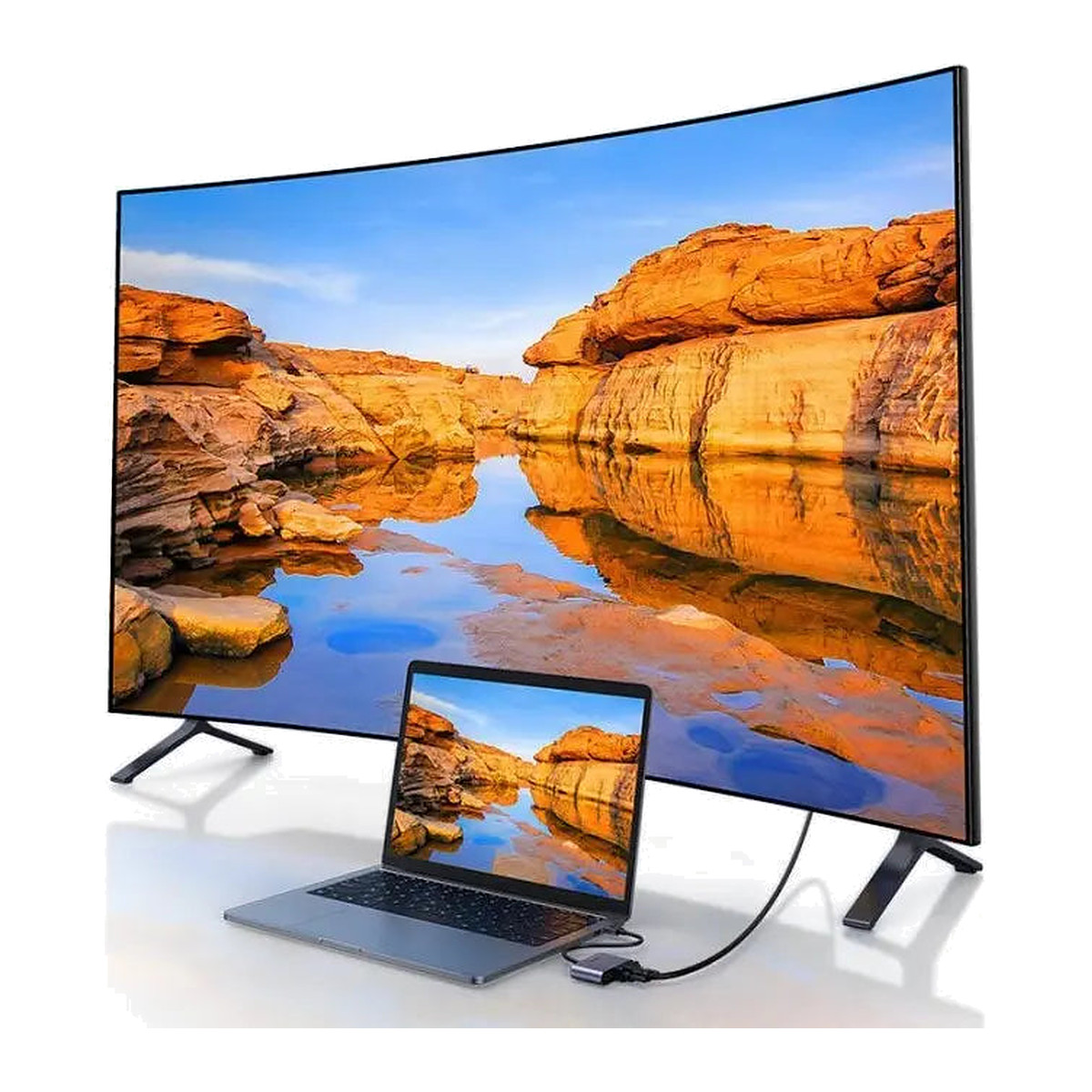
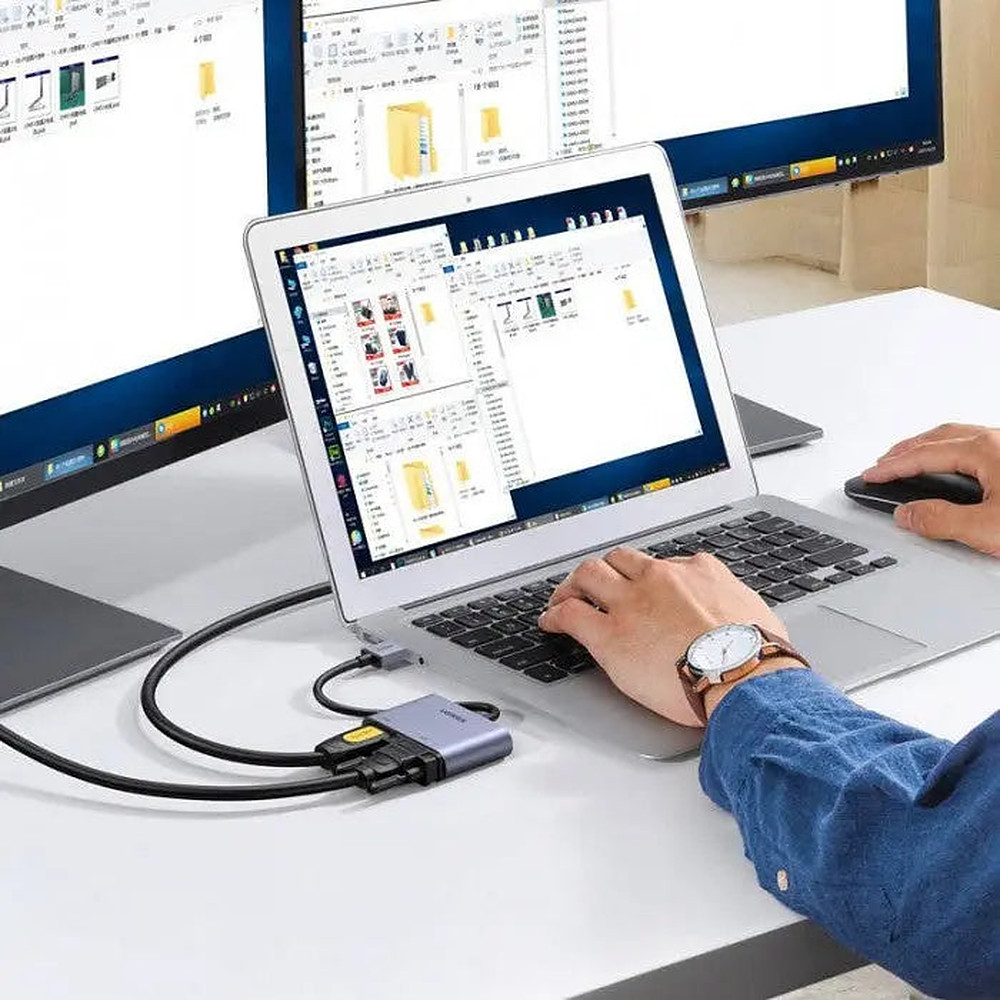
Adds an extra screen to a computer through a USB port, with HDMI and VGA outputs showing the same image on both. USB 3.0, up to 1920 x 1080 at 60 Hz; needs the UGREEN driver on Windows.
- WarrantyManufacturer warranty under UGREEN's terms. Warranty claims
- DeliveryPrice, availability and delivery charges are confirmed in your quotation. Shipping and delivery
Overview
The UGREEN CM449 (20518) adds an extra screen to a Windows PC through a USB-A 3.0 port, with both an HDMI and a VGA socket on the adapter. It creates one additional display at up to 1920 x 1080 at 60 Hz; when both outputs are connected they show the same image. Unlike a passive adapter it is a software-driven USB graphics device, so the UGREEN driver must be installed first.
Is it right for you?
- Suits a Windows computer that has no spare video output but has a USB 3.0 port, and a monitor or projector with HDMI or VGA.
- Not for a second independent desktop from one adapter: HDMI and VGA share one generated image. For two independent screens, use separate adapters or a dock designed for it.
- Driver support covers Windows. macOS support is not confirmed, and a computer that blocks third-party drivers cannot use it.
- No HDCP (copy protection), HDR, 3D or HDMI-CEC, so protected streaming or disc content may show an error or blank screen.
Key features
- One additional display over USB-A 3.0, up to 1920 x 1080 at 60 Hz through HDMI or VGA.
- HDMI can carry audio when Windows and the display select a supported format; VGA is video only.
- HDMI and VGA show the same image when both are connected.
- Aluminium alloy housing with ABS/PC parts and an attached lead of about 15 cm.
What else you need
An HDMI or VGA cable to the display; the box holds the adapter and a user manual, with no display cables. A Windows computer with a USB 3.0 port.
Installation
Install the driver first, then plug the adapter into a USB 3.0 port, connect the display cable and arrange the screen in Windows display settings. Plug it directly into the computer rather than through a hub where possible.
Software and licences
The UGREEN model driver is required and is obtained from UGREEN. The current driver is for Windows only; the adapter does not work as a passive cable without it.
Before you buy
- Driver installation is mandatory.
- It does not accept HDMI or VGA as an input and is not a capture device.
- No 4K, HDCP, HDR, 3D or CEC.
- USB hubs, older USB ports, high system load and outdated drivers can reduce refresh rate or stability.
Technical specifications
Key facts
- What is it?
- Adapters & ConvertersBrand UGREEN, model 20518
- What comes in the box?
- UGREEN CM449 USB 3.0 to HDMI and VGA adapter; User manual
- Which documents are available?
- Online specifications, driver Open documents
- Brand / model
- UGREEN CM449 / SKU 20518
- Host connector
- USB-A 3.0 male
- Display outputs
- 1 × HDMI female; 1 × VGA female
- Maximum output
- 1920 × 1080 at 60 Hz
- Dual-output behaviour
- HDMI and VGA show the same external image
- Audio
- HDMI can carry audio; VGA is video-only
- Driver
- Required; obtain the model driver from UGREEN
- Current documented OS target
- Compatible Windows computer; current manufacturer driver is Windows-only
- Unsupported media features
- HDCP, HDR, 3D and CEC are not supported in model documentation
- Attached lead
- Approximately 15 cm
- Housing
- Aluminium alloy with ABS/PC components
- Signal direction
- USB-A host to HDMI/VGA display output
- Dimensions
- 13.8 × 8.4 × 1.5 cm
- Length
- 15 cm
- USB version
- USB 3.0
- Connector type
- USB
- Weight
- 68 g
- Country of origin
- China
- Manufacturer
- UGREEN Group Limited
- Warranty
- Manufacturer warranty under UGREEN's terms. How claims work
Product attributes and shipping details
| Brand | UGREEN |
|---|
Downloads
Download software
- UGREEN driver: 20518not stated on page (see package)Prerequisites: Search the page by model number; Driver only needed if the OS does not install one automatically; download from the UGREEN pageLicence: FreeDriver · Family · ugreen.comView official download page
Documentation
- UGREEN 20518 product pageOnline specifications · This model · ugreenindia.comView official page
Series documents can differ from your exact model. Report a wrong or missing file
Questions about this product
Does it work on a Mac?
The current driver covers Windows only. macOS support is not confirmed.
Can I run two different screens from the HDMI and VGA sockets?
No. Both show the same image. For two independent screens use separate adapters or a suitable dock.
Do I need to install anything?
Yes. The UGREEN driver must be installed before the adapter will work.
Will Netflix or protected content play on the extra screen?
HDCP is not supported, so protected streaming or disc content may show an error or blank image.
Does it carry sound?
HDMI can carry audio when Windows and the display select a supported format. VGA is video only.
Ask about this modelSetup, compatibility, what is in the box
Answers are automated. Do not enter personal or account details.
Looking for an alternative?
We list alternatives only when we have checked they suit the same job. Compare other models in the category, or ask us to suggest one for your site.