
At a glance
- Output
- 1XHdmi
- Maximum resolution
- Up to 1920 × 1080 at 60 Hz
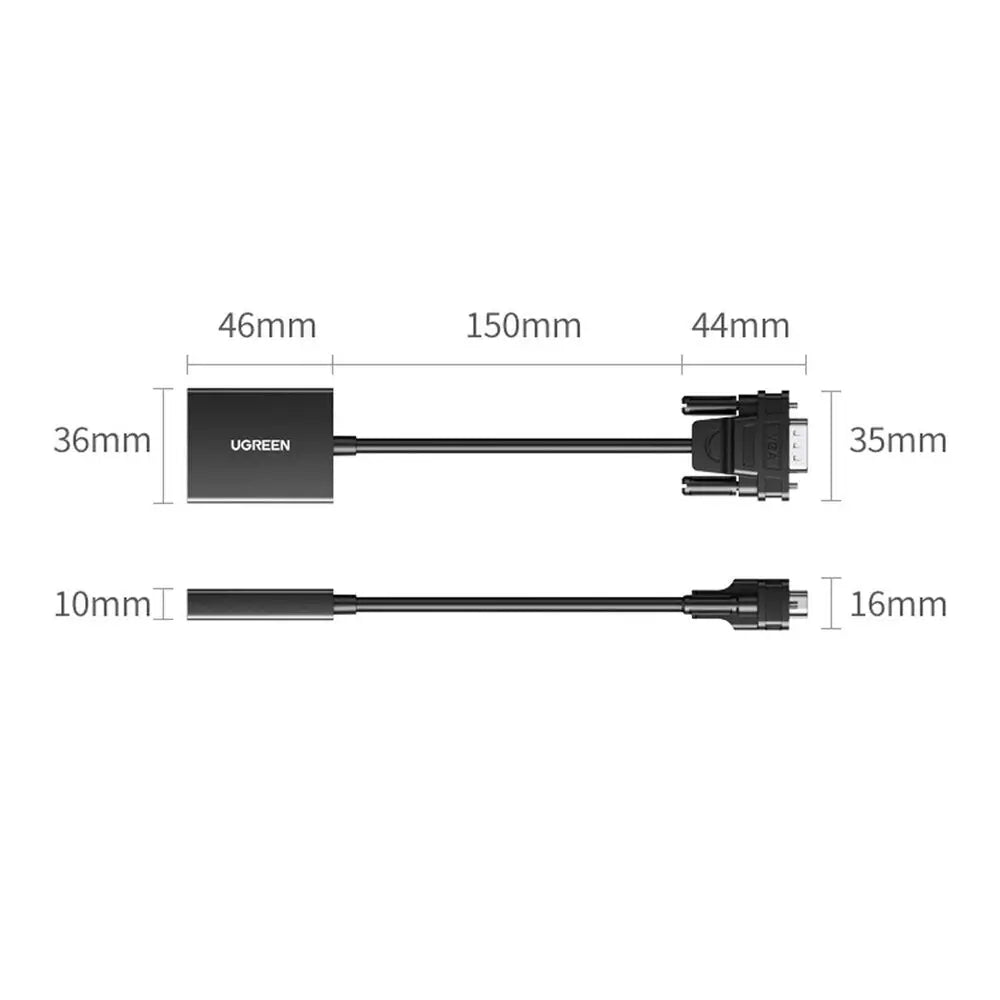
- Dimensions
- 12.6 × 11.5 × 2.1 cm
- Video input
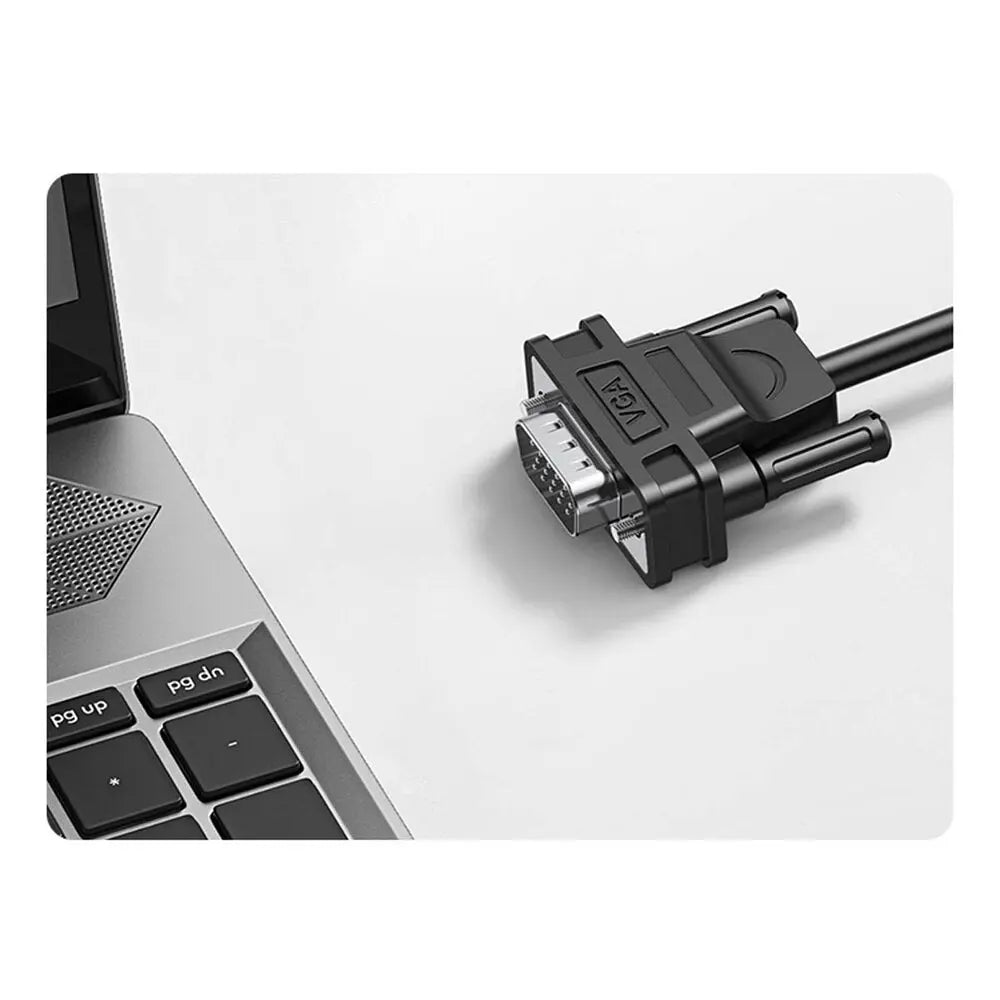
- VGA male
In the box
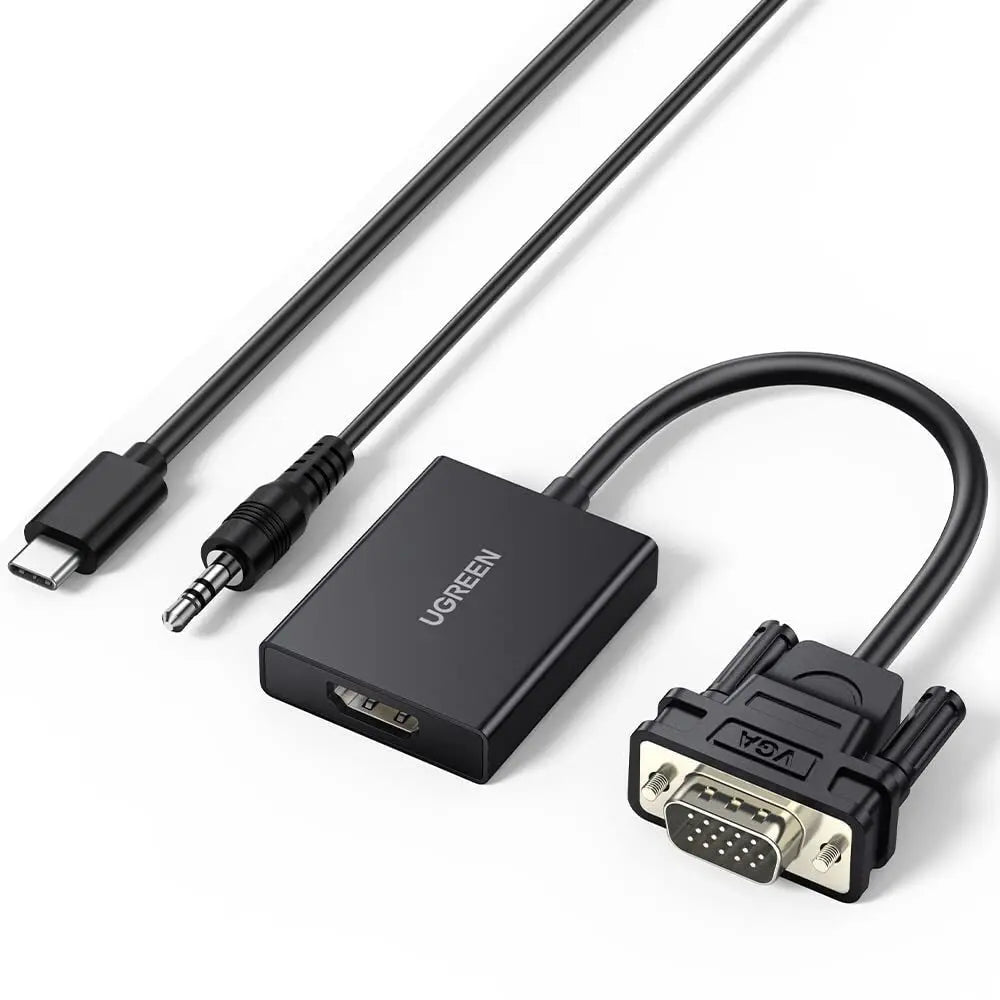
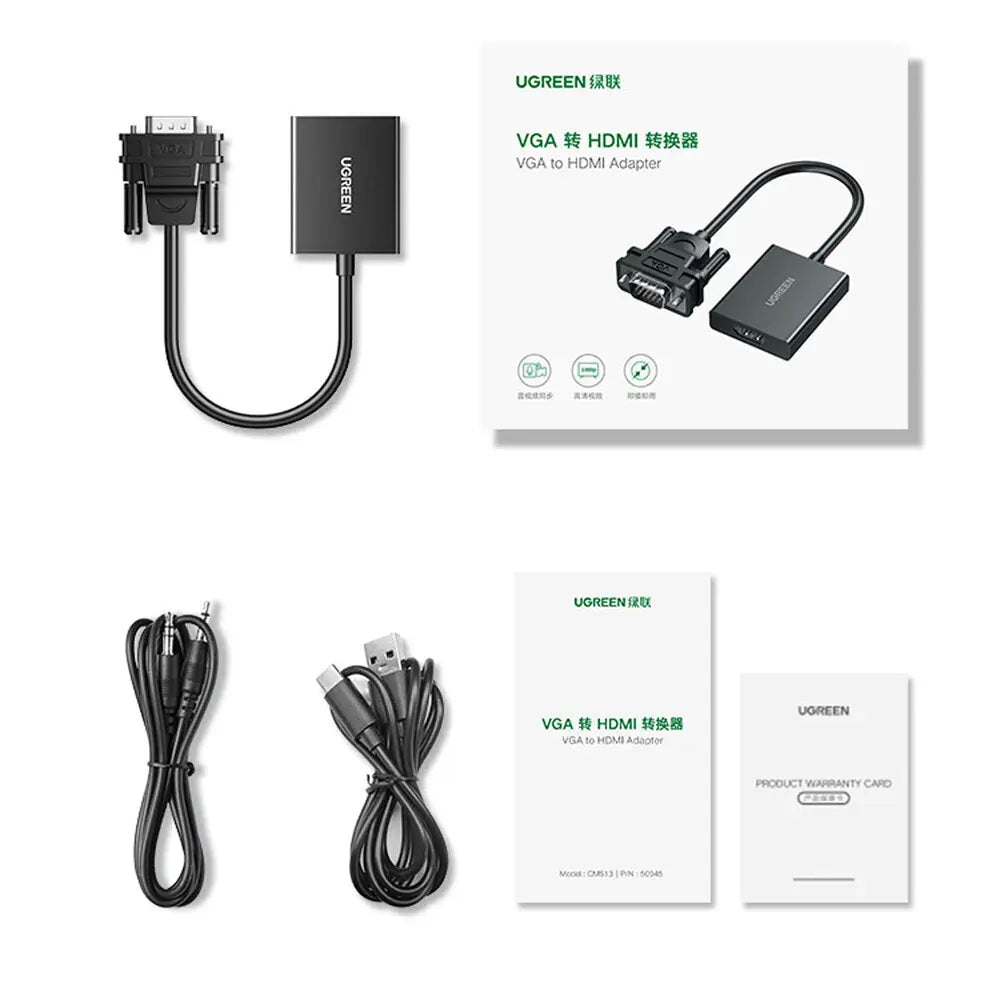
- UGREEN CM513 VGA to HDMI converter
- USB-C power cable, 1 m
- 3.5 mm audio cable, 1 m
 Model 50945
UGREEN CM513 VGA to HDMI Converter with Audio, 1080p@60Hz (50945)
₹1,333 Incl. GST MRP ₹2,220 39% below MRP
₹1,130 + 18% GST
At a glance
- Output
- 1XHdmi
- Maximum resolution
- Up to 1920 × 1080 at 60 Hz
- Dimensions
- 12.6 × 11.5 × 2.1 cm
- Video input
- VGA male
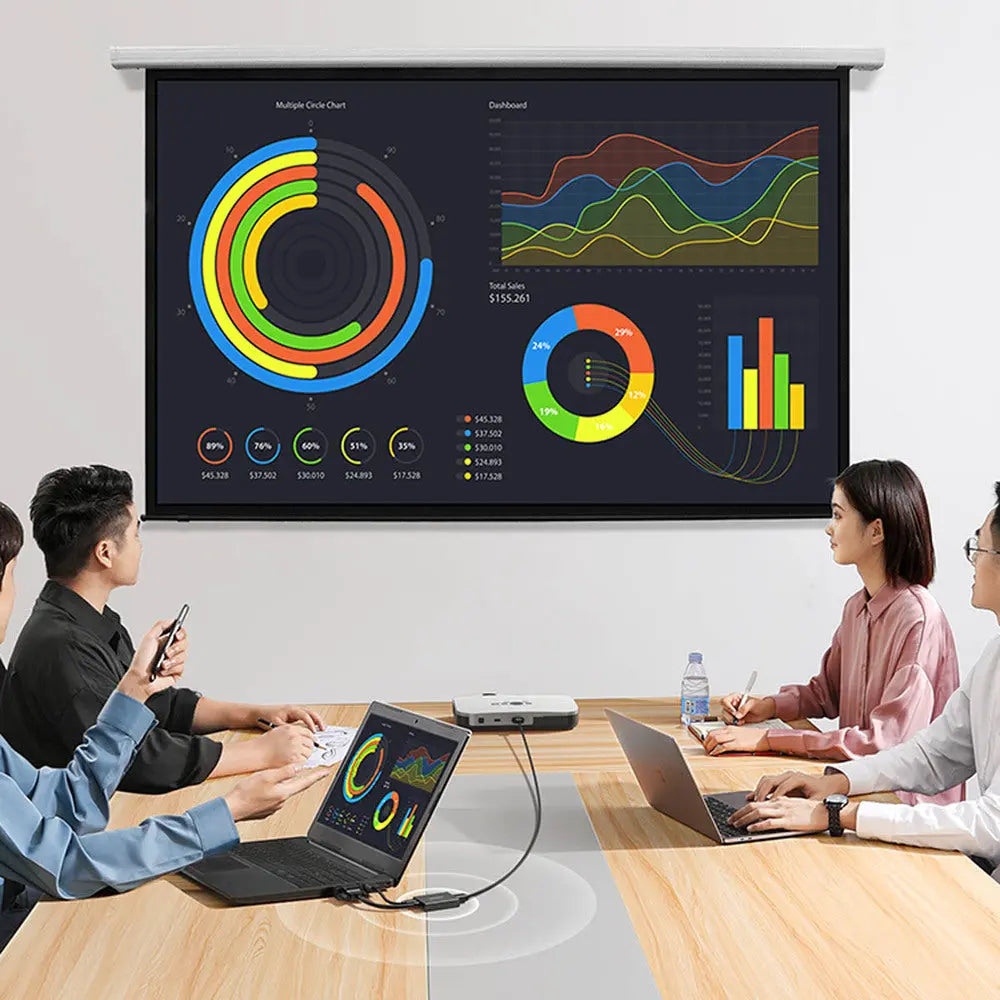
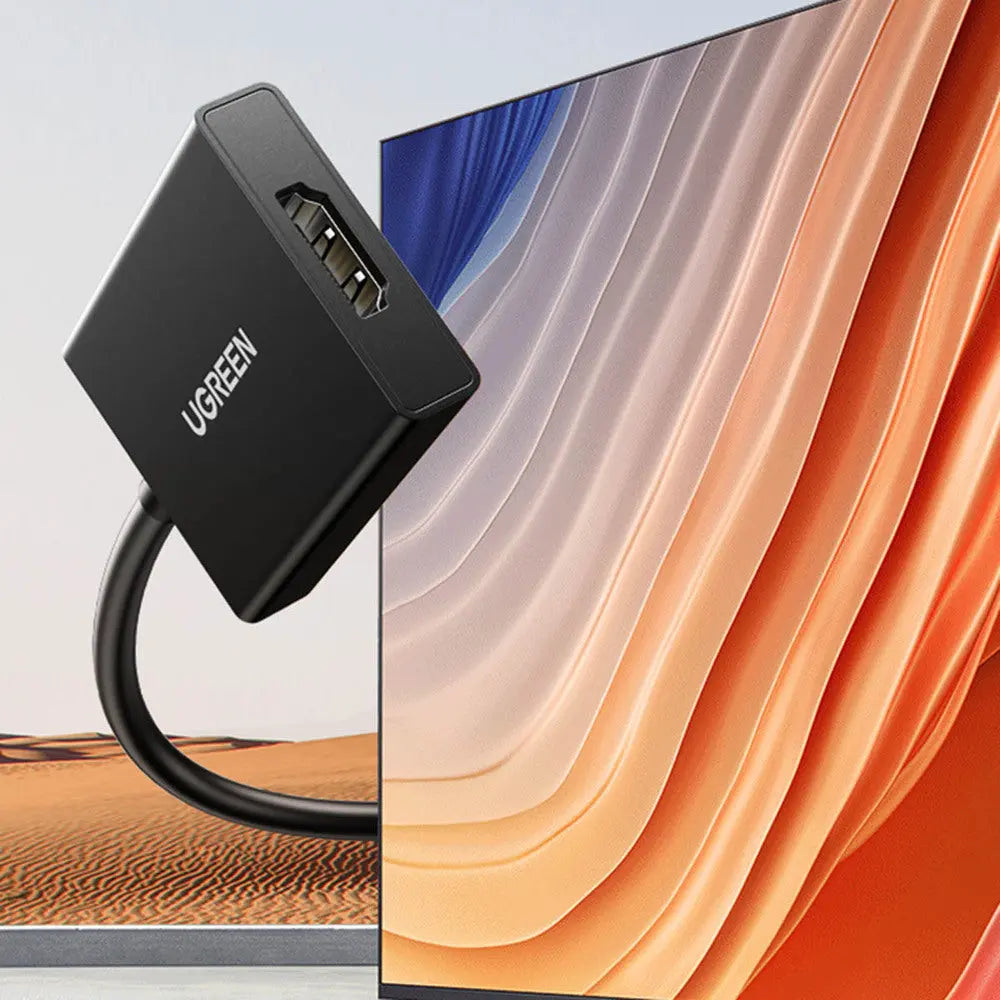
Connects an older computer or device with VGA output to a modern HDMI TV, monitor or projector, adding sound through a 3.5 mm audio input. Active converter for 1080p at 60 Hz, powered over USB-C.
- WarrantyManufacturer warranty under UGREEN's terms. Warranty claims
- DeliveryPrice, availability and delivery charges are confirmed in your quotation. Shipping and delivery
- InstallationPlug and play on compatible systems
Overview
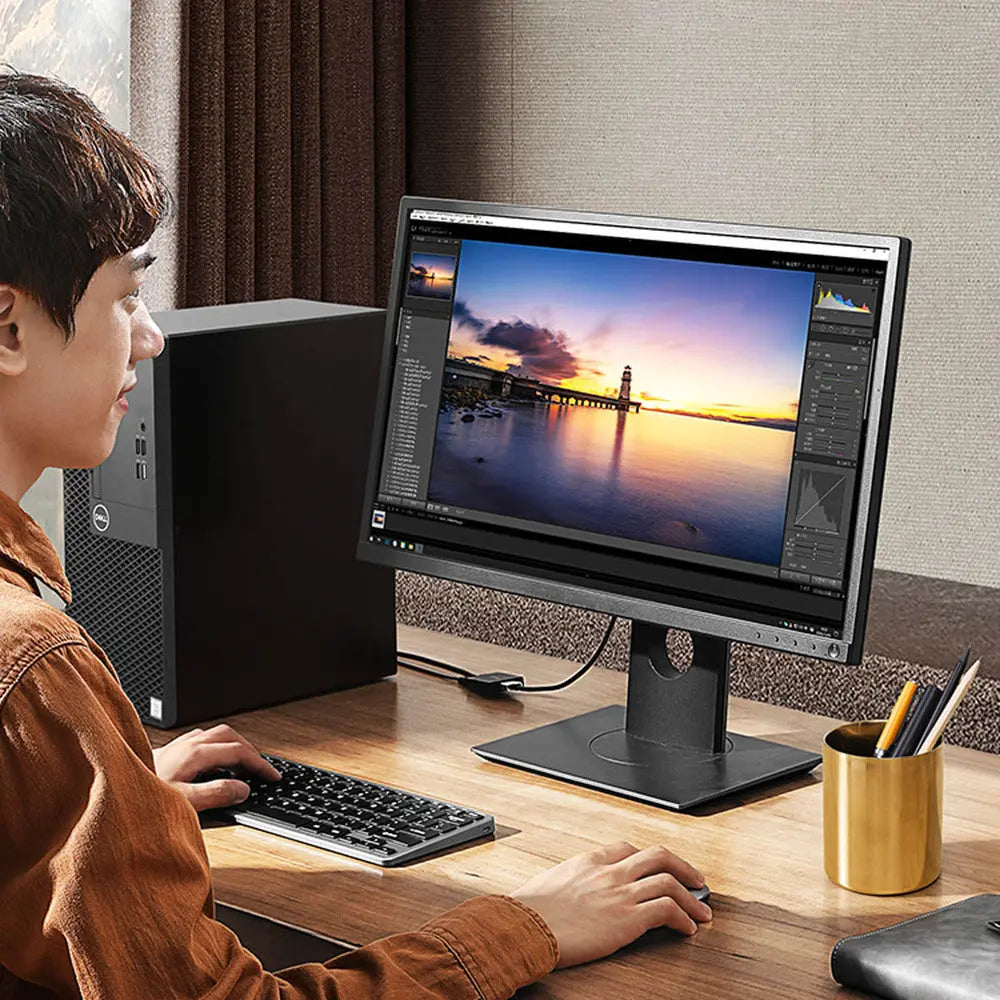
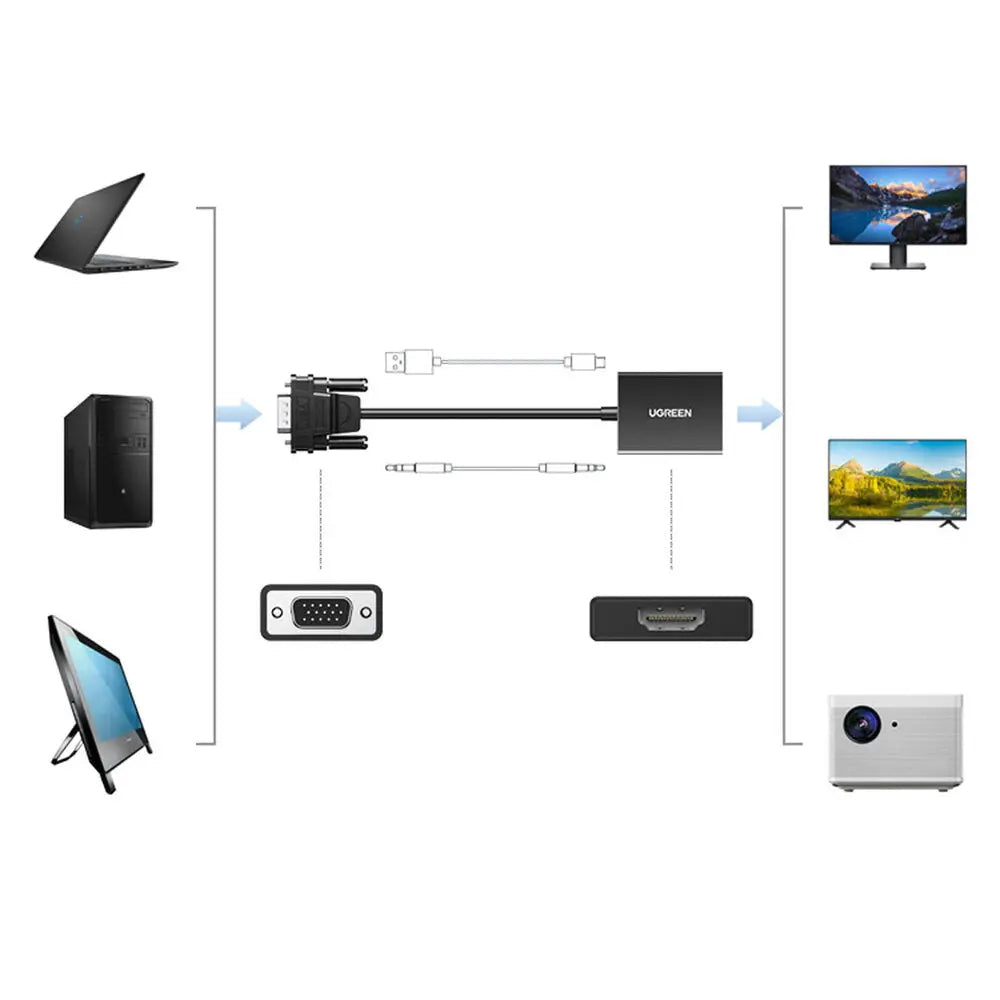
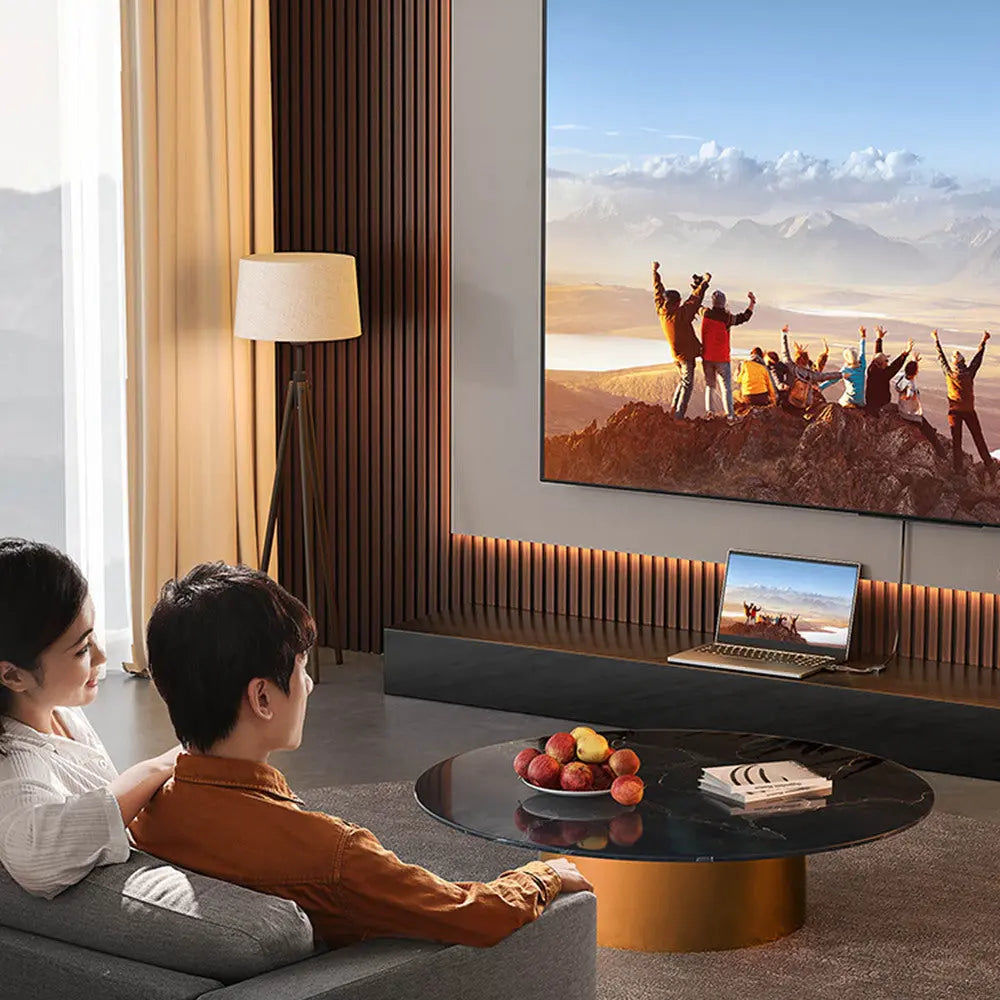
The UGREEN CM513 (50945) connects an older computer or device with VGA output to a modern HDMI TV, monitor or projector, converting the analogue signal to digital at up to 1920 x 1080 at 60 Hz. Because VGA carries no sound, it has a 3.5 mm audio input so the computer’s headphone output can join the HDMI signal. It takes its power over USB-C.
Is it right for you?
- Suits an older PC or device with a VGA output and a display that only has HDMI.
- One direction only: VGA source to HDMI display. It is not an HDMI-to-VGA converter.
- No 4K: the maximum is 1920 x 1080 at 60 Hz.
- Works with Windows XP, Vista, 7, 8.1, 10 and 11, macOS and Linux.
Key features
- Active conversion from VGA to HDMI, up to 1920 x 1080 at 60 Hz.
- 3.5 mm analogue audio input, so sound travels with the picture over HDMI.
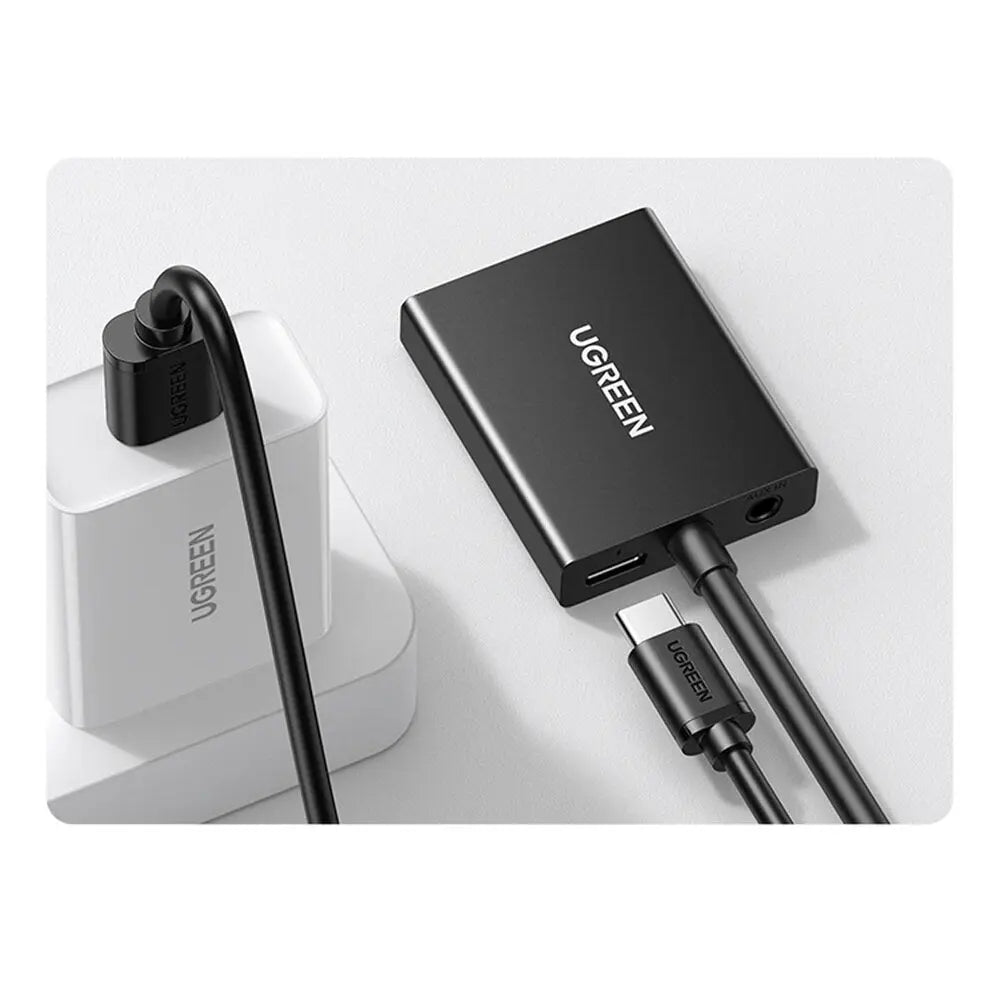
- USB-C power input, required for operation.
- One HDMI output.
- Plug and play on compatible systems.
What else you need
A standard HDMI cable from the converter to the display and a USB power source for the USB-C power cable, such as a USB port or your own USB mains adapter. A 1 m USB-C power cable and a 1 m 3.5 mm audio cable come in the box; a mains adapter does not.
Installation
Connect the VGA plug to the computer, the 3.5 mm cable to the computer’s audio output, the USB-C cable to a USB power source and an HDMI cable to the display. Select the computer’s analogue audio output when you want sound over HDMI.
Before you buy
- USB-C power is required for the converter to work.
- The USB-C connection is power only: it does not accept video, transfer data or charge the computer.
- Some VGA sources use unusual timings or resolutions; set a standard supported mode if the picture is unstable.
Technical specifications
Key facts
- What is it?
- Adapters & ConvertersBrand UGREEN, model 50945
- What comes in the box?
- UGREEN CM513 VGA to HDMI converter; USB-C power cable, 1 m; 3.5 mm audio cable, 1 m
- Which documents are available?
- Online specifications Open documents
- Model family
- CM513
- Product type
- Active VGA-to-HDMI video and audio converter
- Video input
- VGA male
- Video output
- HDMI Type-A female
- Direction
- VGA source to HDMI display only
- Maximum resolution
- Up to 1920 × 1080 at 60 Hz
- Audio input
- 3.5 mm analogue
- Power input
- USB-C; required for operation
- USB-C data/video
- Not supported; power only
- Operating systems
- Windows XP, Vista, 7, 8.1, 10 and 11; macOS; Linux
- HDMI output count
- One
- Installation
- Plug and play on compatible systems
- Included cable lengths
- 1 m USB-C power cable and 1 m 3.5 mm audio cable
- Dimensions
- 12.6 × 11.5 × 2.1 cm
- Output
- 1XHdmi
- Connector type
- HDMI
- Weight
- 101 g
- Country of origin
- China
- Manufacturer
- UGREEN Group Limited
- Warranty
- Manufacturer warranty under UGREEN's terms. How claims work
Product attributes and shipping details
| Brand | UGREEN |
|---|---|
| Signal Direction | VGA source to HDMI display only |
Downloads
Documentation
- UGREEN 50945 product pageOnline specifications · This model · ugreenindia.comView official page
Series documents can differ from your exact model. Report a wrong or missing file
Questions about this product
Does it work from HDMI to VGA?
No. It converts from a VGA source to an HDMI display only.
Does it need power?
Yes. Connect the included USB-C cable to a USB port or USB mains adapter. The mains adapter is not in the box.
How do I get sound?
Connect the included 3.5 mm cable from the computer's audio output to the converter and select that output on the computer. The sound then travels over HDMI.
Is an HDMI cable included?
The box lists the converter, a USB-C power cable and a 3.5 mm audio cable. Plan on a standard HDMI cable to the display.
Ask about this modelSetup, compatibility, what is in the box
Answers are automated. Do not enter personal or account details.
Looking for an alternative?
We list alternatives only when we have checked they suit the same job. Compare other models in the category, or ask us to suggest one for your site.