
At a glance
- Maximum resolution
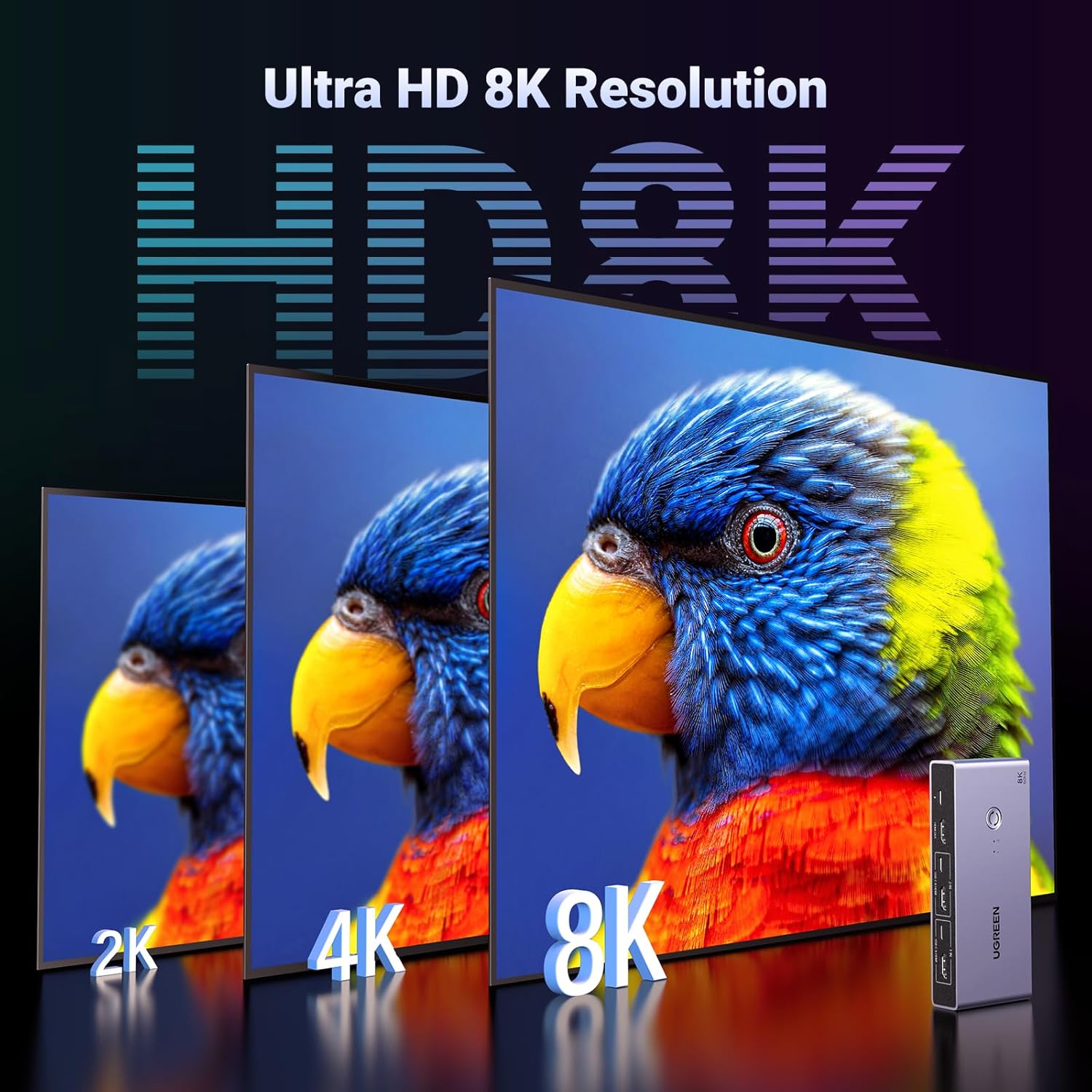
- Up to 8K@60Hz
- Dimensions
- Approximately 142 × 63 × 21 mm
- USB data rate
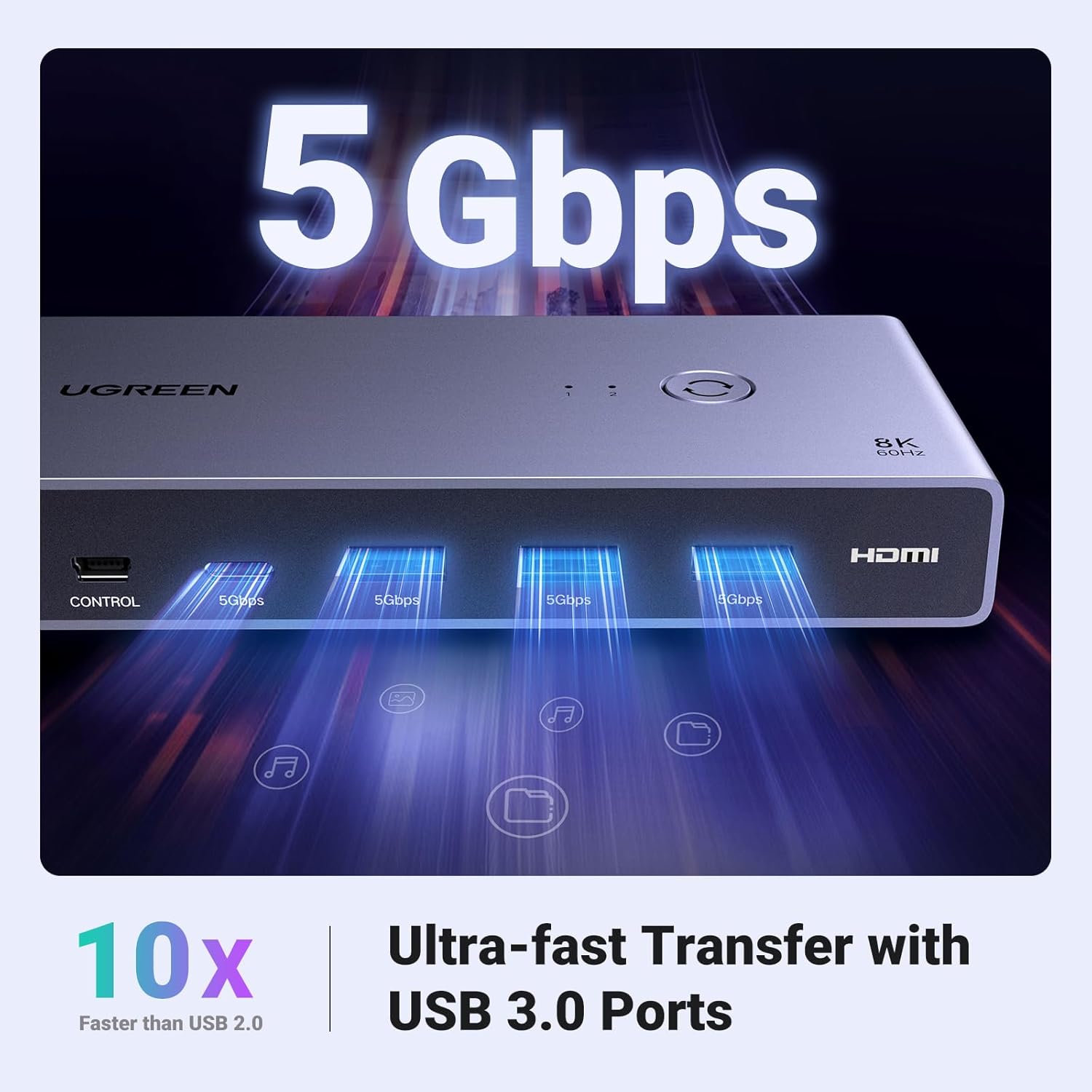
- Up to 5 Gbps, actual speed varies
- Video inputs
- 2 × HDMI
- Shared peripheral ports
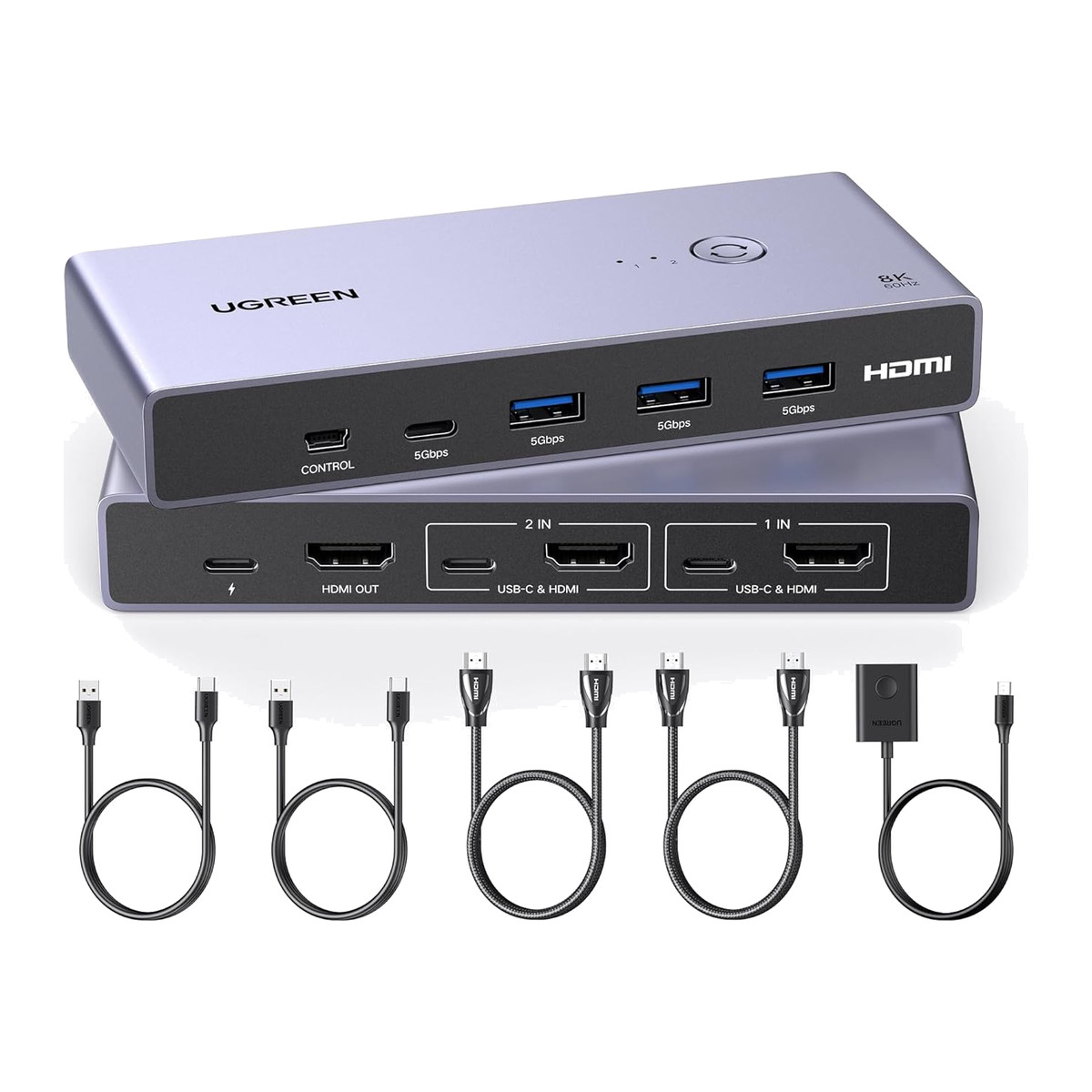
- 3 × USB-A 3.0 + 1 × USB-C 3.0
 Model CM692
UGREEN CM692 HDMI 2.1 KVM Switch for 2 PCs and 1 Monitor, 8K@60Hz, 4-Port USB 3.0 (25961)
₹7,709 Incl. GST MRP ₹14,599 47% below MRP
₹6,533 + 18% GST
At a glance
- Maximum resolution
- Up to 8K@60Hz
- Dimensions
- Approximately 142 × 63 × 21 mm
- USB data rate
- Up to 5 Gbps, actual speed varies
- Video inputs
- 2 × HDMI
- Shared peripheral ports
- 3 × USB-A 3.0 + 1 × USB-C 3.0
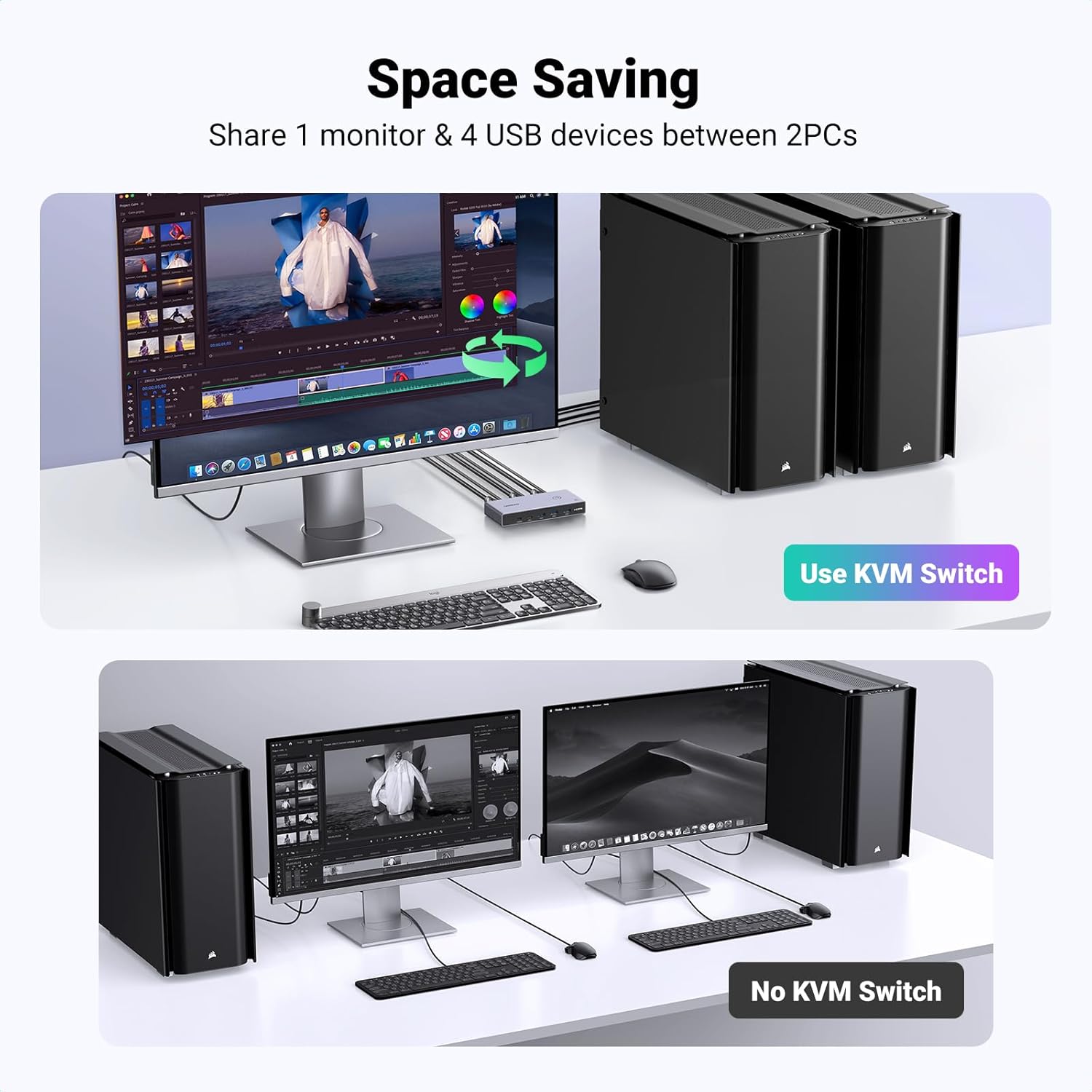
Lets two computers share one monitor, keyboard, mouse and USB devices, keeping high resolution and frame rates. HDMI 2.1 KVM switch, up to 8K at 60 Hz or 4K at 240 Hz, three USB-A and one USB-C 3.0 port, wired desktop controller.
- WarrantyManufacturer warranty under UGREEN's terms. Warranty claims
- DeliveryPrice, availability and delivery charges are confirmed in your quotation. Shipping and delivery
Overview
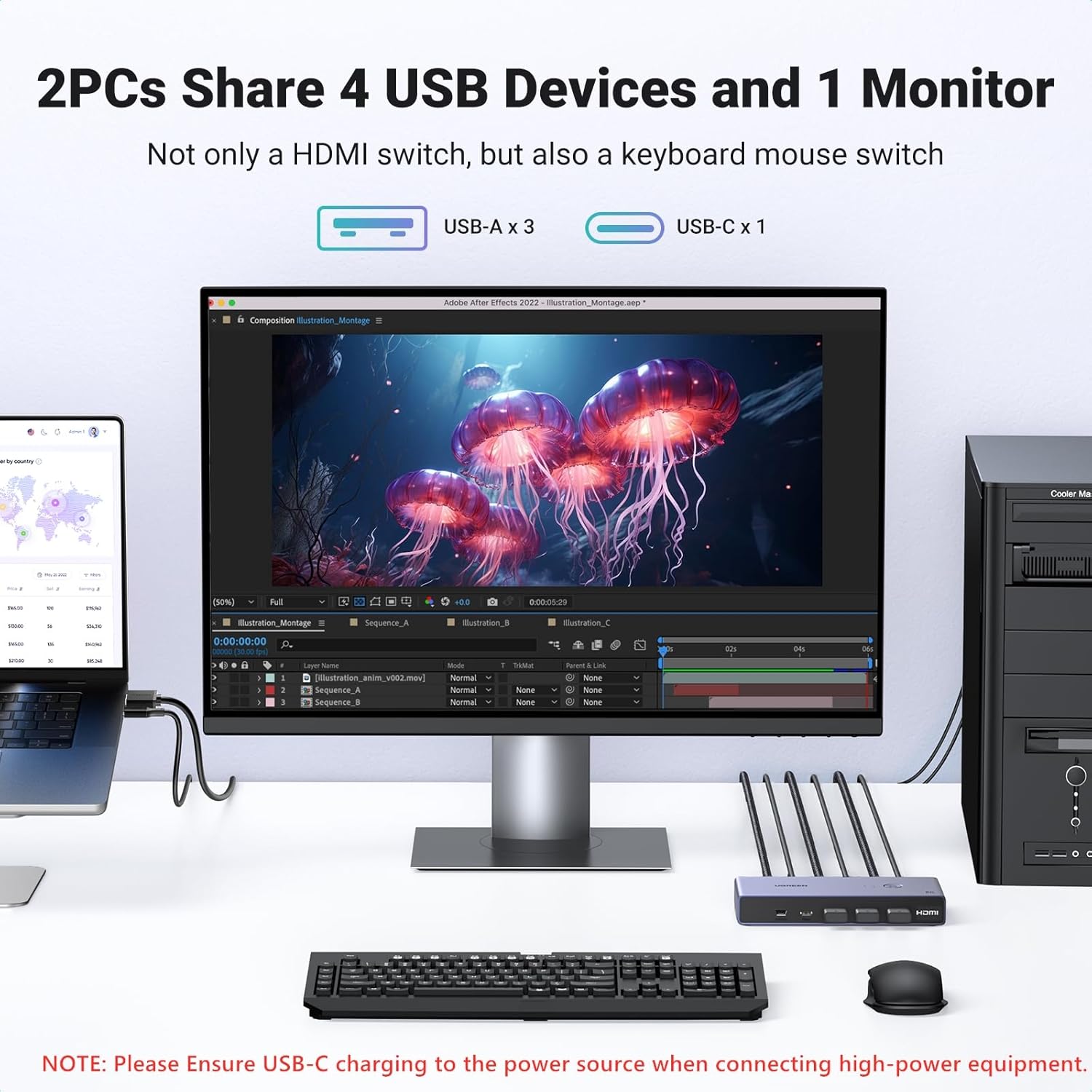
The UGREEN CM692 (item 25961) is an HDMI 2.1 KVM (keyboard, video and mouse) switch for two computers and one monitor. Each computer connects with an HDMI cable and a USB-C data cable; the monitor, keyboard, mouse and up to two more USB devices connect to the switch, and a button or the wired desktop controller moves them all to the other computer. It suits a desk with a high-resolution or high-refresh monitor shared between a laptop and a desktop, or two workstations at a monitoring desk.
Is it right for you?
- Suits one monitor at up to 8K at 60 Hz or 4K at 240 Hz, so gaming and high-refresh monitors keep their frame rate.
- One monitor only. For two screens, choose a dual-monitor KVM.
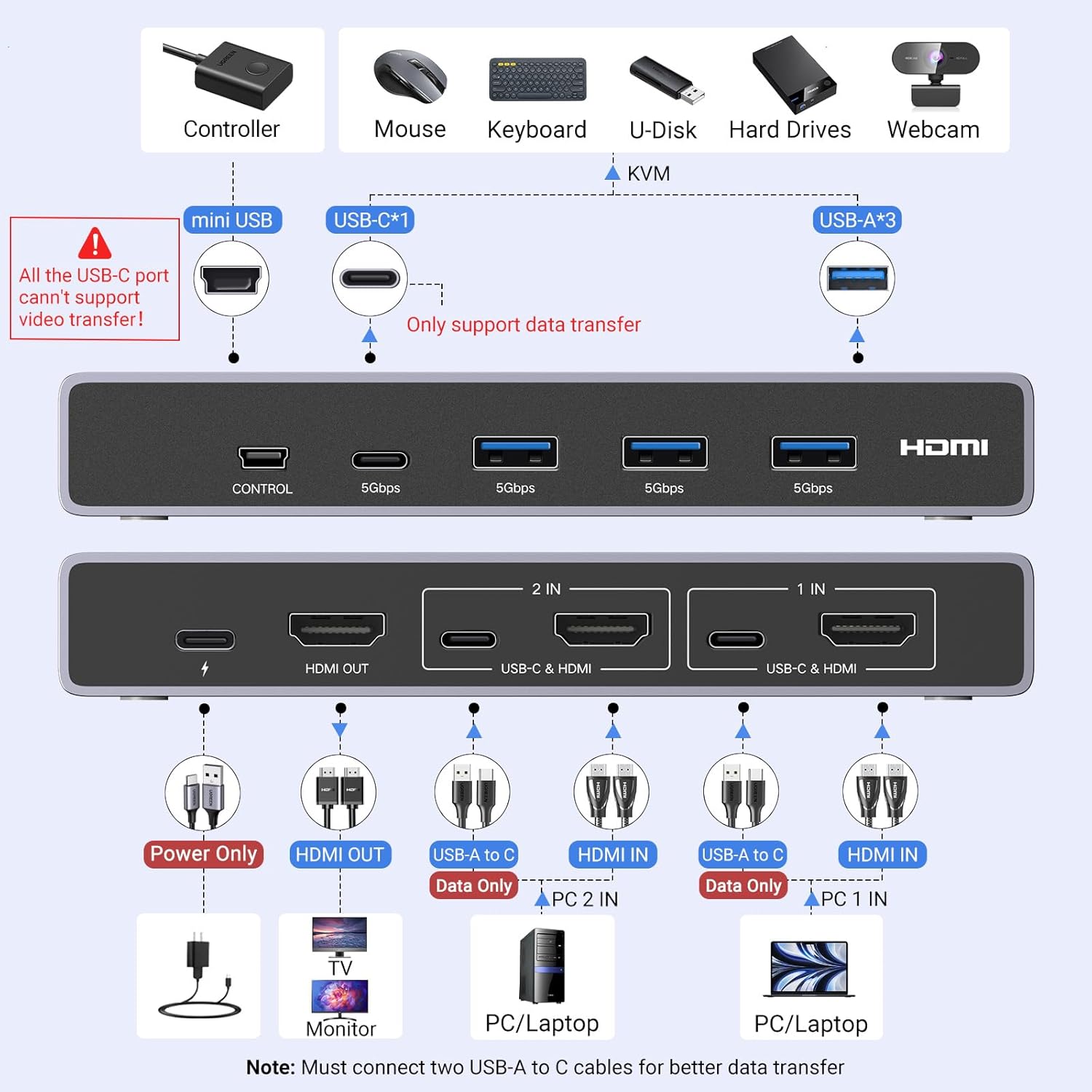
- Each computer needs an HDMI output and a USB-C data port. A USB-C-only laptop needs a suitable video adapter, because the USB-C ports on the KVM do not carry video.
- It is not a docking station: the USB-C ports are data only.
Key features
- HDMI 2.1 with up to 8K at 60 Hz or 4K at 240 Hz, plus 1440p and 1080p modes, backward compatible with earlier HDMI versions.
- HDCP (High-bandwidth Digital Content Protection) 2.3, with HDR10, HDR10+, VRR and 3D pass-through.
- HDMI audio in LPCM, DTS and DSD, from 2.0 to 7.1 channels at up to 24-bit, 192 kHz.
- RGB and YCbCr 4:4:4, 4:2:2 and 4:2:0 pixel formats.
- Four shared USB 3.0 ports, three USB-A and one USB-C, at up to 5 Gbps.
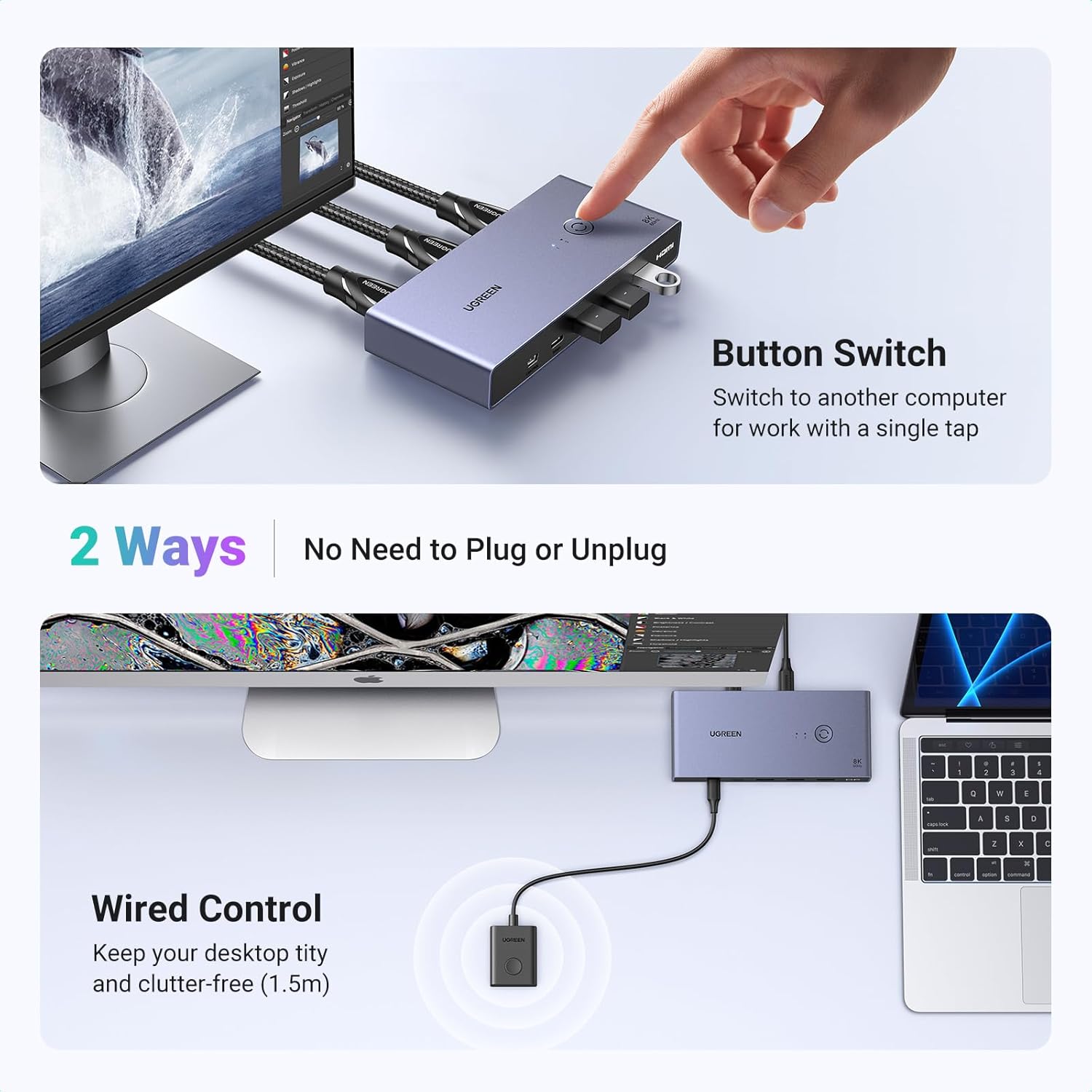
- Switching by the button on the unit or the wired desktop controller that comes with it.
- Optional USB-C power input, 5 V 3 A maximum, for bus-powered drives.
- Space grey aluminium-alloy housing, approximately 142 x 63 x 21 mm.
What else you need
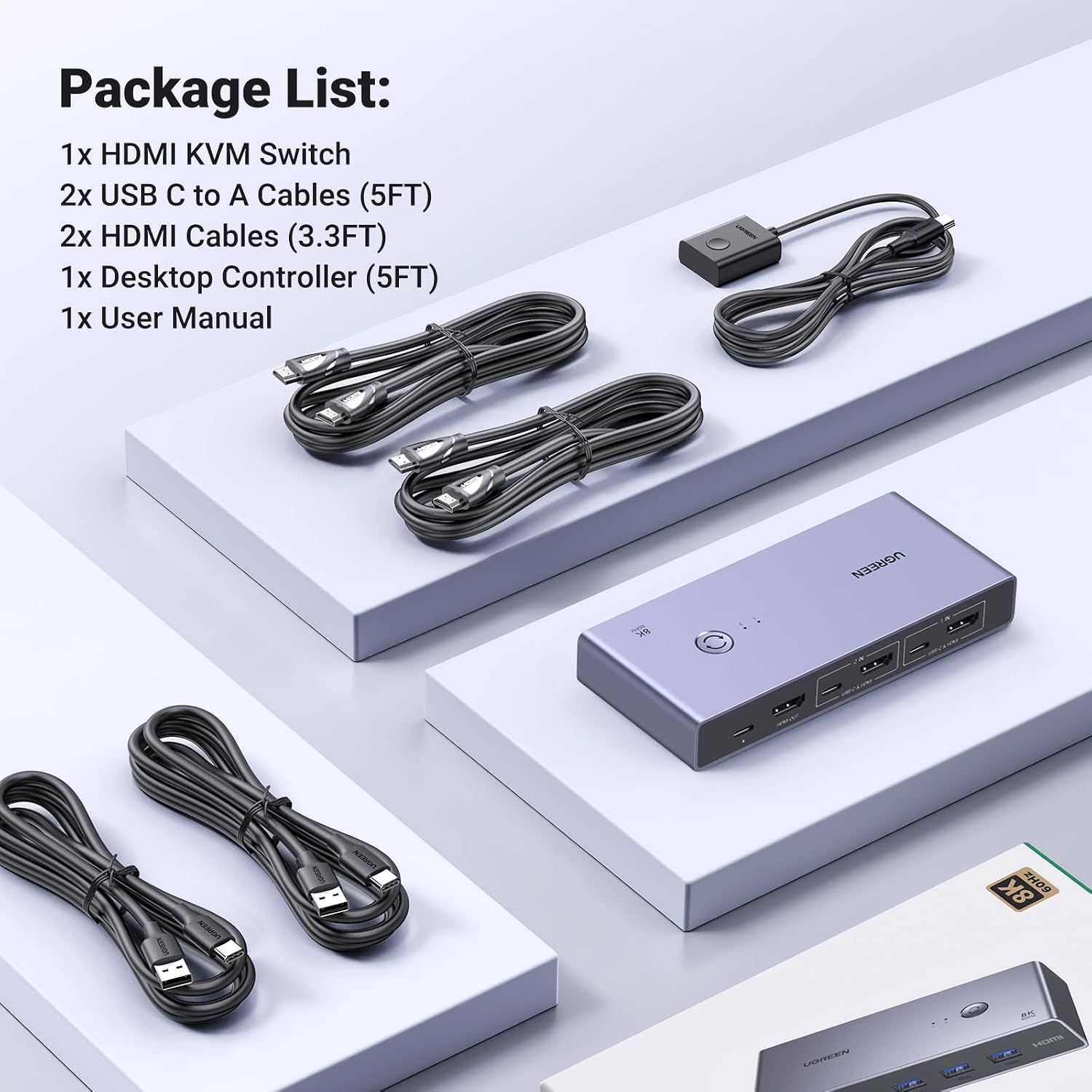
- Three HDMI cables: one from each computer and one to the monitor, each rated for the video mode you want.
- A USB-C data cable from each computer to the matching upstream port; both the HDMI and the USB-C connection are required for video and shared USB control.
- A USB-C power source if you connect bus-powered hard drives or SSDs.
Installation
A desk job. Connect computer 1 to HDMI IN 1 and USB-C upstream 1, computer 2 to HDMI IN 2 and USB-C upstream 2, then the monitor to HDMI OUT and the keyboard, mouse and other devices to the shared ports. Keep wireless receivers close to the switch and unobstructed.
Before you buy
- Safely eject USB storage before switching, because drives move from one computer to the other.
- Device drivers and operating system compatibility still apply to every shared peripheral, and actual USB speed varies.
- The USB-C ports do not carry video, and docking-station use is not supported.
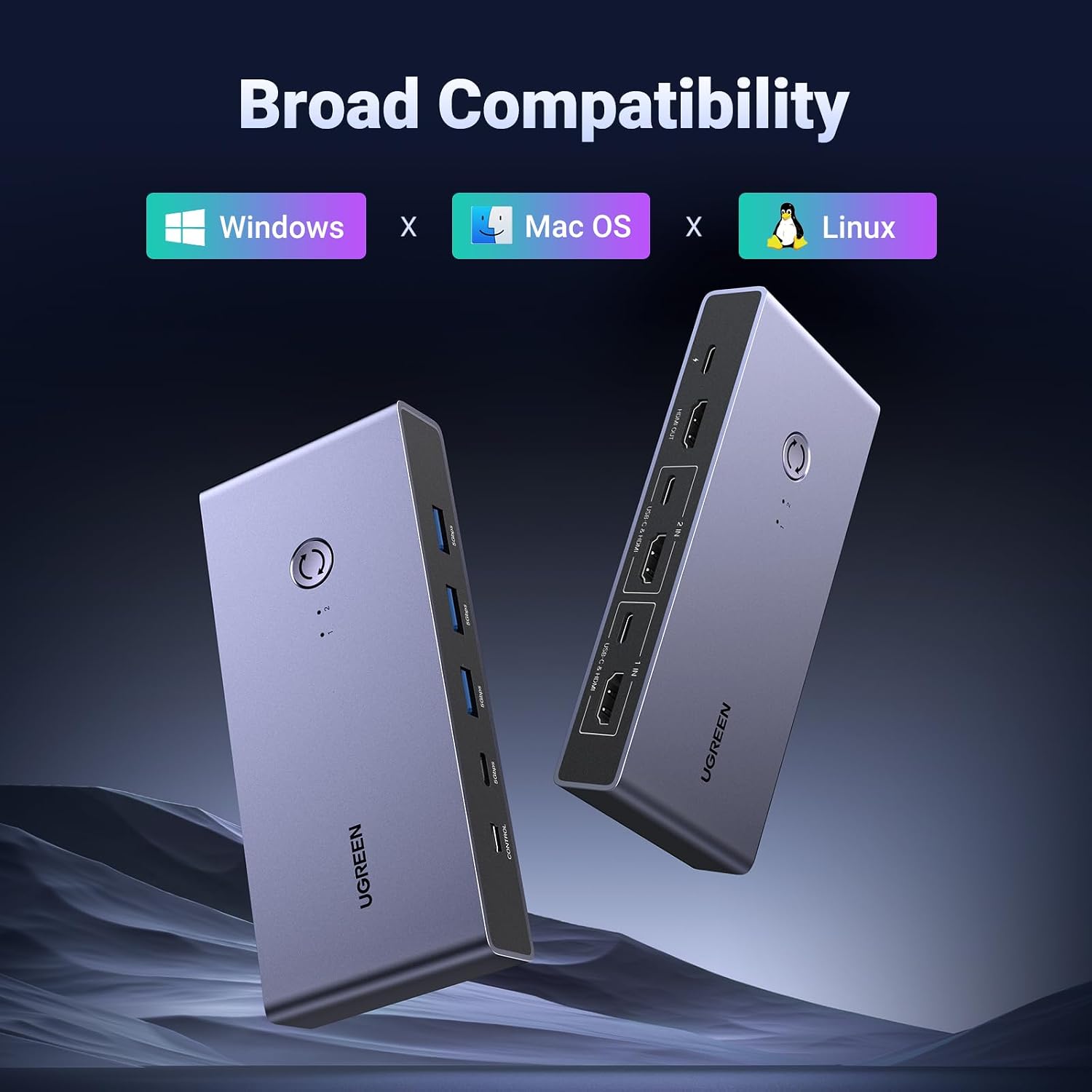
- Windows, macOS and Linux are supported; peripheral support varies by system.
Technical specifications
- Equipment
- Connection | Important requirement
- Computer 1
- HDMI IN 1 + USB-C upstream data 1 | Both connections are required for video and shared USB control.
- Computer 2
- HDMI IN 2 + USB-C upstream data 2 | Both connections are required for video and shared USB control.
- Monitor or TV
- HDMI OUT | Supply a third HDMI cable; match the cable capability to the intended video mode.
- Keyboard and mouse
- Any shared USB-A or USB-C data port | Wireless receivers should remain close and unobstructed.
- USB drive, printer or webcam
- Shared USB 3.0 ports | Device drivers and OS compatibility still apply.
- Bus-powered HDD/SSD
- Shared USB 3.0 port | Connect suitable external USB-C power; safely eject storage before switching.
- USB-C-only laptop
- Compatible video/data adapters may be required | USB-C ports on this KVM do not carry video; docking-station use is not supported.
- Model
- CM692
- Product code / SKU
- 25961
- KVM configuration
- 2 computers to 1 HDMI monitor
- Video inputs
- 2 × HDMI
- Video output
- 1 × HDMI
- Host data inputs
- 2 × USB-C, data only
- Shared peripheral ports
- 3 × USB-A 3.0 + 1 × USB-C 3.0
- USB data rate
- Up to 5 Gbps; actual speed varies
- HDMI standard
- HDMI 2.1; backward compatible
- Maximum resolution
- Up to 8K@60Hz
- Other video modes
- Up to 4K@240Hz, 1440p and 1080p modes; dependent on the complete HDMI chain
- HDCP
- HDCP 2.3; backward compatible
- Video features
- HDR10, HDR10+, VRR and 3D passthrough support
- Pixel formats
- RGB; YCbCr 4:4:4, 4:2:2 and 4:2:0
- HDMI audio
- LPCM, DTS and DSD; stated support for 2.0, 2.1, 5.1 and 7.1 channels; up to 24-bit/192 kHz
- Switching controls
- On-device button or included wired desktop controller
- External power input
- USB-C, 5V⎓3A maximum
- Compatible systems
- Windows, macOS and Linux; peripheral support varies
- Housing
- Aluminium-alloy exterior
- Colour
- Space grey
- Dimensions
- Approximately 142 × 63 × 21 mm
- Country of origin
- China
- Manufacturer
- UGREEN Group Limited
- Warranty
- Manufacturer warranty under UGREEN's terms. How claims work
Product attributes and shipping details
| Brand | UGREEN |
|---|
Downloads
Documentation
- UGREEN 25961 product pageOnline specifications · This model · ugreenindia.comView official page
Series documents can differ from your exact model. Report a wrong or missing file
Questions about this product
Will my monitor keep its high refresh rate?
Yes, within the listed modes: up to 8K at 60 Hz or 4K at 240 Hz, plus 1440p and 1080p modes, as long as the computer, cables and monitor support the same mode.
Can I connect a laptop that only has USB-C?
Only with a suitable adapter that gives an HDMI output, plus the USB-C data connection. The USB-C ports on the KVM do not carry video.
Does it need a power adapter?
Not for normal use. It has an optional USB-C power input, 5 V 3 A maximum, for bus-powered drives.
Can I use two monitors?
No. It has one HDMI output for one monitor.
Does it work with a Mac?
Yes. Windows, macOS and Linux are supported.
Ask about this modelSetup, compatibility, what is in the box
Answers are automated. Do not enter personal or account details.
Looking for an alternative?
We list alternatives only when we have checked they suit the same job. Compare other models in the category, or ask us to suggest one for your site.