
At a glance
- Dimensions
- 11 × 19.5 × 1.7 cm
- USB-C female port
- Power Delivery input only, no data or video
- Device or platform
- Compatibility guidance
- External displays
- 1
In the box
- UGREEN Revodok 105 five-in-one USB-C hub, model 15495
- User manual
 Model 15495
UGREEN Revodok 105 5-in-1 USB-C Hub with 4K HDMI and 100 W PD (15495)
₹1,381 Incl. GST MRP ₹3,554 61% below MRP
₹1,170 + 18% GST
At a glance
- Dimensions
- 11 × 19.5 × 1.7 cm
- USB-C female port
- Power Delivery input only, no data or video
- Device or platform
- Compatibility guidance
- External displays
- 1
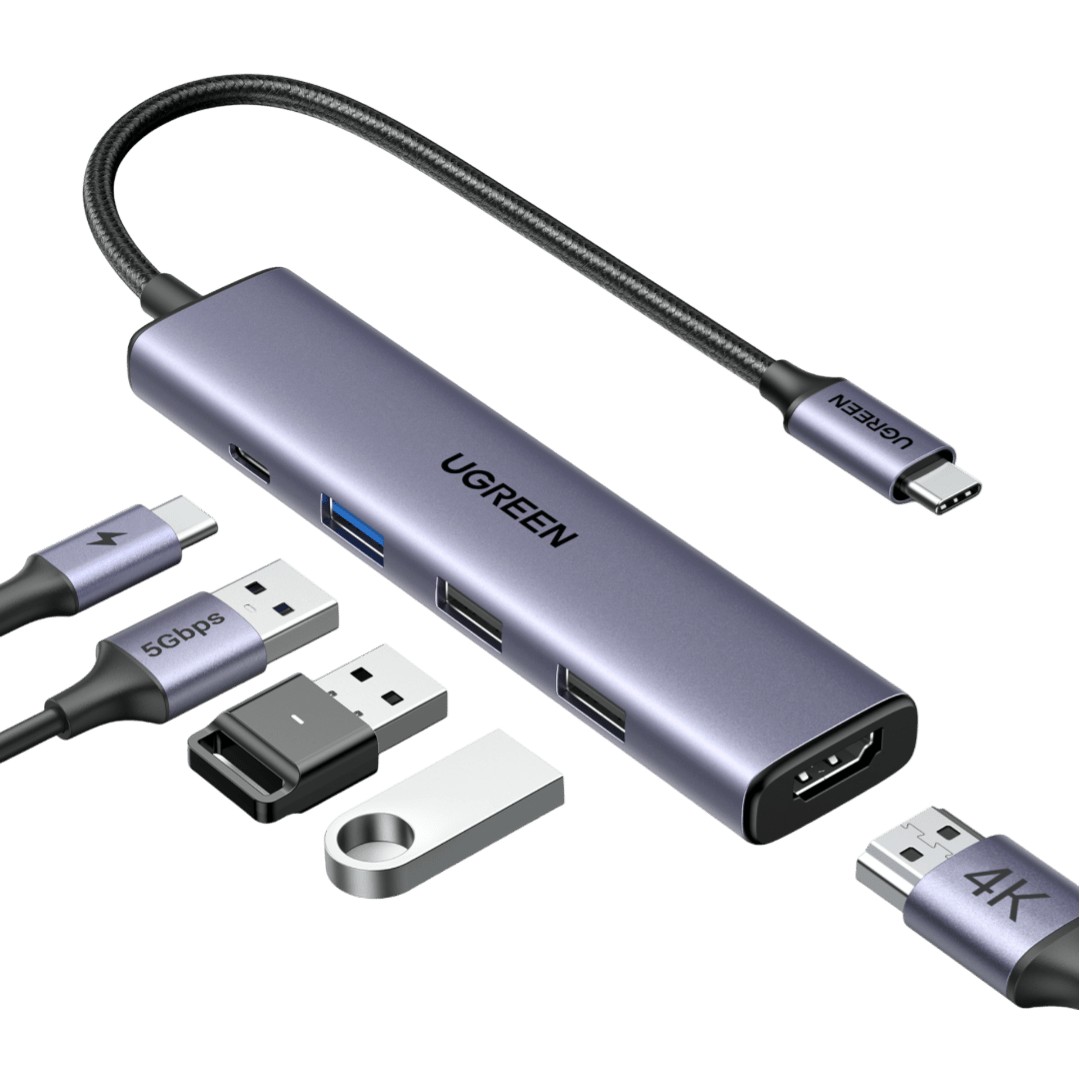
Small travel hub that adds a screen and USB-A ports for a keyboard, mouse or flash drive to a USB-C laptop while it charges. Revodok 105 5-in-1 hub with 4K at 30 Hz HDMI, one 5 Gbps and two USB 2.0 ports, 100 W PD input.
- WarrantyManufacturer warranty under UGREEN's terms. Warranty claims
- DeliveryPrice, availability and delivery charges are confirmed in your quotation. Shipping and delivery
Overview
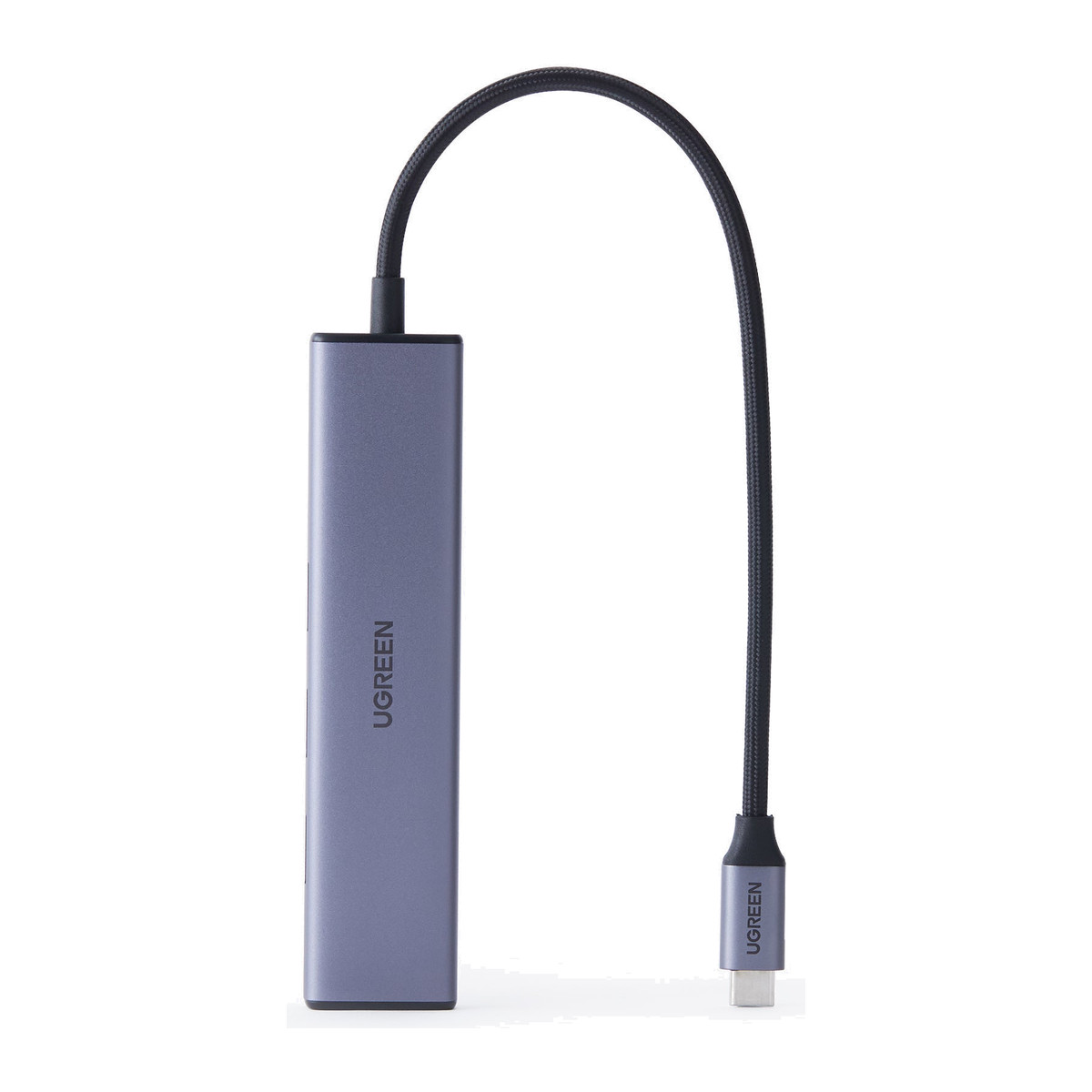
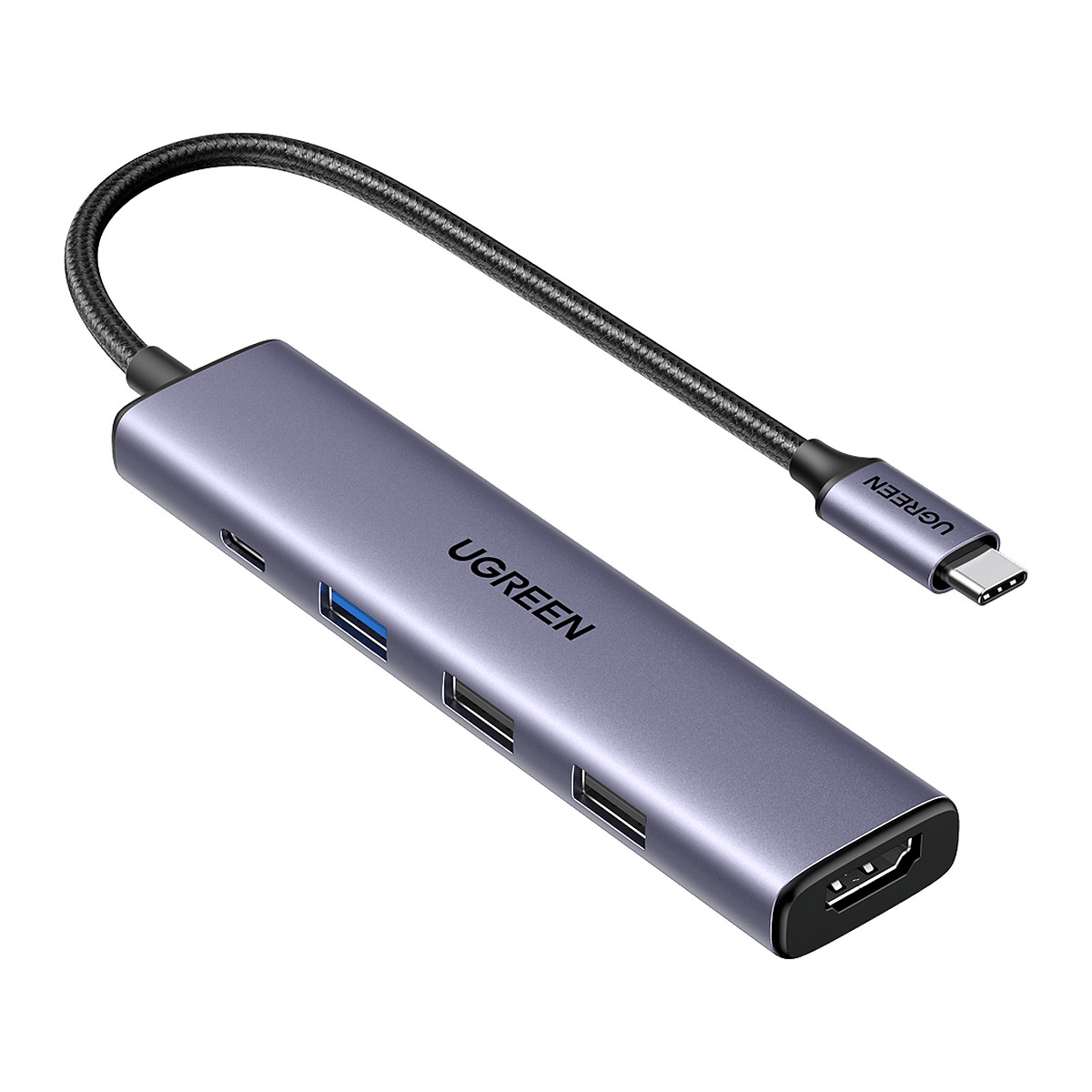
The UGREEN Revodok 105 is a small travel hub that gives a USB-C laptop a screen, three USB-A ports and charging through one plug. The HDMI output runs up to 4K at 30 Hz, one USB-A port is 5 Gbps and two are USB 2.0 for a keyboard, mouse or receiver, and the USB-C input takes up to 100 W from your own charger. It suits a bag, a hotel desk or a meeting room rather than a permanent multi-screen desk.
Is it right for you?
- Suits one external screen plus a keyboard, mouse and flash drive on a USB-C laptop whose port supports video.
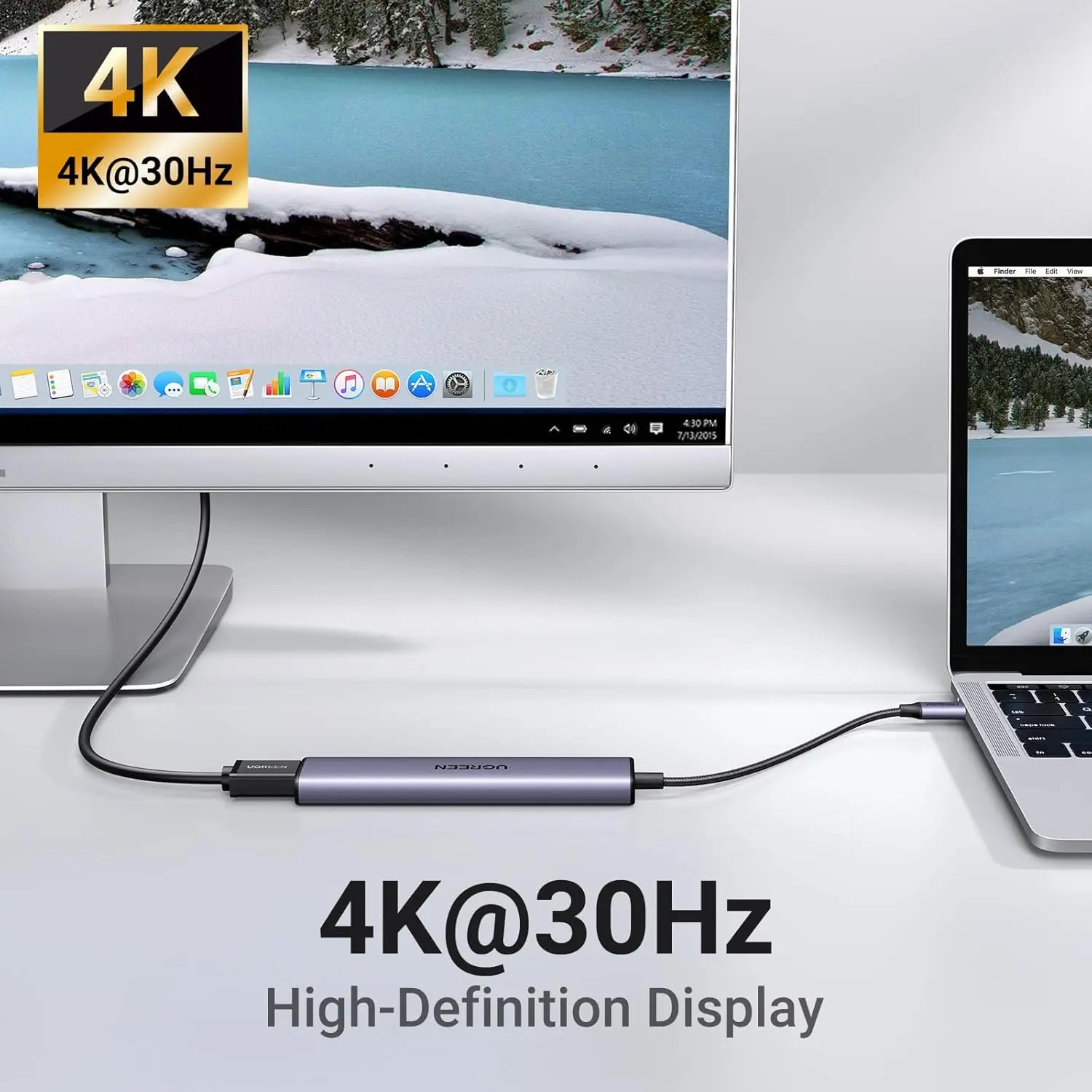
- 4K is at 30 Hz, not 60 Hz: for smooth 4K 60 Hz, choose a hub rated for it.
- No Ethernet, card reader, audio or second display output.
- On a Windows laptop the port needs DisplayPort Alt Mode, USB4 or Thunderbolt video for HDMI; a Mac gets USB data and one external display where the Mac supports it.
Key features
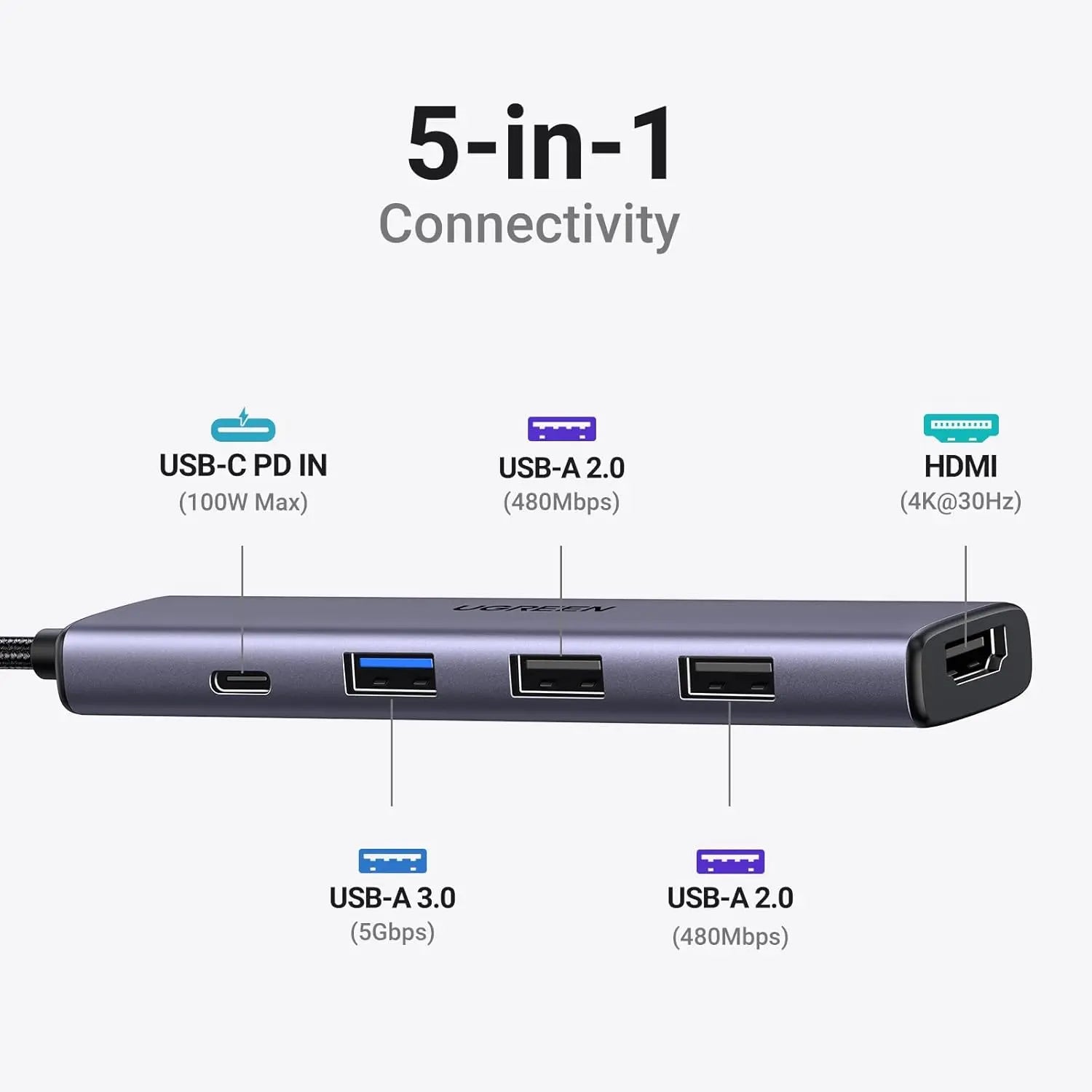
- HDMI 1.4 up to 3840 x 2160 at 30 Hz, one external display.
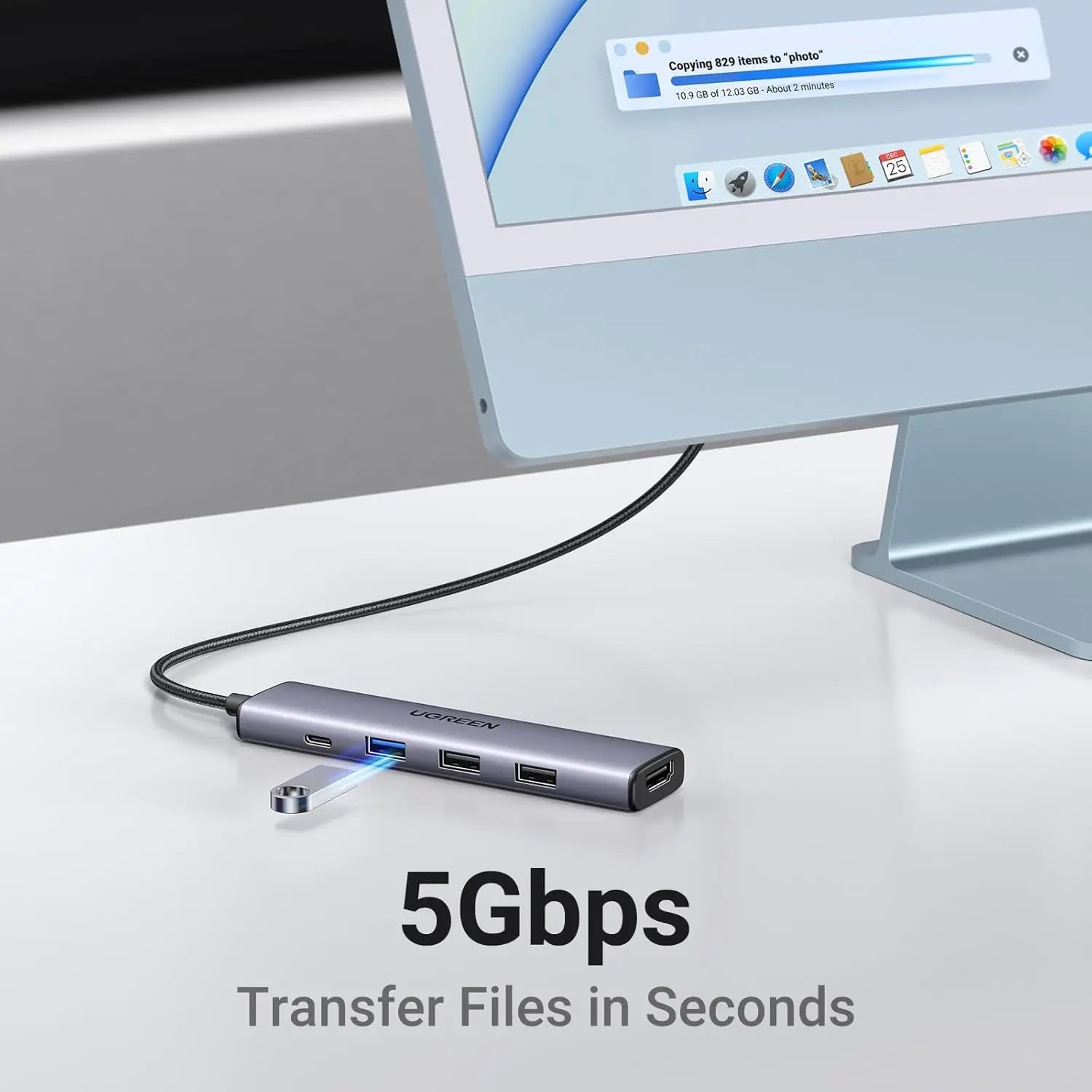
- One USB-A 3.0 port at up to 5 Gbps and two USB-A 2.0 ports at up to 480 Mbps each.
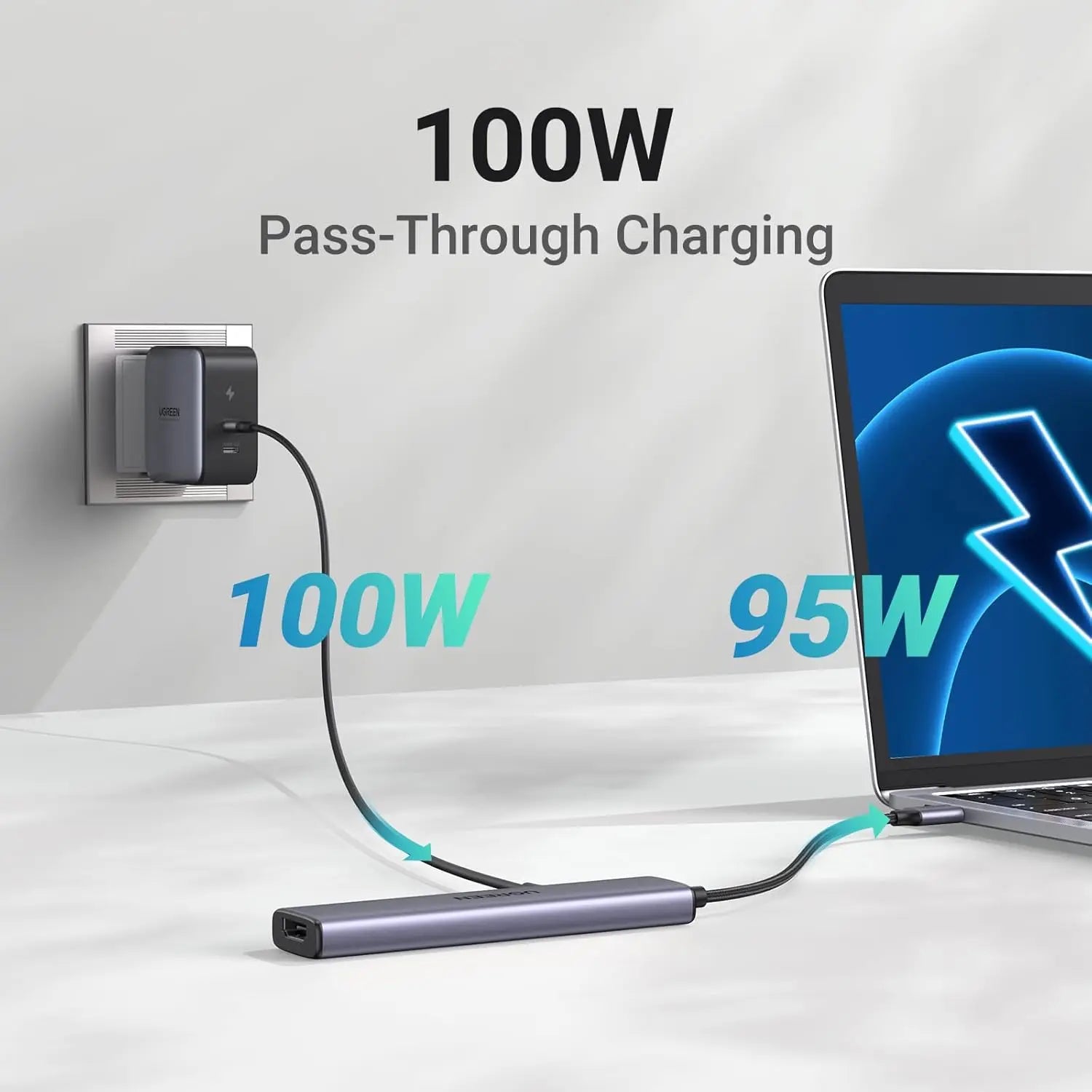
- USB-C Power Delivery (PD) input up to 100 W, passing up to 95 W to the laptop; about 5 W runs the hub.
- Built-in 20 cm USB-C lead and an aluminium housing in grey.
- Works through the host’s own USB, display and PD support, with no driver.
What else you need
- A USB-C port that supports USB data, and video (DisplayPort Alt Mode, USB4 or Thunderbolt) for the HDMI output.
- A USB-C PD charger, 100 W-capable for the full 95 W to the laptop, with its cable, and an HDMI cable. None of these is included.
Installation
No installation. Plug the lead into the laptop and connect the screen, accessories and charger.
Before you buy
- The USB-C input is power only: a USB-C accessory plugged in there gets no data or video.
- Up to 95 W charging needs a 100 W-capable PD source and cable, and the laptop must accept that level.
- All USB devices share the upstream connection and power, so real speeds are below the interface ceilings.
- Disconnecting power during display or storage use can interrupt the picture or active files.
- Phone and tablet support varies: Android needs USB host mode (OTG) and a model-specific wired display mode; iPad and iPhone behaviour depends on the model and OS version.
- Allow ventilation around the aluminium housing and stop using the hub if the cable, connector or housing is damaged.
Technical specifications
Key facts
- What is it?
- Hubs & DocksBrand UGREEN, model 15495
- What comes in the box?
- UGREEN Revodok 105 five-in-one USB-C hub, model 15495; User manual
- Which documents are available?
- Regional compliance reference (2), online specifications Open documents
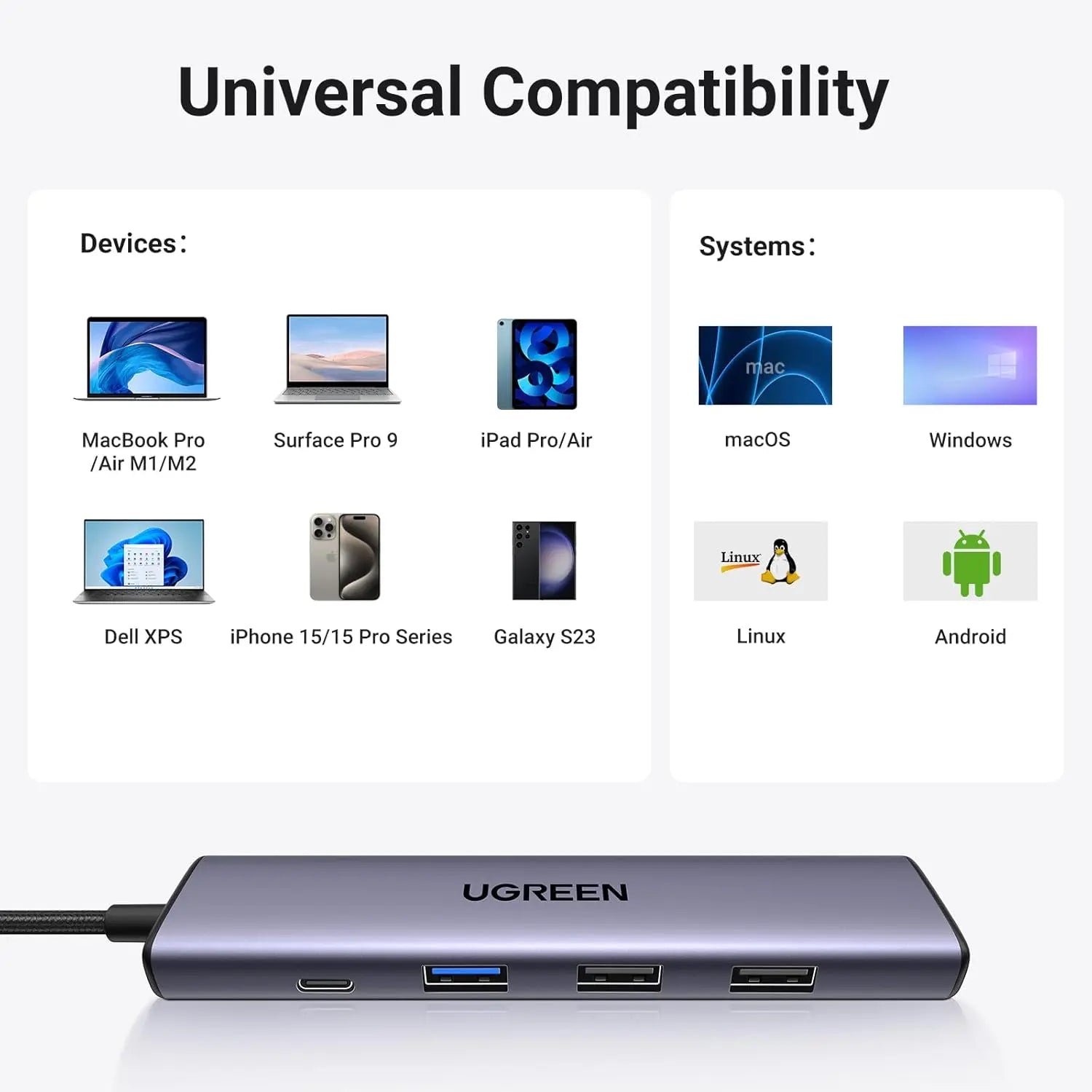
- Device or platform
- Compatibility guidance
- MacBook Pro / Air and USB-C Macs
- USB data and one external display where the Mac supports it; use the correct charger and display settings.
- Windows USB-C laptops
- USB data is required; HDMI additionally needs DisplayPort Alt Mode, USB4 or Thunderbolt video support.
- iPad Pro / Air with USB-C
- External-display layout, power and peripheral support vary by model and iPadOS version.
- Supported Android tablets and phones
- Requires USB host/OTG for peripherals and a model-specific wired display mode for HDMI.
- USB-C iPhone models
- Accessory, display and charging behaviour depends on the iPhone and connected display or storage format.
- Chromebook and Linux systems
- Core USB and display functions depend on hardware support, kernel or system drivers and desktop configuration.
- Brand / series
- UGREEN Revodok 105
- Product type
- 5-in-1 USB-C hub
- Host connection
- Integrated USB-C cable, approximately 20 cm
- HDMI
- 1 x HDMI 1.4; up to 3840 x 2160 at 30 Hz
- External displays
- 1
- USB-A 3.0
- 1 x data port; up to 5 Gbps
- USB-A 2.0
- 2 x data ports; up to 480 Mbps each
- USB-C female port
- Power Delivery input only; no data or video
- PD input
- Up to 100 W
- Maximum host pass-through
- Up to 95 W; approximately 5 W reserved for hub operation
- Ethernet / card / audio
- Not provided
- Housing / colour
- Aluminium; grey
- Device weight
- Approximately 58g
- Operating systems
- Windows, macOS and Linux; mobile support depends on host functions
- Driver model
- Uses host-native USB, display and Power Delivery support
- Dimensions
- 11 × 19.5 × 1.7 cm
- Connector type
- USB C Type
- Weight
- 0.105
- Country of origin
- China
- Manufacturer
- UGREEN Group Limited
- Warranty
- Manufacturer warranty under UGREEN's terms. How claims work
Product attributes and shipping details
| Brand | UGREEN |
|---|
Downloads
Documentation
- UGREEN 15495 product pageOnline specifications · This model · ugreen.comView official page
Series documents can differ from your exact model. Report a wrong or missing file
Questions about this product
Does it support 4K at 60 Hz?
No. The HDMI ceiling is 4K at 30 Hz.
Does it charge the laptop?
Yes, with your own USB-C PD charger plugged into the PD input. Up to 95 W passes through from a 100 W source.
Does it have an Ethernet port?
No. It has HDMI, three USB-A ports and the PD input only.
Does it work with an Android phone?
Only if the phone supports USB host mode (OTG) for the USB ports and a wired display mode for HDMI.
Ask about this modelSetup, compatibility, what is in the box
Answers are automated. Do not enter personal or account details.
Looking for an alternative?
We list alternatives only when we have checked they suit the same job. Compare other models in the category, or ask us to suggest one for your site.