
Hubs and Docks
Hubs and docks add ports to a laptop, tablet or mini PC through one USB-C, USB-A or Thunderbolt connection. What separates them is the host link (USB 3.x, USB4 or Thunderbolt), the number of display outputs and whether the laptop can drive several screens over it, the power delivery passed through to the laptop, and extras such as Gigabit or 2.5GbE Ethernet and card readers.
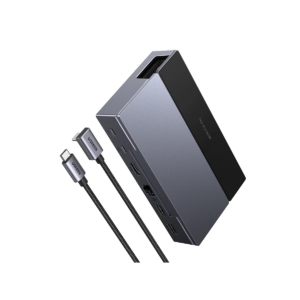
All products
-
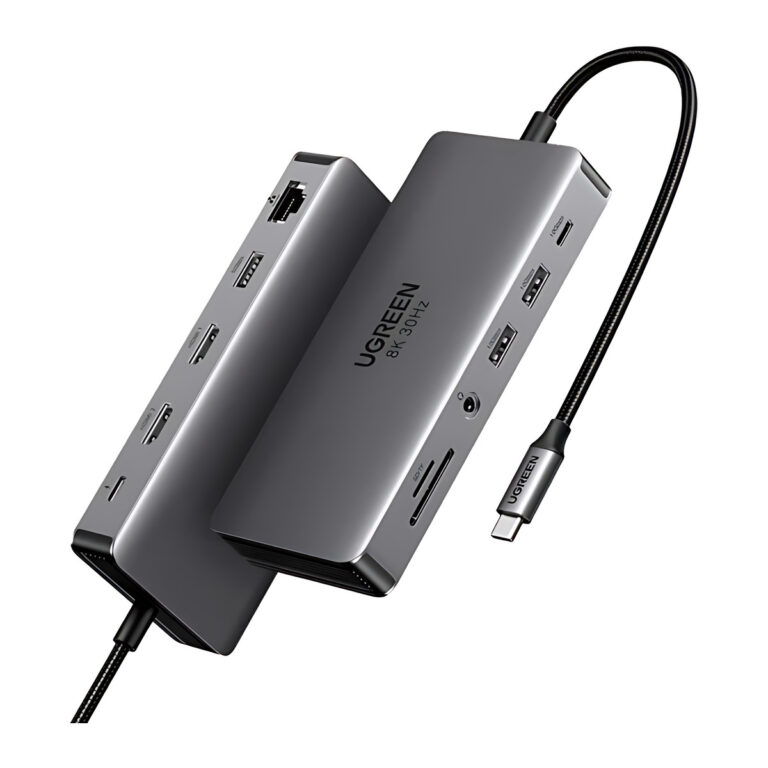 UGREENModel 15965
Revodok Pro 211 11-in-1 USB-C Hub, Dual HDMI
- Connector type
- USB-C and HDMI
- Total ports
- 11
- Network
- RJ45 Gigabit Ethernet
₹10,489 Incl. GST MRP₹19,99647% below MRPOut of stock -
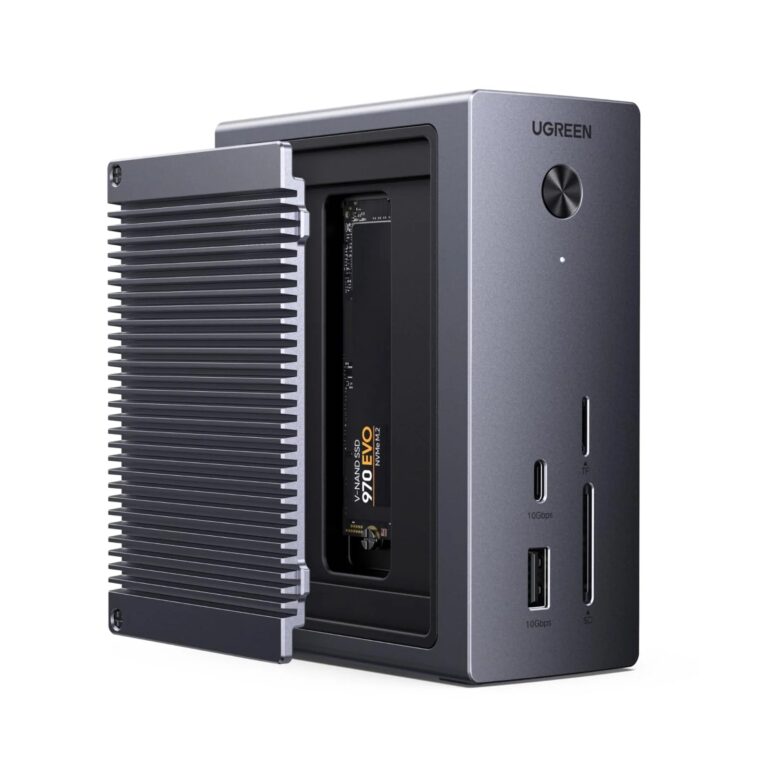 UGREENModel 55735
10-in-1 USB-C Hub with NVMe SSD Enclosure, 4K 60 Hz, 100 W PD Input, 10 Gbps
- HDMI
- HDMI 2.0; up to 4K60
- SSD interface
- M.2 NVMe; up to 10 Gbps
- PD input
- Up to 100 W
₹10,829 Incl. GST MRP₹13,99922% below MRP -
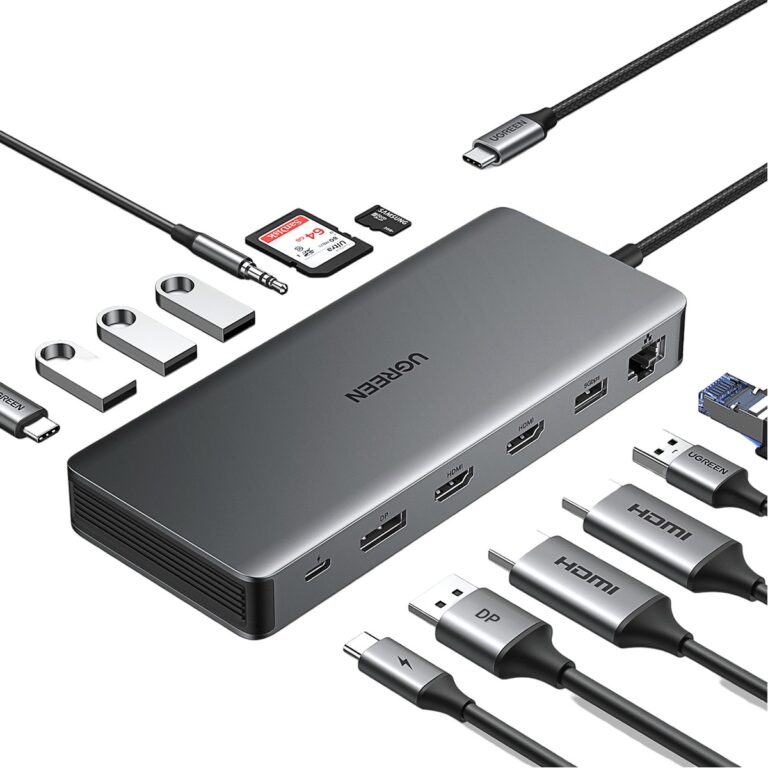 UGREENModel 15978
13-in-1 Triple-Display USB-C Dock with 10 Gbps USB
- Host connection
- Attached USB-C male lead
- USB-A data
- 4 × USB-A
₹10,909 Incl. GST MRP₹16,66334% below MRP -
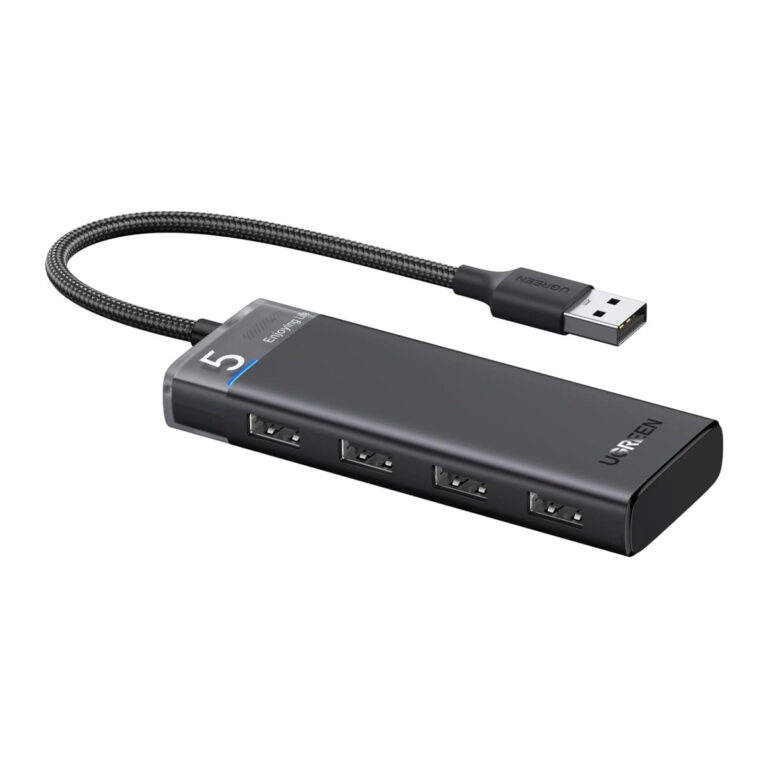 UGREENModel 15548
4-Port USB 3.2 Hub, 5 Gbps, USB-A, USB-C Power Input
- Product type
- Four-port USB data hub
- Downstream ports
- 4 × USB-A data
₹1,729 Incl. GST MRP₹2,29924% below MRP -
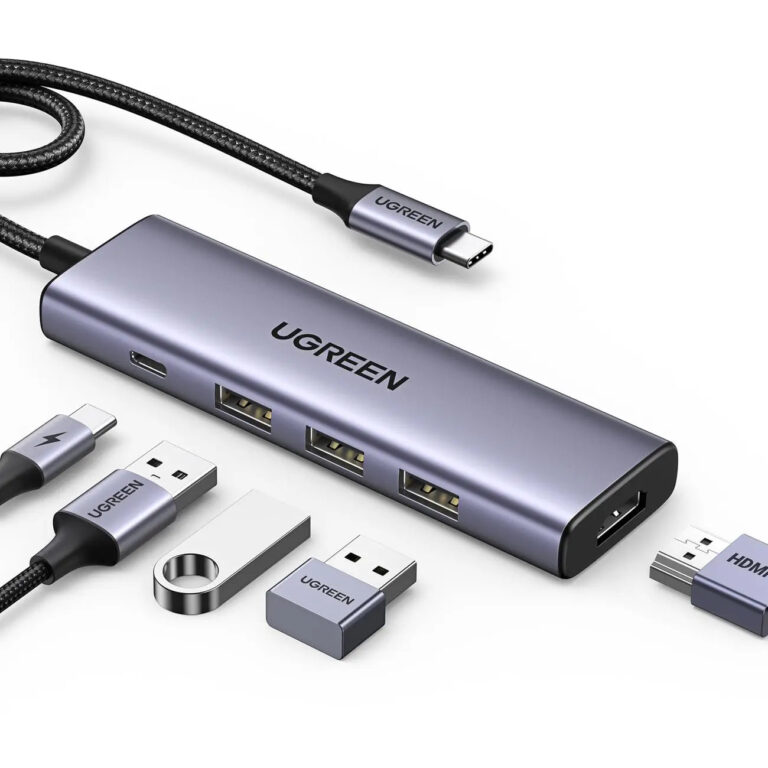 UGREENModel 15596
5-in-1 USB-C Hub, 4K30 HDMI and 100 W PD
- Connector type
- USB Type C
- Expansion port count
- 5-in-1
- External display count
- One
₹2,927 Incl. GST MRP₹6,66456% below MRP -
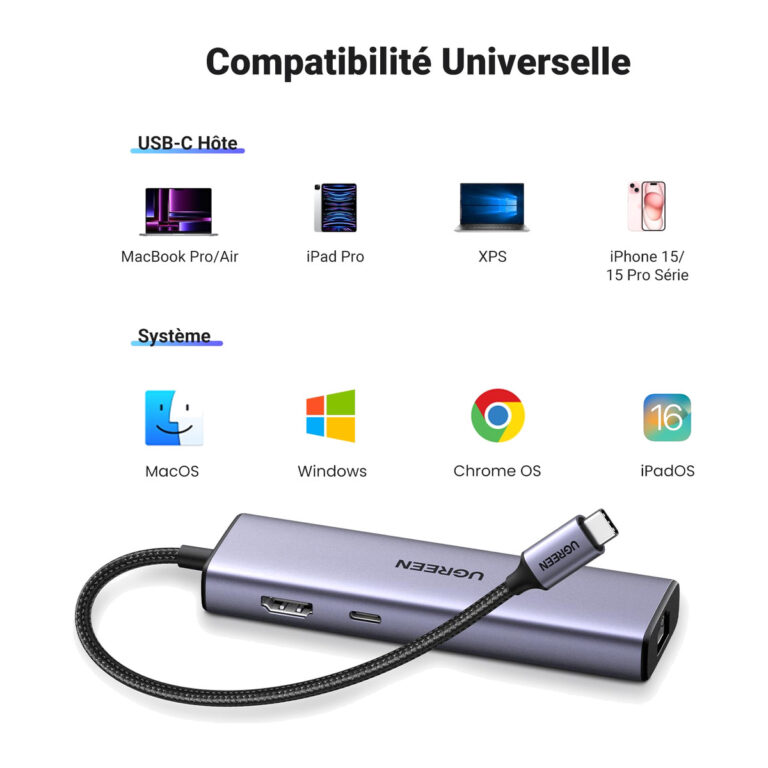 UGREENModel 15598
6-in-1 USB-C Hub, 4K30, Gigabit LAN
- Connector type
- USB Type C
- Display capability
- Up to 4K at 30 Hz
- Expansion port count
- 6-in-1
₹2,753 Incl. GST MRP₹4,19034% below MRP -
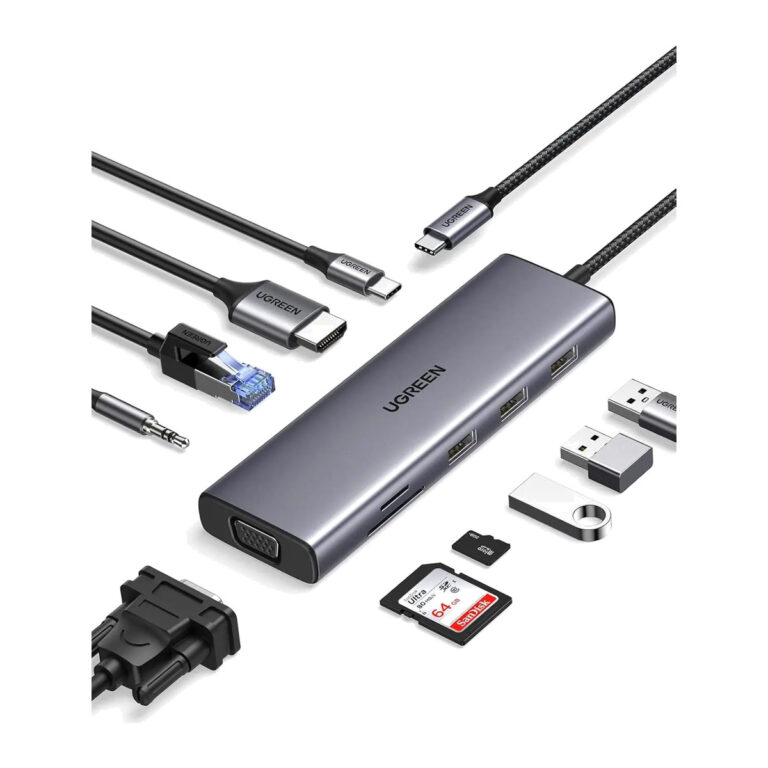 UGREENModel 15601
10-in-1 USB-C Docking Station, HDMI 4K, VGA, Gigabit LAN, 100 W PD
- Connector type
- USB Type C
- USB data
- 3 × USB-A 3.0 ports
₹4,887 Incl. GST MRP₹14,44166% below MRP -
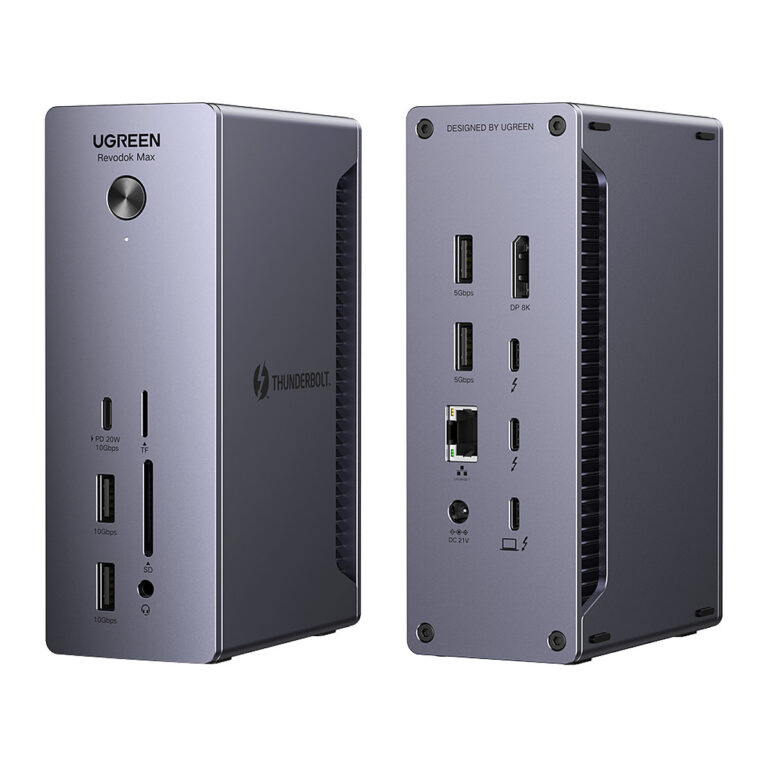 UGREENModel Revodok Max 213
Thunderbolt 4 Dock, 13-in-1, Dual 4K, 2.5GbE
- Ethernet
- 2.5 Gigabit Ethernet
- Host charging
- Up to 90 W negotiated
₹42,579 Incl. GST MRP₹46,6608% below MRP -
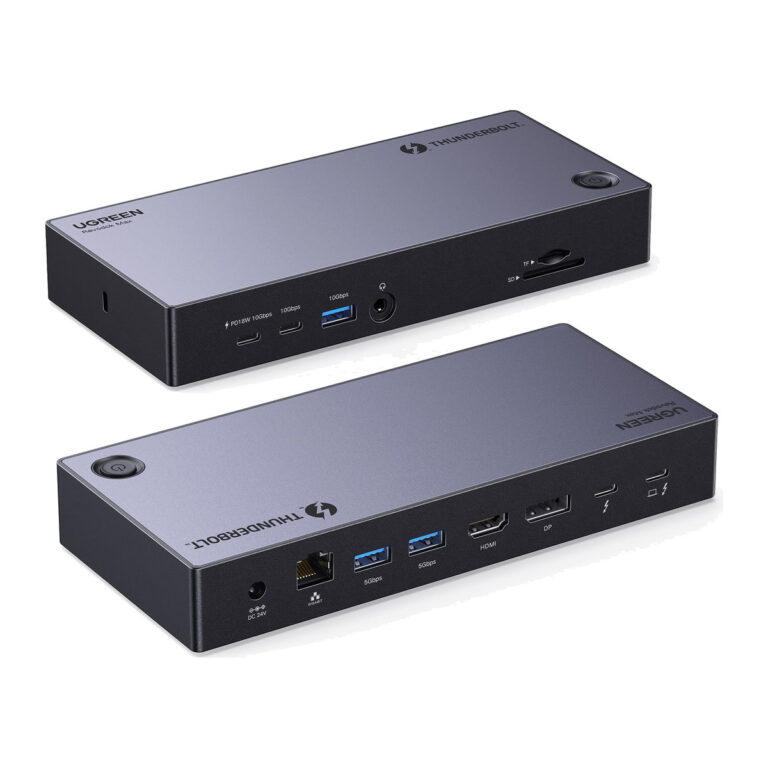 UGREENModel 25085
Revodok Max 313 Thunderbolt 4 Dock, 13-in-1, Triple 4K, 140 W
- USB-C 3.2 data and charging
- 1
- Port
- Quantity
₹41,999 Incl. GST MRP₹44,4285% below MRP -
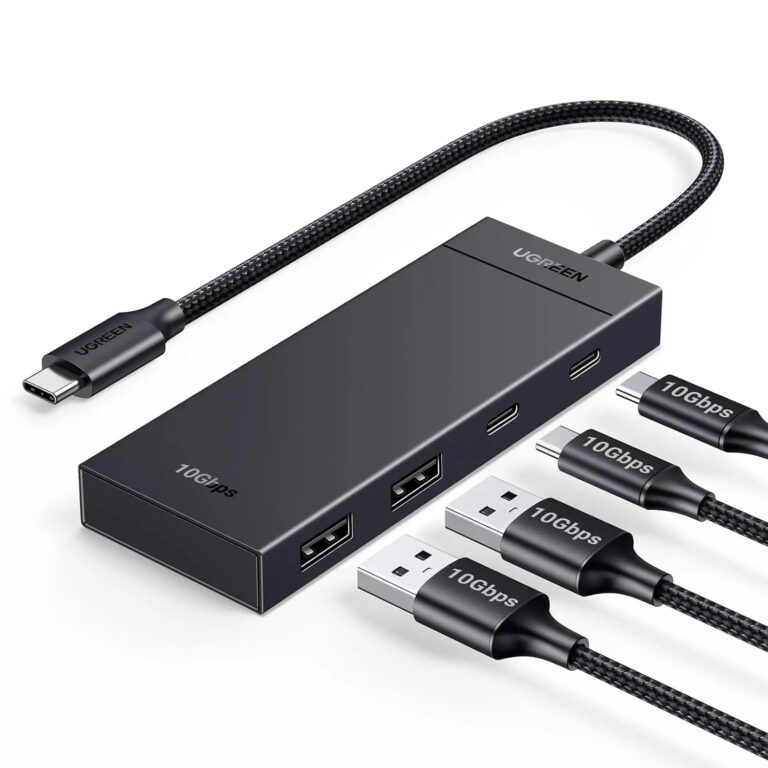 UGREENModel 35583
4-in-1 USB-C Hub, 10 Gbps, 2 USB-C and 2 USB-A 3.2
- Host connection
- Attached USB-C lead
- Ethernet
- Not included
- Product type
- 4-in-1 USB-C data hub
₹1,494 Incl. GST MRP₹4,44266% below MRP -
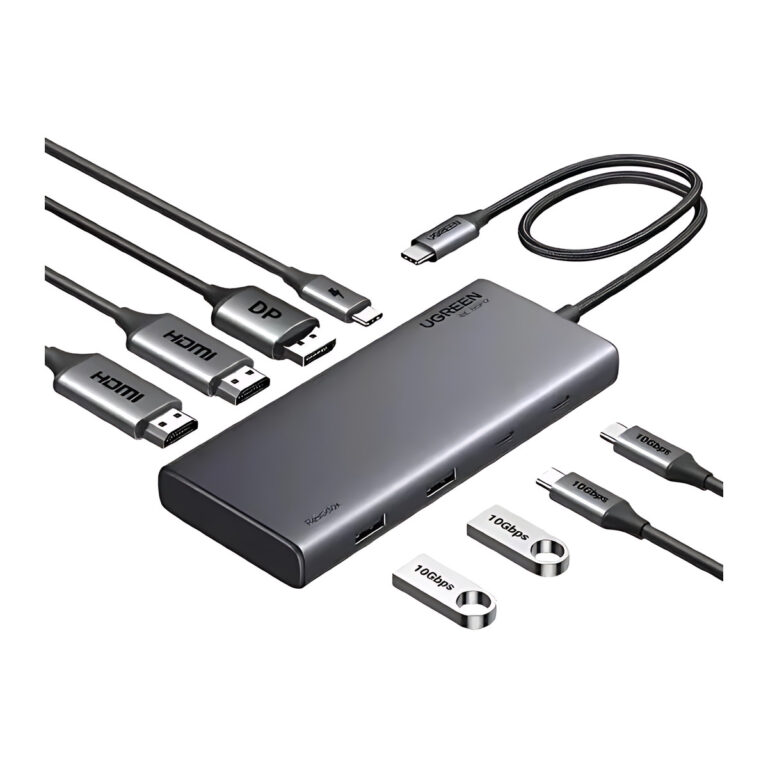 UGREENModel 35625
8-in-1 USB-C Docking Station, Triple Display, 2 HDMI and DP
- Connector type
- USB C and USB A Type
- DisplayPort output
- 1 ×, up to 4K 60 Hz
- PD input
- Up to 100 W
₹5,747 Incl. GST MRP₹11,99752% below MRP -
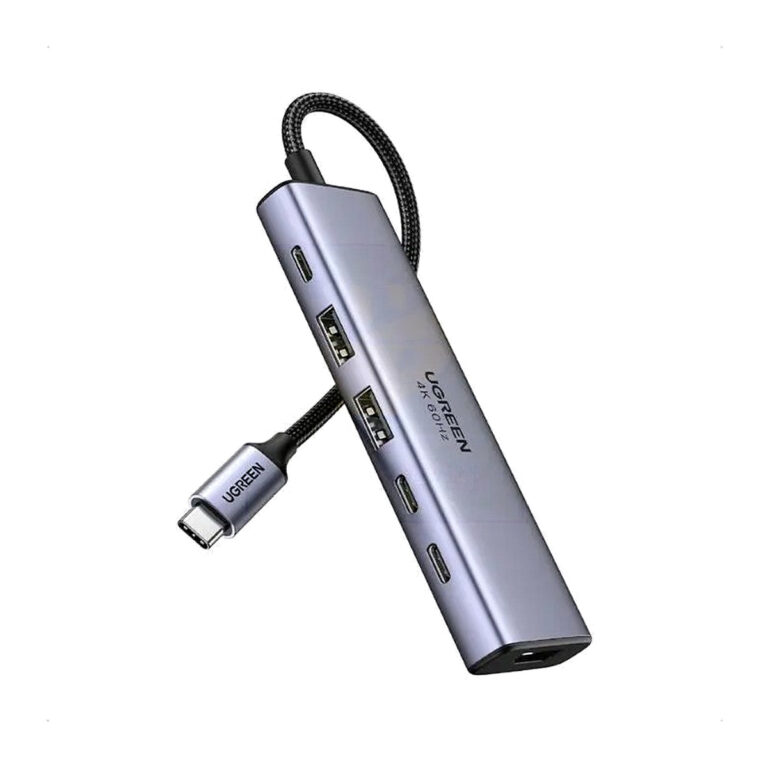 UGREENModel SKU 35999
6-in-1 USB-C Hub, 4K60 HDMI and 10 Gbps USB
- HDMI
- Up to 4K60
- Connector type
- USB C TYPE
₹2,949 Incl. GST MRP₹4,95340% below MRP -
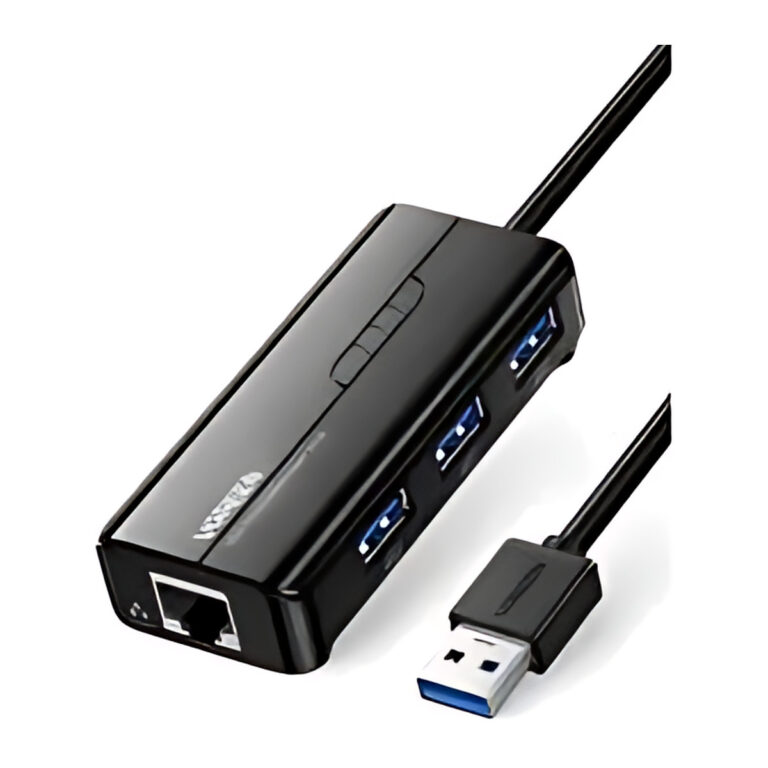 UGREENModel 20265
4-in-1 USB 3.0 Hub with Gigabit Ethernet, 3 USB-A Ports, 1000 Mbps
- Connector type
- RJ45 Ethernet and USB
- Host connector
- USB-A 3.0 male
- Network modes
- 10/100/1000 Mbps
₹2,279 Incl. GST MRP₹3,19928% below MRP -
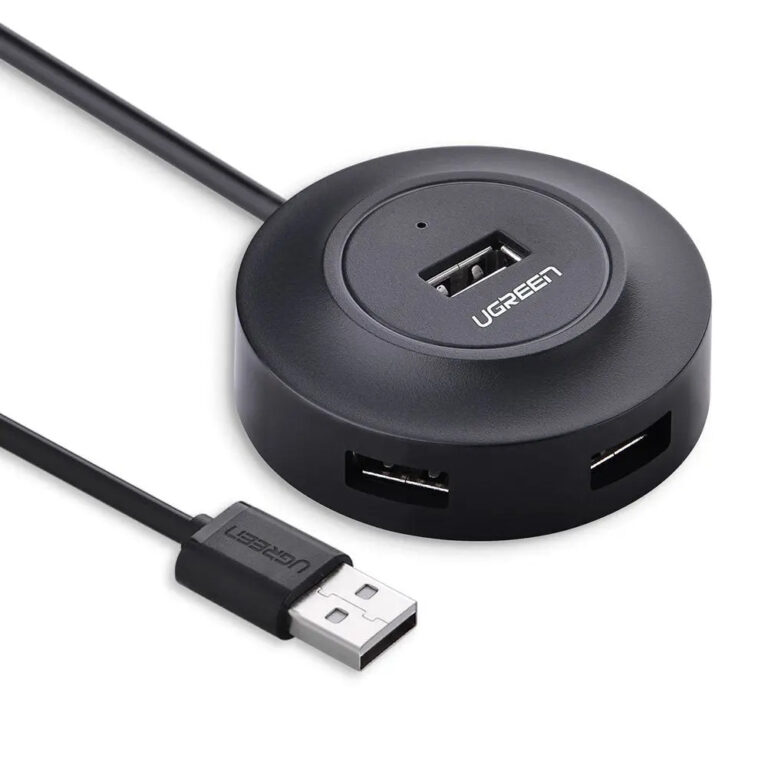 UGREENModel 20277
4-Port USB 2.0 Hub with 1 m Cable
- Downstream ports
- 4 × USB-A female
- Auxiliary power input
- Micro-USB
- Indicator
- LED
₹899 Incl. GST MRP₹2,22059% below MRP -
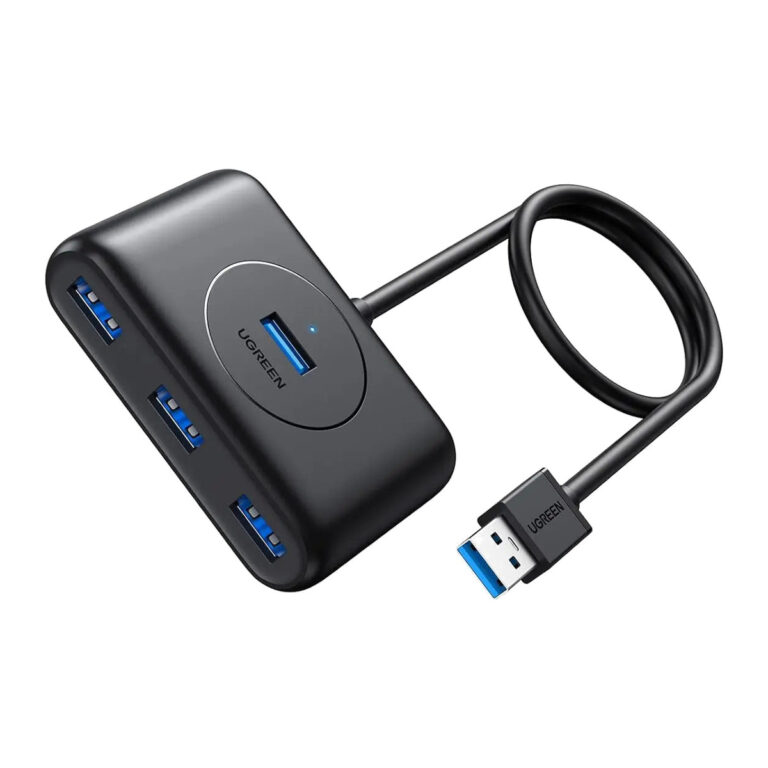 UGREENModel UGREEN 20291
4-Port USB 3.0 Hub with 1 m Cable
- Product type
- 4-port USB 3.0 data hub
- Length
- 1 m attached host cable
₹1,619 Incl. GST MRP₹2,22027% below MRP -
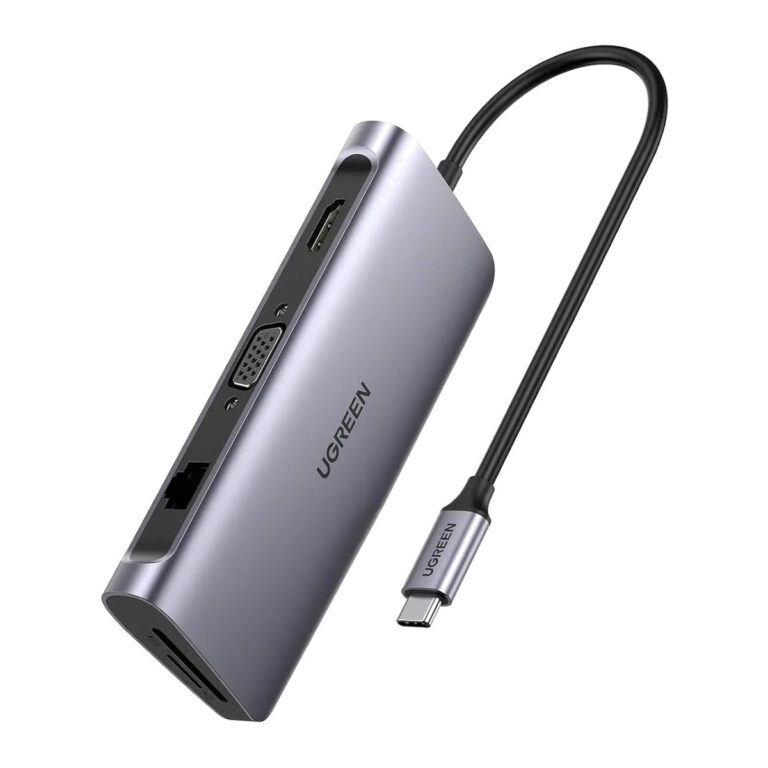 UGREENModel 40873
9-in-1 USB-C Docking Station, 4K HDMI, VGA, Gigabit Ethernet
- HDMI
- Up to 4K 30 Hz
- Connector type
- USB TYPE C
₹6,489 Incl. GST MRP₹13,33051% below MRP -
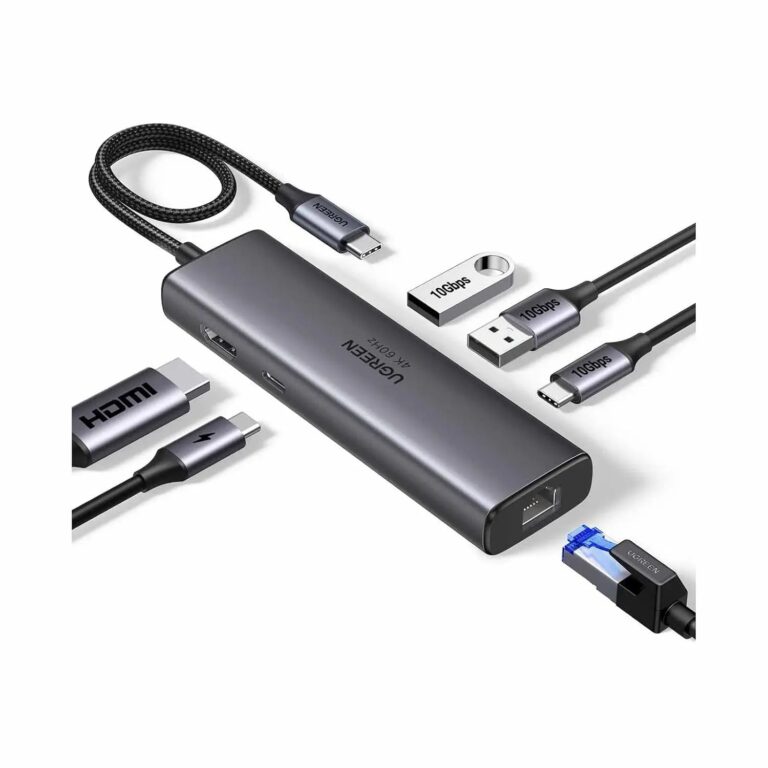 UGREENModel SKU 45000
6-in-1 USB-C Hub, 4K60, 10 Gbps and Gigabit
- HDMI
- Up to 4K60
- Connector type
- USB C TYPE
₹3,899 Incl. GST MRP₹5,66431% below MRP -
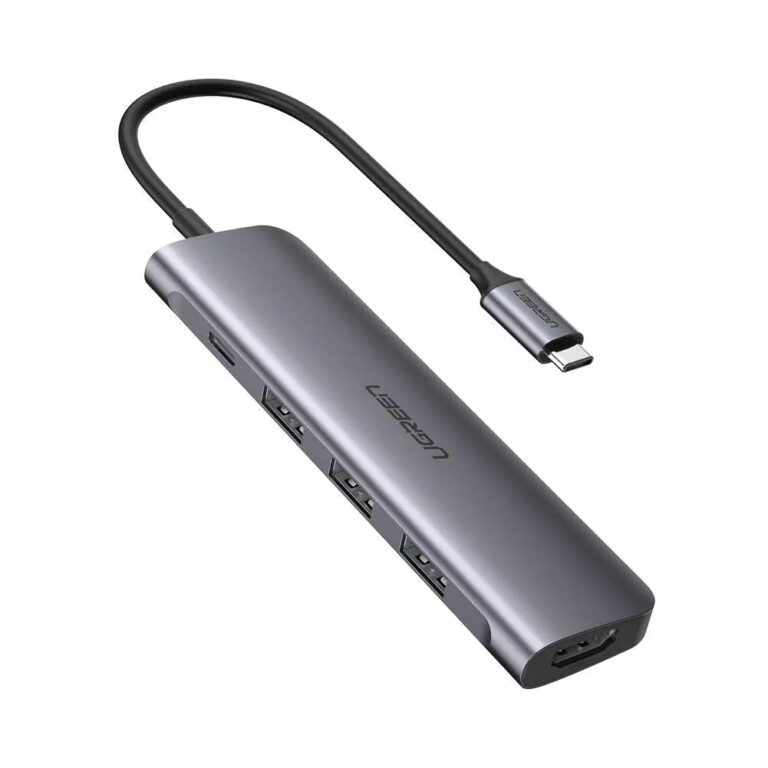 UGREENModel 50209
5-in-1 USB-C Hub with 4K HDMI, 3 USB-A and 100 W PD
- Host connection
- Attached USB-C male lead
- HDMI
- 1 × HDMI output
- Ethernet
- Not included
₹4,089 Incl. GST MRP₹8,88653% below MRP -
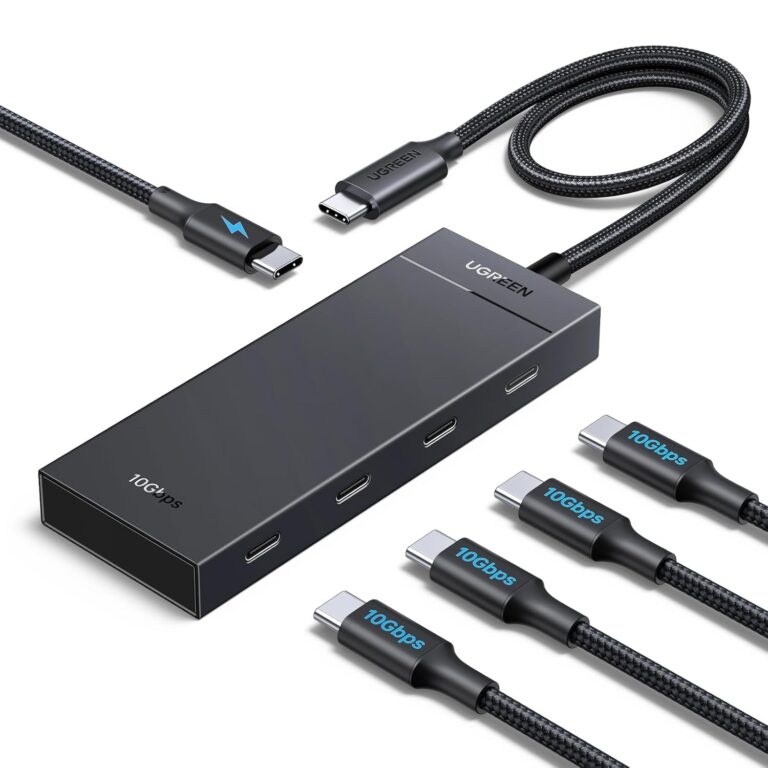 UGREENModel CM806
5-in-1 USB-C Hub, 10 Gbps and 100 W PD (CM806/55334)
- Host connection
- Attached USB-C lead
- Product type
- 5-in-1 USB-C data hub
₹1,939 Incl. GST MRP₹4,99961% below MRP -
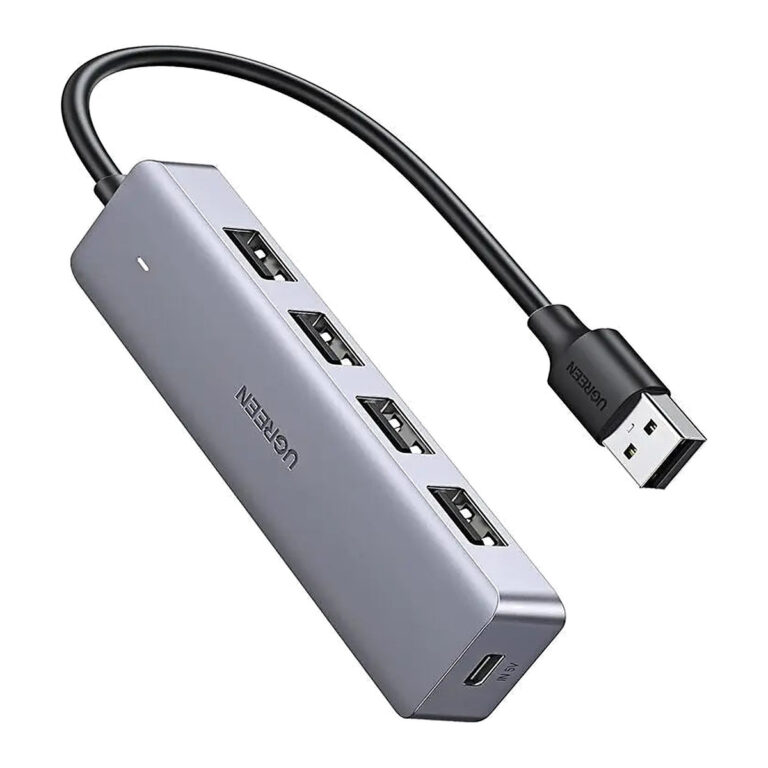 UGREENModel 50985
4-Port USB 3.0 Hub with Micro USB Power Input
- Host connection
- Attached USB-A male lead
- Ethernet
- Not included
- Product type
- 4-port USB 3.0 hub
₹1,349 Incl. GST MRP₹4,44269% below MRP -
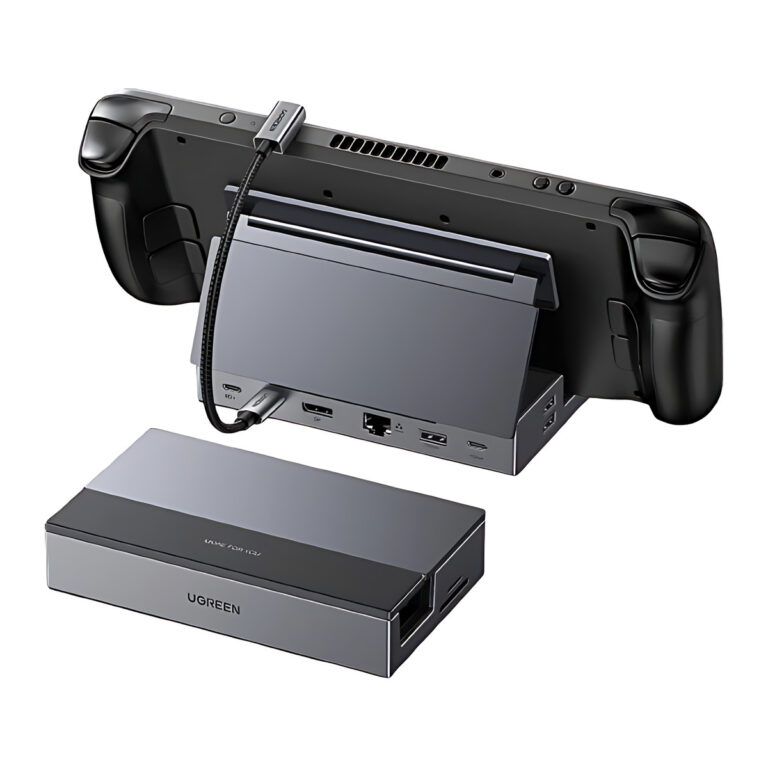 UGREENModel 55733
9-in-1 Handheld Gaming Dock, DisplayPort 4K120
- Video
- DisplayPort up to 4K120
- Network
- Gigabit Ethernet
- Stand
- Foldable / adjustable
₹10,039 Incl. GST MRP₹16,39738% below MRP -
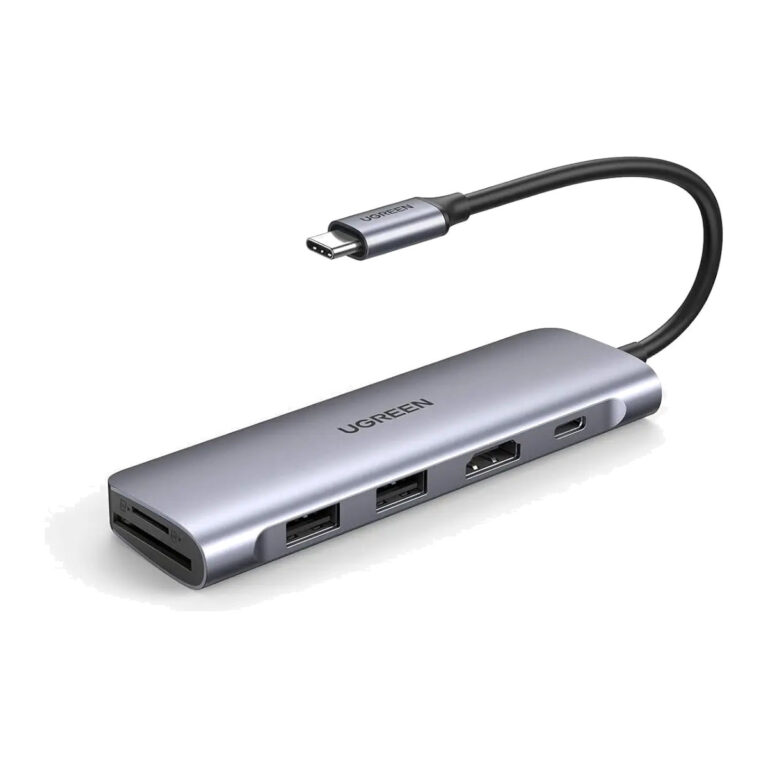 UGREENModel 70411
6-in-1 USB-C Hub with 4K HDMI, SD/TF and 100 W PD
- Host connection
- Attached USB-C male lead
- Connector type
- HDMI, USB, USB Type C
₹3,499 Incl. GST MRP₹9,99764% below MRP -
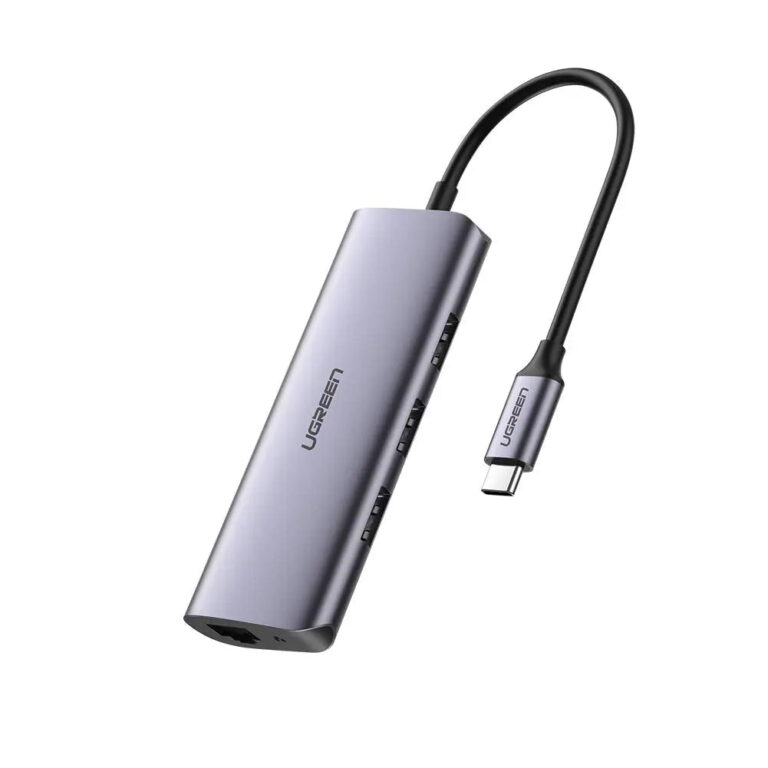 UGREENModel 60718
USB-C Hub with Gigabit Ethernet and 3 USB 3.0 Ports
- Connector type
- ETHERNET,USB -C
- USB version
- USB 3.0
- Host Connector
- USB-C (attached cable)
₹2,689 Incl. GST MRP₹8,88669% below MRP -
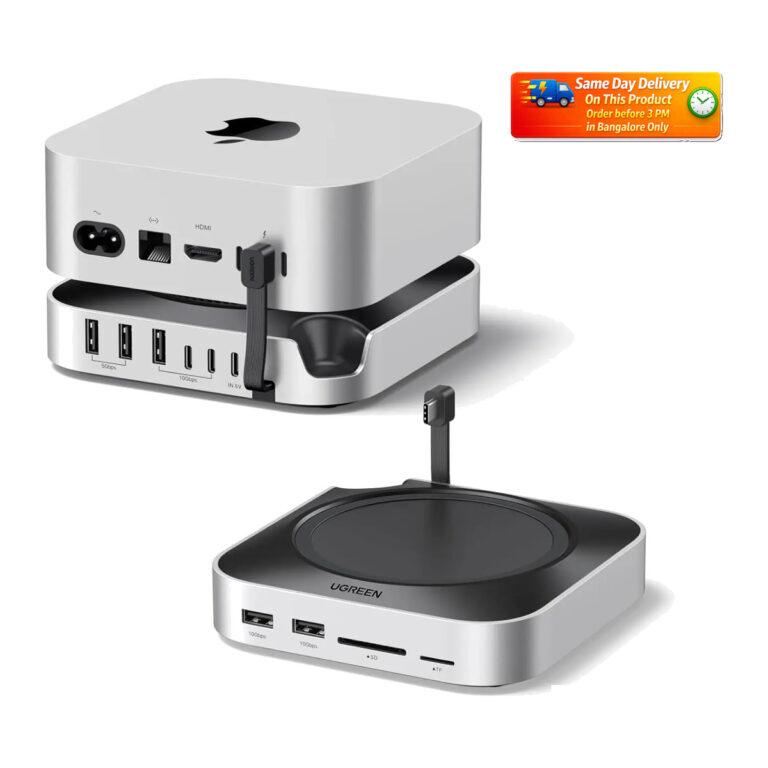 UGREENModel 65487
Mac mini M4 Dock, 11-in-1, M.2 NVMe Slot, 10 Gbps USB
- USB-A 10 Gbps
- 3 ports
- USB-A 5 Gbps
- 2 ports
- USB-C 10 Gbps
- 2 data-only ports
₹7,002 Incl. GST MRP₹13,33047% below MRP
How to choose a USB-C hub or dock
- Host port: check whether your laptop's USB-C port supports video output (DisplayPort Alt Mode) and charging. Thunderbolt 4 docks need a Thunderbolt or USB4 host for full speed.
- Displays: count the monitors you want. Some MacBook models support only one external display through a standard hub, which is where DisplayLink docks help.
- Charging: pass-through power delivery, such as 100W PD, lets the laptop charge through the hub. Allow for the hub's own draw.
- Data speed: 5Gbps ports suit keyboards and flash drives, while 10Gbps ports suit fast external SSDs.
- Extras: Gigabit or 2.5GbE Ethernet, SD and TF readers and audio jacks reduce the number of dongles on the desk.
Need only one conversion? See adapters and converters. Power the dock from a suitable USB-C charger.
Need help choosing?
Tell us what it is for and where it goes, and we suggest models. Have a list of models and quantities? Request a quote.