
At a glance
- Maximum Resolution
- 3840 x 2160 at 60 Hz
- Dimensions
- 12 × 8.5 × 1.7 cm
- Input
- USB-C male
- Output
- HDMI 2.0 female
 Model 70444
UGREEN 70444 USB-C to HDMI 2.0 Adapter Cable, 4K 60 Hz with HDR
₹2,210 Incl. GST MRP ₹5,553 60% below MRP
₹1,873 + 18% GST
At a glance
- Maximum Resolution
- 3840 x 2160 at 60 Hz
- Dimensions
- 12 × 8.5 × 1.7 cm
- Input
- USB-C male
- Output
- HDMI 2.0 female
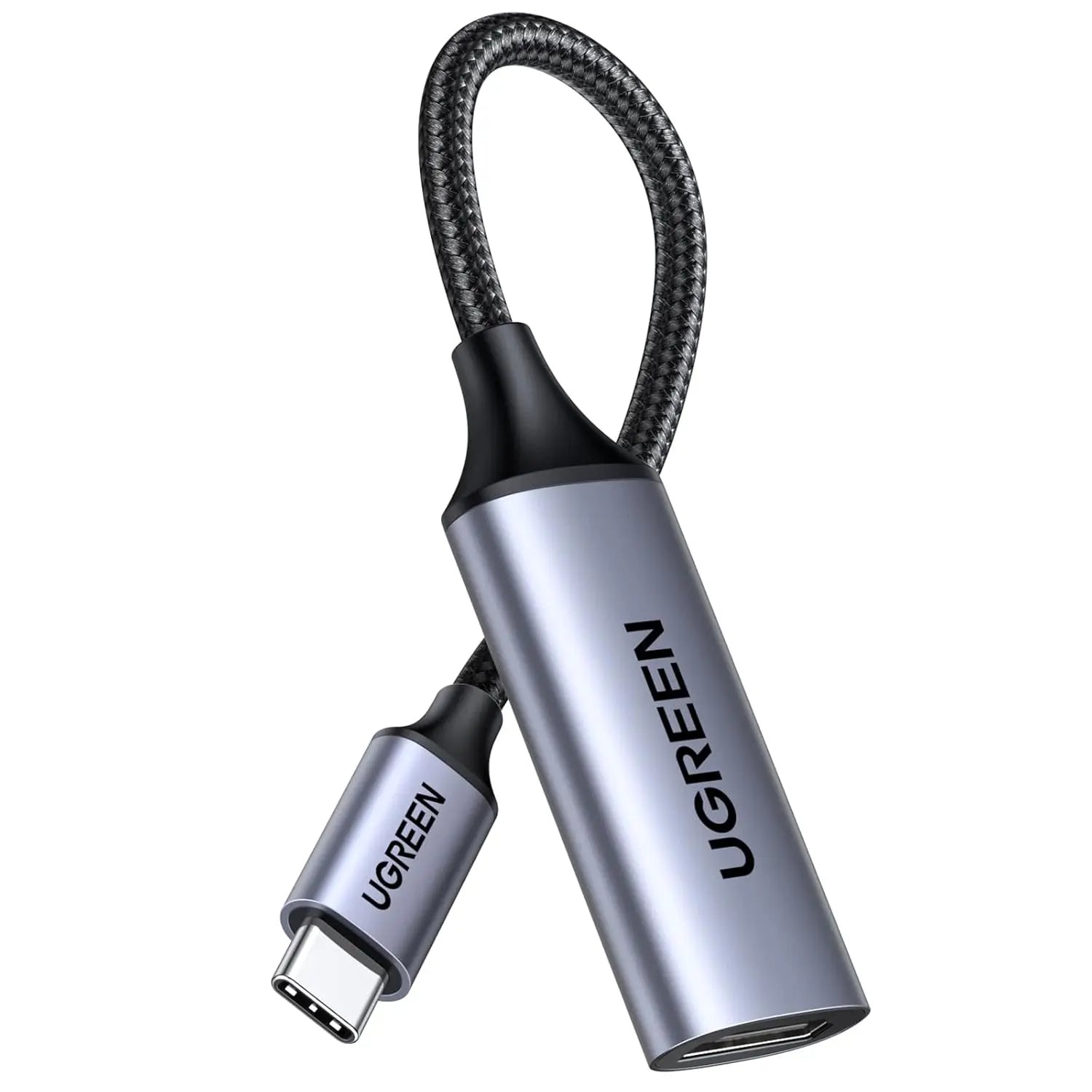
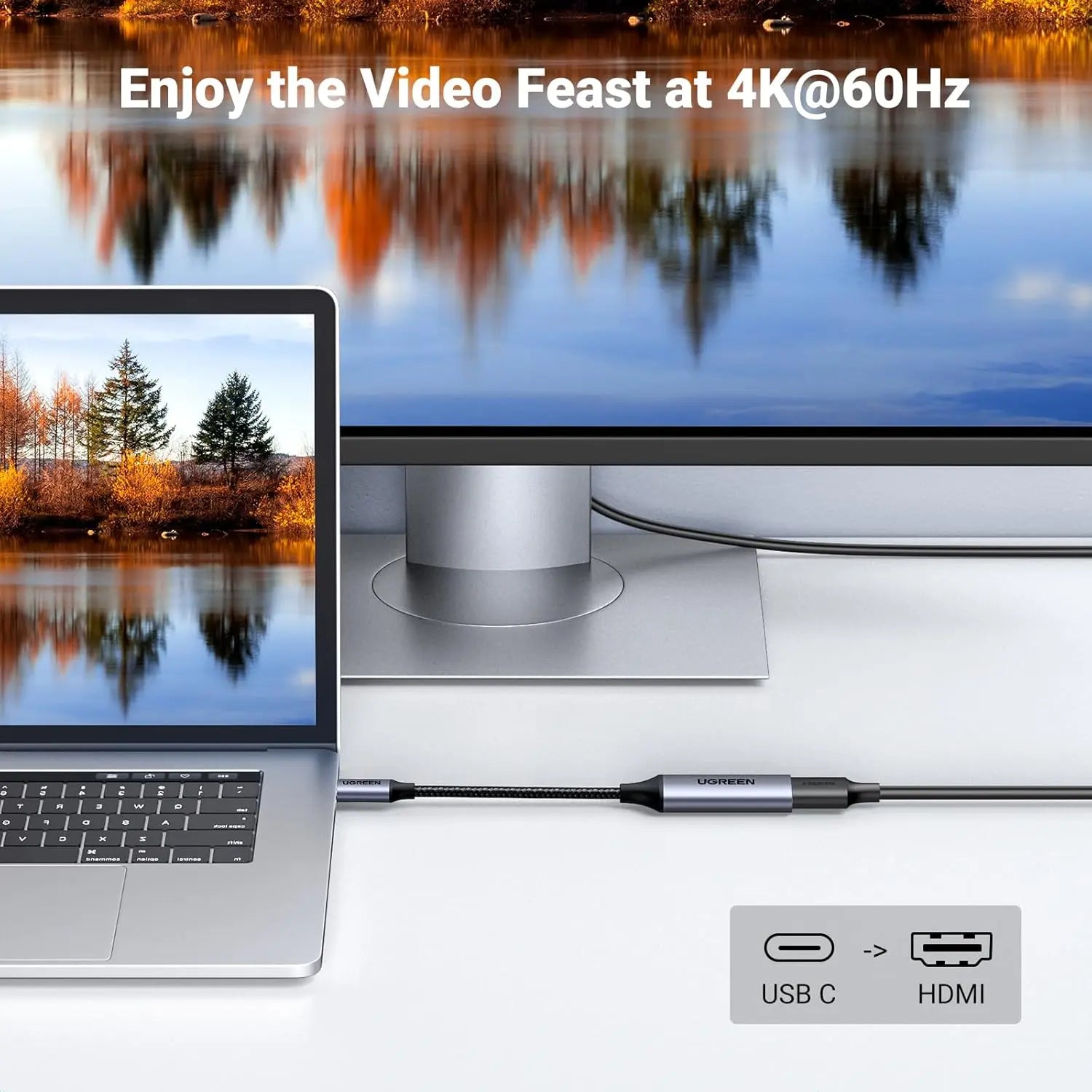
Lets a laptop, tablet or phone with USB-C video use an existing HDMI cable to reach a TV, monitor or projector. USB-C plug to HDMI 2.0 socket, 4K at 60 Hz with HDR. Needs DisplayPort Alt Mode on the device.
- WarrantyManufacturer warranty under UGREEN's terms. Warranty claims
- DeliveryPrice, availability and delivery charges are confirmed in your quotation. Shipping and delivery
Overview
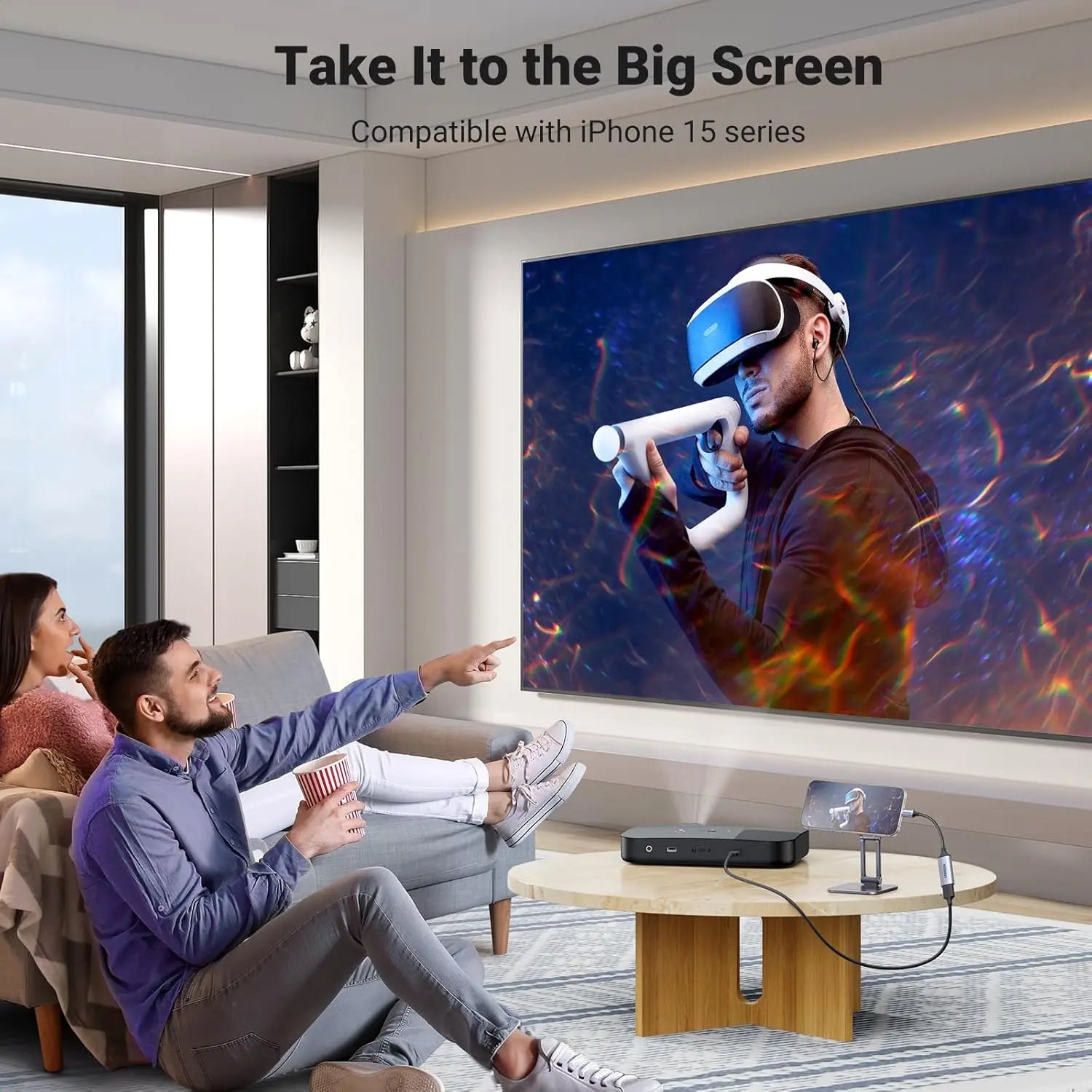
The UGREEN 70444 is a short adapter cable with a USB-C plug at one end and an HDMI 2.0 socket at the other, so a laptop, tablet or phone with USB-C video can use an ordinary HDMI lead to reach a TV, monitor or projector. It outputs up to 4K at 60 Hz with HDR (high dynamic range) and works for presentations, video, gaming or an extended desktop at a work desk. The USB-C port on the device must support DisplayPort Alternate Mode (DP Alt Mode).
Is it right for you?
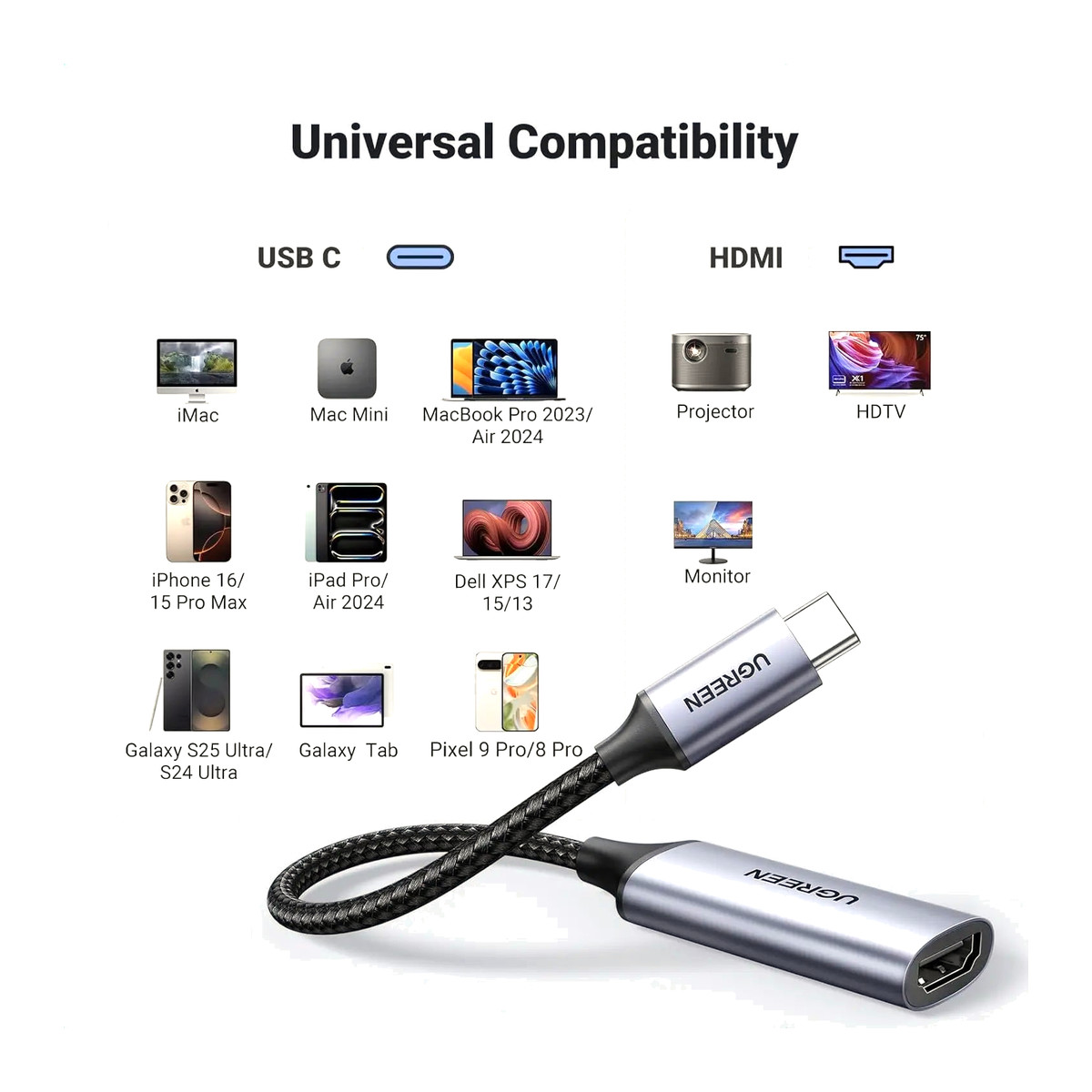
- It suits a USB-C laptop, an iPad Pro with USB-C or a DeX-capable Samsung Galaxy phone or tablet that you want to connect to a screen using an HDMI cable you already own.
- The source’s USB-C port must output video through DP Alt Mode. Charge-only or data-only USB-C ports will not show a picture.
- For 4K at 60 Hz, the HDMI cable and the display must also support HDMI 2.0 at that mode.
- It has a female HDMI socket, so you need an HDMI cable as well; it does not plug straight into the display.
Key features
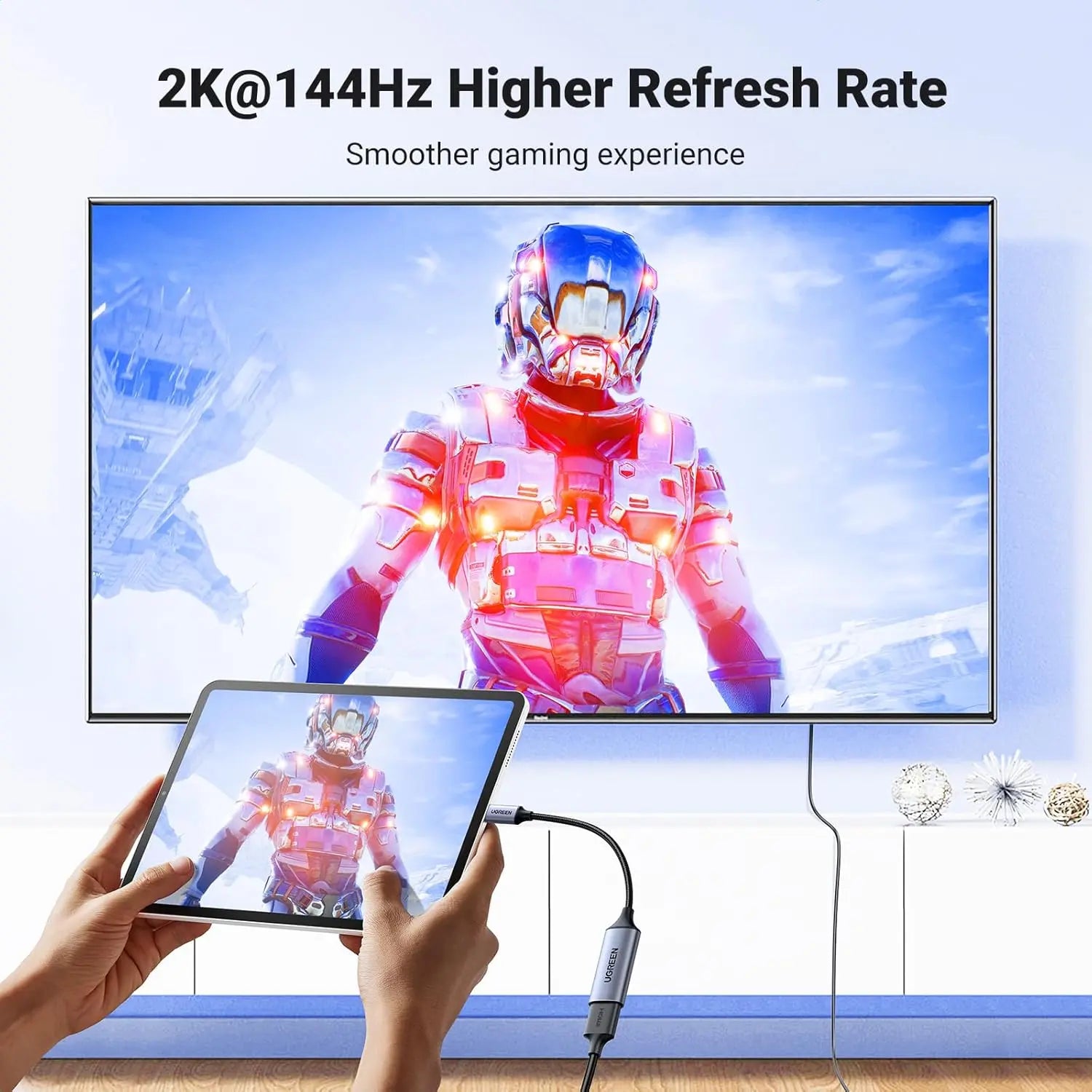
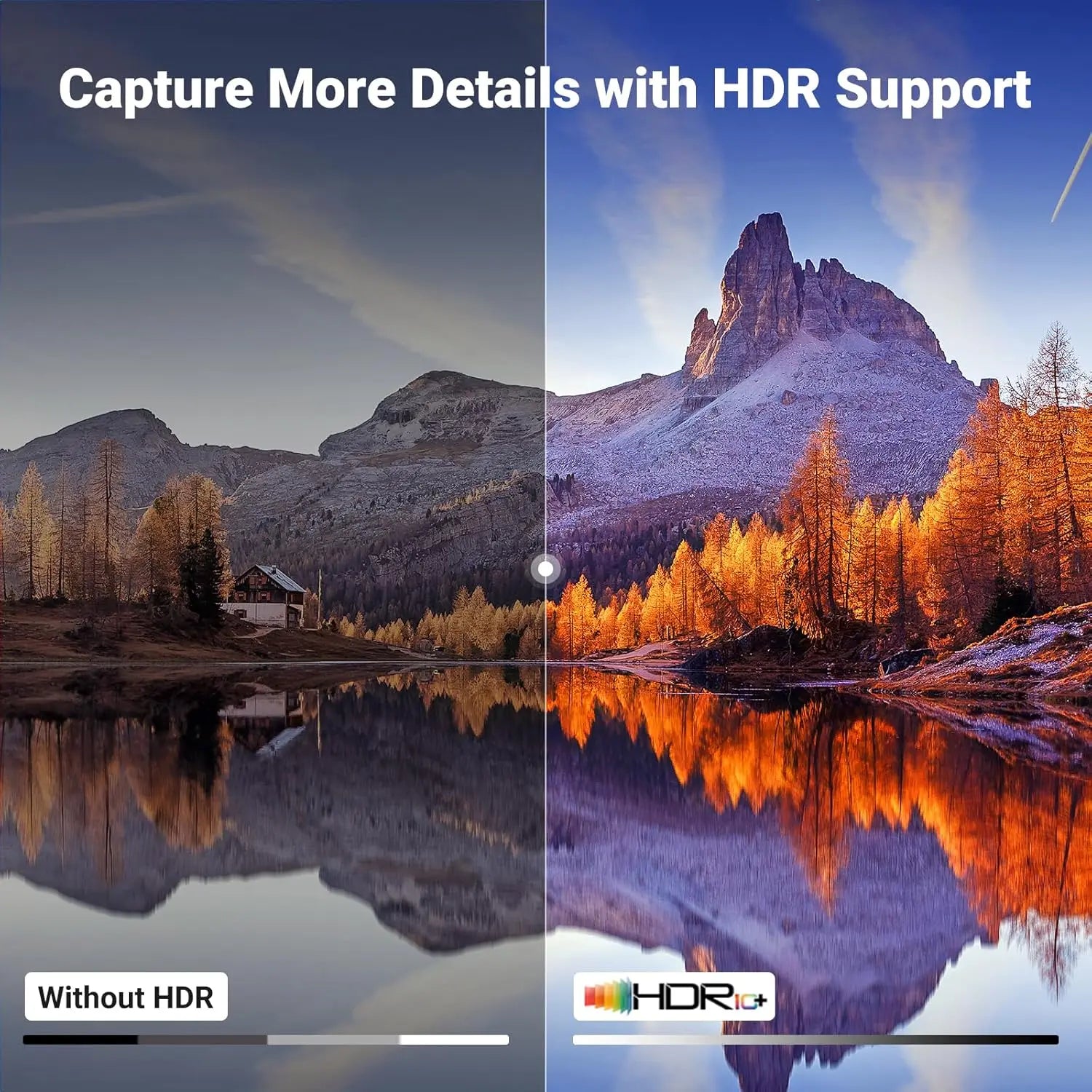
- Up to 4K at 60 Hz (3840 x 2160) with HDR.
- VL100 and PS176 chipsets handle the signal conversion.
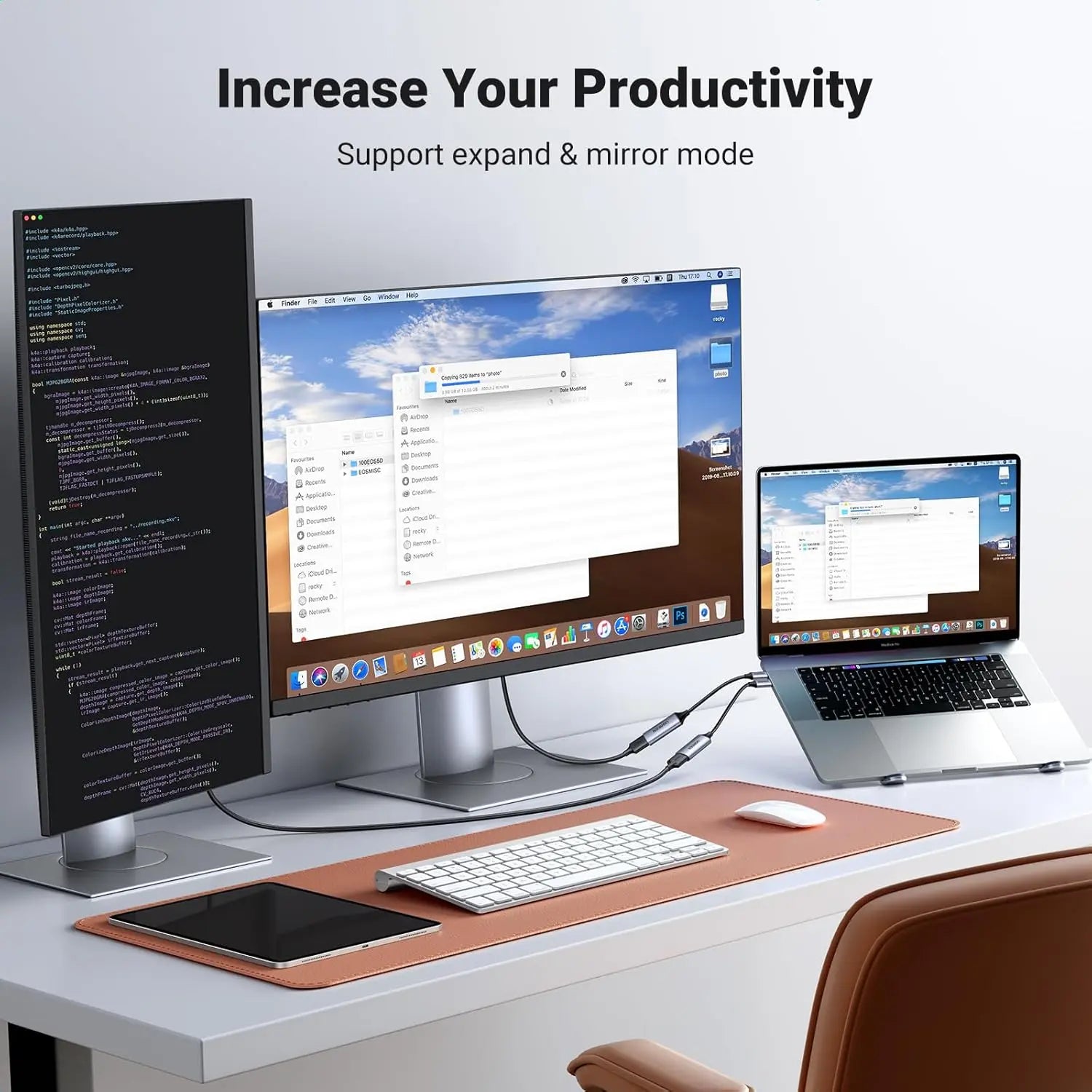
- Mirror and extended display modes, with no driver to install.
- Works with Samsung DeX on supported Galaxy devices.
- Aluminium housing and nylon-braided cable with four-layer shielding.
What else you need
An HDMI cable and a display with an HDMI input, plus a source with a video-capable USB-C port: Thunderbolt 3 and 4 laptops, recent MacBook models, iPad Pro with USB-C and DeX-capable Galaxy phones and tablets. No driver is needed.
Installation
No installer is needed. Plug the USB-C end into the device, plug your HDMI cable into the HDMI socket and the other end into the display, then choose mirror or extend in the device’s display settings.
Before you buy
- The USB-C port must support DisplayPort Alternate Mode. Check the device specification before ordering.
- 4K at 60 Hz needs an HDMI 2.0 cable and a display that support that mode.
- An HDMI cable is needed to reach the display; this adapter has an HDMI socket, not a plug.
Technical specifications
- Dimensions
- 12 × 8.5 × 1.7 cm
- Weight
- 64 g
- Country of origin
- China
- Manufacturer
- UGREEN Group Limited
- Input
- USB-C male
- Output
- HDMI 2.0 female
- Maximum Resolution
- 3840 x 2160 at 60 Hz
- HDR
- Supported
- Chipset
- VL100 and PS176
- Source Requirement
- USB-C port with DisplayPort Alt Mode
- Housing
- Aluminium with nylon braided cable
- Warranty
- Manufacturer warranty under UGREEN's terms. How claims work
Product attributes and shipping details
| Brand | UGREEN |
|---|
Downloads
Documentation
- UGREEN 70444 family datasheetDatasheet · Family · 45.4 KBDownload
- UGREEN 70444 product pageOnline specifications · This model · ugreenindia.comView official page
Series documents can differ from your exact model. Report a wrong or missing file
Questions about this product
Will it work with my phone?
Only if the phone's USB-C port supports DisplayPort Alt Mode, for example a DeX-capable Samsung Galaxy. Ports that only charge or carry data will not output video.
Do I need an HDMI cable as well?
Yes. The adapter ends in an HDMI socket, so an HDMI cable runs from it to the TV, monitor or projector.
Does it support 4K at 60 Hz with HDR?
Yes, when the HDMI cable and the display also support HDMI 2.0 at that mode.
Does it need a driver?
No. It supports mirror and extended modes with no driver.
Ask about this modelSetup, compatibility, what is in the box
Answers are automated. Do not enter personal or account details.
Looking for an alternative?
We list alternatives only when we have checked they suit the same job. Compare other models in the category, or ask us to suggest one for your site.