
HDMI and Display Cables
Display cables are chosen by connector pair, version and length. HDMI 2.0 carries 4K at 60 Hz, HDMI 2.1 cables add the 48 Gbps bandwidth for 4K at 120 Hz and above or 8K, DisplayPort 1.2, 1.4 and 2.1 cables set the same kind of limits on DP links, and fibre optic cables keep the signal over long runs. Conversion cables such as DisplayPort to HDMI work in one direction only, so check which end is the source.
All products
-
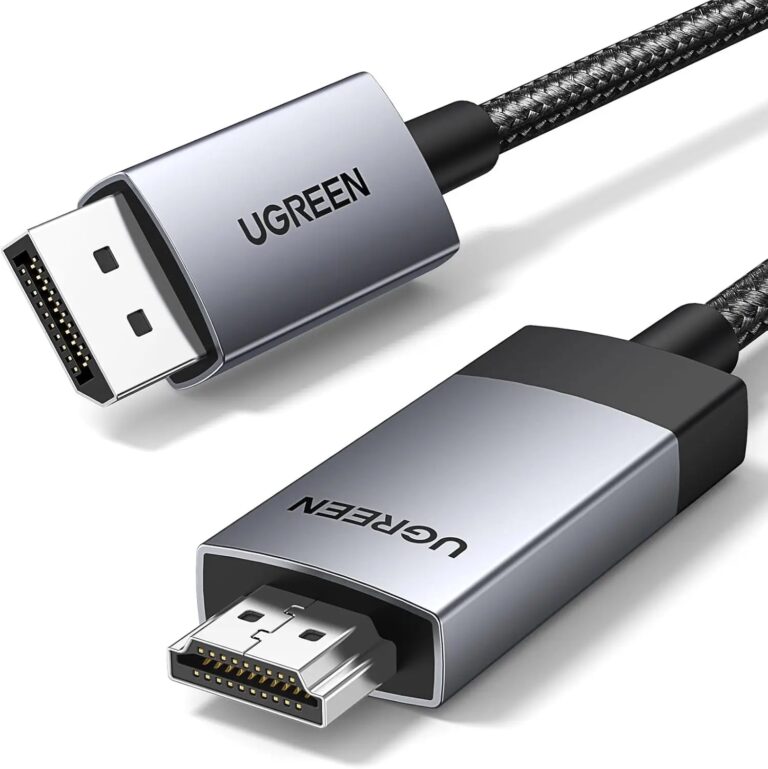 UGREENModel 15773
1 m Active DisplayPort to HDMI Cable, 4K60
- Connector type
- DisplayPort to HDMI
- Cable length
- 1 m
₹2,370 Incl. GST MRP₹3,33128% below MRP -
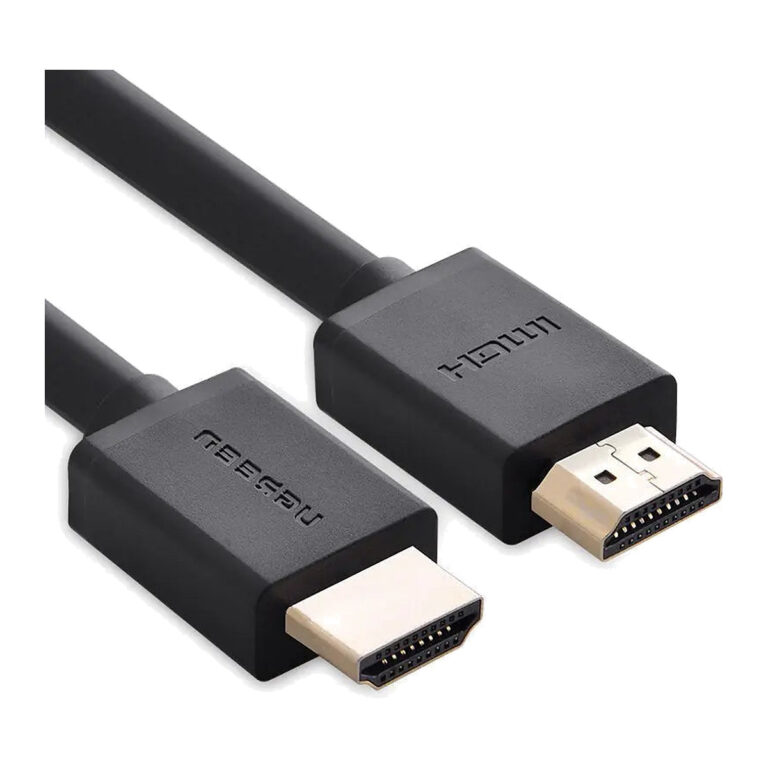 UGREENModel 10106
1 m HDMI 2.0 Cable, 4K@60Hz, 18 Gbps
- Length
- 1 m
- Maximum mode
- 3840 × 2160 at 60 Hz
- Link class
- Up to 18 Gbps
₹519 Incl. GST MRP₹99847% below MRP -
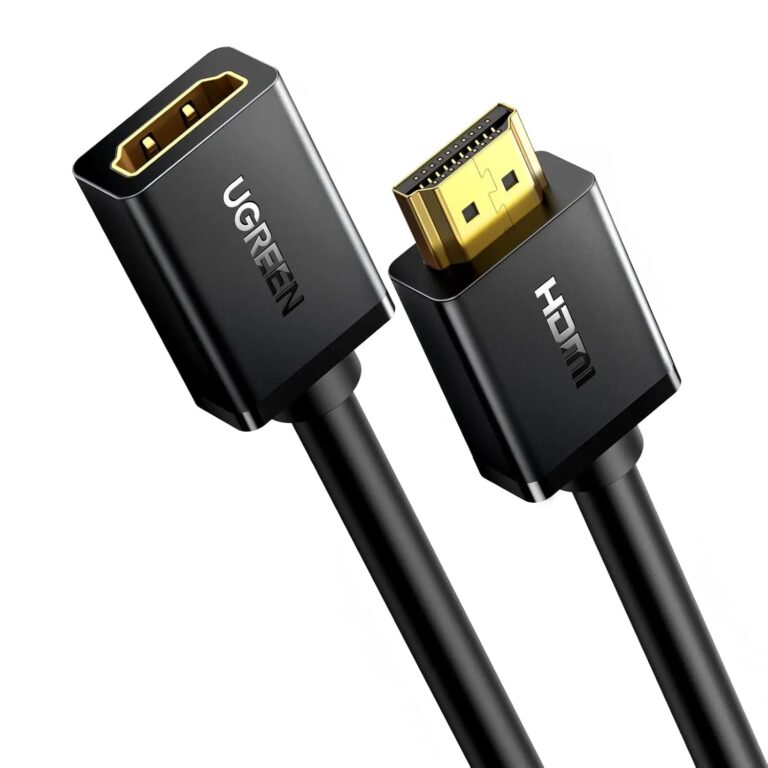 UGREENModel 10141
1 m HDMI 2.0 Male-to-Female Extension Cable
- Connector A
- Full-size HDMI male
- Connector B
- Full-size HDMI female
₹919 Incl. GST MRP₹2,51863% below MRP -
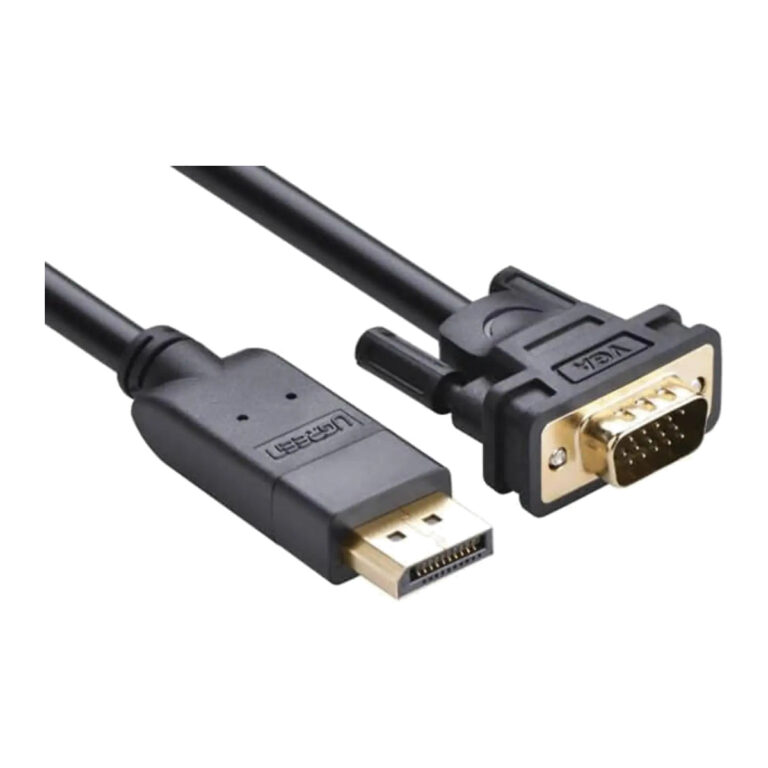 UGREENModel 10247
1.5 m DisplayPort to VGA Cable, 1080p
- Connector type
- DisplayPort
- Cable length
- 1.5 m
₹1,309 Incl. GST MRP₹2,44346% below MRP -
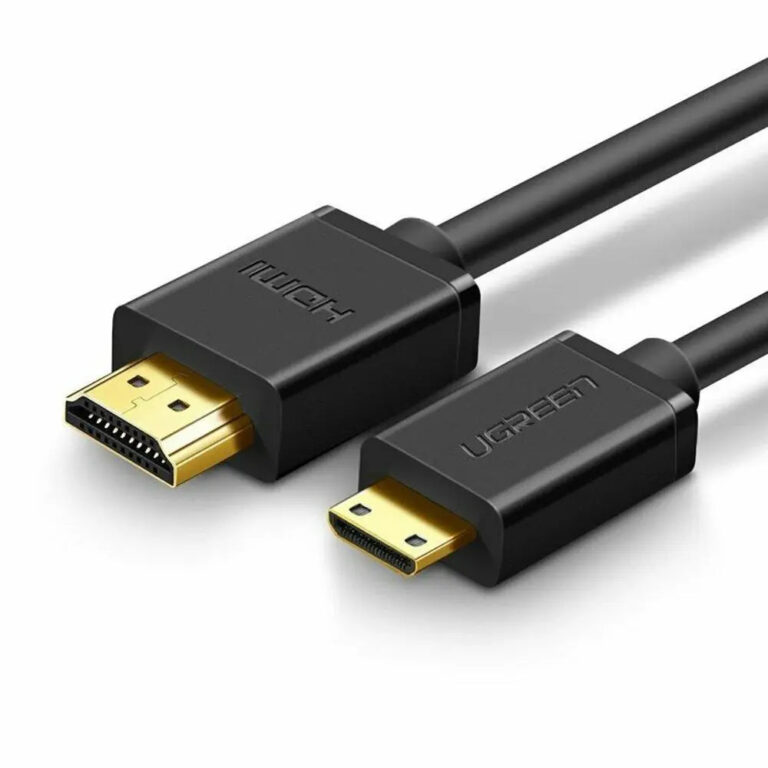 UGREENModel 11167
1.5 m Mini HDMI Type-C to HDMI Type-A Cable, 4K60
- Connector type
- Mini HDMI to HDMI
- Cable length
- 1.5 m
₹664 Incl. GST MRP₹1,44353% below MRP -
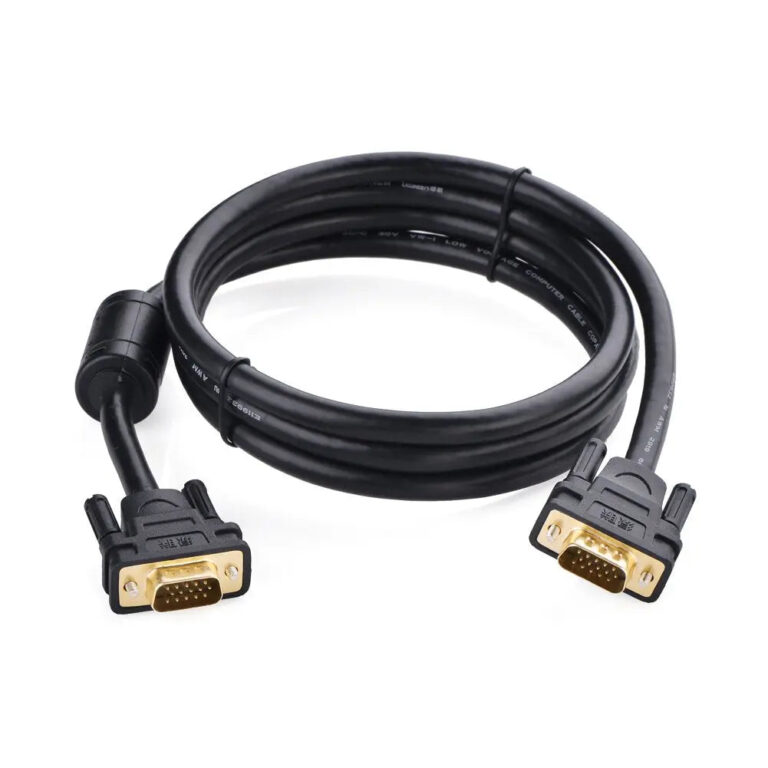 UGREENModel 11630
1.5 m VGA/HD15 Male-to-Male Cable
- Connector type
- VGA, Coaxial
- Cable length
- 1.5 m
₹824 Incl. GST MRP₹1,10925% below MRP -
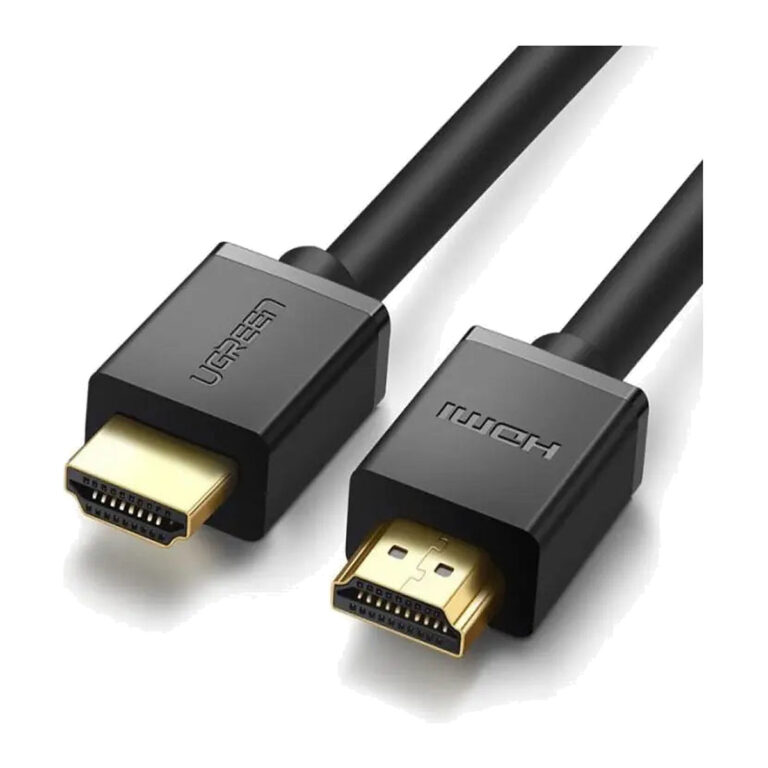 UGREENModel 10110
10 m High Speed HDMI with Ethernet Cable, 4K UHD
- Length
- 10 m
- Driver / external power
- None required
₹2,579 Incl. GST MRP₹5,10949% below MRP -
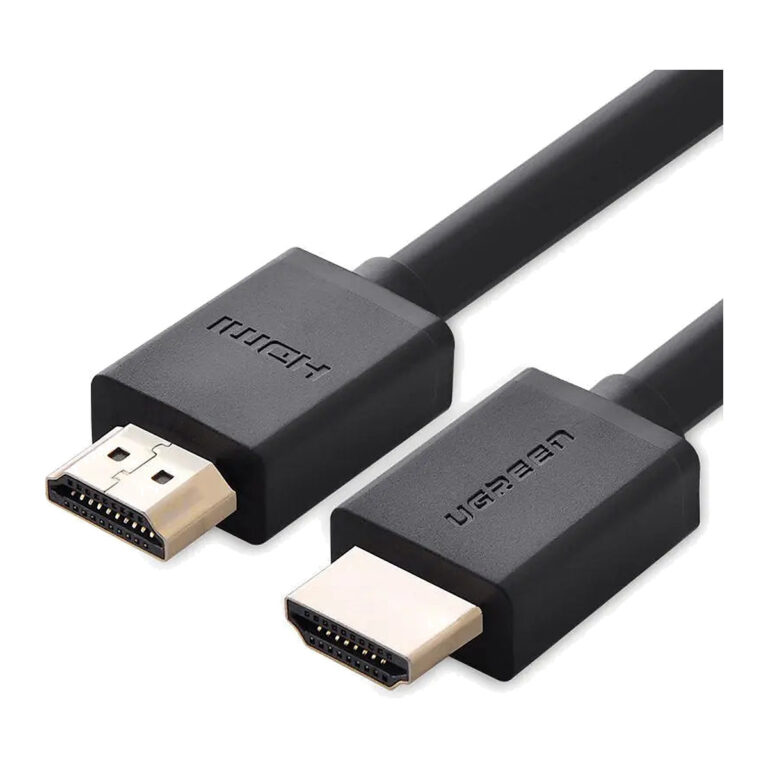 UGREENModel 10108
3 m HDMI 2.0 Cable, 4K@60Hz
- Cable length
- 3 m
- Maximum bandwidth
- Up to 18 Gbps
- Maximum video
- Up to 4K at 60 Hz
₹859 Incl. GST MRP₹2,22061% below MRP -
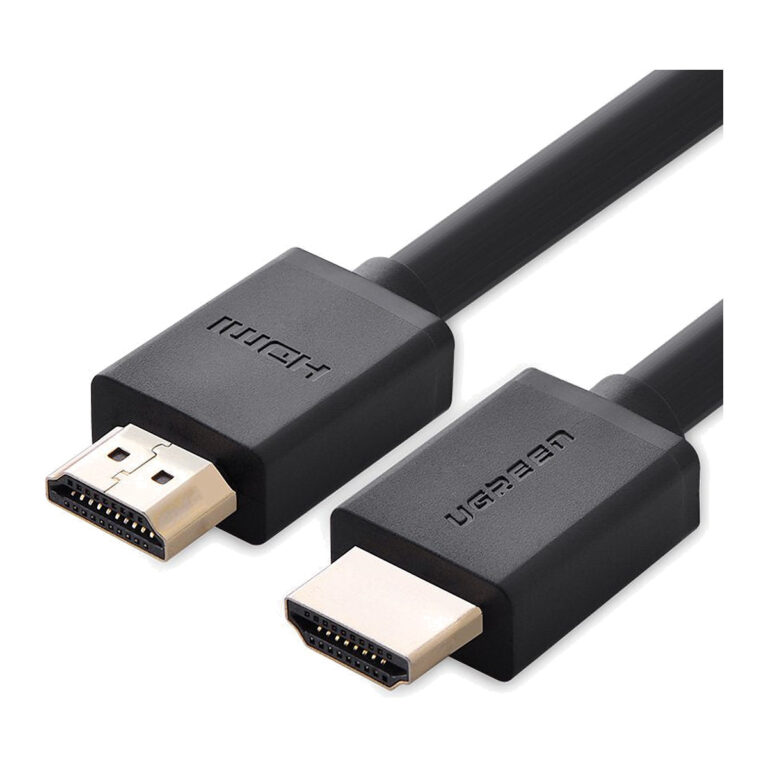 UGREENModel 10109
5 m HDMI 1.4 Cable, 4K30, ARC and HEC
- Cable length
- 5 metres
- Product type
- Passive HDMI cable
- Maximum for 5 m length
- 3840×2160 at 30 Hz
₹1,159 Incl. GST MRP₹3,25964% below MRP -
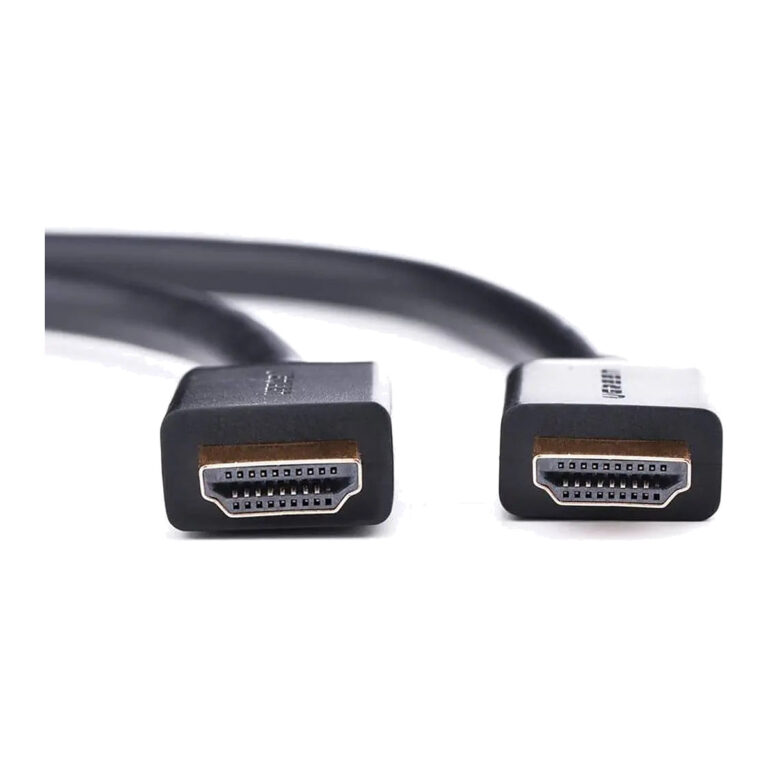 UGREENModel 10112
20 m HDMI Cable, 1080p60, ARC and HDMI Ethernet Channel
- Cable length
- 20 metres
- Conductor gauge for 20 m
- 24 AWG
- Conductors
- Tin-plated copper
₹9,509 Incl. GST MRP₹14,44134% below MRP -
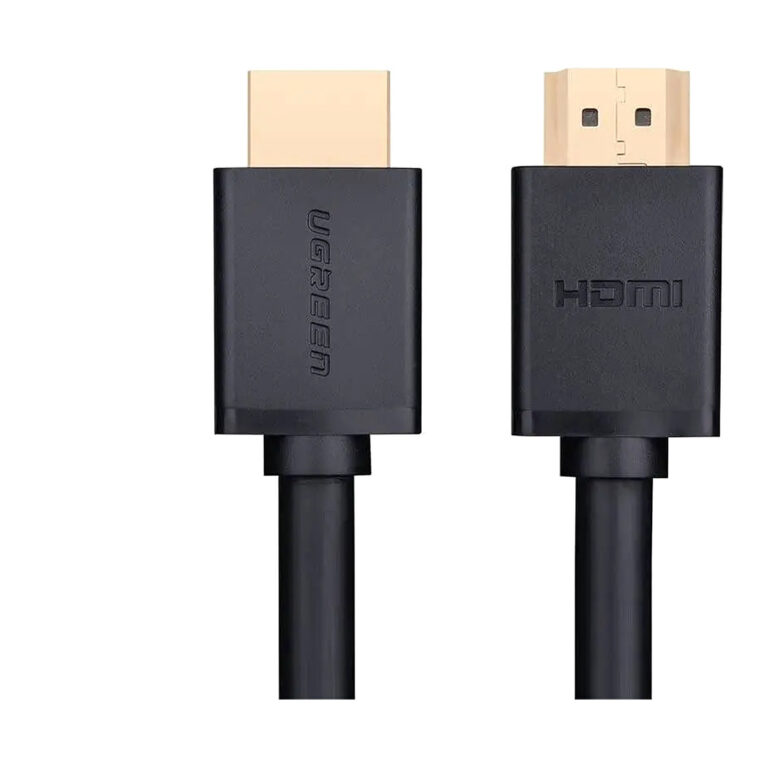 UGREENModel 10113
25 m HDMI Cable, 1080p60, ARC and HDMI Ethernet Channel
- Cable length
- 25 metres
- Conductors
- Tin-plated copper
- Connector contacts
- Gold-plated
₹12,399 Incl. GST MRP₹17,77430% below MRP -
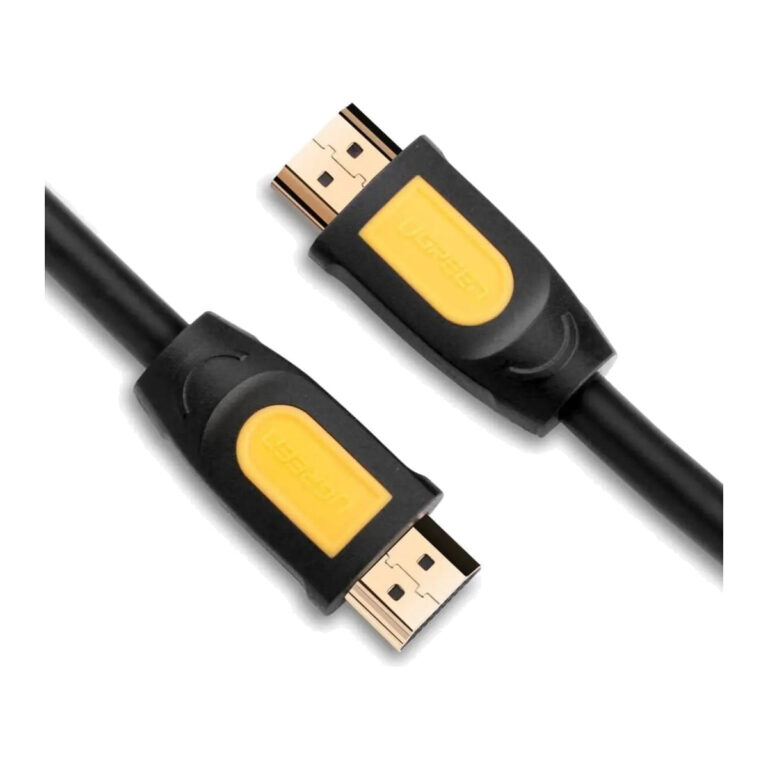 UGREENModel 10130
3 m HDMI 1.4 Cable, 4K30/1080p, Black and Yellow
- Cable length
- 3 metres
- Video guidance
- Up to 4K at 30 Hz
₹919 Incl. GST MRP₹1,57241% below MRP -
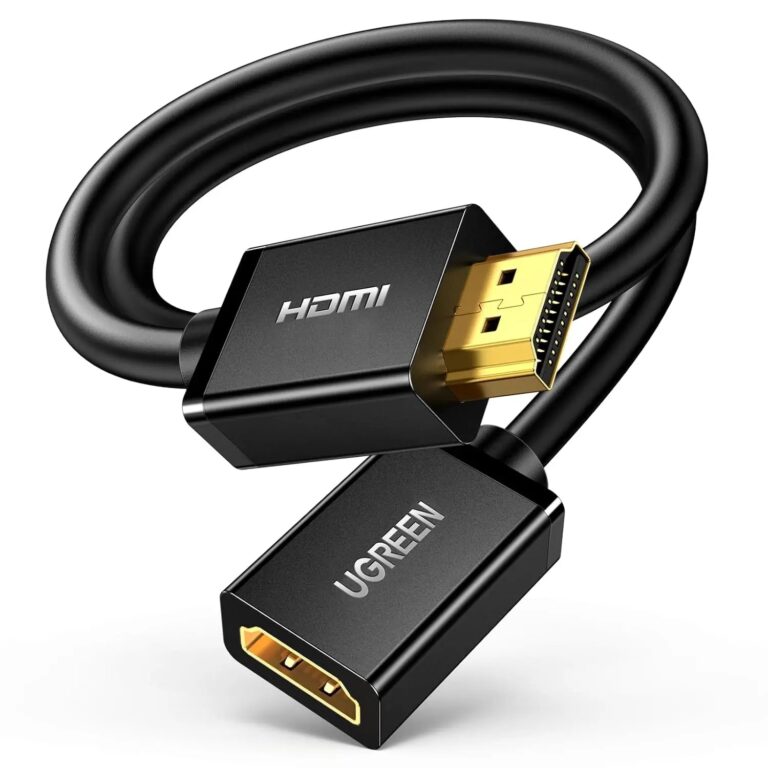 UGREENModel 10145
3 m HDMI Extension Cable, Male-to-Female, 4K60
- Cable length
- 3 metres
- Bandwidth / rate
- Up to 10.2 Gbps
₹1,049 Incl. GST MRP₹1,99847% below MRP -
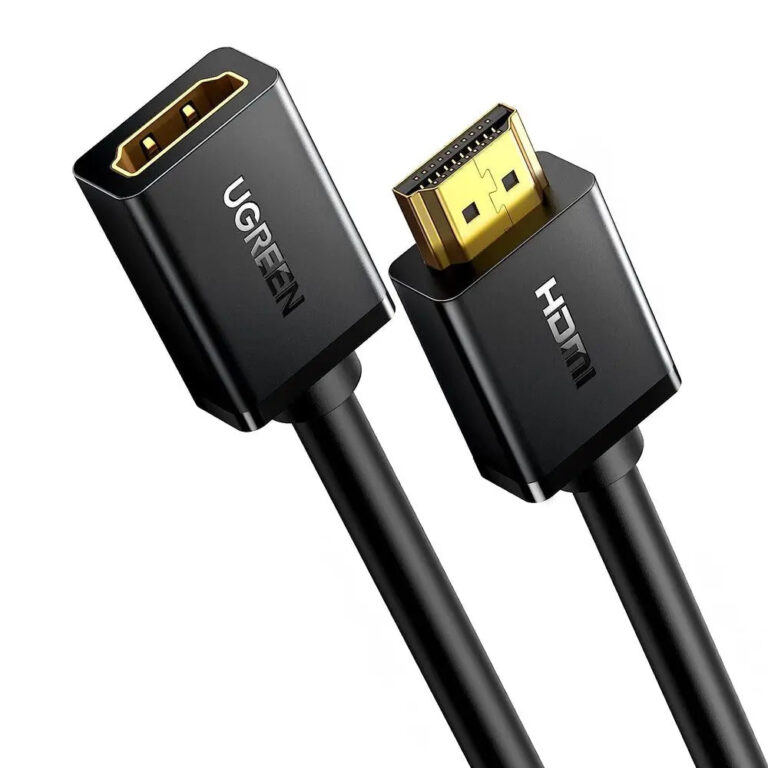 UGREENModel 10146
5 m HDMI Male-to-Female Extension Cable, 4K30
- Cable length
- 5 metres
- Bandwidth / rate
- Up to 10.2 Gbps
₹2,089 Incl. GST MRP₹2,77624% below MRP -
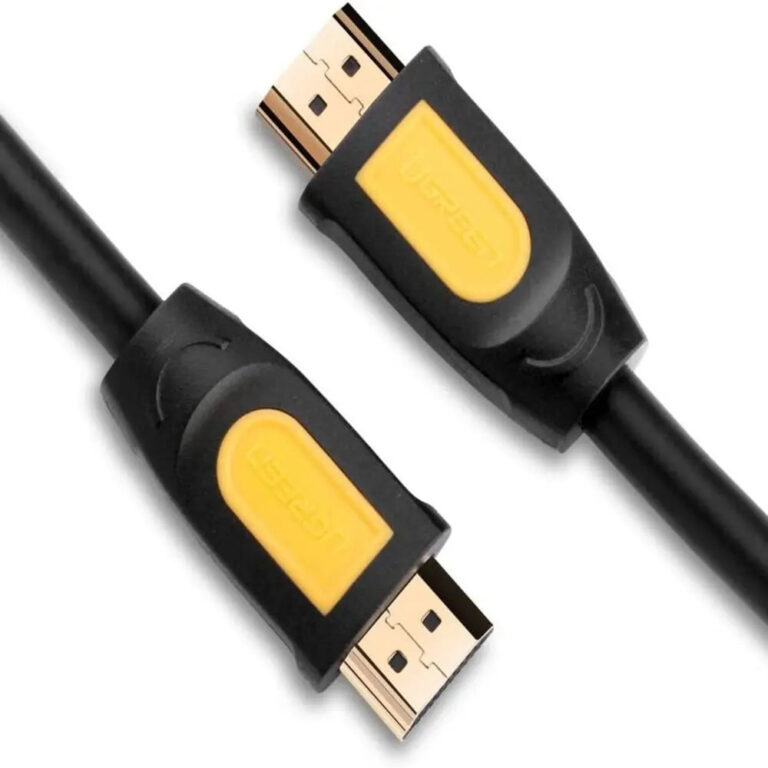 UGREENModel 10170
10 m HDMI 1.4 Cable, 1080p60
- Cable length
- 10 metres
- Bandwidth / rate
- 600 MHz
₹2,689 Incl. GST MRP₹4,73143% below MRP -
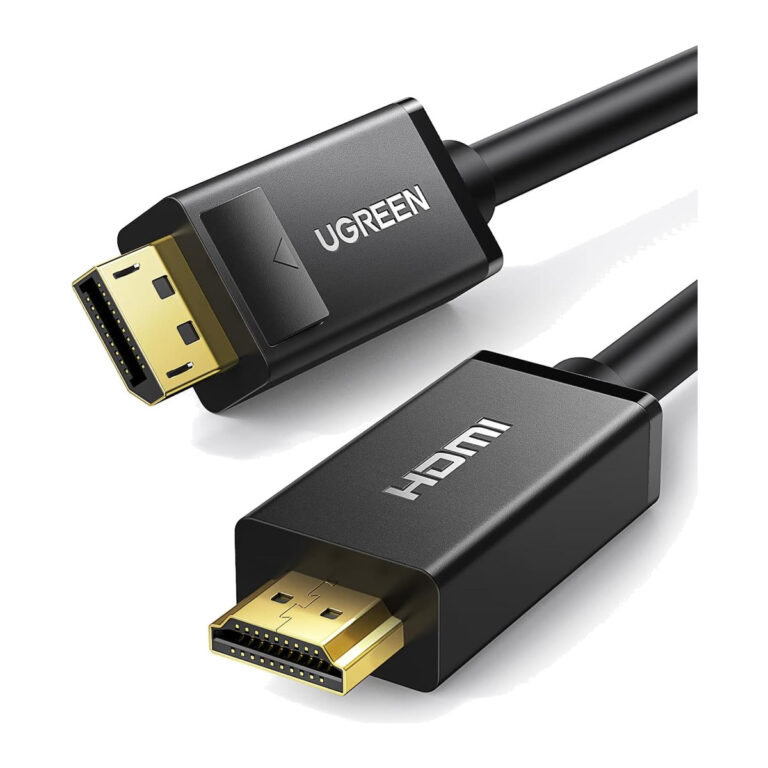 UGREENModel 10204
5 m Passive DisplayPort-to-HDMI Cable, 4K30
- Cable length
- 5 metres
- Maximum video
- 4K at 30 Hz
₹2,259 Incl. GST MRP₹4,19946% below MRP -
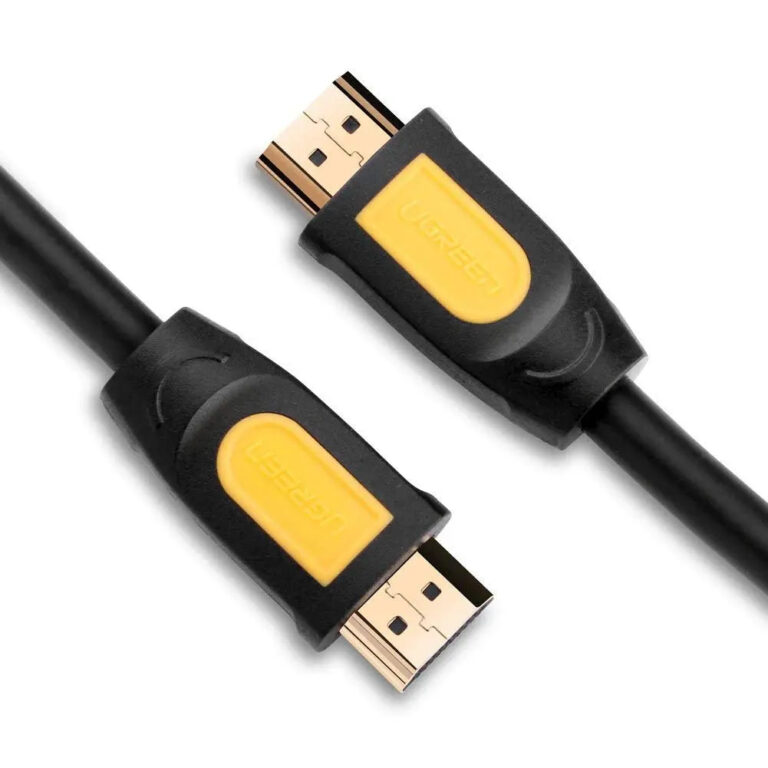 UGREENModel 11106
15 m HDMI 1.4 Cable, 1080p60
- Cable length
- 15 metres
- Bandwidth / rate
- 600 MHz
₹3,759 Incl. GST MRP₹6,17139% below MRP -
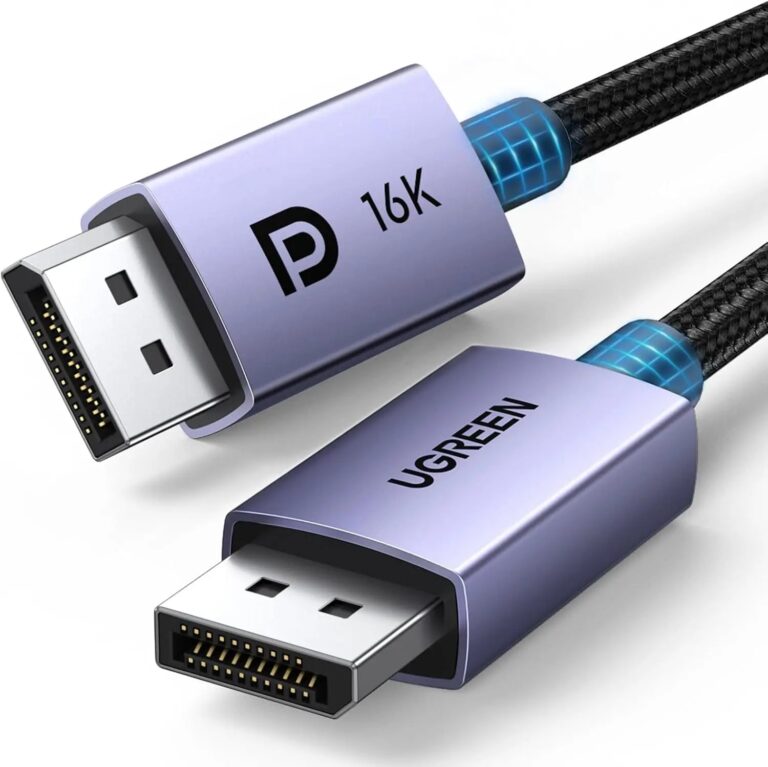 UGREENModel 15383
1 m 40 Gbps DisplayPort 2.1 Cable, 16K30
- Cable length
- 1 metre
- Bandwidth / rate
- Up to 40 Gbps UHBR10
₹1,939 Incl. GST MRP₹3,99851% below MRP -
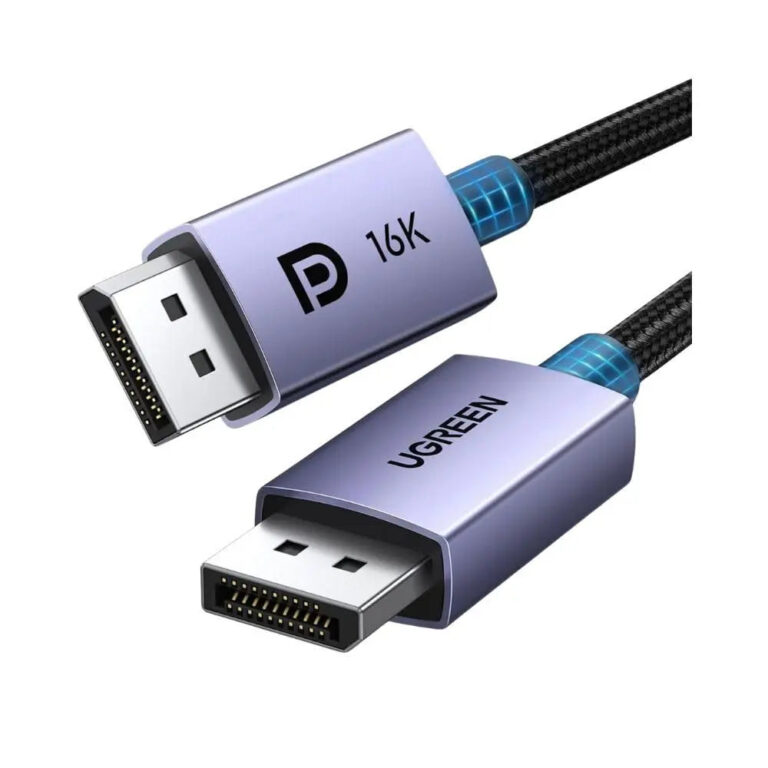 UGREENModel 15384
2 m VESA-Certified DP 2.1 Cable, 16K30/8K120/4K240
- Cable length
- 2 metres
- Bandwidth / rate
- Up to 40 Gbps UHBR10
₹2,166 Incl. GST MRP₹6,66467% below MRP -
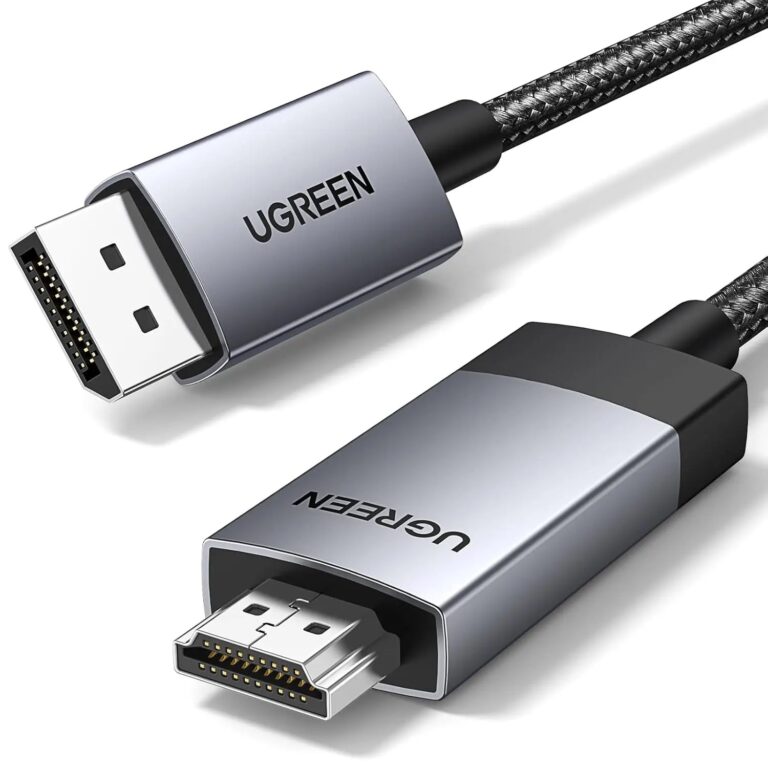 UGREENModel 15774
2 m Active DisplayPort to HDMI Cable, 4K60
- Connector type
- DisplayPort to HDMI
- Cable length
- 2 m
₹2,472 Incl. GST MRP₹3,99838% below MRP -
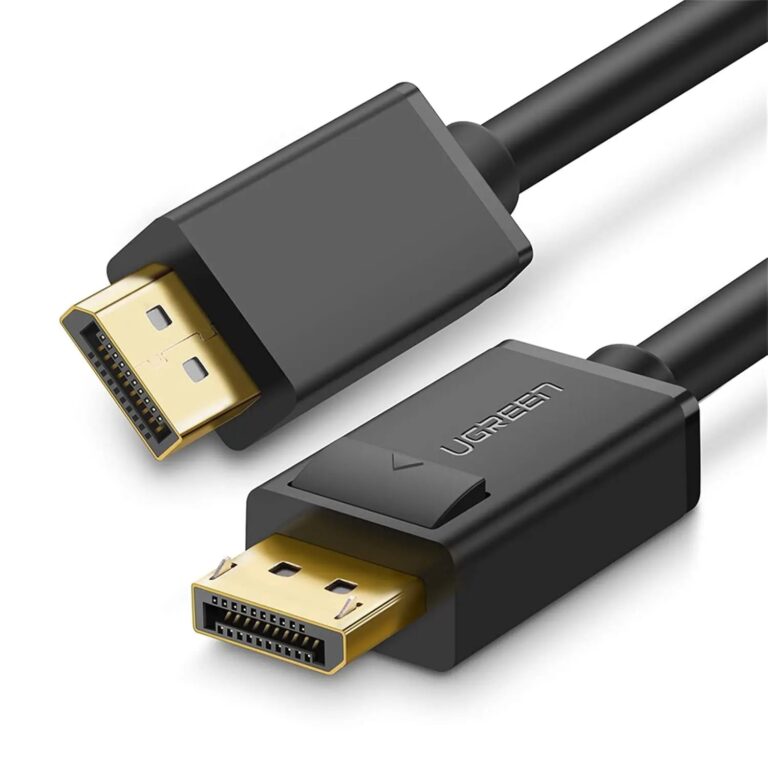 UGREENModel 10211
2 m DisplayPort 1.2 Cable, 4K@60Hz
- Length
- 2 m
- Maximum mode
- 3840 × 2160 at 60 Hz
- Conductors
- 28 AWG OFC copper
₹1,109 Incl. GST MRP₹2,55456% below MRP -
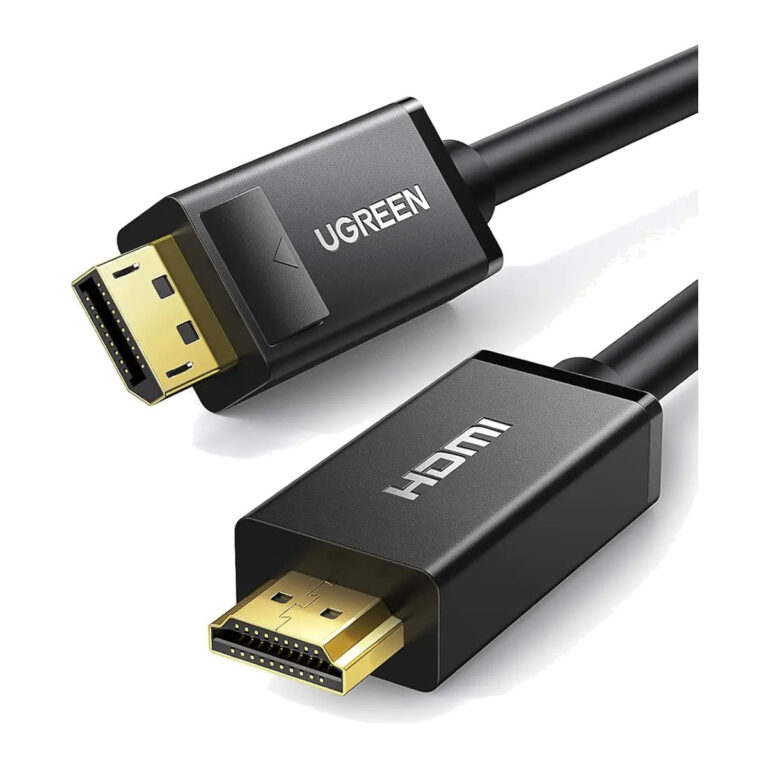 UGREENModel 10202
2 m DisplayPort to HDMI Cable, 4K@30Hz
- Connector type
- HDMI
- Length
- 2 m
₹1,589 Incl. GST MRP₹2,88744% below MRP -
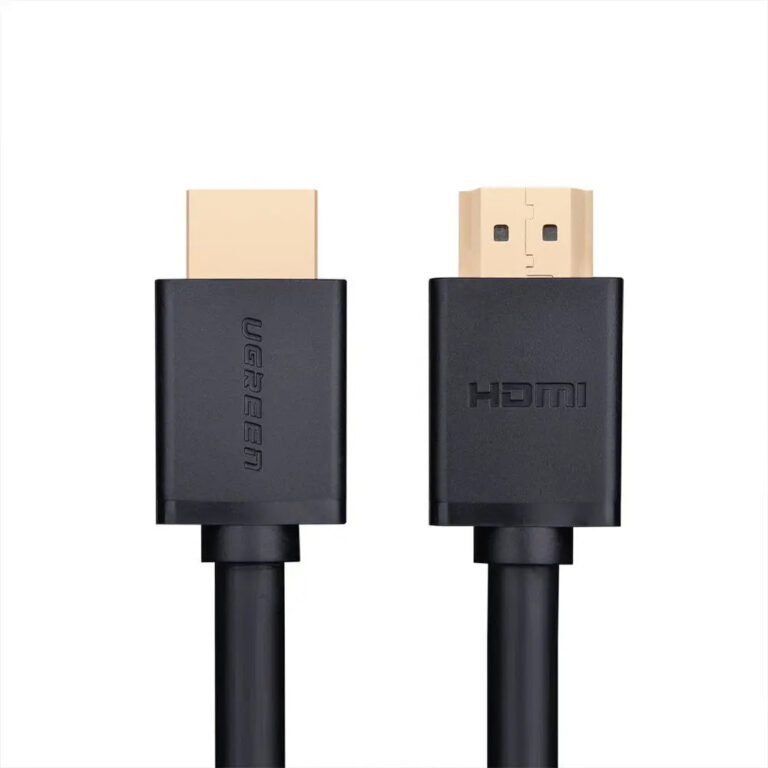 UGREENModel 10107
2 m HDMI 2.0 Cable, 4K@60Hz, 18 Gbps
- Length
- 2 m
- Maximum mode
- 3840 × 2160 at 60 Hz
- Link class
- Up to 18 Gbps
₹775 Incl. GST MRP₹1,10930% below MRP -
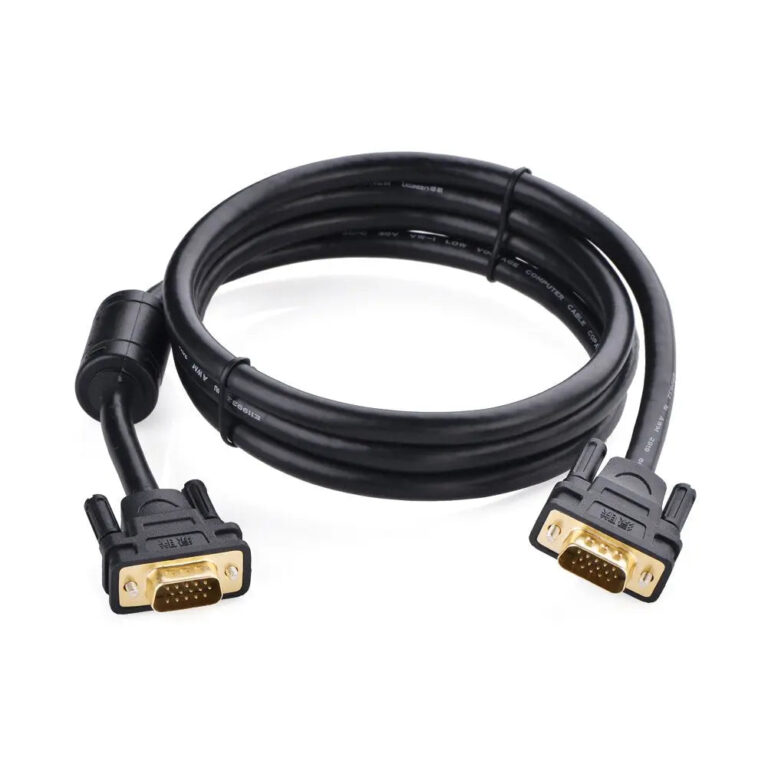 UGREENModel 11646
2 m VGA/HD15 Male-to-Male Cable
- Connector type
- Coaxial
- Cable length
- 2 m
₹1,029 Incl. GST MRP₹1,62036% below MRP
How to choose an HDMI or display cable
- Version and bandwidth: HDMI 2.0 carries 4K at 60Hz. HDMI 2.1 cables, rated up to 48Gbps, are needed for 4K at 120Hz or 8K on newer consoles, TVs and graphics cards.
- Length: passive copper HDMI works well for normal desk and TV runs. For long runs, especially at 4K and above, a fibre optic (AOC) cable keeps the signal stable.
- DisplayPort for PC monitors: some high refresh monitors reach their top refresh rate only over DisplayPort, so check which port supports full speed.
- Mixed ports: DisplayPort to HDMI cables send video one way, from a DP output to an HDMI display.
- Older screens: DVI and VGA cables keep legacy monitors and projectors in service.
Short of the right port? Try display adapters and converters, or share one source across screens with switches, splitters and extenders.
Need help choosing?
Tell us what it is for and where it goes, and we suggest models. Have a list of models and quantities? Request a quote.