
In the box
- UGREEN X377 35064 USB-C to Lenovo DC power tip
 Model 35064
UGREEN X377 35064 USB-C to Lenovo DC Power Tip
₹999 Incl. GST MRP ₹2,220 55% below MRP
₹847 + 18% GST
Lets a USB-C laptop charger power a selected Lenovo laptop with the rectangular yellow slim-tip charging port. Fits on a USB-C PD cable, for 67 W-class chargers, power only with no data.
- WarrantyManufacturer warranty under UGREEN's terms. Warranty claims
- DeliveryPrice, availability and delivery charges are confirmed in your quotation. Shipping and delivery
Overview
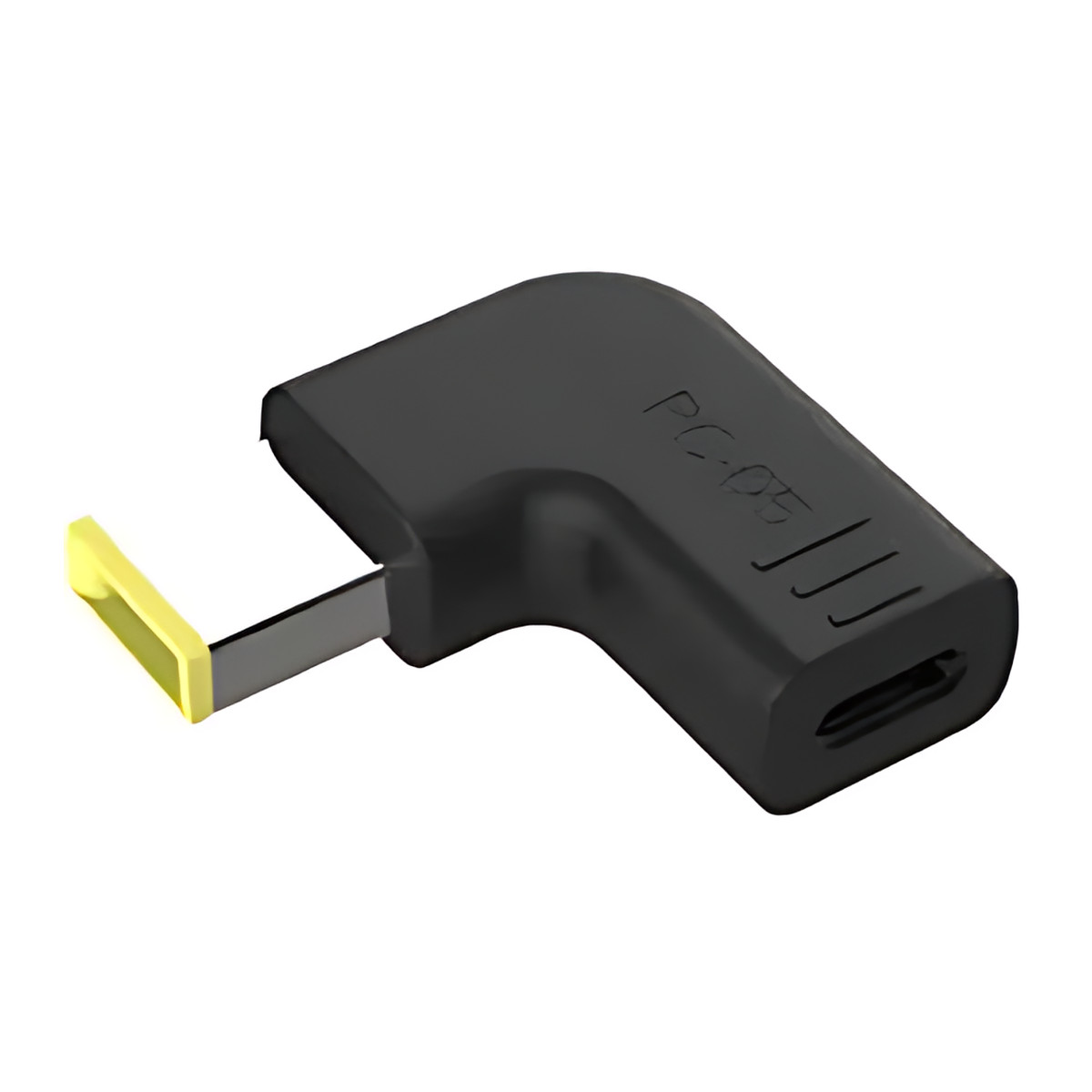
The UGREEN X377 35064 is a connector tip, not a charger. It has a USB-C socket on one side and the rectangular yellow Lenovo-style slim-tip plug on the other, so a USB-C Power Delivery (PD) charger and cable can power a selected Lenovo laptop that still uses the slim-tip charging port. It carries power only, with no data or display signal.
Is it right for you?
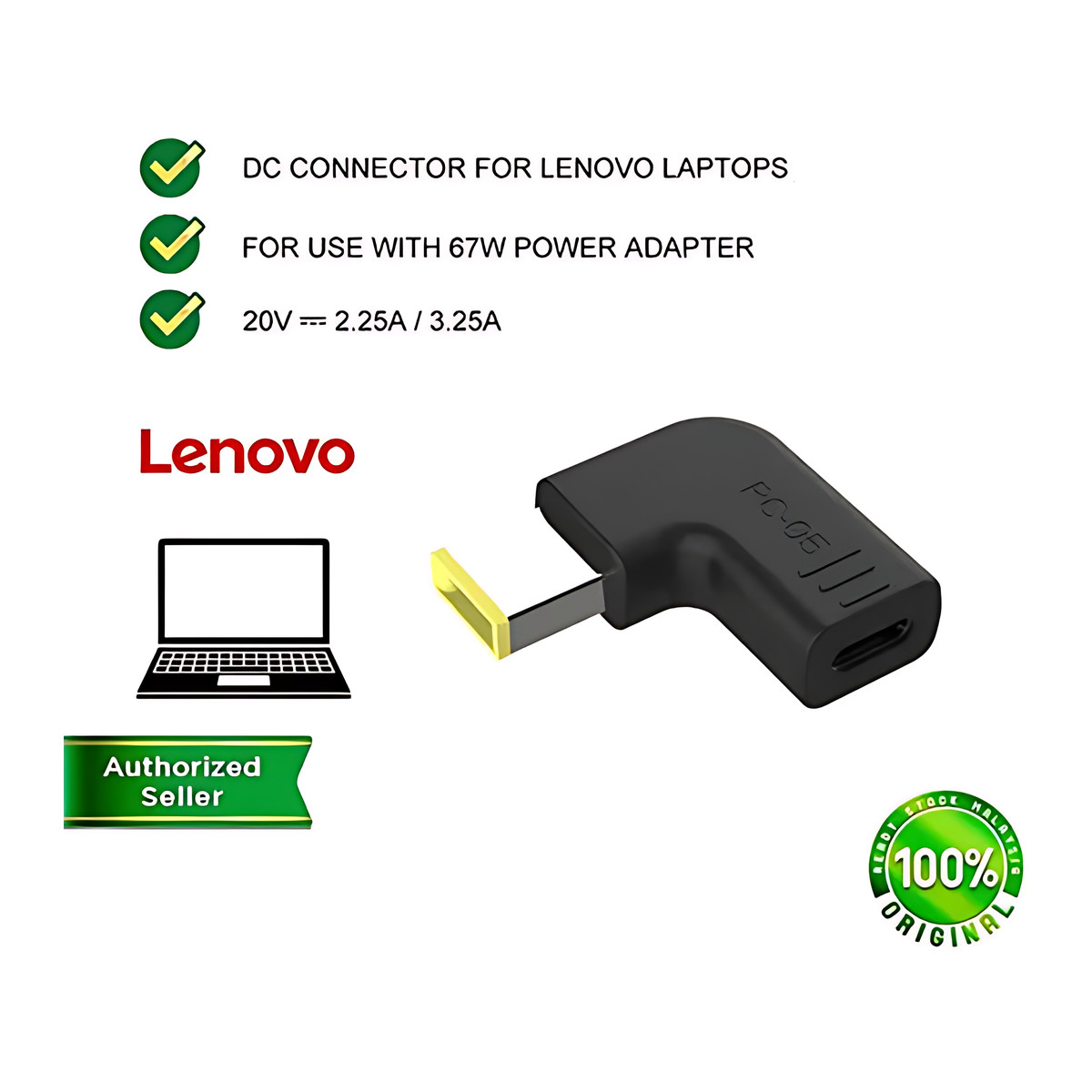
- Suits selected Lenovo laptops with the rectangular yellow slim-tip connector and a 20 V requirement; the examples shown for this tip draw 2.25 A or 3.25 A, within a 67 W-class power path.
- Not every Lenovo laptop: connector geometry and identification behaviour differ within the brand, so compare the plug and label on your original charger.
- Not for laptops that already charge over USB-C, gaming models or machines with a similar-looking connector that is not this one.
- Not a data, display, network, audio or docking accessory.
Key features
- Rectangular yellow Lenovo-style slim-tip plug for the laptop.
- USB-C female input accepts a compatible USB-C PD charger cable.
- For a 67 W-class USB-C PD source, with the laptop demand kept within the supported requirement.
- Right-angle body keeps the cable close to the laptop.
- Lets one USB-C PD charging setup serve a laptop that still has a slim-tip port, so you carry fewer chargers.
What else you need
A USB-C PD wall charger that explicitly offers the output profile and sustained wattage the laptop needs, and a USB-C cable rated for the current; higher-current profiles may need an electronically marked cable. The box holds the tip only, without charger or cable. The tip itself does not plug into the mains.
Installation
Verify the voltage, current, wattage, connector geometry and any identification requirement on your original charger label before connecting. Fit the tip on the USB-C cable, then plug it into the laptop.
Before you buy
- The tip does not supply voltage or current. An underpowered charger can cause battery drain while plugged in, slow charging, repeated renegotiation or shutdown under load.
- A charger may share its power across ports when another device is connected; confirm the laptop still gets the profile it needs.
- Full-speed charging under heavy CPU or GPU load is not guaranteed.
- Abnormal heat at the tip usually means poor contact, an overloaded cable or charger, or a damaged jack. Disconnect at once.
- Do not use near liquid, with a swollen battery, exposed conductors, a cracked charger or a loose or sparking laptop socket.
- High-power USB-C cables look identical to low-rated ones. Go by known specifications, not appearance.
- Do not use it to test unknown electronics or to bypass the laptop maker’s safety limits, and do not chain it with other voltage or polarity adapters.
Technical specifications
Key facts
- What is it?
- Adapters & ConvertersBrand UGREEN, model 35064
- What comes in the box?
- UGREEN X377 35064 USB-C to Lenovo DC power tip
- Which documents are available?
- Online specifications Open documents
- Dimensions
- 10 × 5 × 1 cm
- Connector type
- DC Connector
- Weight
- 10 g
- Country of origin
- China
- Manufacturer
- UGREEN Group Limited
- Warranty
- Manufacturer warranty under UGREEN's terms. How claims work
Product attributes and shipping details
| Brand | UGREEN |
|---|
Downloads
Documentation
- UGREEN 35064 product pageOnline specifications · This model · ugreenindia.comView official page
Series documents can differ from your exact model. Report a wrong or missing file
Questions about this product
Is this a charger?
No. It is one connector tip. You need a USB-C PD charger and a USB-C cable.
What power does my Lenovo laptop need?
The examples for this tip are 20 V at 2.25 A or 3.25 A. Check the label on your original adapter and choose a 67 W-class PD charger that offers that profile.
Does it fit every Lenovo laptop?
No. Only selected models with the rectangular yellow slim-tip port. Compare the plug on your original charger.
Does it carry data or video?
No. Power only.
Ask about this modelSetup, compatibility, what is in the box
Answers are automated. Do not enter personal or account details.
Looking for an alternative?
We list alternatives only when we have checked they suit the same job. Compare other models in the category, or ask us to suggest one for your site.