
USB Cables
USB cables that look the same can differ widely, so compare three ratings: data rate (from 480 Mbps USB 2.0 up to USB4 and Thunderbolt), charging power (60 W, 100 W or 240 W) and video support for monitors and docks. Then match the connectors at each end (USB-C, USB-A, Micro-USB or Lightning) and the length, using an active extension cable for longer runs.
All products
-
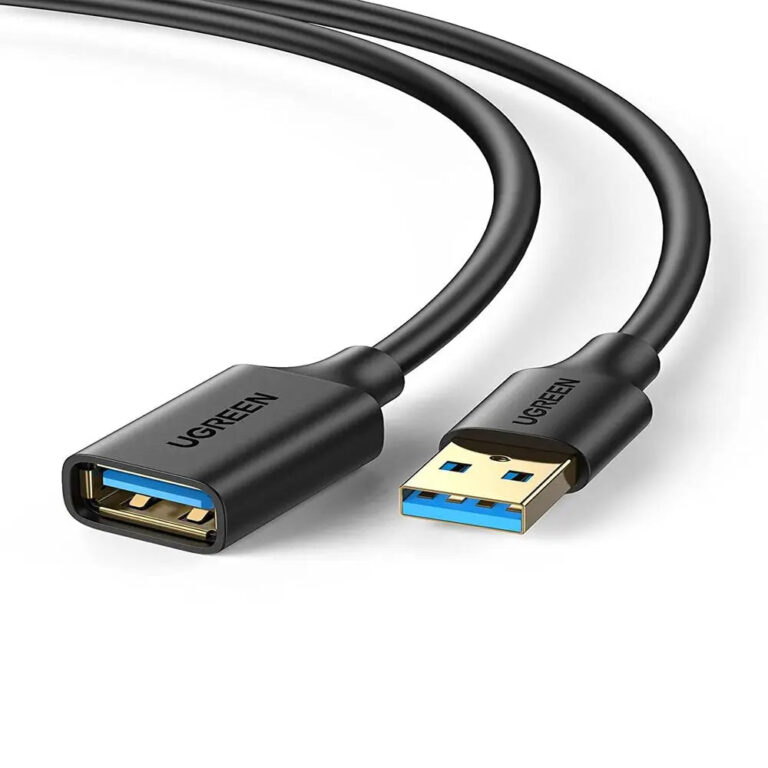 UGREENModel 10368
1 m USB 3.0 Type-A Extension Cable, 5 Gbps
- Length
- 1 m
- Maximum data rate
- Up to 5 Gbps
₹894 Incl. GST MRP₹2,15858% below MRP -
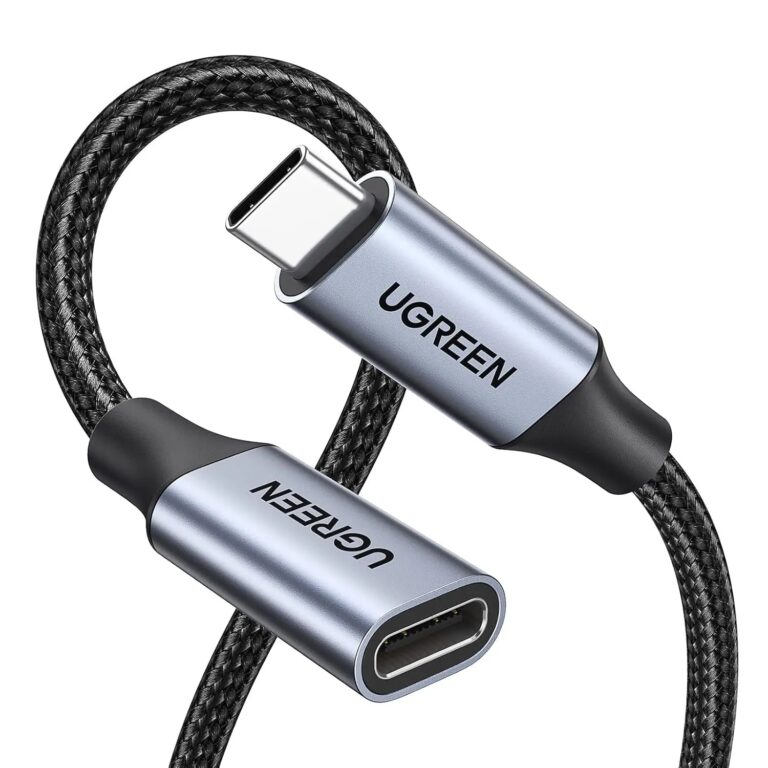 UGREENModel UGREEN 30205
1 m USB-C Extension Cable, 100 W and 10 Gbps
- Connector type
- USB Type C
- Cable-specific driver
- Not normally required
- USB version
- USB 3.2
₹1,695 Incl. GST MRP₹3,33149% below MRP -
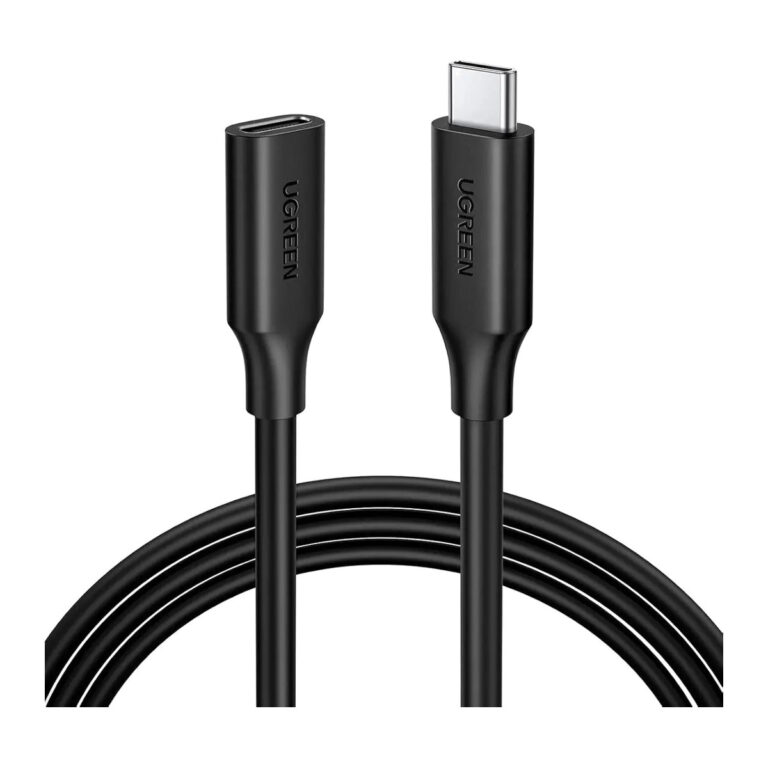 UGREENModel 10387
1 m USB-C Extension Cable, 100 W, 10 Gbps, 4K60
- Length
- 1 m
- Maximum data rate
- Up to 10 Gbps
₹1,277 Incl. GST MRP₹3,33161% below MRP -
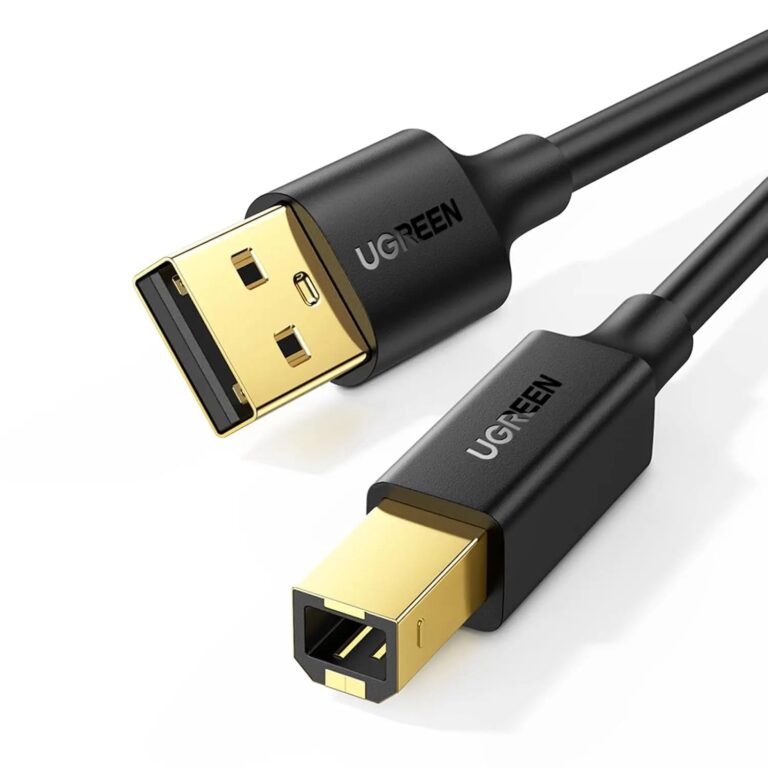 UGREENModel 10350
1.5 m USB 2.0 A-to-B Printer Cable, Gold-Plated
- Connector A
- USB-A male
- Length
- 1.5 m
₹661 Incl. GST MRP₹1,10940% below MRP -
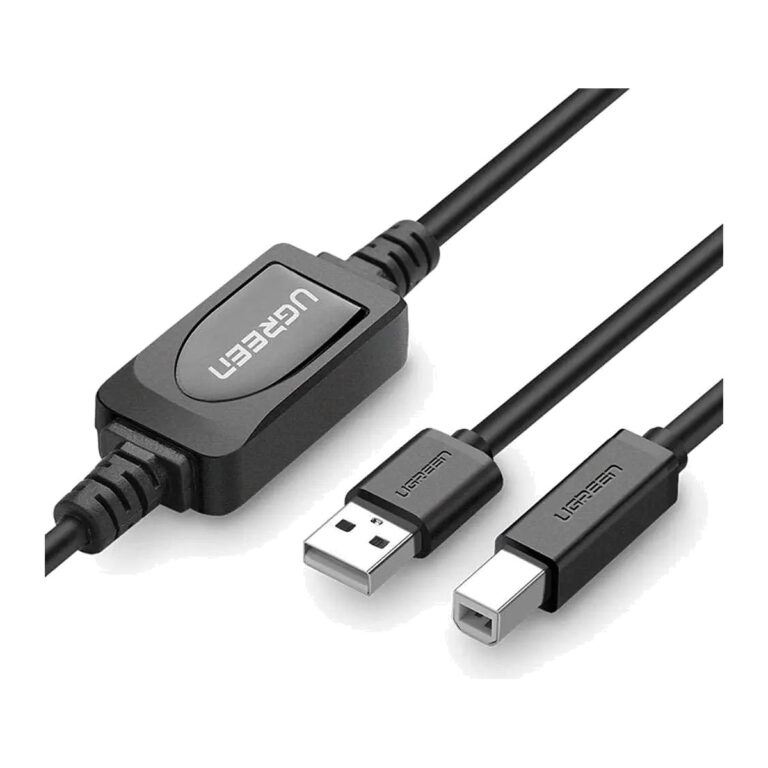 UGREENModel UGREEN 10374
10 m Active USB-A to USB-B Printer Cable
- Length
- 10 metres
- Cable-specific driver
- Not normally required
₹2,219 Incl. GST MRP₹3,88842% below MRP -
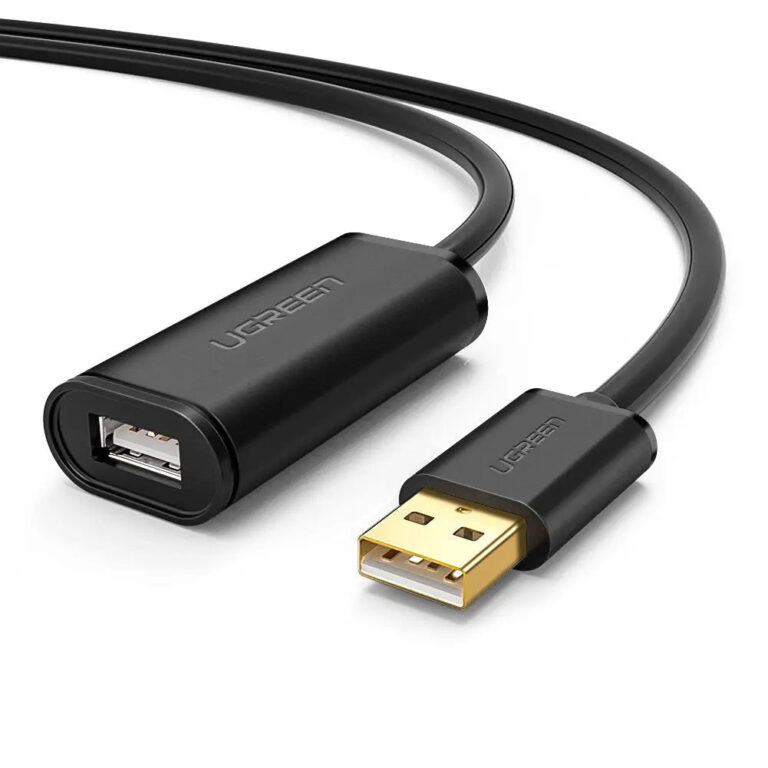 UGREENModel 10321
10 m USB 2.0 Active Extension Cable
- Length
- 10 m
- Maximum data rate
- Up to 480 Mbps
₹2,339 Incl. GST MRP₹4,77651% below MRP -
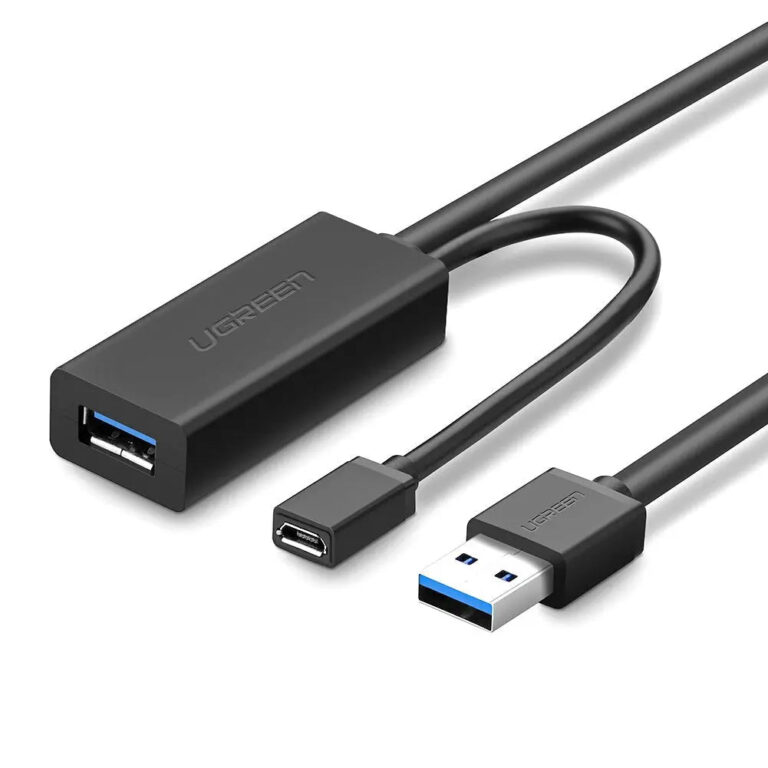 UGREENModel 20827
10 m USB 3.0 Active Extension Cable, 5 Gbps
- Length
- 10 m
- Maximum data rate
- Up to 5 Gbps
₹3,969 Incl. GST MRP₹10,66462% below MRP -
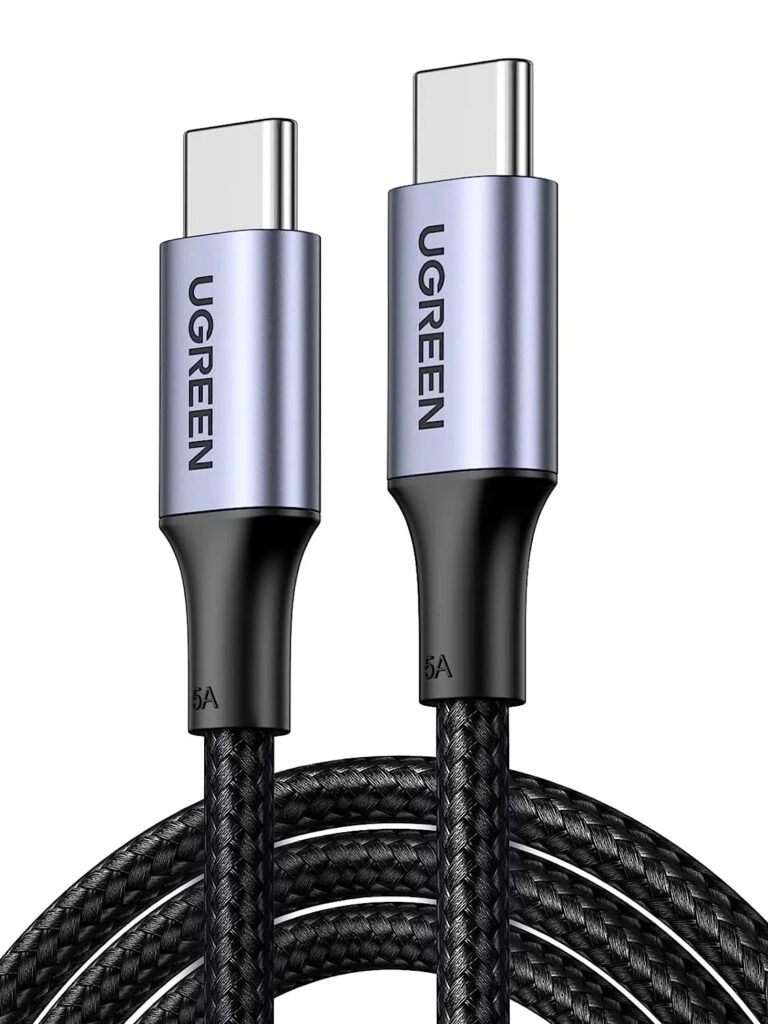 UGREENModel 70427
100 W USB-C to USB-C Braided Cable, 1 m
- Connectors
- USB-C male to USB-C male
- Length
- 1 metre / 3.3 feet
- Maximum data rate
- Up to 480 Mbps
₹873 Incl. GST MRP₹2,22060% below MRP -
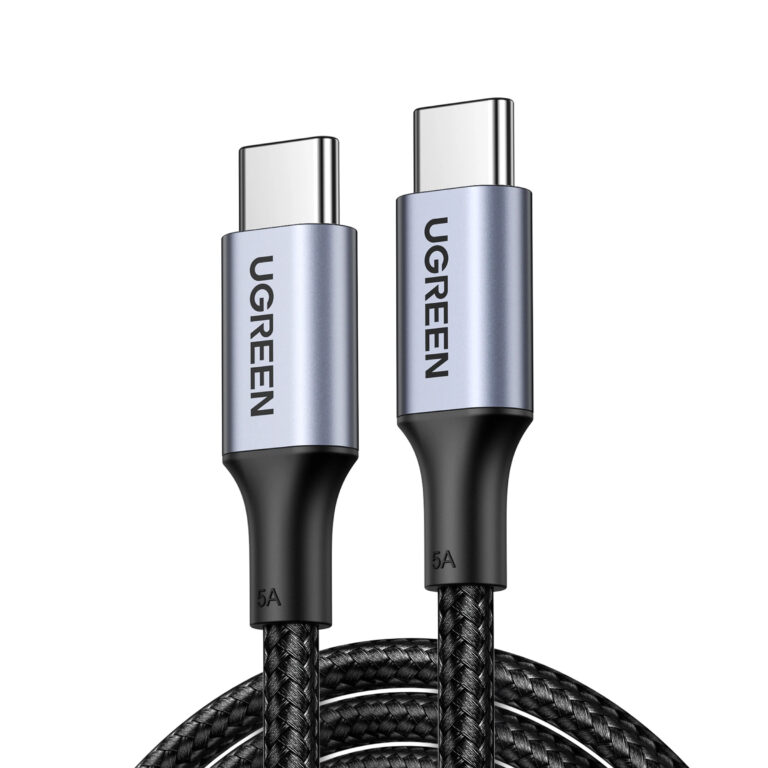 UGREENModel 90120
100 W USB-C to USB-C Cable, 3 m
- Connectors
- USB-C male to USB-C male
- Length
- 3 m
- Maximum data rate
- 480 Mbps
₹1,444 Incl. GST MRP₹2,22034% below MRP -
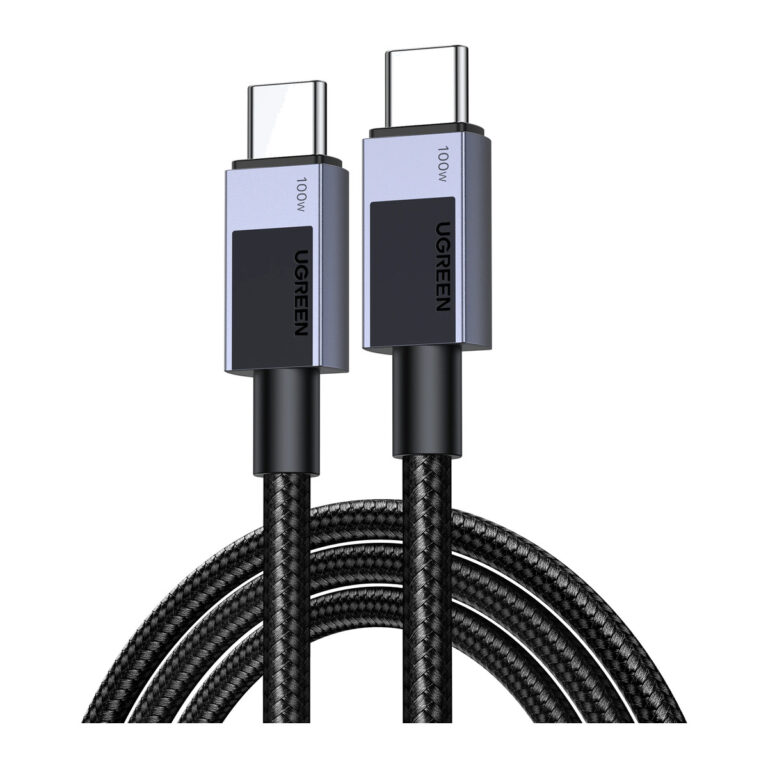 UGREENModel 45064
100 W USB-C to USB-C Charging Cable, 2 m
- Connectors
- USB-C male to USB-C male
- Length
- 2 m
- Maximum data rate
- 480 Mbps
₹1,722 Incl. GST MRP₹3,33148% below MRP -
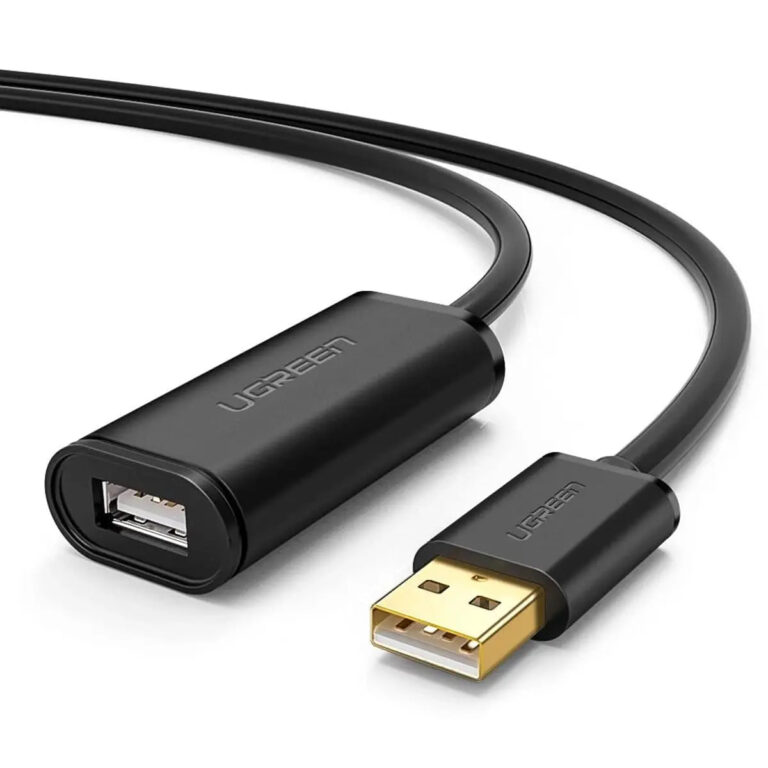 UGREENModel 10324
20 m Active USB 2.0 Extension Cable
- Connector type
- USB 2.0
- Length
- 20 m
₹3,769 Incl. GST MRP₹7,77551% below MRP -
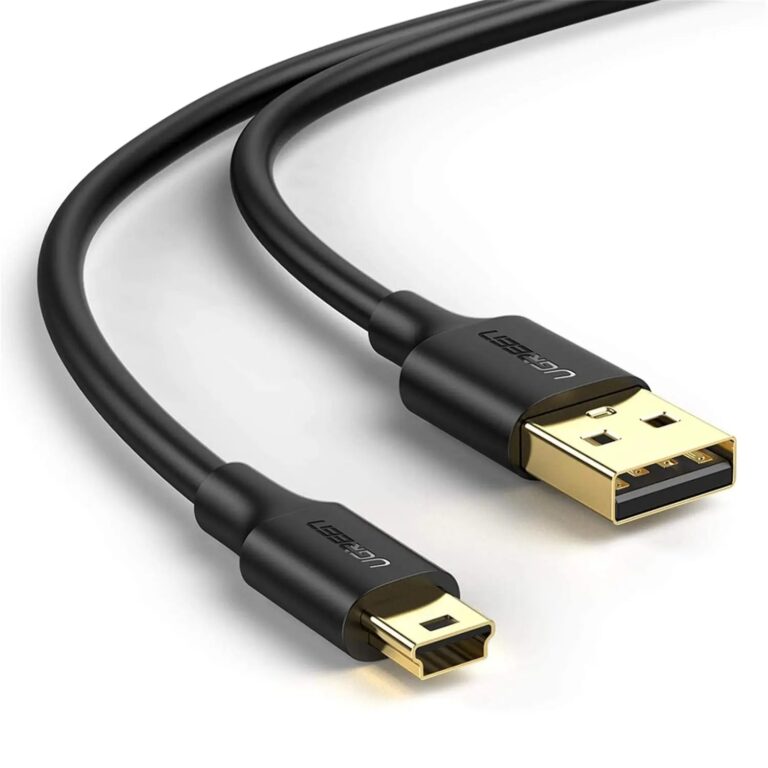 UGREENModel 10353
USB 2.0 A to Mini USB B 5-Pin Cable, Gold-Plated, 0.25 m, Black
- Connector A
- USB Type-A male
- Cable length
- 0.25 m / 25 cm
- Maximum data rate
- Up to 480 Mbps
₹299 Incl. GST MRP₹77661% below MRP -
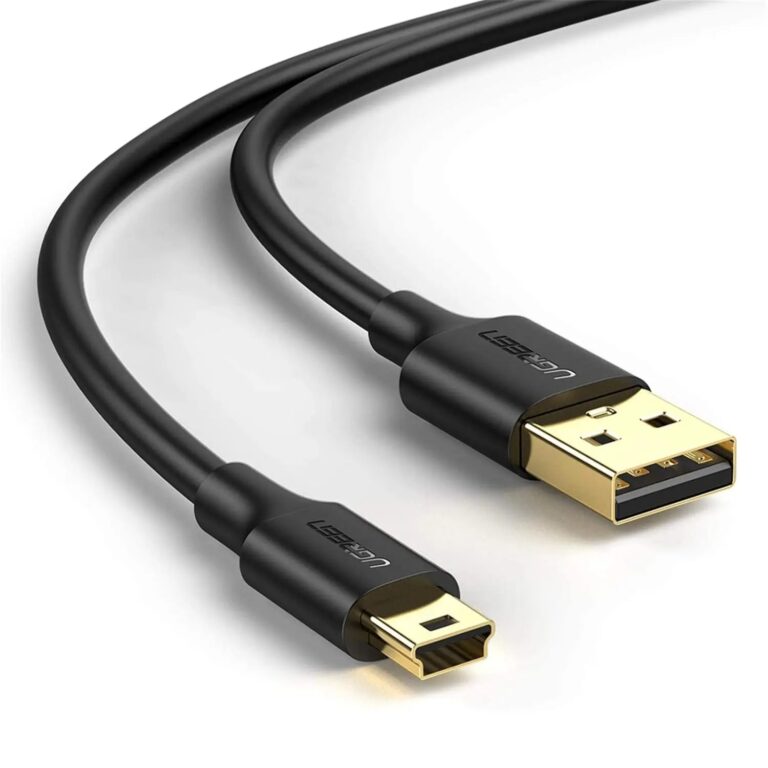 UGREENModel 10354
USB 2.0 A to Mini USB B 5-Pin Cable, Gold-Plated, 0.5 m
- Connector A
- USB Type-A male
- Cable length
- 0.5 m / 50 cm
- Maximum data rate
- Up to 480 Mbps
₹409 Incl. GST MRP₹1,10963% below MRP -
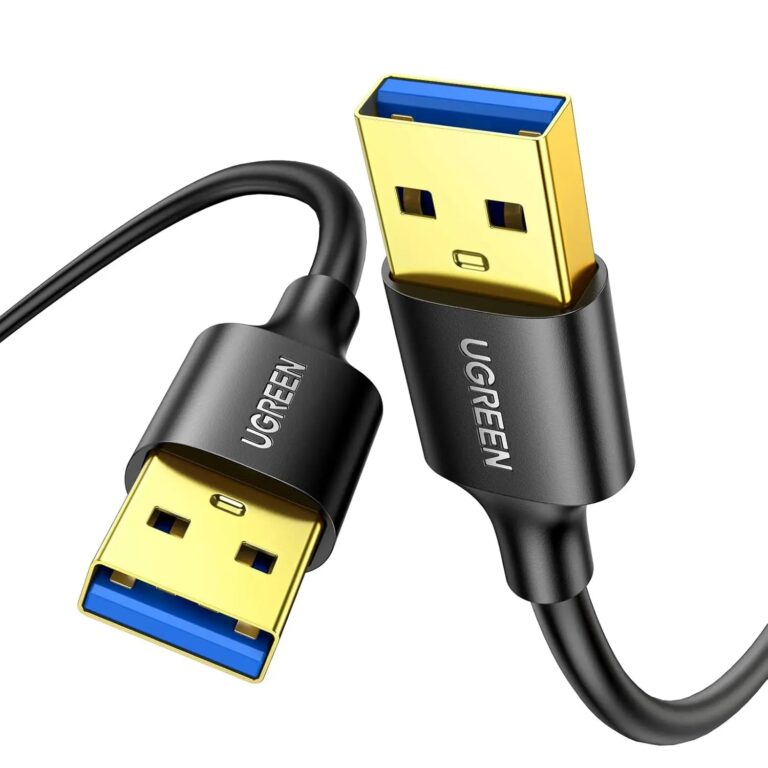 UGREENModel 10371
USB 3.0 A Male to A Male Cable, 5 Gbps, Nylon Braided, 2 m
- Connectors
- USB-A male to USB-A male
- Product type
- USB 3.0 data cable
- Maximum interface rate
- Up to 5 Gbps
₹689 Incl. GST MRP₹1,44352% below MRP -
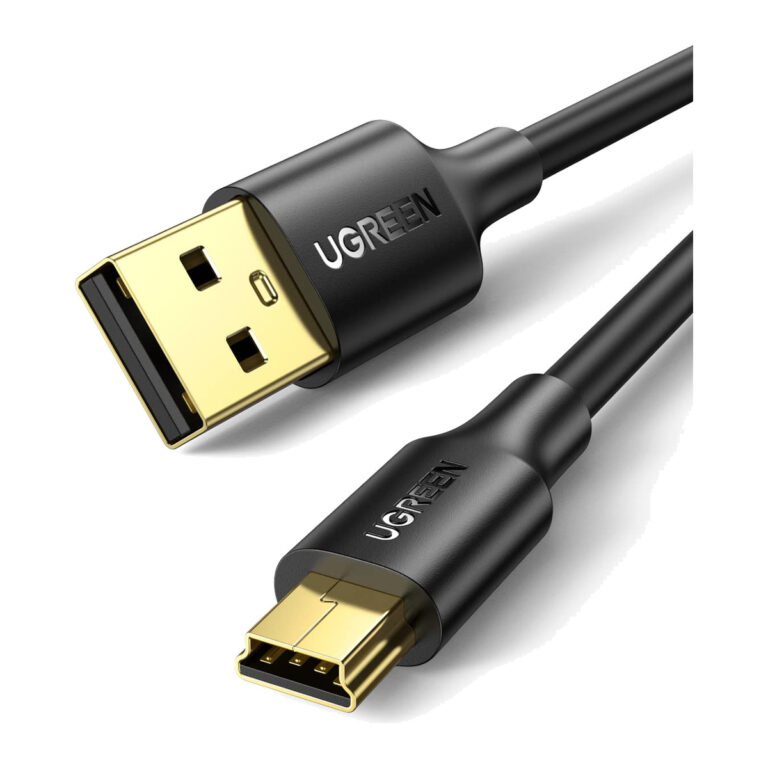 UGREENModel 10386
USB 2.0 A to Mini USB B 5-Pin Cable, Gold-Plated, 3 m
- Connector A
- USB Type-A male
- Cable length
- 3 m
- Maximum data rate
- Up to 480 Mbps
₹1,499 Incl. GST MRP₹1,77615% below MRP -
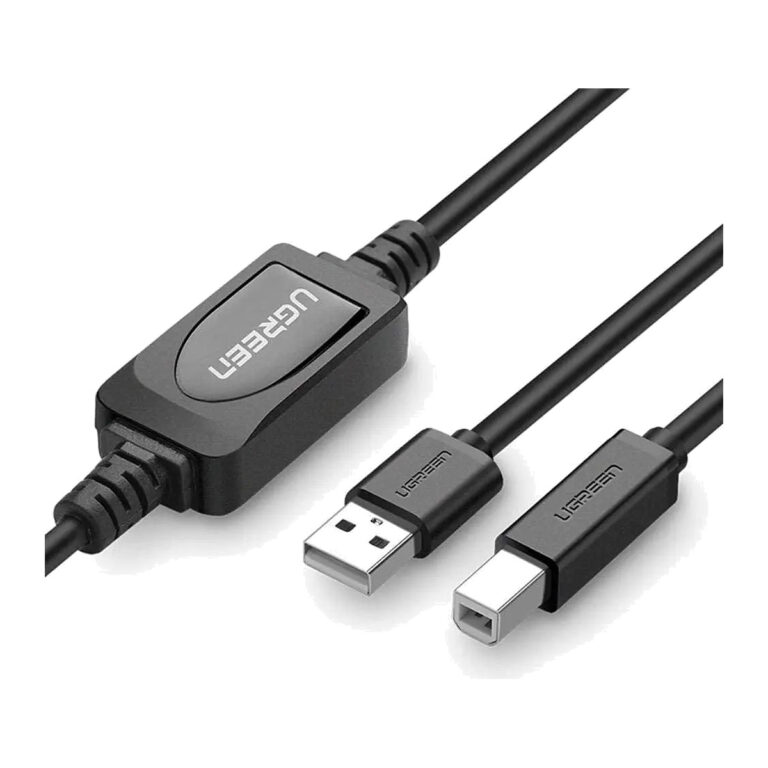 UGREENModel UGREEN 10362
15 m Active USB-A to USB-B Printer Cable
- Connector type
- USB
- Length
- 15 metres
₹2,749 Incl. GST MRP₹4,44238% below MRP -
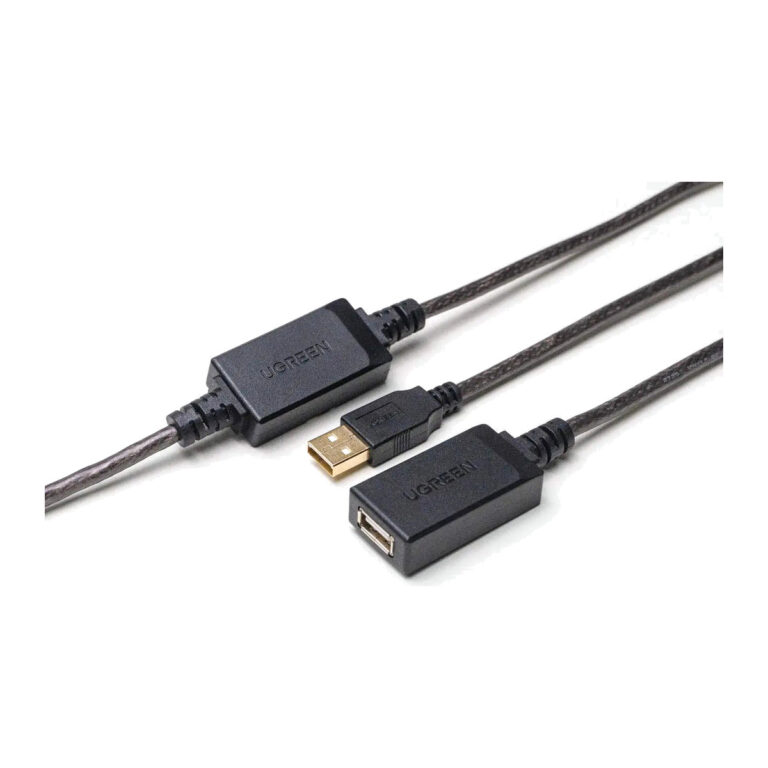 UGREENModel 10323
15 m USB 2.0 Active Extension Cable
- Length
- 15 m
- Maximum data rate
- Up to 480 Mbps
₹2,889 Incl. GST MRP₹5,99851% below MRP -
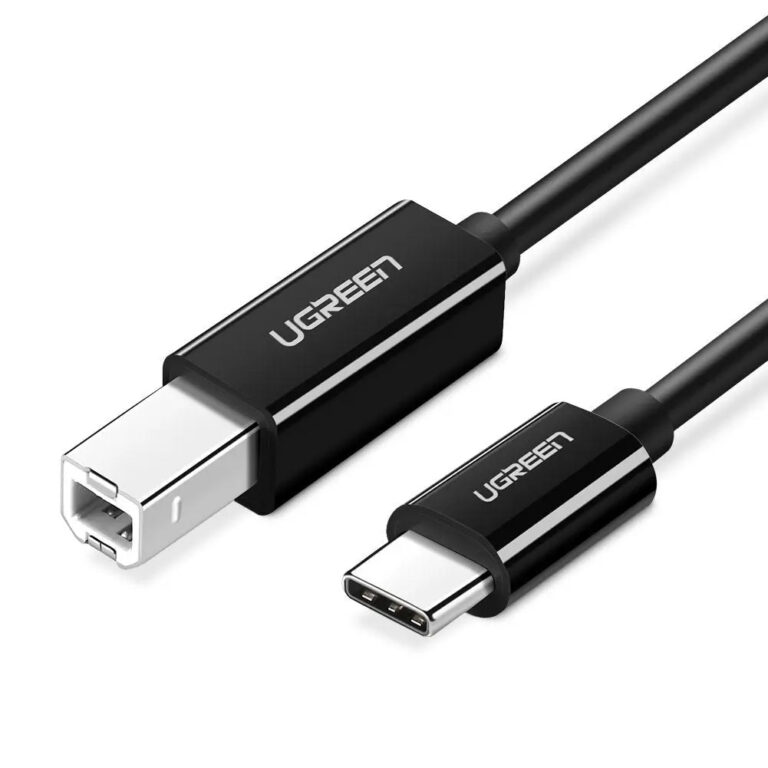 UGREENModel UGREEN 50446
2 m USB-C to USB-B Printer Cable
- Length
- 2 metres
- Cable-specific driver
- Not normally required
₹554 Incl. GST MRP₹1,10950% below MRP -
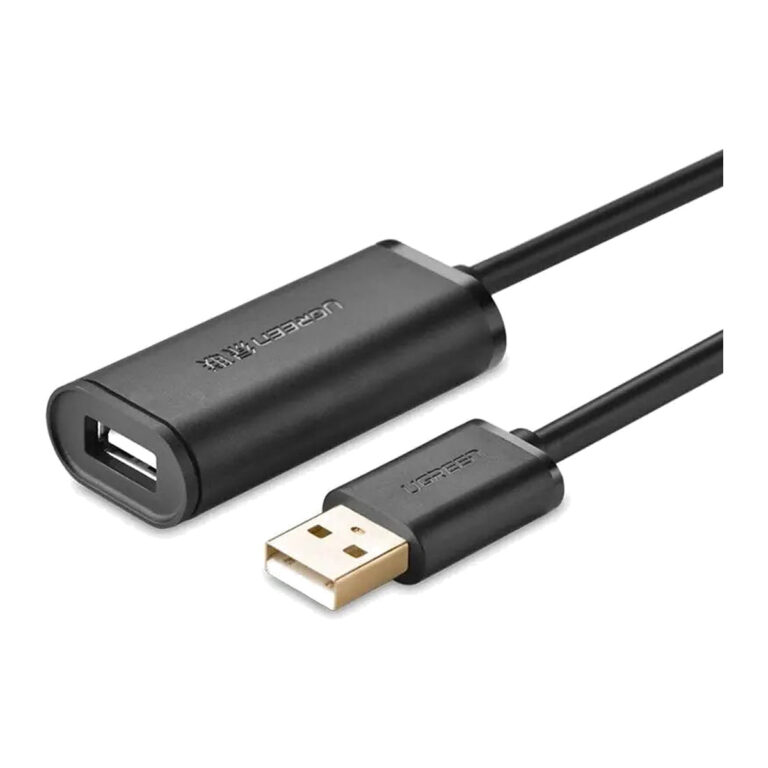 UGREENModel 10325
25 m USB 2.0 Active Extension Cable
- Length
- 25 m
- Maximum data rate
- Up to 480 Mbps
₹6,819 Incl. GST MRP₹14,44152% below MRP -
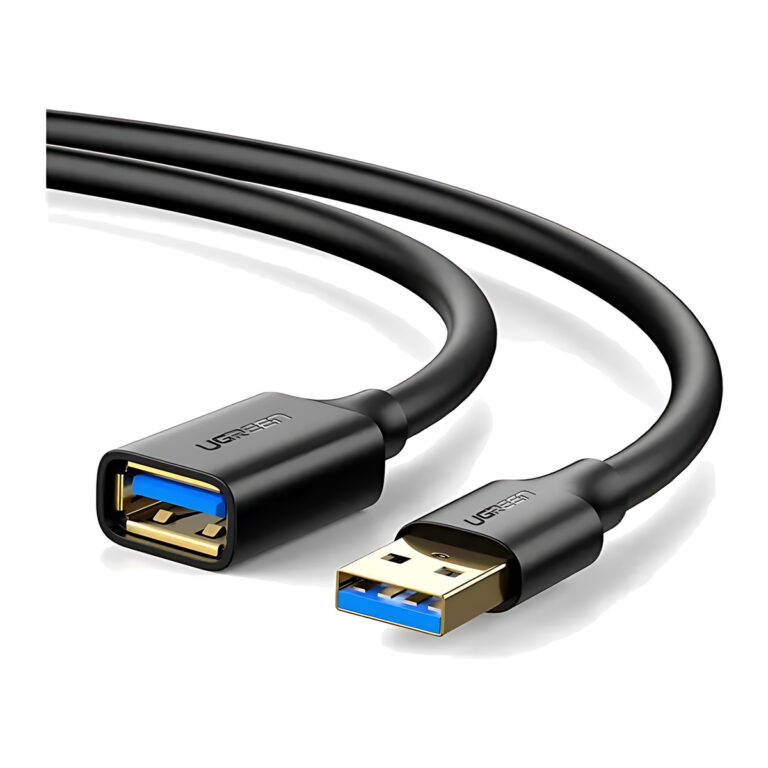 UGREENModel 30127
3 m USB 3.0 Type-A Extension Cable, 5 Gbps
- Length
- 3 m
- Maximum data rate
- Up to 5 Gbps
₹969 Incl. GST MRP₹1,44332% below MRP -
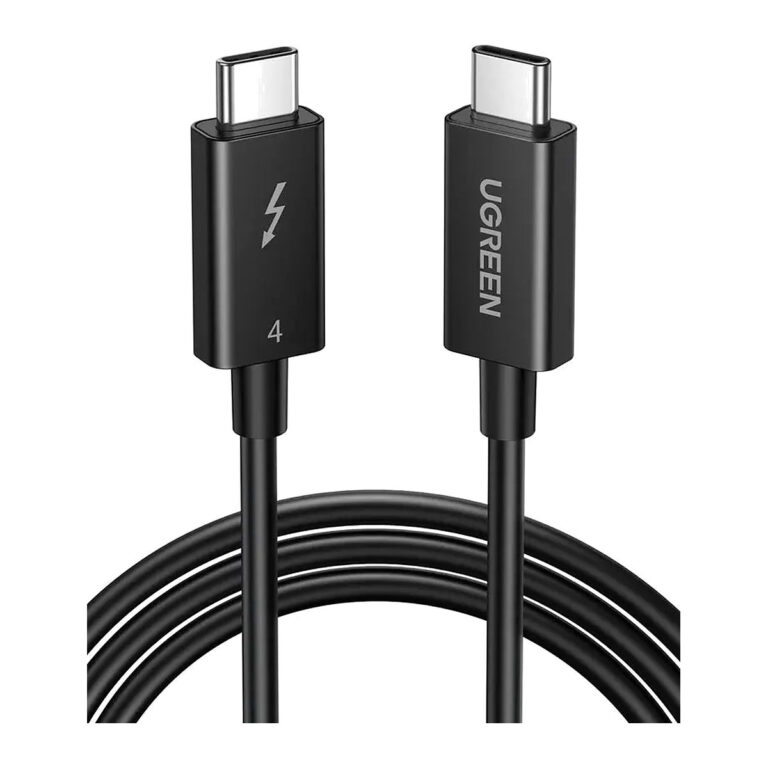 UGREENModel 30389
0.8 m Active Thunderbolt 4 Cable, 40 Gbps, 100 W
- Connector A
- USB-C male
- Length
- 0.8 m
- Maximum data rate
- 40 Gbps
₹7,699 Incl. GST MRP₹12,20936% below MRP -
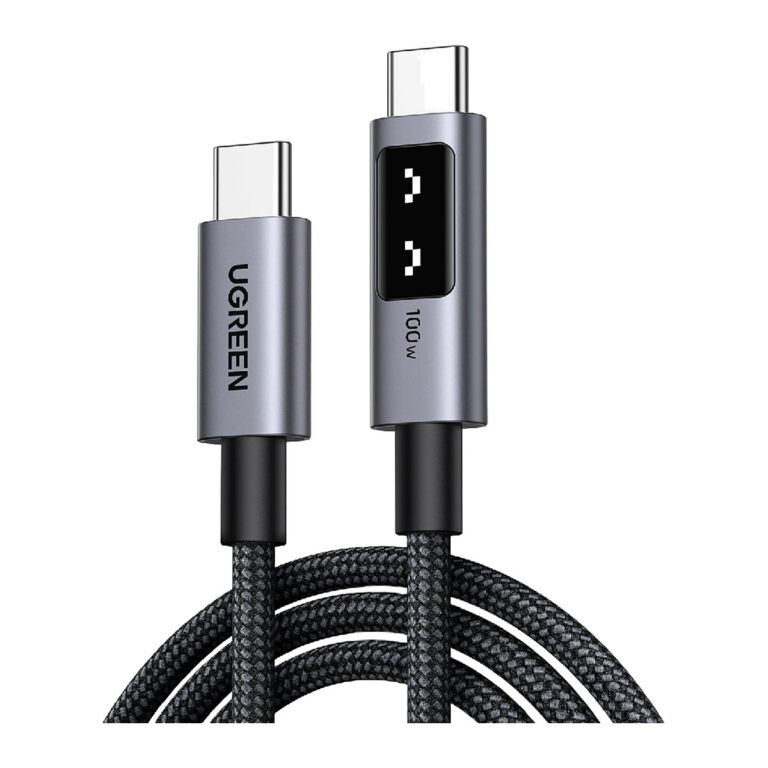 UGREENModel 35501
UNO USB-C to USB-C Cable, 100 W, LED Display, Braided, 1 m
- Connector type
- USB-C to USB-C
- Length
- 1 Meter / 3.3ft
- Maximum Charging Power
- Up to 100 W / PD100W
₹1,659 Incl. GST MRP₹3,33150% below MRP -
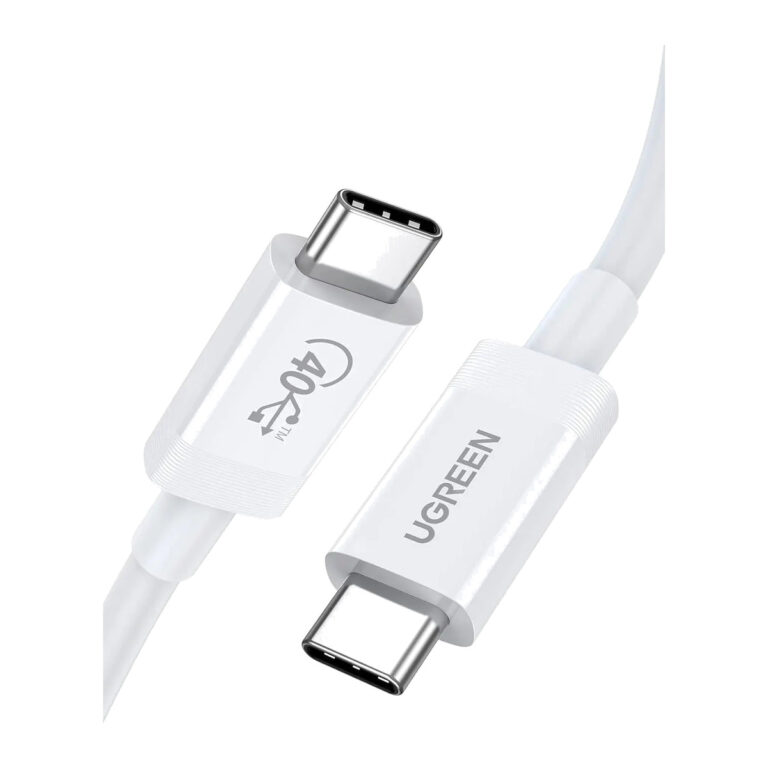 UGREENModel 40113
0.8 m USB4 Cable, 40 Gbps, 8K60, 100 W
- Connector A
- USB-C male
- Length
- 0.8 m
- Maximum data rate
- 40 Gbps
₹4,259 Incl. GST MRP₹8,88652% below MRP -
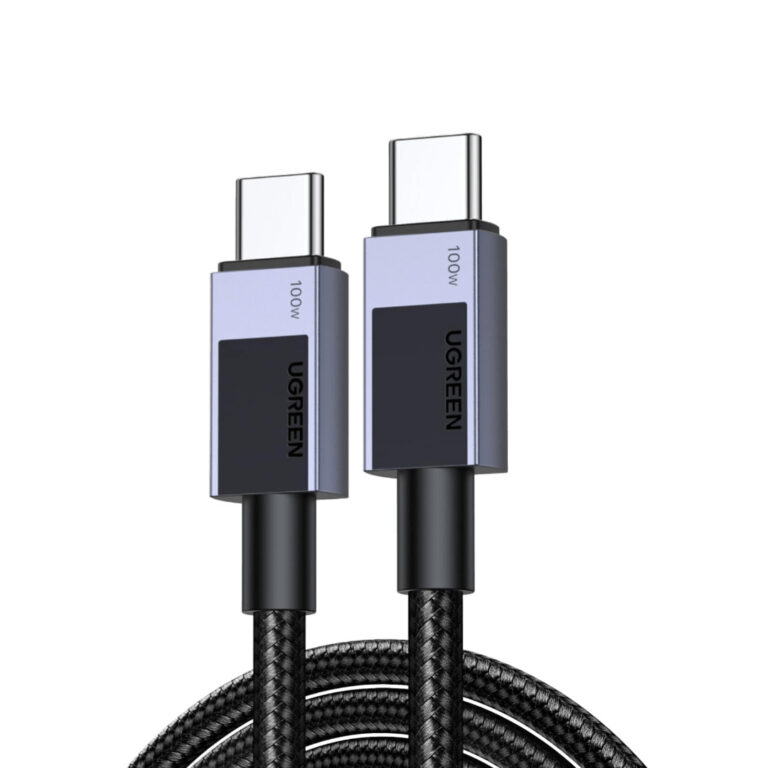 UGREENModel 45065
3 m Braided USB-C Cable, 100 W, 480 Mbps
- Connector A
- USB-C male
- Length
- 3 m
- Charging
- Up to 100 W (20 V/5 A)
₹2,329 Incl. GST MRP₹4,44247% below MRP
How to choose a USB C cable
Two cables that look identical can perform very differently, so read the rating rather than the connector.
- Power rating: 60W covers phones and most tablets. Many laptops need 100W, and 240W cables carry an E-Marker chip for the newest high-power chargers.
- Data speed: many charging cables run at USB 2.0 speed (480Mbps). For SSDs, docks or displays, choose a 5Gbps, 10Gbps, USB4 or Thunderbolt cable.
- Video: only cables with full-speed data lanes carry a monitor signal, so check before using one with a USB-C display.
- Length and form: longer passive cables lose speed, which is why long USB extension runs use active cables. Right-angle, braided and retractable designs suit tight spaces and travel.
Pair your cable with a matching charger from wall and desktop chargers, or add ports with a hub from hubs and docks.
Need help choosing?
Tell us what it is for and where it goes, and we suggest models. Have a list of models and quantities? Request a quote.