

At a glance
- Licence type
- Feature add-on
- Deployment
- On your own server (on-premises), with BioStar X
 Model BioStar X Add-on LicenceCurrent model
Suprema BioStar X Add-on Licence, Feature Add-ons for Access Control Software
Price on request
At a glance
- Licence type
- Feature add-on
- Deployment
- On your own server (on-premises), with BioStar X
Feature add-ons for BioStar X access control software: visitor management, video, maps, directory sync, roll call, server matching, mobile app, remote access, event API, plugins and extra communication servers. Some need Essential or higher, others work with any base licence.
Visitor (Essential and above), Video, per camera (Essential and above), GIS Map (Essential and above), Directory Integration (Essential and above), Roll Call (Essential and above), Server Matching (Essential and above), Multi Communications Server Init (Essential and above), Multi Communications Server Add-on (Essential and above), Mobile App (any licence), Remote Access, billed annually (any licence), Event Log API (any licence), Plugin (any licence)
Include the required quantity and configuration in your quote request. Price and availability will be confirmed in the quotation.
- LicenceLicensed under Suprema's software licence terms. The package and licence term are confirmed in your quotation. Licence terms
- DeliveryDelivered by email. Licence delivery
Overview
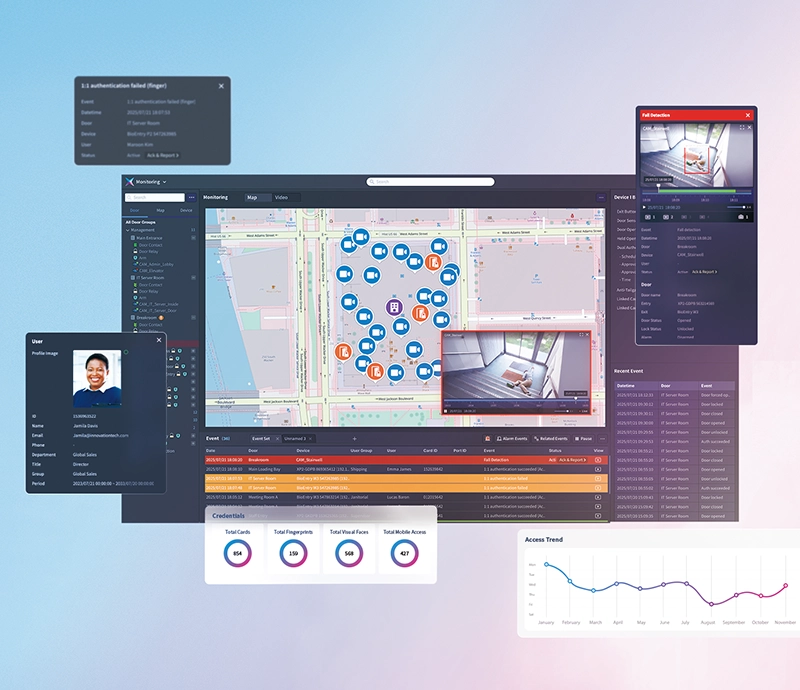
BioStar X add-on licences switch on extra functions in Suprema BioStar X, the access control software that runs on your own server. Each add-on is licensed on top of your base licence, so you pay only for the functions your building uses: visitor management at a busy reception, video next to door events, a mobile app for managers, or integration with your company directory.
Is it right for you?
Choose an add-on when BioStar X already runs your doors and you need one more function. Offices and clinics with regular visitors look at Visitor; places with cameras on a video management system look at Video; managers who want to check doors from a phone look at Mobile App and Remote Access; integrators look at Event Log API and Plugin.
Choosing your licence
Add-ons fall into two groups. The first group needs BioStar X Essential, Advanced, Enterprise or Elite and is not available for Starter or Device Manager:
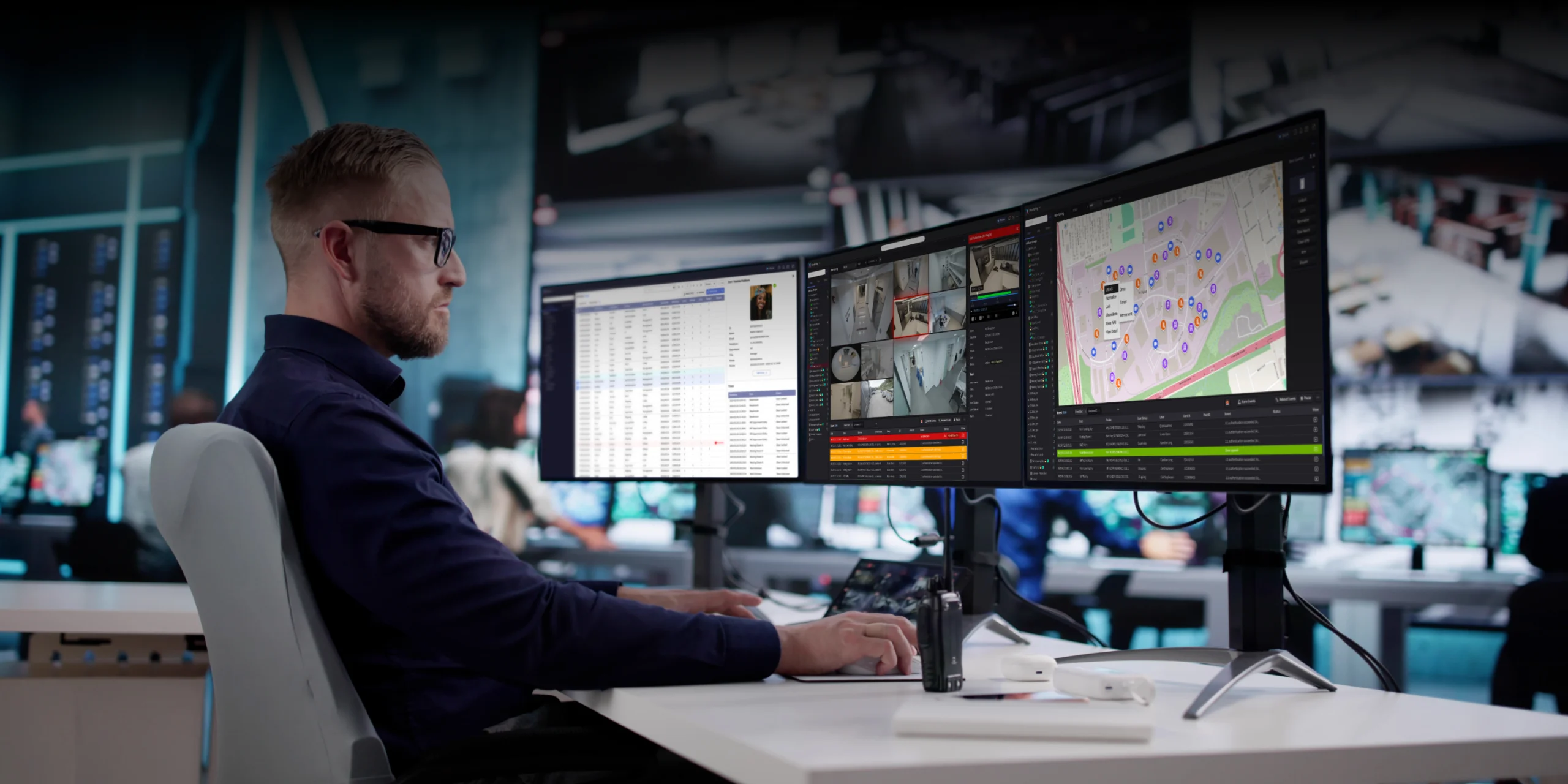
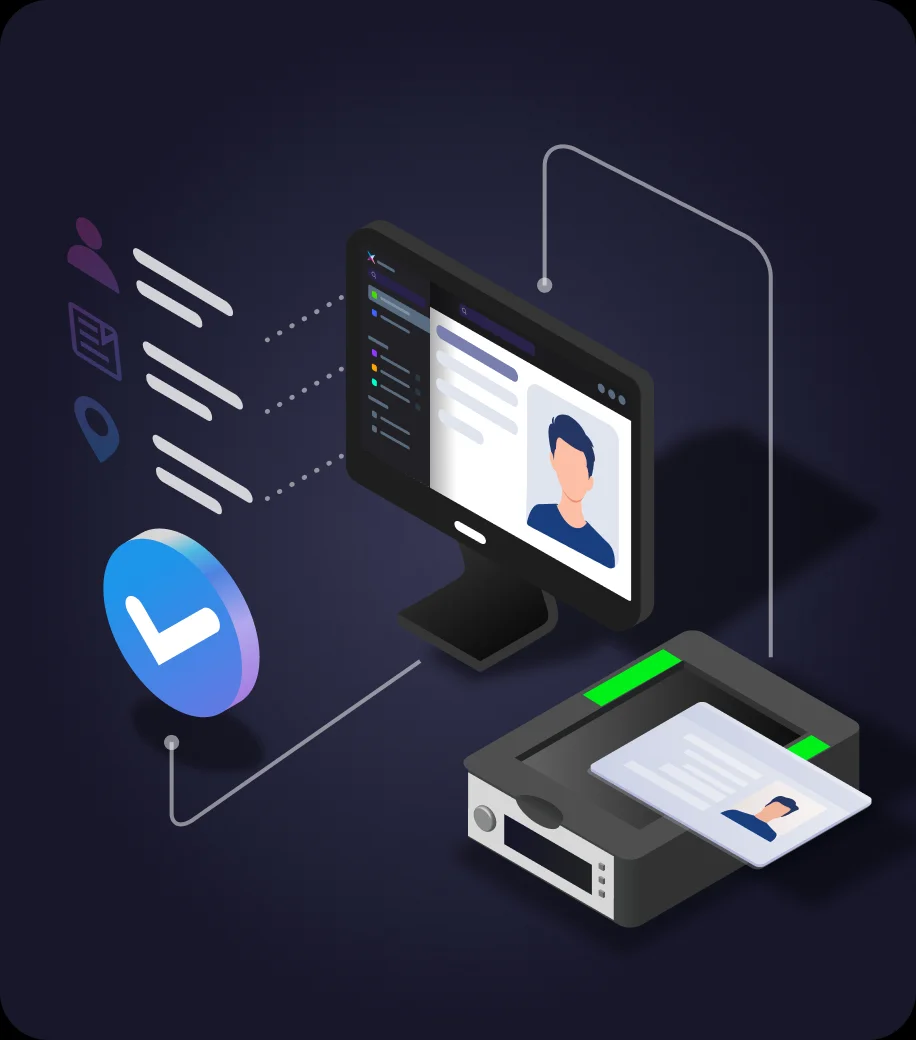
- Visitor: register visitors, issue their credentials (including QR codes on supported readers) and control where and when they can go; supported DESKO ID scanners fill in name, photo and face credential
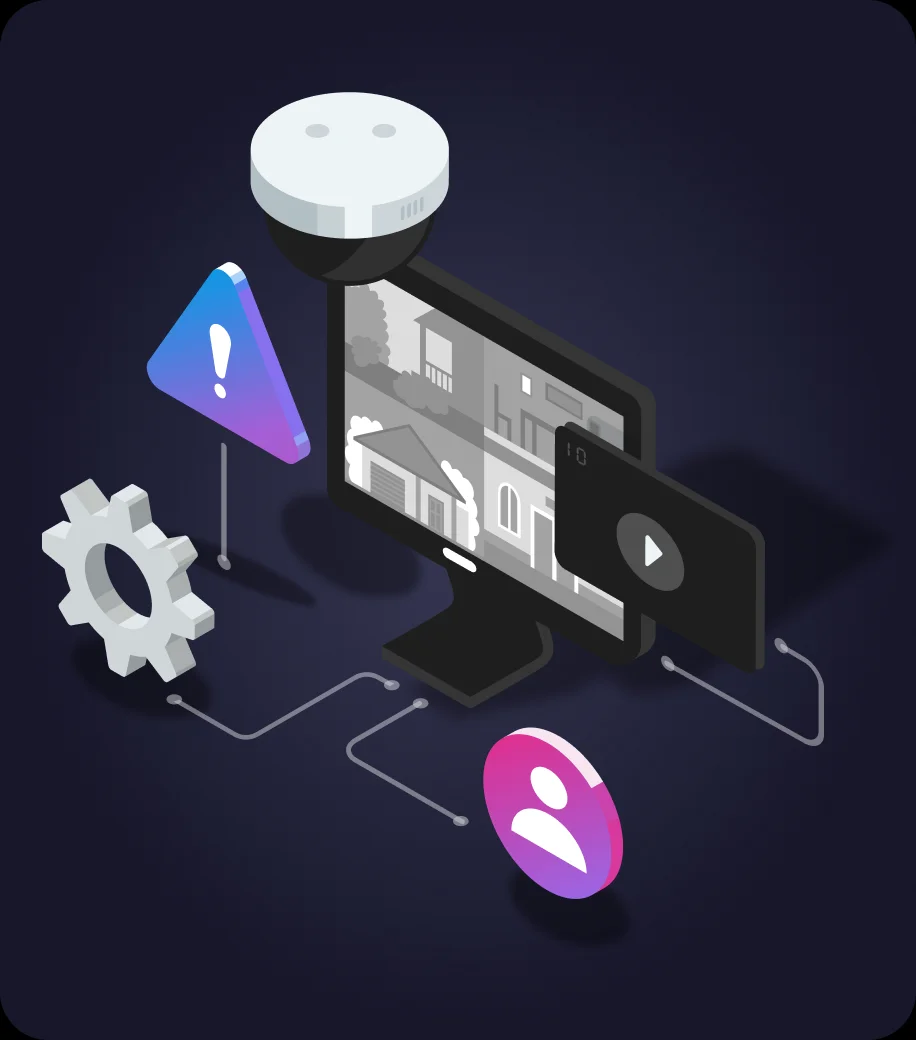
- Video: links cameras from a supported third-party video management system (VMS), such as Network Optix Nx Witness, so access events come with live and recorded video; licensed per camera, up to 1,000 cameras
- GIS Map: organise and monitor your places as areas, facilities and floors on a map
- Directory Integration: synchronise users and groups from Microsoft Active Directory or Microsoft Entra ID, with centralised sign-in
- Roll Call: uses access records to show who is where, during normal operation or an emergency
- Server Matching: matches ID, card, fingerprint or IR face credentials on the server instead of on each device, for user populations larger than a reader stores
- Multi Communications Server Init: the first extra communication server, which takes over device communication for up to 1,000 IP devices
- Multi Communications Server Add-on: each further communication server, extending IP device capacity by 1,000 devices
The second group can be added to any BioStar X base licence, including Starter and Device Manager:
- Mobile App: supported monitoring and operational functions, such as door status and lock or unlock, in the BioStar X Mobile app on iOS and Android
- Remote Access: an encrypted tunnel to your BioStar X server from outside your network; it also carries mobile app and API traffic from outside and is required for remote face enrolment links; billed annually
- Event Log API: lets other applications send their events into BioStar X for central logging and reporting
- Plugin: lets BioStar X run custom external integrations as plugins, up to 10 per system
The exact licence code is confirmed on your quotation.
Key features
- Each add-on is licensed on top of your base licence; your doors, users and settings stay as they are
- Managed from the same BioStar X console as your doors and users
- No add-on is included in a base licence level; each is bought separately
What else you need
- An active BioStar X base licence of the level the add-on requires
- For Video: a supported VMS with the cameras already recording; buy a licence only for the cameras you want to link
- For Directory Integration: Microsoft Active Directory or Microsoft Entra ID
- For Mobile App: the free BioStar X Mobile app from the App Store or Google Play, and Remote Access for use outside your network
- For Multi Communications Server: an extra Windows server for each communication server; the Add-on licence also needs the Init licence
- For Event Log API and Plugin: a developer or integrator to connect the other system
Software and licences
Most add-ons are licensed per system. Video is licensed per camera. Remote Access is billed annually. Whether the other add-ons are one-time licences is not stated by the manufacturer.
Before you buy
Tell us your BioStar X licence level and what you want to connect, and we will confirm the licences you need.
Requirements and deployment
Deployment and activation
- Deployment
- On your own server (on-premises), with BioStar X
Licensing
Included with your licence
- Licence type
- Feature add-on
Modules and capacities are confirmed in your quotation.
Licences we sell
- Suprema BioStar Air Cloud Access Control, Subscription Credits and SSO Add-onSUPREMA-BIOSTAR-AIR · ₹0Choose options
- Suprema BioStar X Advanced Access Control Licence, Per-Feature Add-onSUPREMA-BIOSTAR-X-ADVANCED-ACCESS-CONTROL · ₹0Choose options
- Suprema BioStar X Base Licence, Access Control Software for Your Own ServerSUPREMA-BIOSTAR-X-BASE-LICENCE · ₹0Choose options
- Suprema BioStar X Capacity Upgrade Licence, Adds Doors, Users or OperatorsSUPREMA-BIOSTAR-X-CAPACITY-UPGRADE · ₹0Choose options
- Suprema BioStar X Device Licence, Per-Device Feature ActivationSUPREMA-BIOSTAR-X-DEVICE-LICENCE · ₹0Choose options
- Suprema BioStar X Time and Attendance Licence, Shifts and Work-Hour ReportsSUPREMA-BIOSTAR-X-TIME-ATTENDANCE · ₹0Choose options
Technical specifications
- Needs
- An active BioStar X base licence; the level depends on the add-on
- Included in any base licence
- No, each add-on is bought separately
- Licence
- Licensed under Suprema's software licence terms. The package and licence term are confirmed in your quotation.
Product attributes and shipping details
| Add-on | Visitor (Essential and above), Video, per camera (Essential and above), GIS Map (Essential and above), Directory Integration (Essential and above), Roll Call (Essential and above), Server Matching (Essential and above), Multi Communications Server Init (Essential and above), Multi Communications Server Add-on (Essential and above), Mobile App (any licence), Remote Access, billed annually (any licence), Event Log API (any licence), Plugin (any licence) |
|---|
Questions about this product
Which add-ons work with BioStar X Starter?
Mobile App, Remote Access, Event Log API and Plugin can be added to any base licence. The other add-ons need Essential, Advanced, Enterprise or Elite.
Is any add-on included in a licence level?
No. Add-ons are bought separately for every licence level. Advanced access control features are a different group and are included in Enterprise and Elite.
Do I need Remote Access for the mobile app?
Only for use outside your network. On your own network the Mobile App licence is enough.
How is Video licensed?
Per camera, up to 1,000 integrated cameras per system. Buy a licence only for the cameras you want to link, not for every camera on the VMS.
What is the difference between the two Multi Communications Server licences?
Init is the first extra communication server and includes 1 server for up to 1,000 IP devices. The Add-on licence adds each further server and another 1,000 devices, and needs the Init licence first.
Ask about this modelEditions, deployment, licences
Answers are automated. Do not enter personal or account details.
Looking for an alternative?
We list alternatives only when we have checked they suit the same job. Compare other models in the category, or ask us to suggest one for your site.