
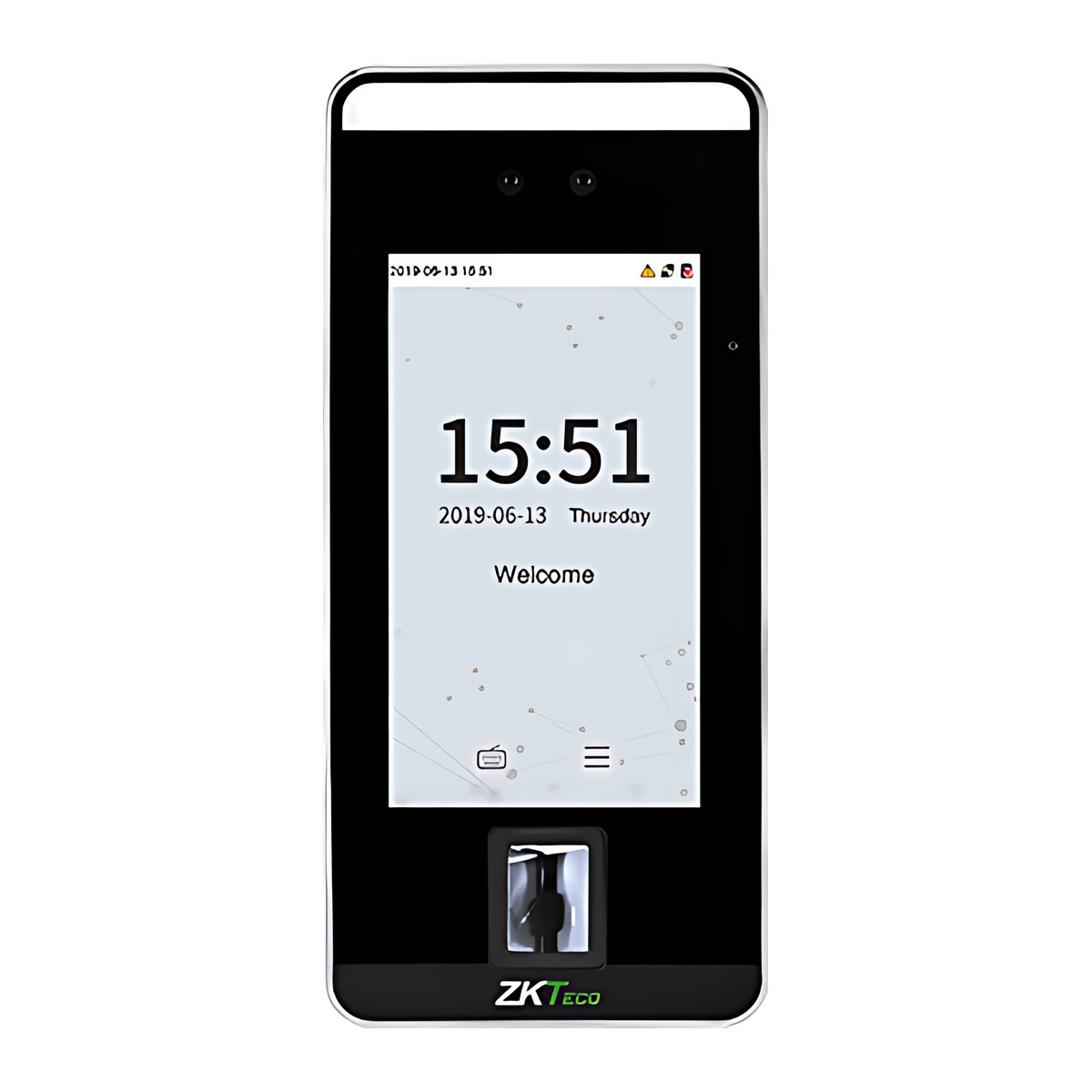
At a glance
- Face Capacity
- 10,000
- Display
- 5-inch touchscreen
- Verification Speed
- 1 s or less (face)
- Communication
- TCP/IP, Wiegand input and output, RS485
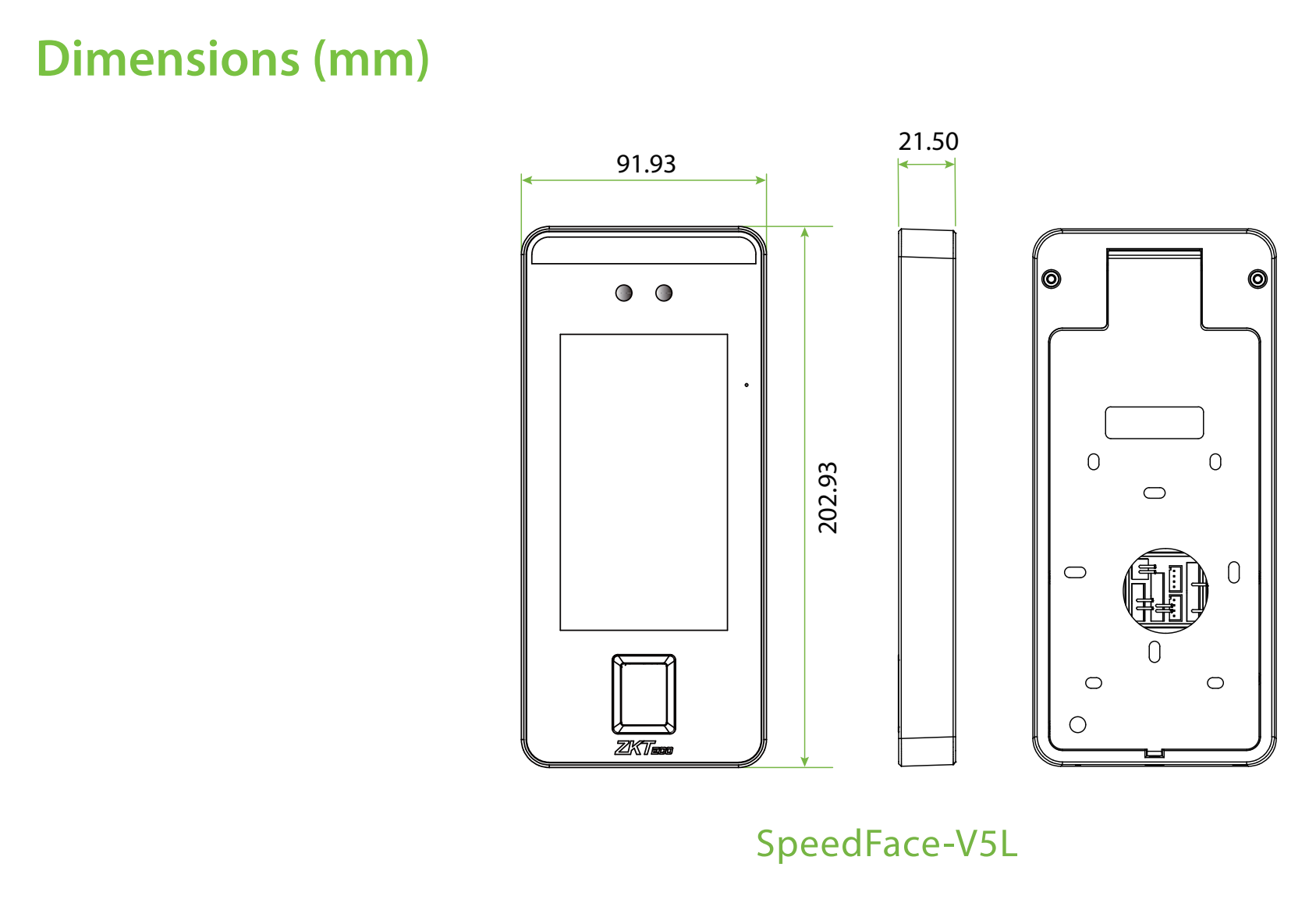
- Dimensions
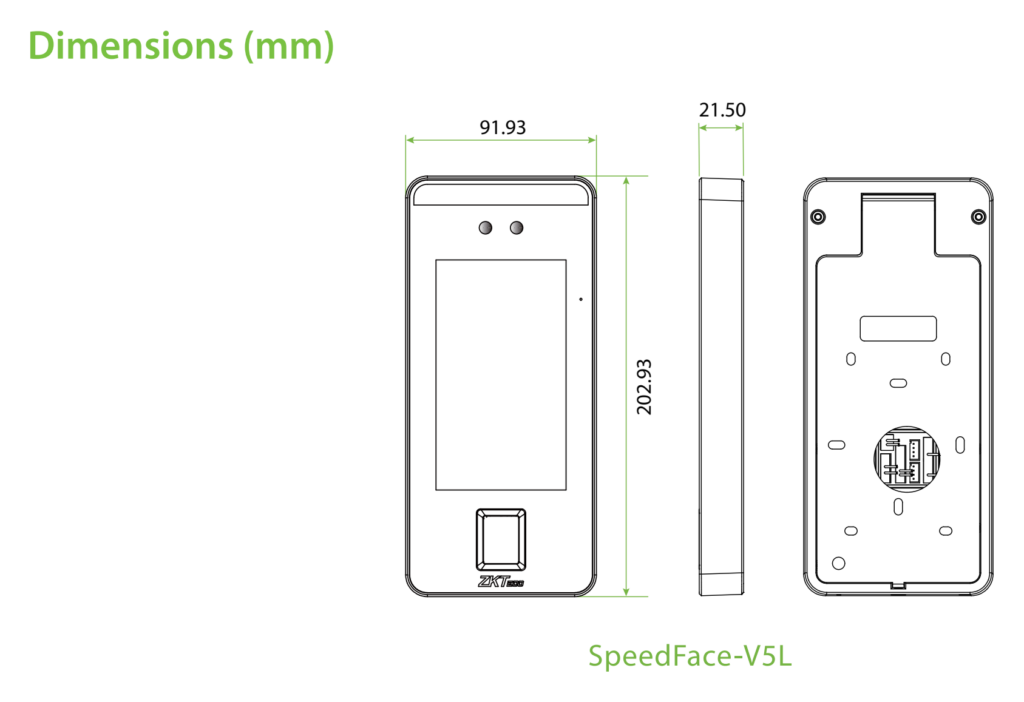
- 91.93 x 202.93 x 21.5 mm (W x H x D)
- Transaction Capacity
- 200,000
 Model SpeedFace-V5L
ZKTeco SpeedFace V5L Face Recognition Access and Attendance Terminal
₹40,234 to ₹41,476 Incl. GST
From ₹34,097 + 18% GST
At a glance
- Face Capacity
- 10,000
- Display
- 5-inch touchscreen
- Verification Speed
- 1 s or less (face)
- Communication
- TCP/IP, Wiegand input and output, RS485
- Dimensions
- 91.93 x 202.93 x 21.5 mm (W x H x D)
- Transaction Capacity
- 200,000
Lets staff in and records attendance by recognising their face, with nothing to touch, at indoor office and factory entrances. Reads a face in 1 second or less at 0.3 to 2 m, stores 10,000 faces, with fingerprint, card and PIN as backups and a 5-inch touchscreen.
- WarrantyManufacturer warranty under ZKTeco's terms: 1 year. Warranty claims
- DeliveryPrice, availability and delivery charges are confirmed in your quotation. Shipping and delivery
Overview
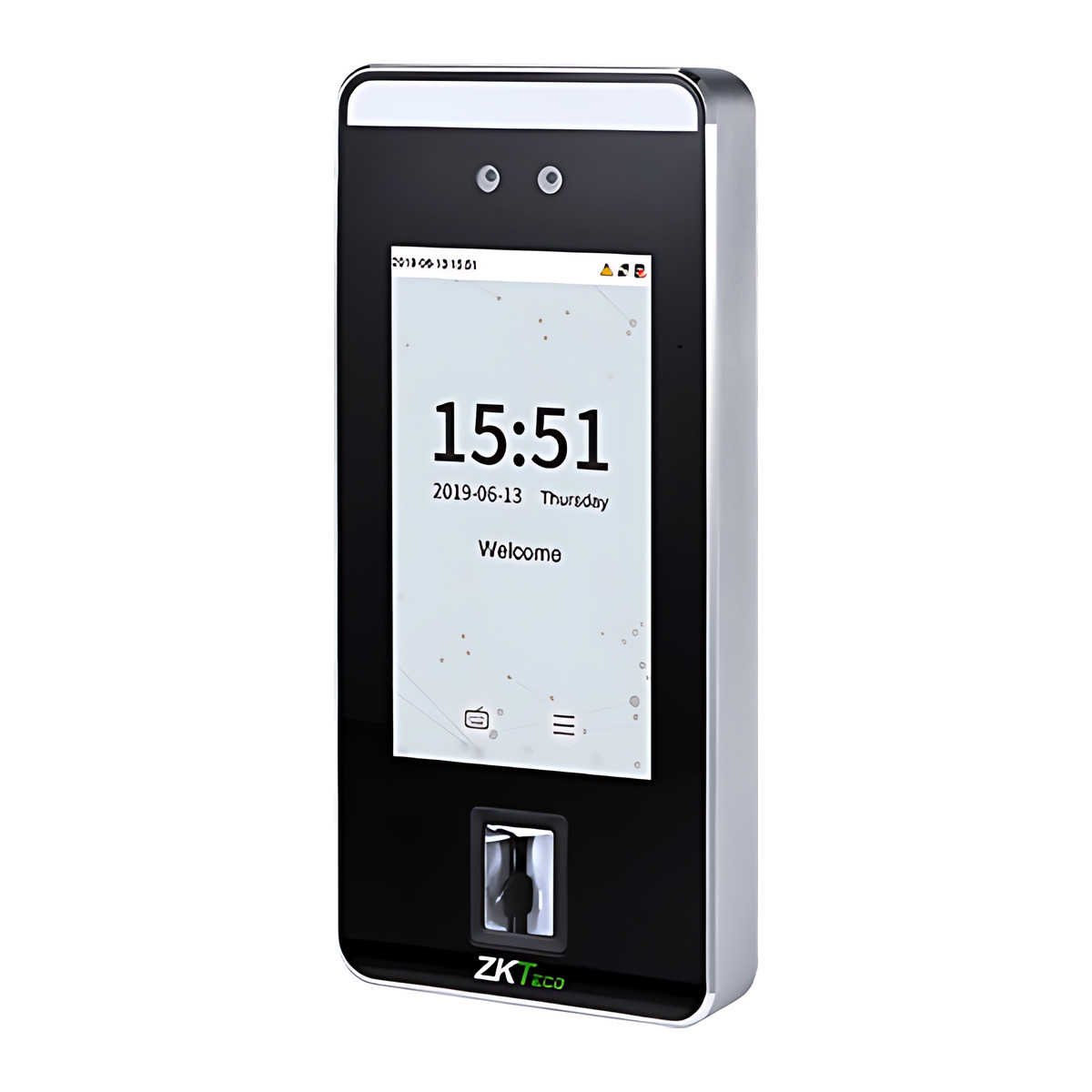
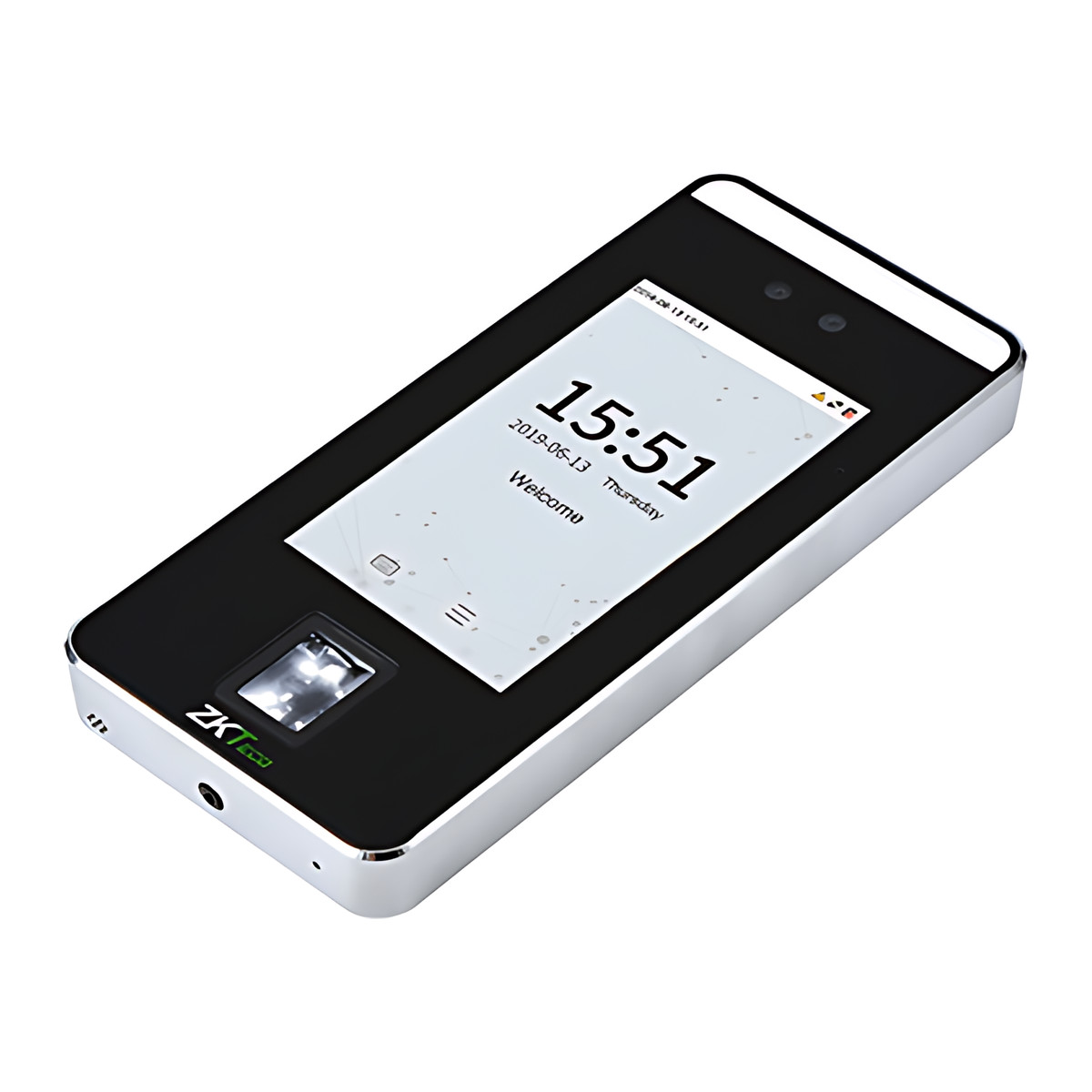
The ZKTeco SpeedFace V5L is a face recognition terminal for door access and time attendance at an indoor entrance, such as an office or factory door. Staff walk up, the terminal recognises them in a second or less from 0.3 to 2 m away and releases the door or records the clock-in, with nothing to touch. Fingerprint, card and PIN are there as backups, and a 5-inch touchscreen handles enrolment and menus on the unit itself.
Is it right for you?
- It suits an indoor doorway away from direct sunlight and glass reflections, which upset face reading.
- It suits up to 10,000 staff, with face, fingerprint and card capacities of 10,000 each.
- Three versions: Standard, QR Code and Wi-Fi. Fingerprint is on the Standard and Wi-Fi versions; confirm the QR Code version with us before ordering.
- It needs a lock, exit button and door sensor to control a door; for attendance only, none of those are needed.
- For an outdoor or weather-exposed entrance, choose a weatherproof model such as the FaceDepot-8AL.
Key features
- Face recognition in 1 second or less at 0.3 to 2 m, with head rotation and tilt of up to 30 degrees either way, using the ZKFace V5.8 algorithm.
- Anti-spoofing against printed photos (laser, colour and black and white), video and 3D mask attacks.
- Fingerprint on the Z-ID sensor with the ZKFinger V10.0 algorithm, plus card and PIN on the 12-key virtual keypad.
- Holds 10,000 faces, 10,000 fingerprints and 10,000 cards, with 200,000 transaction records.
- 5-inch touchscreen and a supplement light for dim doorways; 1 GHz dual-core processor with 8 GB storage on Linux.
- Reads 125 kHz EM cards or 13.56 MHz S50/S70 IC cards, depending on the card module fitted.
- TCP/IP, Wiegand input and output and RS485, with Wi-Fi on the Wi-Fi version; drives a third-party electric lock through a NO/NC/COM relay, plus door sensor, exit button, alarm output and auxiliary input.
- Access levels, groups, holidays, anti-passback, record query, tamper switch alarm, ADMS (network data push to server), DST (daylight saving time) and 9-digit user IDs; 91.93 x 202.93 x 21.5 mm.
What else you need
A 12 V DC supply rated at least 3 A (12 V plus or minus 10%); a 12 V 3 A supply is needed if one is not supplied with your unit, and a higher rating if the lock shares it. To control a door: an electric lock such as an EML280 maglock or BL34-2 bolt, with a separate lock supply recommended, an exit button such as the EX86-S, EX28-L or K1-1D, and a door sensor for door status and alarms. A network point on the same segment as the software server. Only if you manage doors in ZKBio CVSecurity, you also need its licence to cover this door.
Installation
An access control installer should fit it. The job involves choosing an indoor spot clear of sunlight and glass, fixing the back plate at about 1.5 m and securing the terminal with the security screw, wiring 12 V DC to the power terminals, the lock to NO1 or NC1 and COM with the FR107 diode, and the door sensor, exit button and alarm as needed, then connecting Ethernet (default IP 192.168.1.201) and setting the address. On the unit, register a super administrator first, enrol users (face, fingerprint, card, password) and set time rules, then add it to the software.
Software and licences
ZKBio CVSecurity for door management, and easy TimePro or BioTime Cloud 2.0 for attendance and payroll export. ZKBio CVSecurity is activated with a serial licence from ZKTeco and its licensed door count must cover this terminal; if you already run it, check that a door licence is free. BioTime Cloud 2.0 connects through the terminal’s Cloud Server setting (ADMS).
Before you buy
- Indoor use only, 0 to 45 °C; avoid glass refraction, direct sunlight and exposure.
- Tell us which version you need (Standard, QR Code or Wi-Fi) and which card technology you use (125 kHz EM or 13.56 MHz S50/S70), because the card module is fitted at build time.
- A 12 V 3 A supply is needed if one is not supplied with your unit.
Features
Size and fit
- Dimensions
- 91.93 x 202.93 x 21.5 mm (W x H x D)
- Mounting
- Wall mount on the supplied back plate, fixed with a security screw
Technical specifications
Key facts
- What is it?
- Face recognition terminalBrand ZKTeco, model SpeedFace-V5L
- How is it powered?
- 12 V DC
- Does it support RS-485?
- Yes
- Does it support Wiegand?
- YesInput and output
- Can it be used outdoors?
- Indoor use
- What capacity does it support?
- 10,000 faces10,000 fingerprints10,000 cards10,000 users200,000 transaction records
- Which software works with it?
- ZKBio CVSecurity, easy TimePro, BioTime Cloud 2.0
- Which accessories may be required?
- 12 V DC power supply, at least 3 A; Electric lock; ZKBio CVSecurity access control door licenceSome depend on the installation. See Works with for the conditions.
- Which documents are available?
- Datasheet, quick start guide, user manual, software (5), online specifications Open documents
- Can SecurityGearHub help with installation?
- Setup guidanceManuals, wiring guides and answers to setup questions. On-site work is arranged separately where available. Ask about installation
- Not stated by the manufacturer
- PoE, OSDP, box contents
RelatedSolutionGym entry and accessSolutionGymNtry gym management softwareGuideFace vs fingerprint attendance machineDocumentsAll ZKTeco documents
General
- Display
- 5-inch touchscreen
- Face Capacity
- 10,000
- Fingerprint Capacity
- 10,000
- Card Capacity
- 10,000
- Transaction Capacity
- 200,000
- Verification Speed
- 1 s or less (face)
- Recognition Distance
- 0.3 m to 2 m (face)
- Biometric Algorithm
- ZKFace V5.8 and ZKFinger V10.0
- Hardware
- CPU 1 GHz dual core; RAM 512 MB (1 GB in the 2025 datasheet); ROM 8 GB; supplement light; 12-key virtual keypad; Z-ID fingerprint sensor
- Access Control Interfaces
- 3rd-party electric lock, door sensor, exit button, alarm output, auxiliary input
- Optional Functions
- 13.56 MHz RFID S50/S70 IC card module (instead of the 125 kHz ID card module)
- Operation System
- Linux
- Communication
- TCP/IP, Wiegand input and output, RS485; Wi-Fi optional (Wi-Fi version only)
- Supported Software
- ZKBio CVSecurity, easy TimePro, BioTime Cloud 2.0
- Card Type
- 125 kHz EM ID card or 13.56 MHz S50/S70 IC card, depending on the card module fitted
- Face Angle Tolerance
- Plus or minus 30 degrees head rotation and tilt
- Anti-Spoofing
- Against print (laser, colour and black and white photos), video and 3D mask attacks
- Lock Relay
- One relay with NO, NC and COM terminals for a normally open or normally closed lock
- Power Supply
- 12 V DC, 3 A (12 V plus or minus 10 %, at least 3000 mA; use a higher-rated supply if the lock shares it)
Environment
- Operating Temperature
- 0 °C to 45 °C
- Operating Humidity
- 20 % to 80 %
- Installation Environment
- Indoor use; avoid glass refraction, direct sunlight and exposure; recommended mounting height about 1.5 m
Physical
- Dimensions
- 91.93 x 202.93 x 21.5 mm (W x H x D)
- Mounting
- Wall mount on the supplied back plate, fixed with a security screw
Approvals
- Standard Functions
- ID card, ADMS, T9 input, DST, camera, 9-digit user ID, access levels, groups, holidays, anti-passback, record query, tamper switch alarm, multiple verify modes
- Warranty
- Manufacturer warranty under ZKTeco's terms: 1 year. How claims work
Product attributes and shipping details
| Brand | ZKTeco |
|---|---|
| Wiegand | Input and output |
| Verification | Card, Face, Fingerprint, PIN |
| Connectivity | Wi-Fi, Wiegand, Ethernet, RS-485 |
| Version | Standard, QR Code, Wi-Fi |
Downloads
Download software
- ZKTeco SpeedFace Series software (ZKBio Zlink app (iOS))Version 5.2.1 · iOS 15.0 or later (iPhone) · Released September 8, 2026Prerequisites: ZKBio Zlink account; Device must be switched to BEST protocolLicence: Free; account requiredSoftware · Family · apps.apple.comView official download page
- ZKTeco SpeedFace Series software (ZKBio Zlink app (Android))Version 5.2.0 · Android 7.0+ · Released August 27, 2026Prerequisites: ZKBio Zlink account; Device must be switched to BEST protocolLicence: Free; account requiredSoftware · Family · play.google.comView official download page
- ZKBio CVAccessVersion 4.4.2_R_x64 · Windows x64 (server, web-based client) · Released September 1, 2026Prerequisites: See Hardware suggestion list 20260814 (PDF); Named in the product page Supported Software row; software licence purchased separatelyLicence: Paid licence required; installer download needs a manufacturer partner loginSoftware · Family · zkteco.comView official download page
- ZKBio TimeVersion 9.0.6 (Build 20260911.22919) · Windows Server 2012 to 2025, Windows 10/11 (64-bit only); browsers Edge/Chrome 117+, Firefox 104+ · Released September 11, 2026Prerequisites: PostgreSQL (default), MSSQL 2016 to 2025, MySQL 8.0 or Oracle 19c; dual-core 2.4 GHz, 8 GB RAM, 100 GB; up to 500 devices; Named in the product page Supported Software row; software licence purchased separatelyLicence: Paid licence required; installer download needs a manufacturer partner loginSoftware · Family · zkteco.comView official download page
- ZKBio Zlink (web portal)Web (zlink.minervaiot.com) plus iOS/Android app · Released January 22, 2025Prerequisites: Internet; device on BEST protocol; Device must be switched to BEST protocolLicence: Free; account requiredSoftware · Family · zkteco.comView official download page
Documentation
- ZKTeco SpeedFace V5L datasheetDatasheet · This model · d1agmp9y4cki1i.cloudfront.netDownload
- ZKTeco SpeedFace V5L product pageOnline specifications · This model · zkteco.inView official page
User manual
Series documents can differ from your exact model. Report a wrong or missing file
Software and compatibility
Licence terms are on each software product page.
- ZKBio CVSecurity Listed compatible
- easy TimePro Listed compatible
- BioTime Cloud 2.0 Listed compatible
Works with this product
Relevant accessories
- ZKTeco ZKBio CVSecurity Access Control Licence, Door Packages and Add-On Doors - Add-on doorSGH-LIC-ZKBIO-D10
Why ZKBio CVSecurity is activated with a serial licence obtained from ZKTeco; door capacity must cover this terminal. Condition: Only when managed in ZKBio CVSecurity; confirm whether the customer's existing package already covers the door. Store note: the add-on applies on top of a 10-door or larger package.
₹4,720Add to cart
Compatible expansions and software
- ZKTeco ZKBio CVSecurity Web-Based Integrated Security Platform SoftwareZK-ZKBIO-CVSECURITY
Why Supported management software. Condition: Device added over TCP/IP; server and device on the same network segment for LAN connection. Access control door capacity is licensed in the software.
Price on requestAdd to quote - ZKTeco easy TimePro Attendance Management SoftwareZK-EASY-TIMEPRO
Why Supported management software. Condition: Attendance use.
Price on requestAdd to quote - ZKTeco BioTime Cloud 2.0 Cloud Attendance SoftwareZK-BIOTIME-CLOUD-2-0
Why Supported management software. Condition: Cloud server connection uses the device's Cloud Server Setting (ADMS).
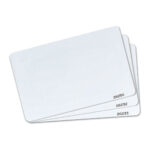
Price on requestAdd to quote - ZKTeco ID Thin Card, 125 kHz Printable Proximity CardZK-ID-THIN-CARD
Why Compatible 125 kHz ID card (EM) module. Condition: Only for units fitted with the 125 kHz module; not readable on units fitted with the 13.56 MHz IC module.
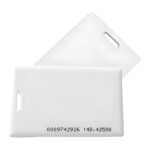
₹11Add to cart - ZKTeco ID Thick Card, 125 kHz Clamshell Proximity CardZK-ID-THICK-CARD
Why Compatible 125 kHz ID card (EM) module. Condition: Only for units fitted with the 125 kHz module.
₹12Add to cart

Questions about this product
Does the SpeedFace V5L need an internet connection?
No. It works on its own and connects to ZKBio CVSecurity or easy TimePro on your local network. Internet is needed only for BioTime Cloud 2.0.
What power does it need?
12 V DC at a minimum of 3 A. Use a higher-rated supply if the lock shares it.
Can it be used outdoors?
No. It is for indoor use, 0 to 45 °C, away from direct sunlight and glass reflections.
Which cards does it read?
125 kHz EM cards or 13.56 MHz S50/S70 IC cards, depending on the card module fitted at build time. Tell us which you use.
Do all versions have fingerprint?
The Standard and Wi-Fi versions do. Confirm the QR Code version with us before ordering.
How many people can it hold?
10,000 faces, 10,000 fingerprints and 10,000 cards, with 200,000 transactions.
Ask about this modelSetup, compatibility, what is in the box
Answers are automated. Do not enter personal or account details.
Looking for an alternative?
We list alternatives only when we have checked they suit the same job. Compare other models in the category, or ask us to suggest one for your site.