
Controllers and Panels
Networked access control panels hold the user database and time rules and decide when each lock releases. Size the panel by door count and by whether each door has a reader on one side or both, then check the reader interfaces it accepts (Wiegand, RS-485 or OSDP), PoE or 12 V supply, and the management software it runs with; elevator controllers handle floor access separately.


All products
-
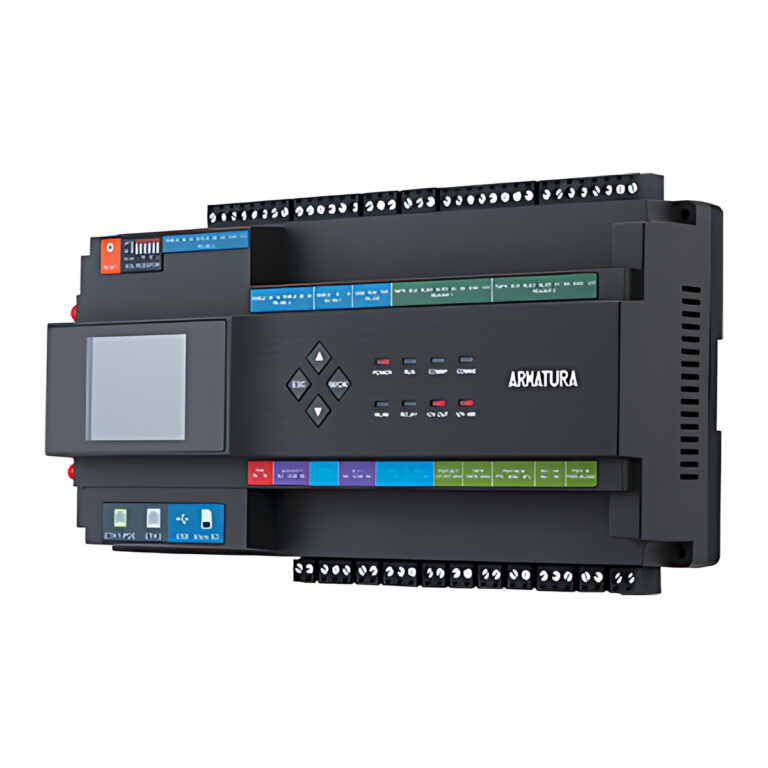 ArmaturaModel AHDU-1160
1-Door IP Biometric Door Controller, PoE
- Doors (Access Points)
- 1
- Maximum Readers
- 2
- Transaction Buffer
- 300,000 events
₹56,593 Incl. GST -
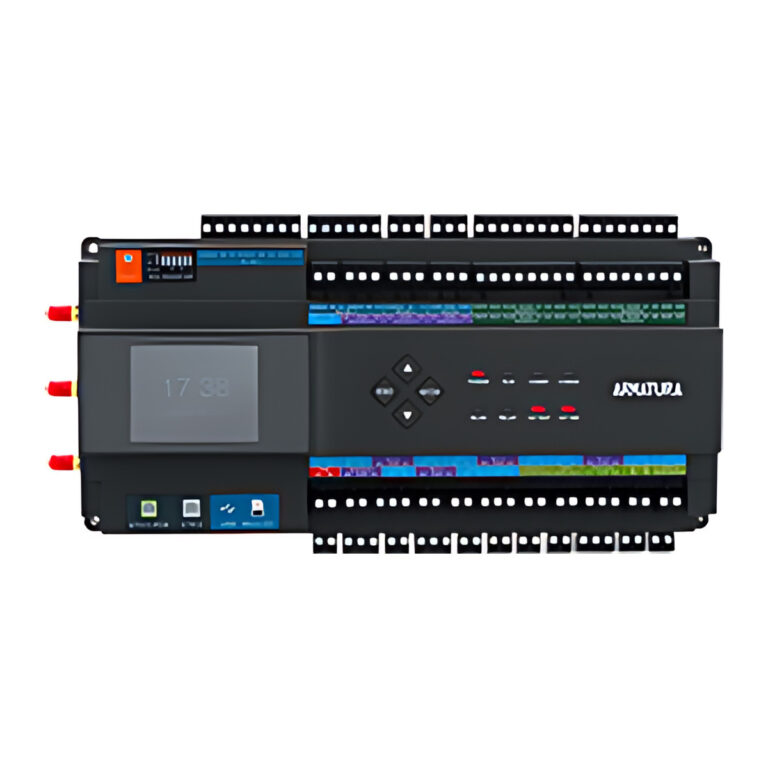 ArmaturaModel AHDU-1260
2-Door IP Biometric Door Controller, PoE
- Doors (Access Points)
- 2
- Maximum Readers
- 4
- Transaction Buffer
- 300,000 events
₹62,711 Incl. GST -
ArmaturaModel AHDU-1460
4-Door IP Biometric Door Controller, PoE
- Doors (Access Points)
- 4
- Maximum Readers
- 8
- Transaction Buffer
- 300,000 events
₹68,831 Incl. GST -
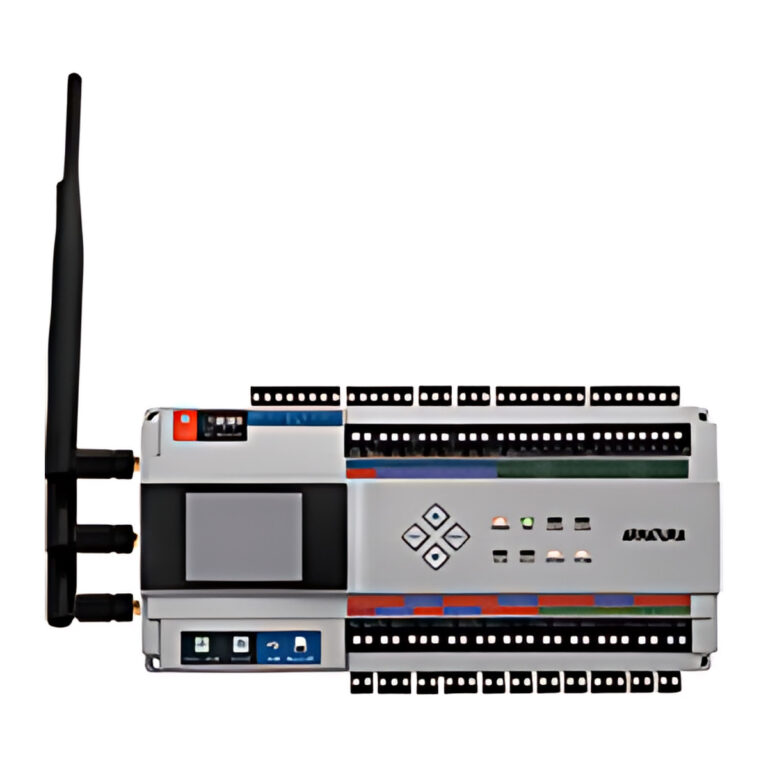 ArmaturaModel AHSC-1000
Multi-Biometric Access Control Panel
₹108,598 Incl. GST -
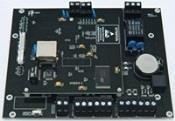 MORXModel MAC-D1
1-Door Access Control Panel, 2-Way, TCP/IP and Web Server
- Communication
- TCP/IP, Wiegand26
- Card Capacity
- 20,000
₹11,207 Incl. GST -
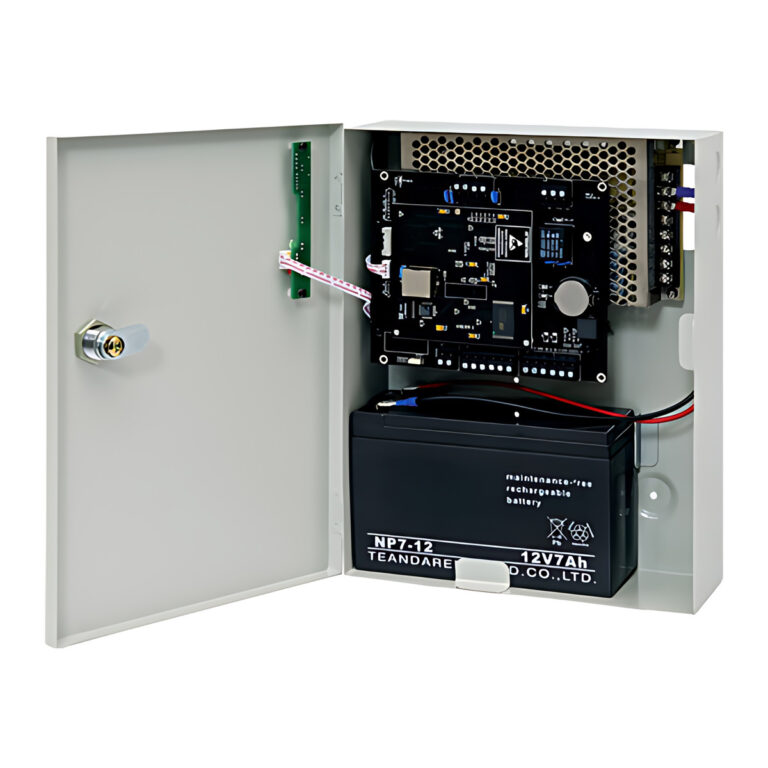 MORX
MAC-D2 2-Door Access Control Panel with Power Box
- Communication
- TCP/IP, Wiegand26
- Card Capacity
- 20,000
₹25,242 Incl. GST -
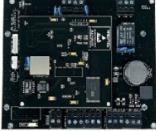 MORXModel MAC-D2
2-Door Access Control Panel, 2-Way, TCP/IP and Web Server
- Communication
- TCP/IP, Wiegand26
- Card Capacity
- 20,000
₹14,886 Incl. GST -
MORXModel MAC-D4
4-Door Access Control Panel, 1-Way, TCP/IP and Web Server
- Communication
- TCP/IP, Wiegand26
- Card Capacity
- 20,000
₹16,178 Incl. GST -
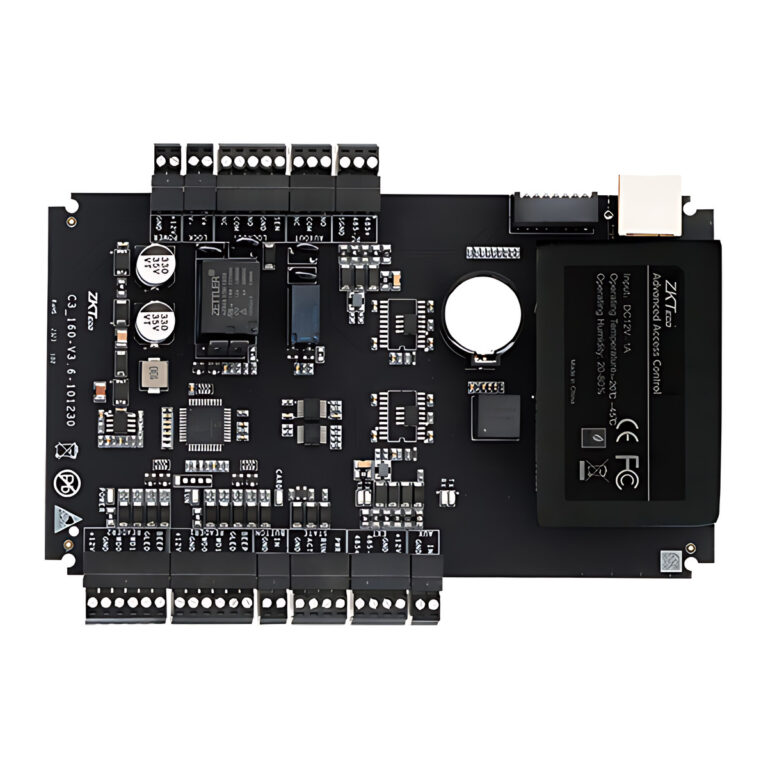 ZKTecoModel C3-PLUS
C3 Plus Series IP-Based Access Control Panel (1/2/4 Door)
- Card Capacity
- 100,000 (1:N) (Standard)
- Transaction Capacity
- 500,000 (Standard)
- Power Supply
- 9.6 V to 14.4 V DC
From ₹10,182 Incl. GST6 optionsChoose options This product has multiple variants. The options may be chosen on the product page -
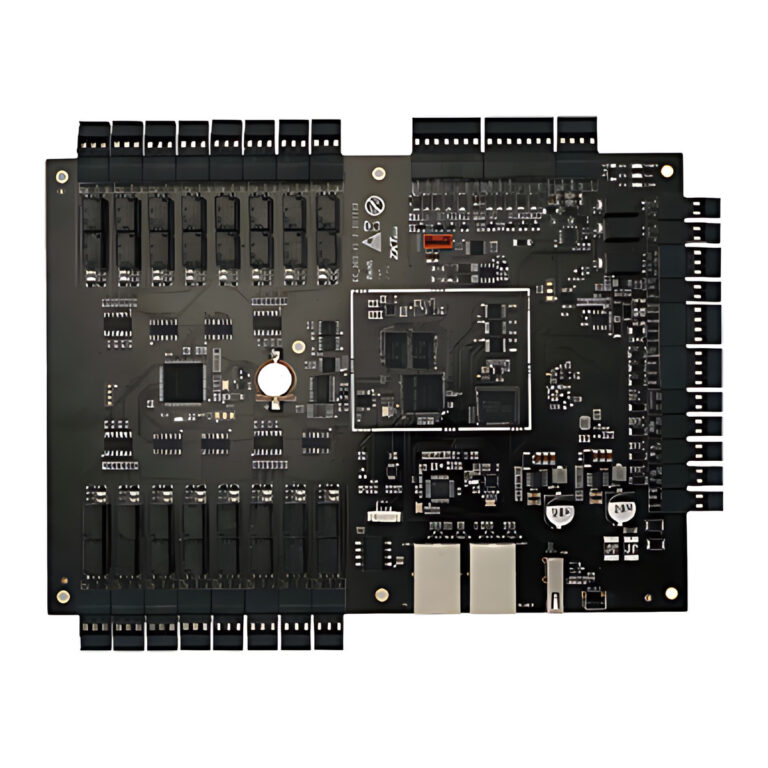 ZKTecoModel EC16-DEX16
EC16 and DEX16 Elevator Access Control Panel and Expansion Board
- Card Capacity
- 100,000
- Fingerprint Capacity
- 30,000
- Supported Software
- ZKBio CVSecurity
₹65,071 Incl. GST -
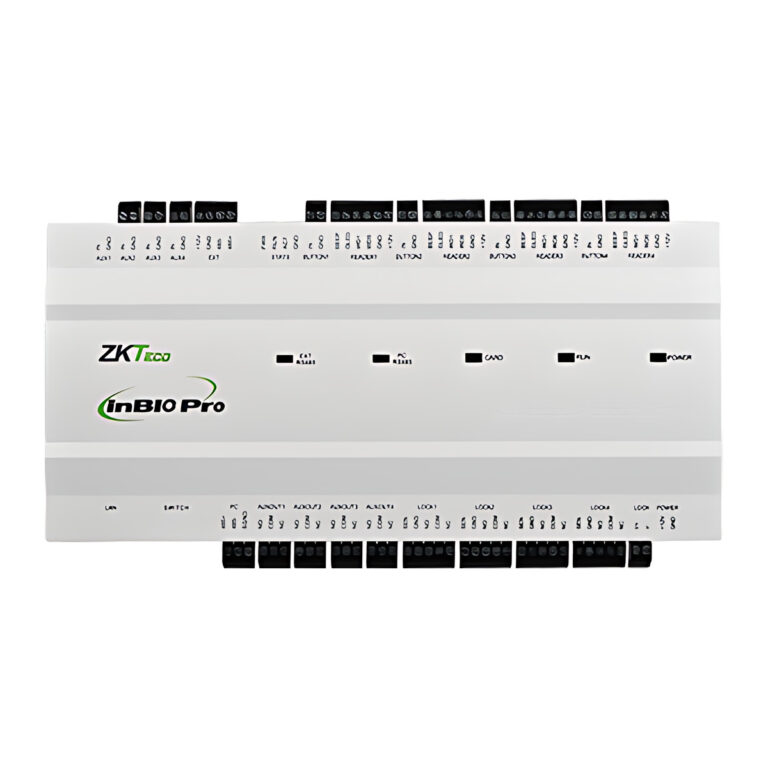 ZKTecoModel InBio Pro Plus
Series Biometric Access Control Panel
- Card Capacity
- 100,000 (1:N) (Standard)
- Fingerprint Capacity
- 20,000 (1:N) (Standard)
- Supported Software
- ZKBio CVSecurity
From ₹20,615 Incl. GST6 optionsChoose options This product has multiple variants. The options may be chosen on the product page -
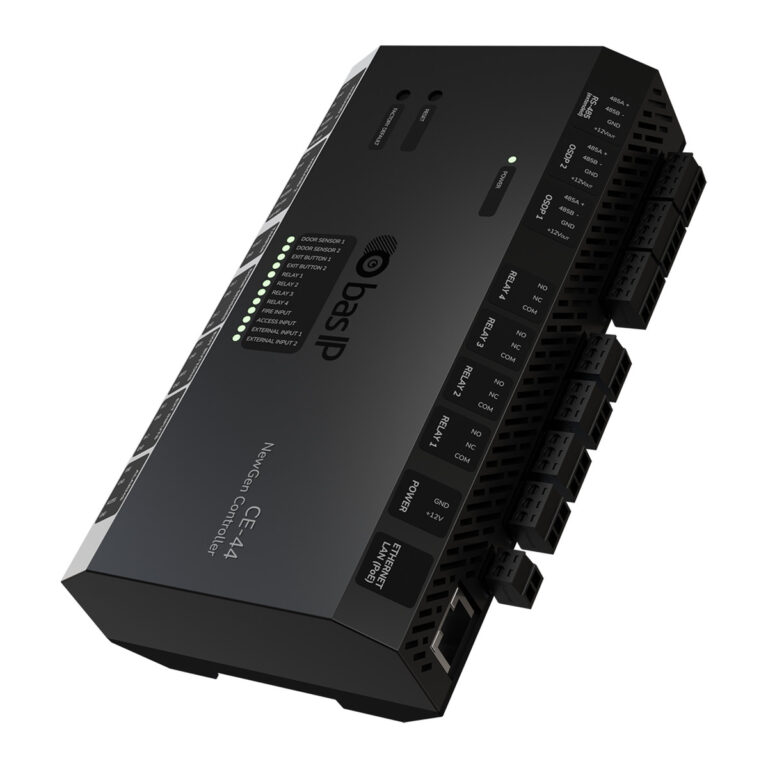 BAS-IPModel CE-44
Network Door Controller, 2 Doors, OSDP and Wiegand, PoE
- Relay Outputs
- 4, NC/NO/COM, 10 A max
- Identifier Capacity
- 100,000
- Mounting
- TH35 DIN rail
Price on requestAccess controllers series · 2 models -
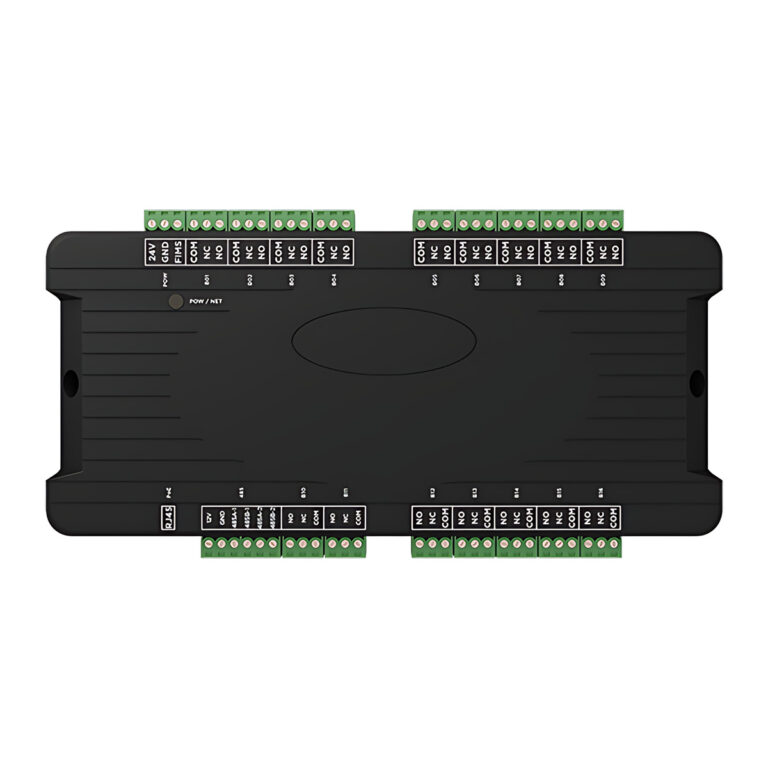 BAS-IPModel EVRC-IP
Lift Access Controller, 16 Floors, PoE
- Floors
- 16 per controller
- Modules per System
- Up to 98
- Power
- PoE
Price on requestAccess controllers series · 2 models -
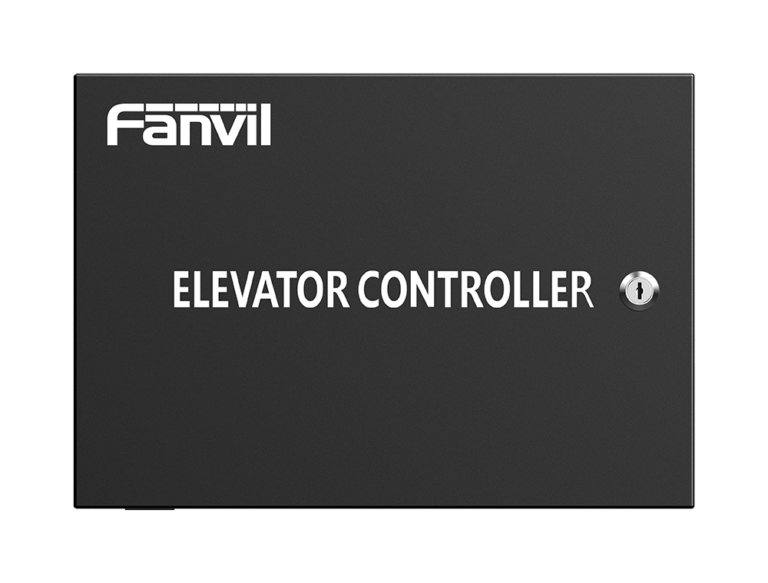 FanvilModel EC20
Elevator Controller, 16 Floors Expandable to 128, 50,000 Cards
- Card capacity
- 50,000 cards
- Network
- 1 x RJ45 10/100 Mbps
- Protocol
- TCP/IP
Price on request -
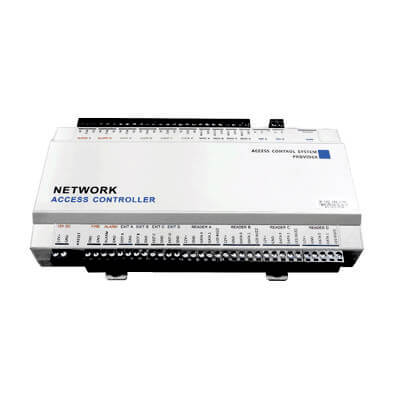 RealtimeModel T1D
One-Door Network Access Controller, 30,000 Cards
- Communication
- TCP/IP, RS485
- Card users
- 30,000
Price on request -
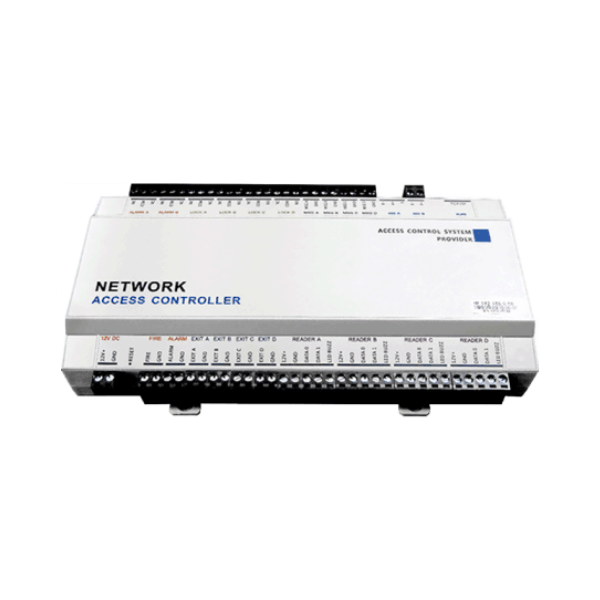 RealtimeModel T4D
Four-Door Network Access Controller, 30,000 Cards
- Communication
- TCP/IP, RS485
- Card users
- 30,000
Price on request -
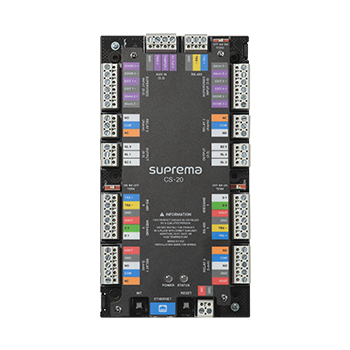 SupremaModel CoreStation 20
2-Door Access Controller, 500,000 Users, 4 Relays
- Doors
- 2
- Max. users
- 500,000
- Max. text logs
- 5,000,000
Price on request -
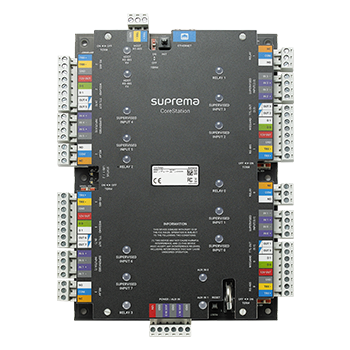 SupremaModel CS-40
CoreStation Intelligent Biometric Door Controller, 500,000 Users
- Max. users
- 500,000
- Max. text logs
- 5,000,000
- Power
- 12 V DC, max. 3 A
Price on request -
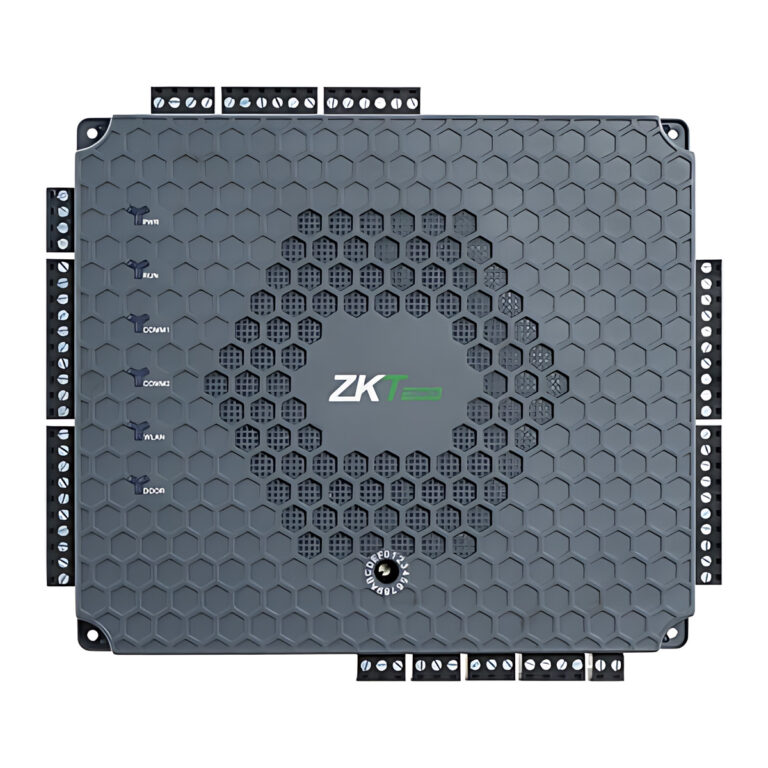 ZKTecoModel ATLAS-BIO
Atlas Bio Access Control Panel
Price on request -
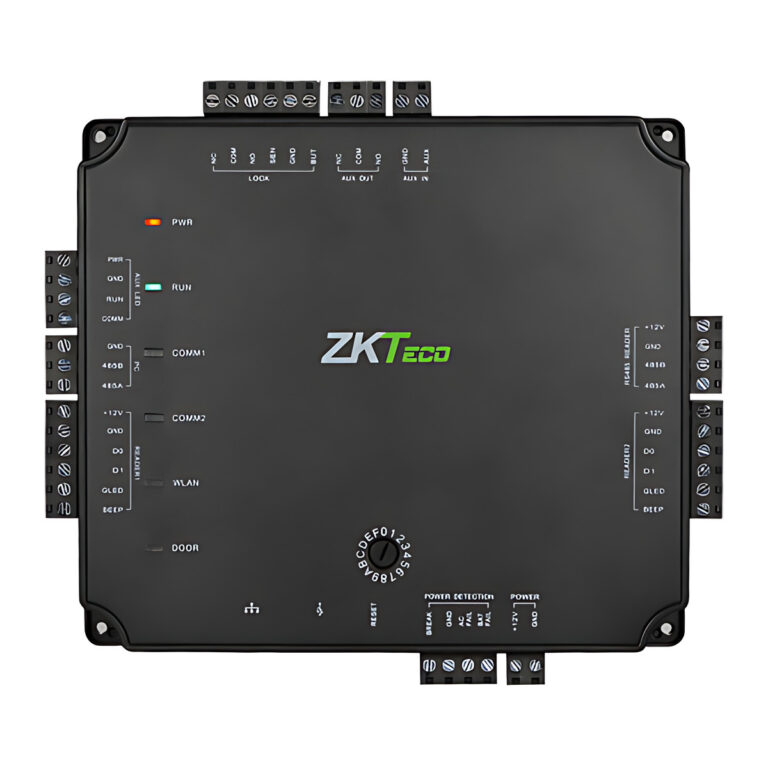 ZKTeco
Atlas Prox Series Access Control Panel (1, 2 or 4 Door)
- User Capacity
- 5,000
- Mount Type
- Wall mount
- Power Consumption
- 9 W @ 12 V DC, 750 mA
Price on request -
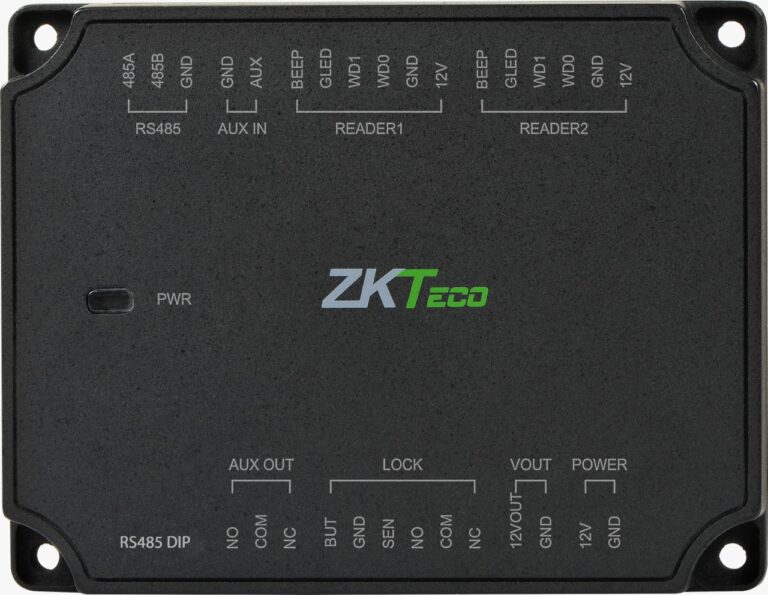 ZKTecoModel DM10
Single-Door Access Control Extension Panel
- Communication
- RS485 Communication
- Power Supply
- 12 V power in and out
Price on request -
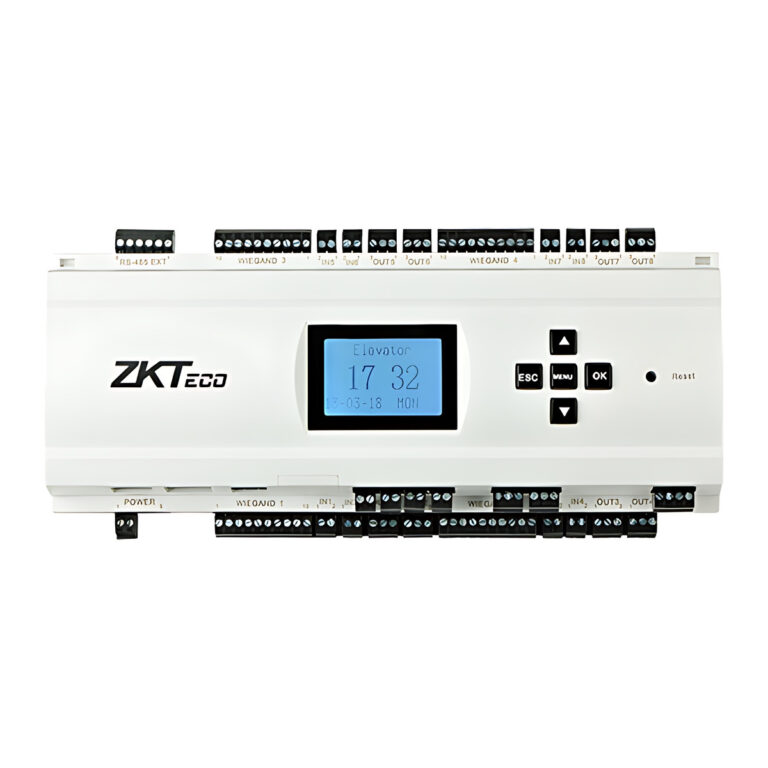 ZKTecoModel EC10-EX16
EC10 and EX16 Elevator Access Controller
- Fingerprint Capacity
- 3000
- RFID Card Capacity
- 30,000
- Event Capacity
- 100,000
Price on request -
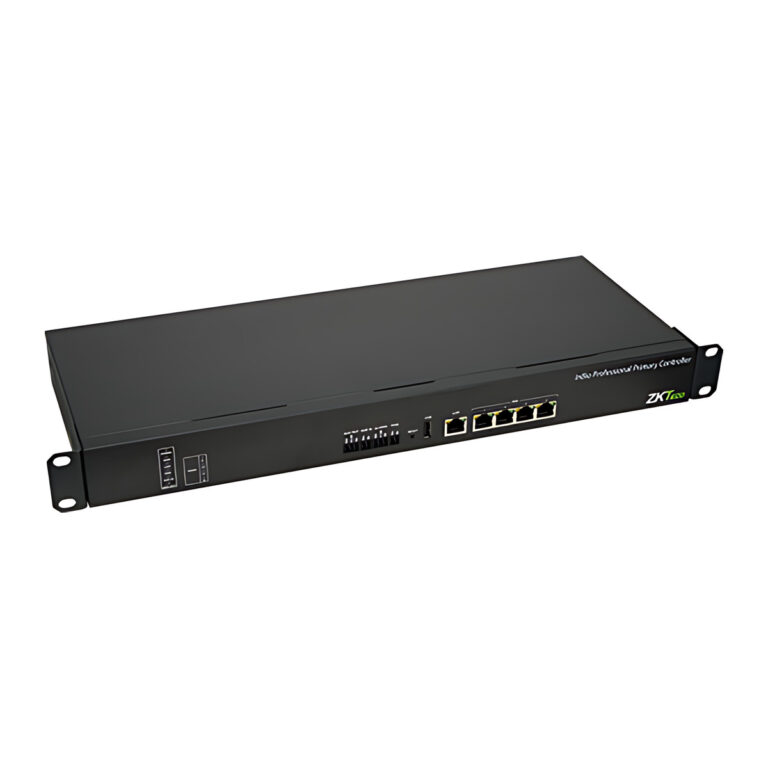 ZKTeco
InBioPC Series and DE-10 Access Control Panel
- Card Capacity
- 40,000 (1:N) (Standard)
- User Capacity
- 40,000
- Transaction Capacity
- 200,000 (Standard)
Price on request
How to choose an access control panel
The panel stores users, applies time rules and decides when each lock releases, so sizing it correctly saves rework later.
- Door count: count every door and decide whether each needs a reader on both sides, because in and out reading uses two reader ports per door.
- Reader interface: match the panel's Wiegand or RS485 inputs to the readers you intend to use.
- Biometric support: some panels handle fingerprint or face readers directly, others accept cards only. Check the datasheet.
- Software and network: confirm the management software, TCP/IP connectivity and user capacity suit the site.
- Elevators: lift floor control uses dedicated elevator controllers, not standard door panels.
Pair a panel with card and fingerprint readers and a suitable electric lock.
Need help choosing?
Tell us what it is for and where it goes, and we suggest models. Have a list of models and quantities? Request a quote.