
Chargers and Power Adapters
Two kinds of product share this section: AC/DC power adapters with a fixed DC output for powering equipment, and USB-C and USB-A chargers for phones, tablets and laptops. For an adapter, match the output voltage exactly, choose a current rating at or above the load and check the DC plug; for a USB charger, compare the total wattage, how it is shared across ports, and the plug type.


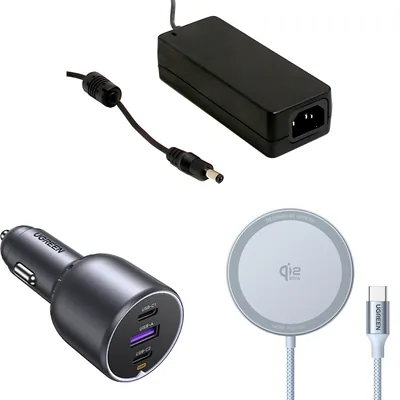
All products
-
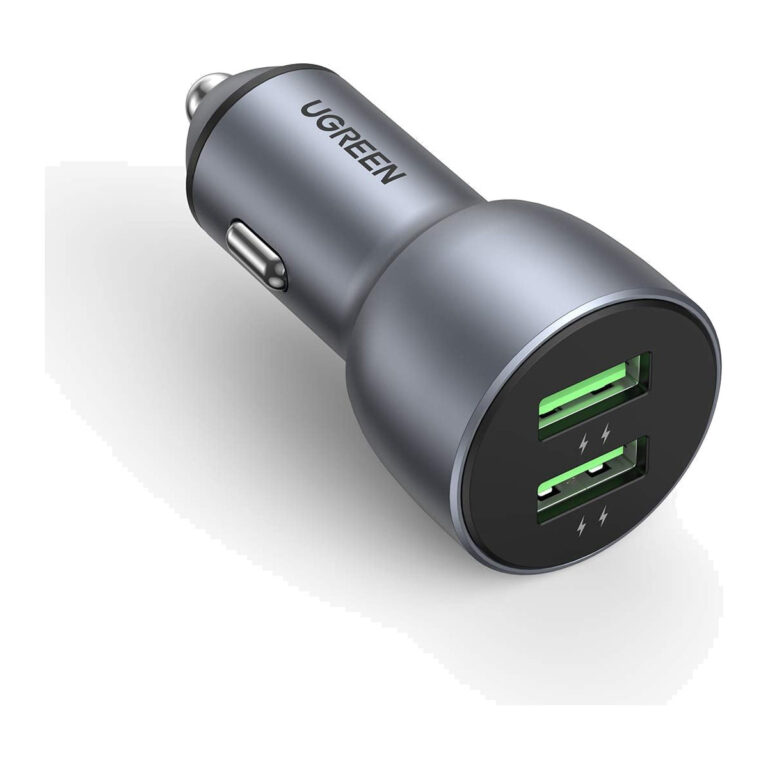 UGREENModel UGREEN 10144
36 W Dual USB-A QC 3.0 Car Charger
- Ports
- 2 × USB-A
- Connector type
- USB
₹1,989 Incl. GST MRP₹3,33140% below MRP -
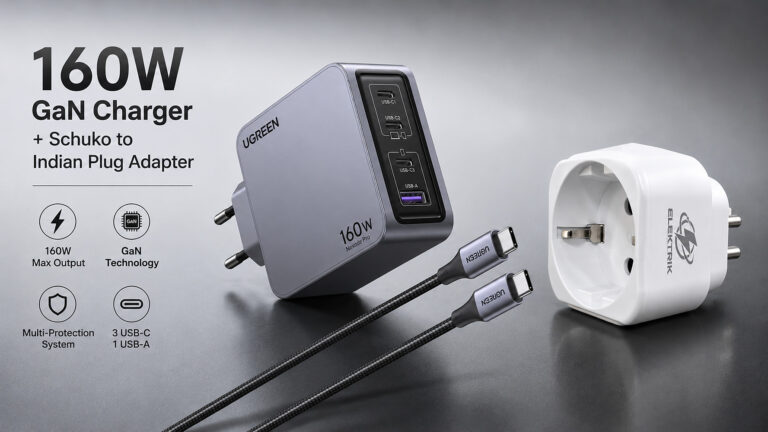 UGREENModel 25877
Nexode Pro 160 W 4-Port GaN Desktop Charger, 140 W USB-C
- Total Output
- Up to 160 W total output
- Connector type
- USB-C
₹14,859 Incl. GST MRP₹18,88521% below MRP -
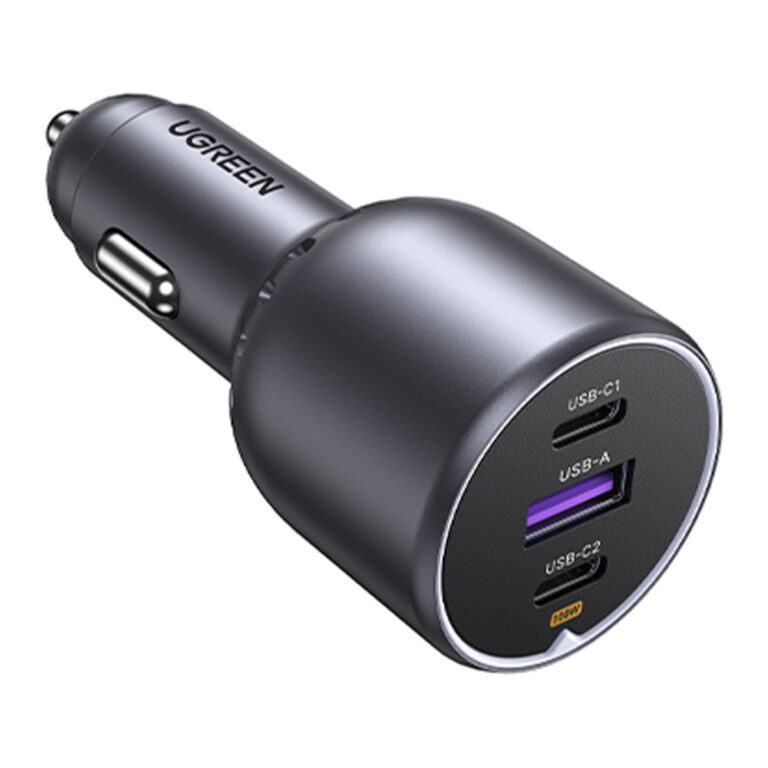 UGREENModel EC705
130 W 3-Port Car Charger, 100 W USB-C PD, 2 USB-C and 1 USB-A
- Ports
- 2 x USB-C; 1 x USB-A
- Input
- DC 12 to 24 V
- Maximum combined output
- 130 W
₹2,673 Incl. GST MRP₹3,60925% below MRP -
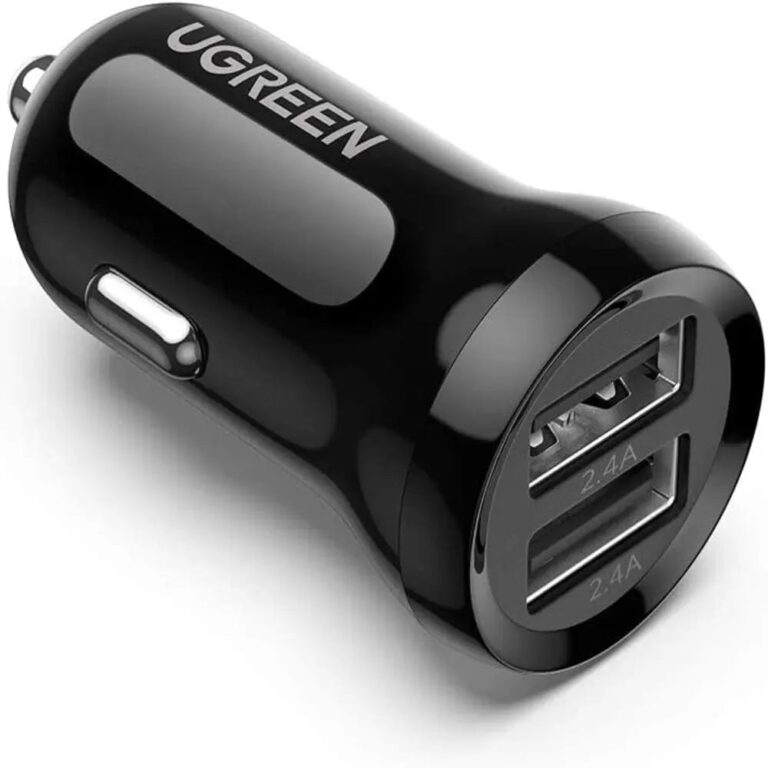 UGREENModel UGREEN 50875
24 W Dual USB-A Car Charger
- Ports
- 2 × USB-A
- Connector type
- USB
₹809 Incl. GST MRP₹1,77654% below MRP -
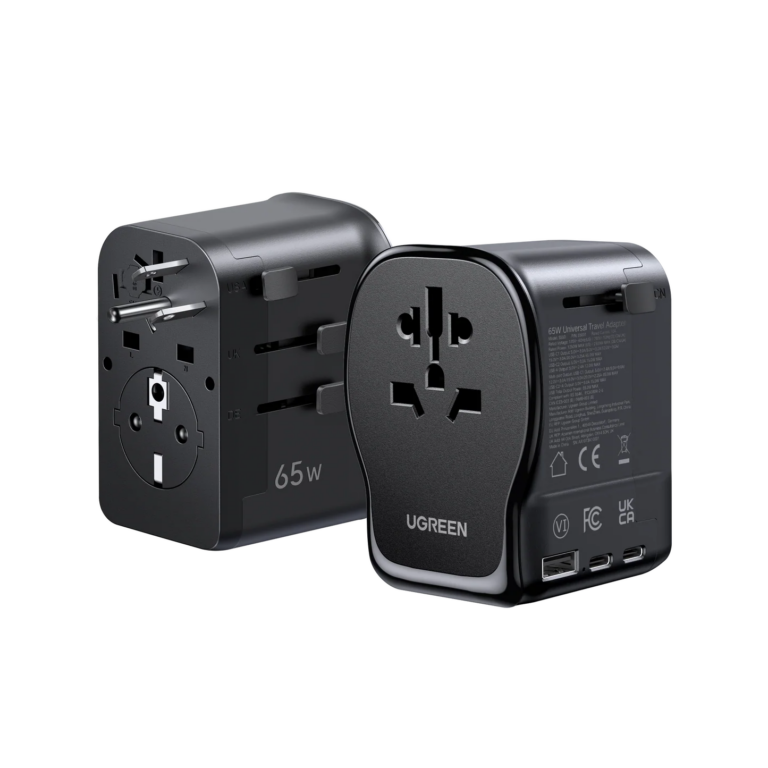 UGREENModel 55001
Universal Travel Adapter with 65 W GaN Charger, 2 USB-C, USB-A, AC
- Output Voltage
- 20 V DC
- USB Charging Power
- Up to 65 W
- Charging Ports
- 2× USB-C, 1× USB-A
₹5,409 Incl. GST MRP₹11,99954% below MRP -
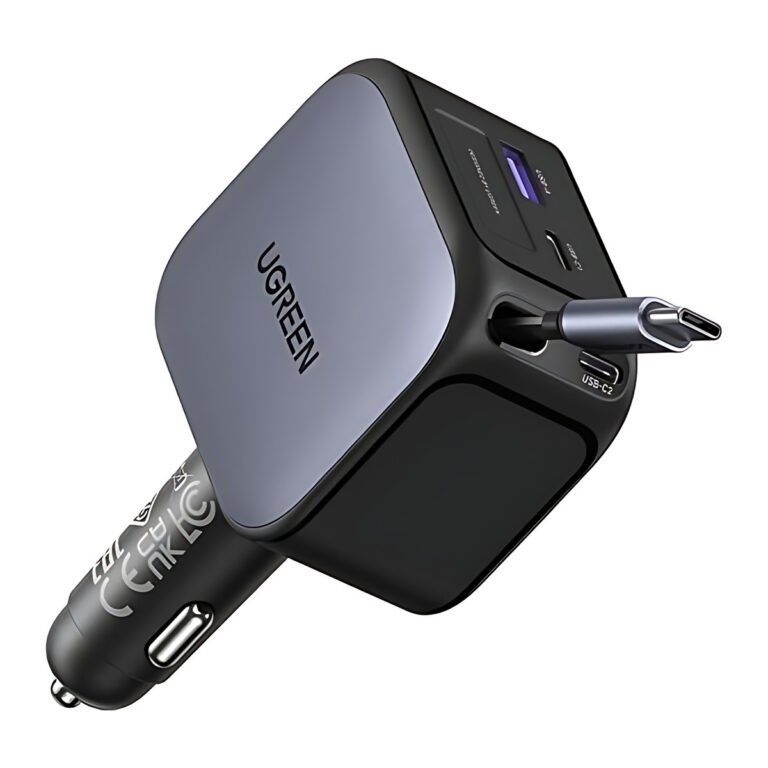 UGREENModel 55910B
Nexode 145 W Car Charger with Retractable USB-C Cable
- Cable length
- About 0.7 m
- Runs
- Approx.
- Laptop on USB-C2
- Up to 100 W
₹4,375 Incl. GST MRP₹6,66434% below MRP -
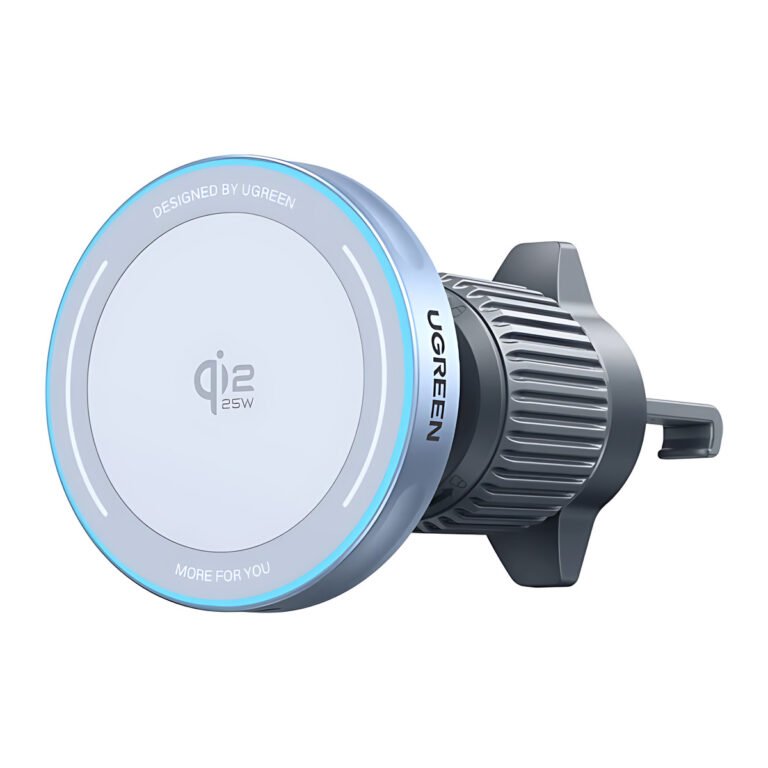 UGREENModel 55967
MagFlow 25 W Qi2 Magnetic Wireless Car Charger, Air Vent Mount
- Magnetic Holding Force
- Up to 11 N as shown
- Input Connector
- USB-C
- Included Cable
- 3ft USB-C to USB-C cable
₹4,899 Incl. GST MRP₹6,66426% below MRP -
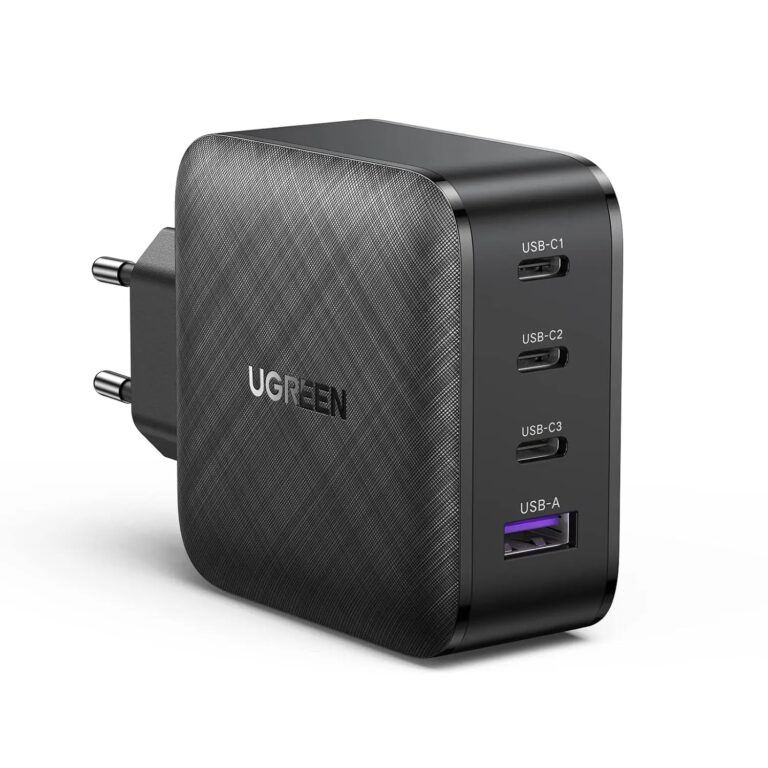 UGREENModel 70774
65 W 4-Port GaN Charger, 3 USB-C and 1 USB-A, EU Plug
- Connector type
- USB Typ C
- Total charging ports
- 4
- USB-C ports
- 3
₹5,489 Incl. GST MRP₹9,99745% below MRP -
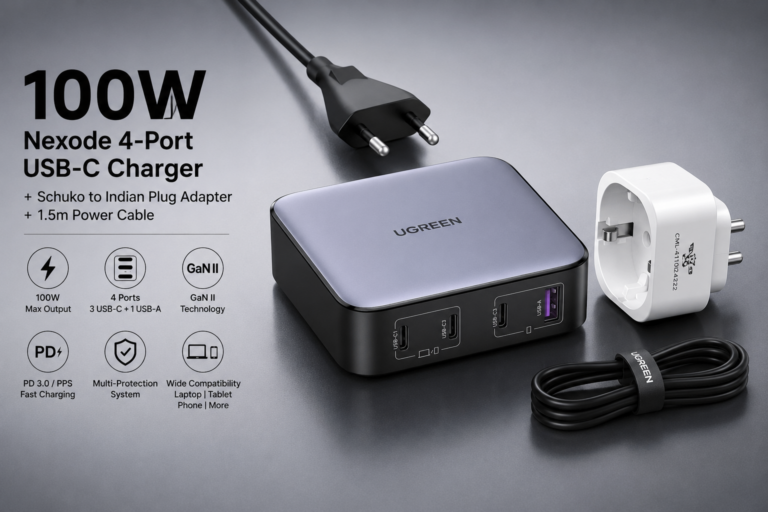 UGREENModel 90928
Nexode 100 W 4-Port GaN II Desktop Charger, 3 USB-C and 1 USB-A
- Ports
- 3 × USB-C; 1 × USB-A
- Connector type
- USB
₹6,719 Incl. GST MRP₹9,74931% below MRP -
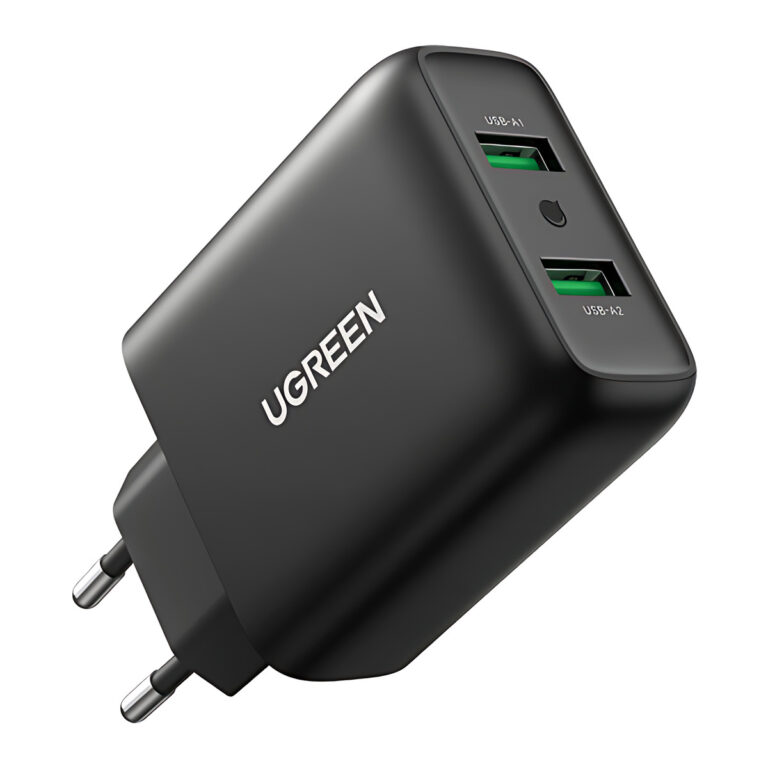 UGREENModel UGREEN CD161 (10216)
CD161 10216 36 W Dual USB-A QC 3.0 Charger
- Protocols
- QC 3.0, AFC, FCP
- Plug
- Fixed EU two-pin
₹1,589 Incl. GST MRP₹3,33152% below MRP -
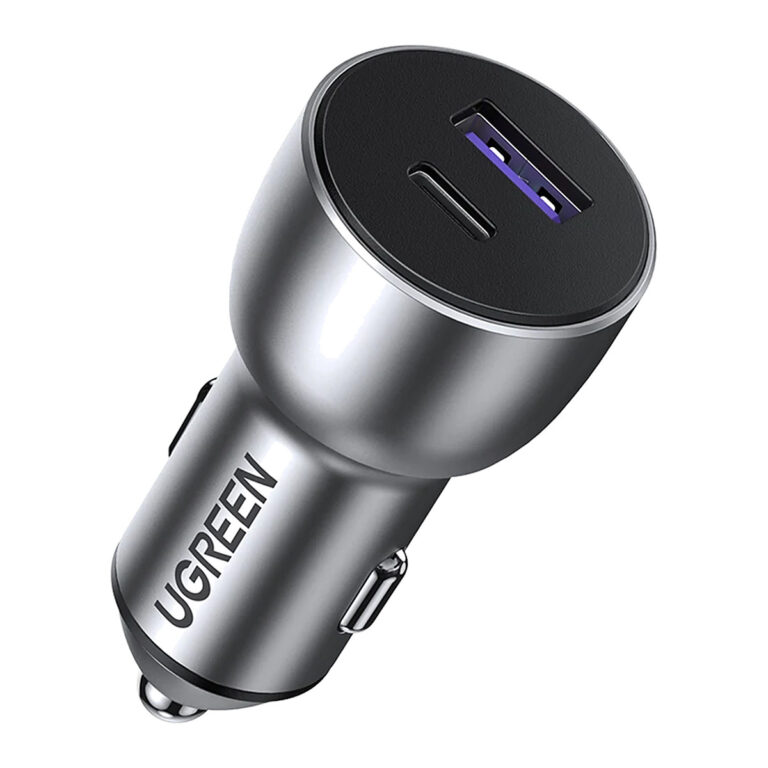 UGREENModel 60980
CD213 42.5 W USB-C + USB-A Car Charger
- Ports
- 1 × USB-C, 1 × USB-A
- Protocols
- PD 3.0, PPS, QC 3.0, SCP
- Connector type
- Ethernet, USB
₹1,729 Incl. GST MRP₹4,44261% below MRP -
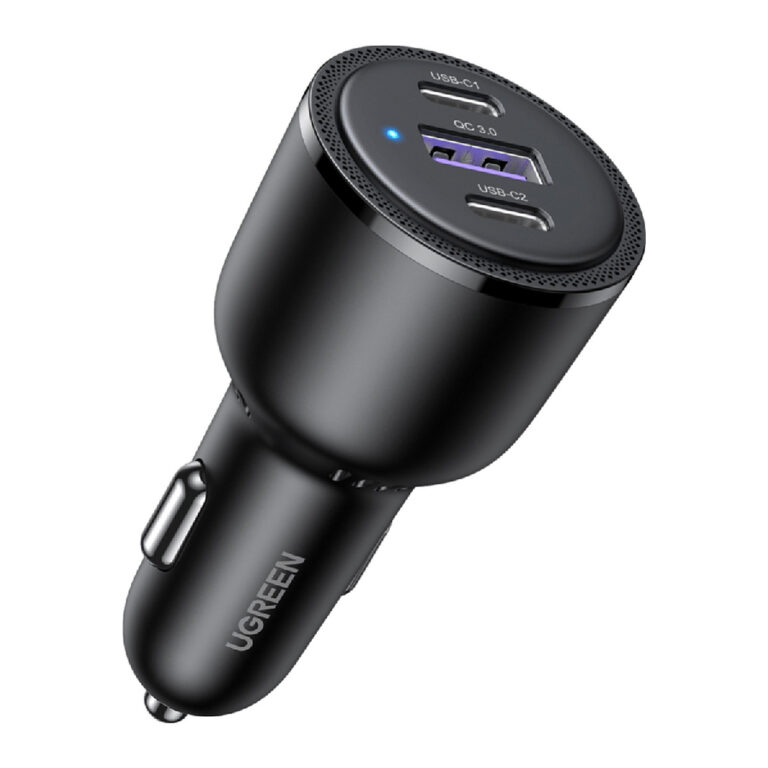 UGREENModel 20467
CD239 69 W 3-Port USB-C Car Charger
- Ports
- 2 × USB-C, 1 × USB-A
- Connector type
- USB TYPE C
₹3,039 Incl. GST MRP₹5,77647% below MRP -
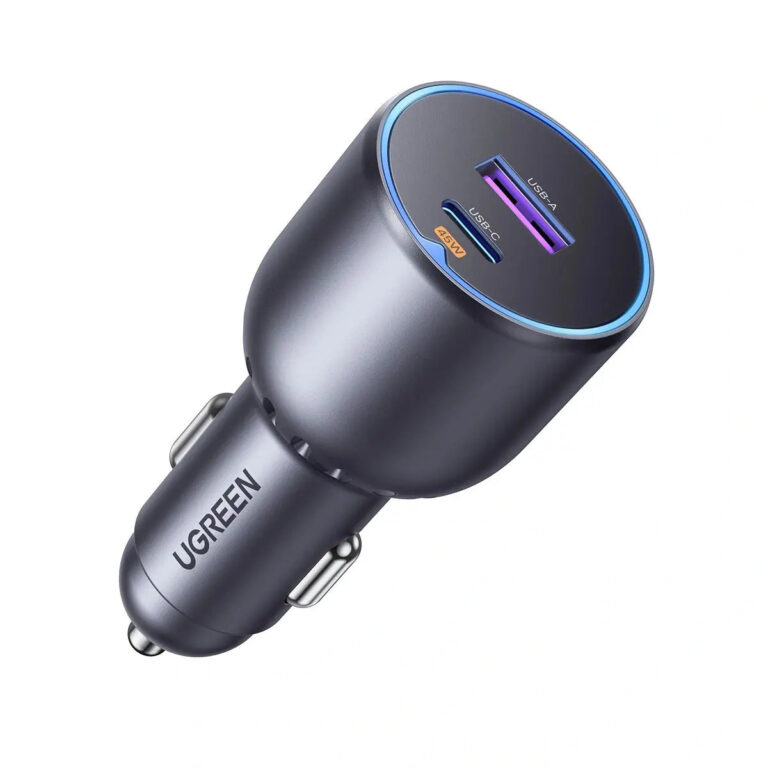 UGREENModel UGREEN EC701 (35023)
EC701 35023 63 W USB-C + USB-A Car Charger
- Ports
- 1 × USB-C, 1 × USB-A
- Connector type
- USB A and USB C Type
₹2,024 Incl. GST MRP₹3,33139% below MRP -
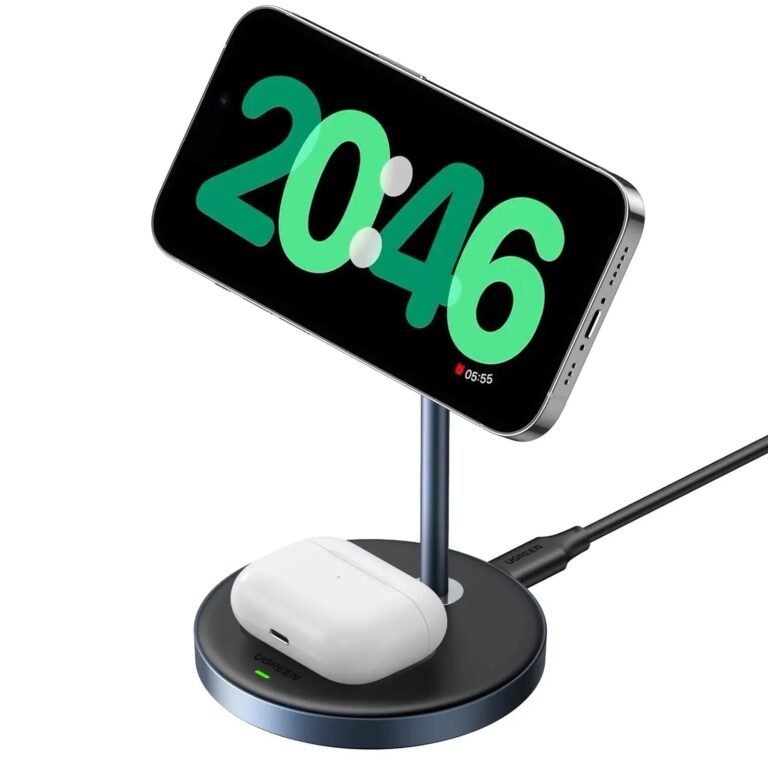 UGREENModel CD317
MagFlow 2-in-1 Magnetic Wireless Charging Stand, 15 W Max, 90668
- IPhone output
- Up to 7.5 W
- Earbud charging output
- Up to 5 W
- Qi2 support
- No
₹3,799 Incl. GST MRP₹7,53549% below MRP -
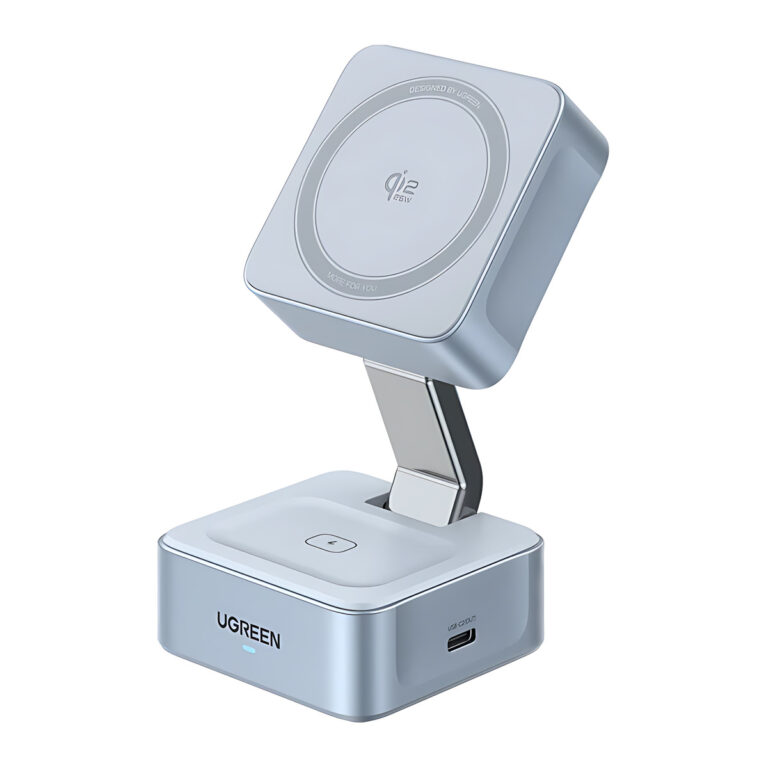
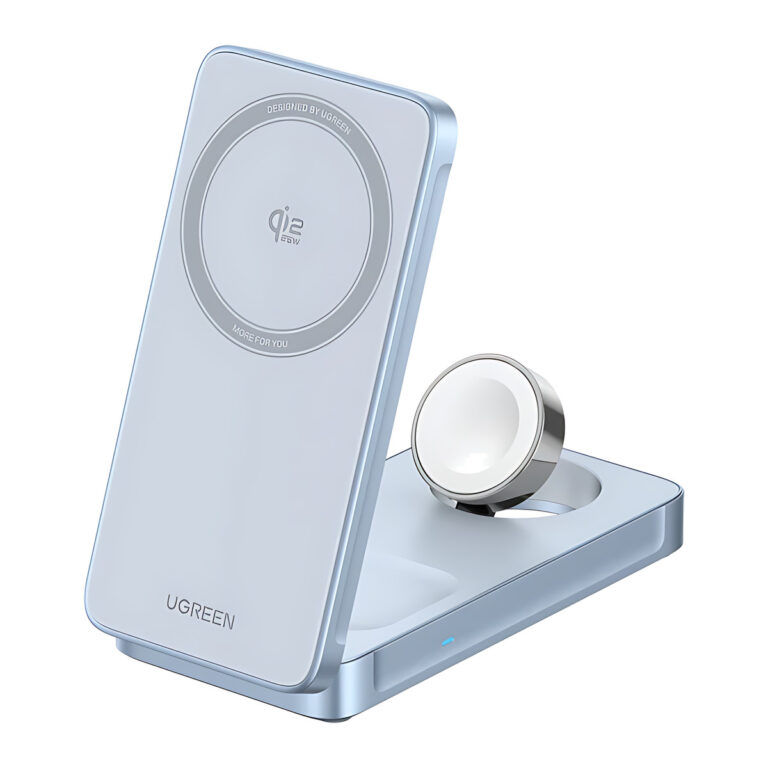 UGREENModel W757
MagFlow 25 W Qi2 3-in-1 Foldable Magnetic Wireless Charger for iPhone, AirPods and Apple Watch, 65901
- Input Port
- USB-C
- Earbuds Output
- Up to 5 W
- Magnetic Holding Force
- Up to 7 N as shown
₹17,159 Incl. GST MRP₹17,330 -
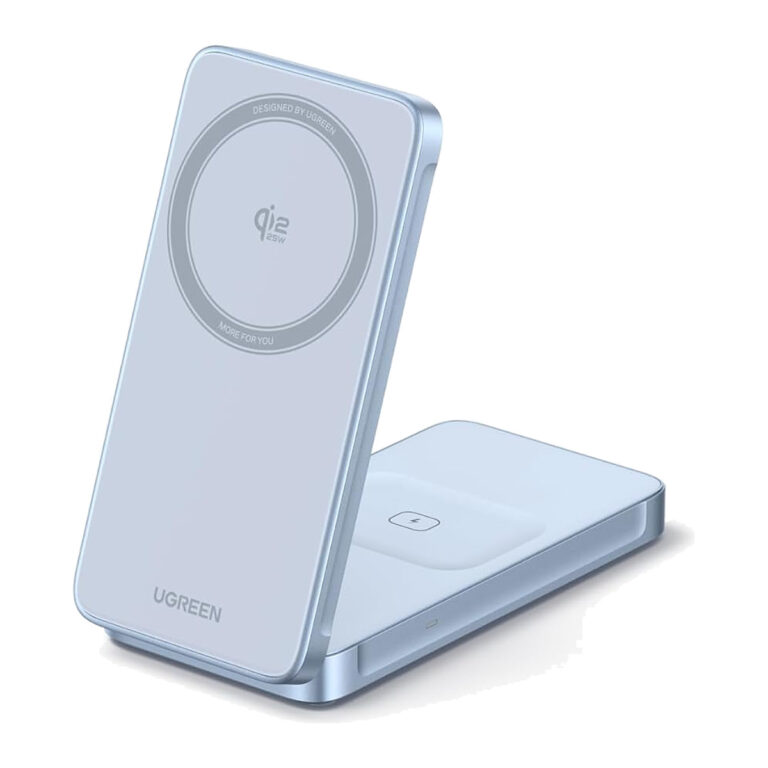
 UGREENModel 55960B
MagFlow 25 W Qi2 2-in-1 Foldable Charger
- Phone wireless output
- Up to 25 W
- Input connector
- USB-C
- Colour
- Grey
₹8,039 Incl. GST MRP₹9,99719% below MRP -
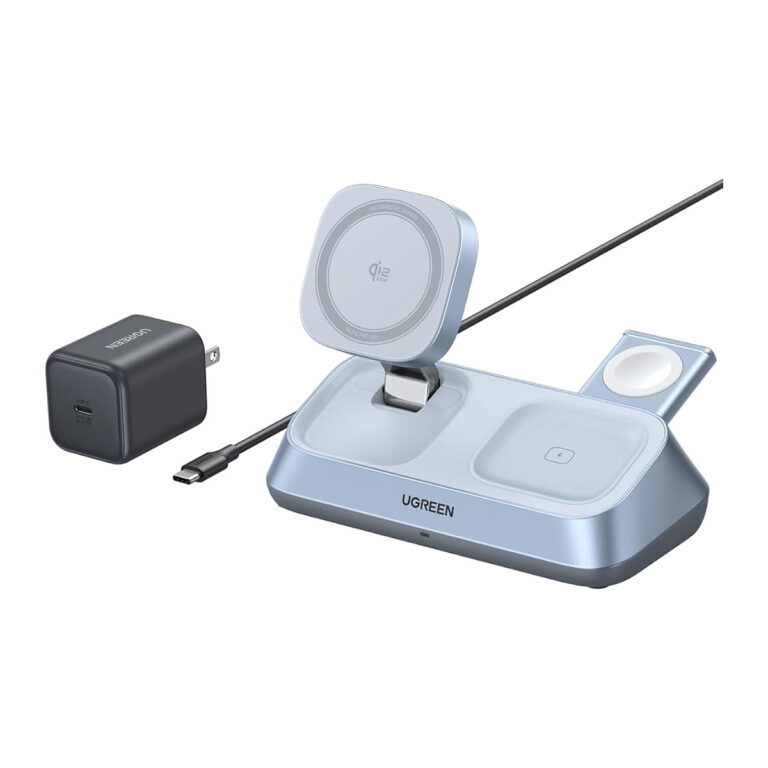
 UGREENModel 55963
MagFlow 25 W Qi2 2-in-1 Charging Stand
- Colour
- Grey
₹8,579 Incl. GST MRP₹8,8863% below MRP -
 UGREENModel 55676
MagFlow Qi2 25 W 3-in-1 Magnetic Charger
- Total output
- Up to 35 W
- Earbuds module
- Up to 5 W
- Auxiliary USB-C2 output
- 5 V/2 A, up to 10 W
₹18,829 Incl. GST MRP₹19,5523% below MRP -
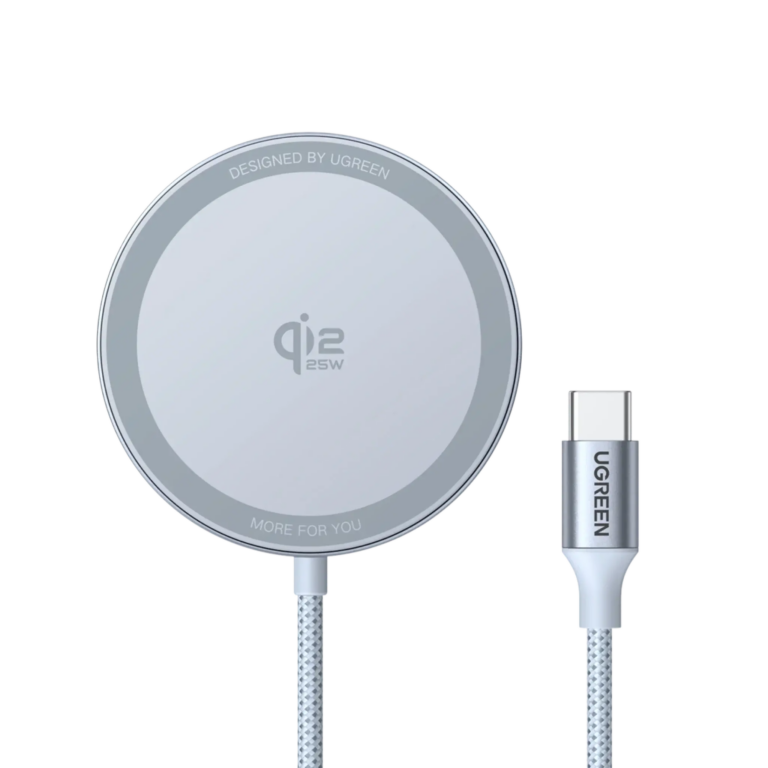 UGREENModel W753
MagFlow Qi2.2 25 W Charging Pad
- Cable length
- Approximately 1.5 m
- Device category
- Maximum expected output
- Supported iPhone 16 models
- Up to 25 W
₹3,989 Incl. GST MRP₹4,77616% below MRP -
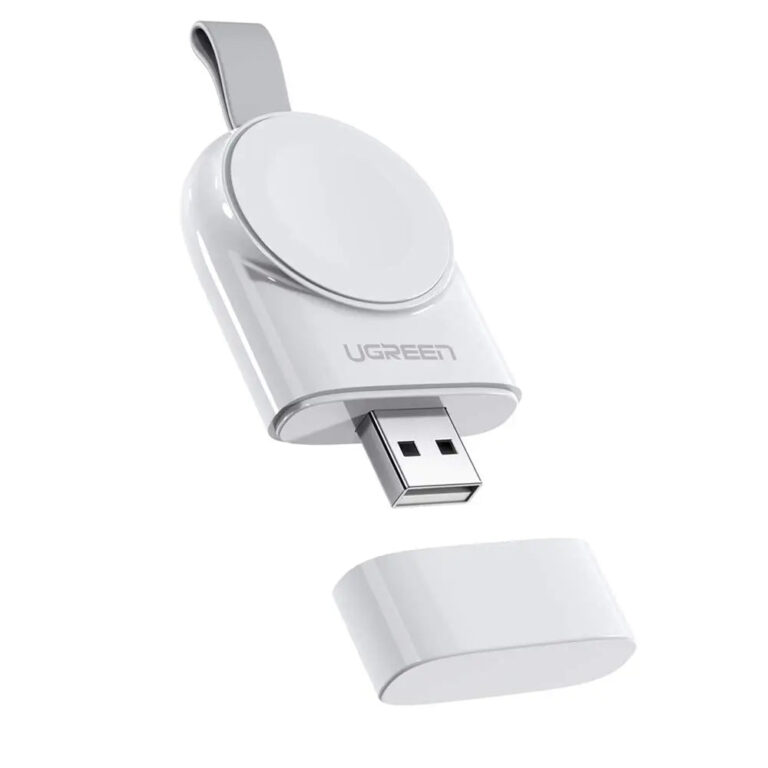 UGREENModel 50944
MFi Apple Watch Magnetic USB Charger, White
- Connector
- Integrated USB-A male
- Power
- 5 V/1 A USB-A
- Cable
- None needed
₹4,029 Incl. GST MRP₹8,88654% below MRP -
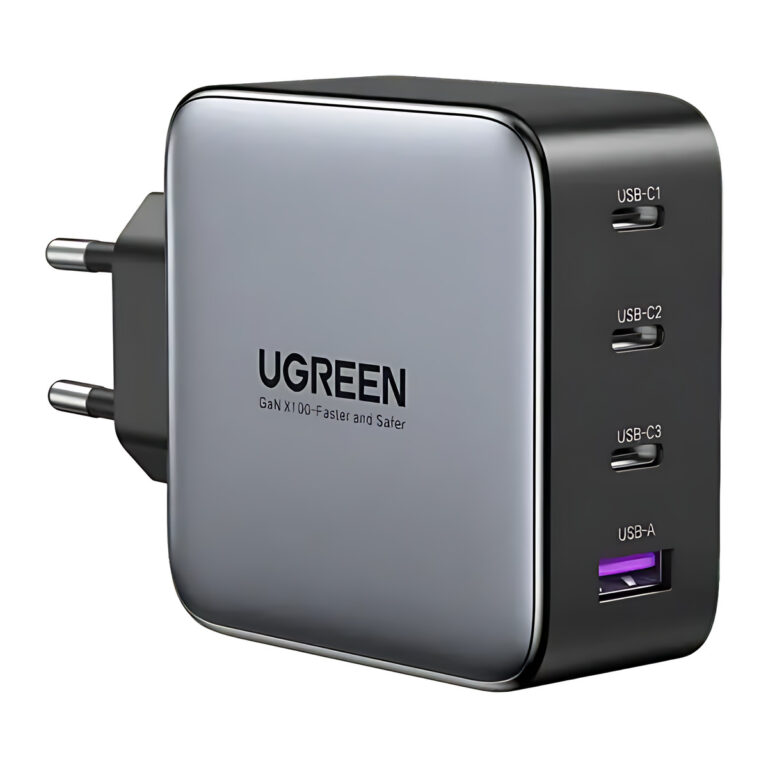 UGREENModel UGREEN Nexode 40747
Nexode 100 W 4-Port (3C1A) GaN Charger, EU Plug, Laptop, Tablet, Phone
- Ports
- 3 × USB-C, 1 × USB-A
- Plug
- EU two-pin
₹6,539 Incl. GST MRP₹9,99734% below MRP -
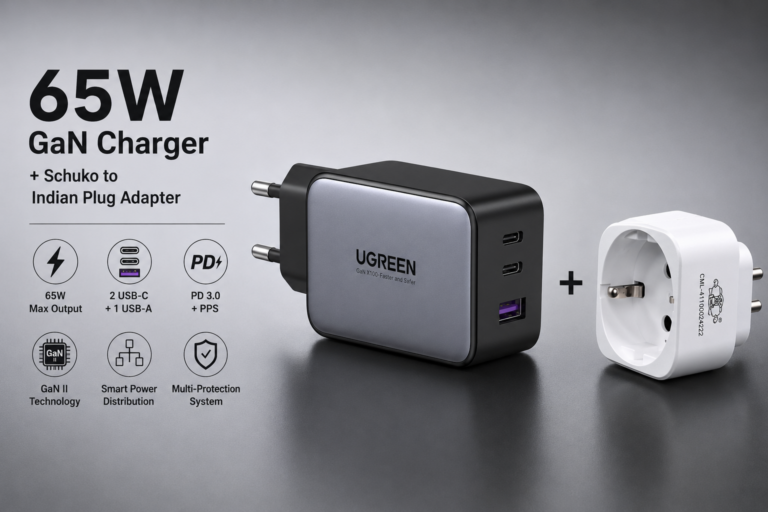 UGREENModel 10335
Nexode 65 W 3-Port GaN Charger with India Plug Adapter
- Total ports
- 3: USB-C × 2, USB-A × 1
- Product type
- Nexode GaN wall charger
- Maximum total output
- 65 W
₹4,409 Incl. GST MRP₹9,99755% below MRP -
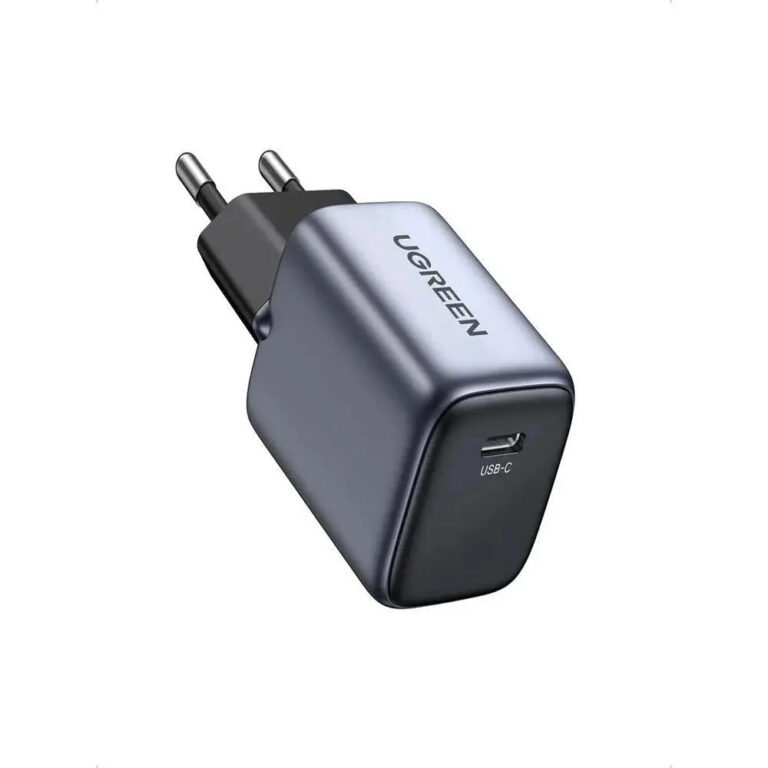 UGREENModel 90664
Nexode 20 W USB-C GaN Charger, EU Plug
- Maximum output
- 20 W
- Plug
- Fixed EU two-pin
- Connector type
- USB
₹1,049 Incl. GST MRP₹3,33168% below MRP -
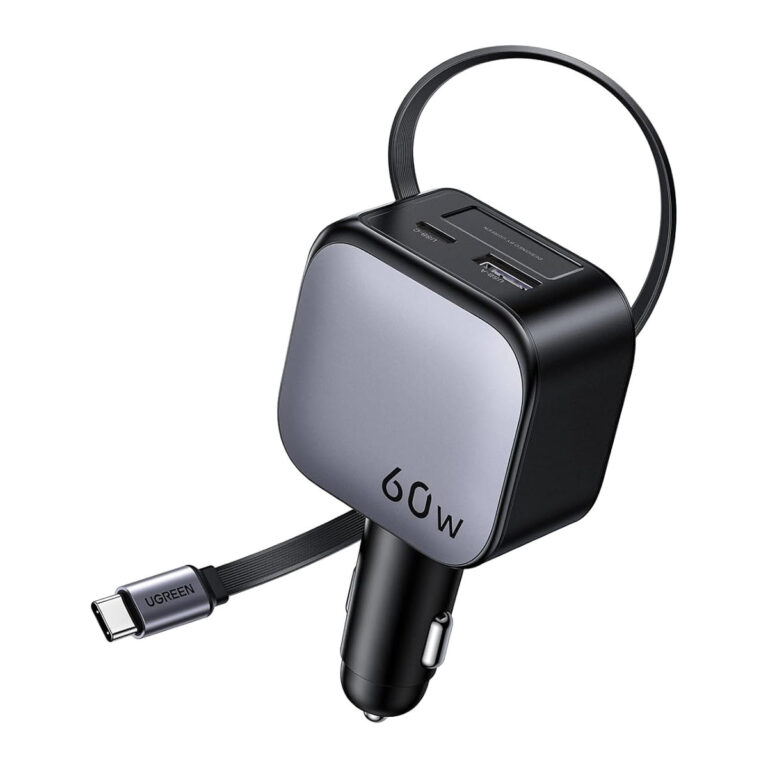 UGREENModel 55212B
Nexode 60 W Retractable Car Charger
- Cable length
- About 0.7 m
- Cable + one port
- 30 W + 30 W = 60 W
₹3,297 Incl. GST MRP₹4,44225% below MRP
Choosing a charger or power adapter
- Wall and desktop chargers: single and multi-port GaN USB chargers from 20 W phone chargers to 300 W desktop stations.
- Car chargers: USB-C and USB-A units for the vehicle socket, including magnetic wireless mounts.
- Wireless chargers: Qi2 magnetic pads and 2-in-1 or 3-in-1 stands.
AC/DC power adapters for equipment are listed in this section directly. For those, match the output voltage exactly, choose a current rating at or above what the device draws, and confirm the DC output connector and the AC input type. For USB chargers, check the wattage your device needs, how the total is shared when several ports are busy and the plug type on the listing, and use a cable rated for the charging power: charging above 60 W needs a 5 A rated USB-C cable.
Buying guidance
How to choose a charger or adapter
General guidance. Ratings vary by model.
- OutputFor phones and laptops, match the wattage to the device. For equipment adapters, match the output voltage and plug on the device label.
- PortsCount the devices you charge at once. The total output is shared between the ports in use.
- Charging standardUSB-C Power Delivery covers most laptops and phones. Check which standard your device uses for fast charging.
- Plug and approvalsCheck the plug or cord set for your sockets, and the approvals listed in the datasheet.
Need help choosing?
Tell us what it is for and where it goes, and we suggest models. Have a list of models and quantities? Request a quote.