
Mice and Keyboards
Mice, a keyboard and mouse combo, and desk accessories such as wrist-rest pads. Choose the connection first (a 2.4 GHz USB receiver, Bluetooth, or both for switching between devices), then the shape (standard, ergonomic or vertical), quiet buttons, DPI and the power source.
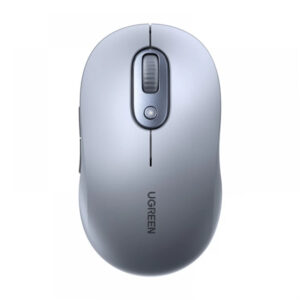
All products
-
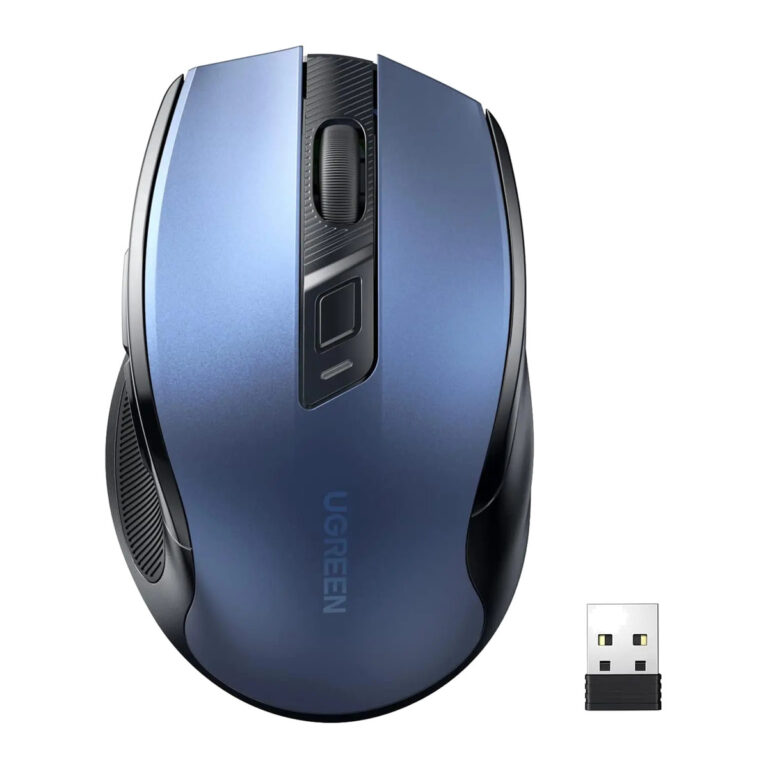 UGREENModel 15064
2.4 GHz Ergonomic Mouse, 4000 DPI, Blue
- Colour
- Blue / black
- Hand orientation
- Right-handed
- Sensor
- Optical
₹1,409 Incl. GST MRP₹2,88751% below MRP -
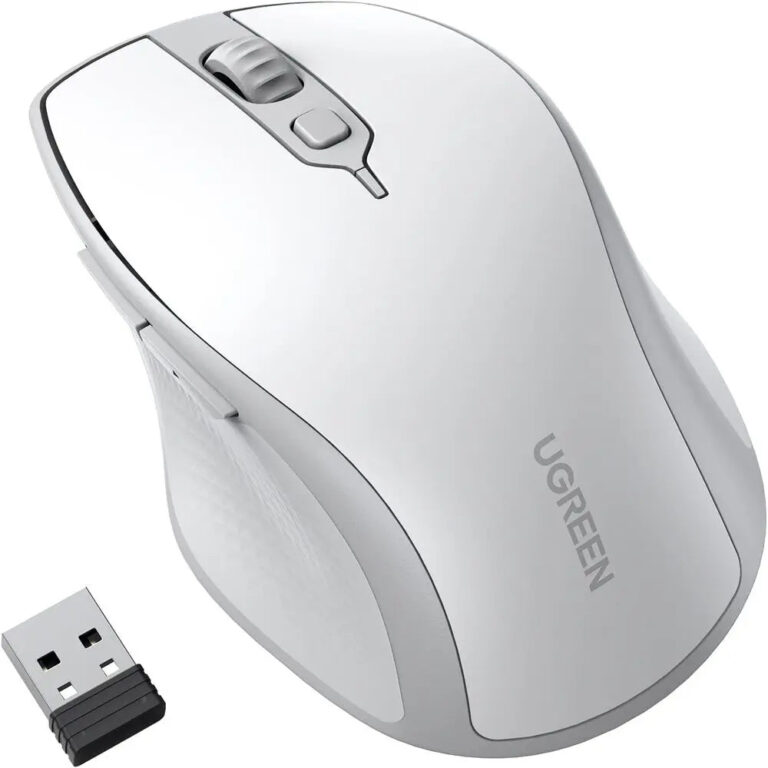 UGREENModel 15805
Dual-Mode Ergonomic Mouse, 4000 DPI, White
- Colour
- White / grey
- Hand orientation
- Right-handed
- Sensor
- Optical
₹1,749 Incl. GST MRP₹3,33147% below MRP -
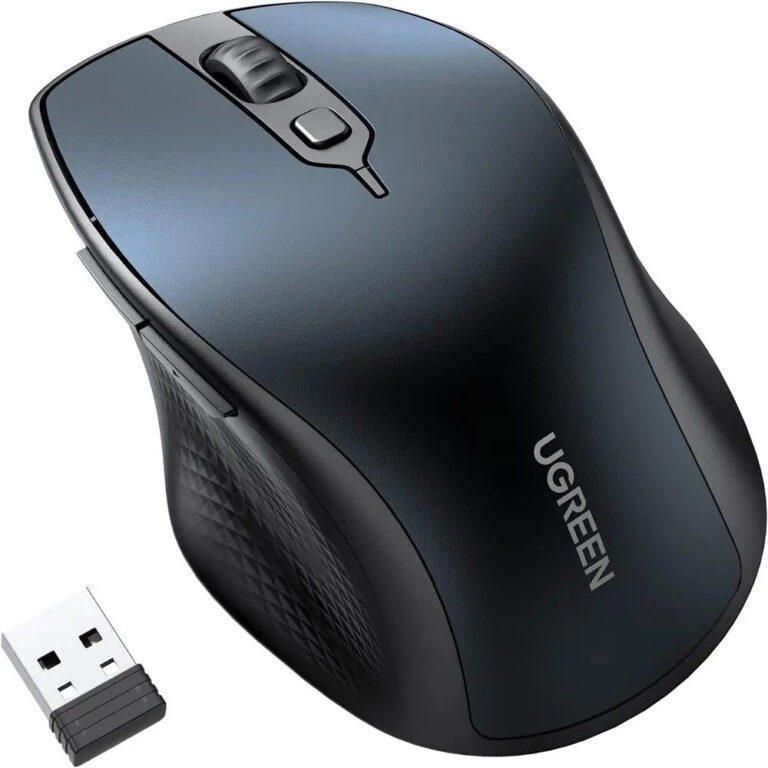 UGREENModel 15807
Dual-Mode Ergonomic Mouse, 4000 DPI, Blue
- Colour
- Blue / black
- Hand orientation
- Right-handed
- Sensor
- Optical
₹1,749 Incl. GST MRP₹3,33147% below MRP -
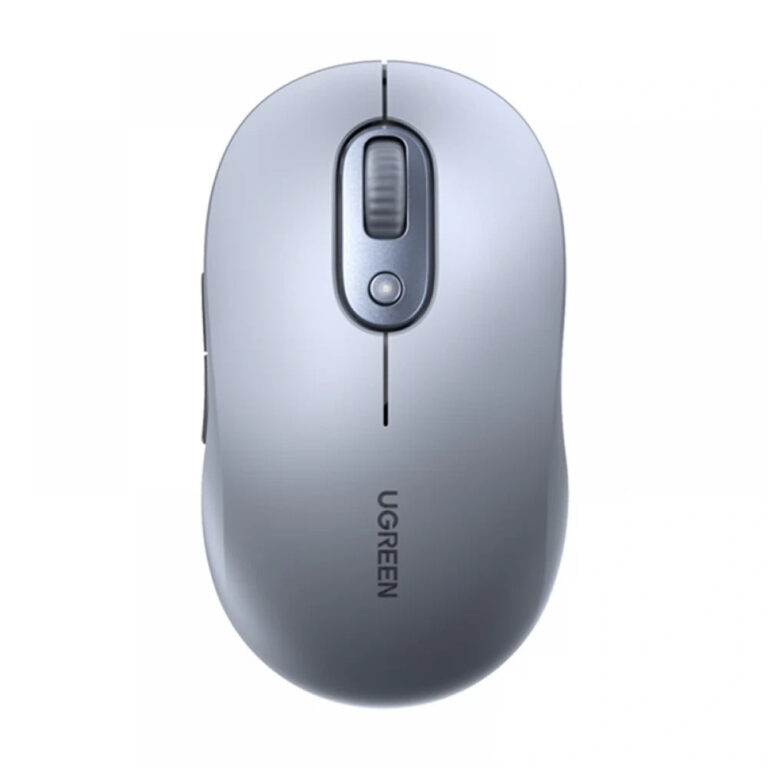 UGREENModel M556
Wireless Mouse, 2.4 GHz, Silent Click, 4000 DPI, Grey
- Colour
- Grey
- Wireless range
- Up to 10 m, unobstructed
- Click type
- Silent click
₹1,447 Incl. GST MRP₹1,95325% below MRP -
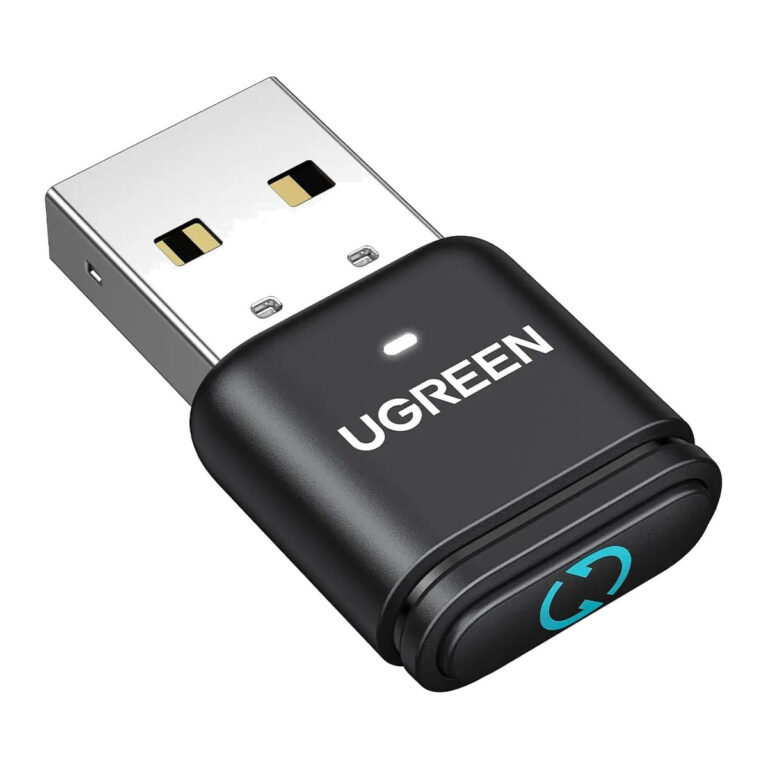 UGREENModel 35994
Bluetooth 5.3 USB Adapter with Mouse Jiggler, 2 Jiggle Modes
- Connector type
- USB
- Bluetooth Version
- 5.3
- Interface
- USB-A
₹1,459 Incl. GST MRP₹2,22034% below MRP -
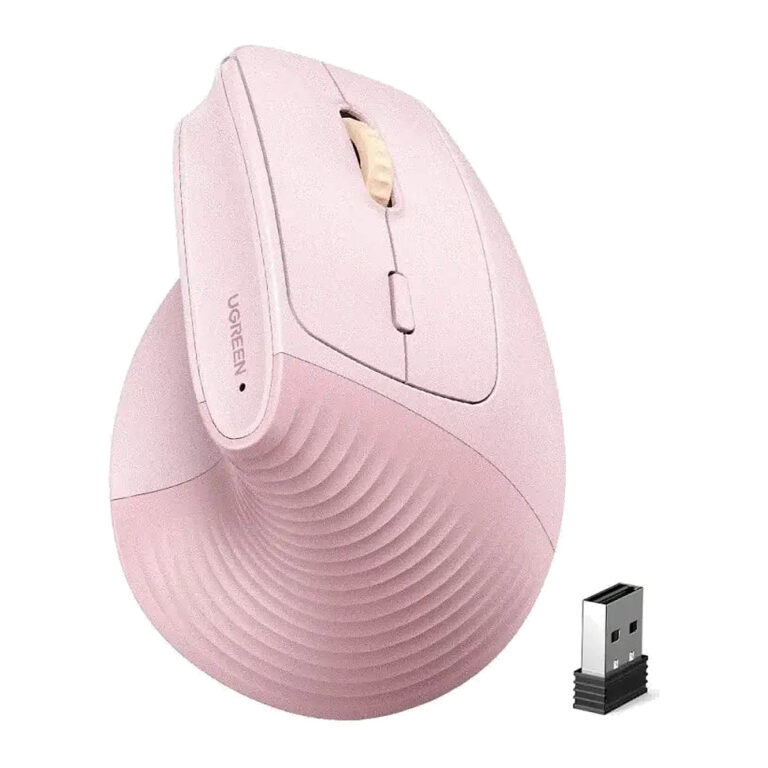 UGREENModel 65666
Dual-Mode Vertical Mouse, 4000 DPI, Pink
- Colour
- Pink
- Hand orientation
- Right-handed
- Sensor
- Optical
₹2,579 Incl. GST MRP₹3,59928% below MRP -
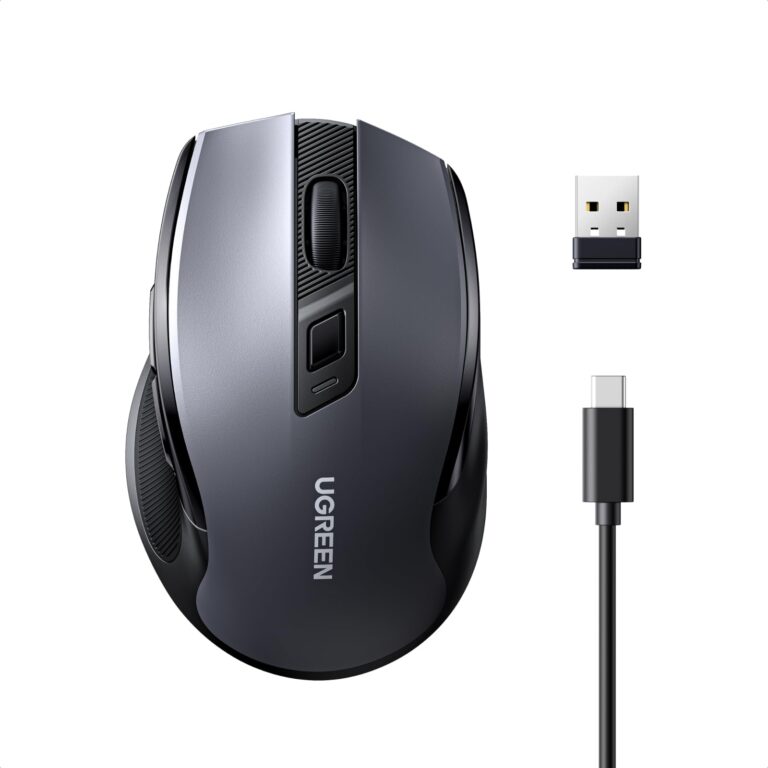 UGREENModel 85082
Ergonomic Wireless Mouse, Bluetooth and 2.4 GHz, Rechargeable, Silent
- DPI
- 5 levels
- Clicks
- Silent
- Design
- Ergonomic
₹1,799 Incl. GST MRP₹2,42925% below MRP -
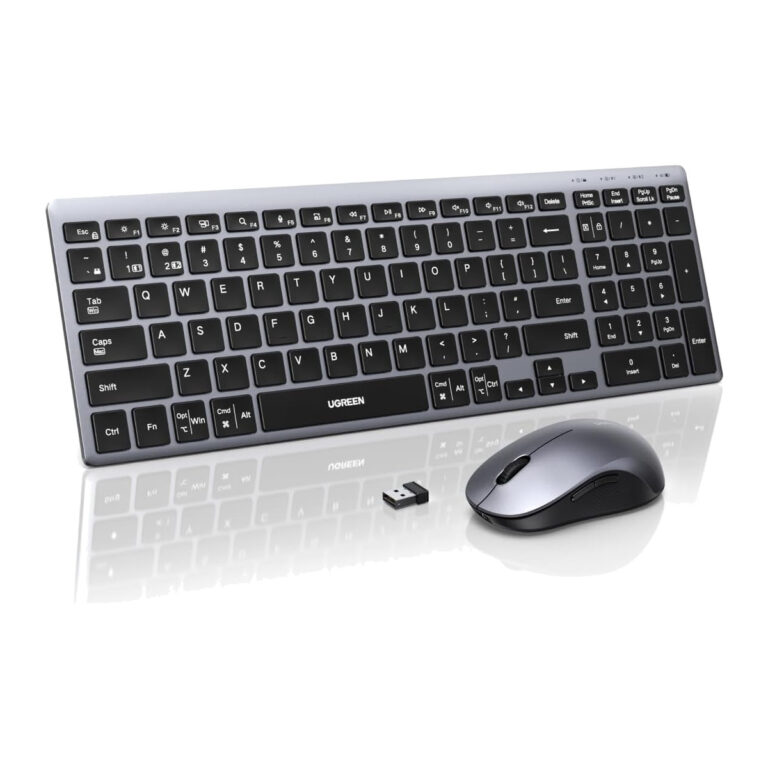 UGREENModel 85513
Bluetooth Keyboard and Mouse Combo
- Keyboard Layout
- 99-key English QWERTY
- Tilt
- 7 to 10 degrees
- Paired Devices
- Up to 3, one at a time
₹5,149 Incl. GST MRP₹8,99942% below MRP -
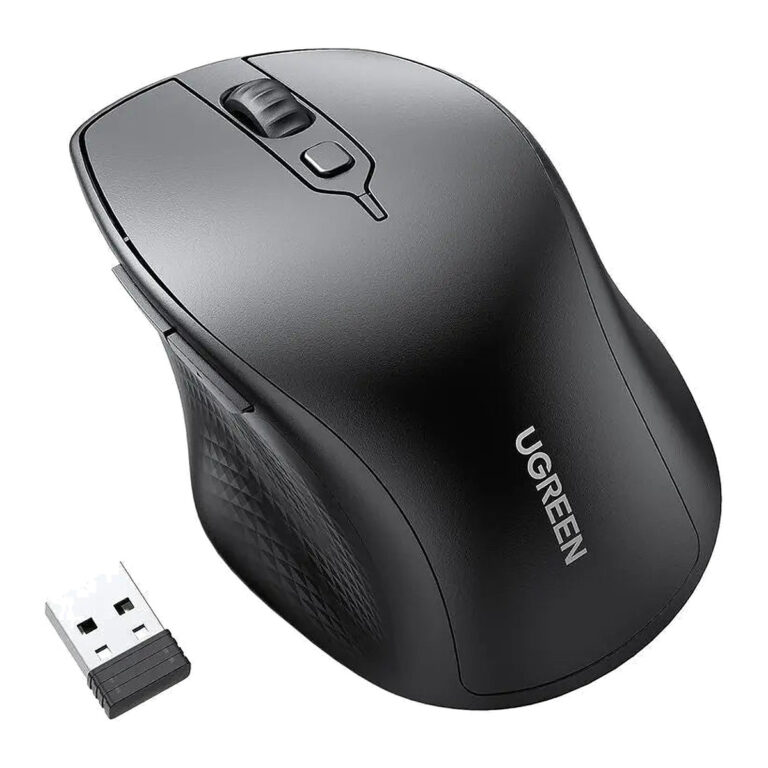 UGREENModel 90395
Dual-Mode Ergonomic Mouse, 4000 DPI, Black
- Colour
- Black
- Hand orientation
- Right-handed
- Sensor
- Optical
₹2,169 Incl. GST MRP₹3,33134% below MRP -
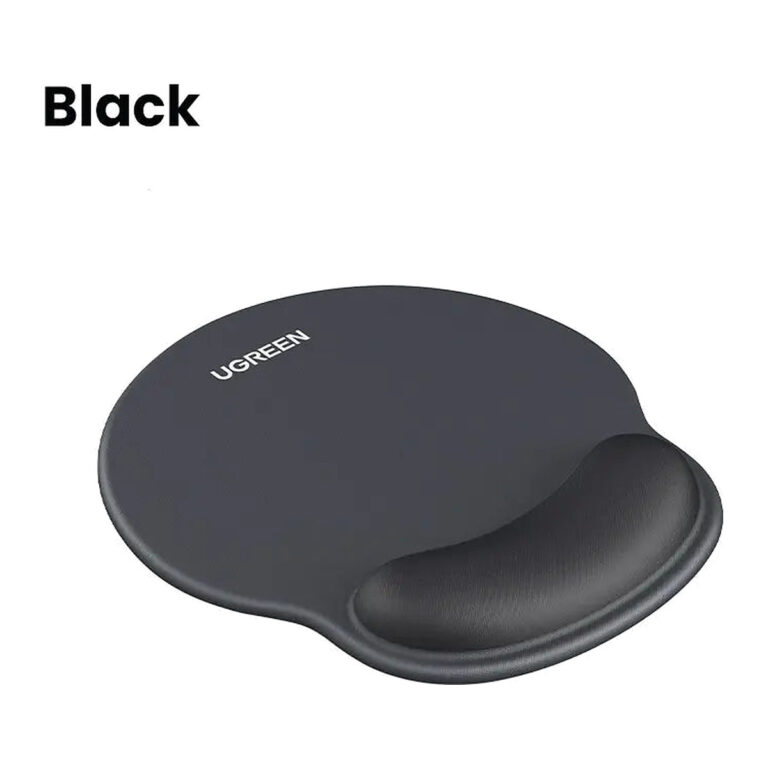 UGREENModel LP668
Ergonomic Mouse Pad with Wrist Rest (25245/25243/25244)
- Base thickness
- 5 mm
- Surface
- Lycra cloth
- Wrist support
- Slow-rebound memory foam
₹999 Incl. GST MRP₹2,22055% below MRP3 coloursChoose options This product has multiple variants. The options may be chosen on the product page -
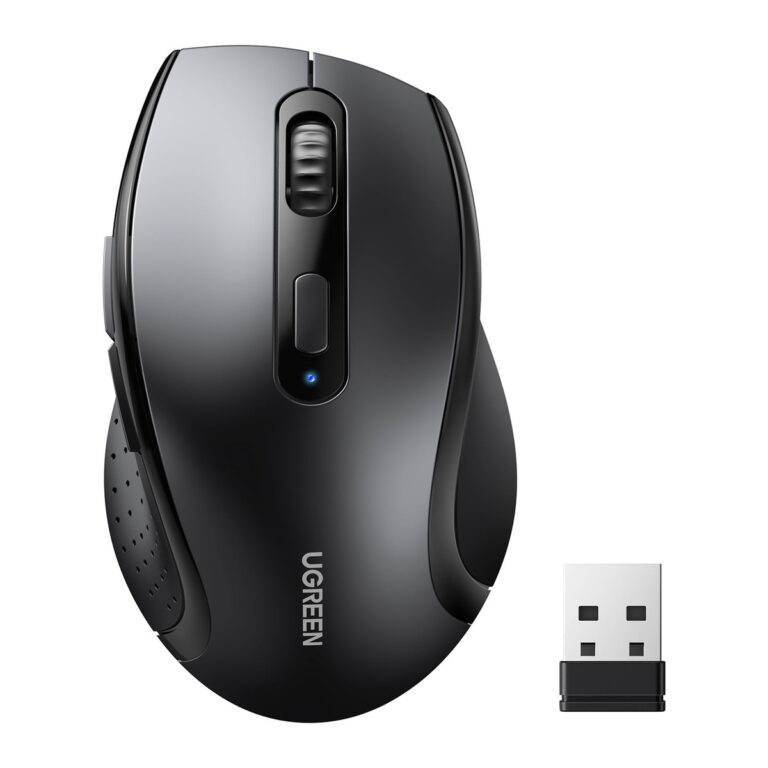 UGREENModel 45012
M511 2.4 GHz Wireless Ergonomic Mouse
- Colour
- Black
- Material
- Plastic
- Connector type
- Bluetooth, USB
₹1,049 Incl. GST MRP₹3,33168% below MRP -
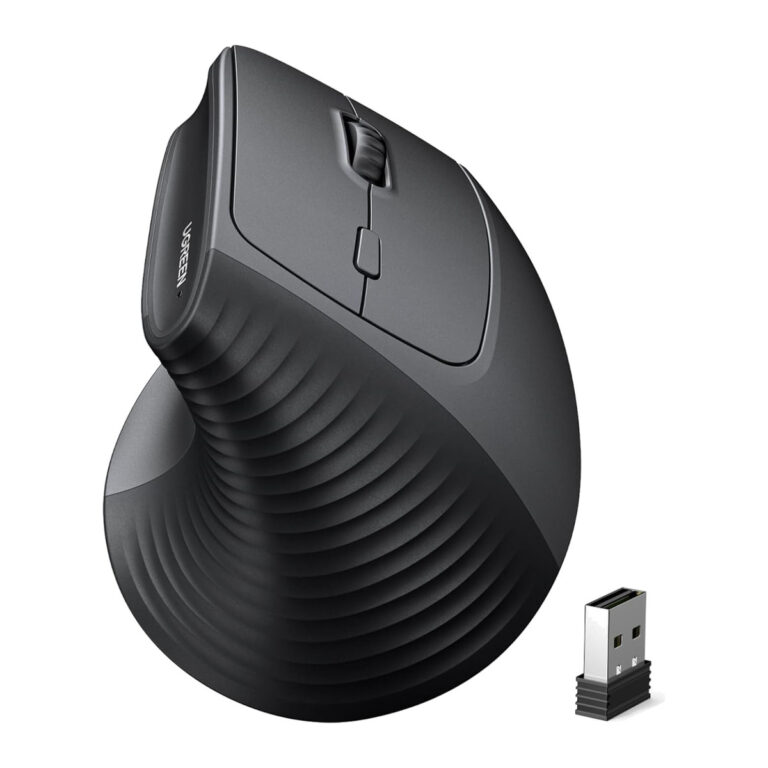 UGREENModel M571
Wireless Vertical Ergonomic Mouse, 2.4 GHz, 4000 DPI, 6 Buttons
- Colour
- Black
- DPI setting
- Suggested use
- Hand orientation
- Right-handed
₹2,689 Incl. GST MRP₹3,69927% below MRP -
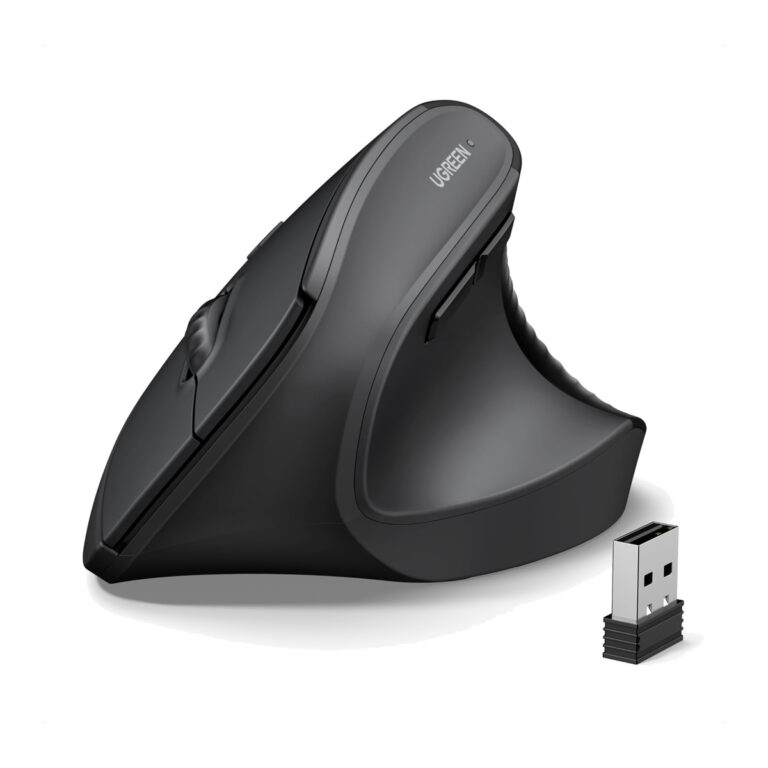 UGREENModel 65042
MS71P Tri-Mode Vertical Mouse
₹3,469 Incl. GST -
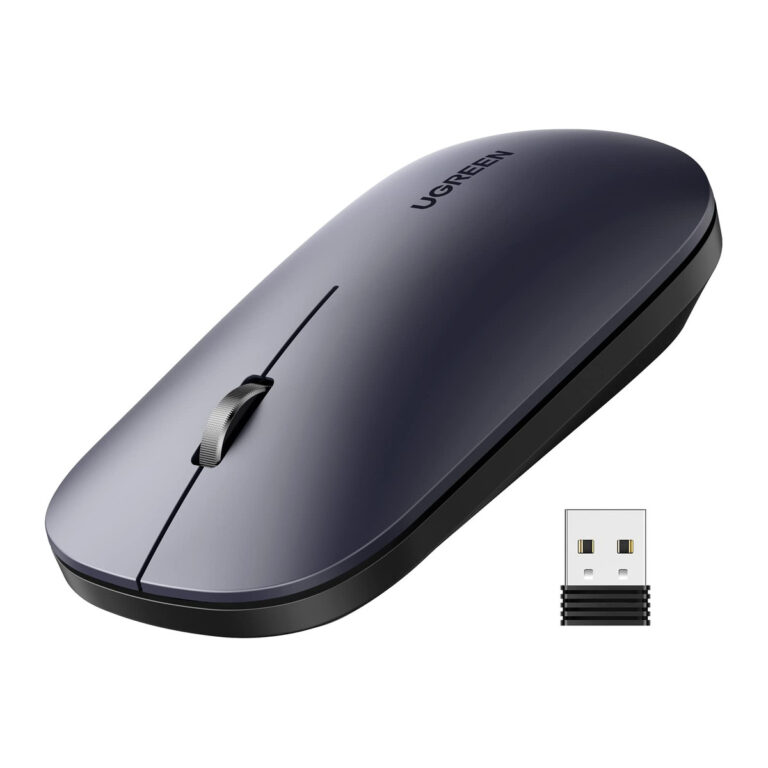 UGREENModel 90372
MU001 2.4 GHz Silent Mouse, 4000 DPI, Black
- Colour
- Black
- Sensor
- Optical
- Rechargeable
- No
₹1,079 Incl. GST MRP₹2,22051% below MRP -
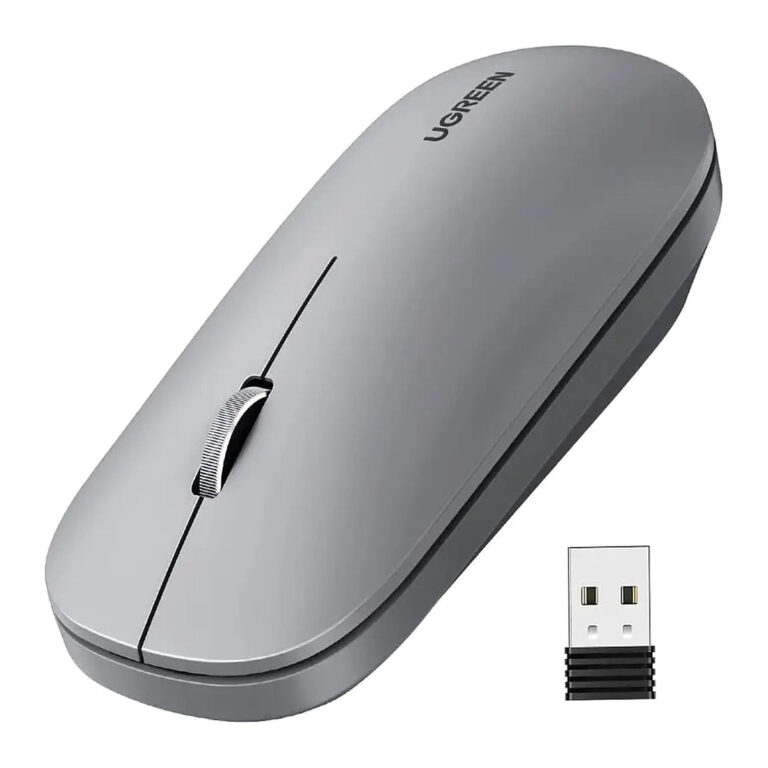 UGREENModel 90373
MU001 2.4 GHz Silent Mouse, 4000 DPI, Grey
- Colour
- Grey
- Sensor
- Optical
- Rechargeable
- No
₹1,159 Incl. GST MRP₹2,22047% below MRP -
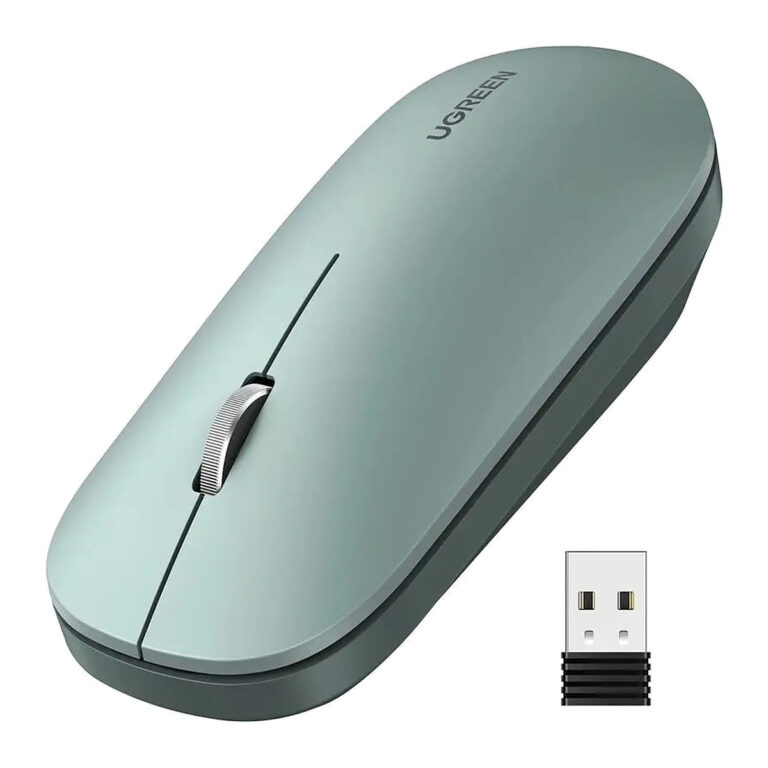 UGREENModel 90374
MU001 2.4 GHz Silent Mouse, 4000 DPI, Green
- Colour
- Green
- Sensor
- Optical
- Rechargeable
- No
₹1,159 Incl. GST MRP₹2,22047% below MRP -
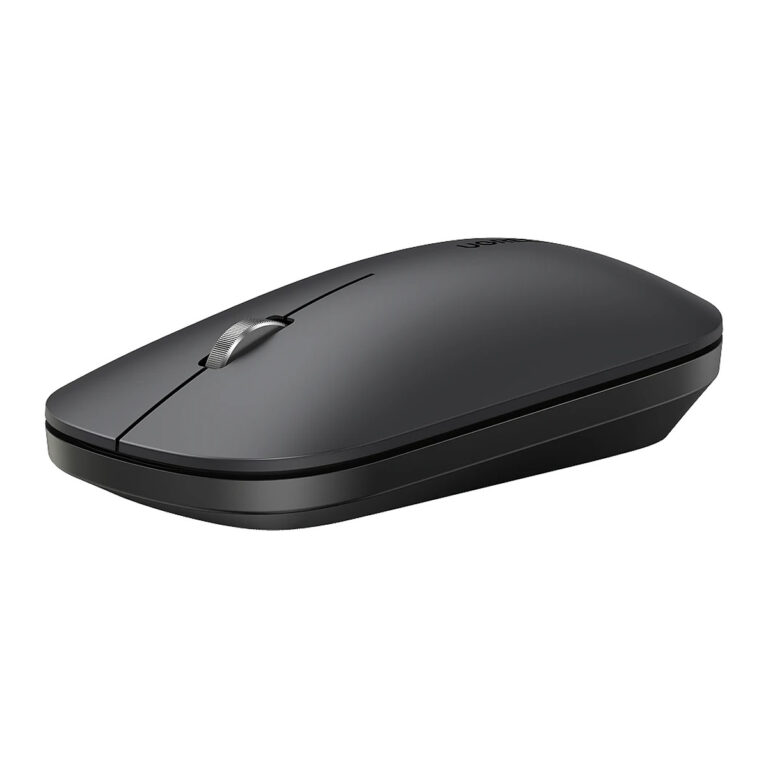 UGREENModel 90531
MU001 Bluetooth and 2.4 GHz Wireless Mouse
- Colour
- Starry Black
- Connector type
- Bluetooth
₹1,999 Incl. GST MRP₹4,44254% below MRP -
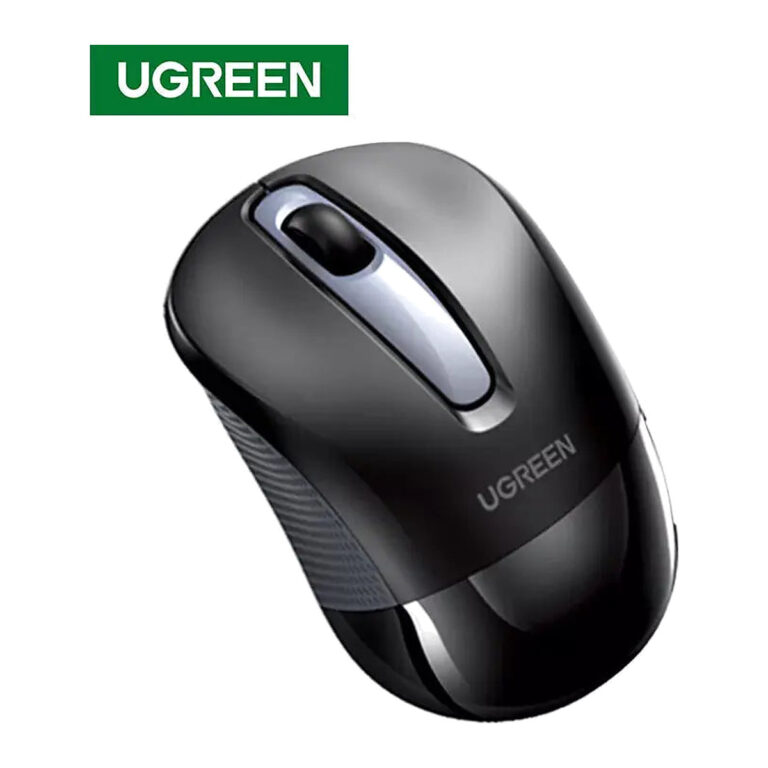 UGREENModel 90371
MU003 2.4 GHz Silent Mouse, 2400 DPI, Black
- Colour
- Black
- Sensor
- Optical
- Rechargeable
- No
₹699 Incl. GST MRP₹2,22068% below MRP -
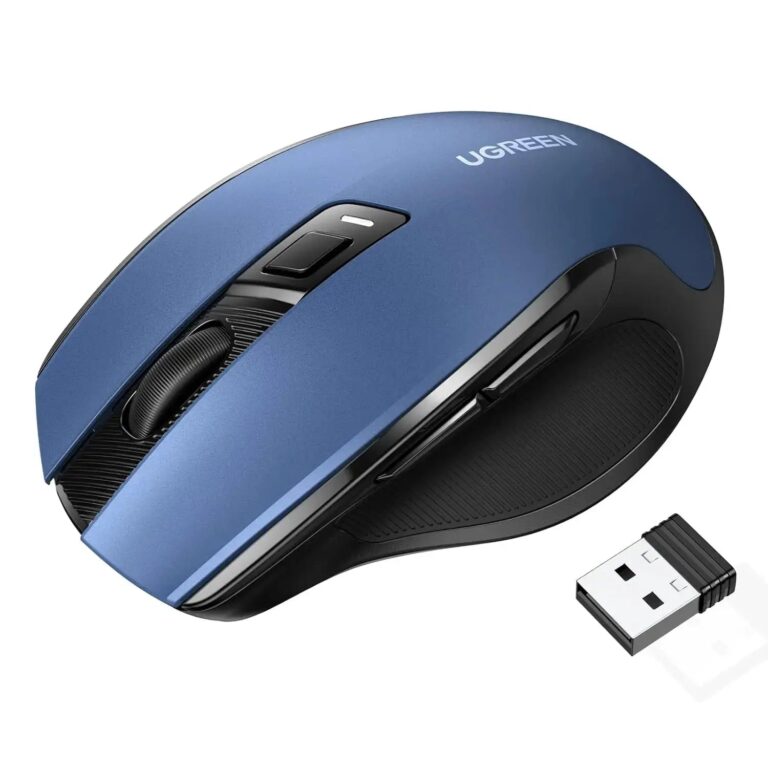 UGREENModel 25753
MU006 Dual-Mode Silent Mouse, 4000 DPI, Blue
- Colour
- Blue / black
- Hand orientation
- Right-handed
- Sensor
- Optical
₹1,369 Incl. GST MRP₹3,33158% below MRP -
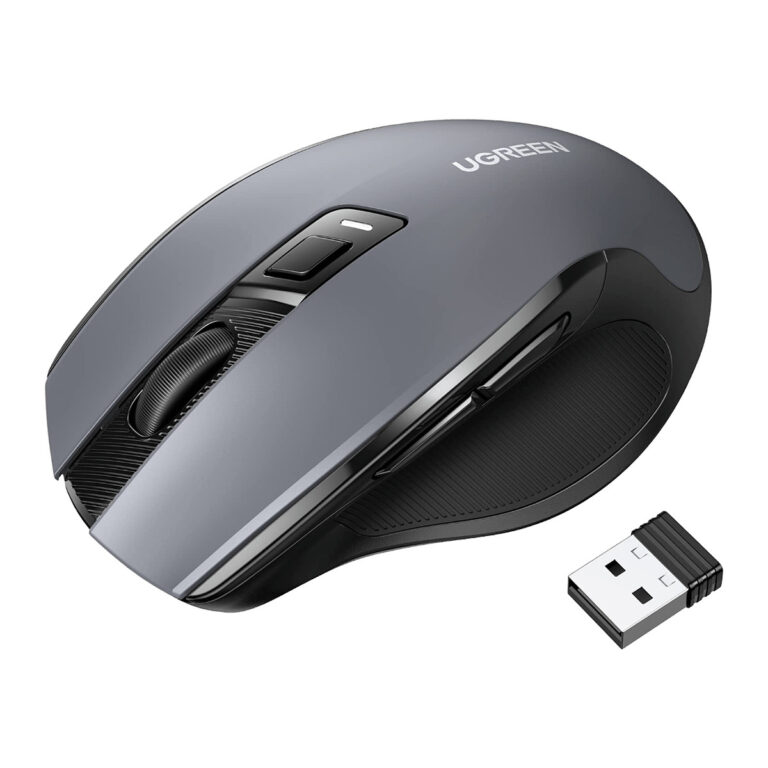 UGREENModel MU006
90545 Ergonomic Wireless Mouse, 2.4 GHz, 6 Quiet Buttons, 4000 DPI
- Colour
- Black
- System
- Compatibility Guidance
- Bluetooth
- No
₹1,749 Incl. GST MRP₹2,22021% below MRP -
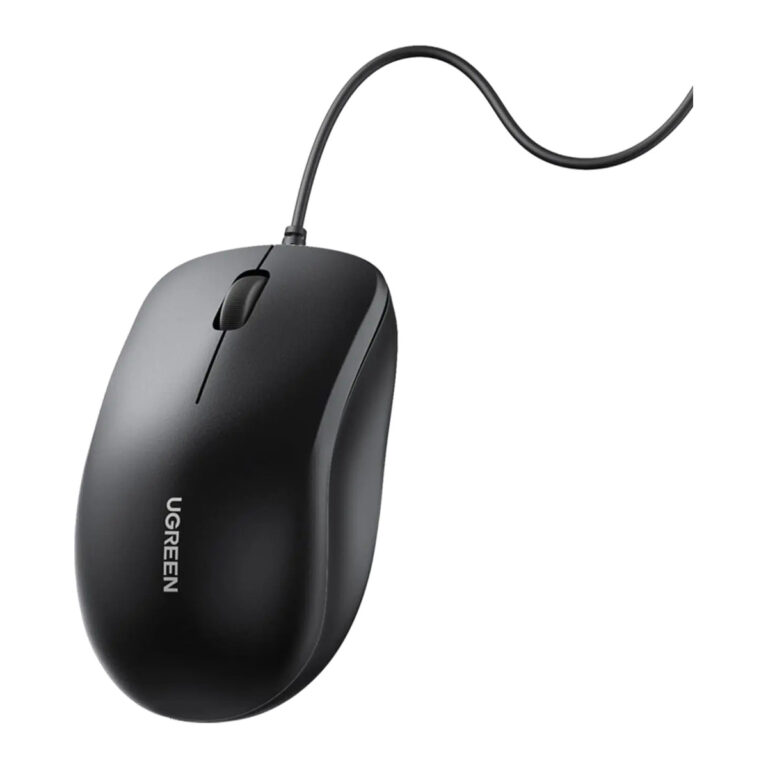 UGREENModel 90789
MU007 Wired USB Mouse, 1200 DPI
- Connection
- Wired USB-A
- Resolution
- 1200DPI, fixed
- Colour
- Black
₹579 Incl. GST MRP₹1,10947% below MRP -
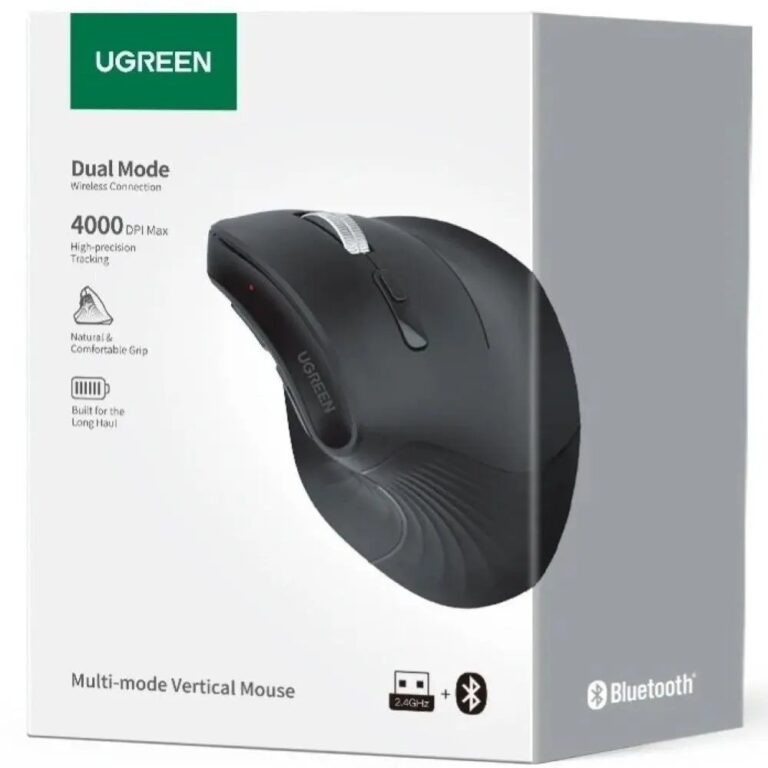 UGREENModel MU008
25444 Vertical Wireless Mouse, Bluetooth 5.0 and 2.4 GHz, 4000 DPI
- Colour
- Black
- Channel
- Connection
- 2.4 GHz
- Included USB-A receiver
₹3,149 Incl. GST MRP₹3,66514% below MRP -
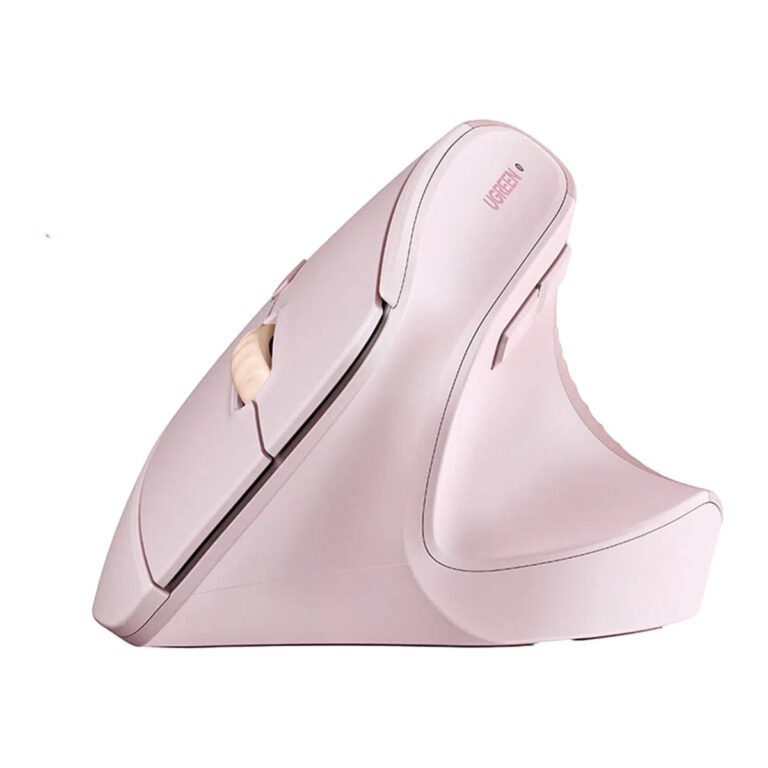 UGREENModel M571
Wireless Vertical Mouse, 2.4 GHz, Pink
- Colour
- Pink
- Grip angle
- 57 degrees
- Default DPI
- 1600
₹1,926 Incl. GST MRP₹2,60025% below MRP -
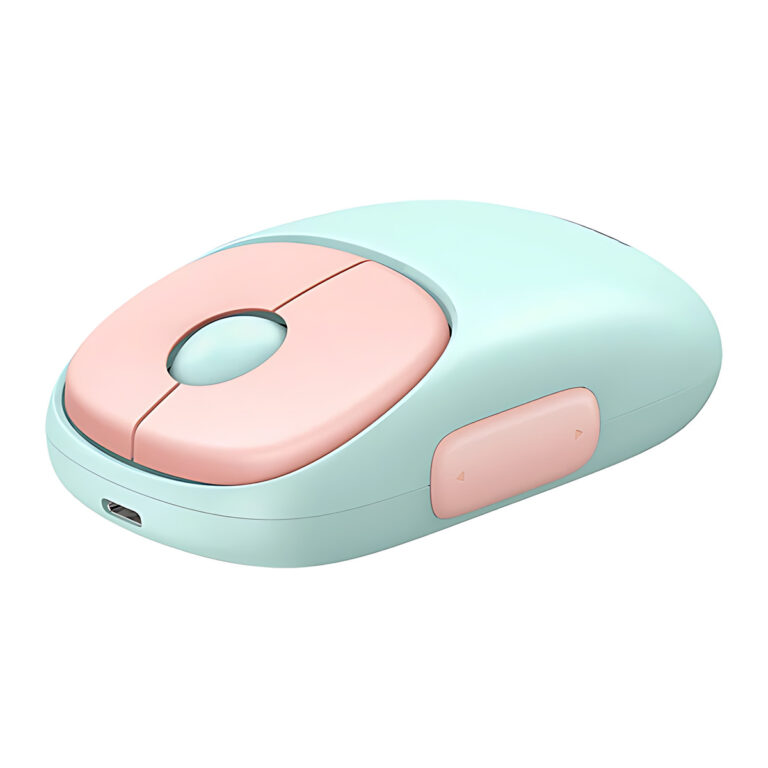 UGREENModel 15722
FUN+ MU102 Wireless Mouse, Pink
Price on request
How to choose a wireless mouse
- Connection: a 2.4GHz USB receiver is plug-and-play and steady. Bluetooth frees a USB port and suits tablets and slim laptops. Dual-mode and tri-mode mice switch between two or three devices with a button.
- Grip and ergonomics: vertical mice keep the wrist in a handshake position, which many people find easier over long workdays. A contoured ergonomic shape is a gentler change from a standard mouse.
- Click noise: silent switches suit shared offices, libraries and late-night work.
- DPI: higher DPI moves the cursor further per hand movement, which helps on large or dual monitors. Adjustable DPI levels let you tune it.
- Power: rechargeable mice skip battery changes, while battery-powered models can be swapped back into use in seconds.
A wrist-rest pad completes the setup. To share one mouse and keyboard between two PCs, look at USB sharing and KVM switches in switches and extenders, or add ports with hubs and docks.
Need help choosing?
Tell us what it is for and where it goes, and we suggest models. Have a list of models and quantities? Request a quote.